
ModsJava
Echoes of the Underground Mod (26.1.2, 1.20.1) – Unearth Undertale Ruins Deep
Java mod listed for Minecraft 1.20. Downloads from the MC Java Mods app on Android.
⬇ Download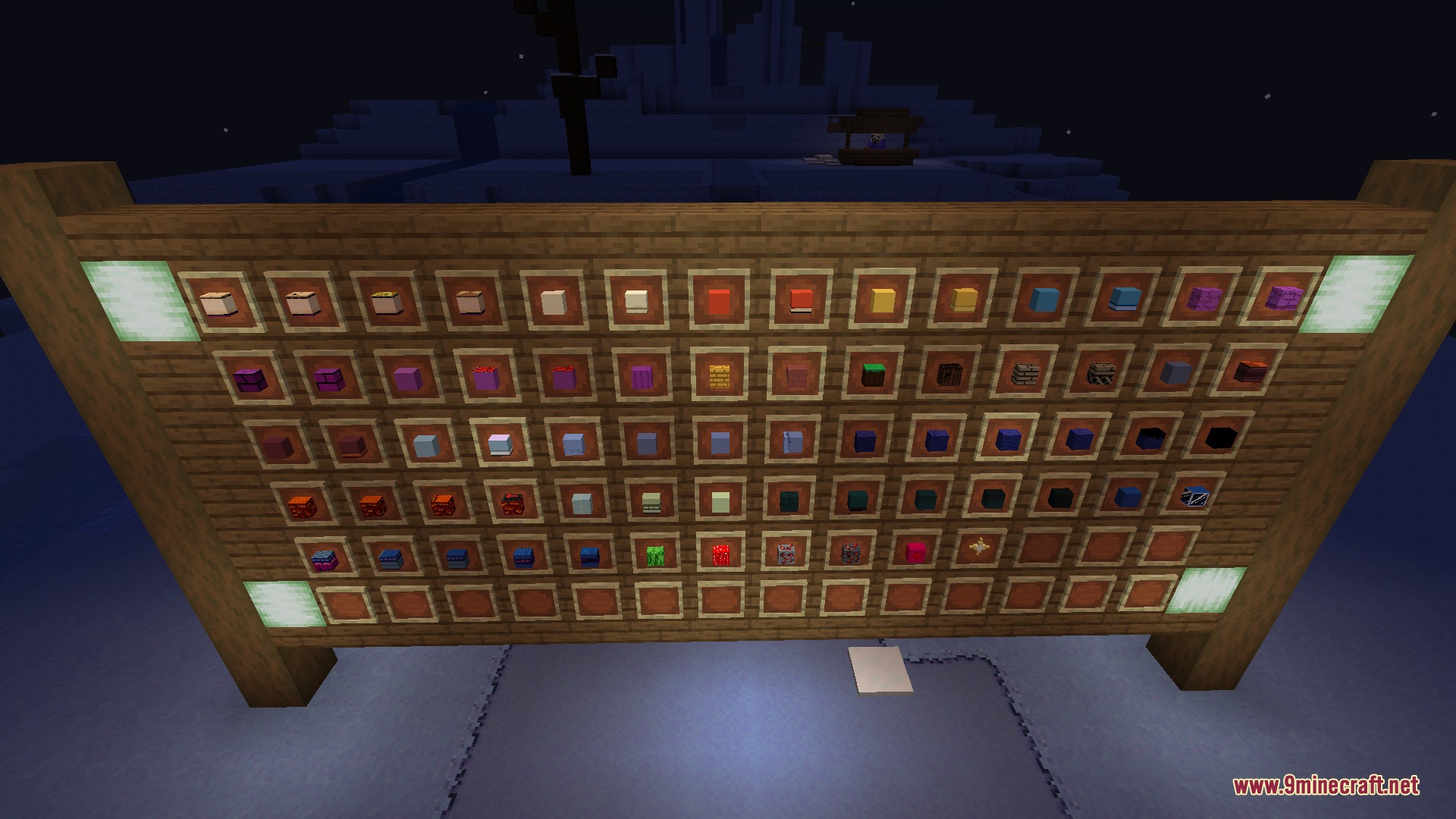
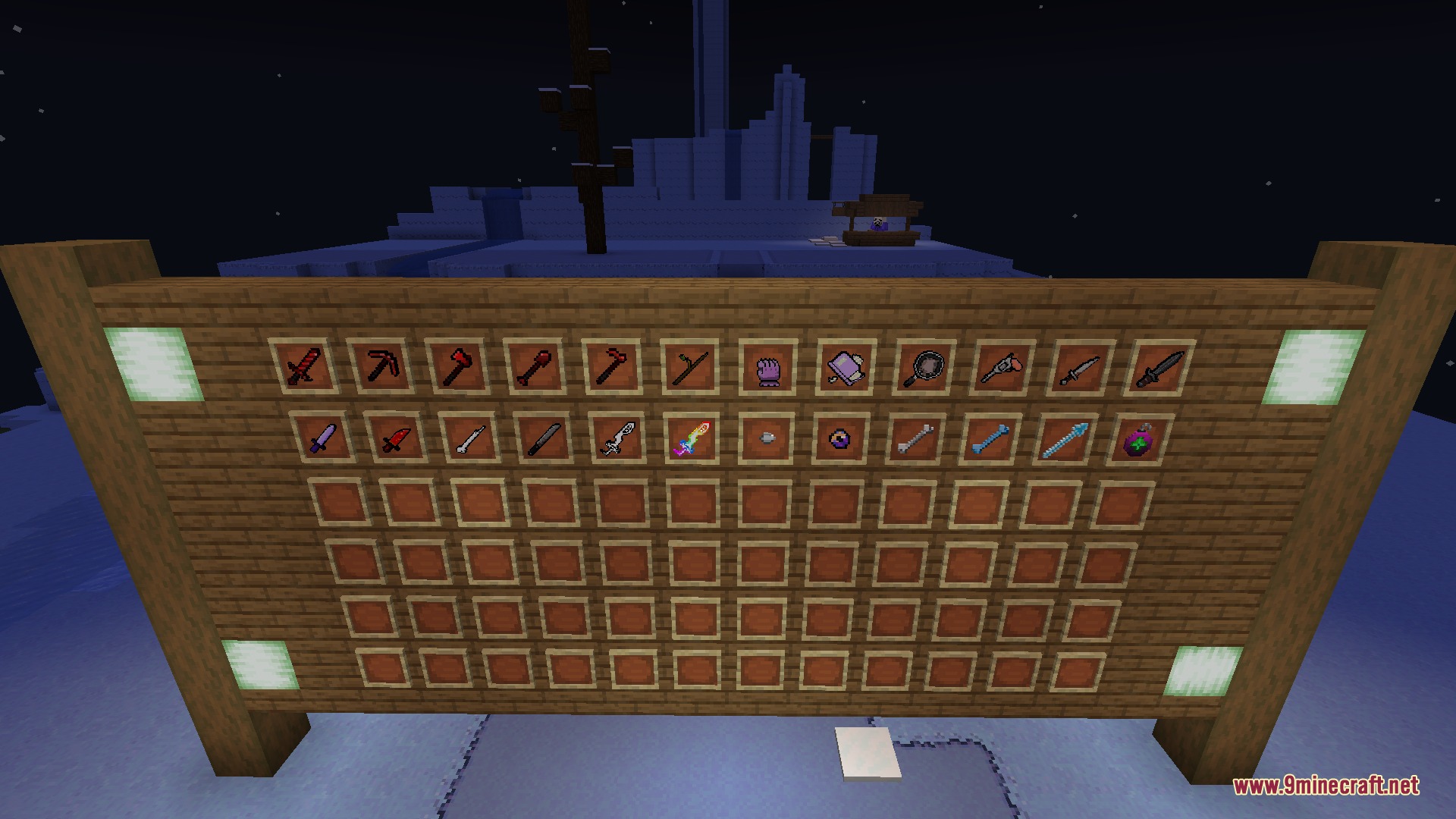
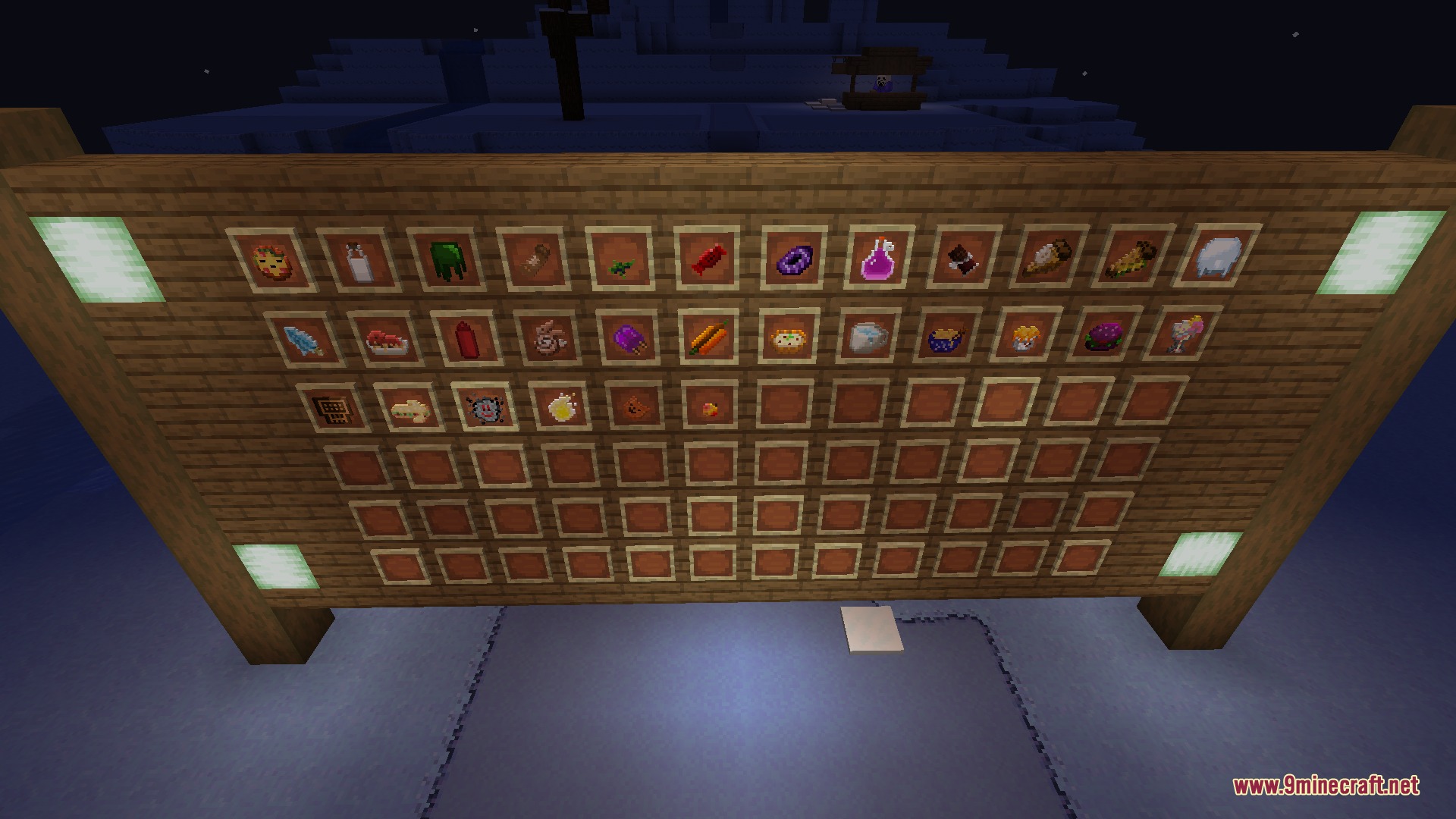
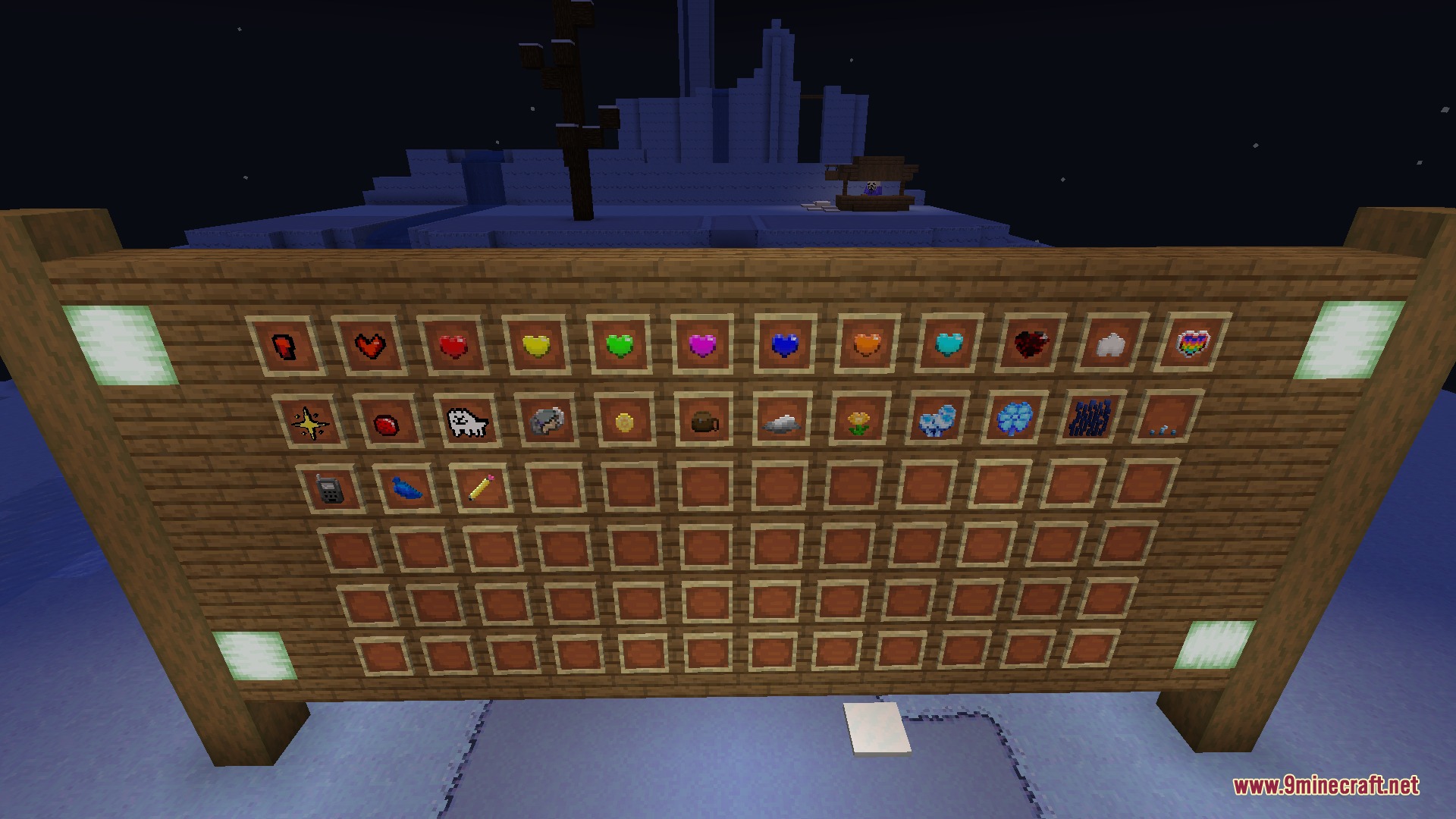
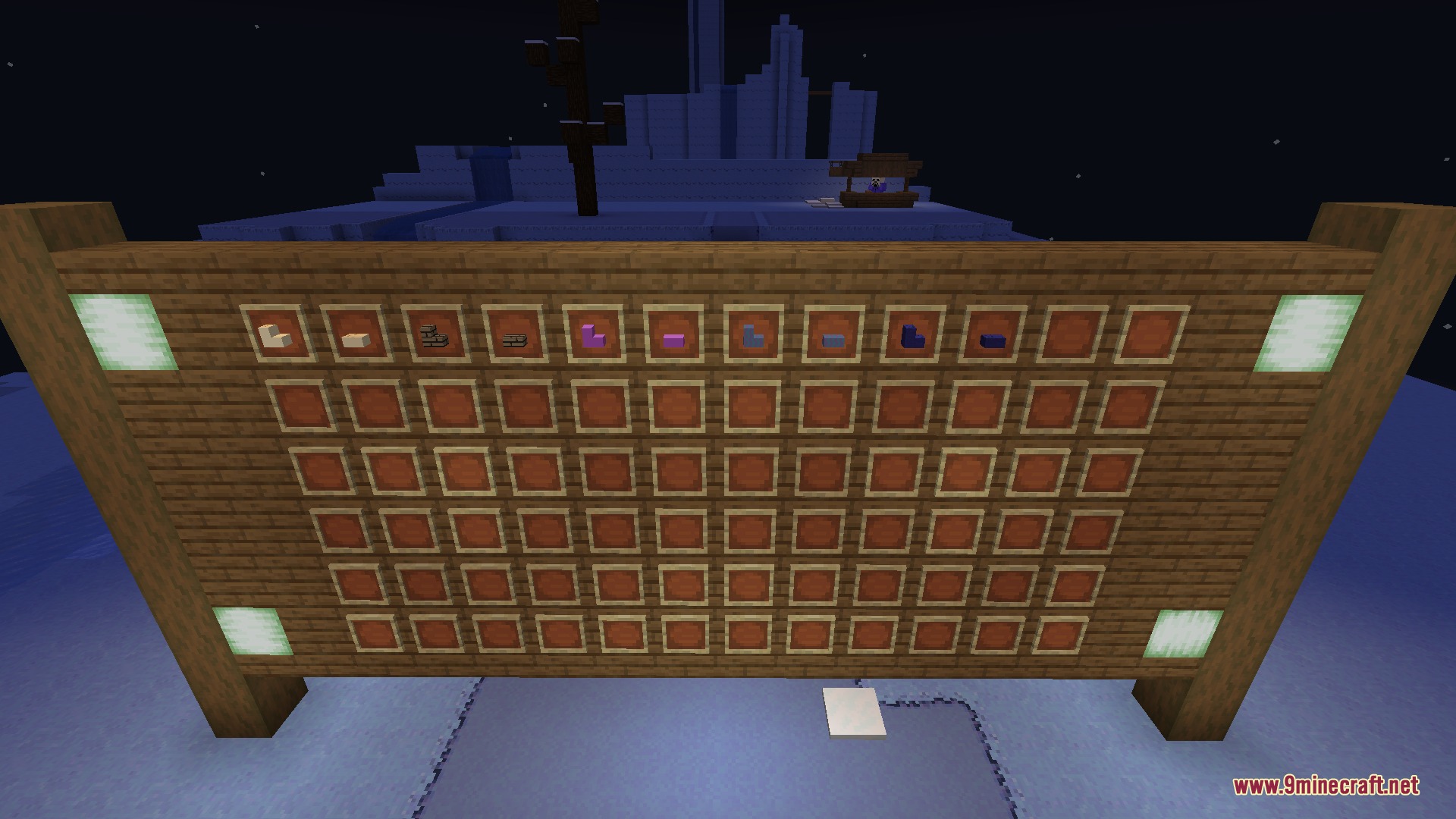
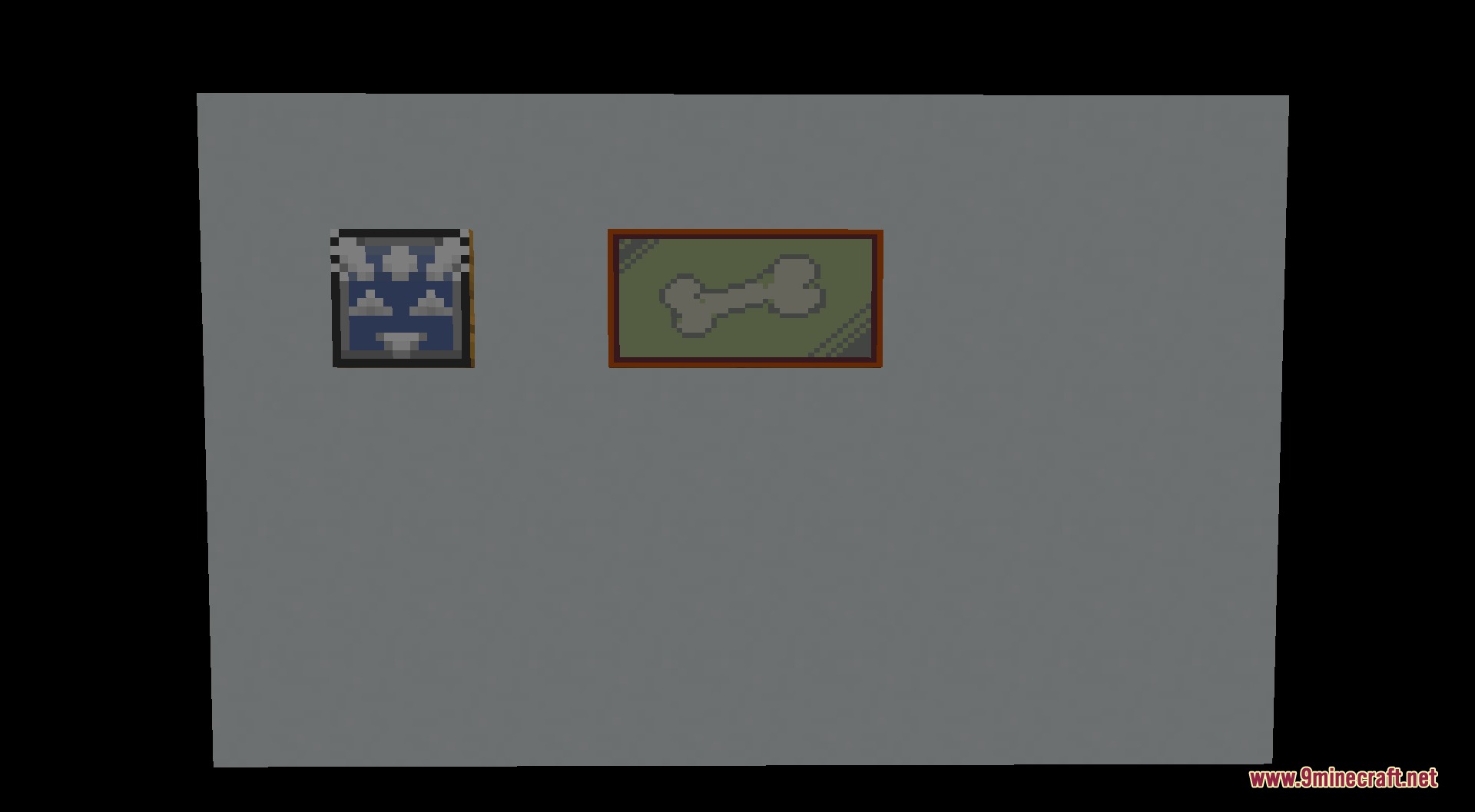
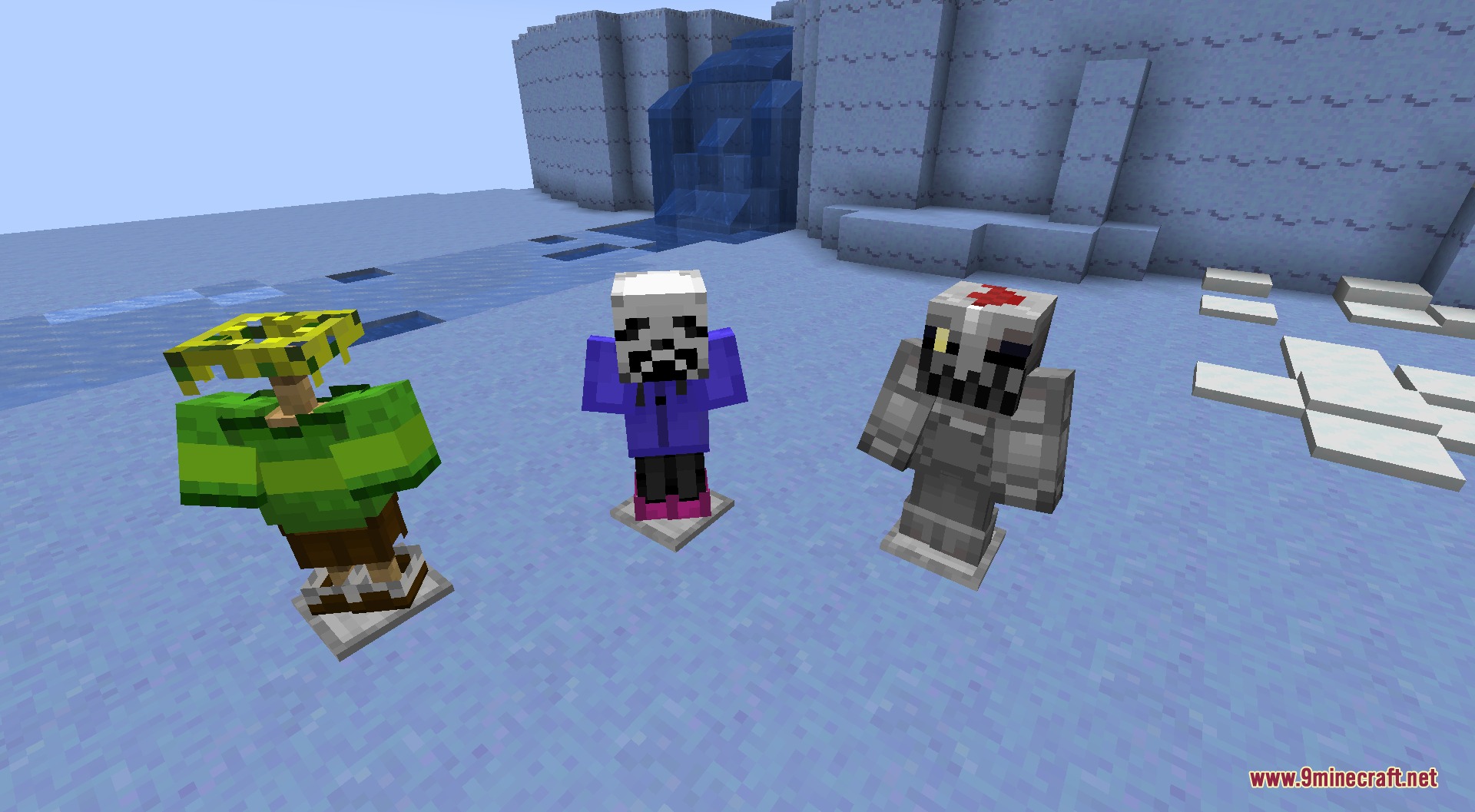
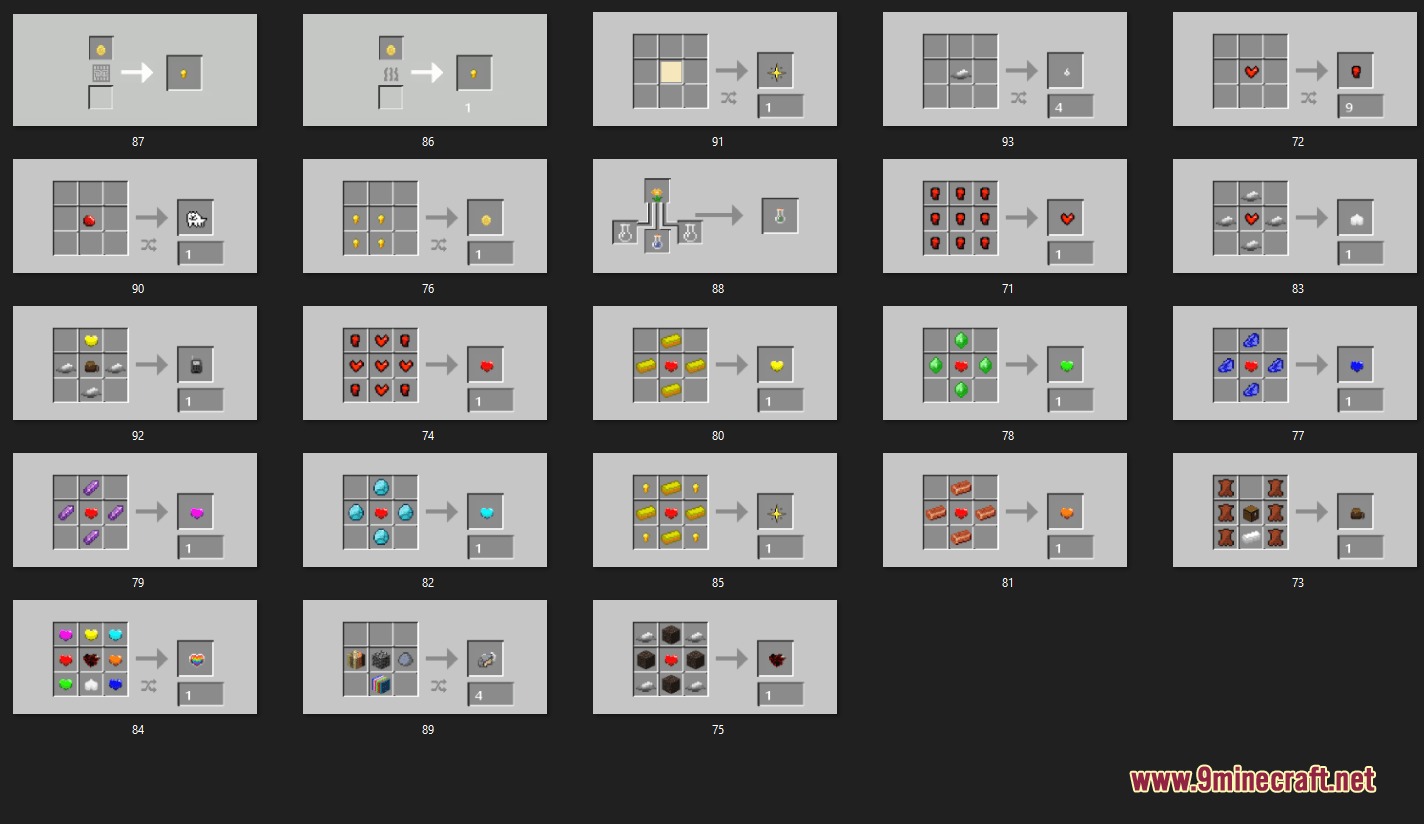
Echoes of the Underground Mod brings the world of Undertale into Minecraft with fresh gear, building blocks, and underground structures. You can uncover hidden ruins deep beneath the surface, craft powerful Allom equipment, and trade with villagers for rare goodies. Most items, weapons, and foods include unique flavor text to read while you survive and build.
Features:
- Adds Undertale themed armor sets and weapons to equip for combat.
- Introduces custom tools, including Allom tier equipment upgraded at a smithing table.
- Spawns underground ruin structures deep inside stone and deepslate layers.
- Adds decorative blocks inspired by Snowdin, Hotland, Waterfall, the True Lab, and the Core.
- Brings wallpaper patterns, bricks, slabs, stairs, and paintings for building.
- Adds themed food items and consumables with custom flavor text.
- Gives villagers and wandering traders new trading options for mod items.
- Includes custom advancements to track your progress as you play.
How to Use:
- Search for underground ruins in stone and deepslate layers while mining.
- Craft Amalgamation Ingots and place them in a stonecutter to create decoration blocks.
- Obtain an Allom Smithing Template and use a smithing table with Netherite gear to craft Allom tools.
- Open the crafting book in your inventory to view recipes for items and weapons.
- Trade with villagers and wandering traders to get special supplies.
Commands:
/give <player> testmod:<item>: Gives a mod item to a player using the custom mod namespace./locate structure testmod:<structure>: Locates underground mod structures in your world.
Screenshots:
Echoes of the Underground Mod Download Links
Quick facts
- Edition: Minecraft Java
- File type: .jar
- Minecraft version listed: 1.20.1
- How to install: Install the matching mod loader (Forge, Fabric or NeoForge) for your Minecraft version. → Download the .jar. → Put it in the .minecraft/mods folder and launch that loader profile.
- Where to get it: In MC Java Mods, or directly above on this page.
Install steps are the general flow for this file type — How to install Minecraft Java mods & modpacks walks through it step by step.
File checked by MCModsHub
- Downloads as 505304.mcaddon
- Download size: 2.2 MB
- Download link checked 24 Sept 2026 — working
- Mirrored on our own servers — the download does not depend on the original host
These come from our own check of the pack file, not from the source page.