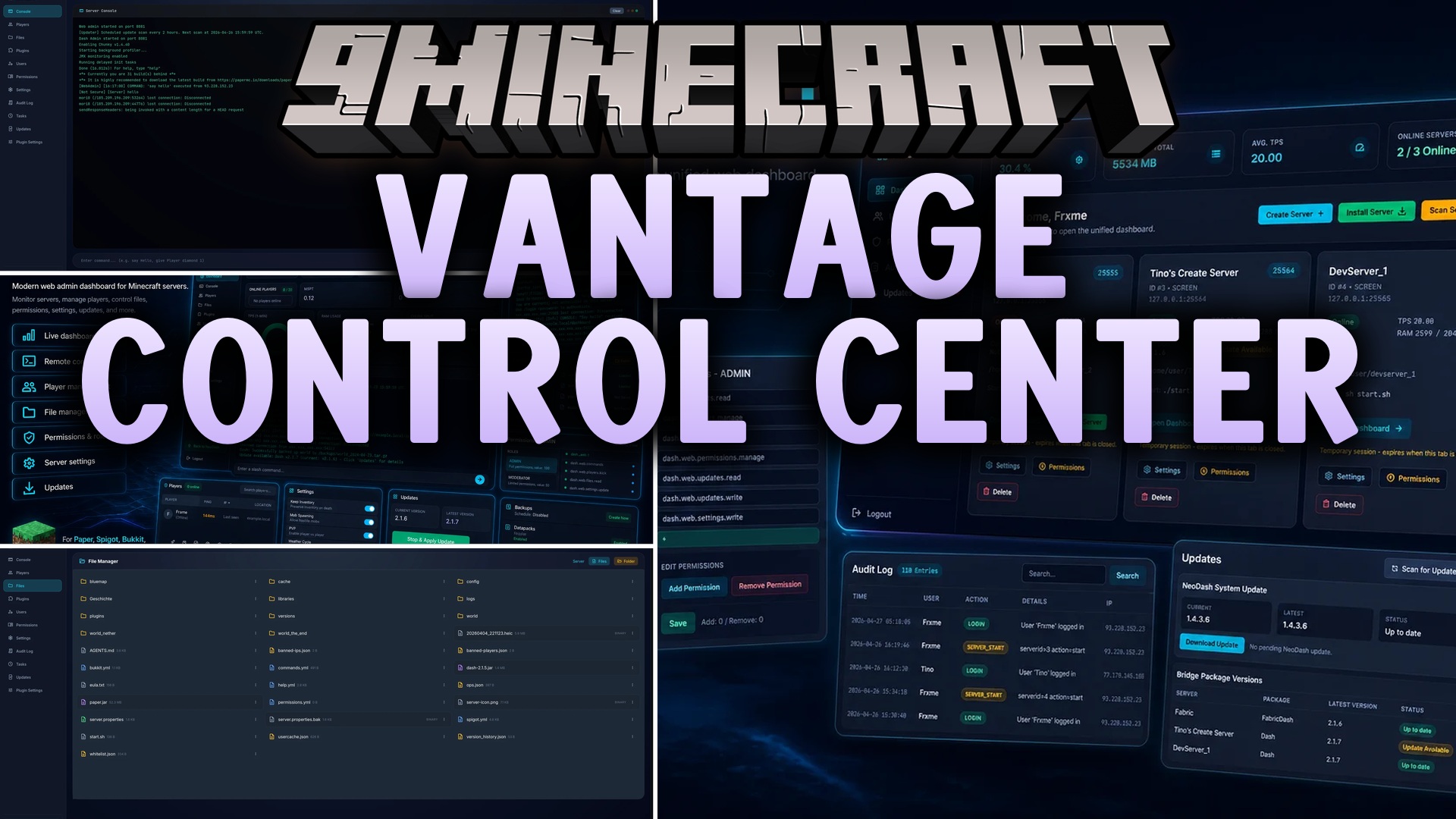
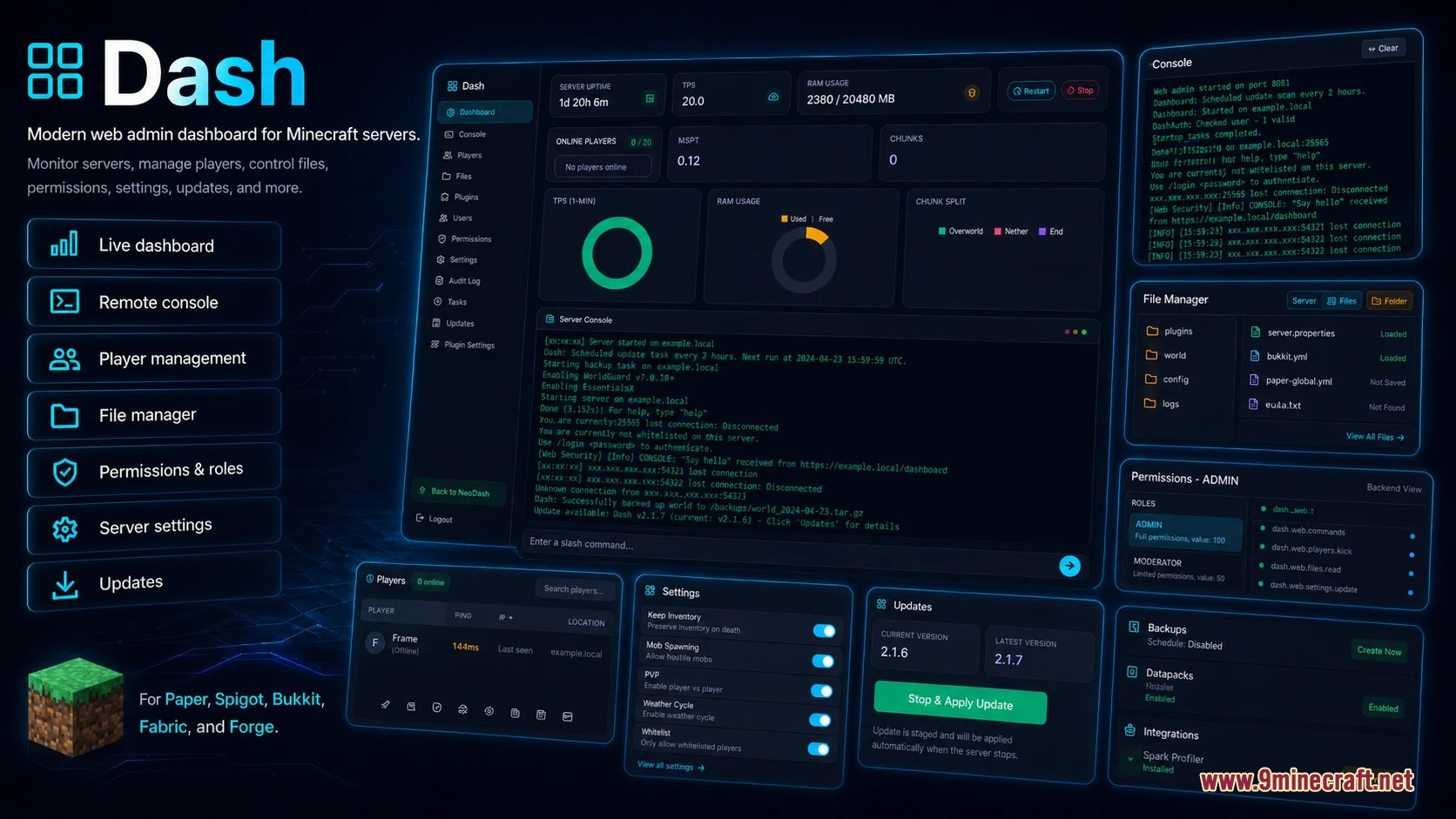
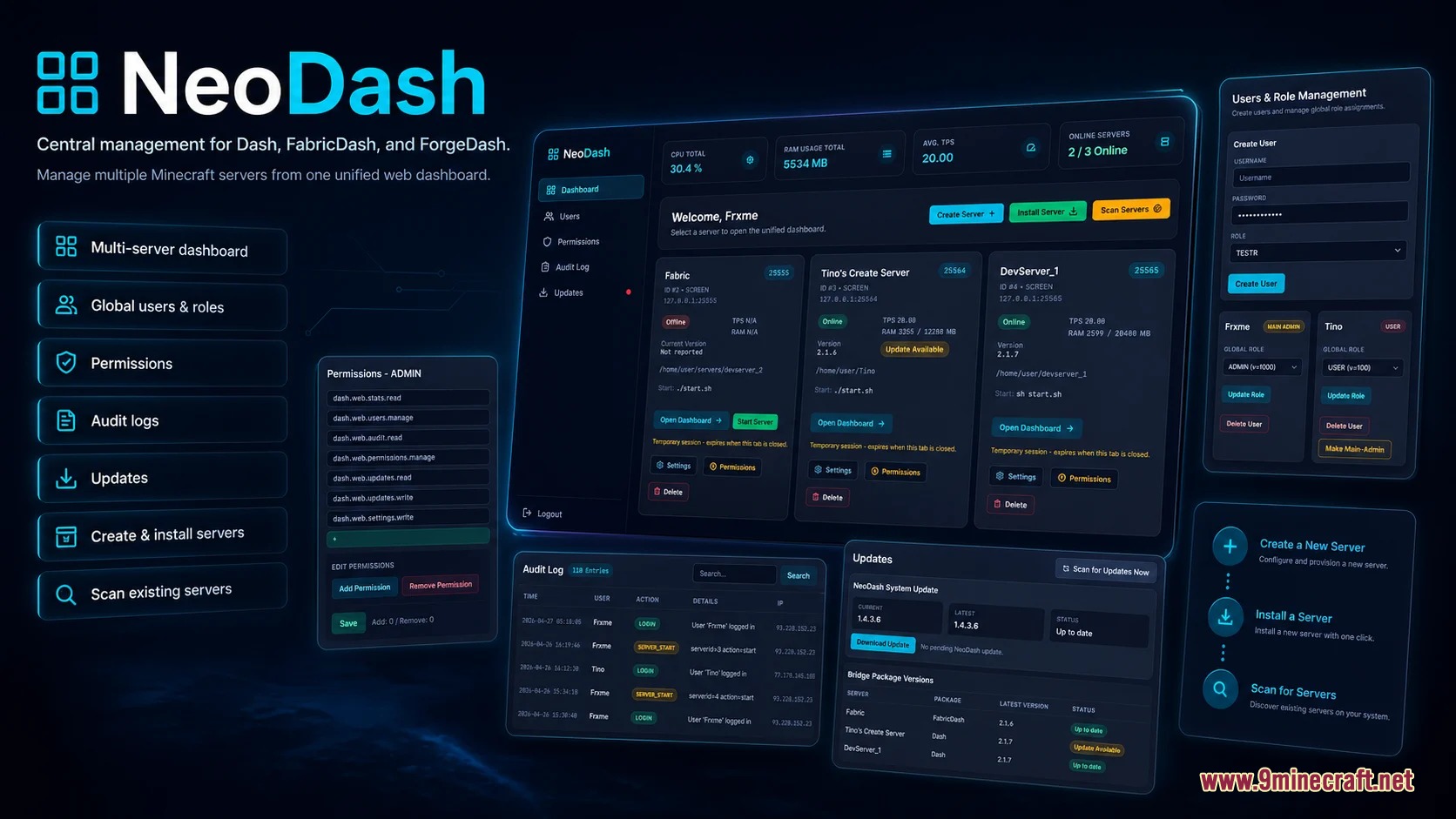
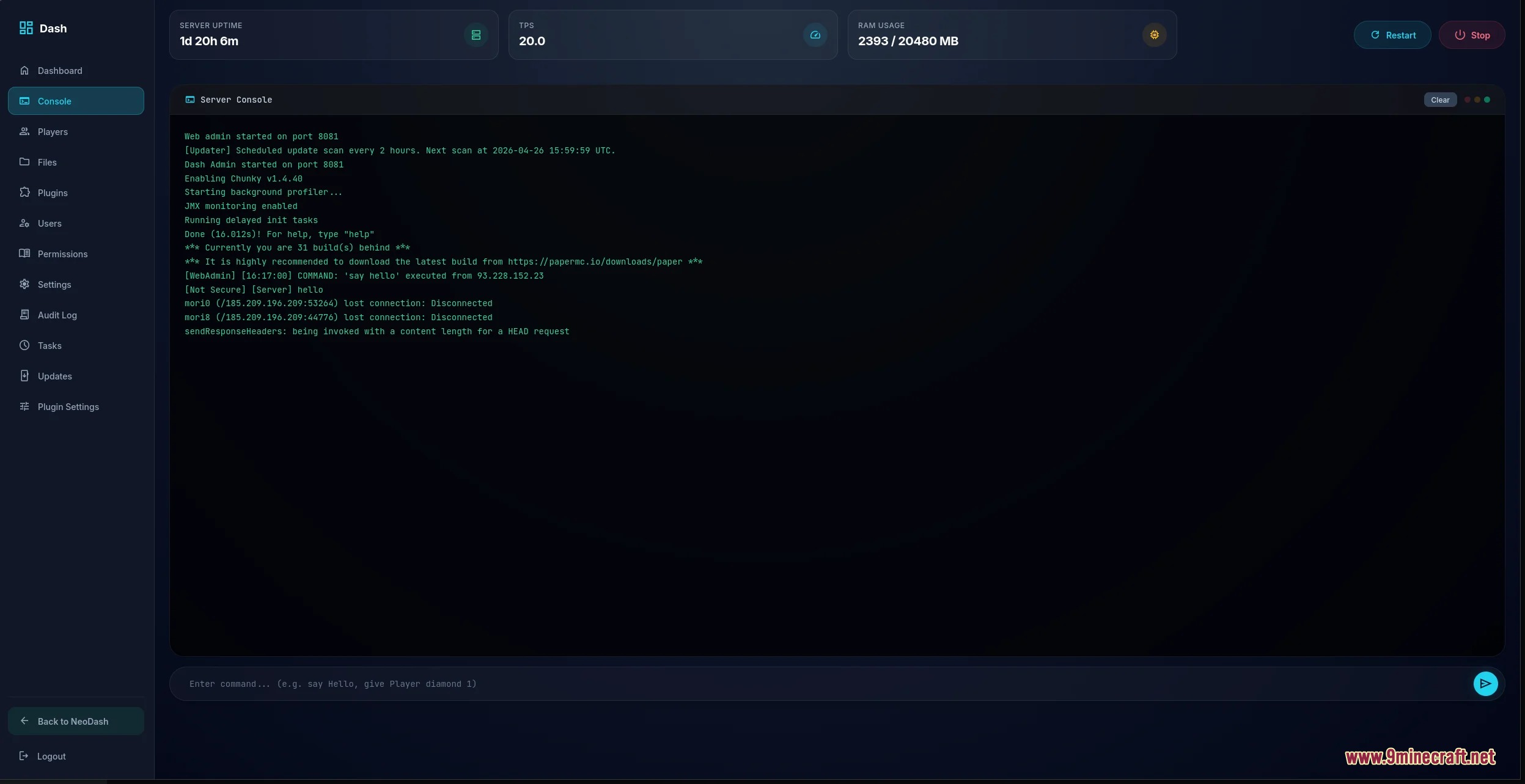
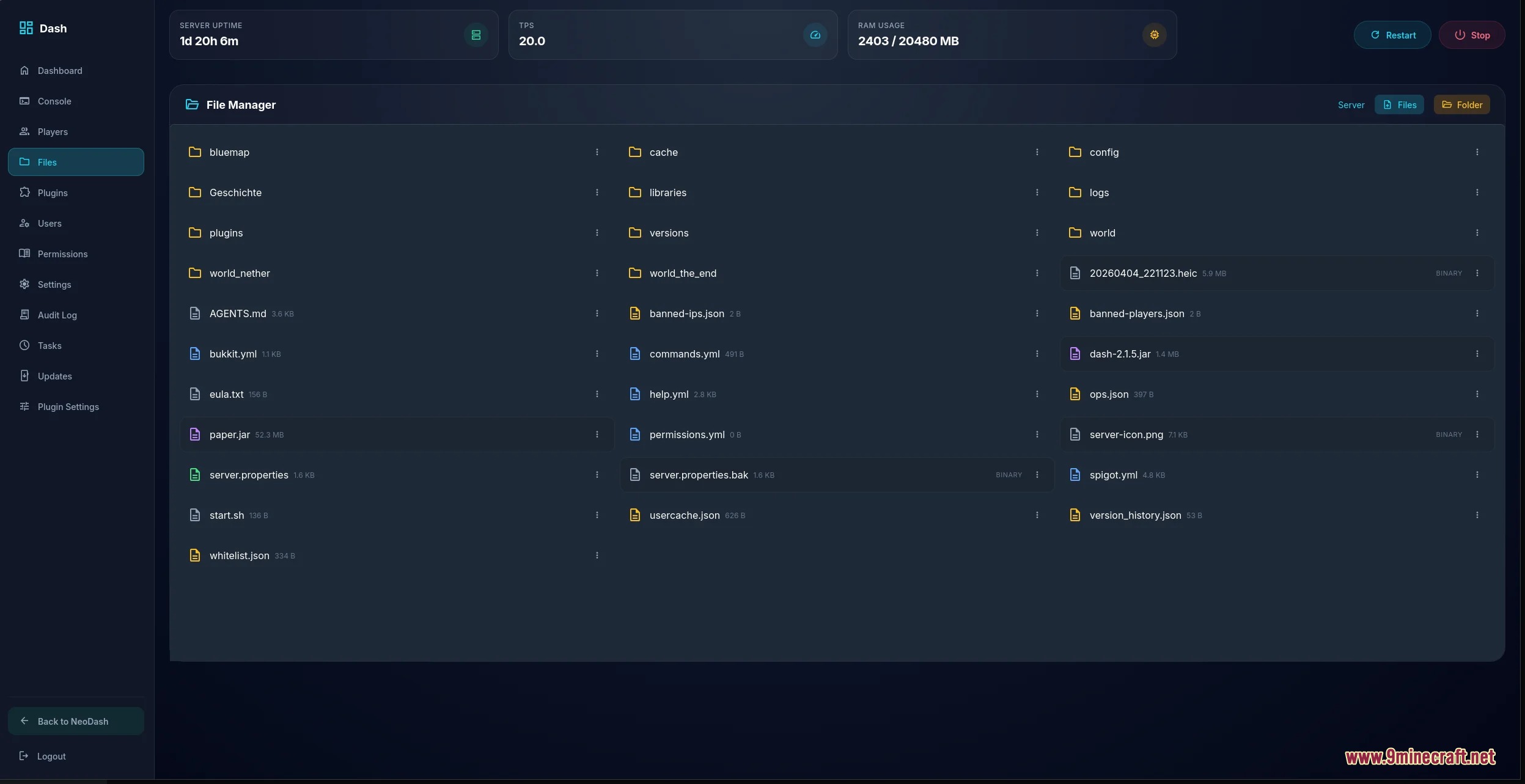
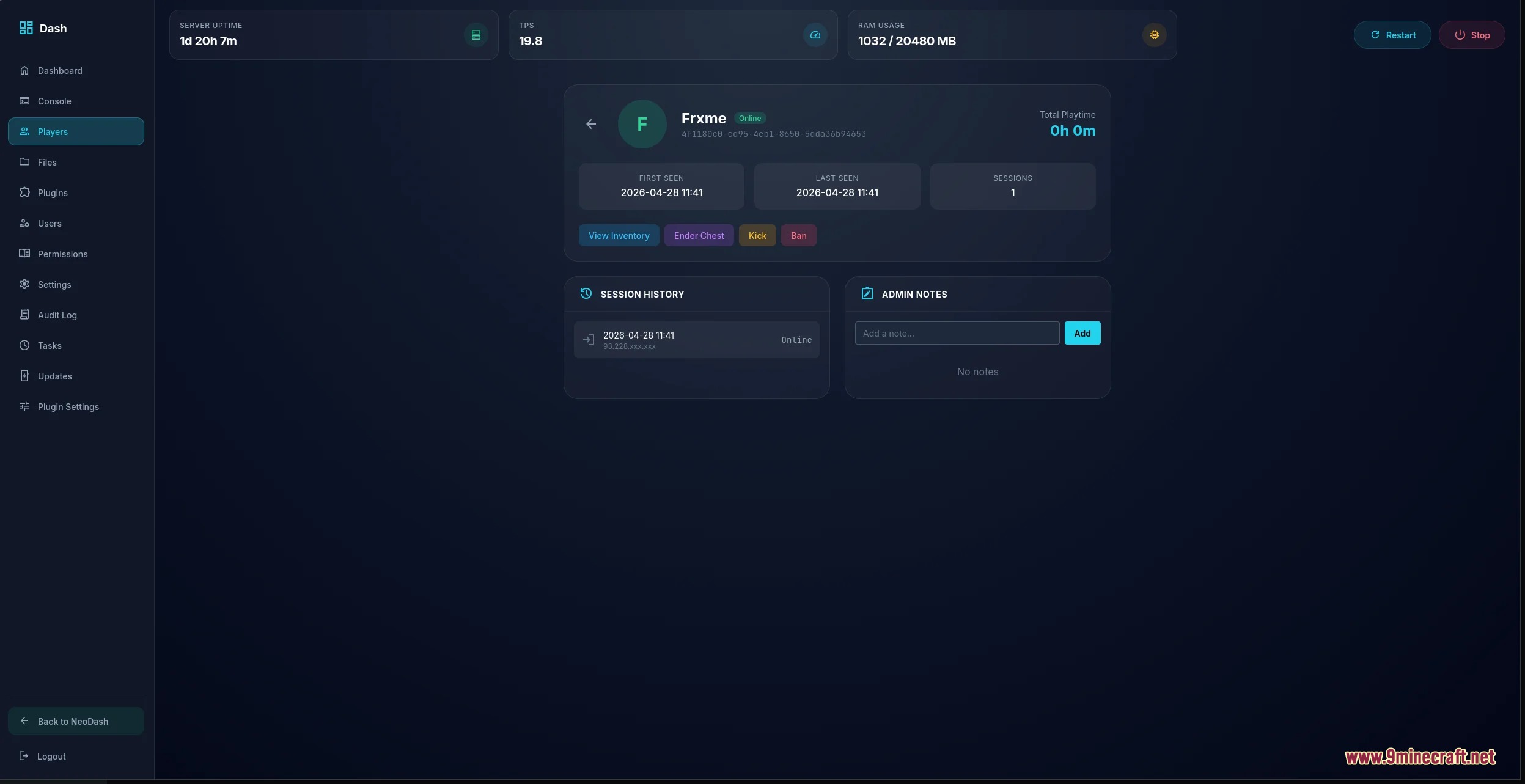
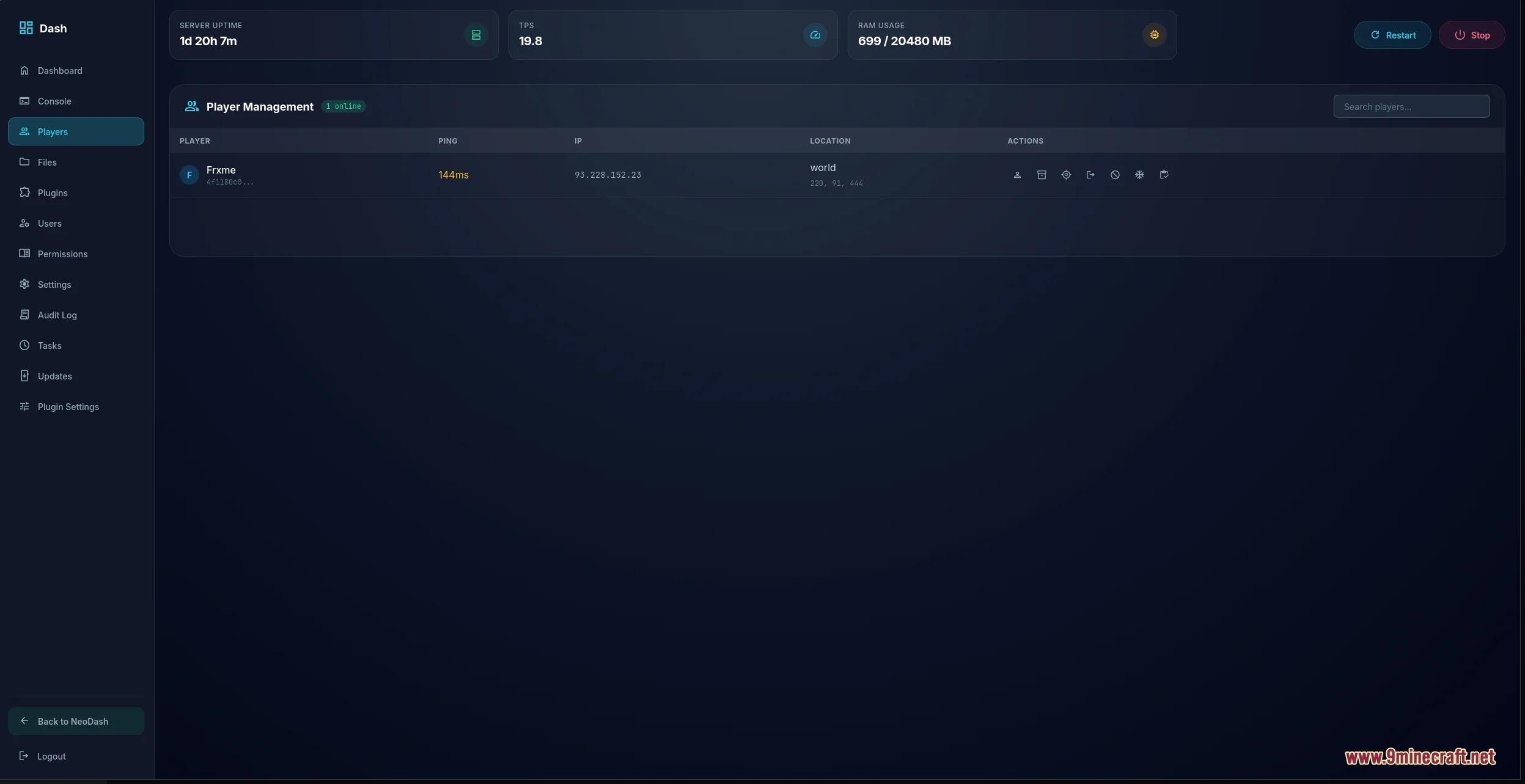
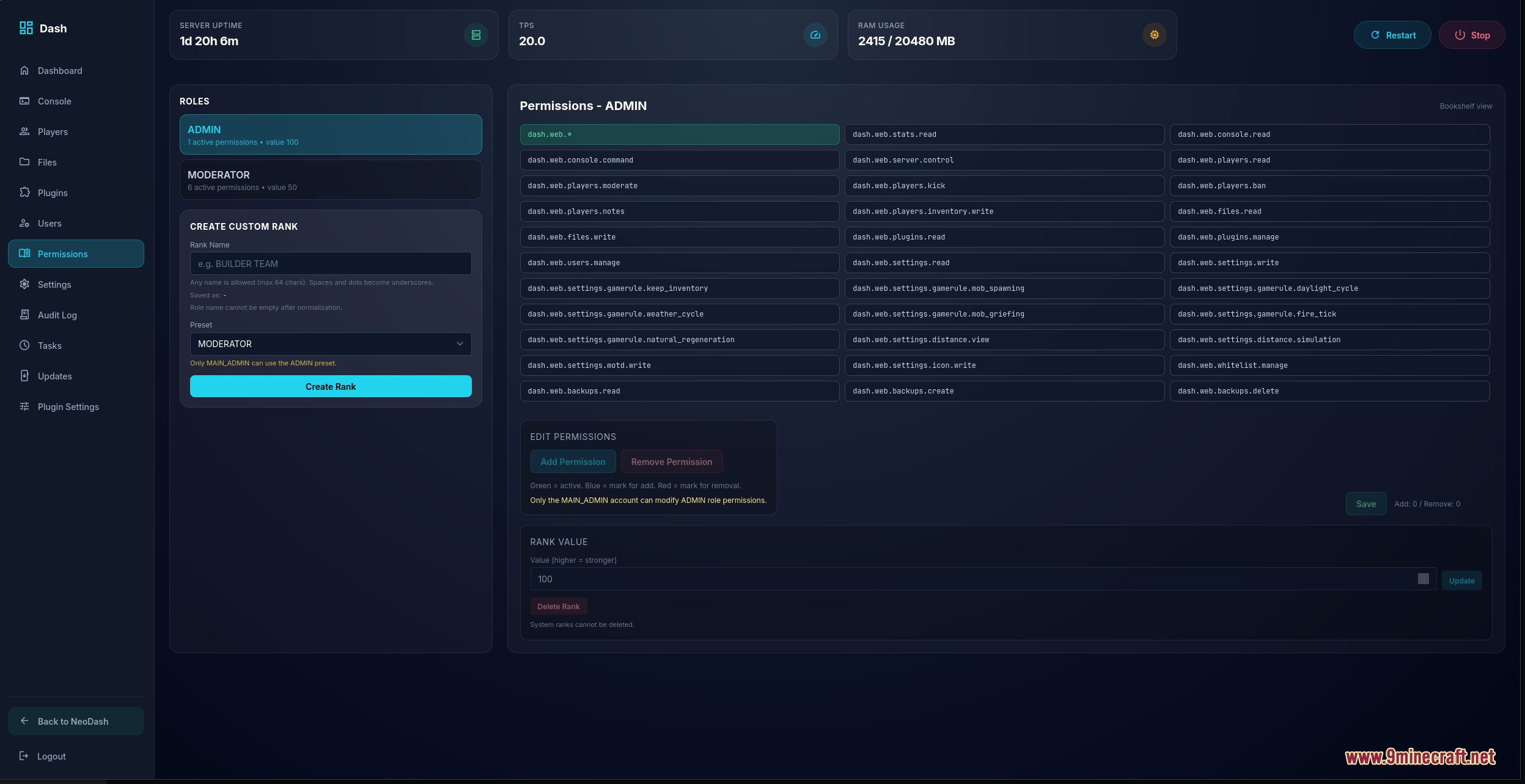
Vantage Control Center Mod gives you a clean web dashboard to manage your Minecraft server right from your internet browser. You can check live TPS and memory usage, send commands through a live console, and handle player moderation without opening terminal windows. The mod also lets staff edit files, test backups, and receive player reports through a safe web link.
Features:
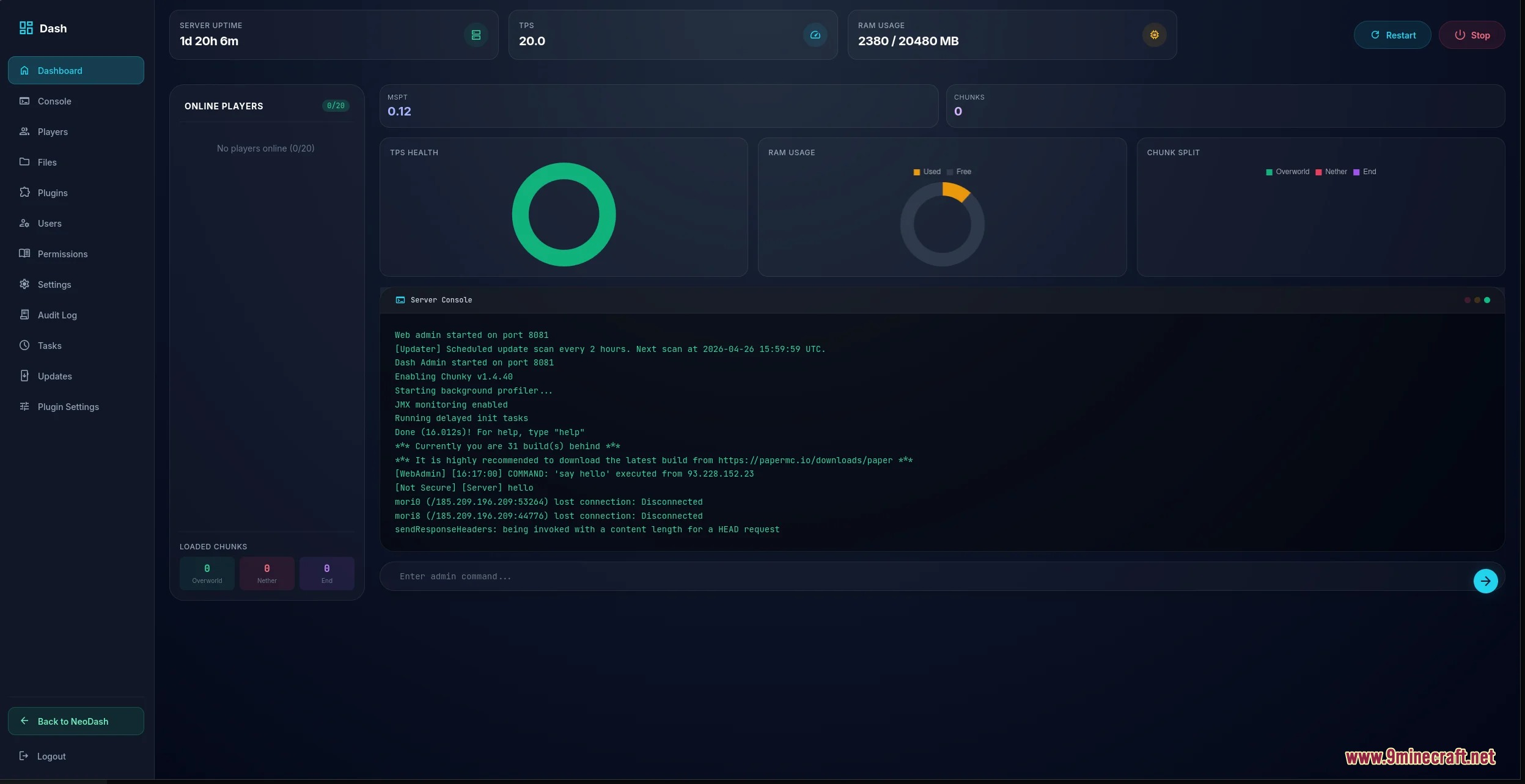
- Shows live server health like TPS, memory, CPU load, and active chunks on simple charts.
- Lets you run console commands and read live server logs inside your web browser.
- Displays player cards with session history, ping, coordinates, and 3D skin previews.
- Gives staff tools to kick, ban, unban, whitelist players, or inspect player inventories.
- Includes a built-in file manager to browse, edit, upload, download, and delete server files safely.
- Lets you search and download mods or plugins directly through Modrinth filters.
- Generates verified backups and lets you schedule tasks like auto-saving worlds.
- Provides a ticket desk for staff to read notes, track moderation tasks, and review issues.
- Lets players send report tickets using short-lived web links that keep admin tools safe.
- Keeps an audit log of admin commands, file edits, and account logins.
Commands:
/dash ticket: Creates a short-lived web link for sending a report ticket./dash report <player>: Prepares a report link for a specific player with location and server details.
How to Use:
- Place the mod file into your server mods folder and start the server.
- Open your web browser and navigate to your server dashboard address.
- Log in with your administrator account to view live performance graphs and the console.
- Use the file manager tab to edit text files or search Modrinth for new add-ons.
- Type
/dash ticketin-game if a player needs to submit an issue without seeing admin tools.
Screenshots:
Vantage Control Center Mod Download Links
Quick facts
- Edition: Minecraft Java
- File type: .jar
- Minecraft version listed: 1.21.1
- How to install: Install the matching mod loader (Forge, Fabric or NeoForge) for your Minecraft version. → Download the .jar. → Put it in the .minecraft/mods folder and launch that loader profile.
- Where to get it: In MC Java Mods, or directly above on this page.
Install steps are the general flow for this file type — How to install Minecraft Java mods & modpacks walks through it step by step.
Verified by MCModsHub
- Downloads as 505306.mcaddon
- Download size: 12.3 MB
- Download link checked 25 Sept 2026 — working
- Mirrored on our own servers — the download does not depend on the original host
These come from our own check of the pack file, not from the source page.