🌅 Ray Terrain
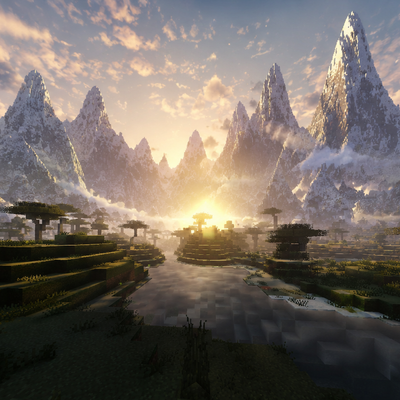
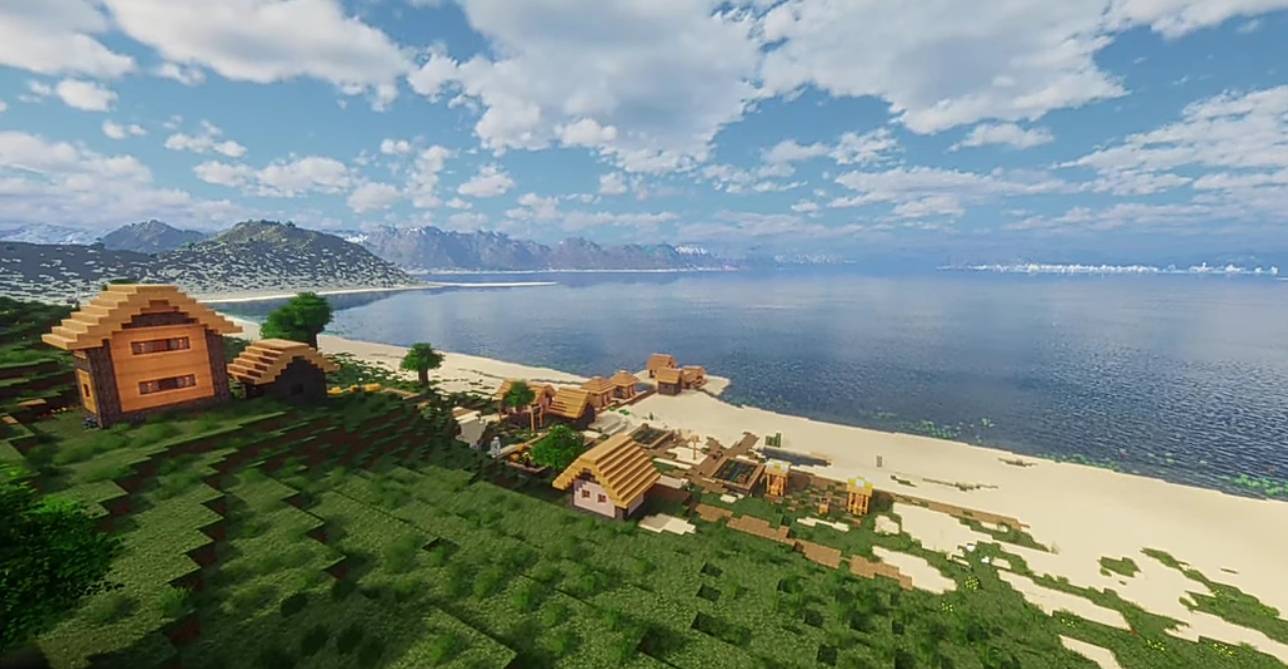
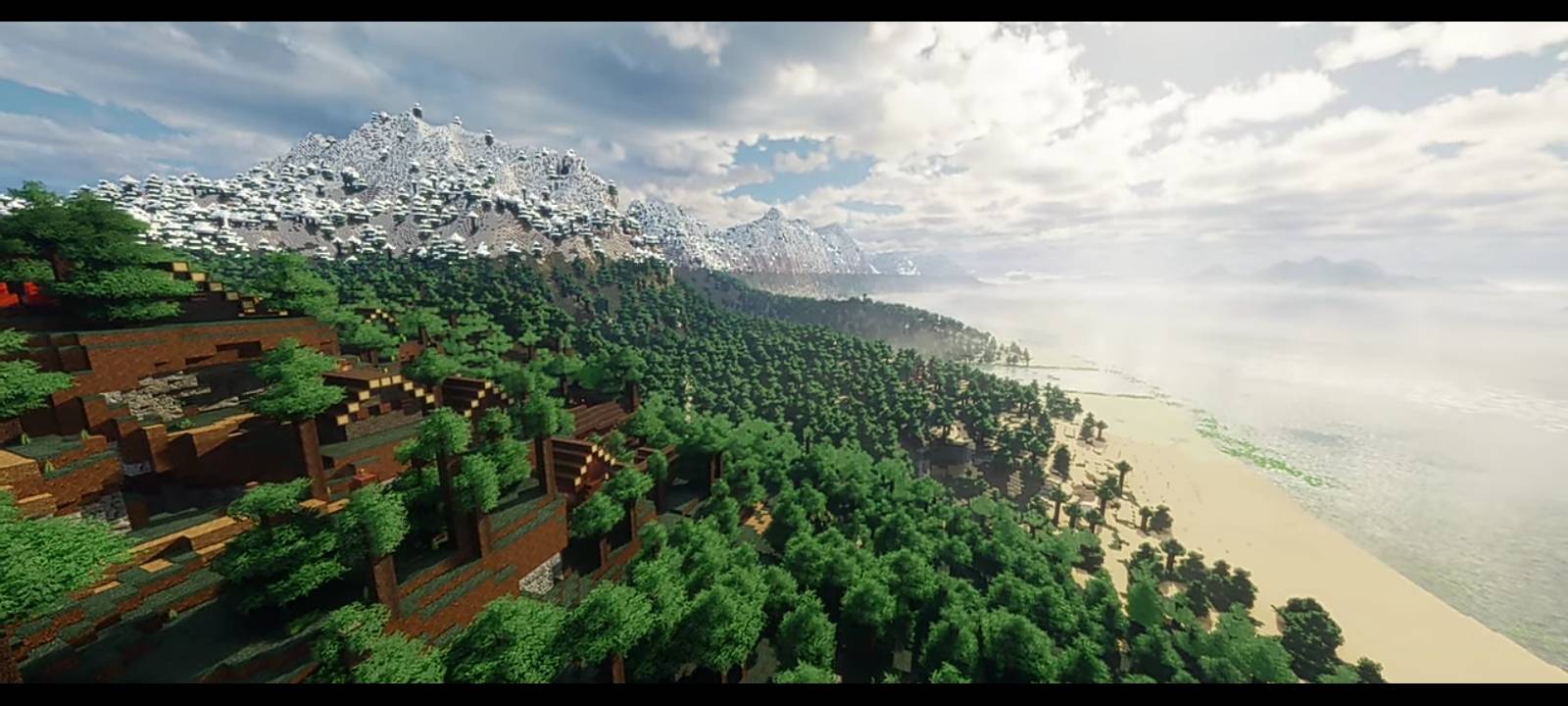
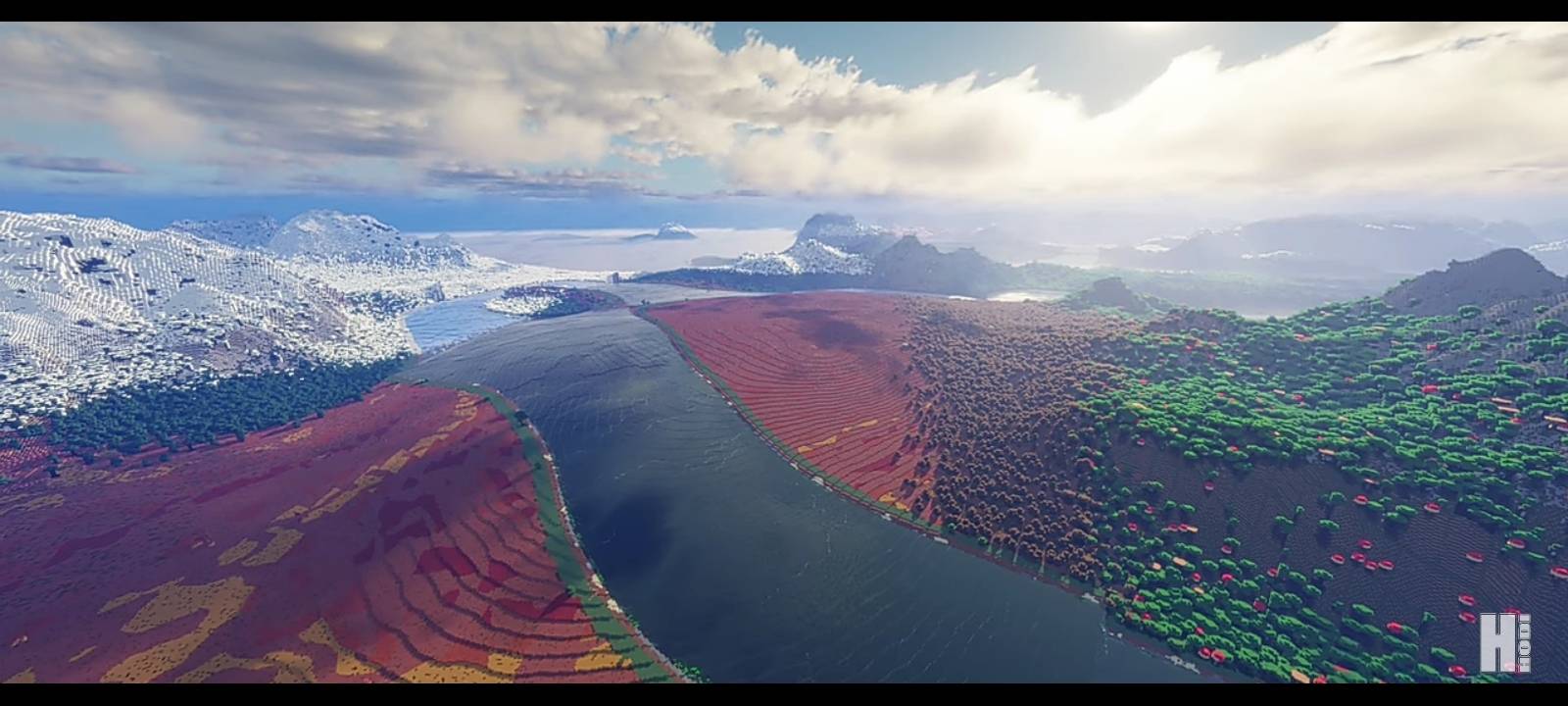
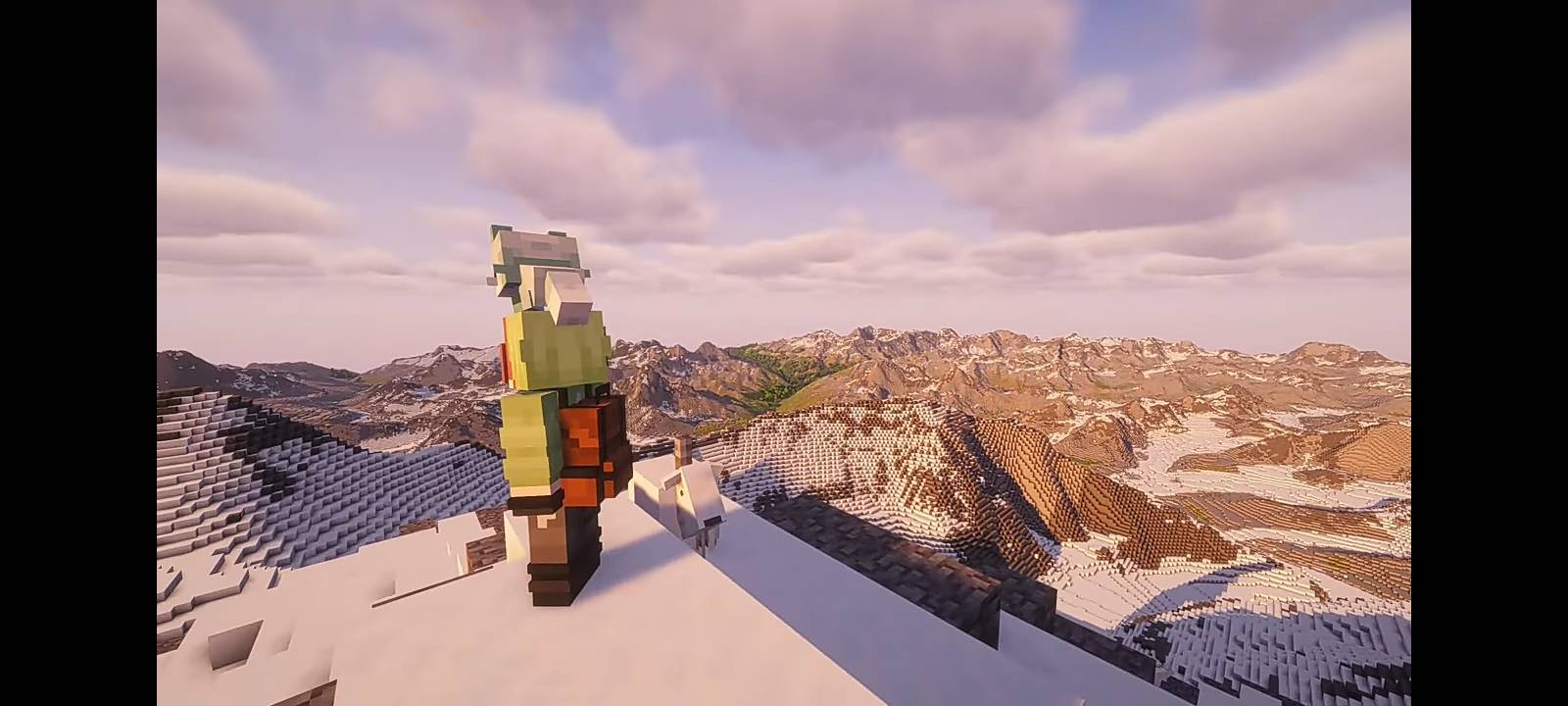
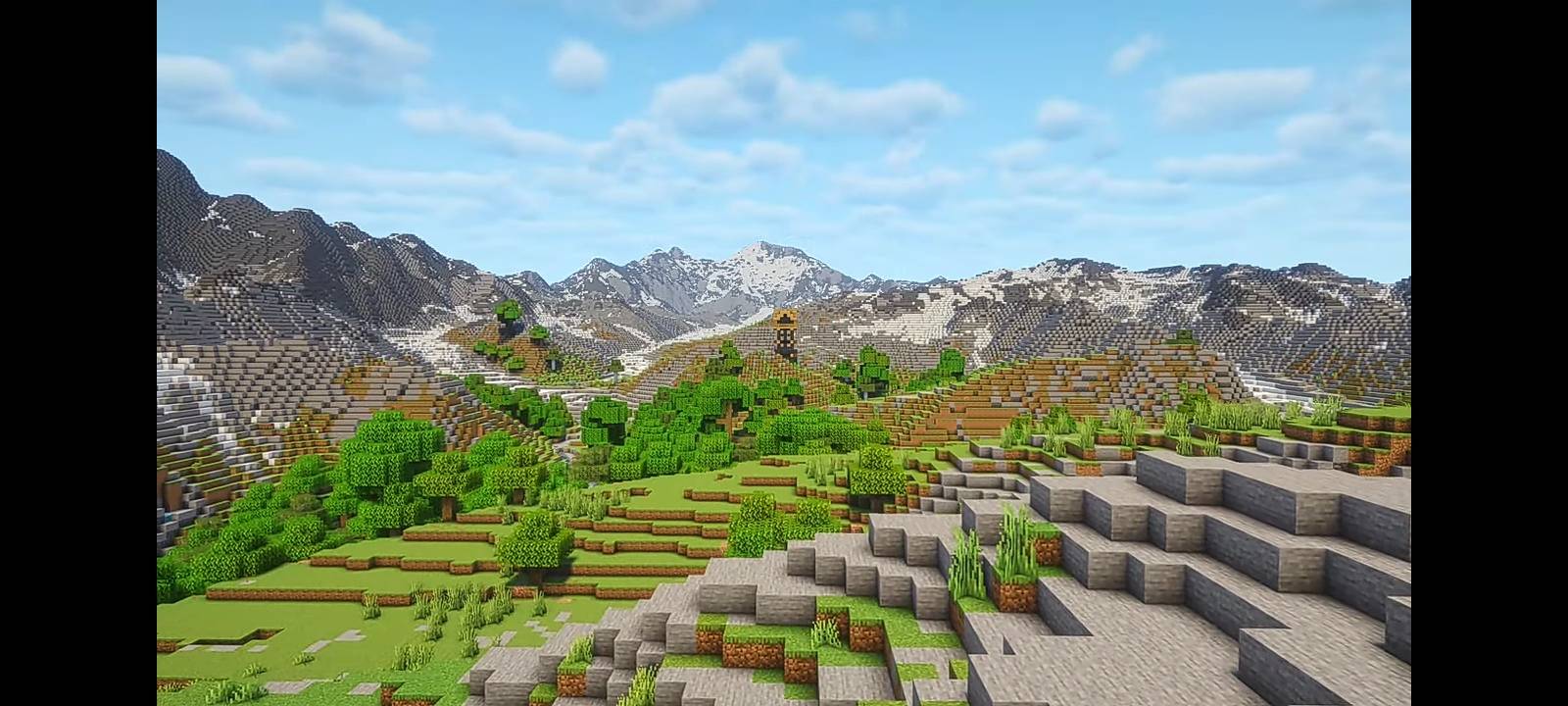
Transform your Minecraft world into a masterpiece of realistic generation and grand scale! Ray Terrain overhauls standard landscapes to bring true-to-life mountains, massive river networks, and stunning vistas directly into your game.
✨ Features
🏔️ Real-Life Scale Mountains: Soaring peaks, natural cliffs, and realistic mountain passes inspired by real-world geography.
🌊 Massive Rivers: Grand, deep, and wide water systems that slice through biomes and create natural valleys.
🌿 Immersive Biome Transitions: Smooth, natural blending between regions for seamless exploration.
🎨 Shader-Friendly Landscapes: Designed to look absolute best when paired with high-end shaders and lighting mods.
🚀 Getting Started
Download the mod file compatible with your version.
Place the .jar file into your Minecraft mods folder.
Launch the game, create a new world, and enjoy the views!
- Edition: Minecraft Java
- File type: .jar
- Minecraft versions listed: 1.21.8, 1.21.6, 1.21.7
- How to install: Install the matching mod loader (Forge, Fabric or NeoForge) for your Minecraft version. → Download the .jar. → Put it in the .minecraft/mods folder and launch that loader profile.
- Where to get it: Opens on CurseForge — not every file is mirrored on our own servers.
Install steps are the general flow for this file type — see the MC Java Mods guides for the full walkthrough.
- Downloads as Ray Terrain-0.1.9.zip
- Download size: 97 KB
- Download link checked 5 Sept 2026 — working
These come from our own check of the pack file, not from the source page.