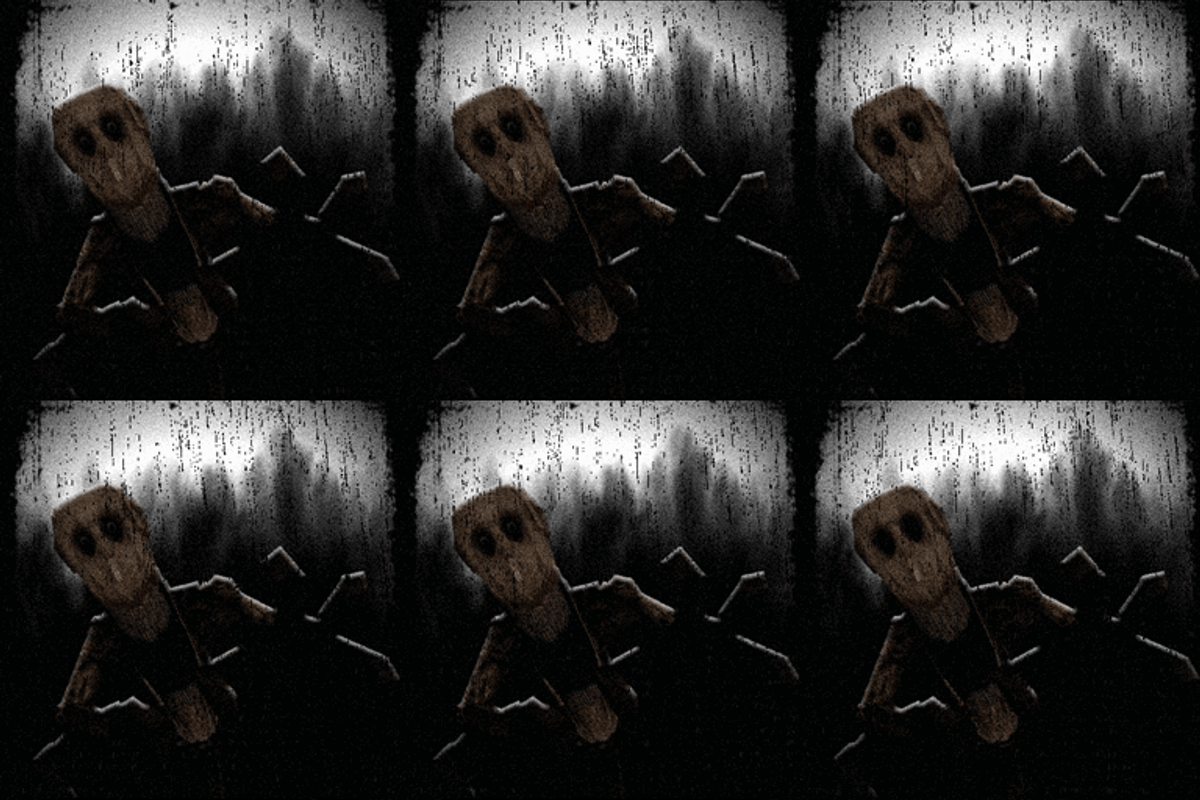
The Idol - Bedrock Edition
Bedrock add-on listed for Minecraft 26.x (behavior + resource pack). File opened and checked on 20 Oct 2026; installs from the MC Bedrock Mods app on Android.
⬇ Download on CurseForge
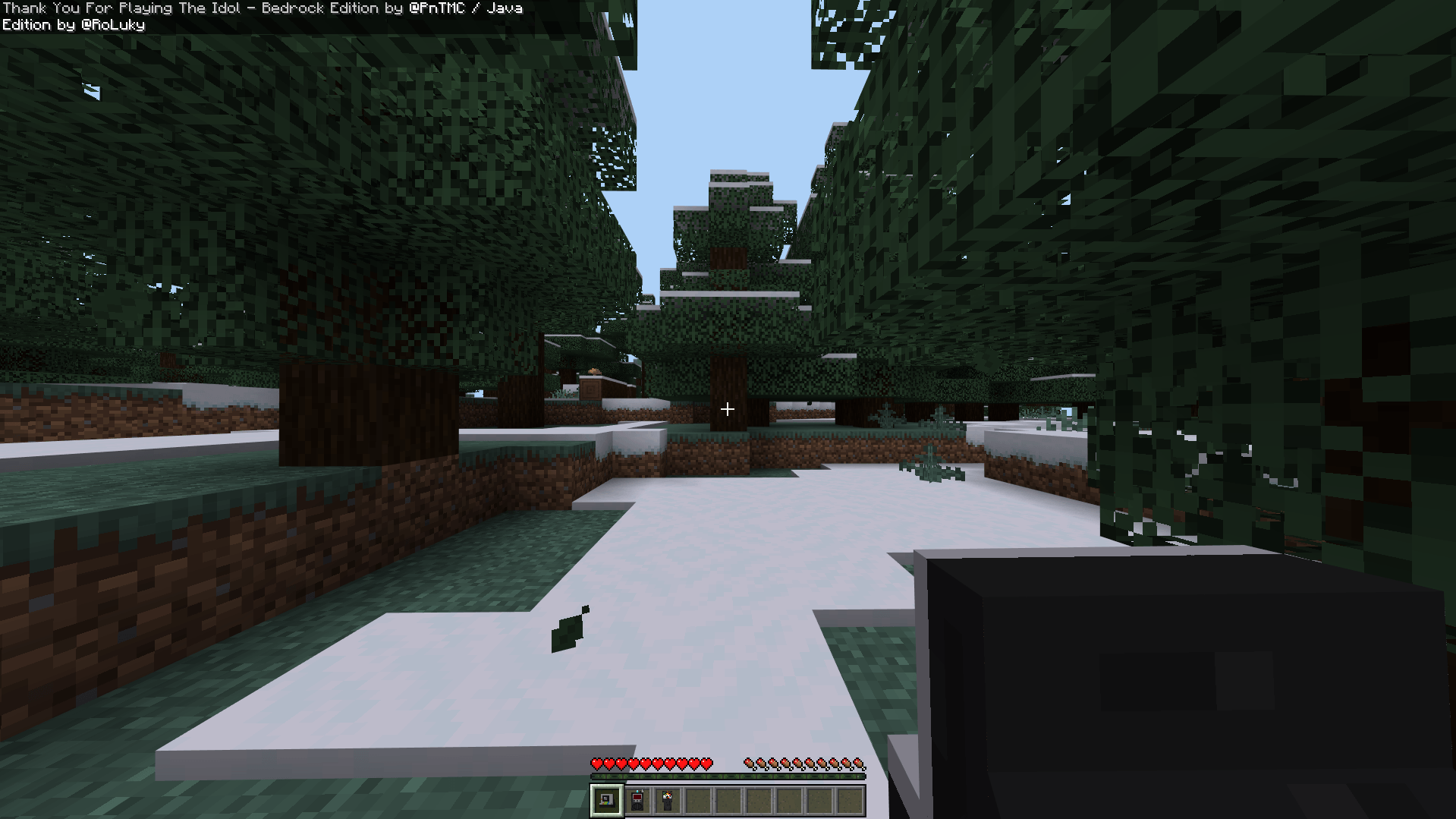
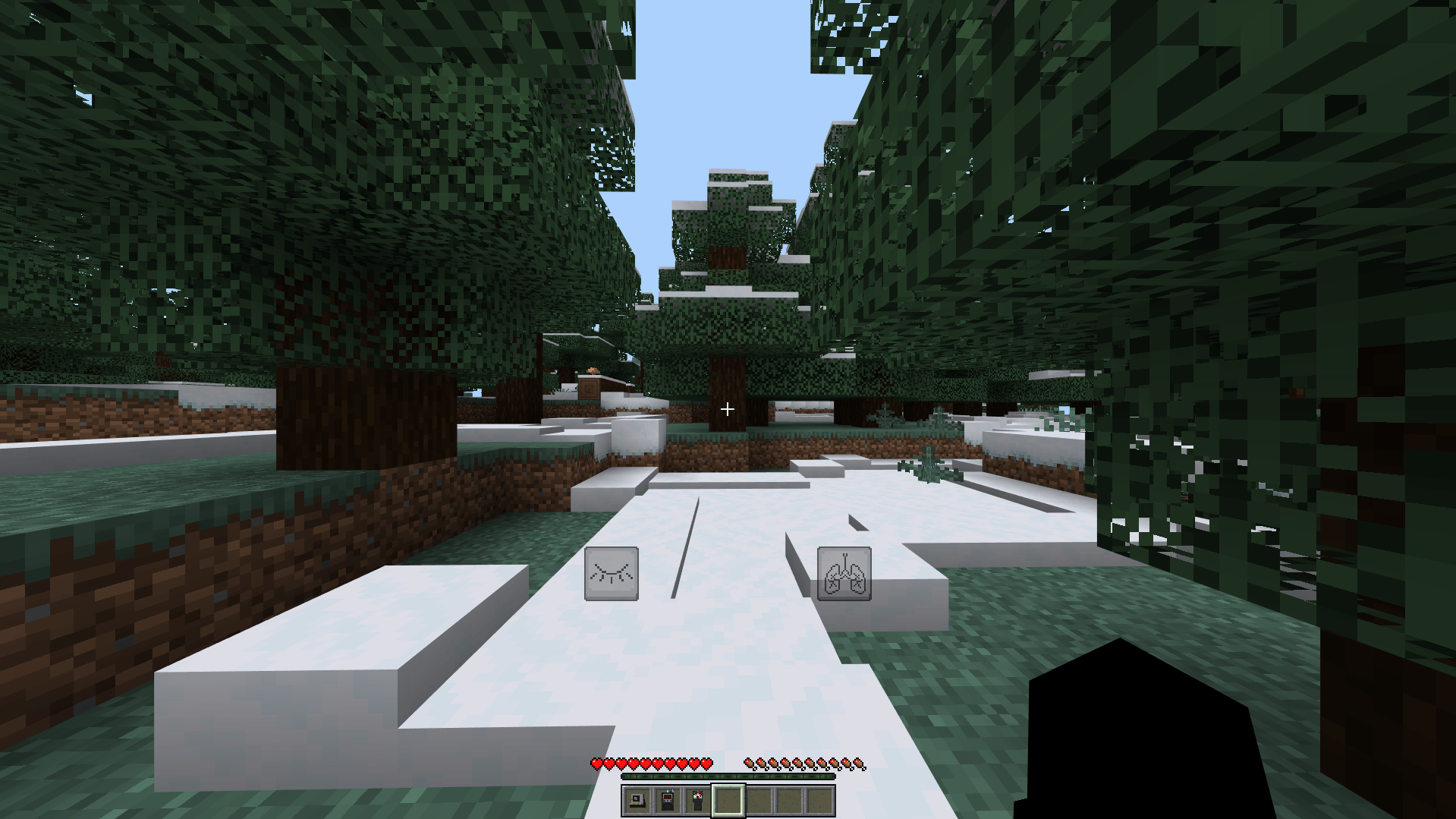

Bedrock Addon Developed by @PnTMC
Java Mod Developed by @RoLuky
Credits :
Lunar - Animations/Modelling/Artwork
upsidedowntree - Modelling/Texturing
Brguiireal - Animations
TournamenU - Modelling
RoLuky , ShinCUBE - Testers
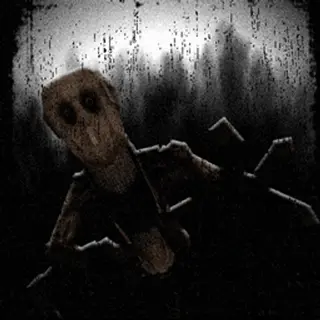
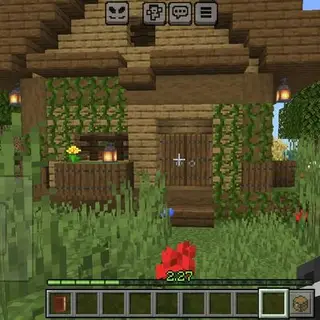
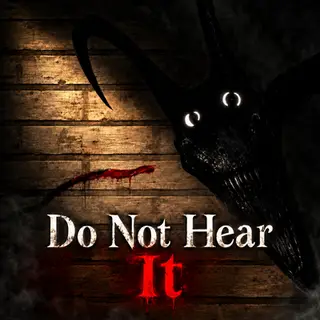
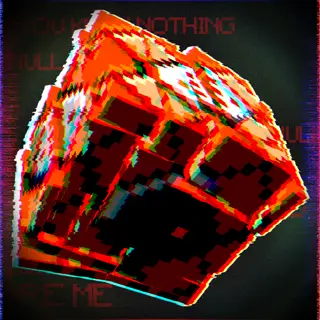
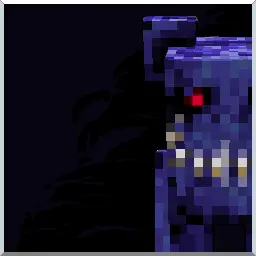
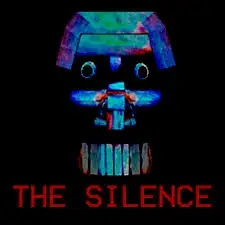
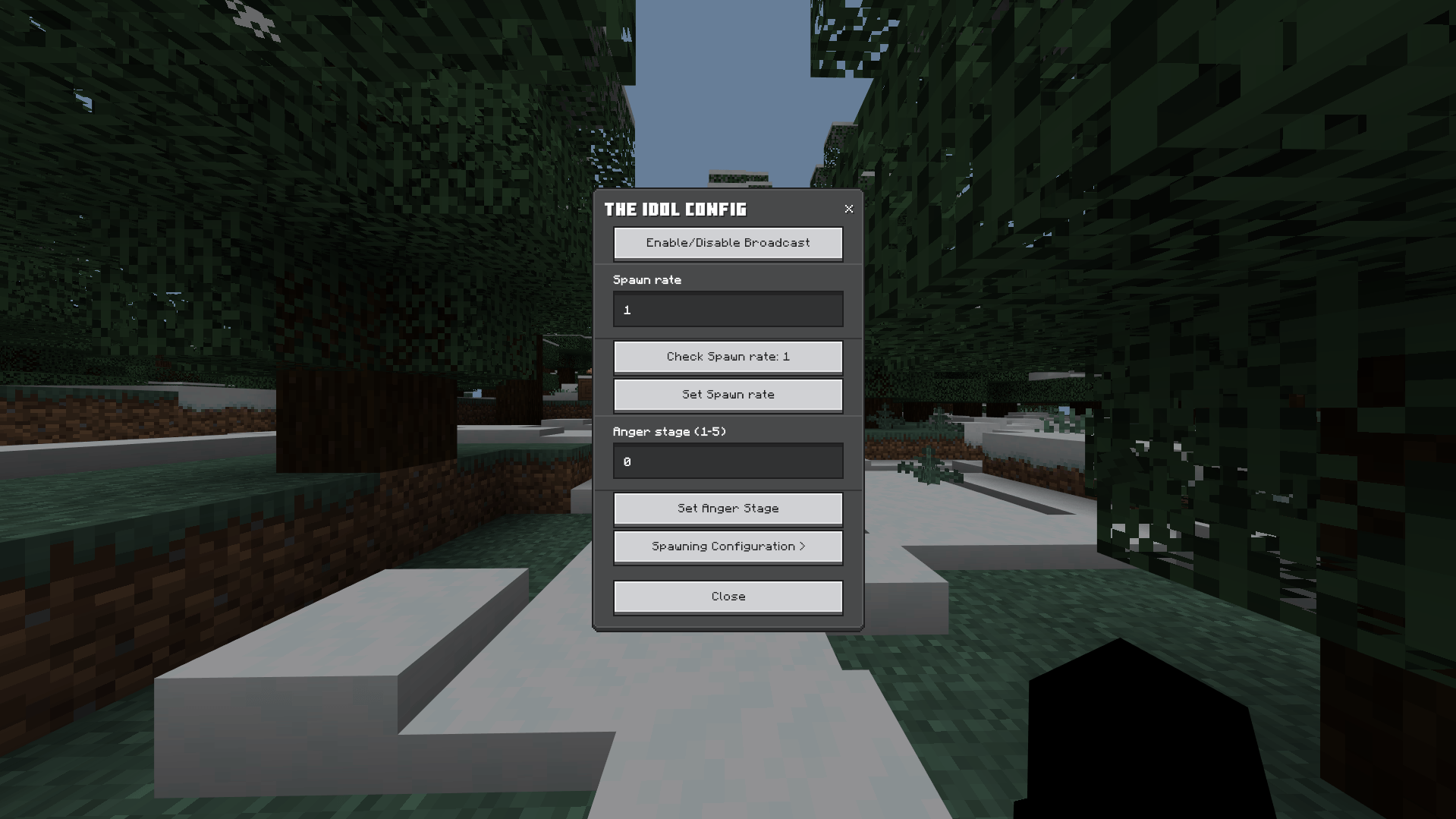
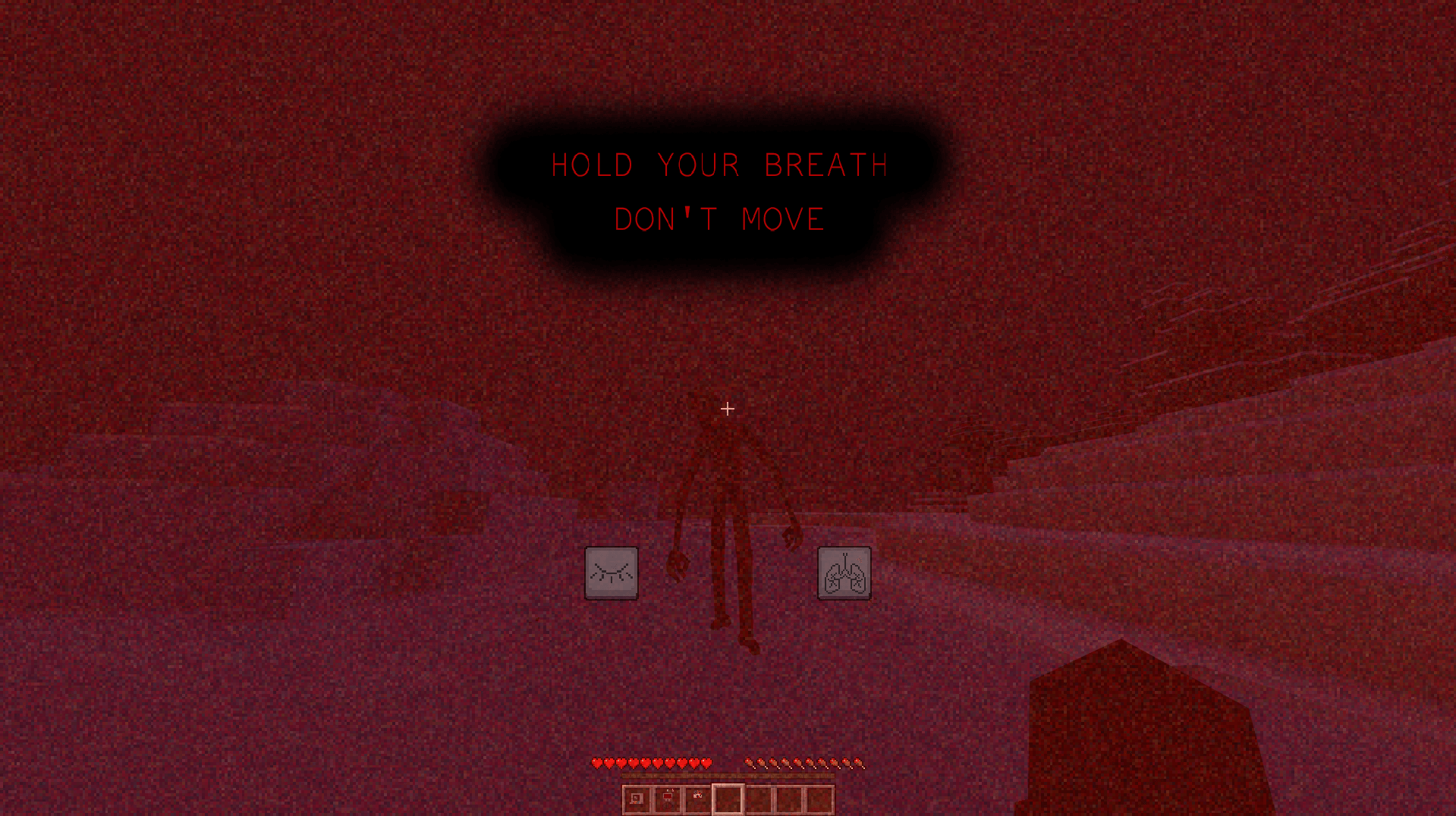
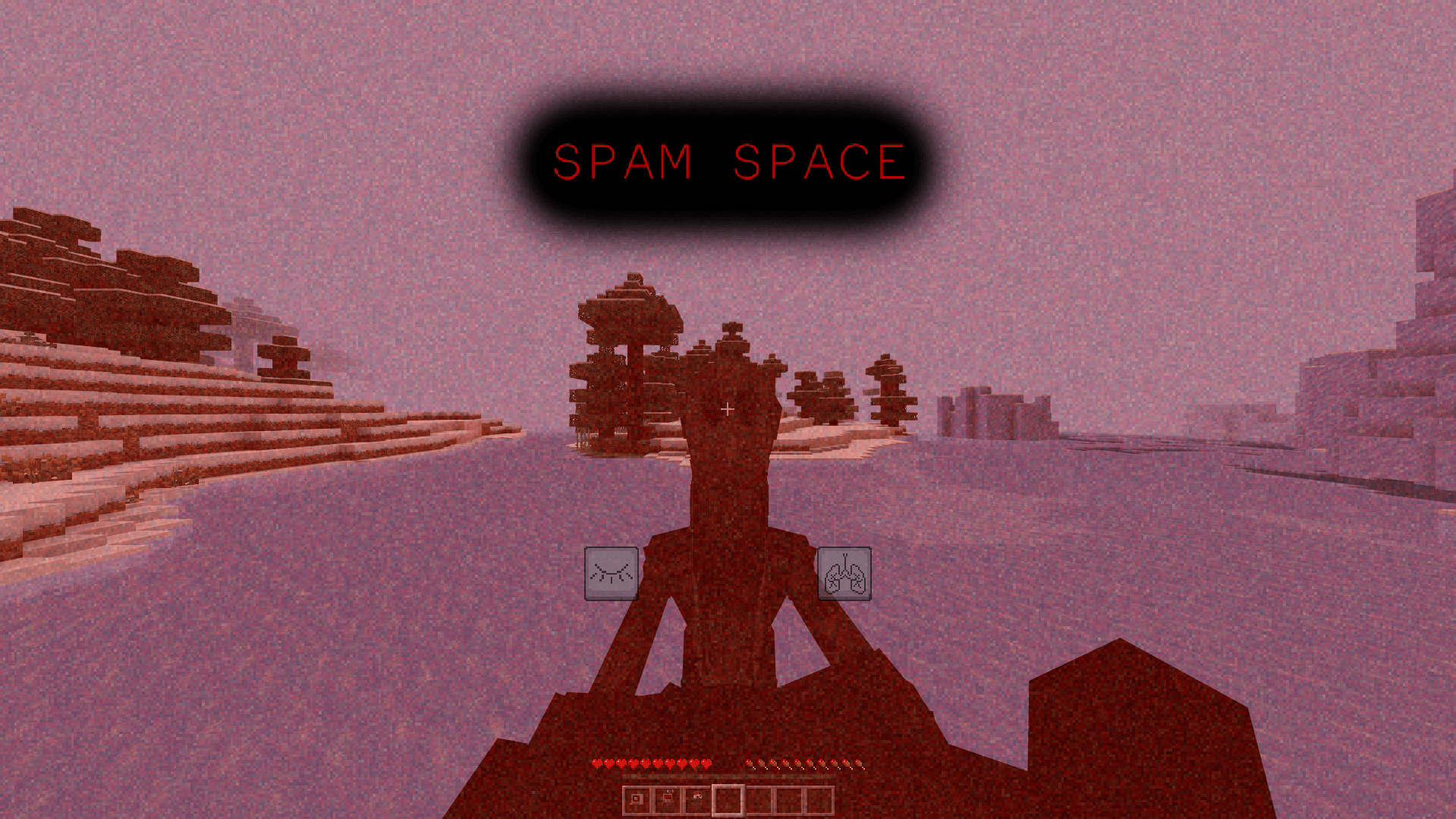
This mod adds a persistent horror entity that exists fully server-side while having client-side effects to create an intense, immersive stalking experience in both singleplayer and multiplayer.
It is recommended to play in multiplayer to maximize the horror aspect of the mod.
The entity actively tracks players over time, observing from a distance before closing in. Its behavior is not scripted to specific locations and will adapt to player movement, ensuring encounters feel real and unpredictable.
The Idol isn't meant to be an "in your face" type mod and is meant for longer playthroughs, but when He appears, you'll know it. The entity takes a while to spawn, so if you wish you can change its spawnrate with the /the_idol_config command.

The entity uses a stage system. The current stage determines the entity's behaviour and how active it is.

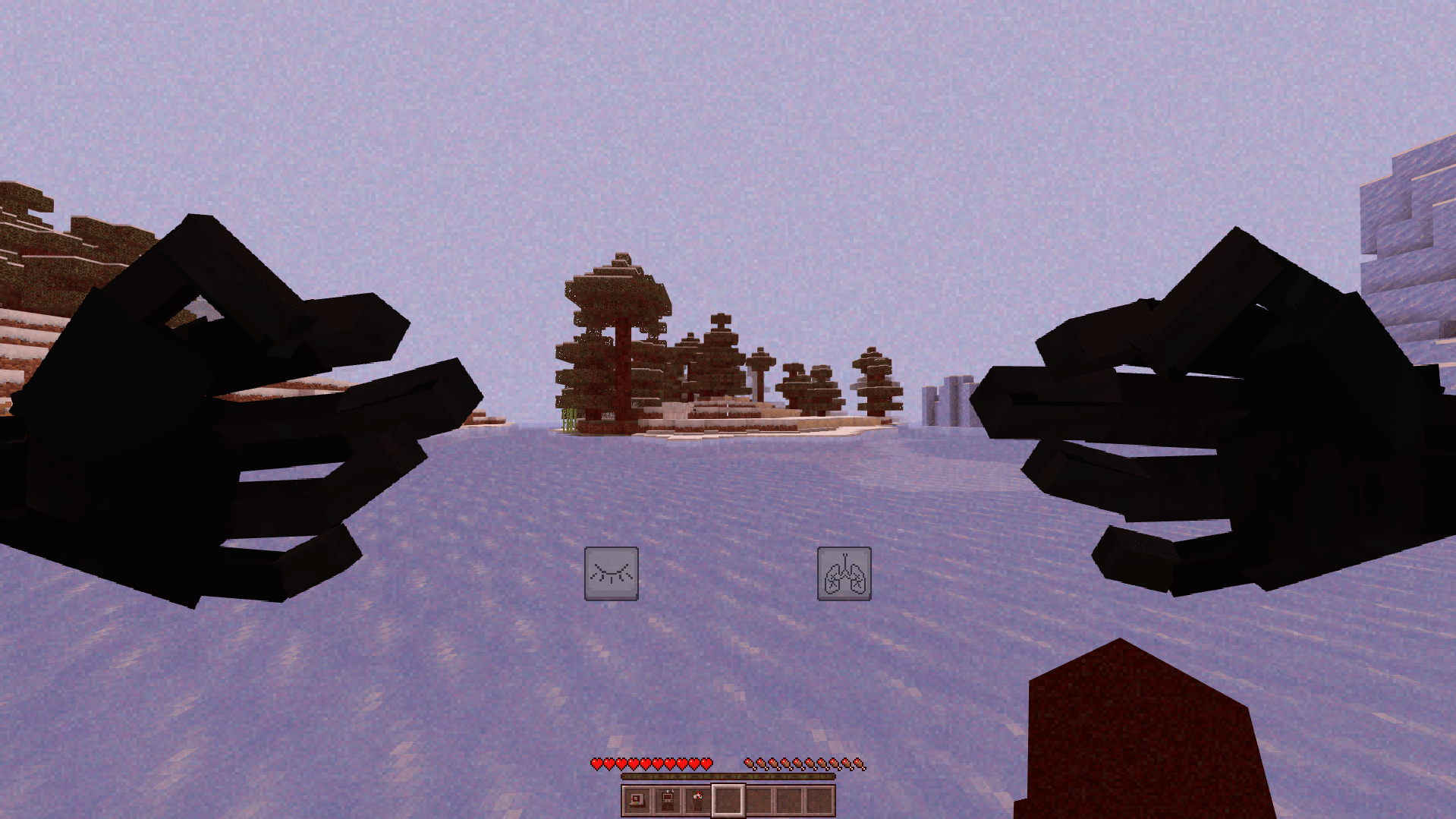
Some events are client-side, meaning only the targetted player can see the entity.

Various unique encounters.
Items :
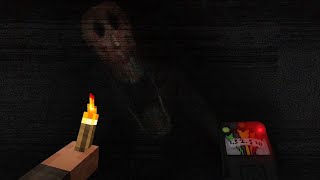
The mod adds multiple items to aid in surviving the entity:
EMF reader:
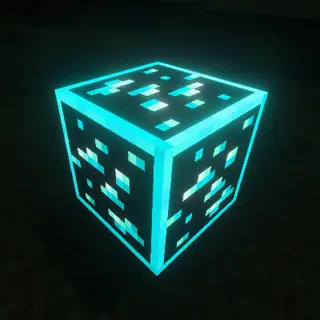
Using the EMF reader, you can determine the entity's stage. The higher the EMF, the more deadly The Idol becomes. (only White Dye)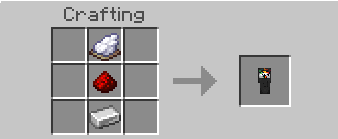
Spirit Box:
Using the Spirit Box, you can locate the entity when it's spawned in. There are unique answers for every situation you're in. Although, he will not respond if he's not spawned in your world.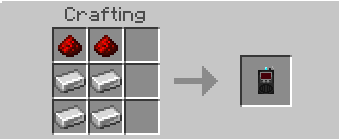
Polaroid:
Using the Polaroid you can stun The Idol when it's chasing you. But be warned: using it too much can anger the entity and result in certain doom.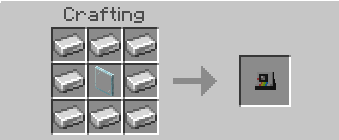
NOTES
Do NOT reupload, redistribute, or publicly modify this addon without explicit permission.
Please give feedback if you encounter any errors. Feedback on my YouTube channel is easier for me to read because I'm quite lazy about checking CursedForge comments XD
WATCH THIS VIDEO FOR MORE :
- Edition: Minecraft Bedrock
- File type: .mcpack or .mcaddon
- Minecraft versions listed: 26.0.02, 26.0, 26.3
- How to install: Download the .mcpack or .mcaddon file. → Open it — Minecraft imports it. → In your world: Behavior Packs → Available → Activate, then the same under Resource Packs.
- Where to get it: Opens on CurseForge — not every file is mirrored on our own servers.
Install steps are the general flow for this file type — How to install Minecraft Bedrock addons & mods walks through it step by step.
- Pack type: .mcaddon — behaviour and resource pack in one file
- Manifest requires Minecraft 1.26.0 or newer
- Complete pack — everything it depends on is inside the file
- Download size: 32.4 MB
- Download link checked 16 Oct 2026 — working
These come from our own check of the pack file, not from the source page.