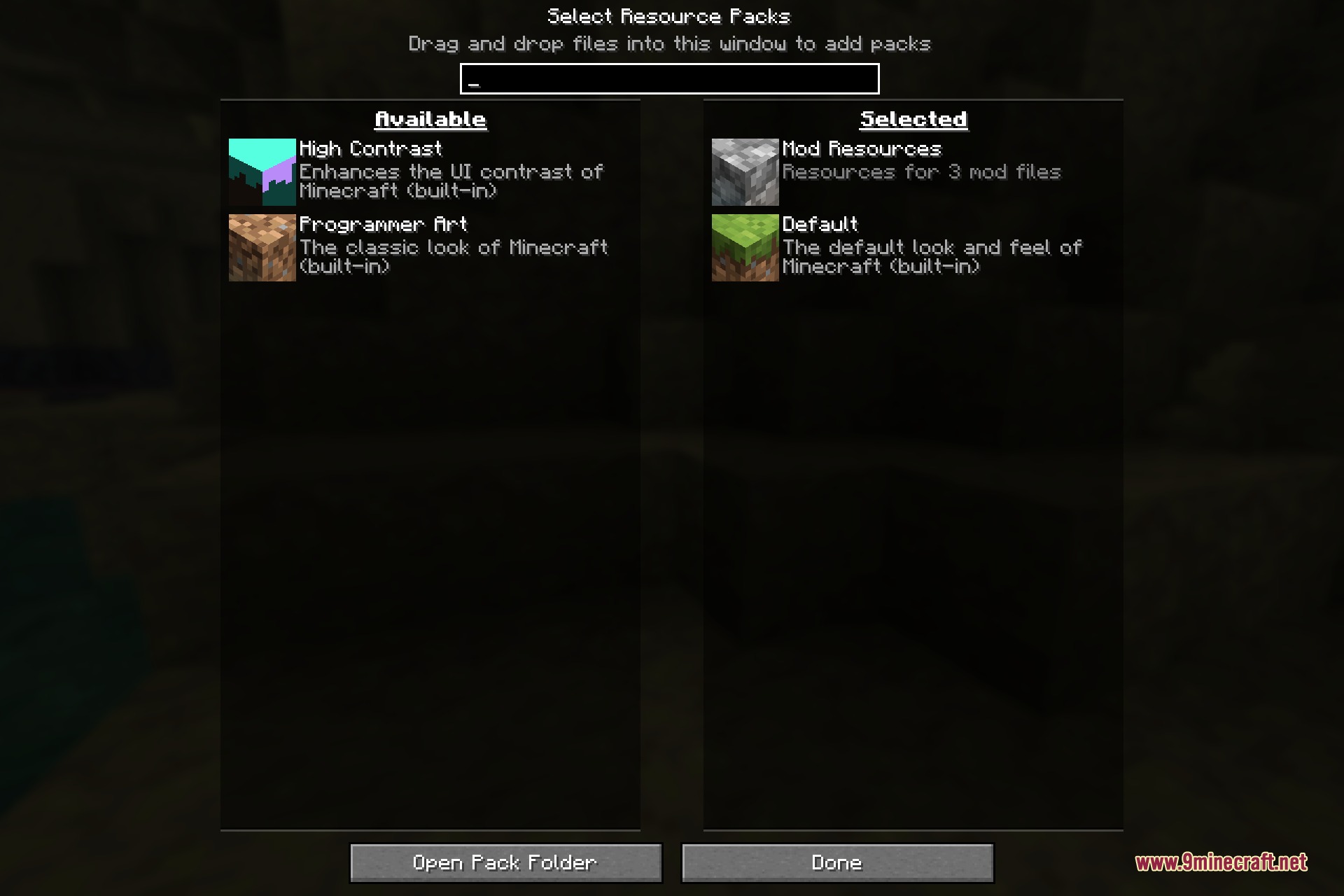
Load My Resources 9minecraft Mod turns an ordinary folder into a resource pack that is always on. Drop loose files into a resources folder next to your world saves and the game reads them as if they were a pack you had enabled by hand – except there is nothing to enable, nothing to zip, and no pack.mcmeta to write.
It is aimed at anyone who is constantly editing textures. Instead of rezipping a pack and reloading it every time you change a pixel, you save the file in place and it is already part of the game. Modpack authors get the same benefit from the other direction: a pack shipped this way is applied for everyone who installs the modpack, with no instruction telling players to go and turn something on – and it cannot be turned off by accident either.
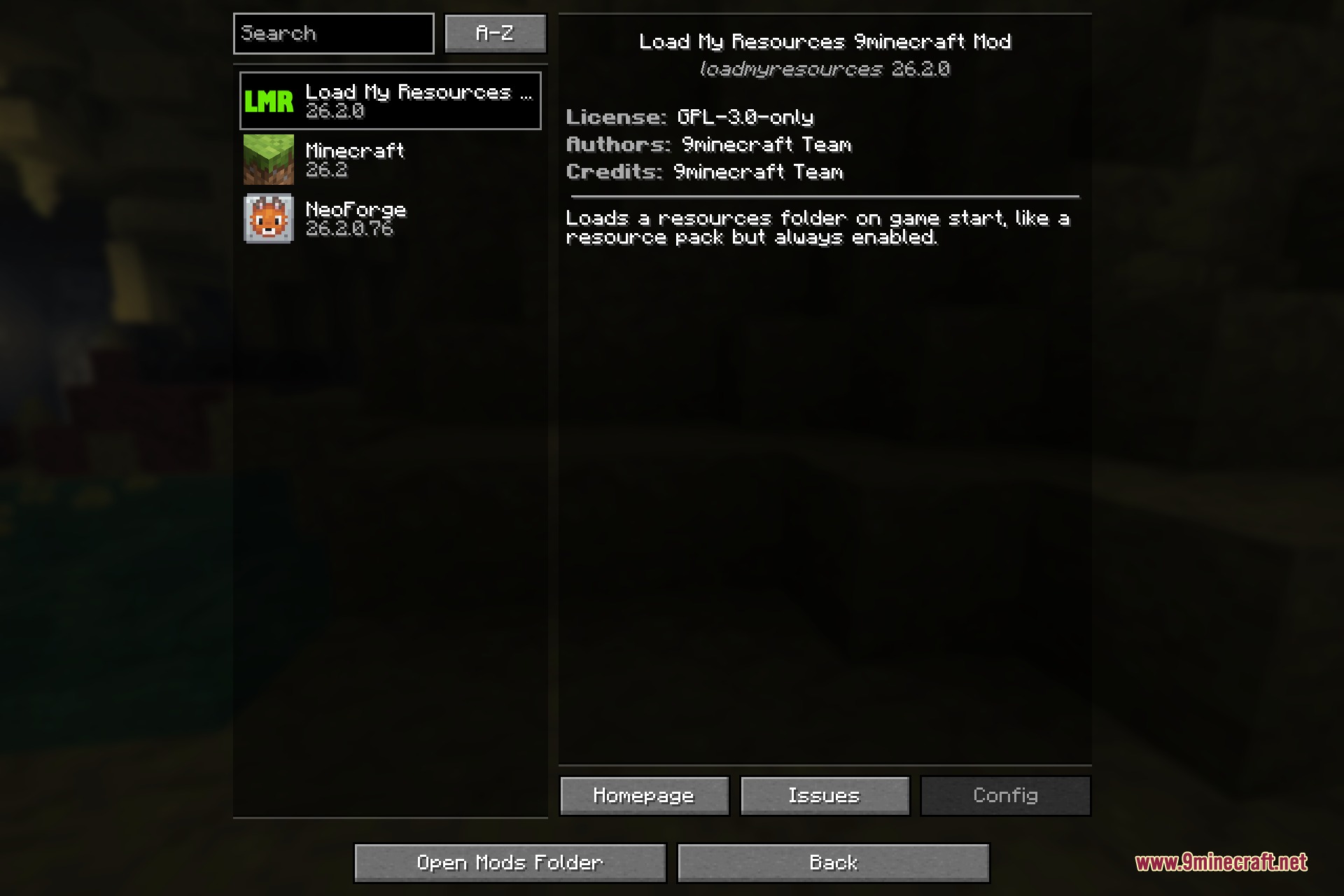
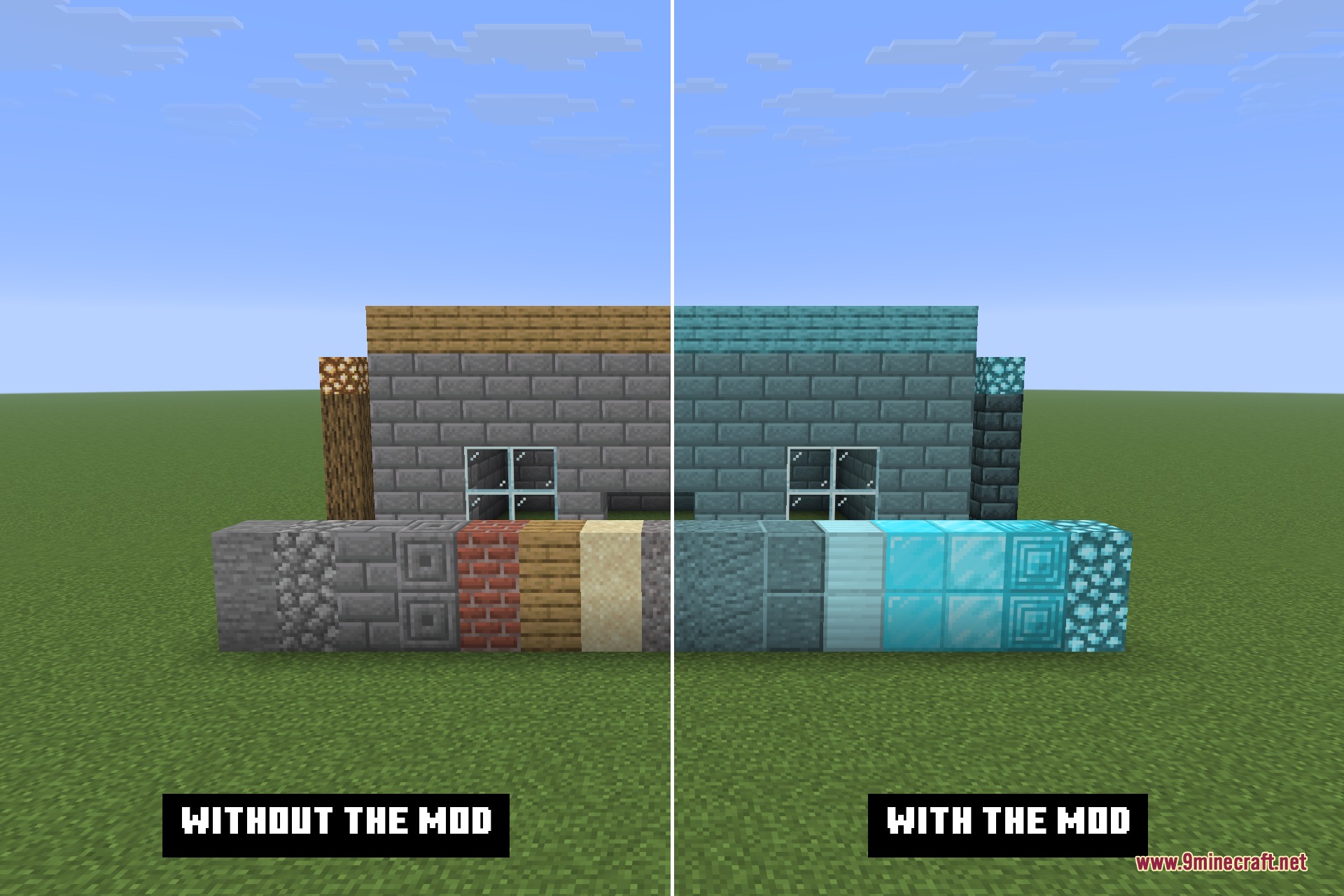
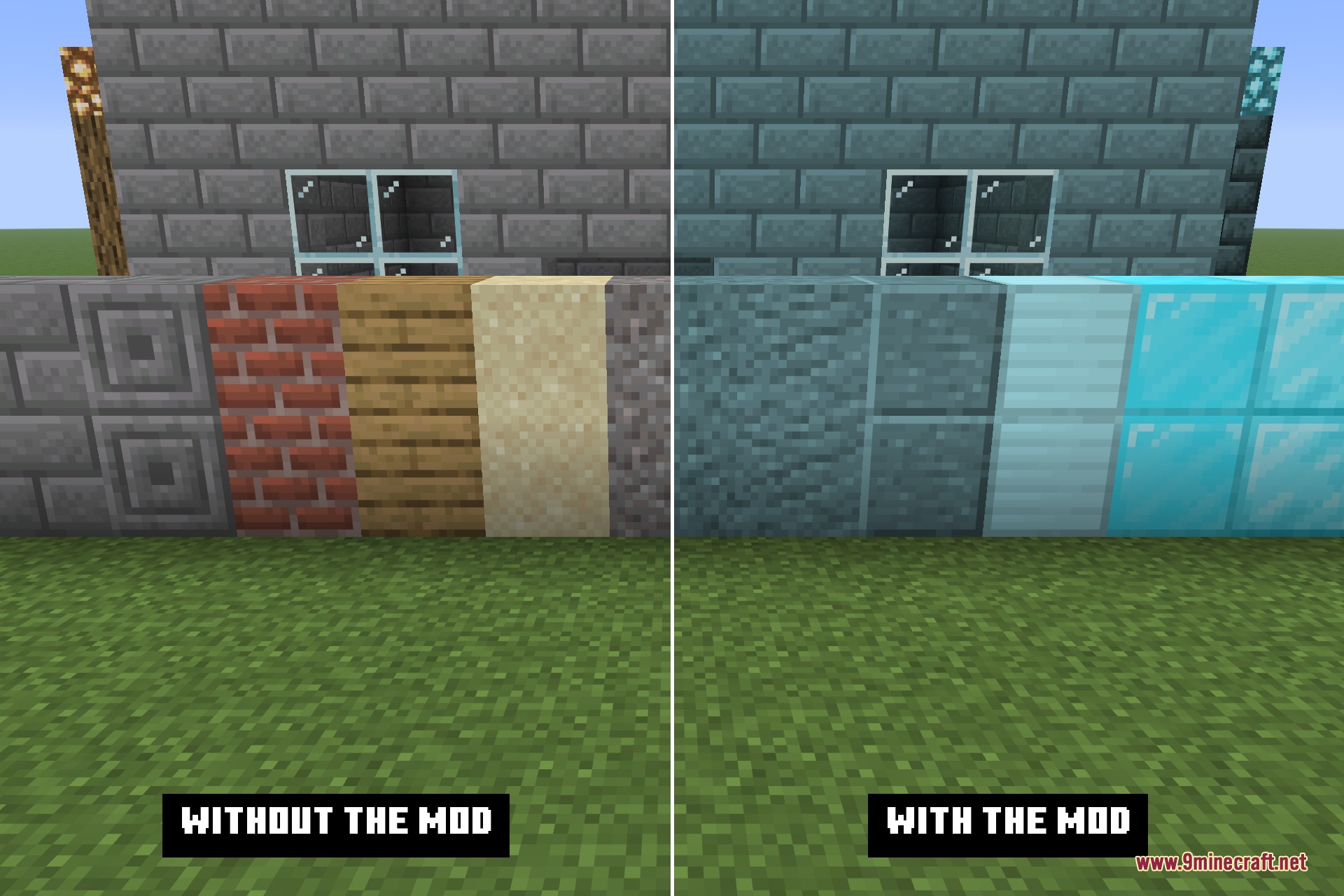
The folder is read exactly like a pack, so it is not limited to textures. Models, sounds, fonts and language files all work; a language file in the folder can rename blocks and items, and a texture in it overrides the matching one from the game. Anything the folder does not contain simply falls through to whatever is underneath, so it layers with real resource packs rather than fighting them. The folder location is configurable if you would rather keep it somewhere else.
Features:
- Loads a plain folder of loose files as a resource pack, enabled from the moment the game starts.
- No zipping, no pack.mcmeta, and no
assetslevel – the namespace folder sits at the root. - Hidden from the Resource Packs screen, so it cannot be turned off or reordered by accident.
- Works for any resource type: textures, models, sounds, fonts and language files.
- Edit a file and it is live on the next resource reload – no repacking between changes.
- Configurable folder path.
- Client side only, and it adds no dependencies of its own.
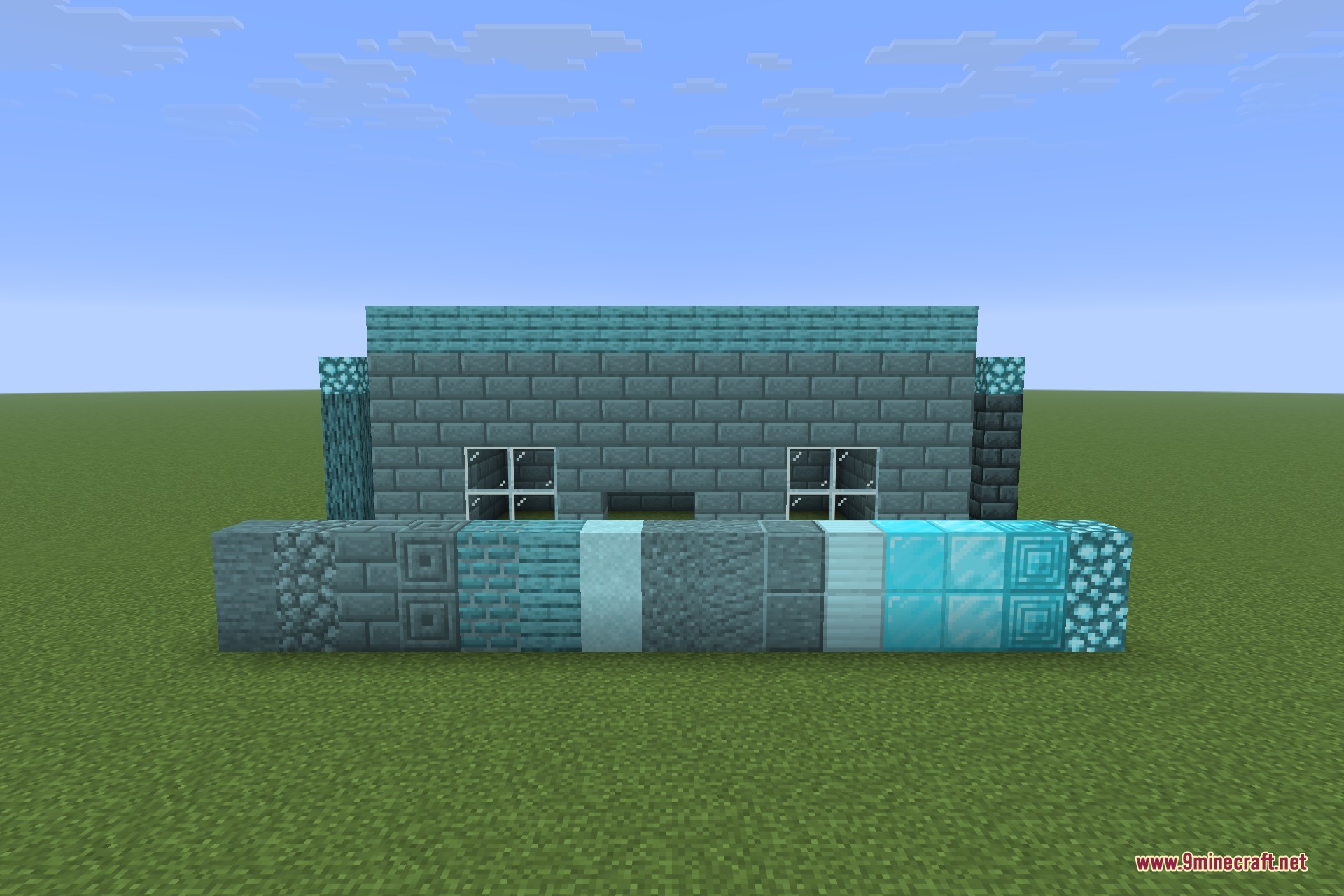
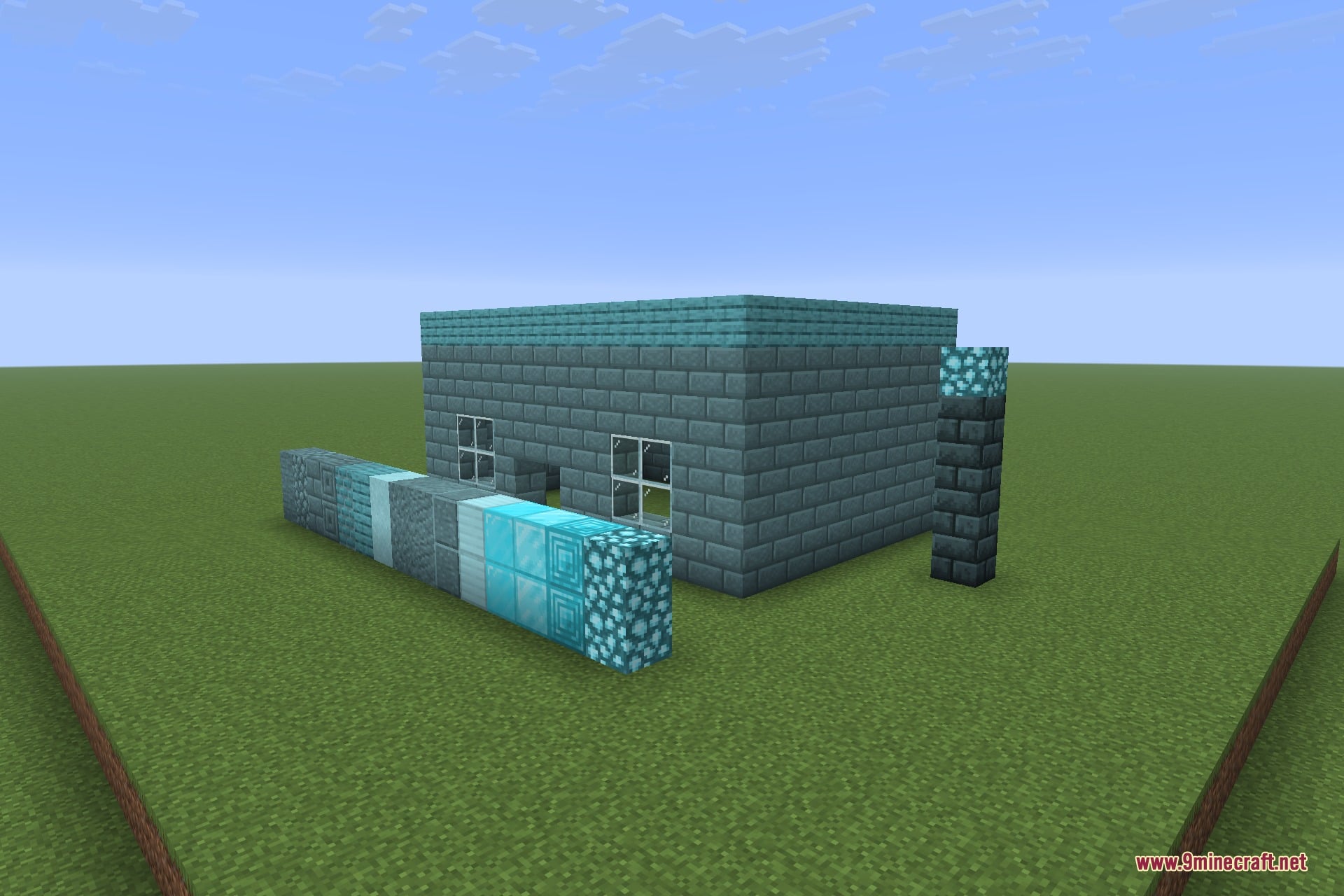
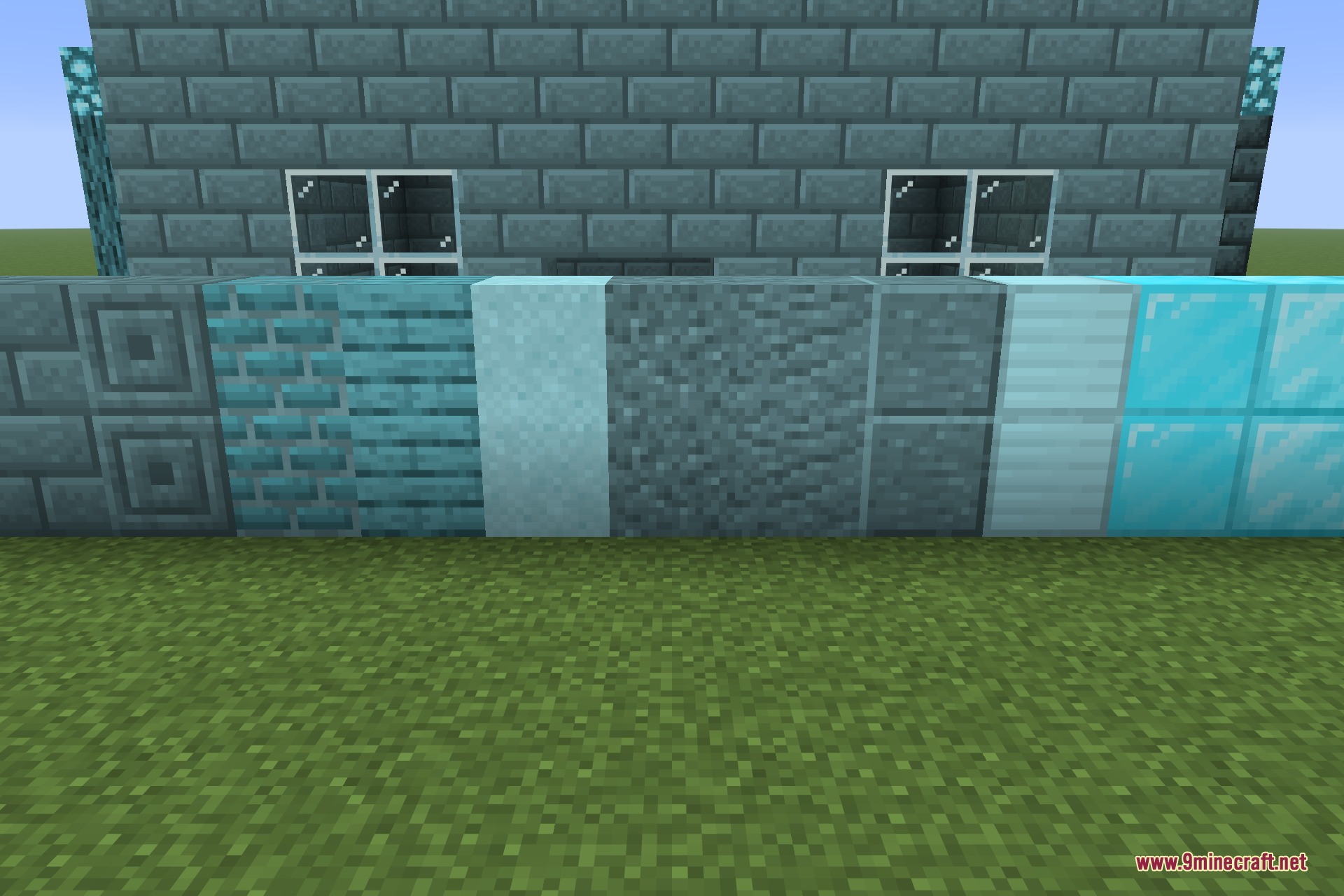
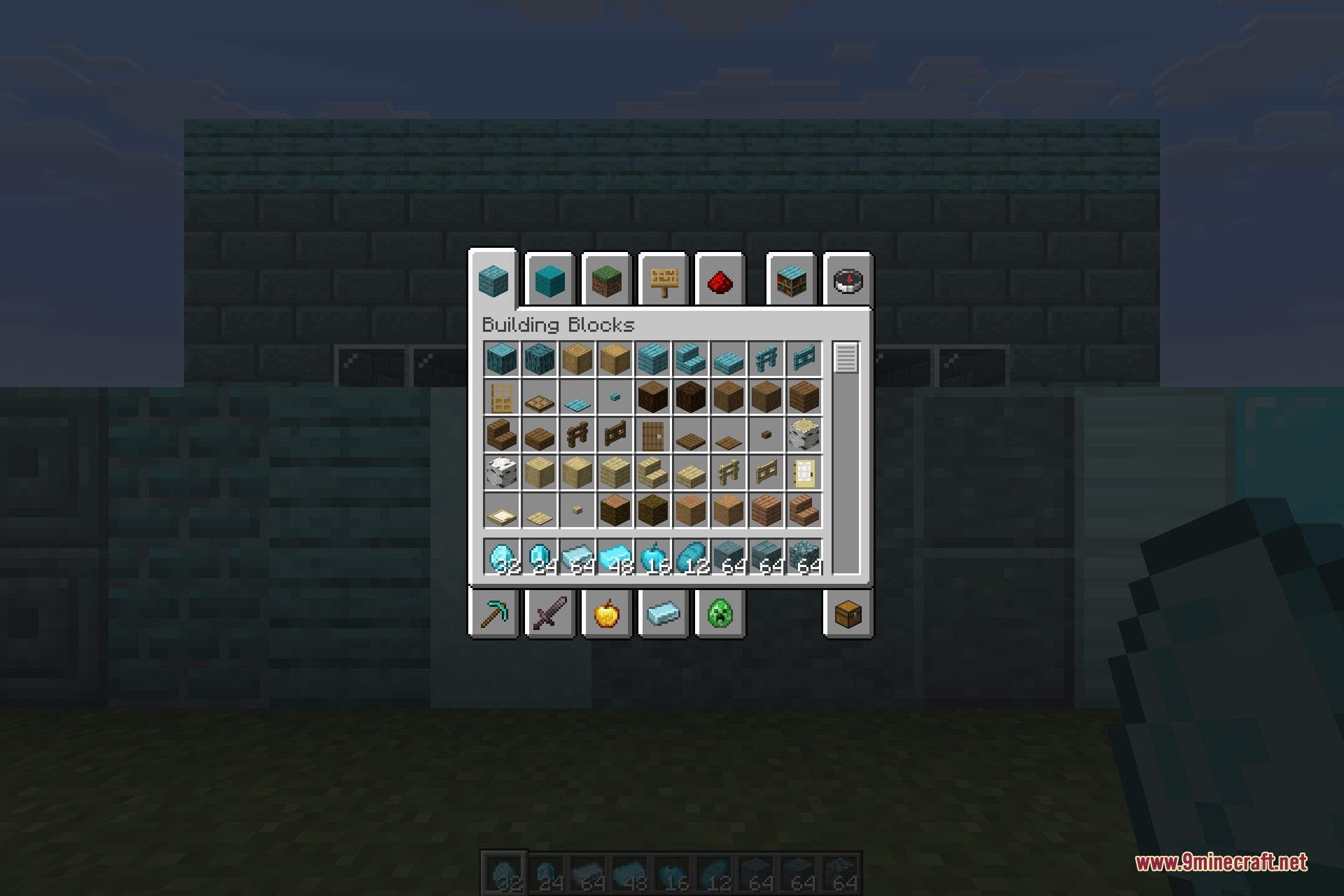
Screenshots:
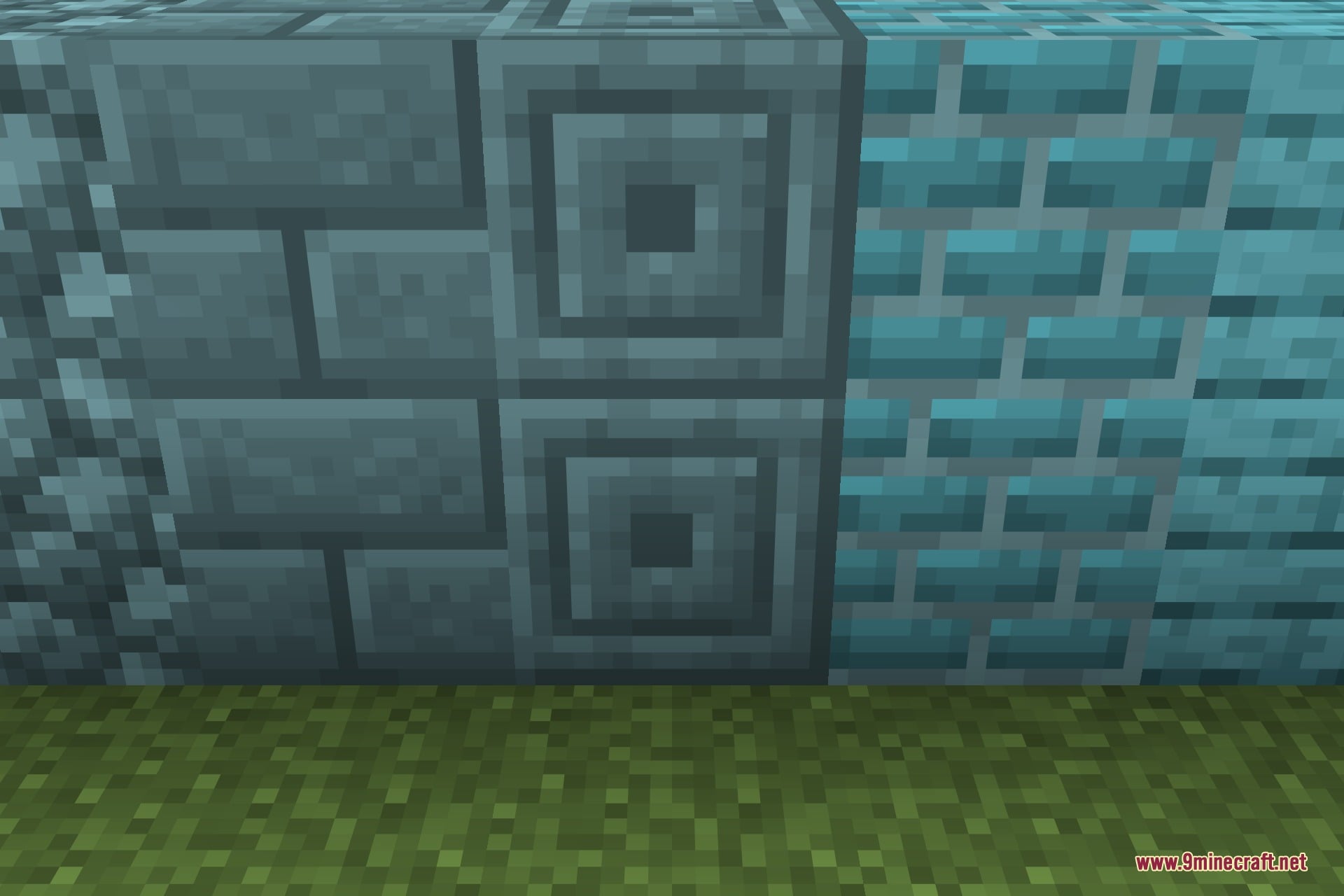
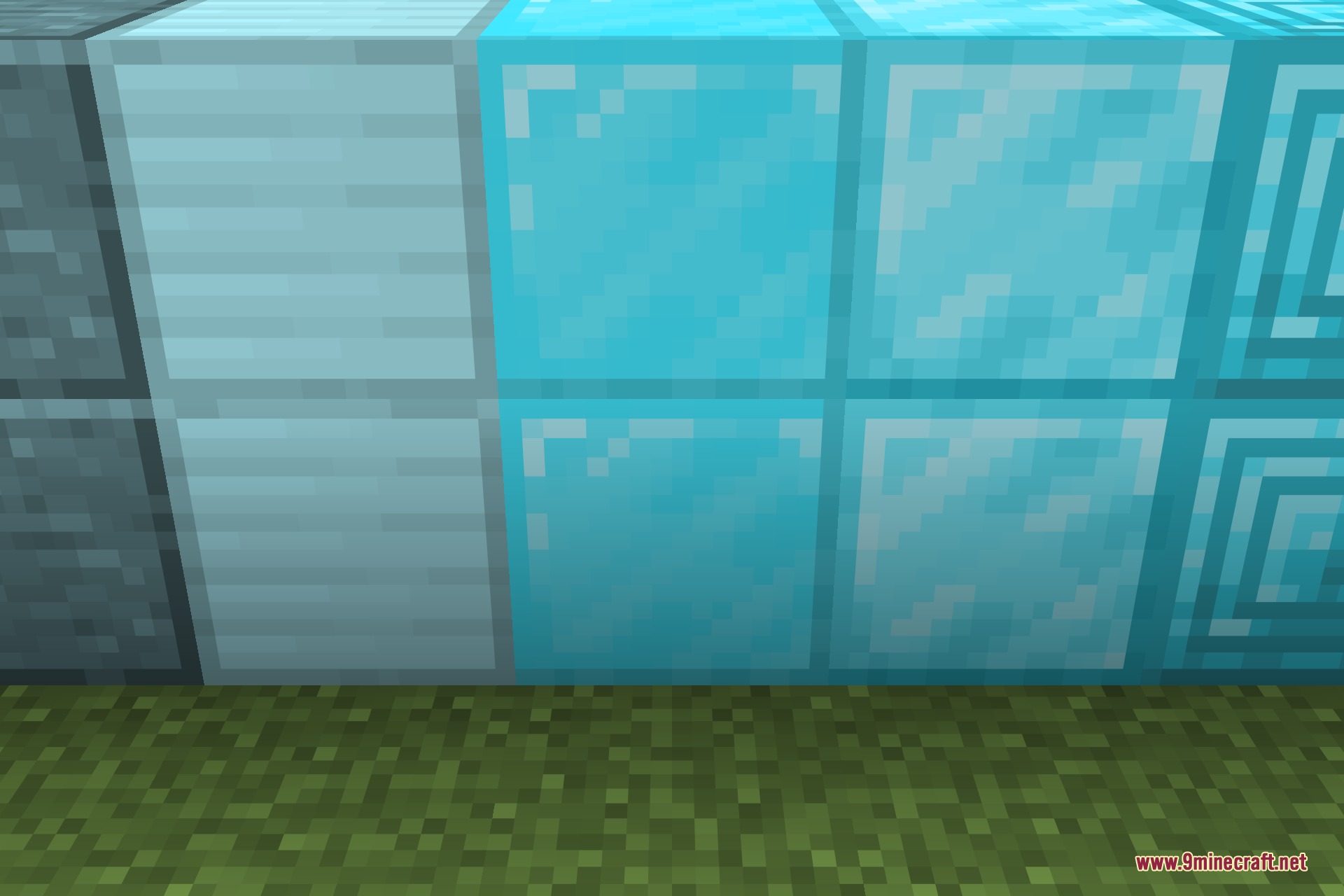
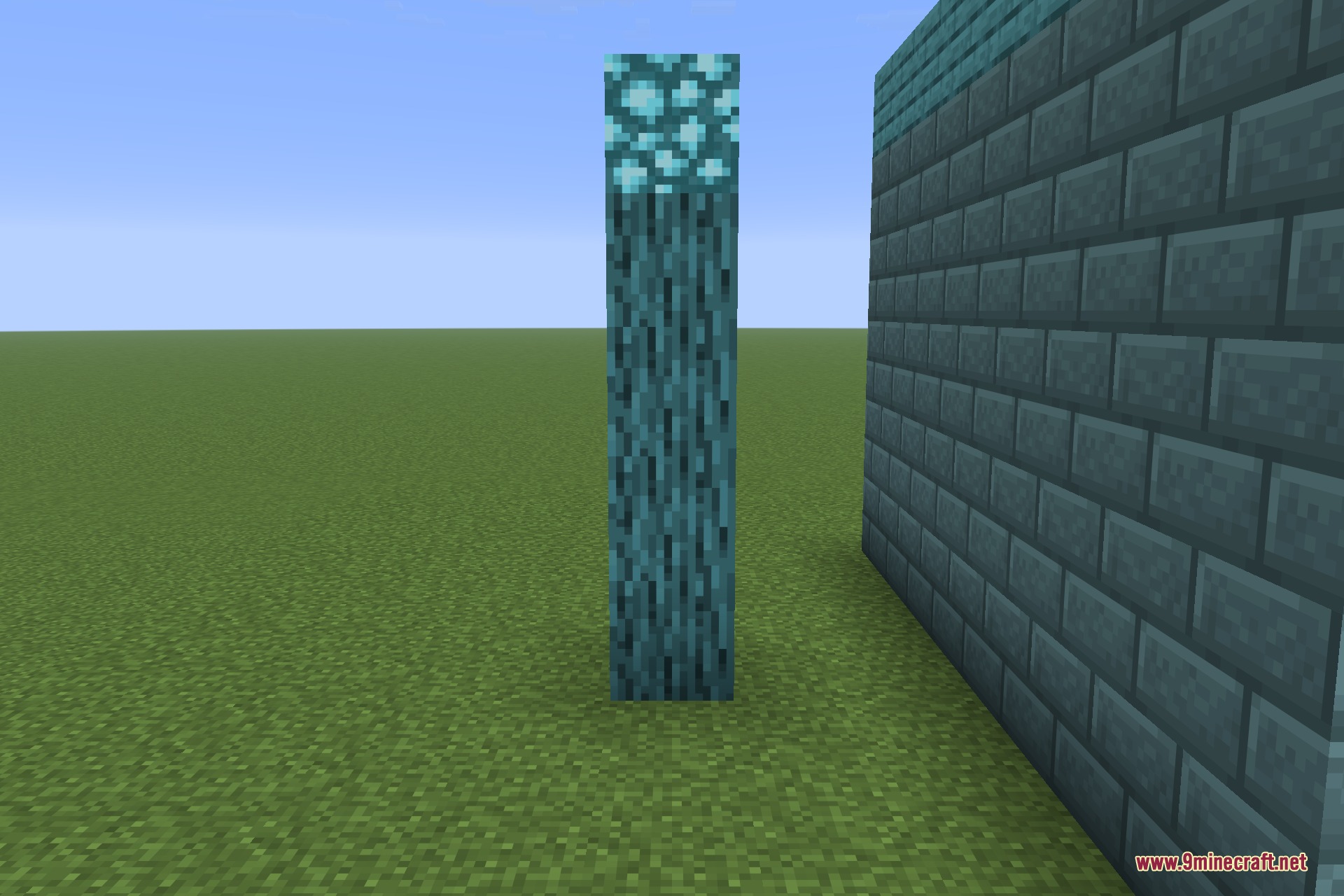
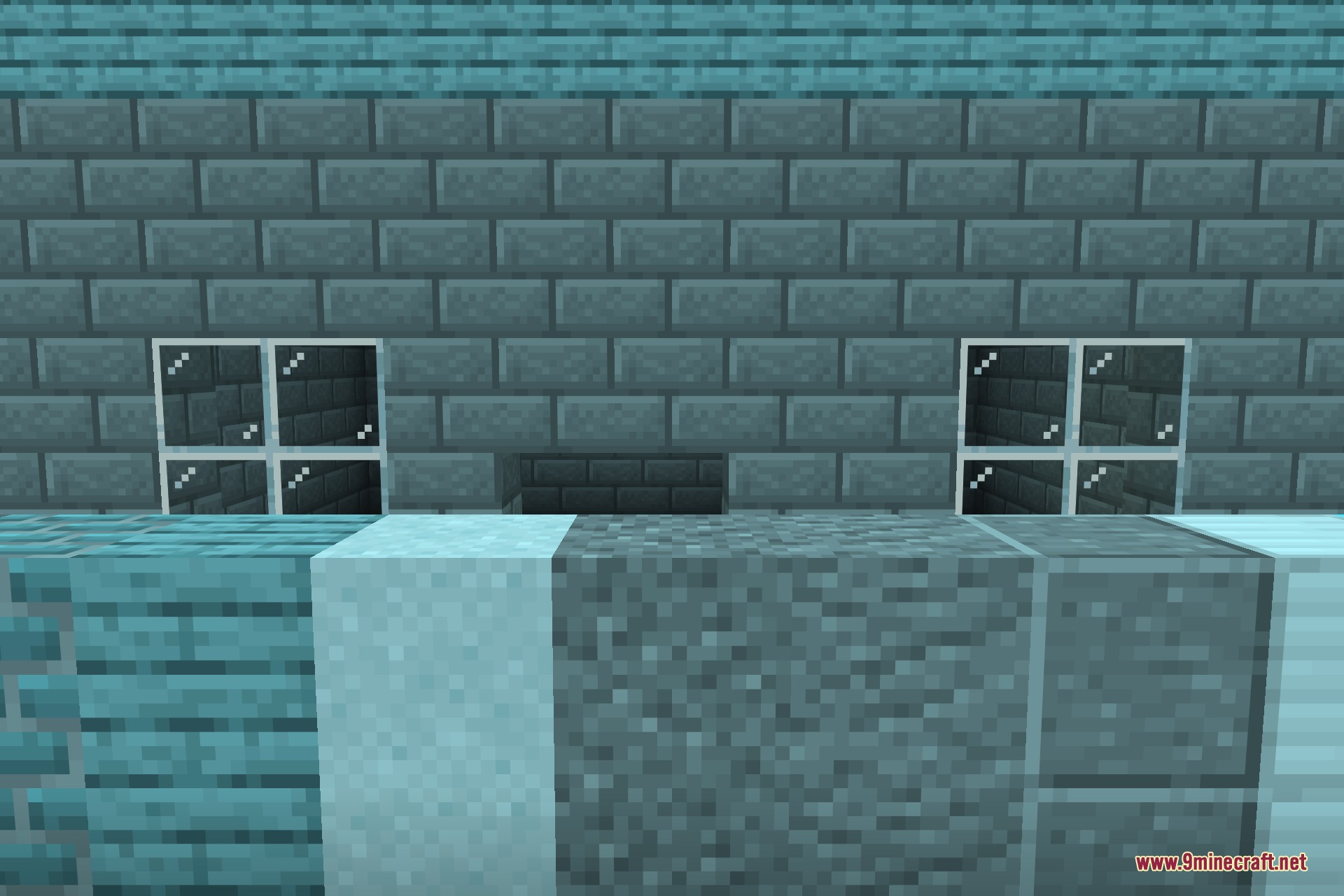
Load My Resources 9minecraft Mod Download Links
- Edition: Minecraft Java
- File type: .jar
- How to install: Install the matching mod loader (Forge, Fabric or NeoForge) for your Minecraft version. → Download the .jar. → Put it in the .minecraft/mods folder and launch that loader profile.
- Where to get it: In MC Java Mods, or directly above on this page.
Install steps are the general flow for this file type — How to install Minecraft Java mods & modpacks walks through it step by step.
- Downloads as 505489.mcaddon
- Download size: 104 KB
- Download link checked 22 Sept 2026 — working
- Mirrored on our own servers — the download does not depend on the original host
These come from our own check of the pack file, not from the source page.