ModsJava
Mercenary Mercraft Mod (1.21.1, 1.20.1) – Hire Team Fortress Mercenaries
Java mod listed for Minecraft 1.20–1.21. Downloads from the MC Java Mods app on Android.
⬇ Download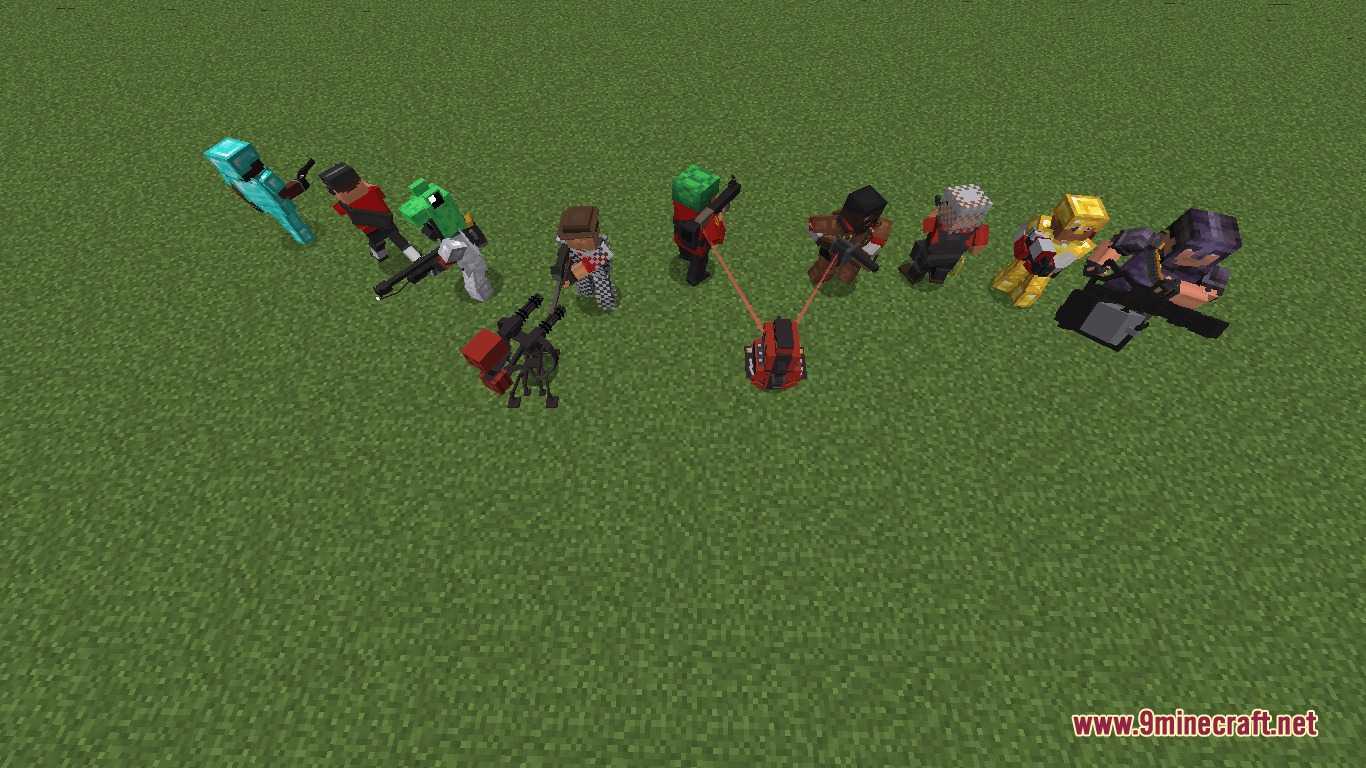
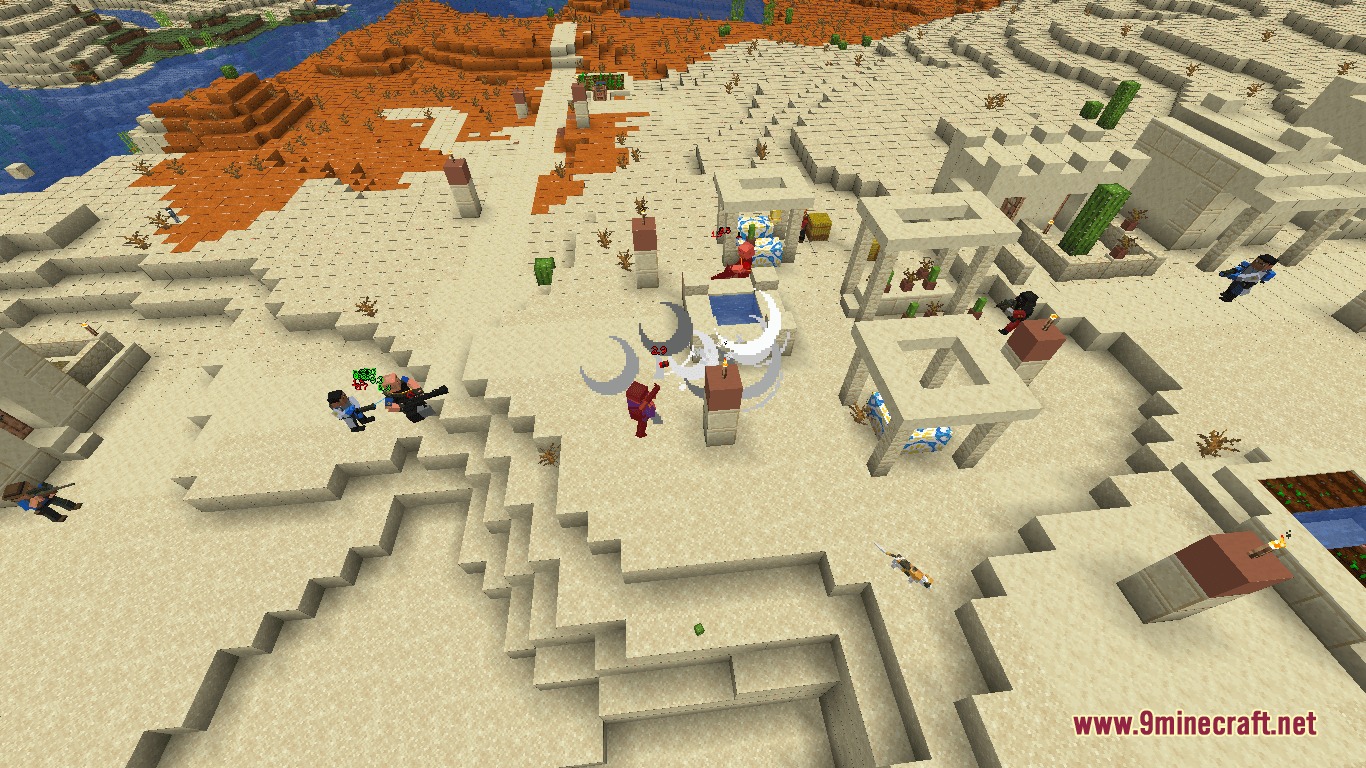
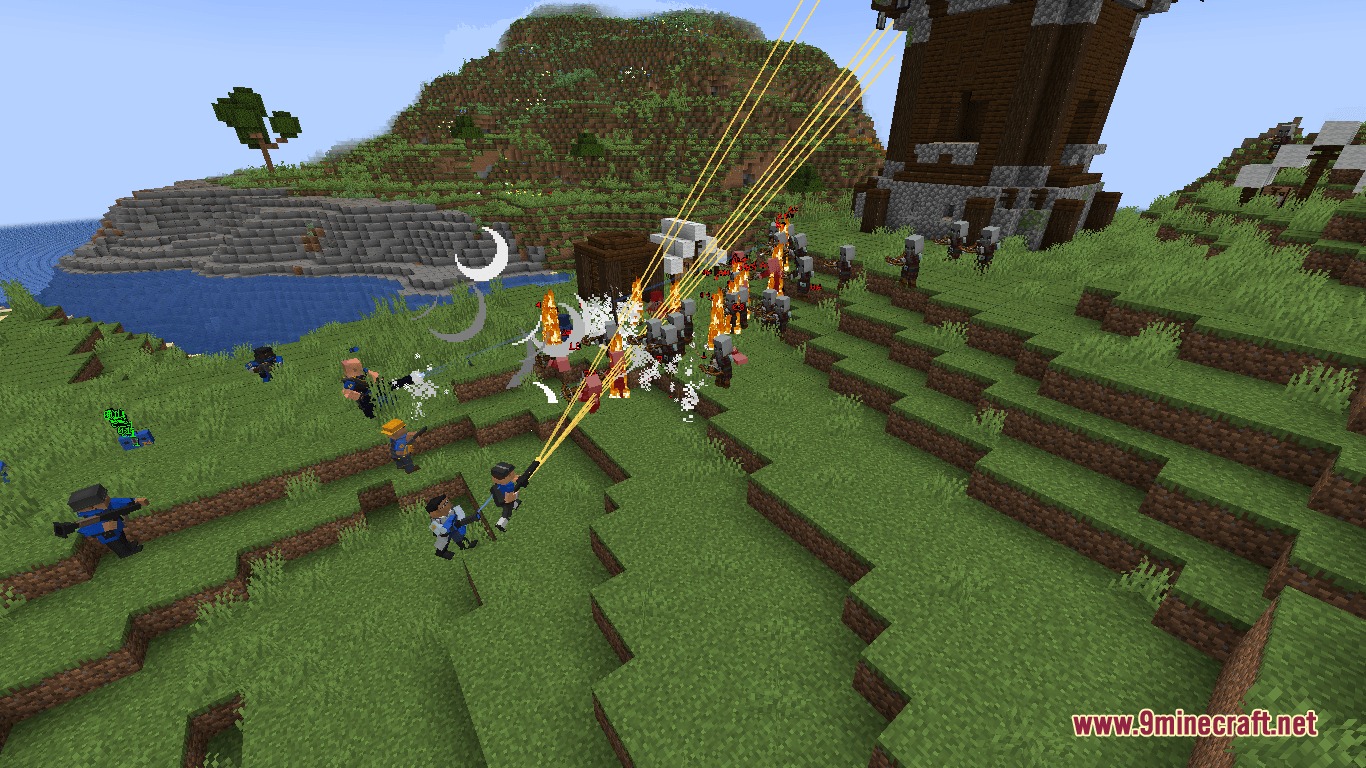
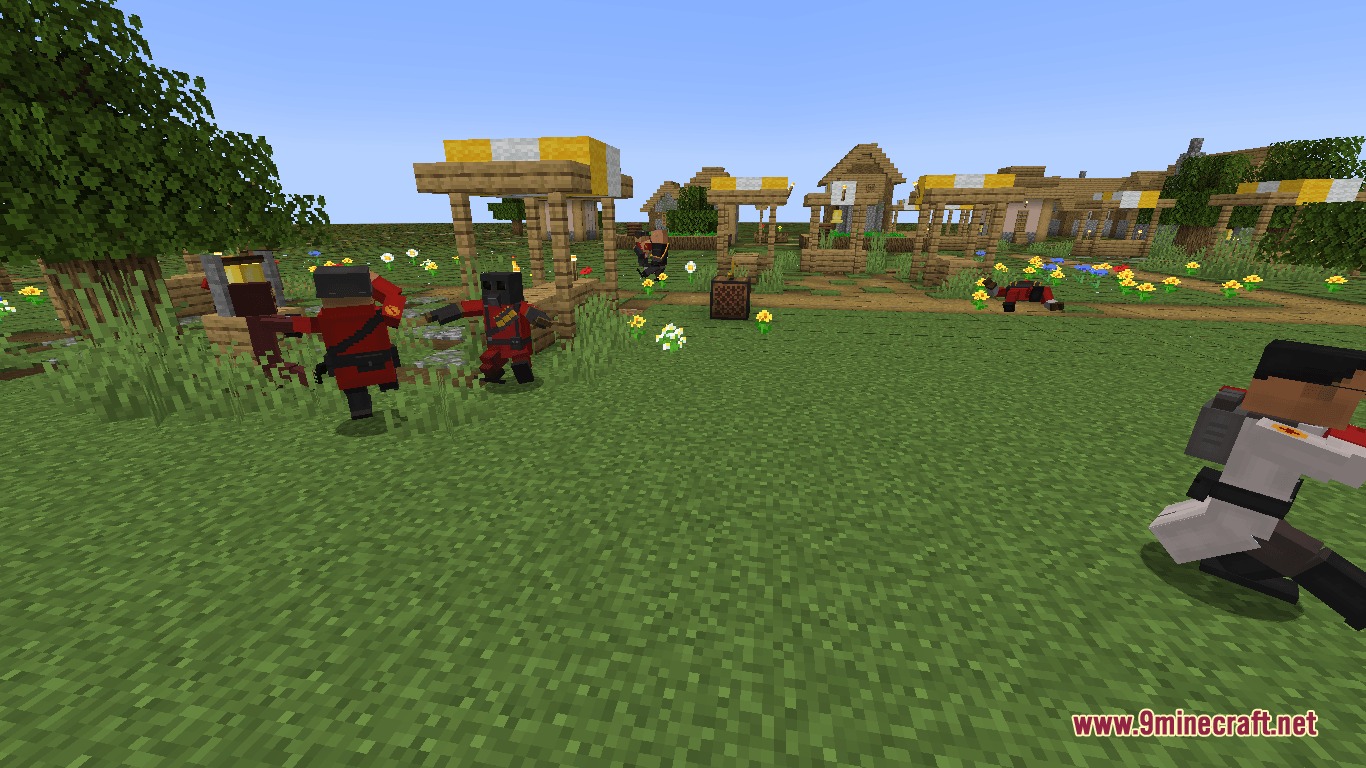
Mercenary Mercraft Mod brings nine iconic mercenaries from Team Fortress 2 straight into your world. Players can choose between RED and BLU teams to hire fighters, set up defensive bases, or clash in battle. The mod introduces custom utility buildings, a new mineral to mine in Badlands biomes, and a tough boss encounter. You can give equipment to your hired fighters and order them to defend your base or join your adventures.
Features:
- Adds nine hireable mercenaries with custom behaviors and useful item drops.
- Lets players pick a side between RED and BLU using the craftable Team Tablet.
- Allows you to give armor to your mercenaries and command them to guard areas or follow you.
- Includes upgradable sentry turrets that fire at hostile targets on sight.
- Provides dispensers that restore player health and replenish food levels.
- Adds teleporters that allow fast movement between two linked spots in the same dimension.
- Spawns Australium ore in Badlands biomes at elevations above Y=32 for special crafting recipes.
- Introduces the Saxton Hale boss summoned using an Australium Transmitter.
- Includes a team banner item in Creative mode to stage faction battles.
How to Use:
- Craft and open the Team Tablet to choose between RED or BLU.
- Find mercenaries in the world to hire them or fight the rival faction.
- Equip your mercenaries with armor and assign them guard or follow tasks.
- Mine Australium in Badlands biomes above Y=32 to craft utility stations and transmitters.
- Build sentries, dispensers, and teleporters to support your base defenses.
- Craft an Australium Transmitter to summon Saxton Hale and claim his rewards.
Screenshots:
Mercenary Mercraft Mod Download Links
Quick facts
- Edition: Minecraft Java
- File type: .jar
- Minecraft versions listed: 1.21.1, 1.20.1
- How to install: Install the matching mod loader (Forge, Fabric or NeoForge) for your Minecraft version. → Download the .jar. → Put it in the .minecraft/mods folder and launch that loader profile.
- Where to get it: In MC Java Mods, or directly above on this page.
Install steps are the general flow for this file type — How to install Minecraft Java mods & modpacks walks through it step by step.
File checked by MCModsHub
- Downloads as 505567.mcaddon
- Download size: 16.9 MB
- Download link checked 23 Sept 2026 — working
- Mirrored on our own servers — the download does not depend on the original host
These come from our own check of the pack file, not from the source page.