
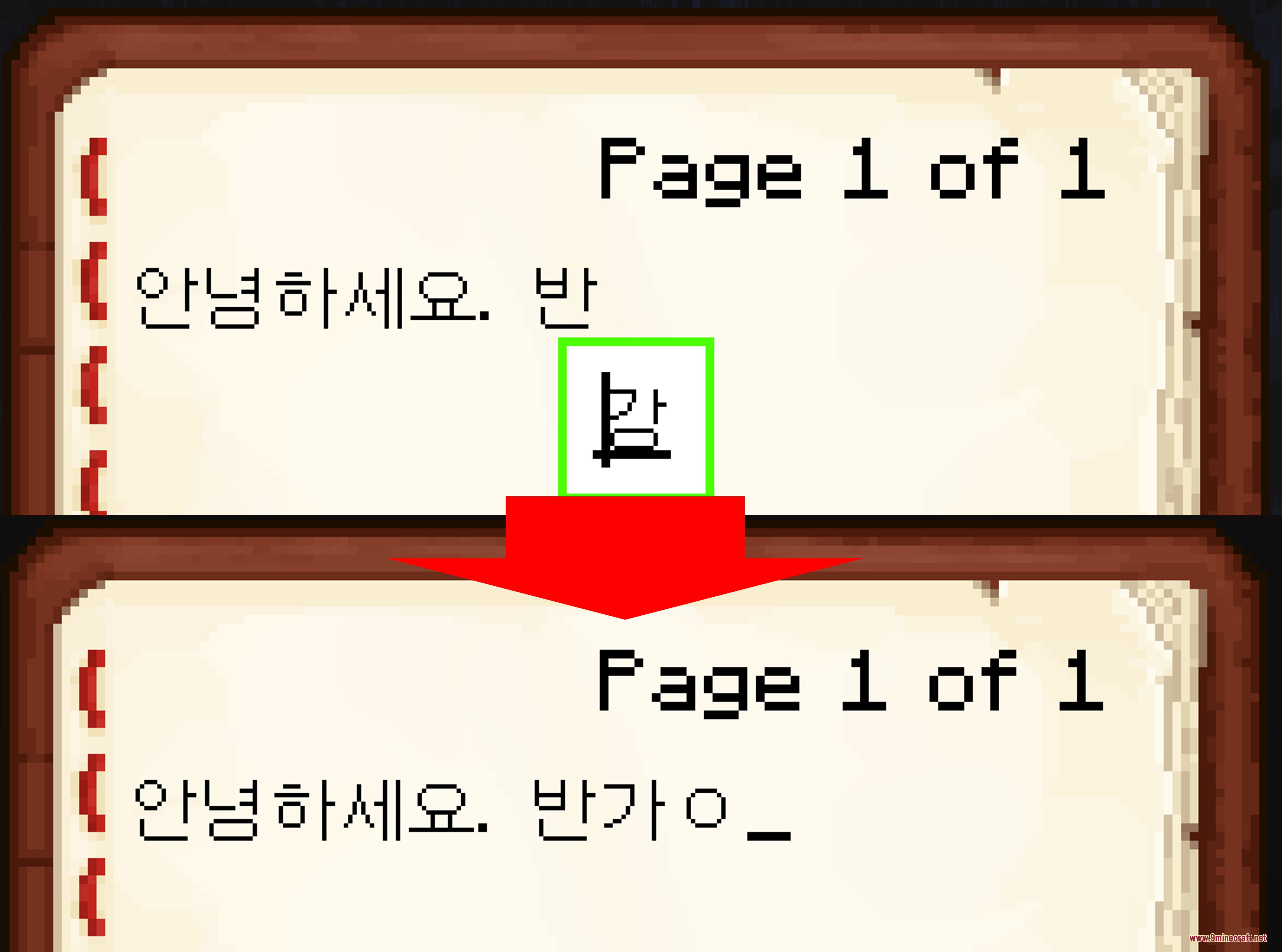
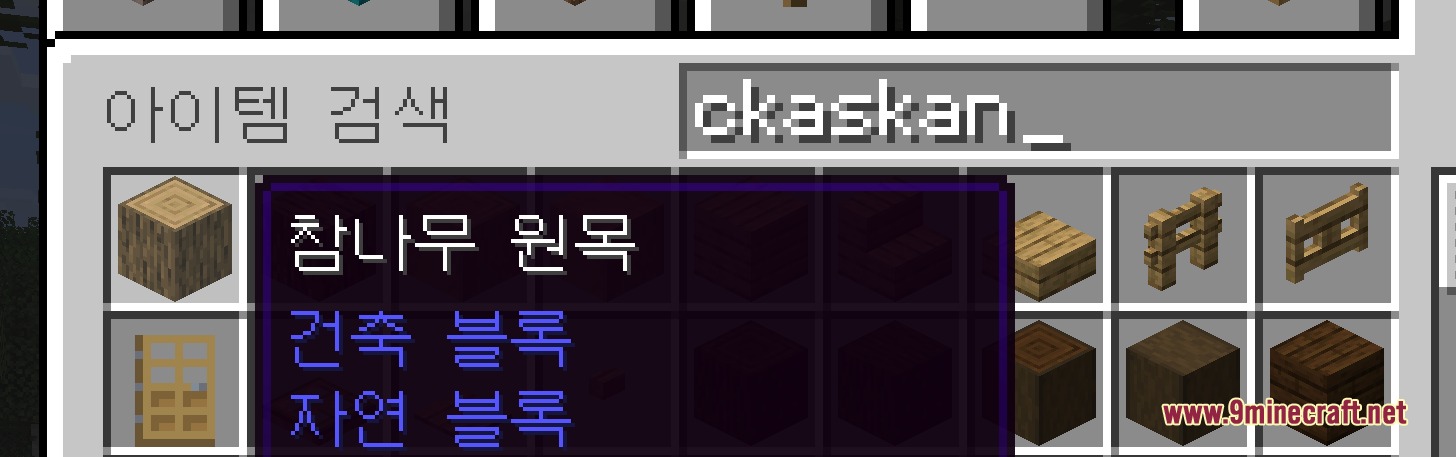
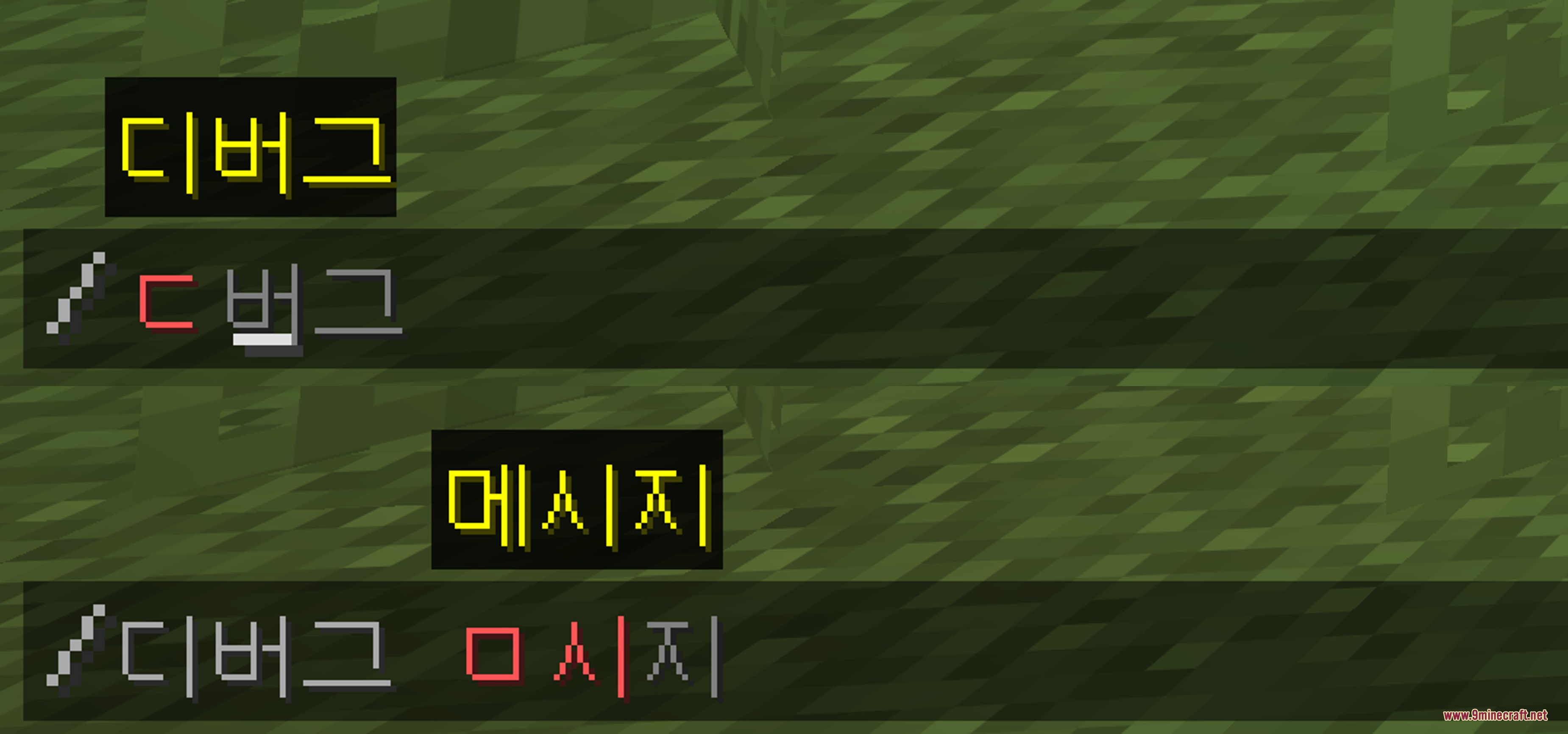

Hangul Flow Interface Mod fixes Korean text input and brings cleaner chat tools to Minecraft. It removes the clunky floating input box so your letters appear directly inside the normal typing bar. This mod also adds quick search options for game inventories and command lines. Players can find items using initial consonants or regular English keyboard inputs without switching languages.
Features:
- Places Korean input right inside the in-game text box instead of using a separate floating indicator.
- Lets you search creative inventory lists using Choseong initial consonants.
- Allows searching for Korean item names by typing Latin keyboard characters directly.
- Brings initial consonant search to command suggestions and auto-complete lists.
- Runs on the client side without needing server-side installation.
Screenshots:
Hangul Flow Interface Mod Download Links
Quick facts
- Edition: Minecraft Java
- File type: .jar
- How to install: Install the matching mod loader (Forge, Fabric or NeoForge) for your Minecraft version. → Download the .jar. → Put it in the .minecraft/mods folder and launch that loader profile.
- Where to get it: In MC Java Mods, or directly above on this page.
Install steps are the general flow for this file type — How to install Minecraft Java mods & modpacks walks through it step by step.
Verified by MCModsHub
- Downloads as 505569.mcaddon
- Download size: 85 KB
- Download link checked 24 Sept 2026 — working
- Mirrored on our own servers — the download does not depend on the original host
These come from our own check of the pack file, not from the source page.