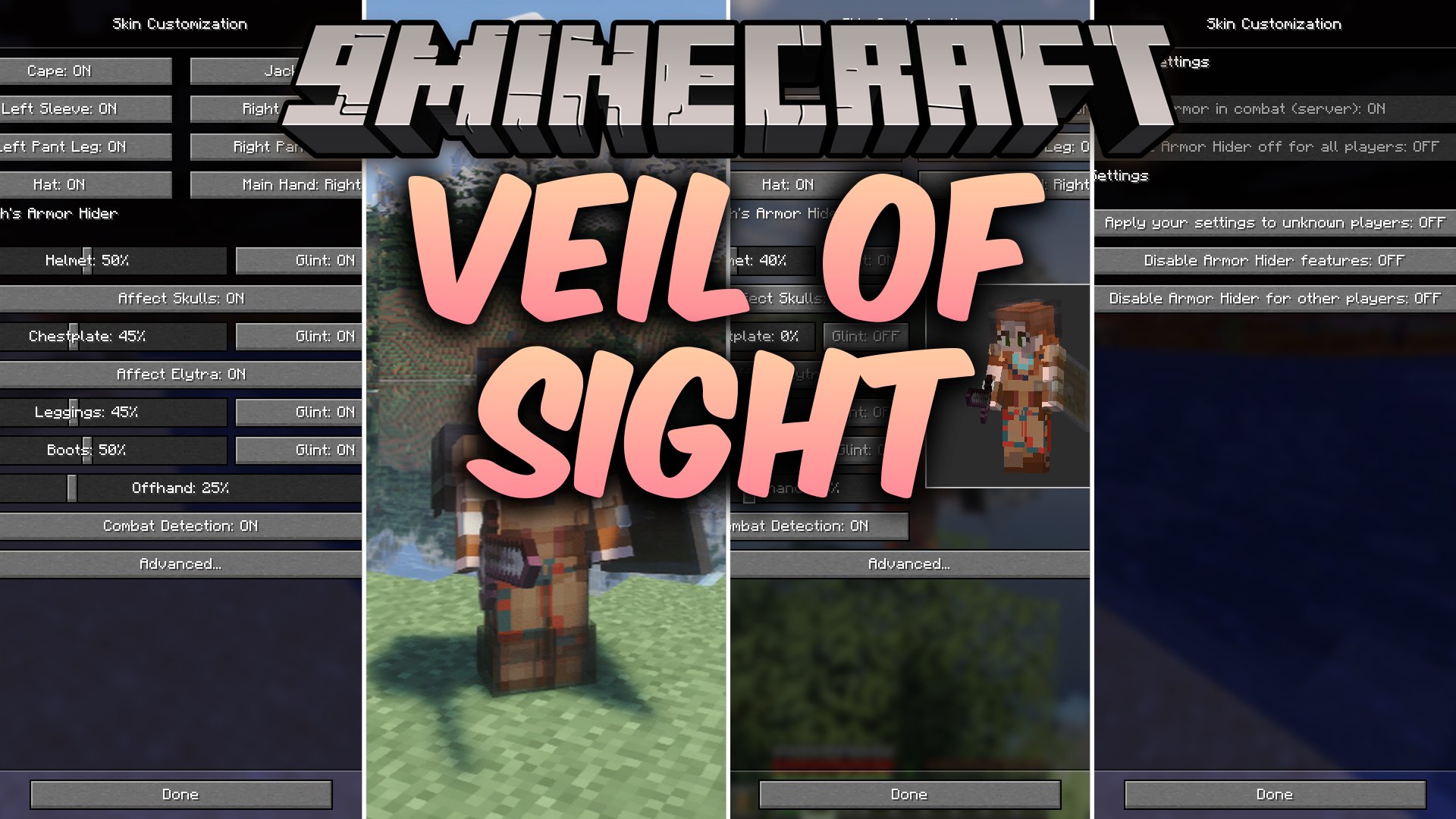

Veil of Sight Mod lets you hide or change the transparency of your armor, enchantment glints, and offhand items. It gives you full control over how your character looks without forcing you to unequip protective gear. The mod works on both singleplayer worlds and multiplayer servers, updating your appearance for other players in real time.
Features:
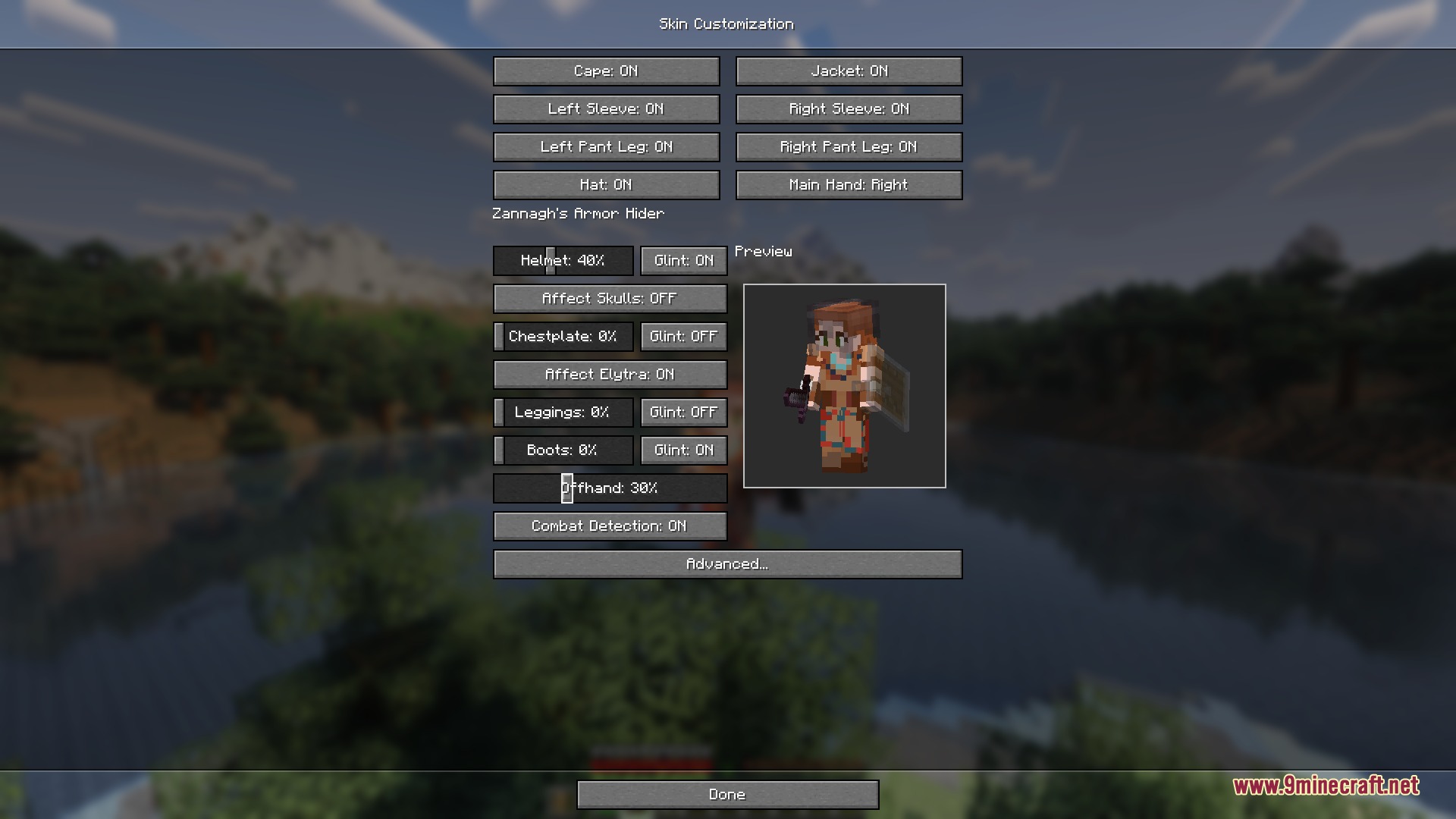
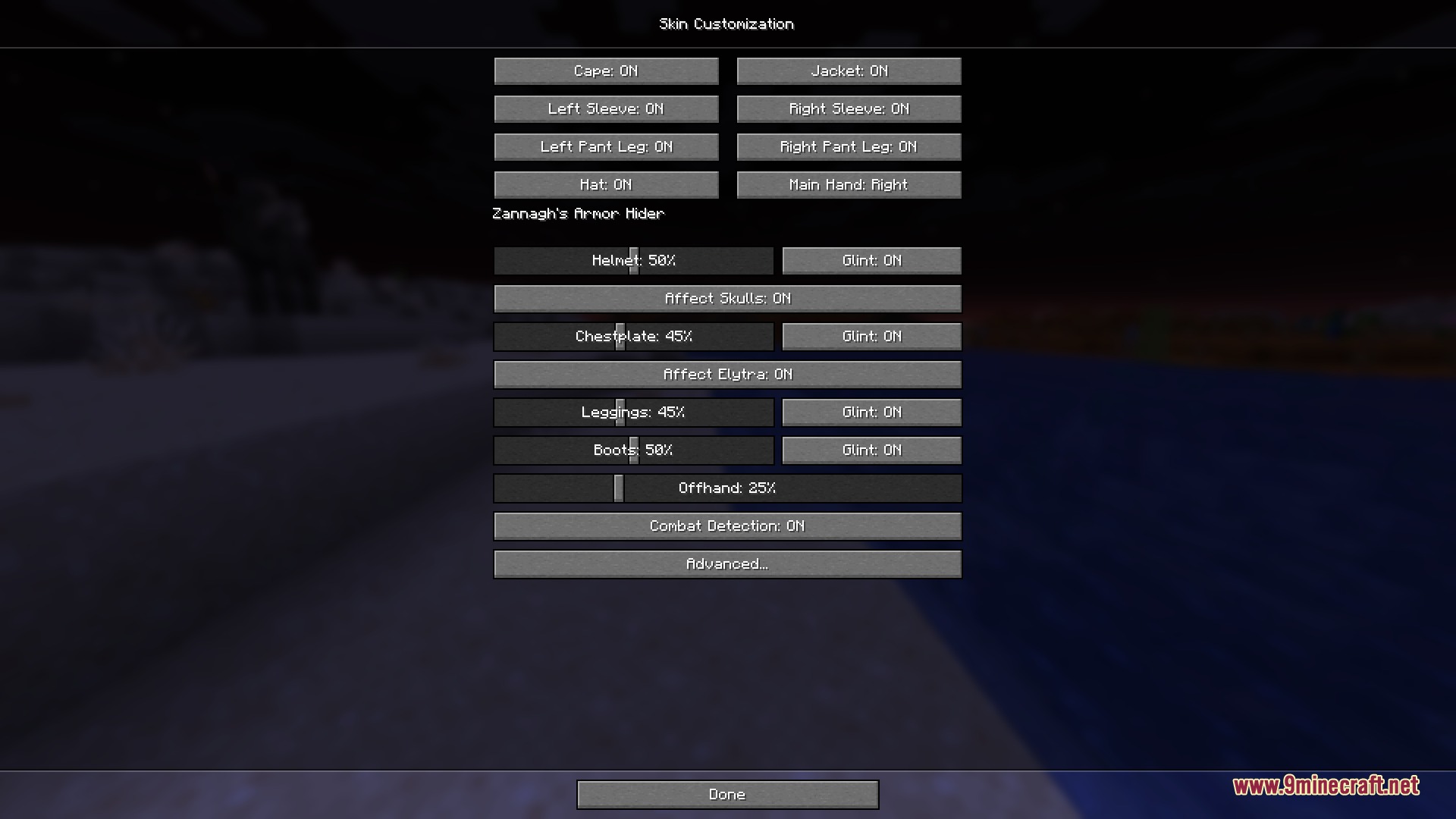
- Offers opacity sliders for helmets, chestplates, leggings, boots, and offhand items.
- Lets you toggle or hide the purple enchantment glint on any specific equipment slot.
- Detects combat to automatically make your armor fully visible during fights.
- Includes invisibility potion checks so your armor can vanish when you turn invisible.
- Syncs all appearance settings across multiplayer servers so other players see your chosen style.
- Works entirely on the client side when playing on servers without the mod installed.
- Shows a live preview of your character model inside the customization menu.
- Includes keybind shortcuts to quickly swap configurations or open the options screen.
- Saves custom presets so you can switch between visual setups instantly.
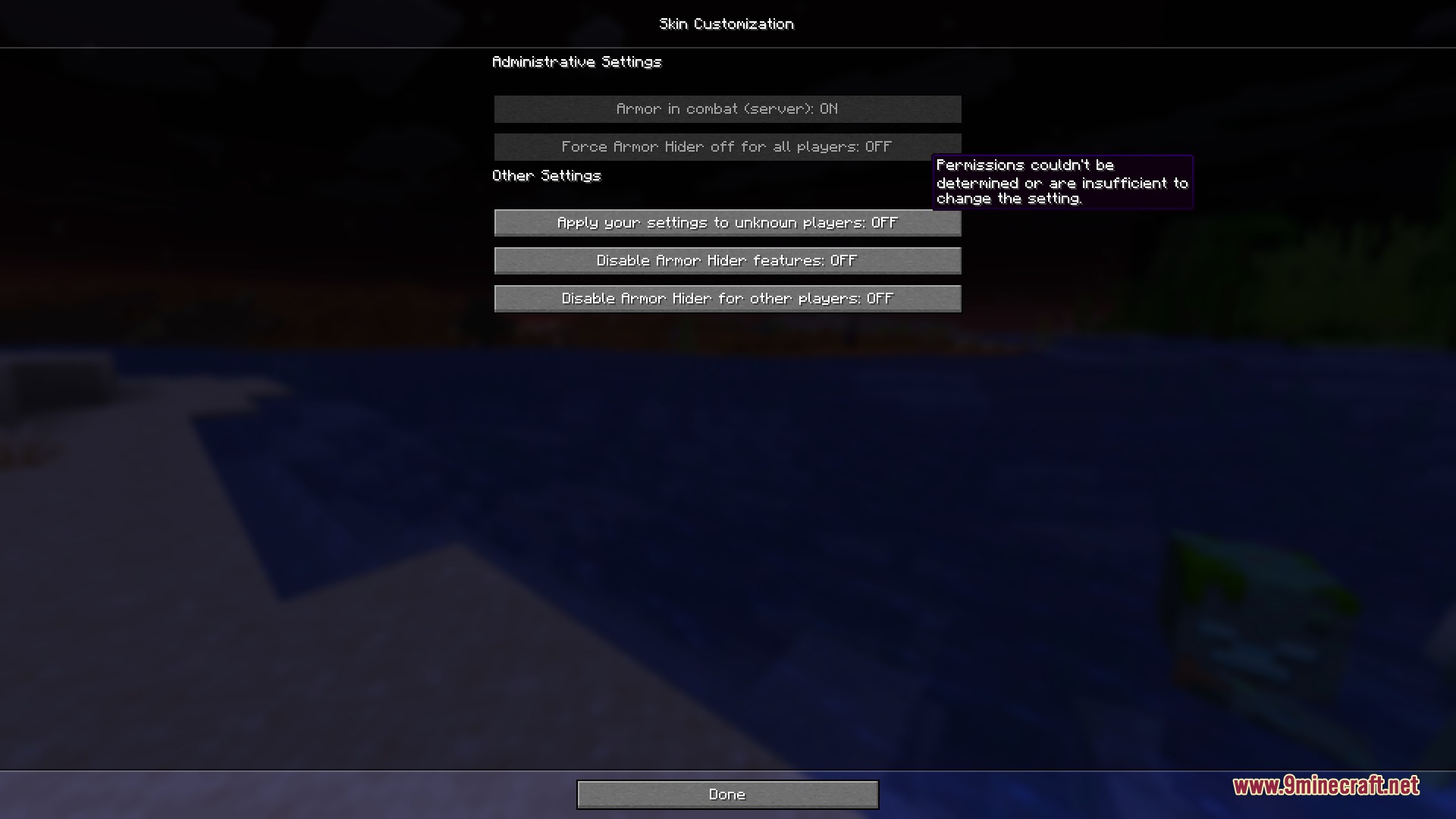
- Allows custom rules for individual items and other players on the server.
- Provides special admin controls for server owners to manage visibility rules.
How to Use:
- Open the customization menu using the assigned keybind in the controls menu.
- Adjust the opacity sliders for each armor piece and your offhand item.
- Toggle the enchantment glint options to match your visual preference.
- Check the live preview on screen to see how your player character looks.
- Save your setup to a preset slot for quick access during gameplay.
Screenshots:
Veil of Sight Mod Download Links
Quick facts
- Edition: Minecraft Java
- File type: .jar
- Minecraft version listed: 1.20.1
- How to install: Install the matching mod loader (Forge, Fabric or NeoForge) for your Minecraft version. → Download the .jar. → Put it in the .minecraft/mods folder and launch that loader profile.
- Where to get it: In MC Java Mods, or directly above on this page.
Install steps are the general flow for this file type — How to install Minecraft Java mods & modpacks walks through it step by step.
Verified by MCModsHub
- Downloads as 505570.mcaddon
- Download size: 708 KB
- Download link checked 22 Sept 2026 — working
- Mirrored on our own servers — the download does not depend on the original host
These come from our own check of the pack file, not from the source page.