
ModsJava
Resonant Field Logic Mod (1.21.1) – Broadcast Custom Sound Zones in Your World
Java mod listed for Minecraft 1.21. Downloads from the MC Java Mods app on Android.
⬇ Download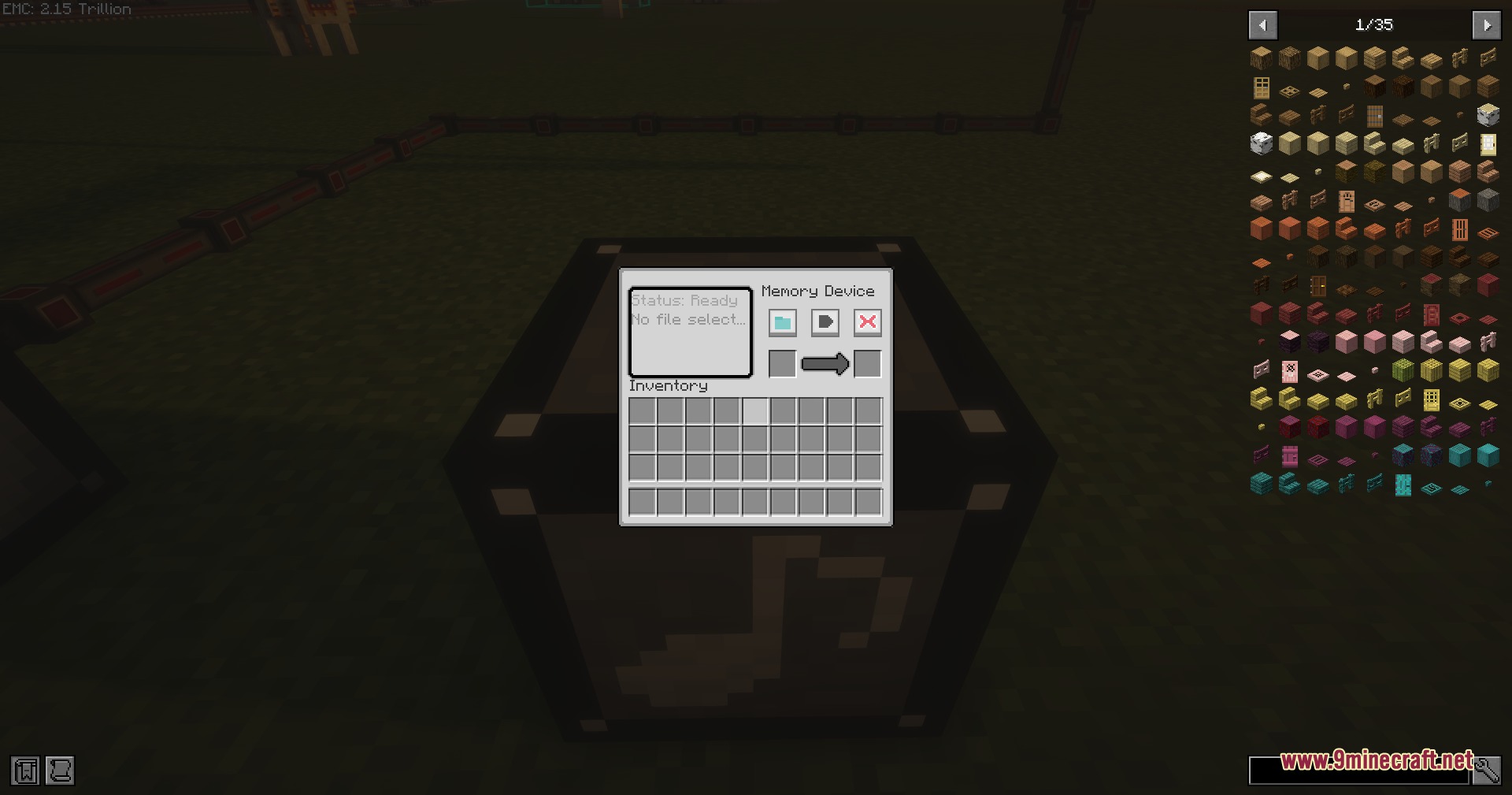
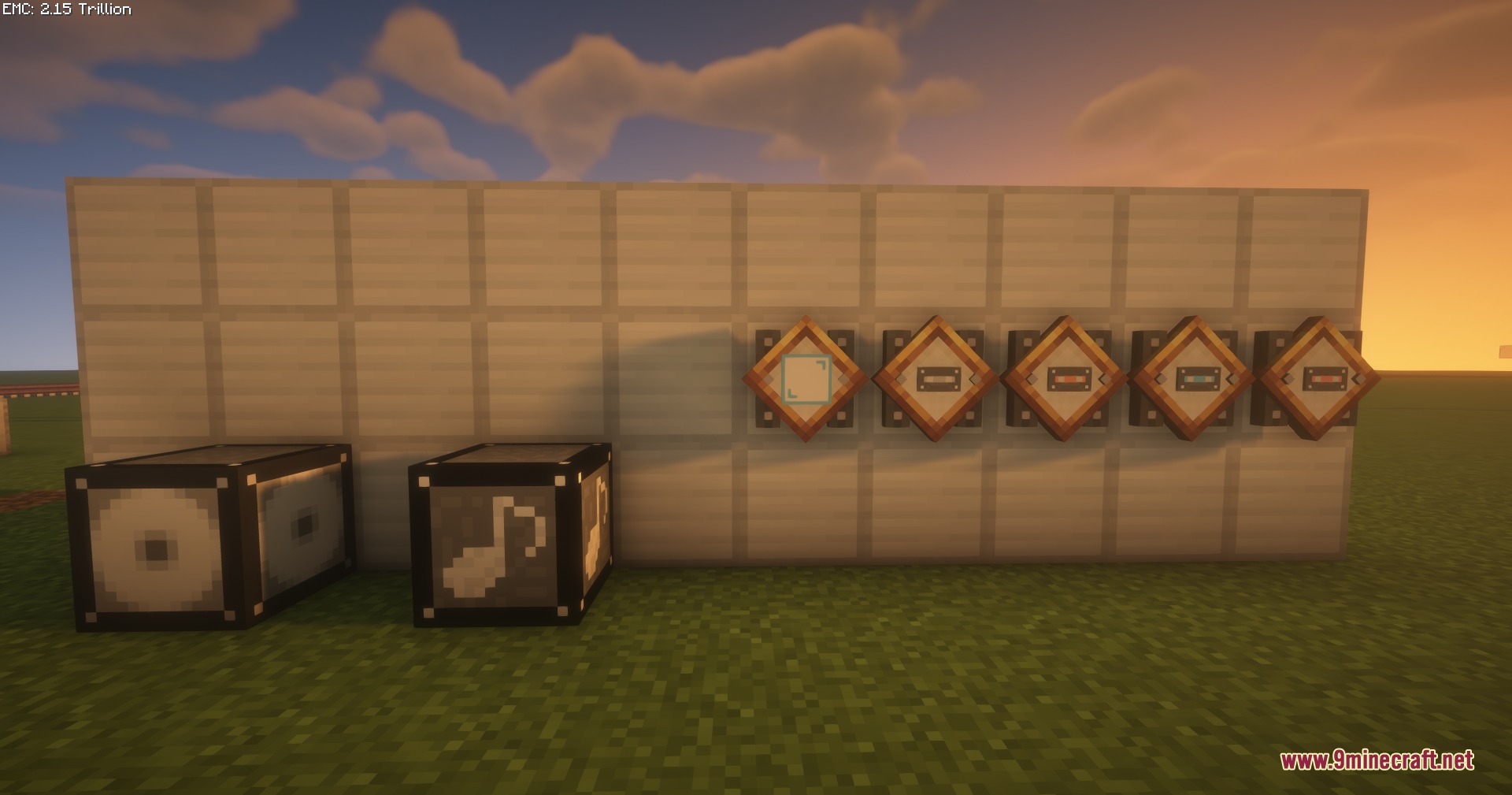
Resonant Field Logic Mod brings custom audio files straight into your world. This mod lets you load sound files from your computer and set exact 3D areas where players can hear them. You can build station announcements, background music zones, or sound triggers hooked up to redstone wiring. The audio streams directly through the server so every player stays synced without lag.
Features:
- Custom Audio Playback: Loads MP3, OGG, and WAV sound files up to 10 MB from your computer.
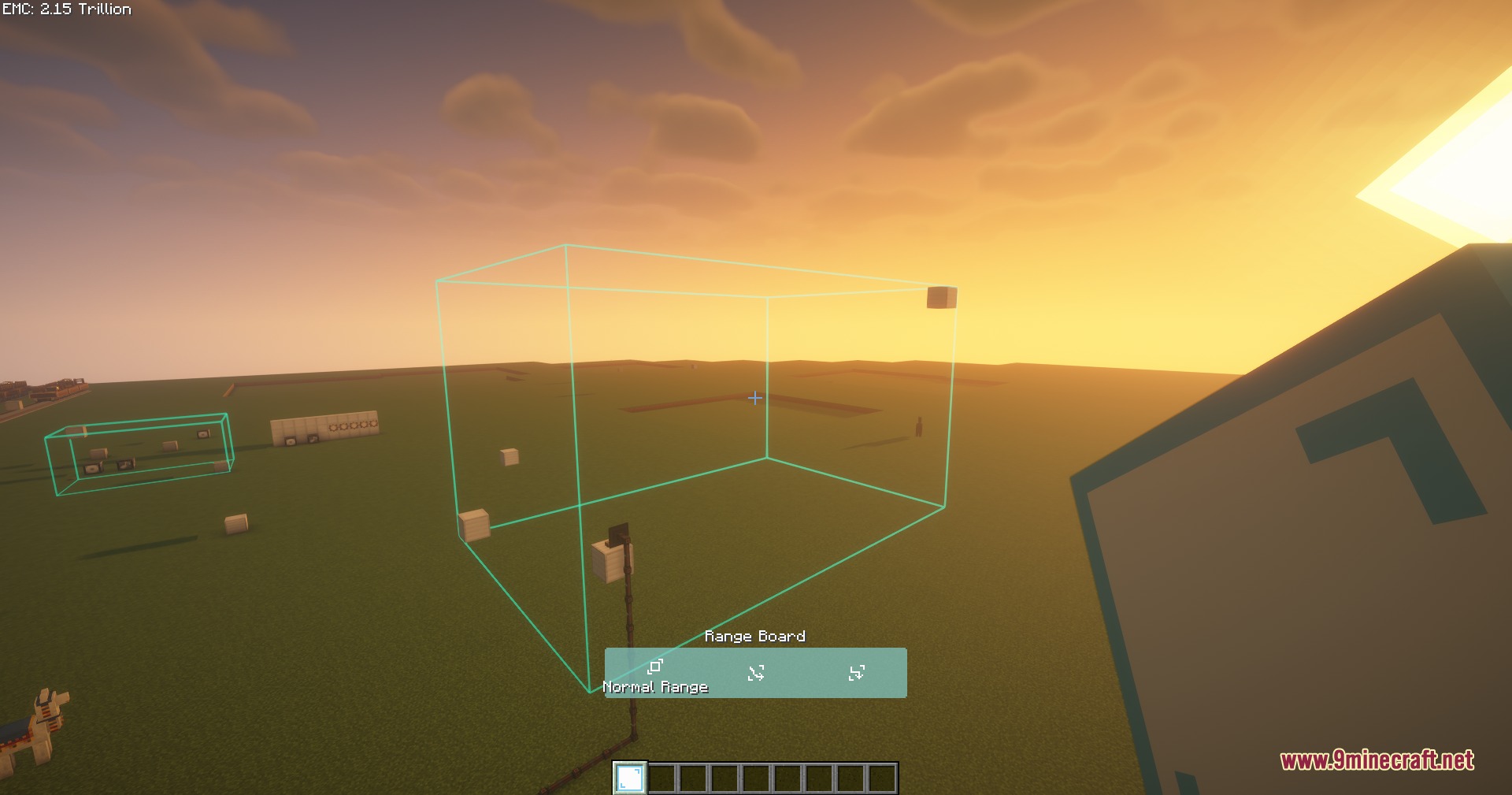
- 3D Sound Zones: Uses a Range Board block to define precise hearing boxes with custom fade-out directions.
- Playlist Queues: Schedules up to 6 audio tracks in a row and repeats each item between 1 and 10 times.
- Displays cover art embedded inside your audio files right on the block screens.
- Fires audio automatically when triggered by a redstone signal.
- Sets ownership on devices so you can toggle them between public and private access.
- Streams sound from the server to keep audio in sync across multiplayer worlds.
- Includes in-game help text with hover hints and built-in guides accessible with the F1 key.
How to Use:
- Place a Memory Device and insert a recording medium item.
- Load an audio file from your computer onto the medium through the device interface.
- Set up a Range Board to choose the exact 3D hearing boundaries and sound fade directions.
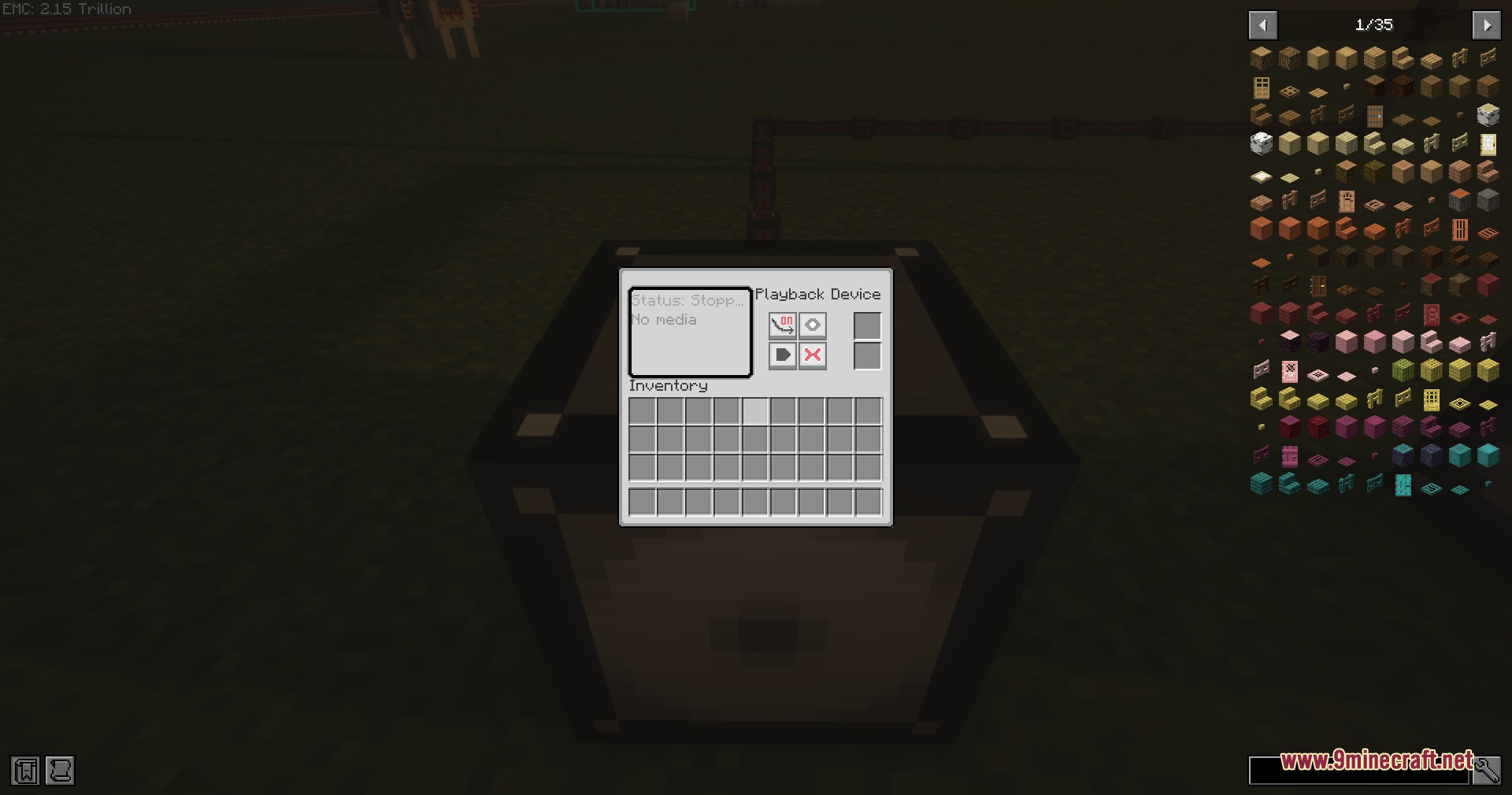
- Place your loaded medium into a Playback Device and trigger it manually or with redstone.
- Press F1 while looking at any device screen if you need in-game guidance.
Screenshots:
Resonant Field Logic Mod Download Links
Quick facts
- Edition: Minecraft Java
- File type: .jar
- Minecraft version listed: 1.21.1
- How to install: Install the matching mod loader (Forge, Fabric or NeoForge) for your Minecraft version. → Download the .jar. → Put it in the .minecraft/mods folder and launch that loader profile.
- Where to get it: In MC Java Mods, or directly above on this page.
Install steps are the general flow for this file type — How to install Minecraft Java mods & modpacks walks through it step by step.
File checked by MCModsHub
- Downloads as 505572.mcaddon
- Download size: 2.4 MB
- Download link checked 22 Sept 2026 — working
- Mirrored on our own servers — the download does not depend on the original host
These come from our own check of the pack file, not from the source page.