
ModsJava
Exiled Horizons Mod (26.2, 1.21.1) – Get Exiled Far Across the World Instead
Java mod listed for Minecraft 1.21. Downloads from the MC Java Mods app on Android.
⬇ Download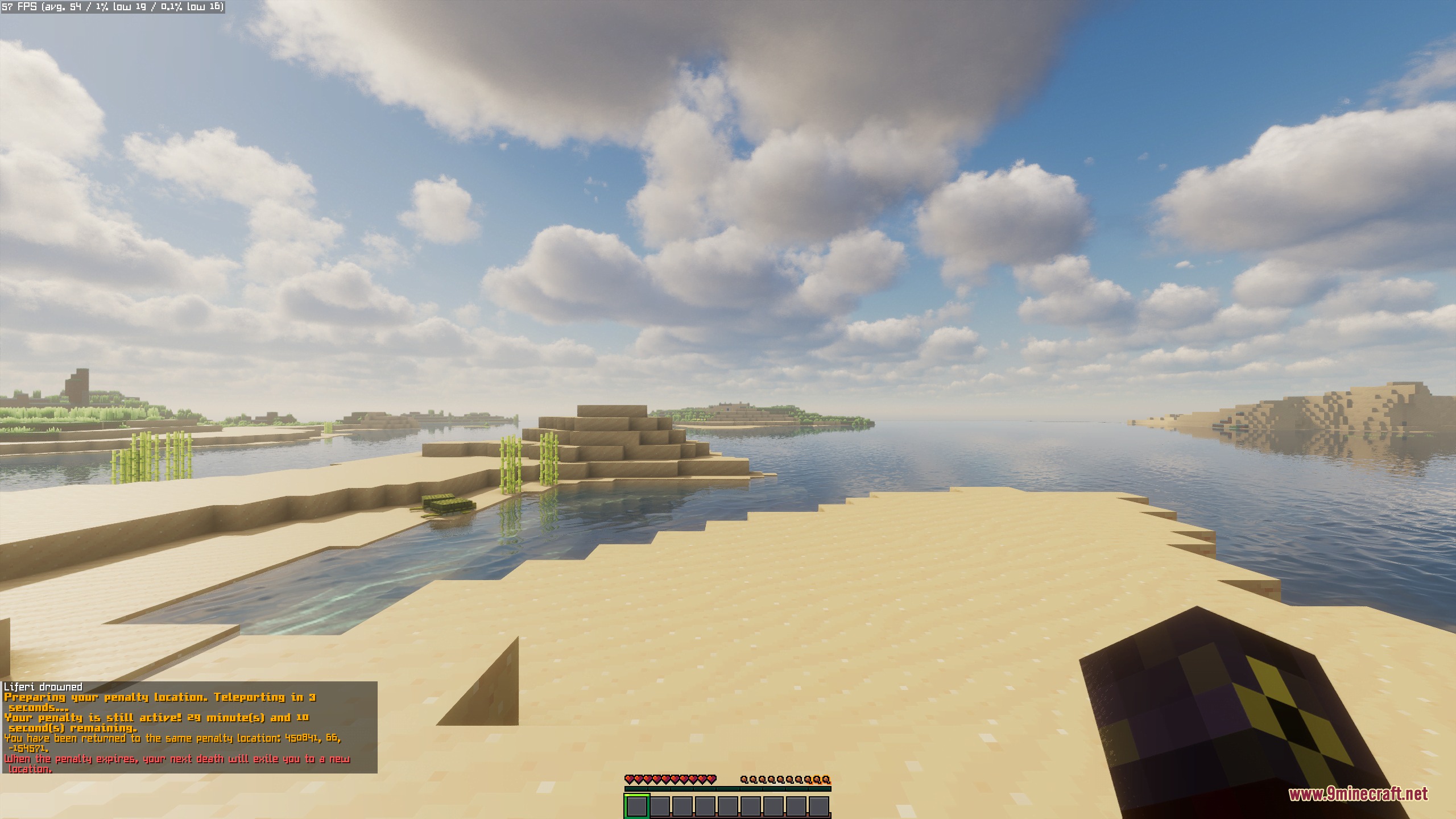
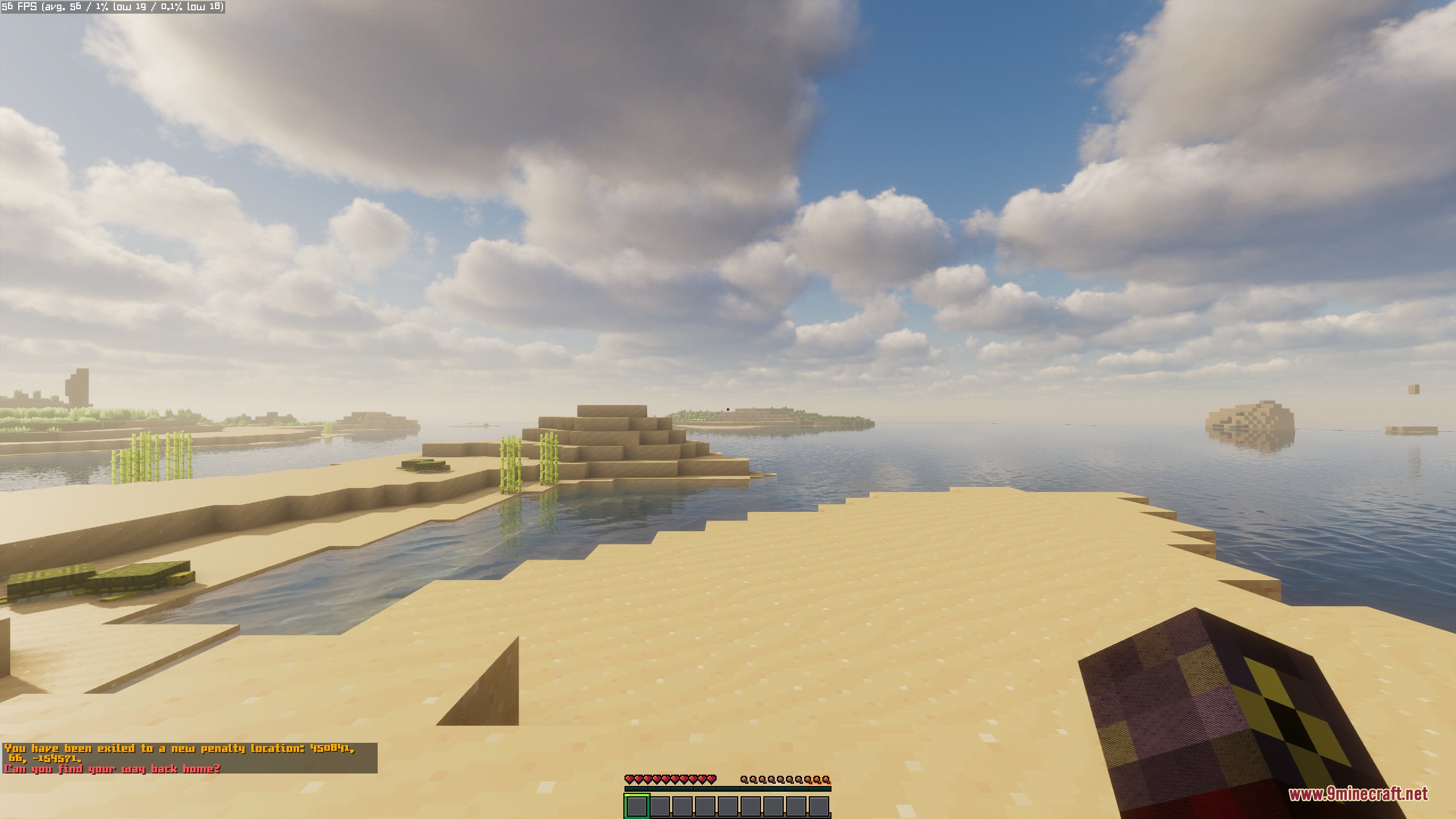
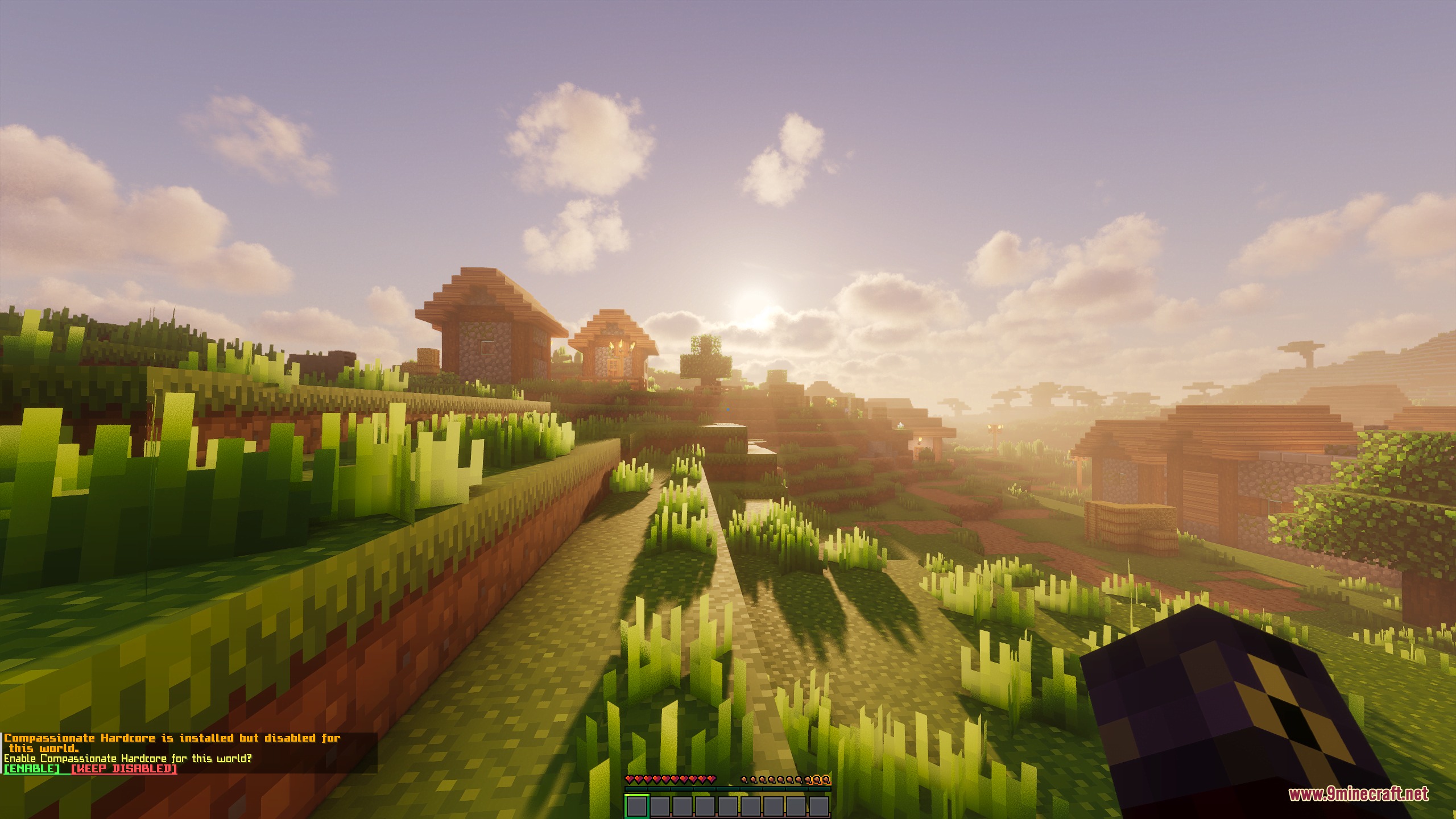
Exiled Horizons Mod teleports you across thousands of blocks instead of deleting your world when you die. It keeps the high stakes of survival without wiping out your builds and progress. When fatal damage occurs, you wake up in an unfamiliar land and must start over or find your way back to your base. The mod runs on the server side, so joining players can play without extra client setup.
Features:
- Teleports players thousands of blocks away upon death instead of ending the game.
- Keeps your existing builds and world progress fully intact in the background.
- Checks terrain before teleporting you to avoid solid walls, water, or lava pools.
- Gives a safe one-second freeze window before sending you to the new destination.
- Applies a 30-minute penalty timer that sends you to the same exile spot if you die again too soon.
- Saves penalty timers, active profiles, and locations even after a server restart.
- Runs entirely on the server side so joining friends do not need extra files.
Difficulty Profiles:
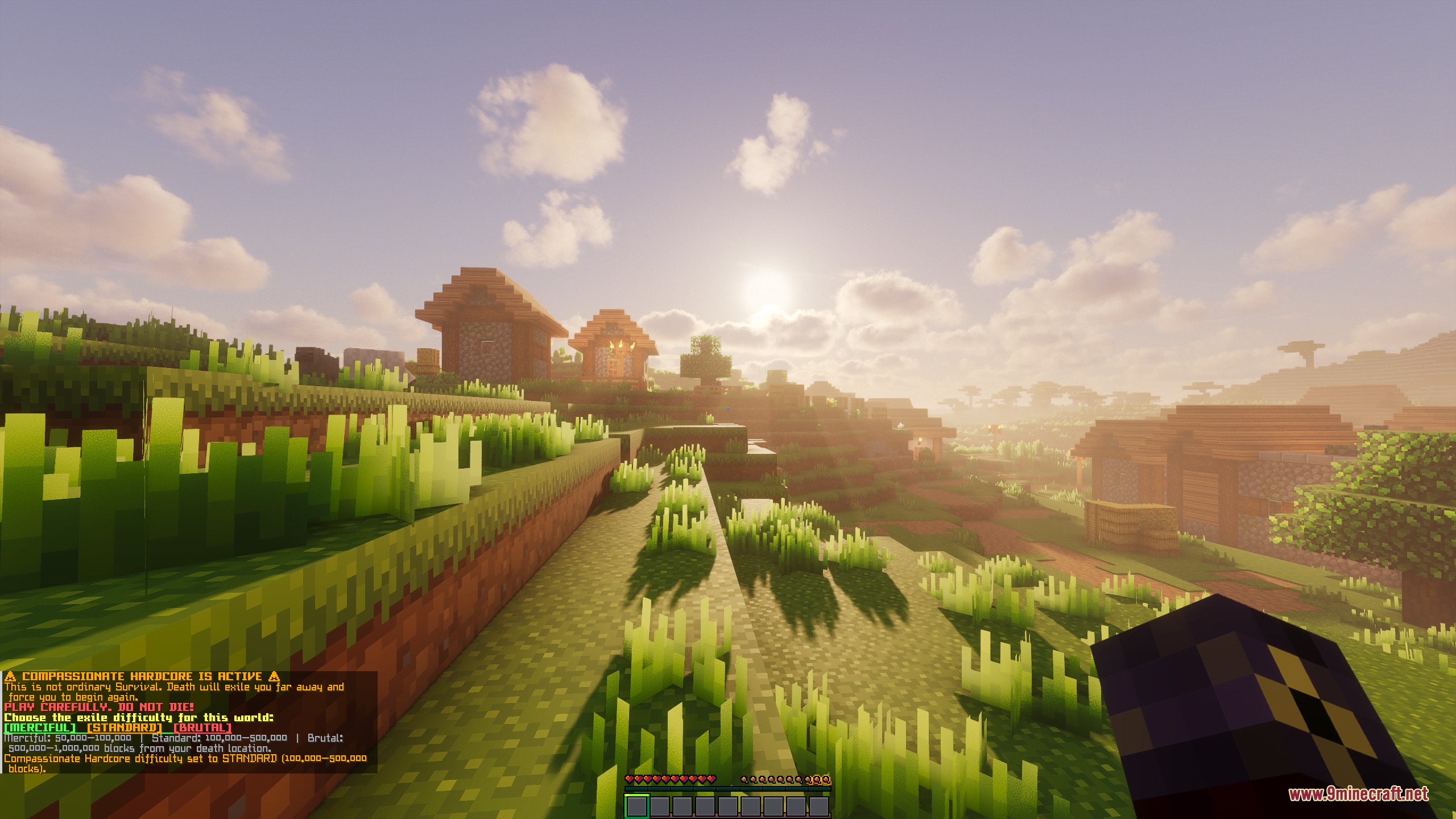
- Merciful: sends players between 50,000 and 100,000 blocks away from the death point.
- Standard: drops players between 100,000 and 500,000 blocks away from where they fell.
- Brutal: casts players between 500,000 and 1,000,000 blocks away across the Overworld.
Commands:
/chm enable: turns on the exile system in the current world./chm disable: turns off the exile system in the current world./chm status: displays the current status and active difficulty profile./chm profile: changes the distance range profile.
How to Use:
- Start a standard Survival world set to Hard difficulty.
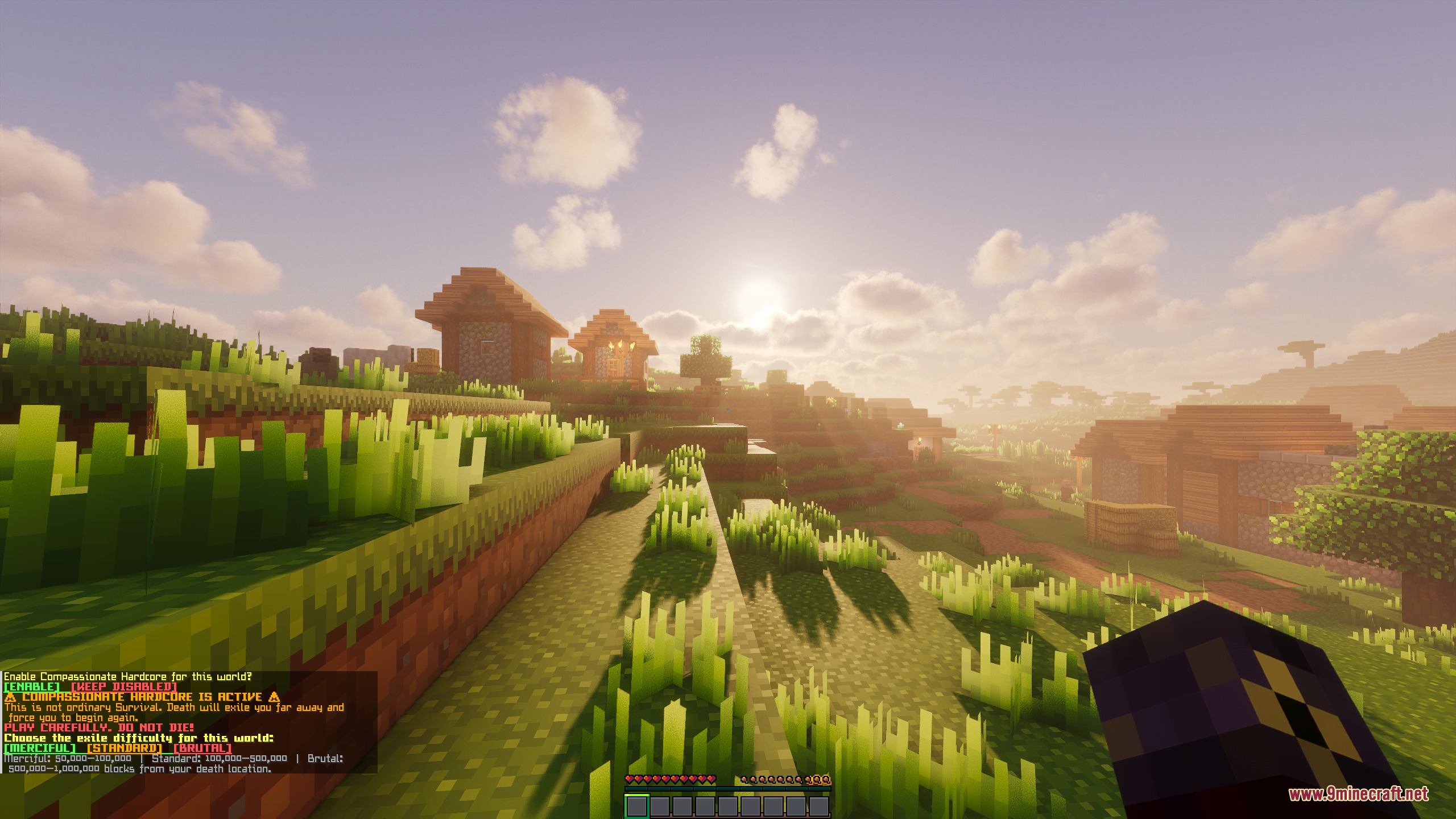
- Click the chat prompt to activate the system or type
/chm enablein chat. - Select your preferred exile difficulty profile from the chat menu.
- Survive normally and prepare backup gear in case death sends you far away.
Screenshots:
Exiled Horizons Mod Download Links
Quick facts
- Edition: Minecraft Java
- File type: .jar
- Minecraft version listed: 1.21.1
- How to install: Install the matching mod loader (Forge, Fabric or NeoForge) for your Minecraft version. → Download the .jar. → Put it in the .minecraft/mods folder and launch that loader profile.
- Where to get it: In MC Java Mods, or directly above on this page.
Install steps are the general flow for this file type — How to install Minecraft Java mods & modpacks walks through it step by step.
File checked by MCModsHub
- Downloads as 505582.mcaddon
- Download size: 375 KB
- Download link checked 24 Sept 2026 — working
- Mirrored on our own servers — the download does not depend on the original host
These come from our own check of the pack file, not from the source page.