ModsJava
Psychic Peak Evolution Mod (1.12.2) – Unleash High-Tech Psychic Superpowers
Minecraft Java mod. Downloads from the MC Java Mods app on Android.
⬇ Download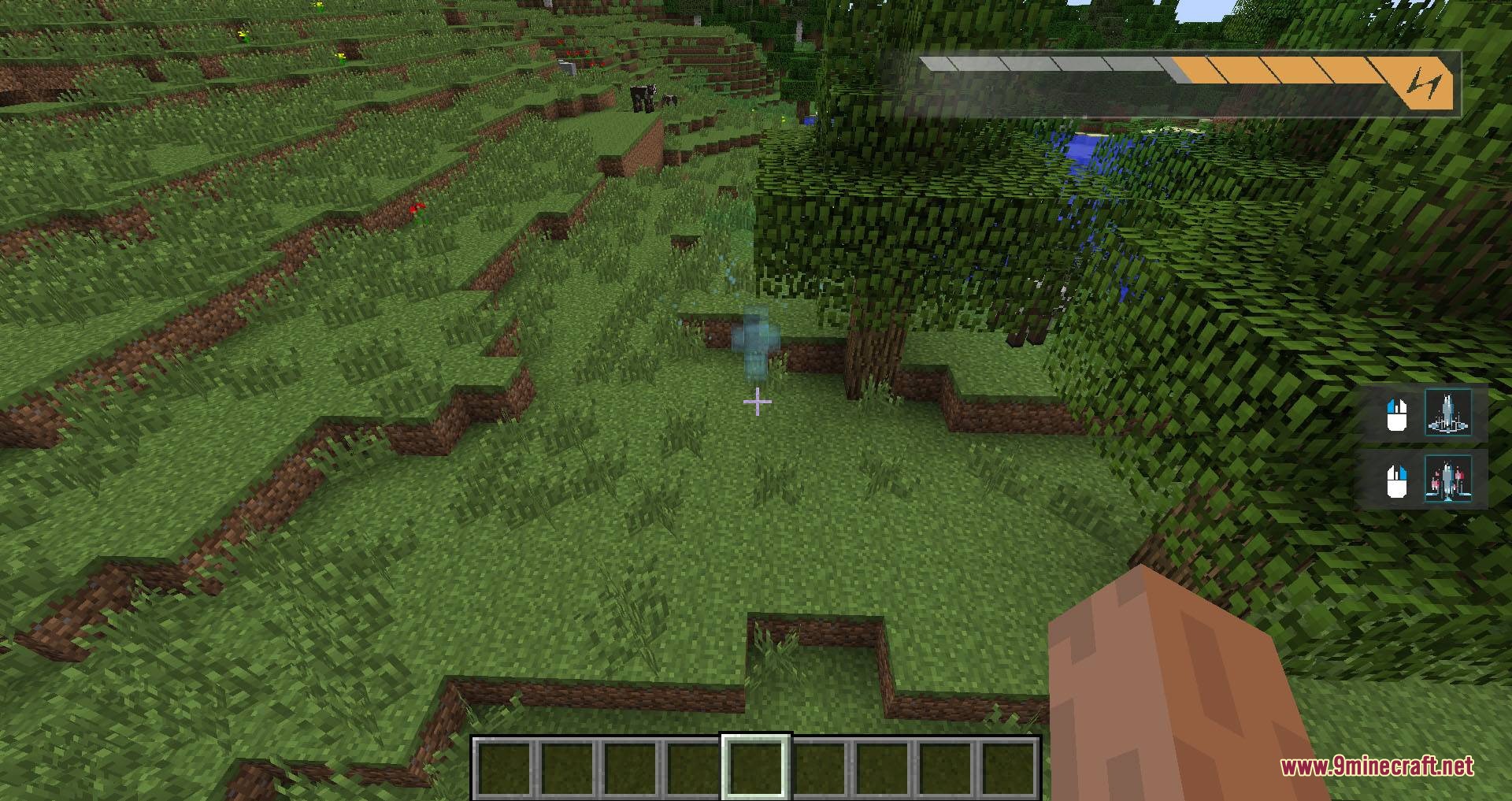
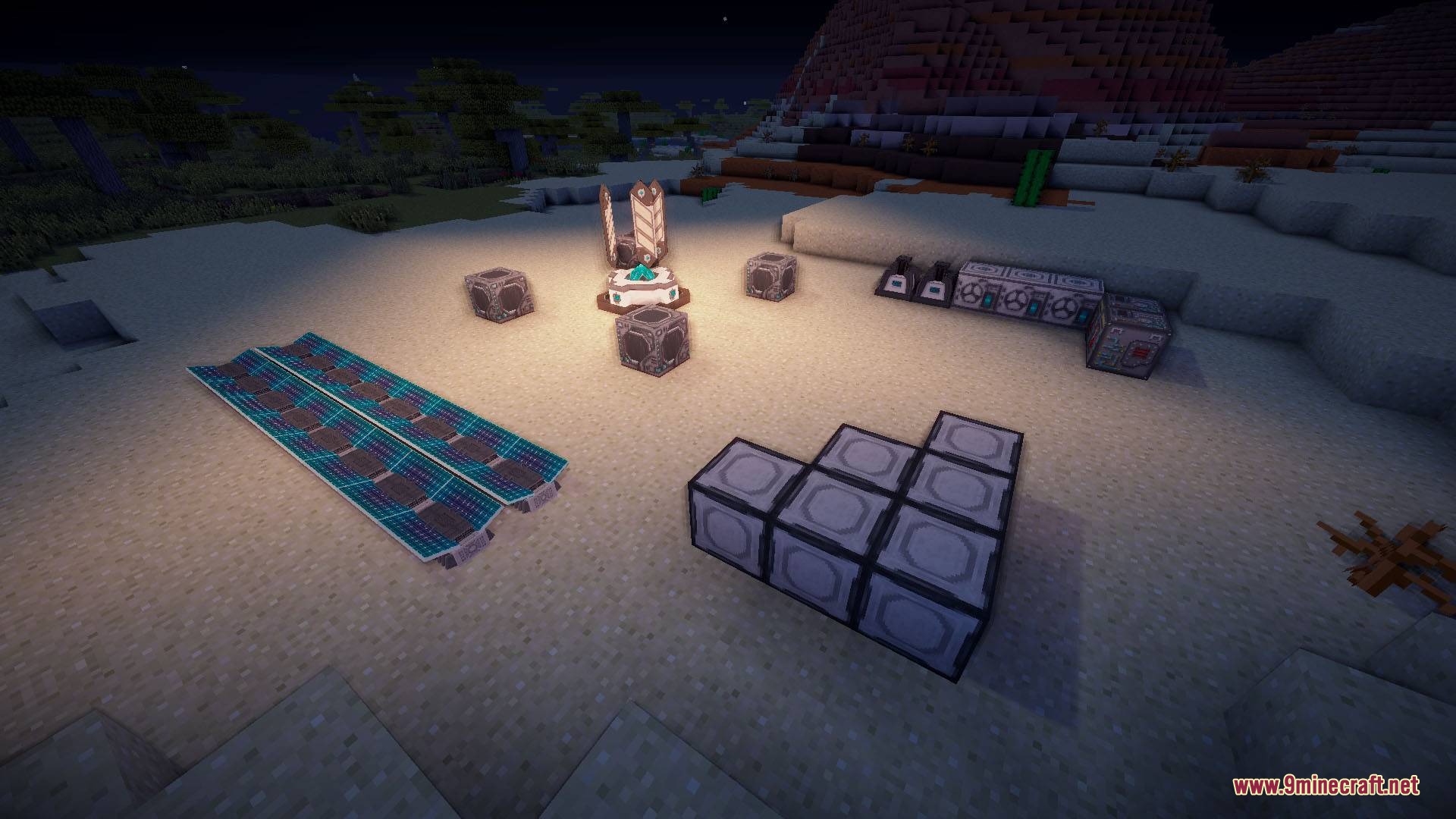
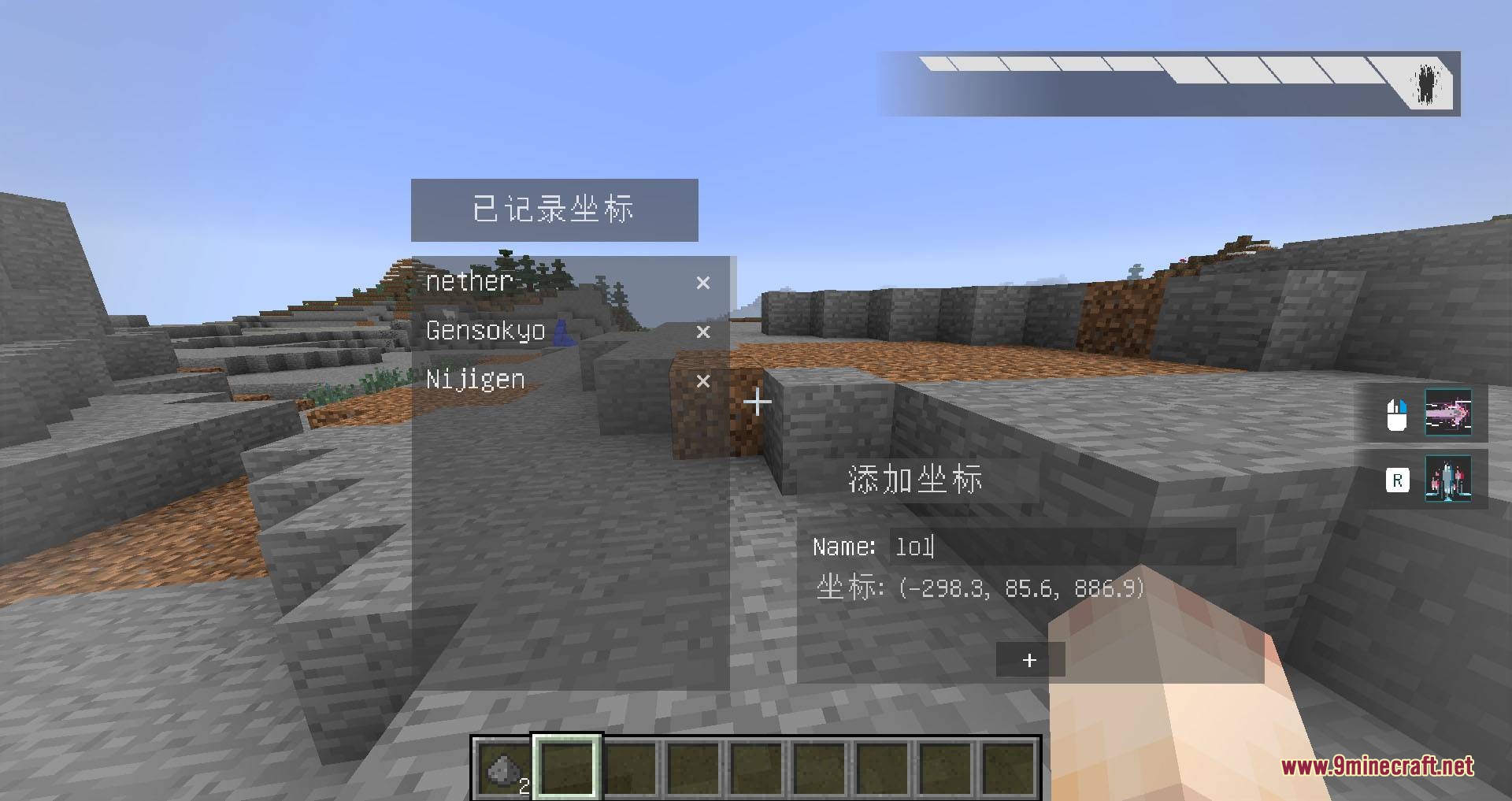
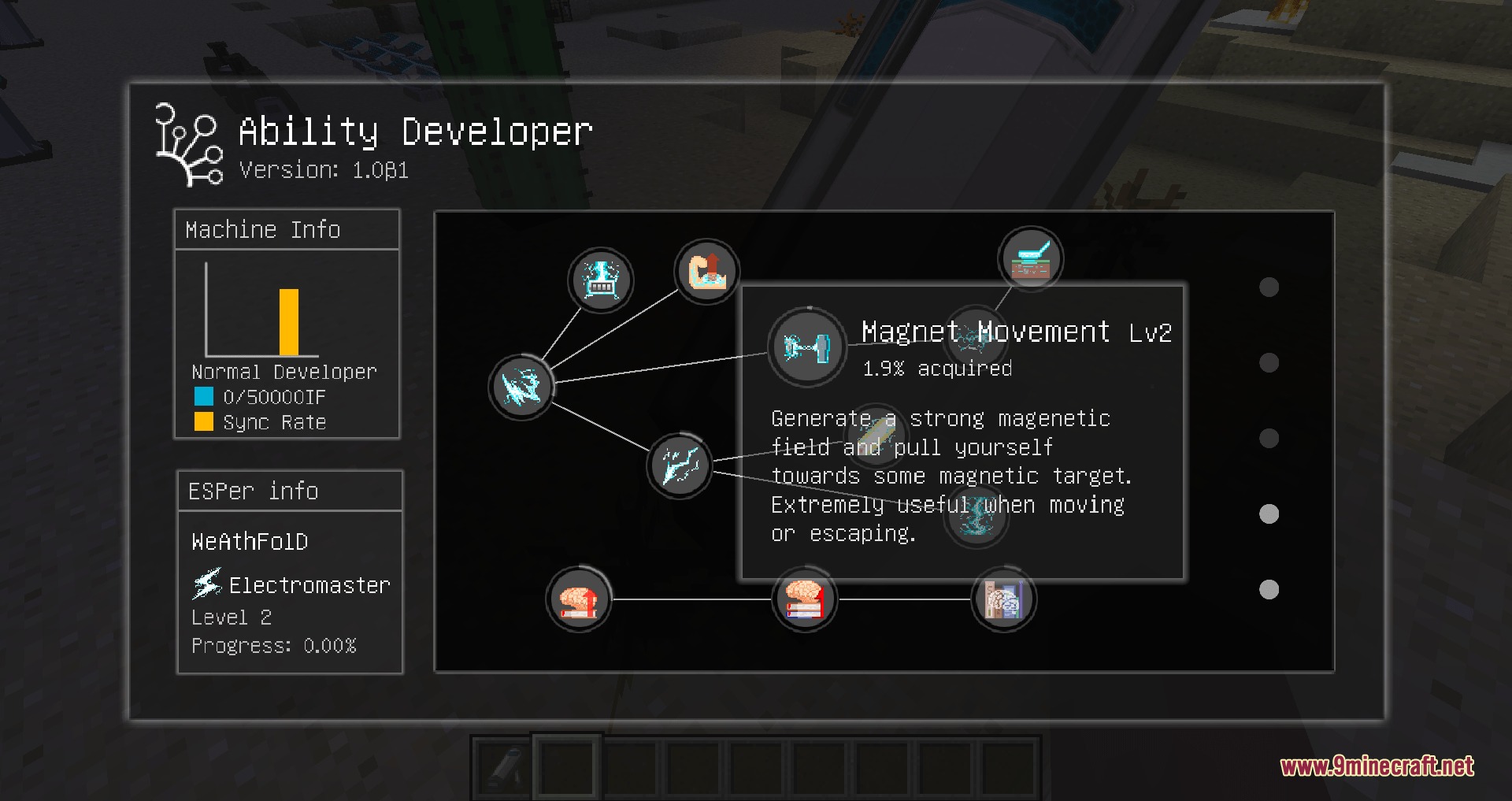
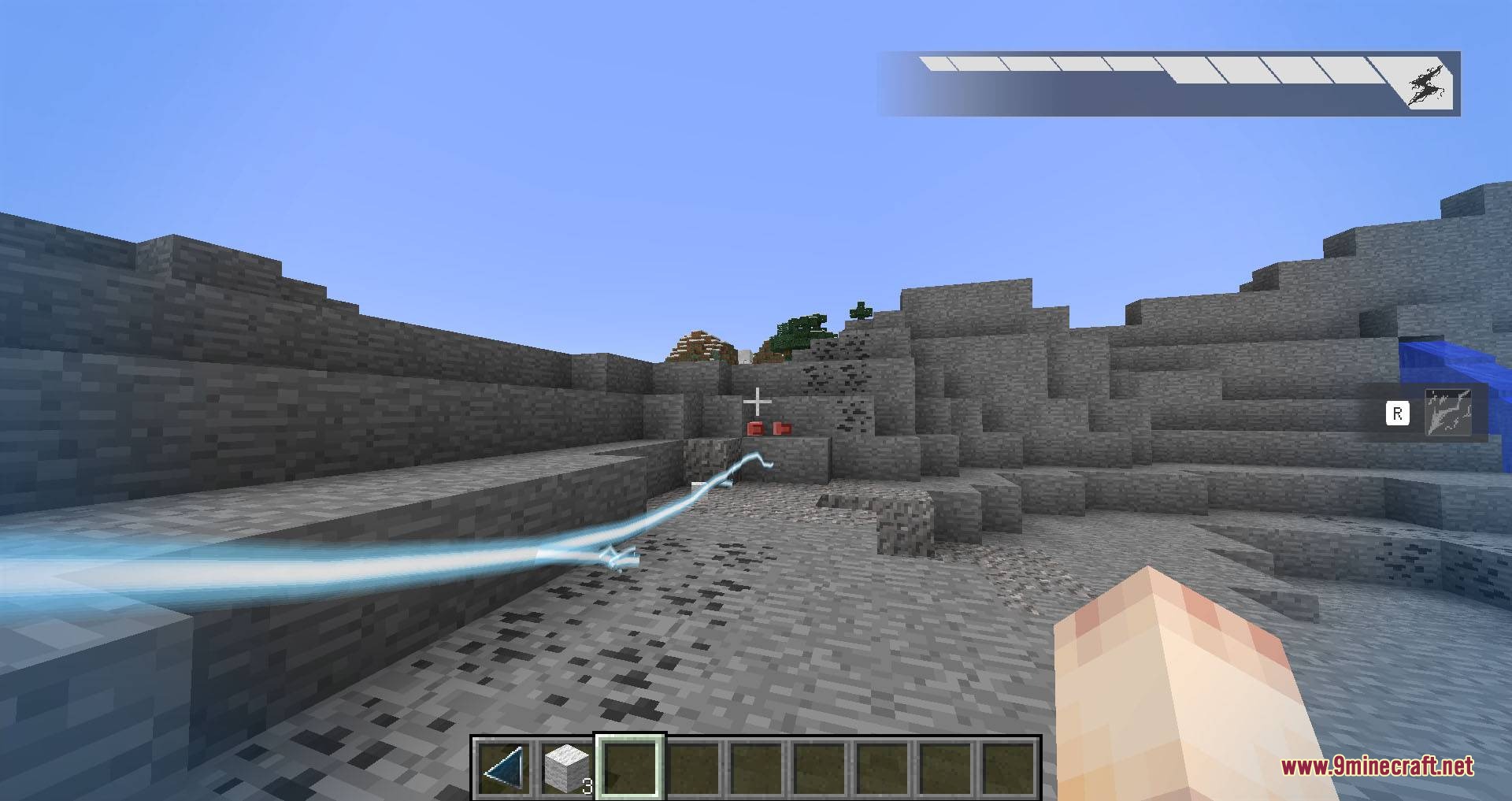
Psychic Peak Evolution Mod brings special superpower systems into your Minecraft world. It lets you learn wild abilities like shooting lightning, firing lasers, teleporting across areas, and controlling moving objects. You use high-tech machines and special energy to unlock new tiers of power as you practice. This mod changes standard survival by giving you combat and movement skills that grow stronger the more you fight.
Features:
- Adds four power categories: Electromaster, Meltdowner, Teleporter, and Vector Manipulation.
- Includes over thirty unique skills that level up through active use.
- Supplies the Ability Developer block used to learn and upgrade your chosen powers.
- Runs on a custom Imag Flux energy network with wireless connections between machines.
- Contains an achievement list for tracking your superpower milestones.
- Lets server owners turn off block damage and player combat.
- Works alongside EU and RF energy systems from other mods.
Ability Categories:
- Electromaster: Shoots electric arcs, charges items, pulls you toward metal blocks, and launches devastating railgun attacks.
- Meltdowner: Fires high-damage laser beams, creates light shields, and shoots multi-beam scatter blasts.
- Teleporter: Moves you across distances instantly and relocates items.
- Vector Manipulation: Controls direction and force to reflect incoming damage and throw surrounding blocks.
How to Use:
- Build an energy setup that produces and stores Imag Flux.
- Connect your power machines using wireless nodes to avoid wires.
- Place down the Ability Developer block and supply it with Imag Flux.
- Right-click the machine to pick and learn your first ability category.
- Use your starter skills repeatedly in combat or mining to gain power and unlock higher tiers.
Screenshots:
Psychic Peak Evolution Mod Download Links
Quick facts
- Edition: Minecraft Java
- File type: .jar
- How to install: Install the matching mod loader (Forge, Fabric or NeoForge) for your Minecraft version. → Download the .jar. → Put it in the .minecraft/mods folder and launch that loader profile.
- Where to get it: In MC Java Mods, or directly above on this page.
Install steps are the general flow for this file type — How to install Minecraft Java mods & modpacks walks through it step by step.
File checked by MCModsHub
- Downloads as 505586.mcaddon
- Download size: 33.6 MB
- Download link checked 24 Sept 2026 — working
- Mirrored on our own servers — the download does not depend on the original host
These come from our own check of the pack file, not from the source page.