ModsJava
Strike Stream Gauge Mod (26.1.2, 1.20.1) – Track Combat DPS and Earn Boss Fight
Java mod listed for Minecraft 1.20. Downloads from the MC Java Mods app on Android.
⬇ Download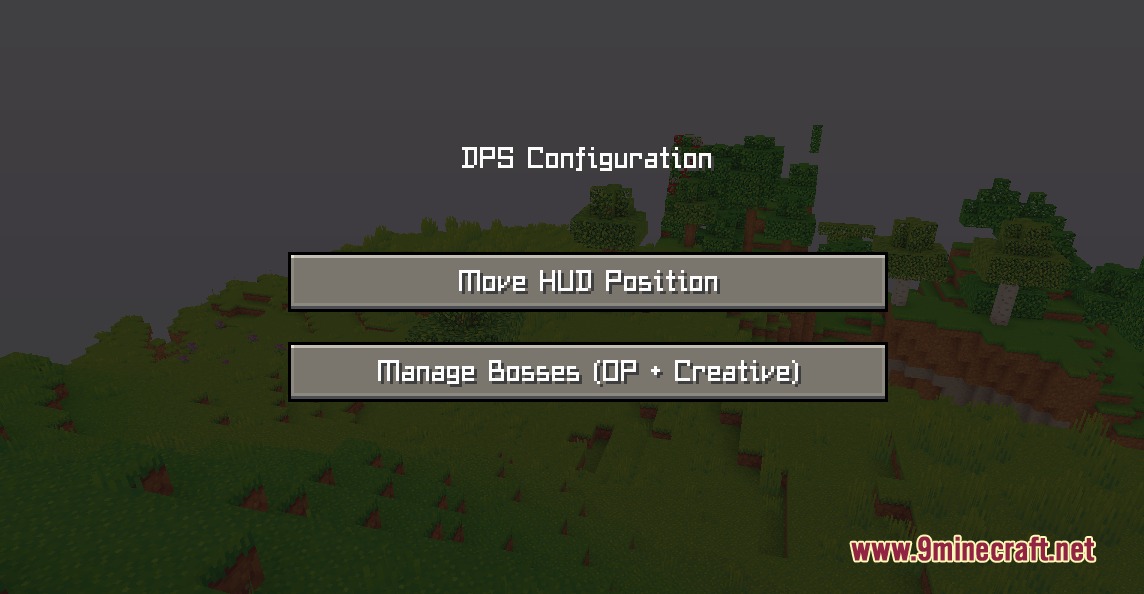
Strike Stream Gauge Mod tracks combat numbers and damage per second during boss fights. It puts a clean scoreboard on your screen to show total damage, top hits, and fight timers in real time. The mod shares the combat numbers in chat after each victory so everyone sees who dealt the most damage. Players also earn rank ratings and reward chests based on their combat performance.
Features:
- Displays a live damage meter right below the boss health bar.
- Tracks total damage dealt, highest single hit, hit count, and combat time.
- Prints a combat report into chat when the boss falls.
- Grades player combat performance with ranks from S down to F.
- Gives out bonus Contribution Chests to the top ten damage dealers.
- Activates automatically when a boss appears and resets cleanly after the fight ends.
- Works in multiplayer worlds so teams can compare damage numbers fairly.
Rank Chest Rewards:
- First place deals the most damage and earns six bonus chests.
- Second place earns five extra chests.
- Third place receives four extra chests.
- Fourth and fifth place get three extra chests.
- Sixth to tenth place receive two extra chests.
- All other battle participants receive one base reward chest.
How to Use:
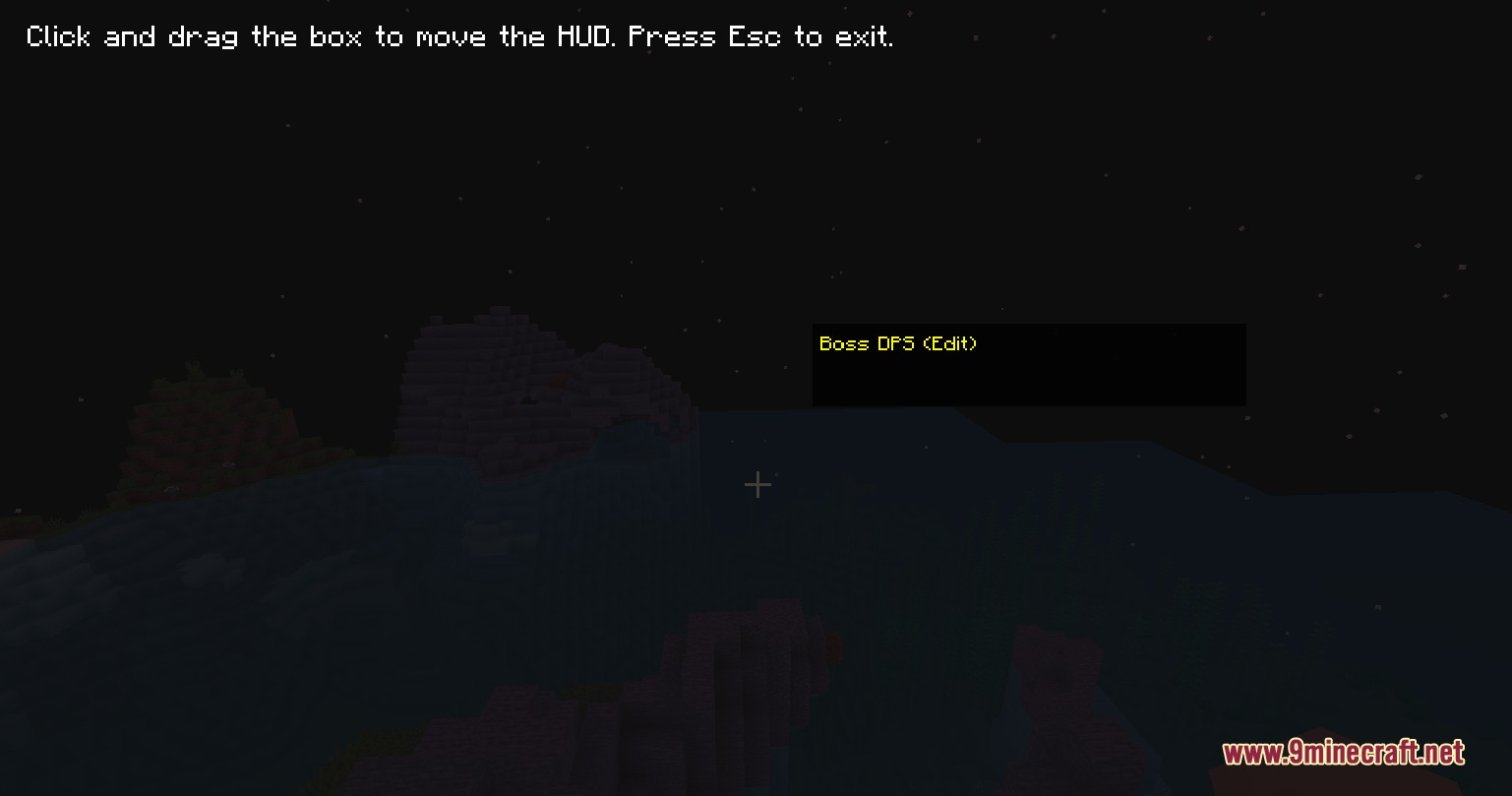
- Press O on your keyboard to open the HUD edit screen.
- Click and drag the damage overlay to your preferred position on the screen.
- Approach any tracked boss mob to start recording your damage output automatically.
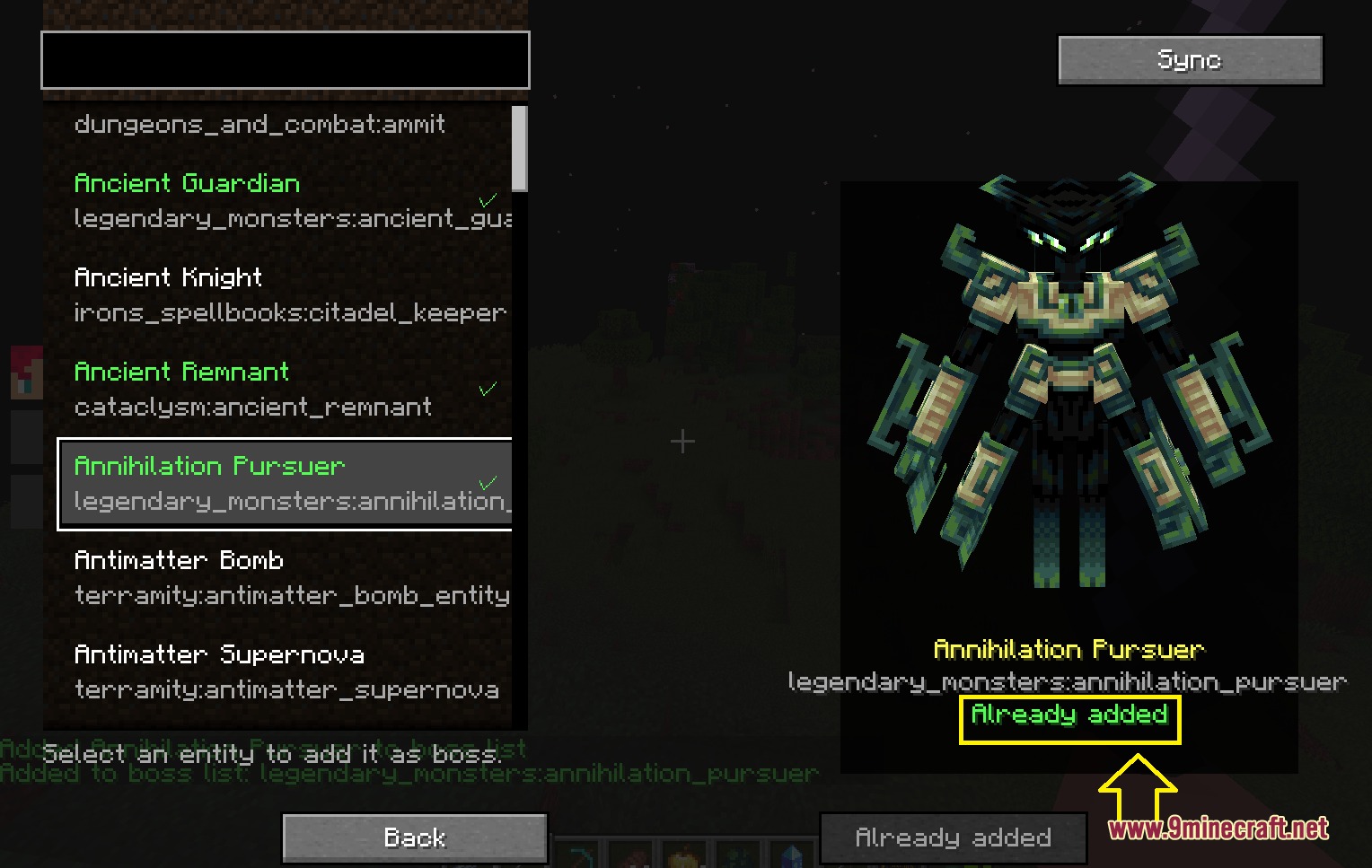
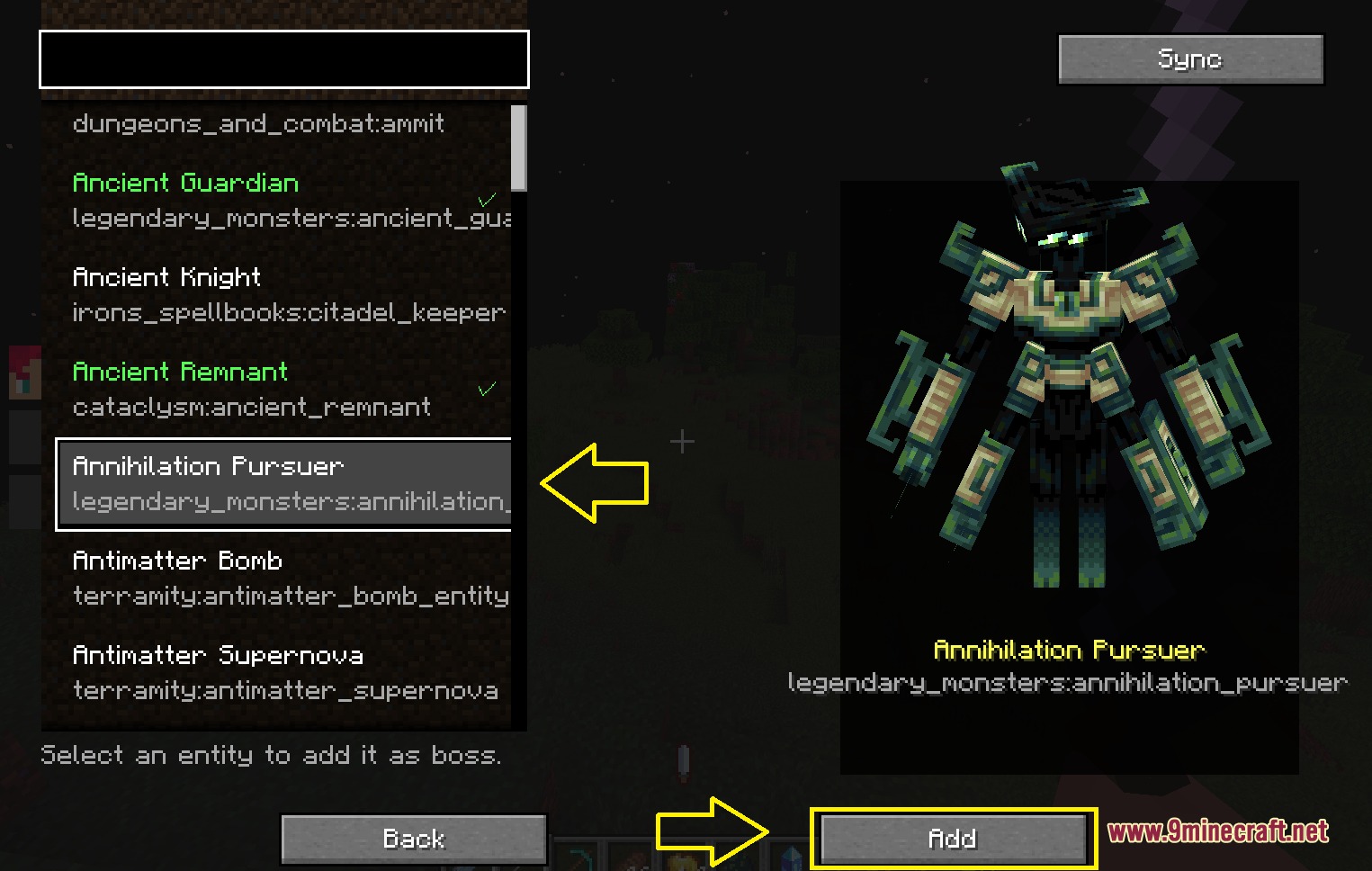
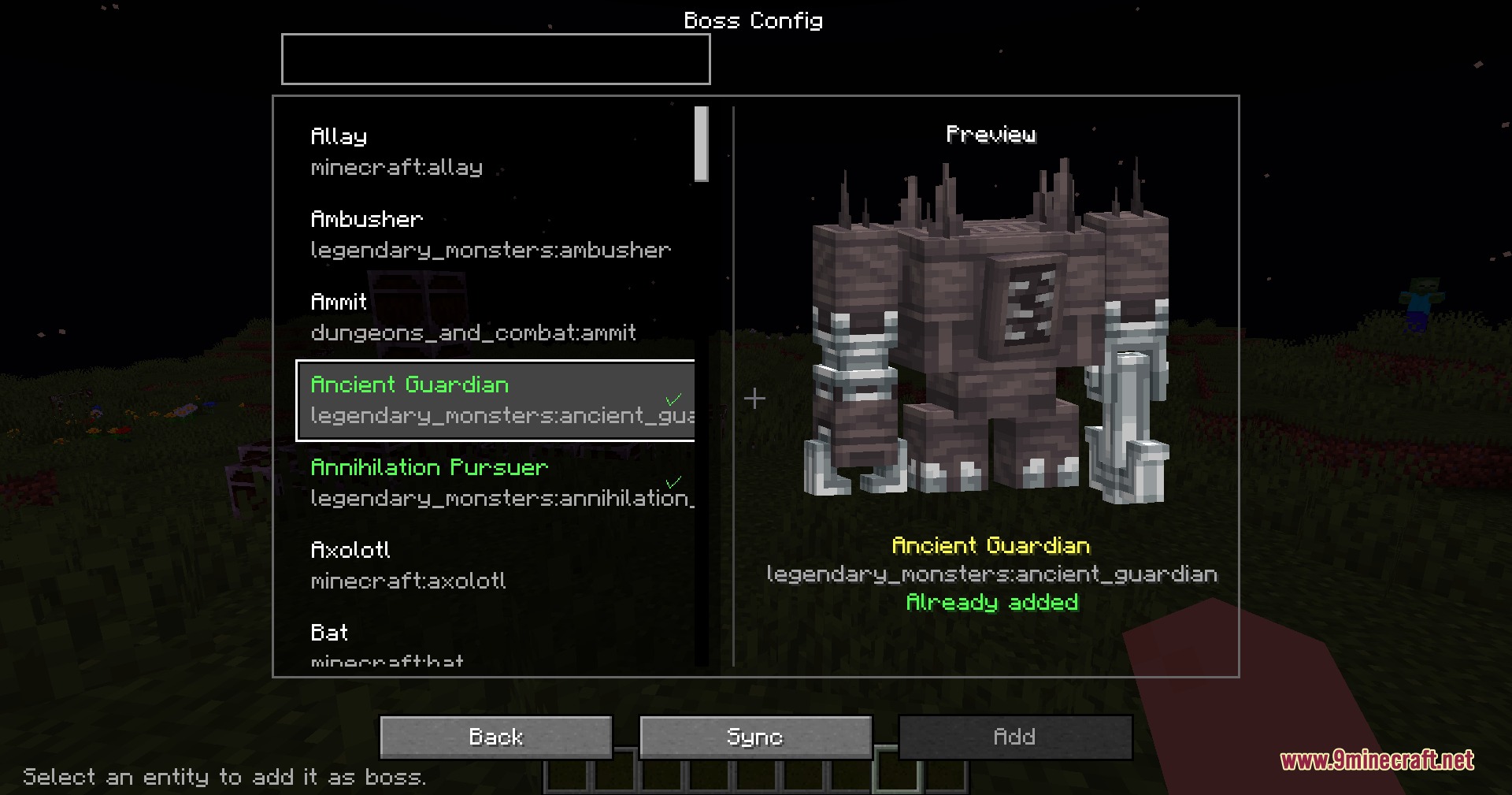
- Open the boss manager screen while in Creative mode with operator permissions to add new mobs to the tracking list.
Screenshots:
Strike Stream Gauge Mod Download Links
Quick facts
- Edition: Minecraft Java
- File type: .jar
- Minecraft version listed: 1.20.1
- How to install: Install the matching mod loader (Forge, Fabric or NeoForge) for your Minecraft version. → Download the .jar. → Put it in the .minecraft/mods folder and launch that loader profile.
- Where to get it: In MC Java Mods, or directly above on this page.
Install steps are the general flow for this file type — How to install Minecraft Java mods & modpacks walks through it step by step.
File checked by MCModsHub
- Downloads as 505596.mcaddon
- Download size: 101 KB
- Download link checked 24 Sept 2026 — working
- Mirrored on our own servers — the download does not depend on the original host
These come from our own check of the pack file, not from the source page.