ModsJava
Urban Asphalt Grid Mod (1.21.1, 1.20.1) – Pave Modern City Highways
Java mod listed for Minecraft 1.20–1.21. Downloads from the MC Java Mods app on Android.
⬇ Download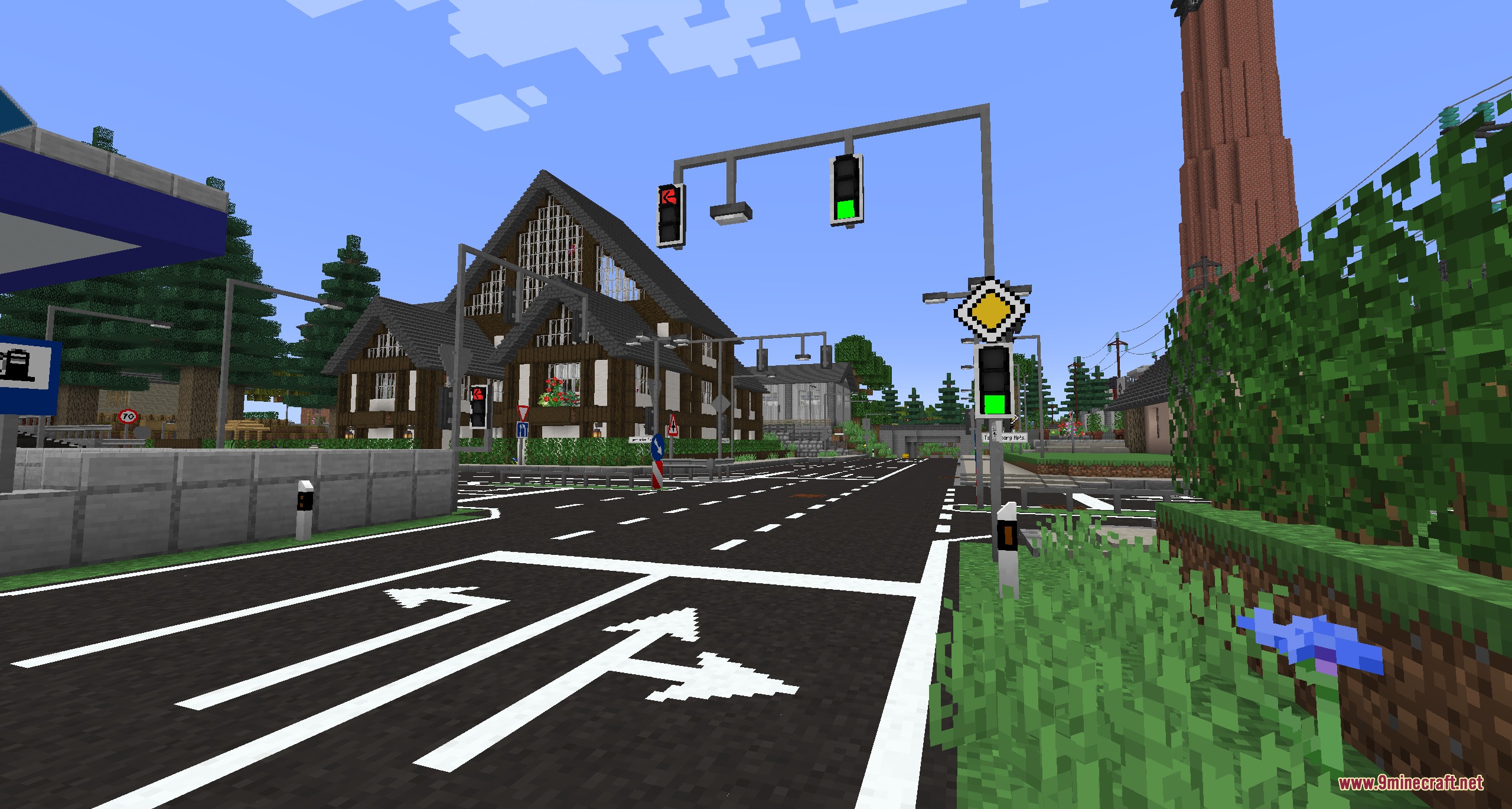

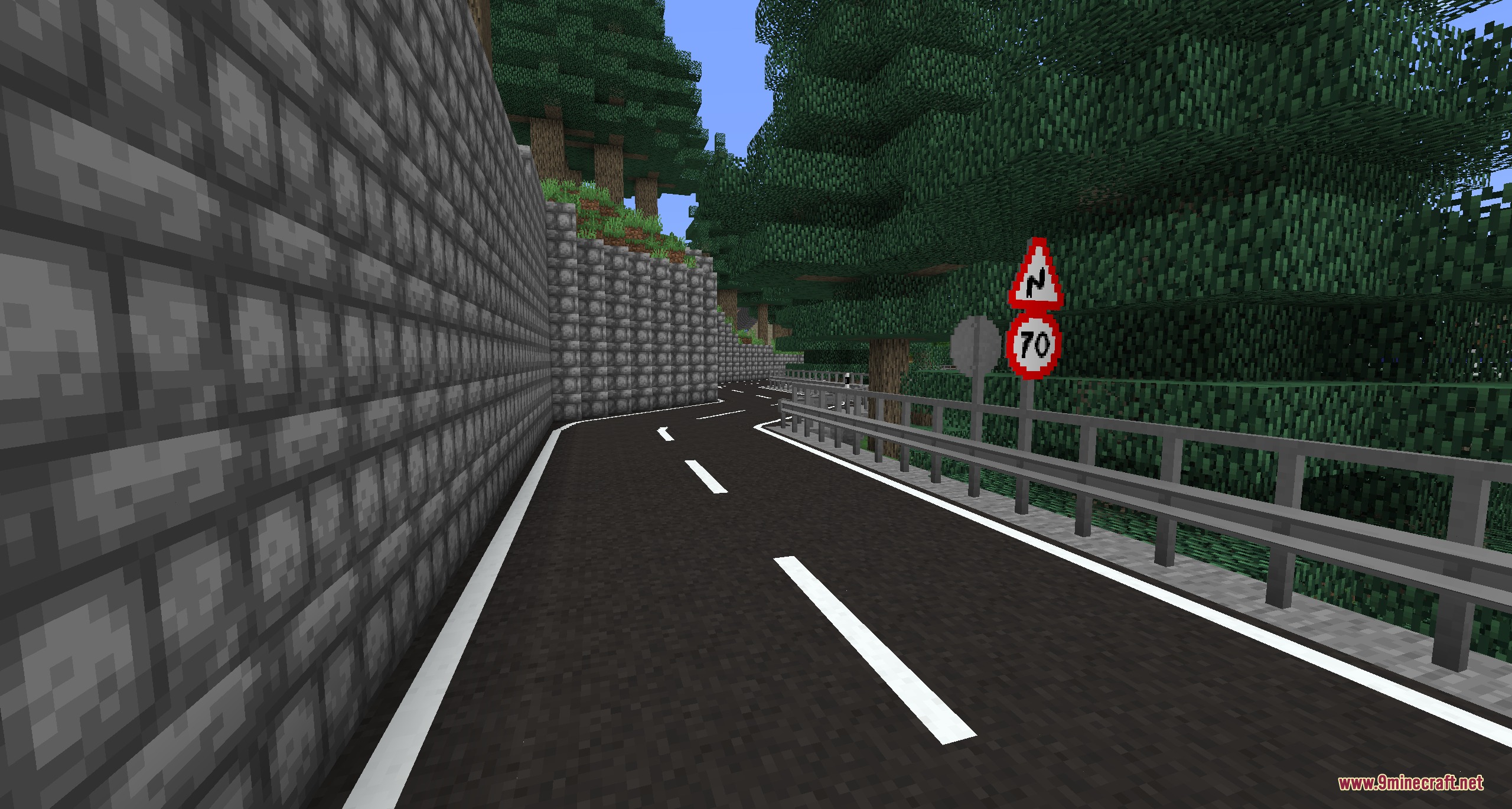


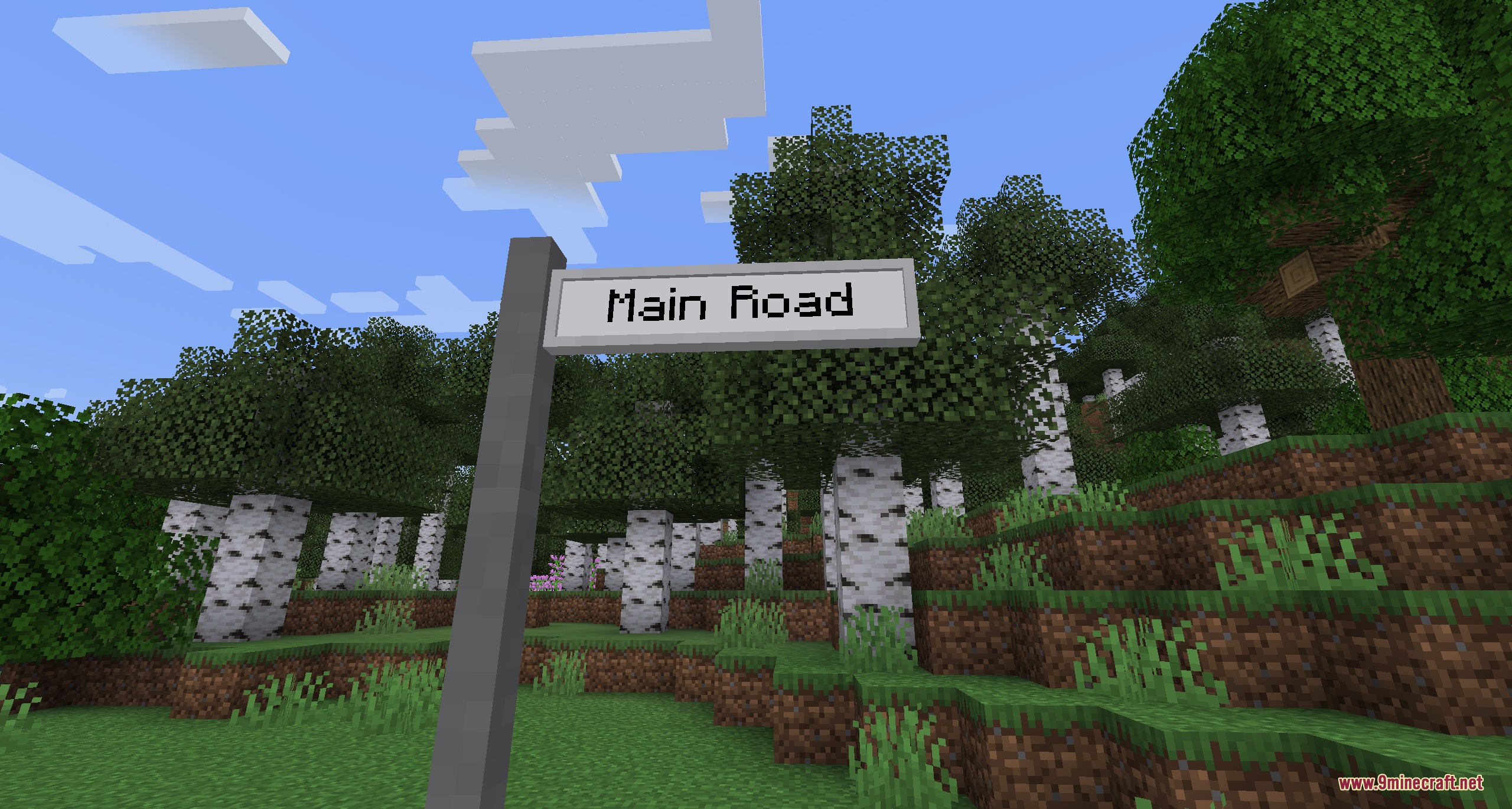
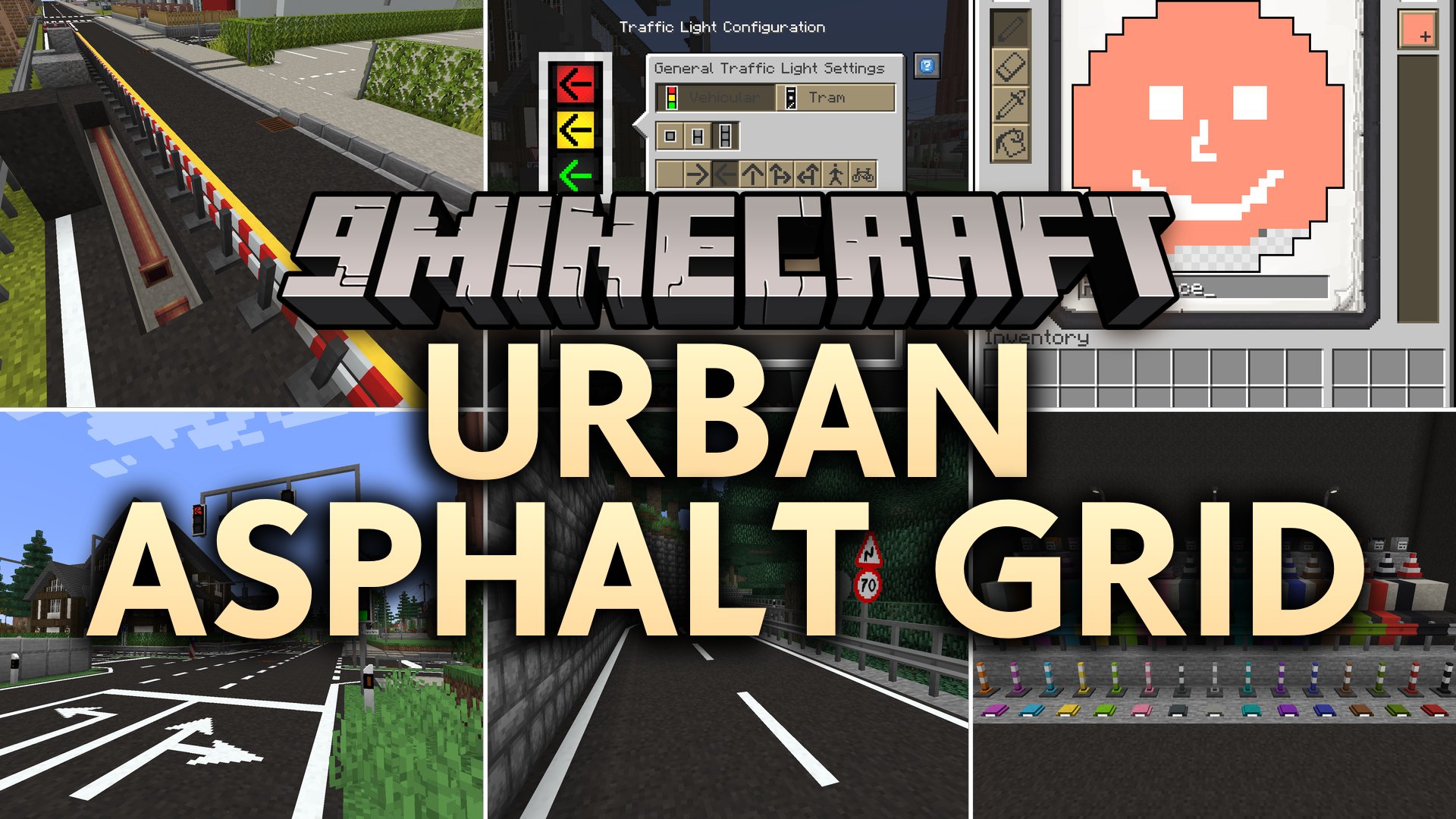
Urban Asphalt Grid Mod adds customizable roads, working traffic lights, and realistic street decorations to your worlds. You can pave asphalt highways, build smooth slopes, and paint lines in sixteen different colors. The mod also provides hundreds of road signs, barrier fences, and street lamps to help you build modern towns. Practical tools speed up construction so you can lay down large transit networks without delay.
Features:
Road Construction:
- Asphalt and concrete blocks let you pave city streets and highways.
- Slope blocks act like snow layers to create smooth hill climbs for roads.
- Paint brushes let you draw hundreds of road markings in all sixteen dye colors.
Traffic Management:
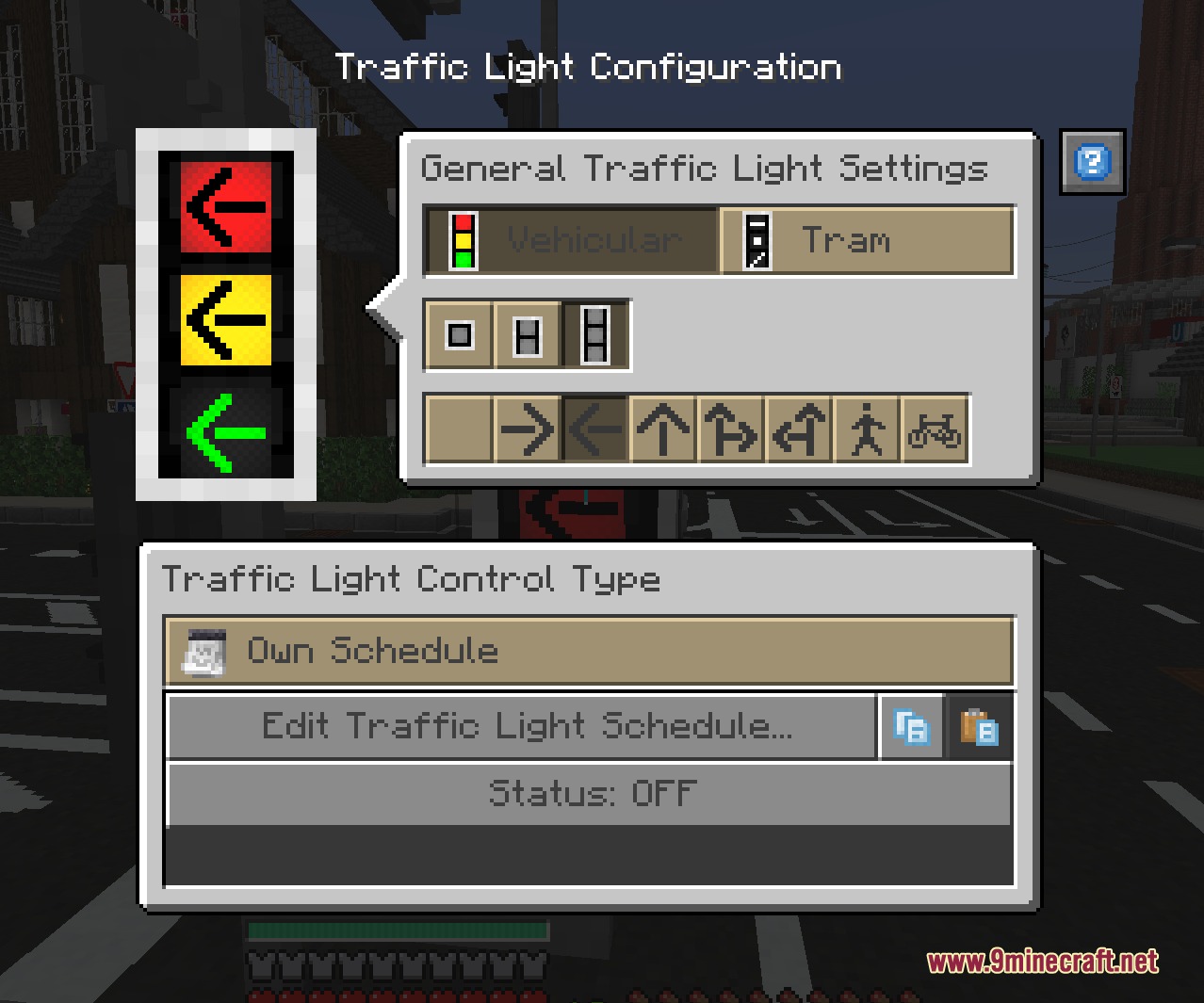
- Working traffic lights let you set up custom signal cycles for busy crossings.
- Hundreds of pre-made traffic signs give drivers clear directions and warnings.
- An in-game editor lets you create custom sign textures or import them from your computer.
- Writable street name signs let you label every road and avenue in your city.
Decorations and Utilities:
- Street lamps turn on and off based on your chosen day or night schedules.
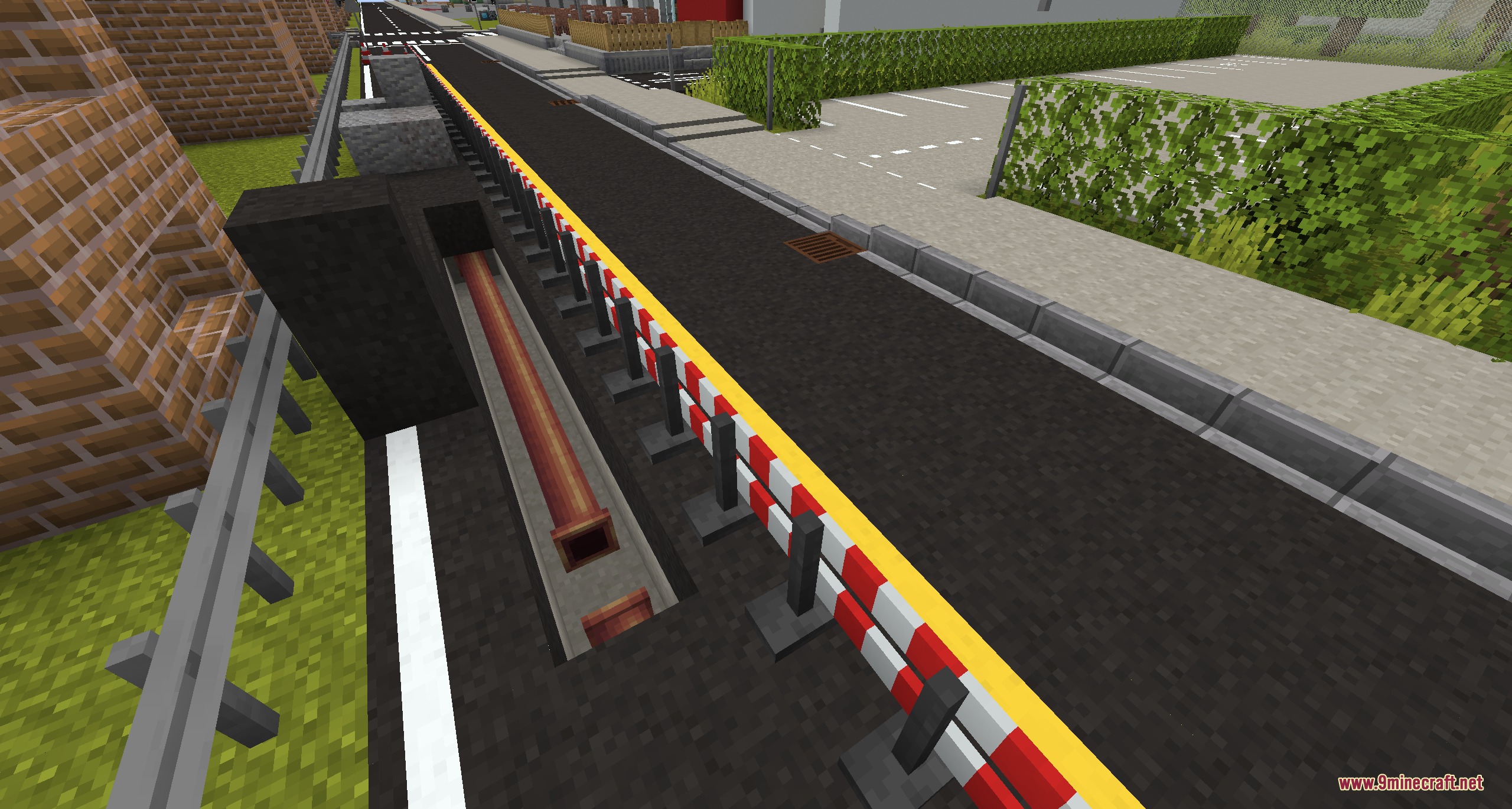
- Guardrails, concrete barriers, traffic cones, and road fences protect construction zones.
- Special road building tools speed up the placement of long highway lines.
How to Use:
- Place asphalt or concrete blocks along your route to lay down the road surface.
- Hold a paint brush with dye to paint lane markers and crossing lines directly on the road blocks.
- Place traffic signs or traffic lights near intersections to control traffic flow.
- Right-click traffic signs or street name signs to type custom text or pick sign graphics.
- Place street lamps along sidewalks and set their lighting schedule.
Screenshots:
Urban Asphalt Grid Mod Download Links
Quick facts
- Edition: Minecraft Java
- File type: .jar
- Minecraft versions listed: 1.21.1, 1.20.1
- How to install: Install the matching mod loader (Forge, Fabric or NeoForge) for your Minecraft version. → Download the .jar. → Put it in the .minecraft/mods folder and launch that loader profile.
- Where to get it: In MC Java Mods, or directly above on this page.
Install steps are the general flow for this file type — How to install Minecraft Java mods & modpacks walks through it step by step.
File checked by MCModsHub
- Downloads as 505600.mcaddon
- Download size: 5.0 MB
- Download link checked 25 Sept 2026 — working
- Mirrored on our own servers — the download does not depend on the original host
These come from our own check of the pack file, not from the source page.