ModsJava
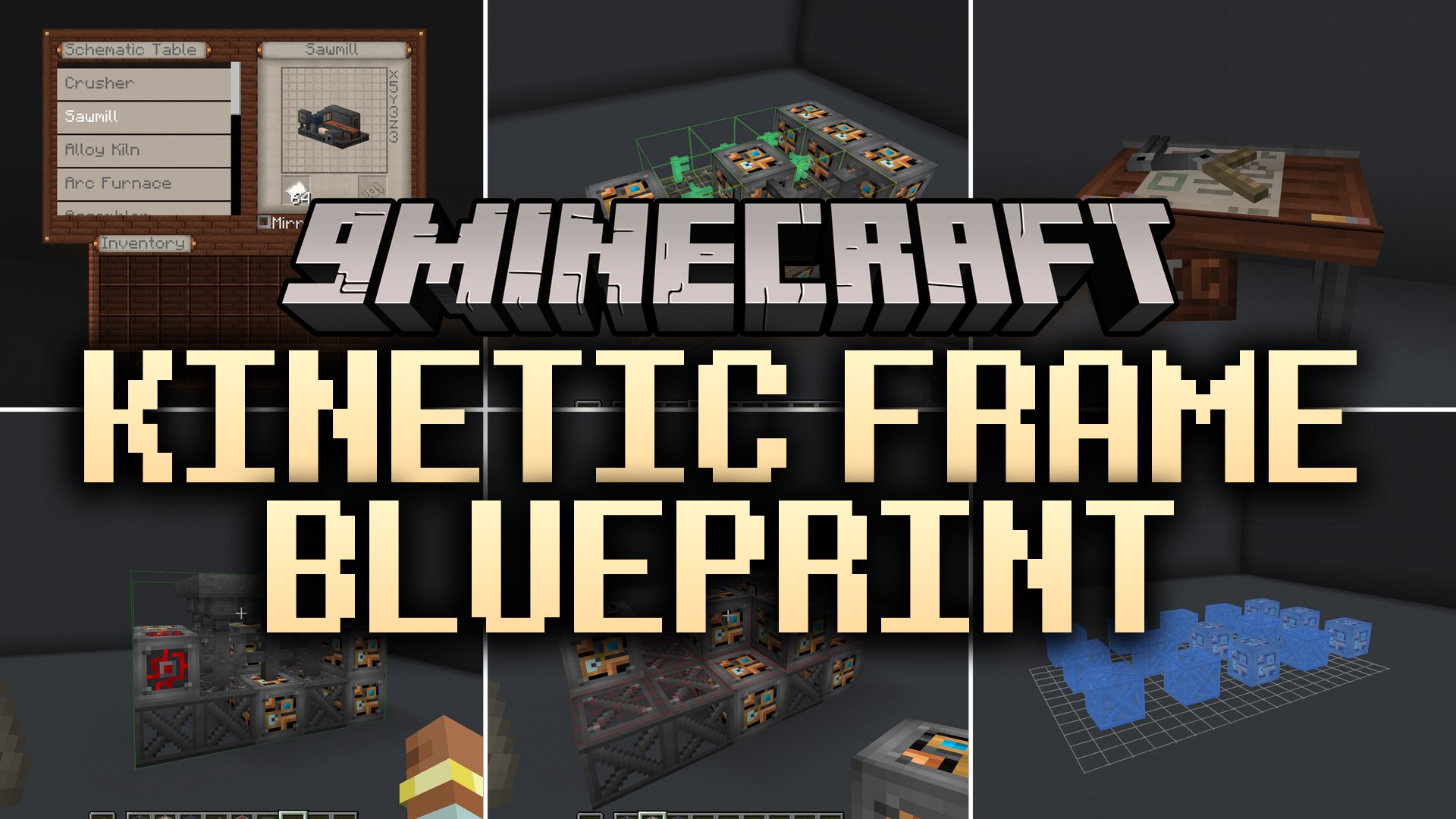
Kinetic Frame Blueprint Mod (1.21.1, 1.20.1) – Build Huge Multiblock Machines
Java mod listed for Minecraft 1.20–1.21. Downloads from the MC Java Mods app on Android.
⬇ Download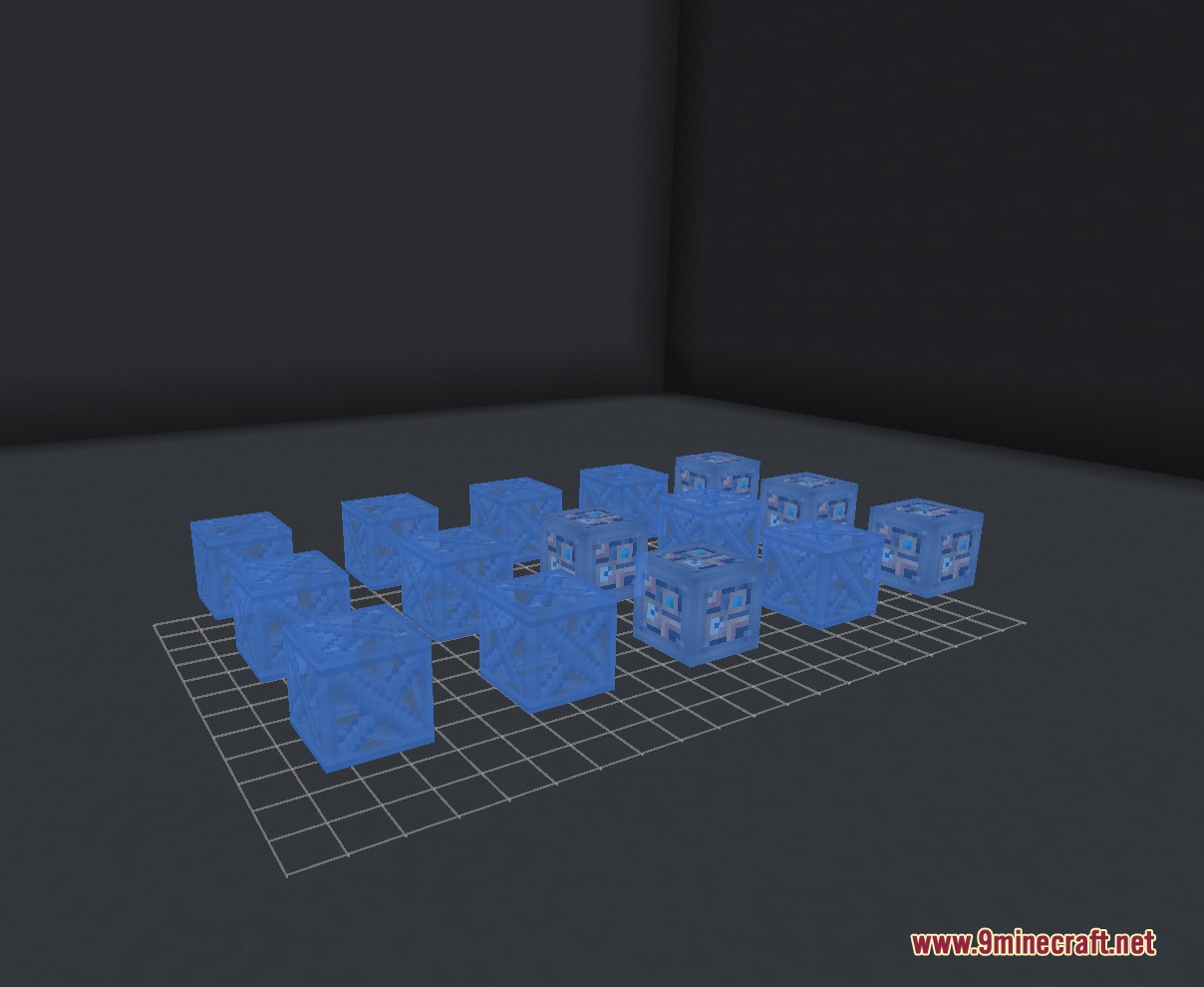
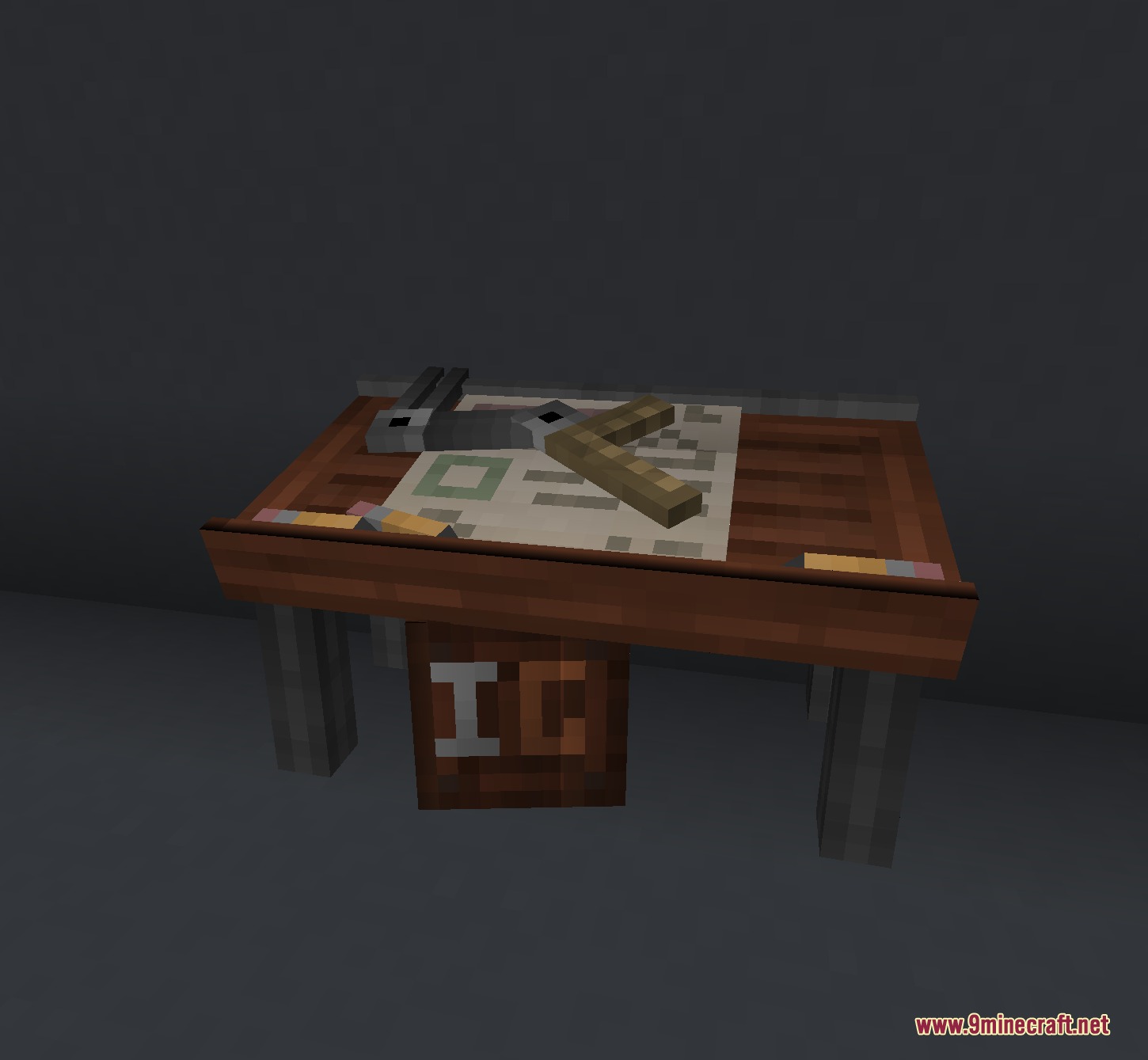
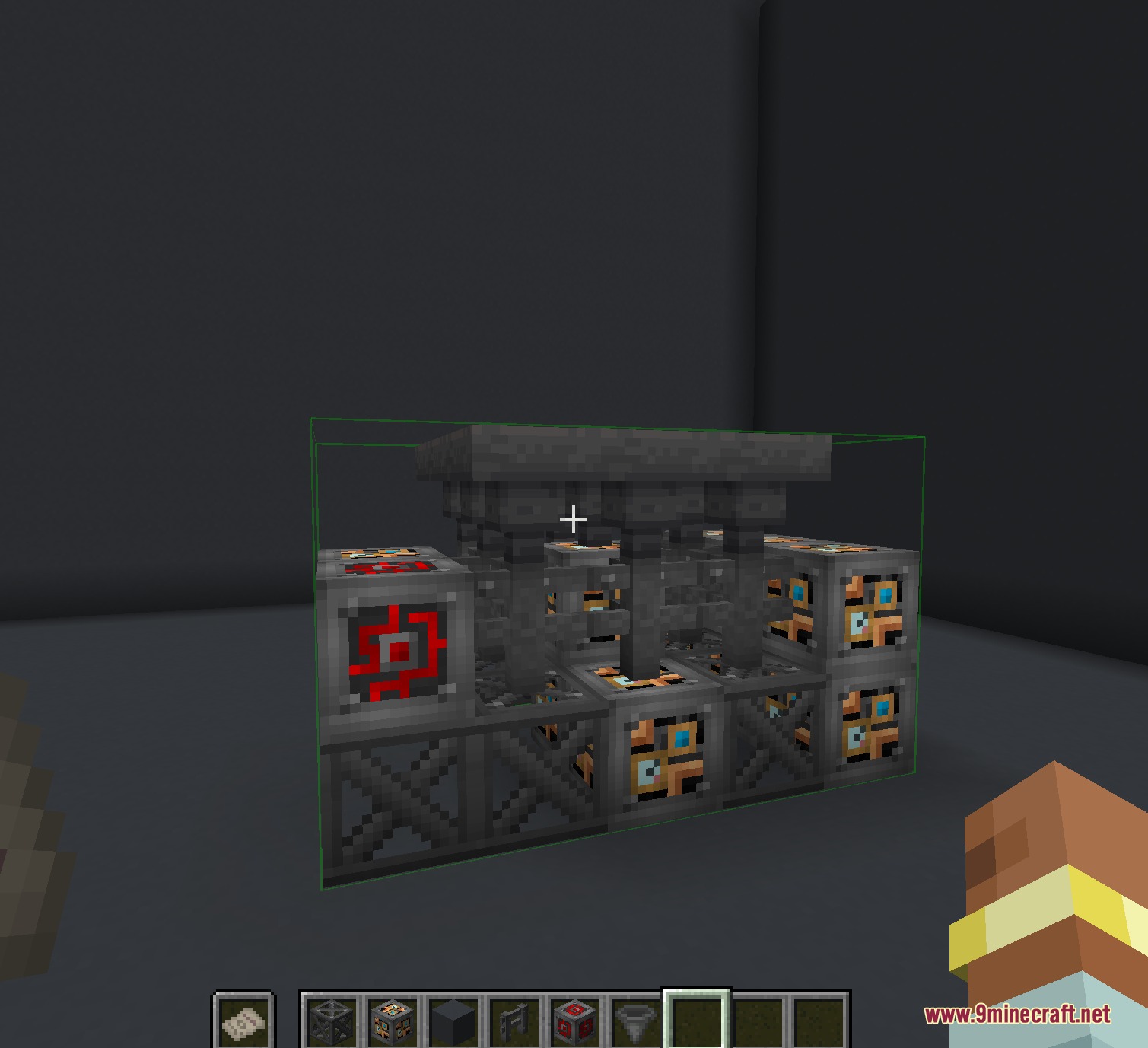
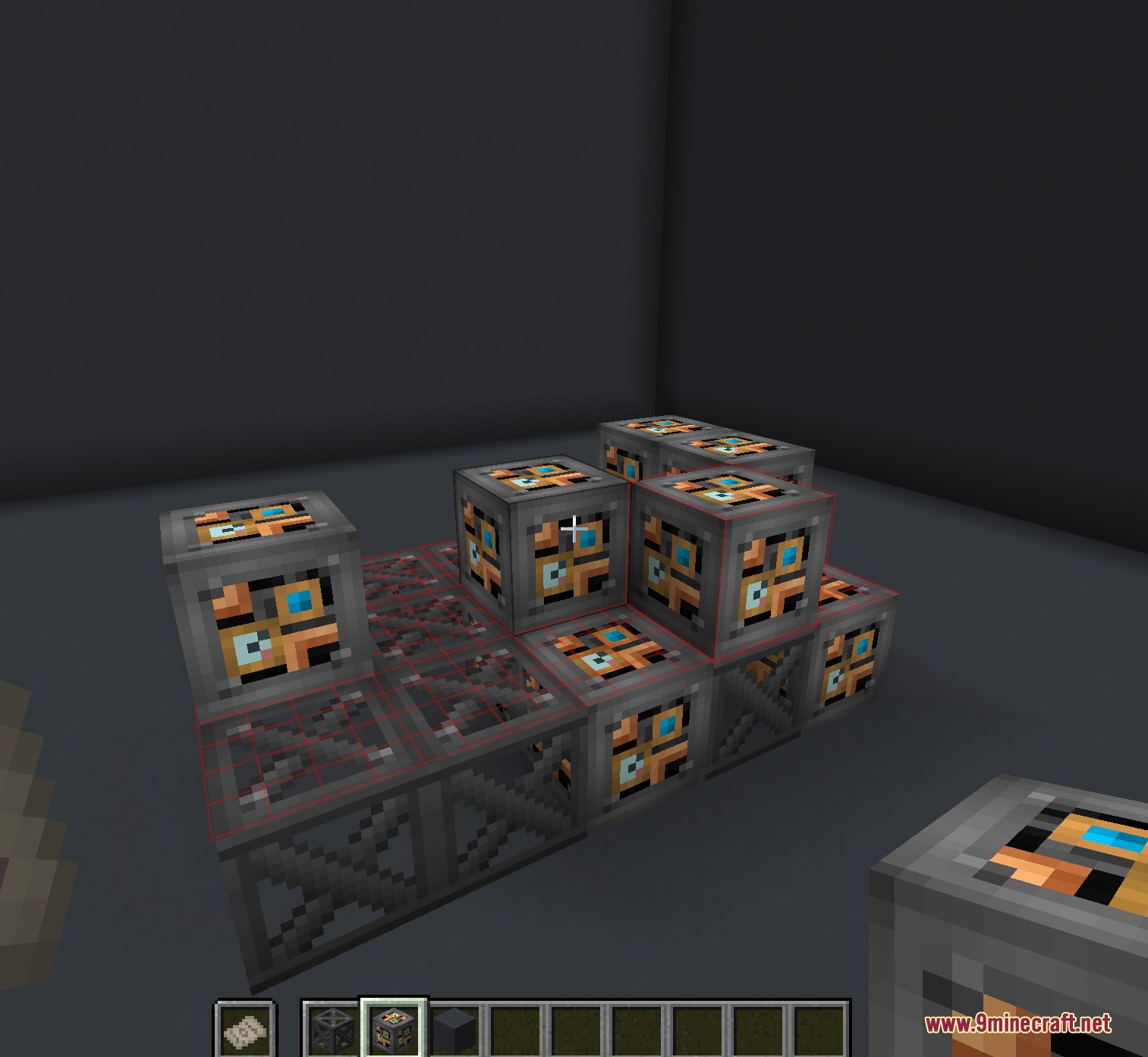
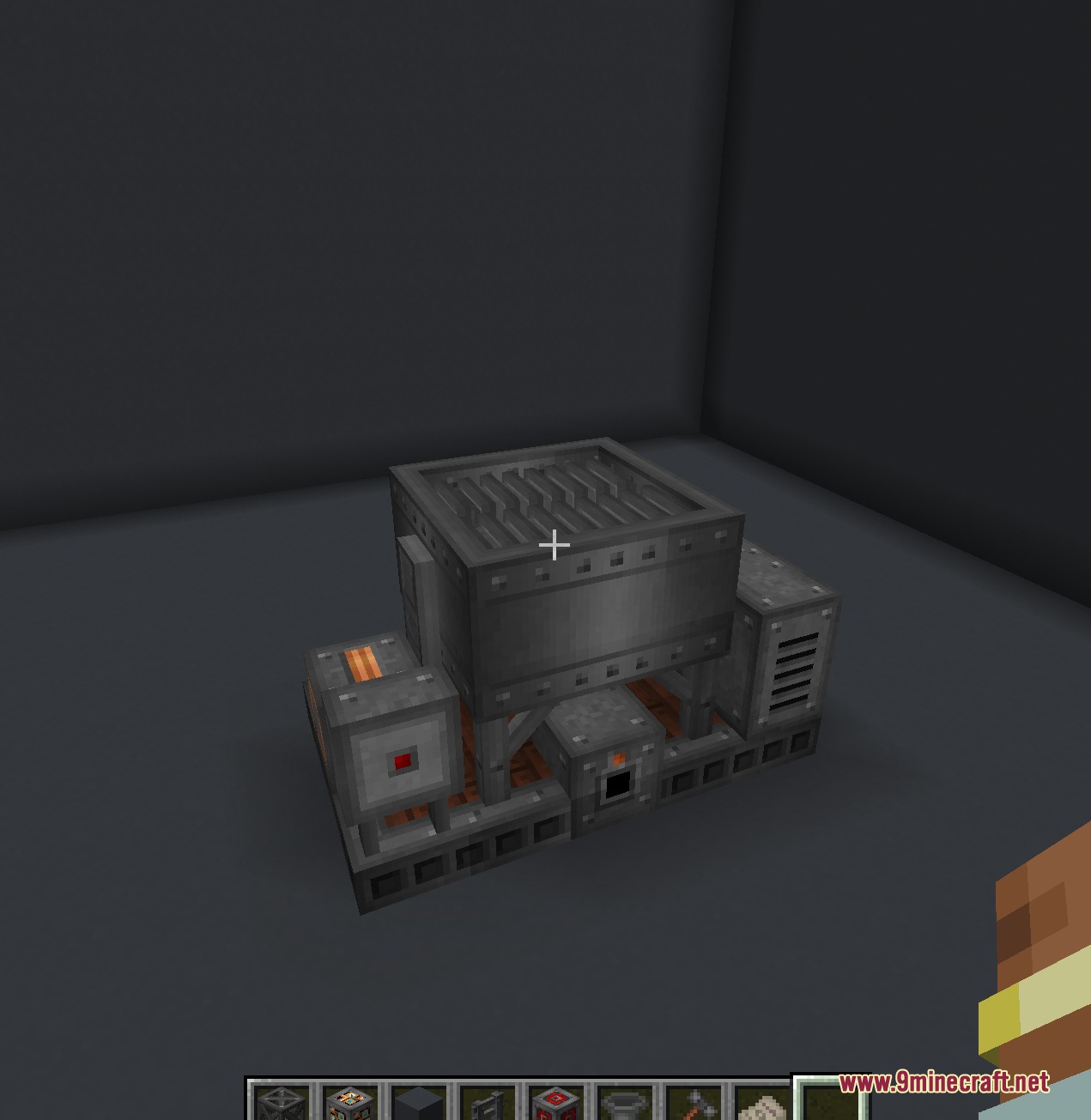
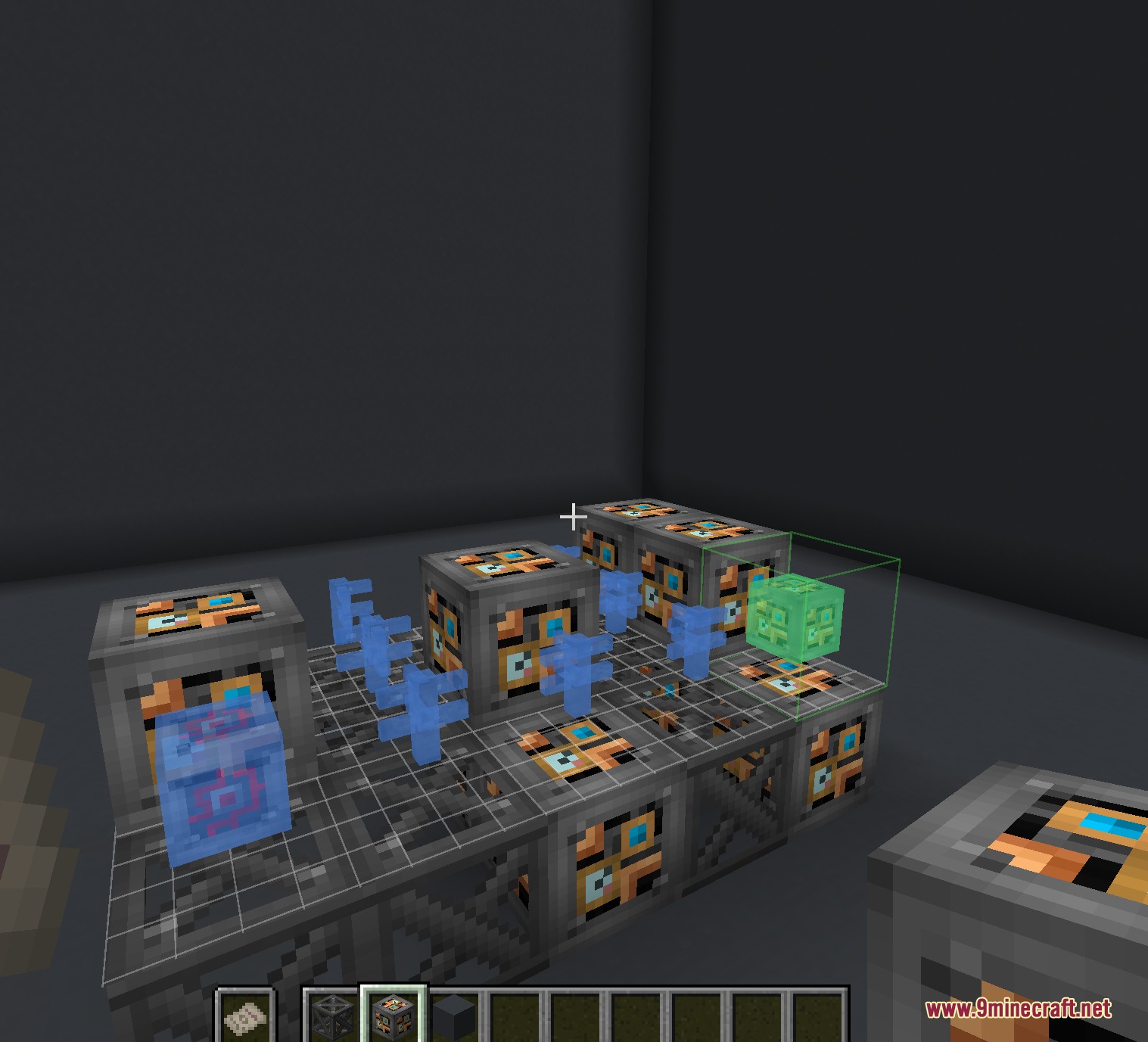
Kinetic Frame Blueprint Mod adds multiblock holographic schematics for Immersive Engineering. It provides an interactive building guide that displays clear visual markers directly in the world. Players can place large industrial machines accurately without guessing block placements or orientation. The mod works alongside other compatible expansions that register multiblock structures.
Features:
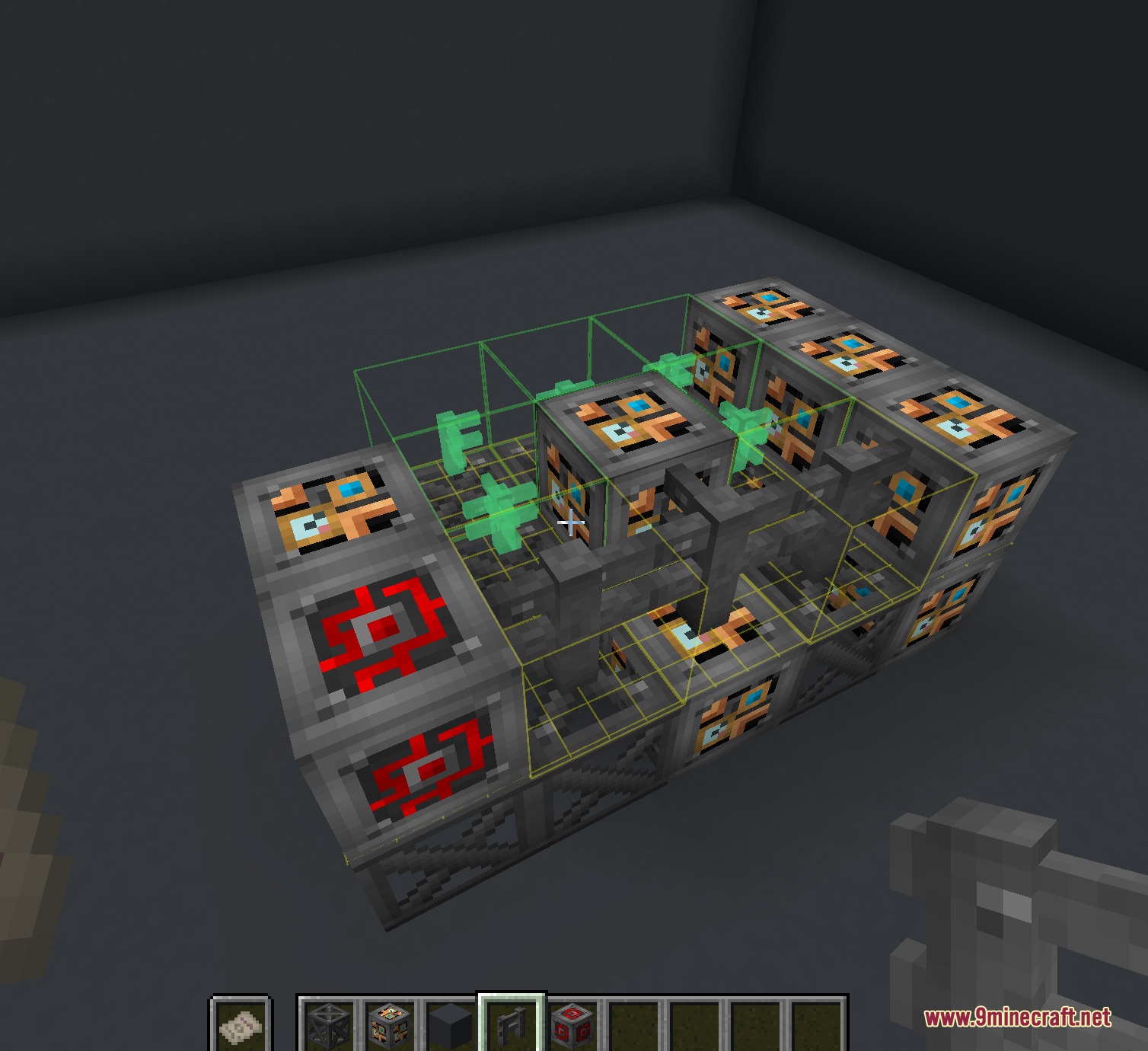
- Interactive Holograms: Shows color-coded guides in the world to assist with building multiblock structures.
- Displays green highlights when you hold the correct block for a specific spot.
- Marks incorrectly placed blocks in red to pinpoint mistakes immediately.
- Highlights blocks in yellow when they face the wrong direction.
- Generates new blueprints automatically for any multiblock registered by compatible addons.
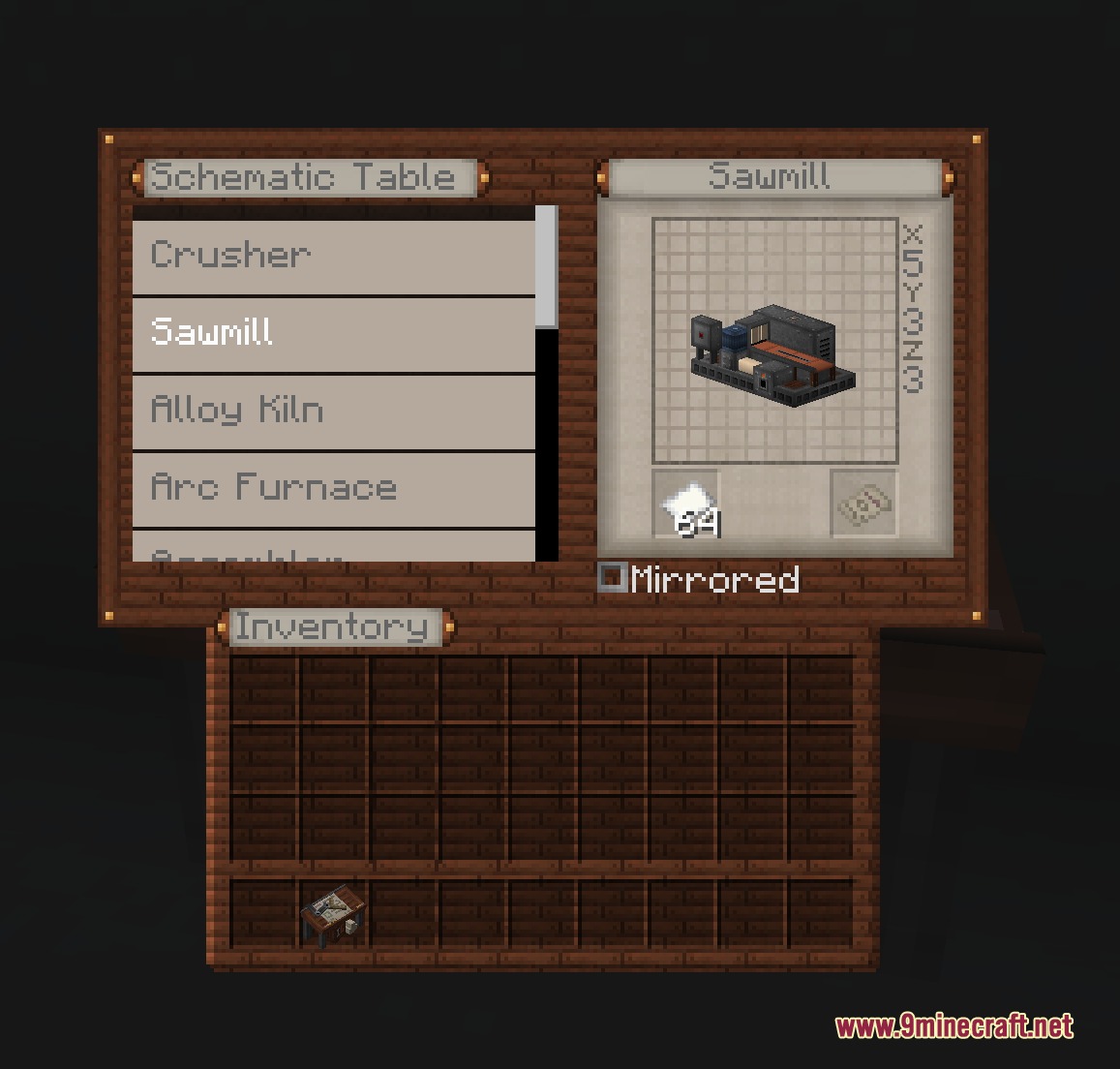
- Includes a crafting workstation where you select projects and print blueprints onto paper.
How to Use:
- Place the Schematic Table near the construction area.
- Right-click the table to open the selection menu.
- Pick a multiblock structure from the available list.
- Add paper to craft the chosen blueprint item.
- Right-click with the blueprint to set down the projection grid.
- Hold the blueprint in your off-hand to view the projected block guide.
- Place the blocks following the color codes until the structure is complete.
Screenshots:
Kinetic Frame Blueprint Mod Download Links
Quick facts
- Edition: Minecraft Java
- File type: .jar
- Minecraft versions listed: 1.21.1, 1.20.1
- How to install: Install the matching mod loader (Forge, Fabric or NeoForge) for your Minecraft version. → Download the .jar. → Put it in the .minecraft/mods folder and launch that loader profile.
- Where to get it: In MC Java Mods, or directly above on this page.
Install steps are the general flow for this file type — How to install Minecraft Java mods & modpacks walks through it step by step.
File checked by MCModsHub
- Downloads as 505605.mcaddon
- Download size: 262 KB
- Download link checked 22 Sept 2026 — working
- Mirrored on our own servers — the download does not depend on the original host
These come from our own check of the pack file, not from the source page.