Economy Shop/Sell
This plugin should add a good feature to your vanilla/modded server. It adds /shop and /sell and more. It includes GUIs and just adds more things for your…
⬇ Download on Modrinth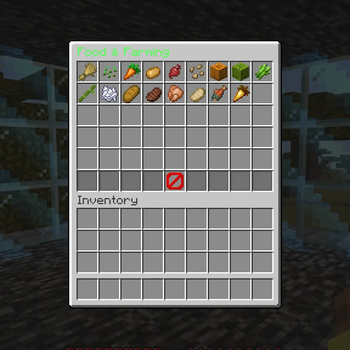
EconomyShop
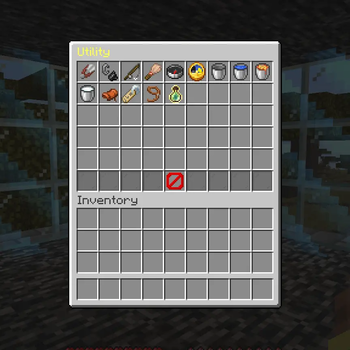
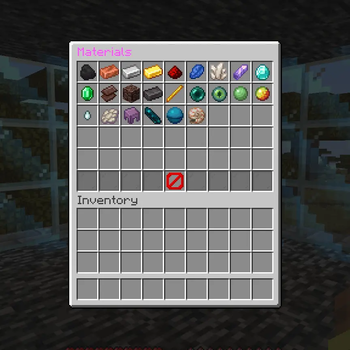
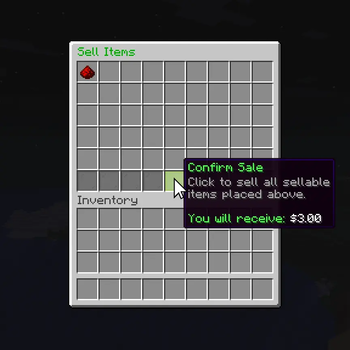
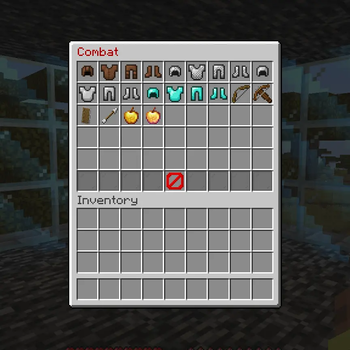
EconomyShop provides your server with a simple economy with a well designed and fully interactable shop and selling system.
Features
Simple Economy
- You can check players balances in the Economy Shop plugin folder
/bal,/pay,/baltop— check balances, send money, view the server's richest players
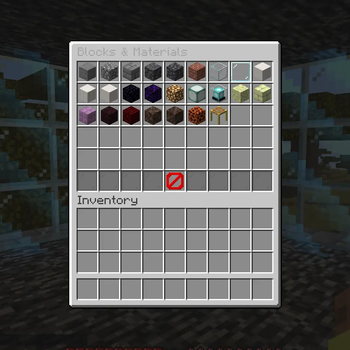
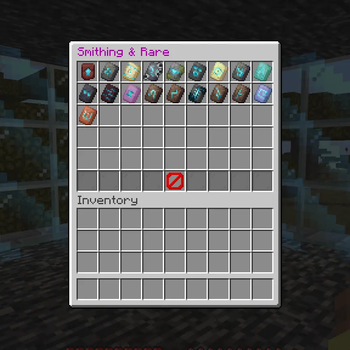
In-Game Shop, Zero Chat Required
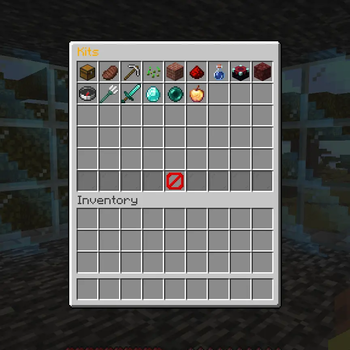
/shopopens a clean, paginated double-chest GUI with categories, items, and kits- Every interaction — browsing, quantity selection, confirming purchases — happens through clickable buttons
- Shulker box and kit contents preview before you buy
Fully Configurable
- Includes a shop.yml which contains information about the categories, items, kits, and sell prices
/ecoadminfor a quick way to see in game commands to edit the shop
Commands
| /bal [player] Check your balance or another player's
| /baltop [amount] View the richest players on the server
| /pay <player> <amount> Send money to another player
| /sell Open the sell GUI
| /shop Open the shop GUI
| /shop add Open the in-game shop editor
| /ecoadmin Manage balances and shop items from the console or in game
Configuration
The contents of the shop are contained in a file called shop.yml and are organised under categories, items and kits, together with a simple list of sell prices. For full examples of the formatting, see the configuration file that comes with the plugin.
If you find a bug you should open a support ticket on our discord server: https://discord.gg/QUkD9jYuuK
- Edition: Minecraft Java
- File type: .jar
- Minecraft versions listed: 1.21, 1.21.1, 1.21.2
- How to install: Install the matching mod loader (Forge, Fabric or NeoForge) for your Minecraft version. → Download the .jar. → Put it in the .minecraft/mods folder and launch that loader profile.
- Where to get it: Opens on Modrinth — not every file is mirrored on our own servers.
Install steps are the general flow for this file type — How to install Minecraft Java mods & modpacks walks through it step by step.
- Ships as EconomyShop.jar — drop this file into the mods folder
- Download size: 375 KB
- Download link checked 6 Sept 2026 — working
These come from our own check of the pack file, not from the source page.