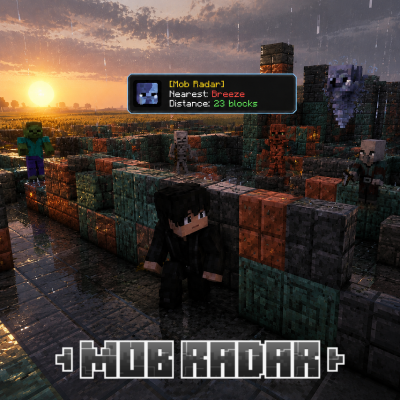
mob radar
The Mob Radar Script allows you to detect all nearby mobs. Their exact block locations and mob names will be displayed on your screen.
⬇ Download on CurseForgeThe author built this one for Minecraft 26.40. On other versions it may install and then do nothing.
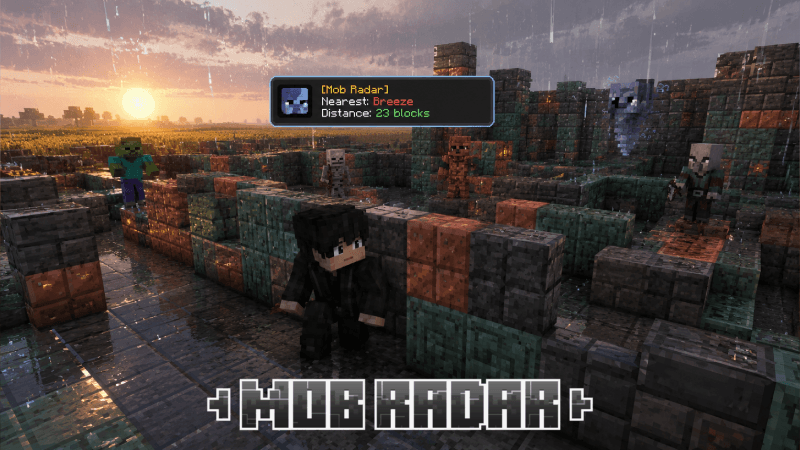
The Mob Radar Script allows you to detect all nearby mobs. It displays each mob’s name and exact block location on your screen, making it easier to find and track mobs in your surroundings.
Note: Only one mob will be displayed at a time, and it will always be the nearest mob to you. Why only one mob? This keeps your UI clean and prevents it from being filled with too many notifications.
This is especially useful when a Creeper is behind you, allowing you to detect it immediately.
It can also help when you’re looking for Sheep to get wool, or when you’re hunting for Blaze, Endermen, and other mobs.
Note: Images shown are AI-generated.
- Edition: Minecraft Bedrock
- File type: .mcpack or .mcaddon
- Minecraft version listed: 26.40
- How to install: Download the .mcpack or .mcaddon file. → Open it — Minecraft imports it. → In your world: Behavior Packs → Available → Activate, then the same under Resource Packs.
- Where to get it: Opens on CurseForge — not every file is mirrored on our own servers.
Install steps are the general flow for this file type — How to install Minecraft Bedrock addons & mods walks through it step by step.
- Save it as mob radar 1.0.mcaddon before opening — it downloads as .mcpack, but it is a .mcaddon pack
- Manifest requires Minecraft 1.20.30 or newer
- Complete pack — everything it depends on is inside the file
- Download size: 316 KB
- Download link checked 6 Sept 2026 — working
These come from our own check of the pack file, not from the source page.