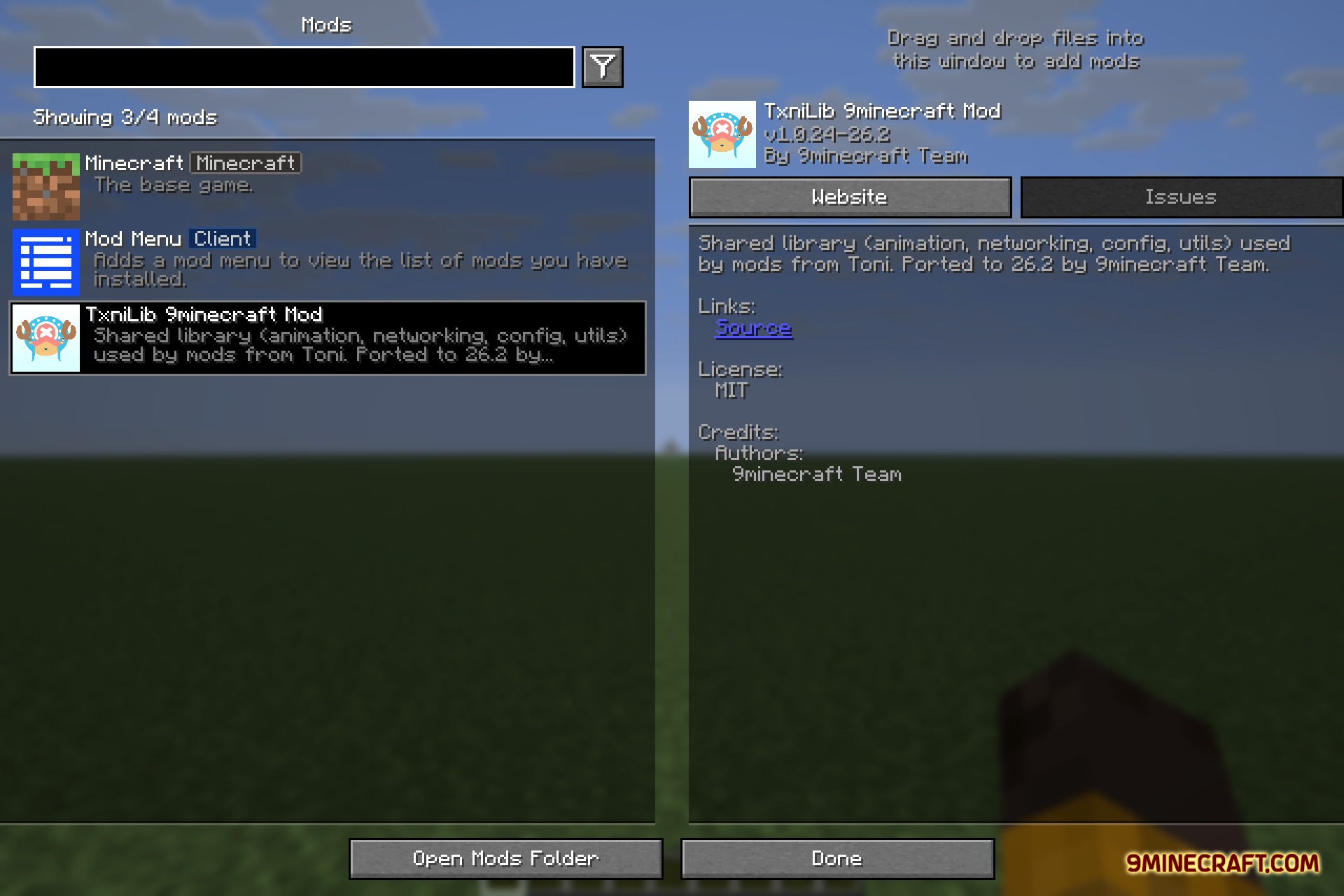
TxniLib 9minecraft Mod supplies shared code, networking tools, and animation helpers for other mods to run properly. This mod adds no standalone items, blocks, or mobs into your world on its own. Instead, it works behind the scenes to manage configuration files and utility helpers whenever a supported project requires it.
Features:
- Powers animation systems across all projects that depend on it.
- Handles background networking and data transfer between the client and server.
- Manages mod configuration setups and general utility functions.
- Serves as a shared library without adding standalone gameplay content.
Screenshots:
TxniLib 9minecraft Mod Download Links
Quick facts
- Edition: Minecraft Java
- File type: .jar
- How to install: Install the matching mod loader (Forge, Fabric or NeoForge) for your Minecraft version. → Download the .jar. → Put it in the .minecraft/mods folder and launch that loader profile.
- Where to get it: Opens on the file's original source — not every file is mirrored on our own servers.
Install steps are the general flow for this file type — How to install Minecraft Java mods & modpacks walks through it step by step.
TxniLib 9minecraft Mod (26.2) – Power Smooth Custom Animations in Your World is a free Minecraft Java mod. Download it and open it directly in the game.