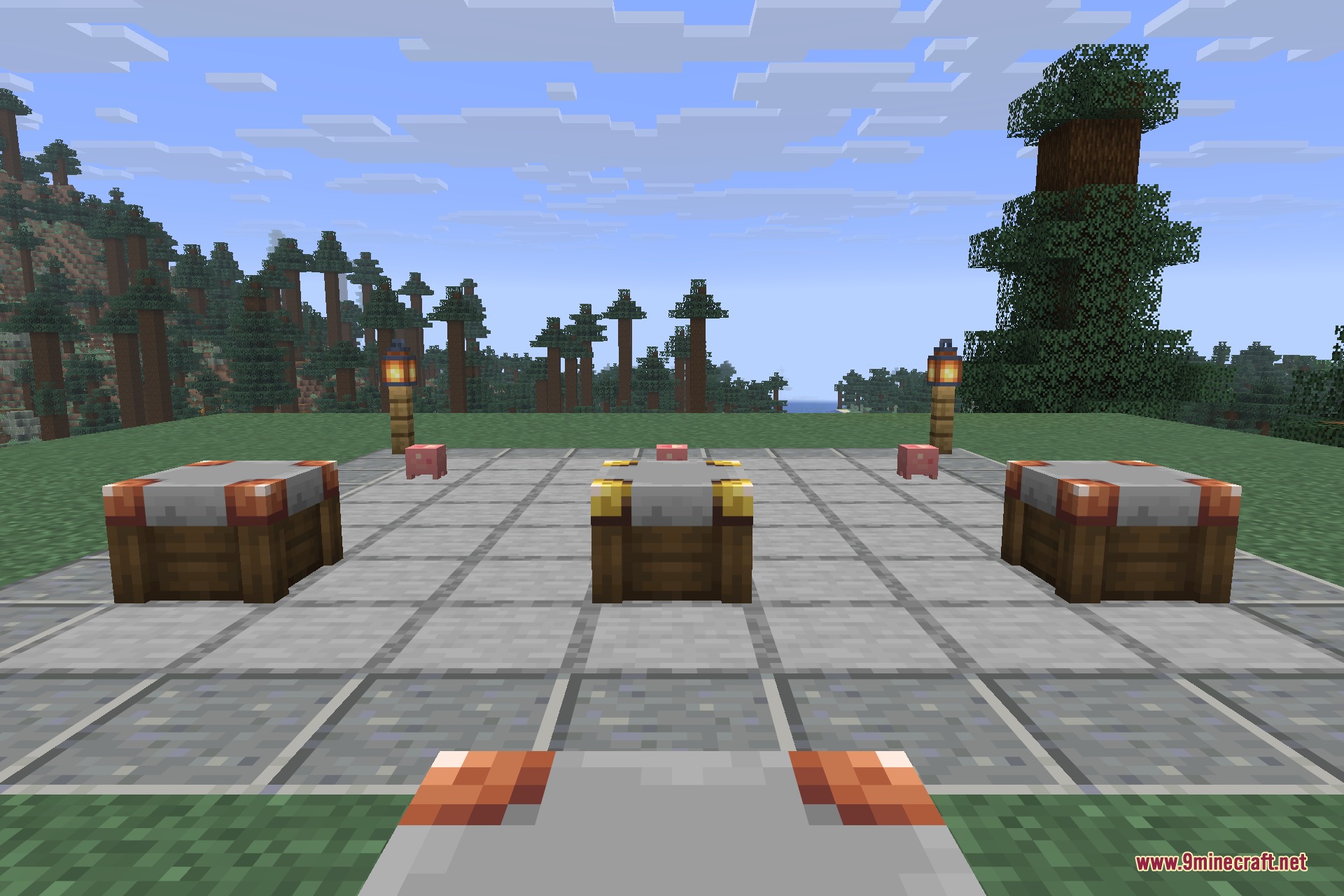
Numismatic Overhaul 9minecraft Mod replaces the classic emerald economy with a three-tier coin currency. You earn bronze, silver, and gold coins from slaying monsters, exploring loot chests, and trading with villagers. A personal purse system keeps your coins organized so your inventory never fills up with loose change. You can also build custom shops to trade goods with other players on multiplayer worlds.
Features:
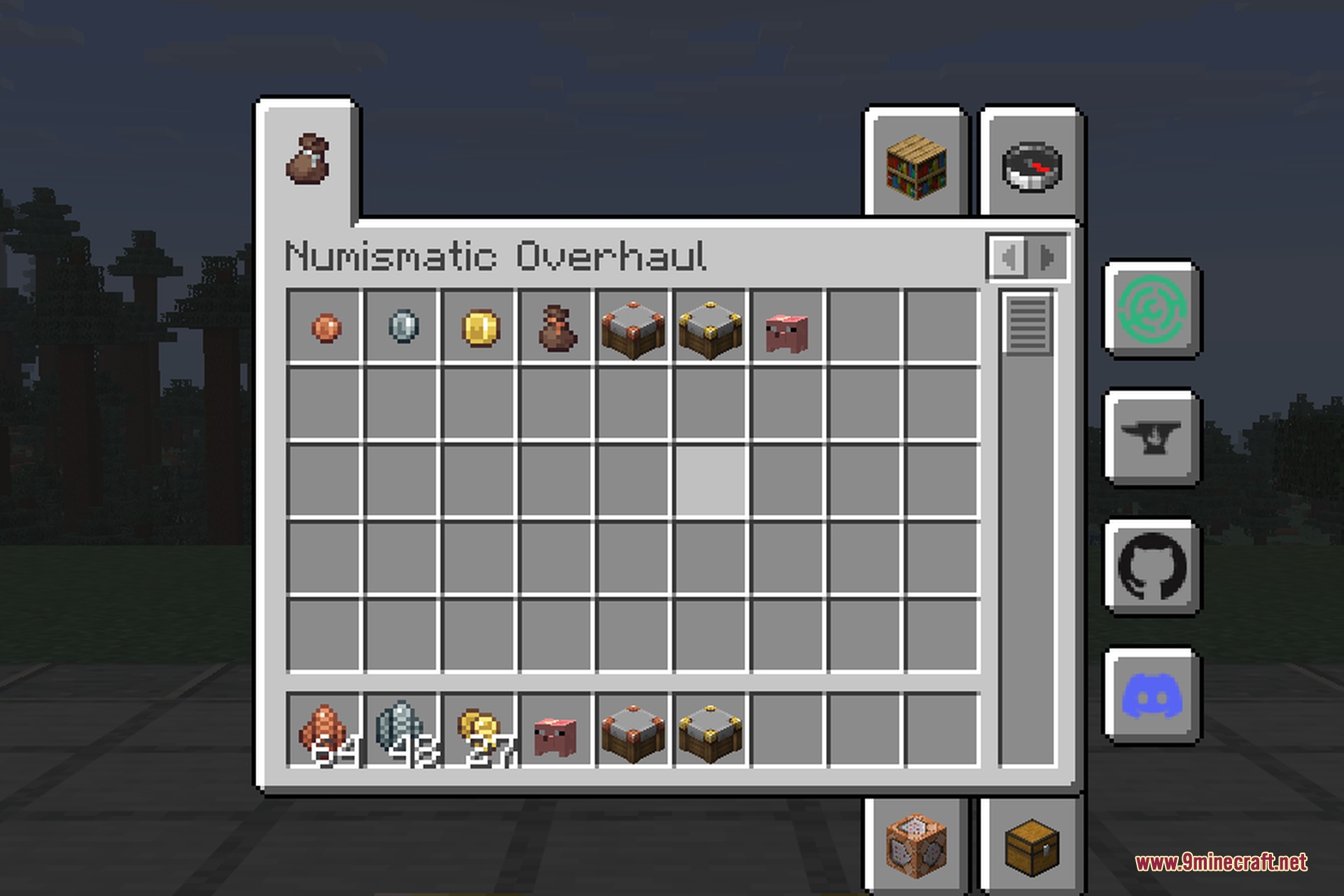
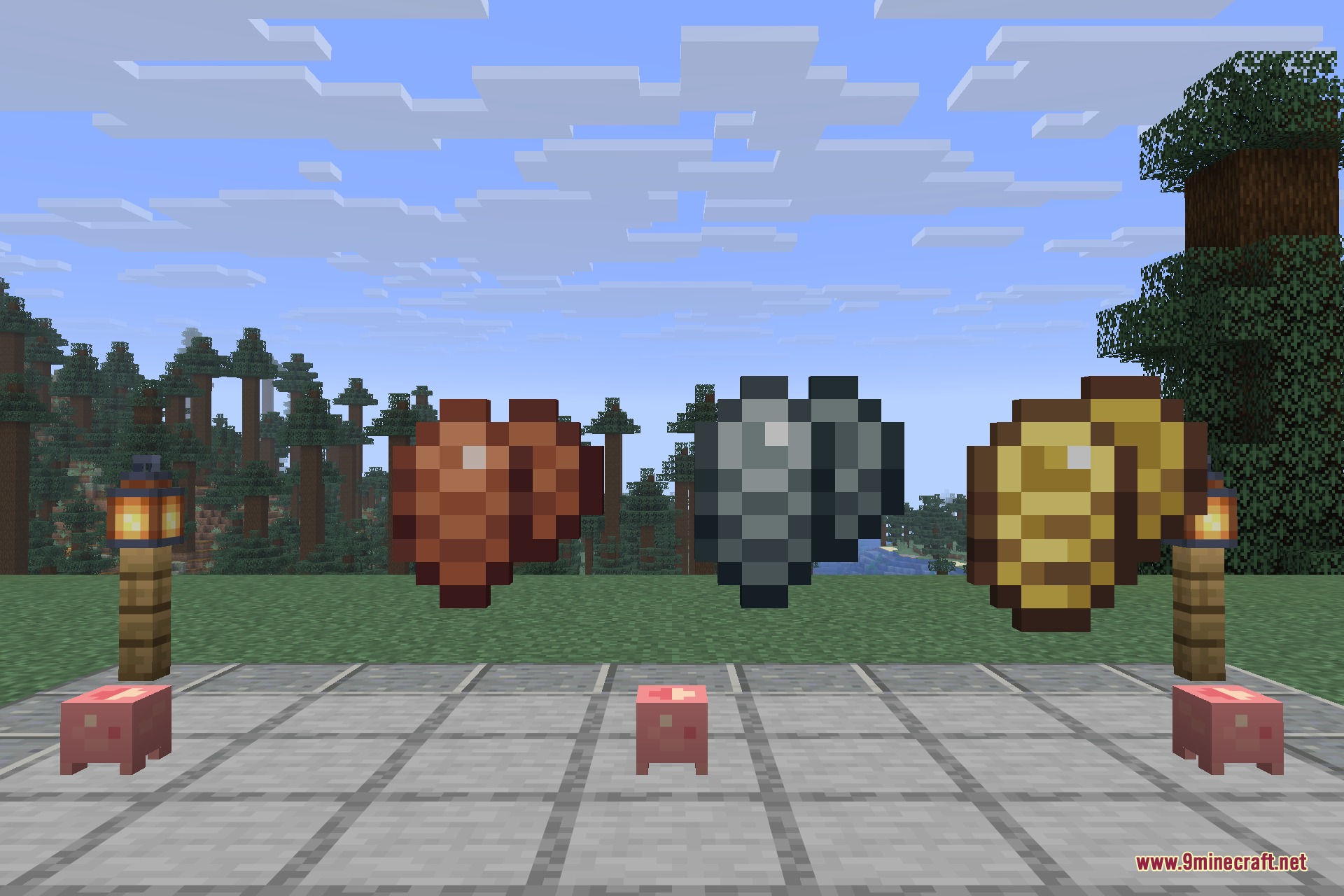
- Three Coin Tiers: Bronze, silver, and gold coins replace emeralds, where one hundred bronze make one silver and one hundred silver make one gold.
- Coin item textures visually change size as the stack quantity grows in your hand or chests.
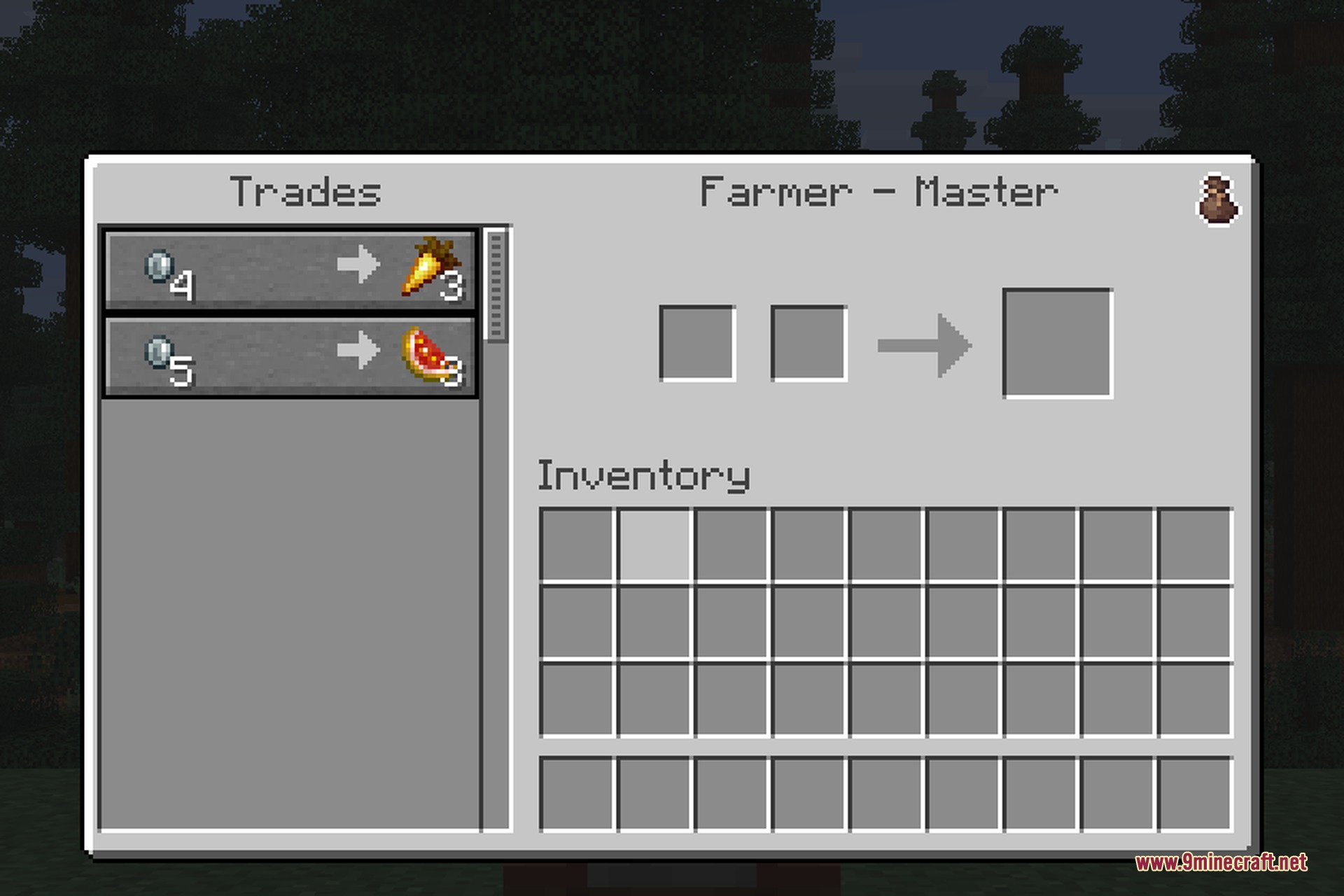
- Villager trades convert automatically to coins at a rate of one hundred twenty-five bronze per emerald.
- Defeating hostile mobs rewards you with coin drops.
- Money Bags and coins appear as loot inside dungeons, desert pyramids, mineshafts, bastions, and outposts.
- The purse interface lets you deposit loose coins, withdraw specific sums, and pay merchants directly without holding cash.
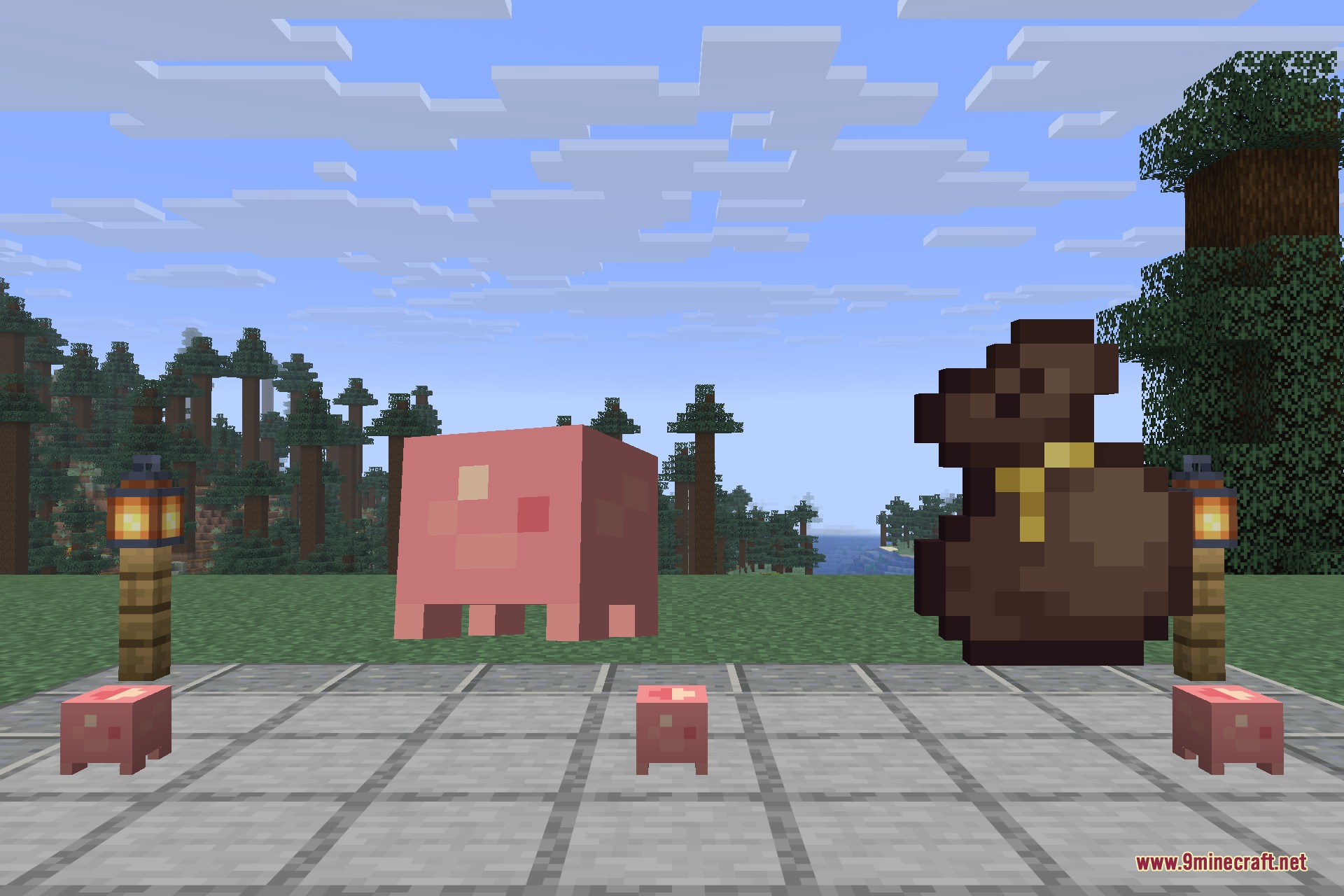
- Money Bags hold custom coin amounts in a single slot and change visual appearance based on total stored wealth.
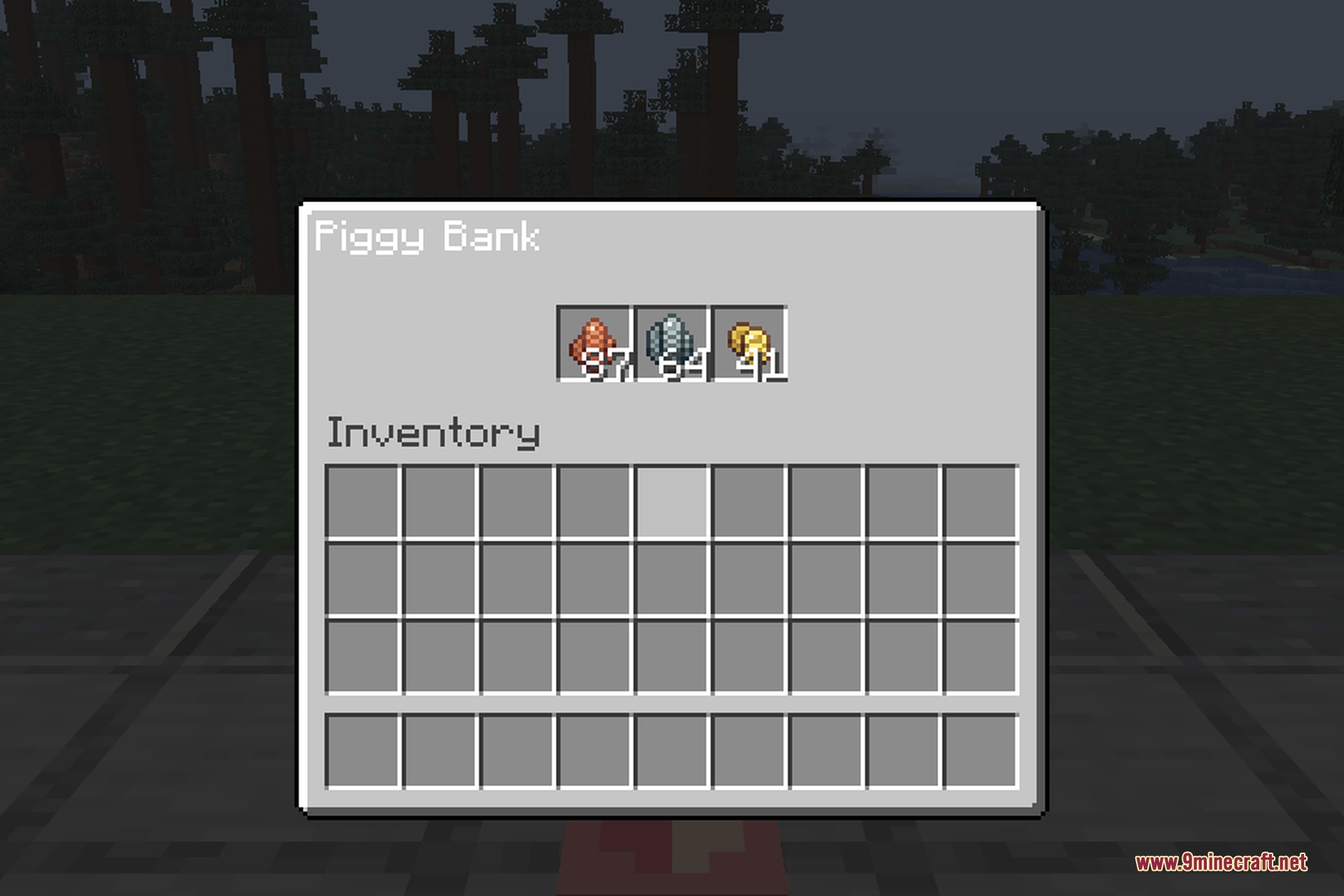
- Piggy Banks store spare coins safely until you smash them with an anvil or harvest them using a hammer tool.
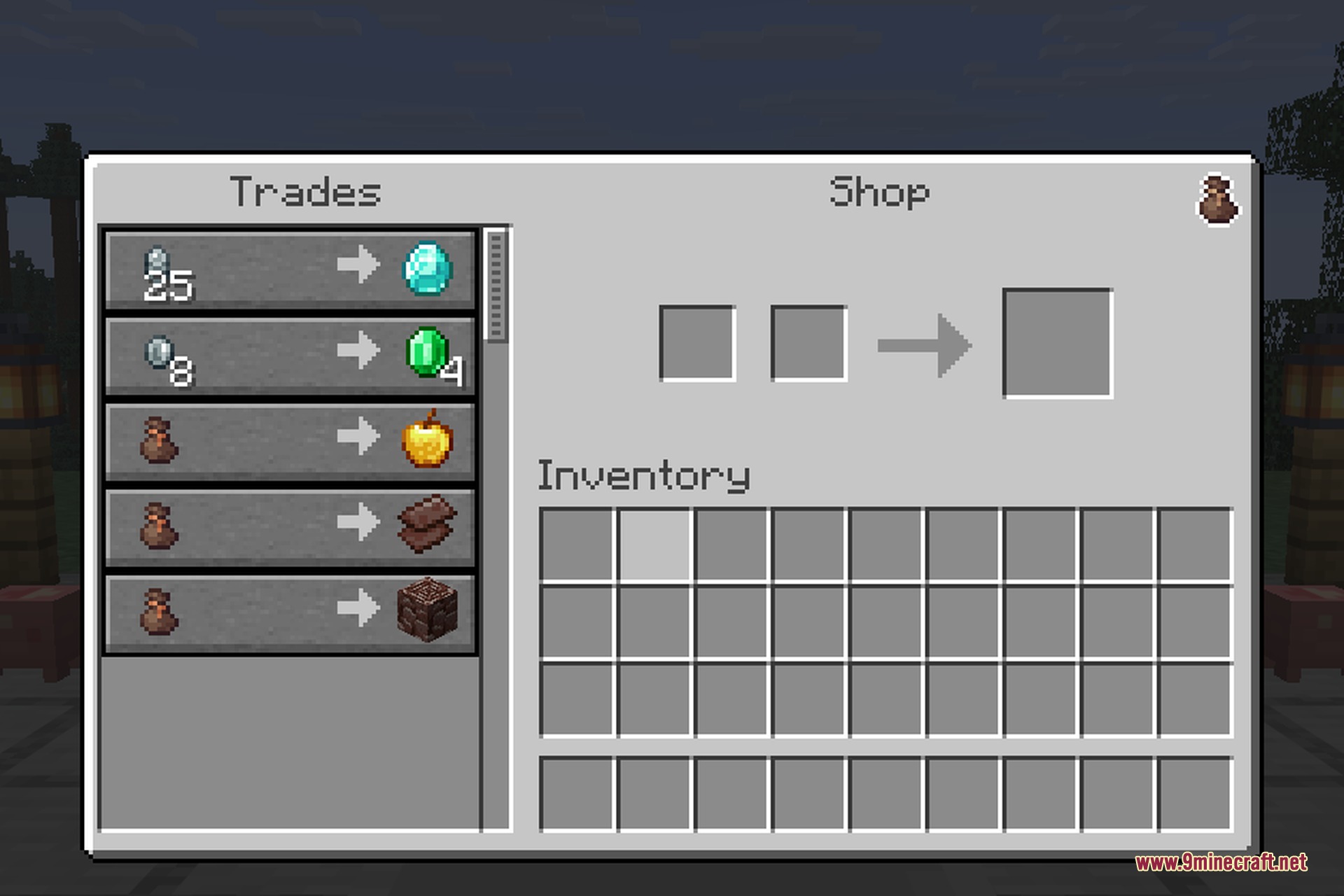
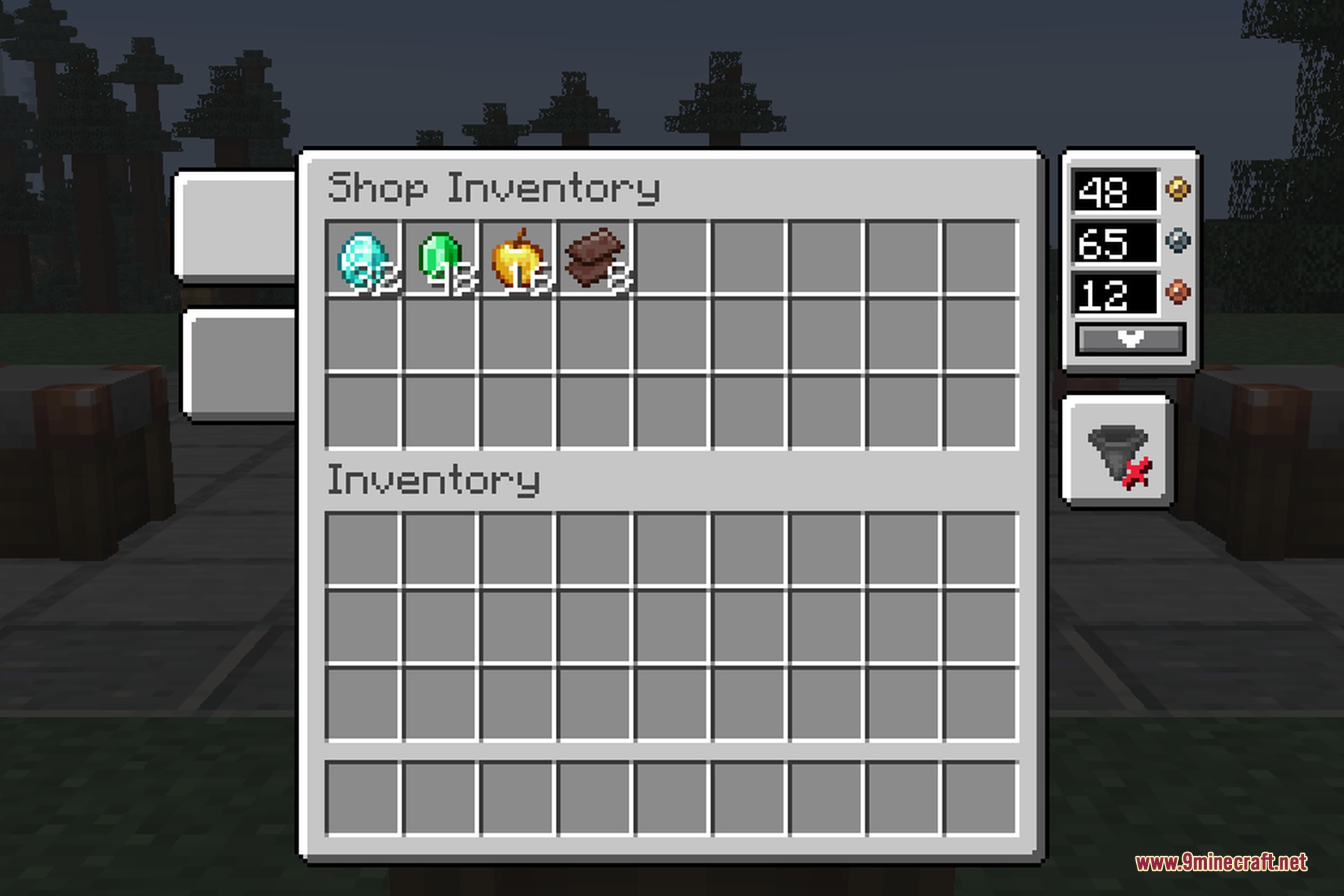
- Shop blocks allow players to sell items for set coin prices with automated hopper input support.
- Inexhaustible Shop blocks provide infinite item stock for server administrators.
Commands:
/numismatic balance: checks or modifies a player’s coin balance./numismatic serverworth: displays the total amount of money circulating on the entire server.
How to Use:
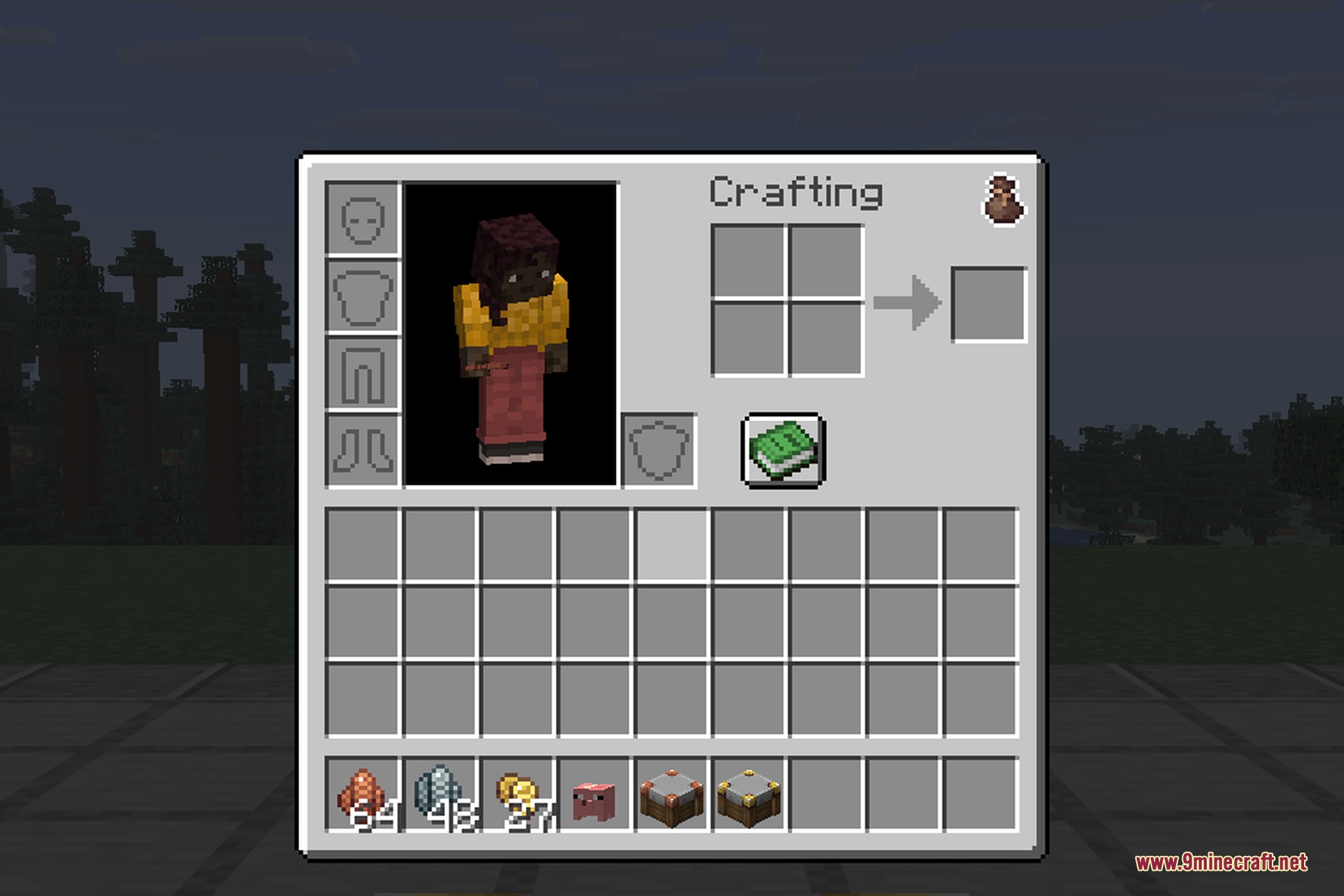
- Click the pouch button inside your inventory screen to open your coin purse.
- Deposit your loose bronze, silver, and gold coins directly into the purse balance.
- Trade with villagers or player shops to spend money directly from your purse.
- Place a Shop block and right-click it to insert items and set your custom selling prices.
Screenshots:
Numismatic Overhaul 9minecraft Mod Download Links
Quick facts
- Edition: Minecraft Java
- File type: .jar
- How to install: Install the matching mod loader (Forge, Fabric or NeoForge) for your Minecraft version. → Download the .jar. → Put it in the .minecraft/mods folder and launch that loader profile.
- Where to get it: Opens on the file's original source — not every file is mirrored on our own servers.
Install steps are the general flow for this file type — How to install Minecraft Java mods & modpacks walks through it step by step.
Numismatic Overhaul 9minecraft Mod (26.2) – Earn Coins and Build Your Shop Empire is a free Minecraft Java mod. Download it and open it directly in the game.