
BestBuds
Java mod listed for Minecraft 1.21–26.x. Downloads from the MC Java Mods app on Android.
Manage & protect your pets! Features View who owns a pet by shift-right clicking it Transfer a pet to another player with /bb transfer Release a pet back…
⬇ Download on Modrinth
Manage & protect your pets!
Features
- View who owns a pet by shift-right clicking it
- Transfer a pet to another player with /bb transfer
- Release a pet back into the wild with /bb release
- Do either of the above by shift-right clicking a pet you own with a stick
- Put a pet up for adoption, allowing other players to take ownership of them
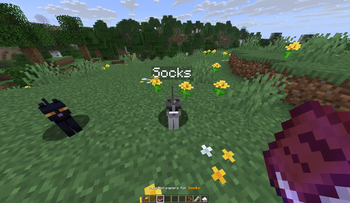
- Anti-grief protection for your pets: other players can't hurt, ride, leash or rename your pets.
- Use /bb trust to allow other players to interact with your pets
- Admins can transfer other players' pets with the bestbuds.admin.transfer permission
- Admins can interact with other players' pets if granted permission
Usage
Use /bb or /help bestbuds to see the command list.
Adoption
To put a pet up for adoption, shift-right-click it with a piece of paper. This will create adoption papers (a book) for that pet and set it as adoptable. You can then give another player the book, and they can use the book on the pet in order to adopt it.
Showcase
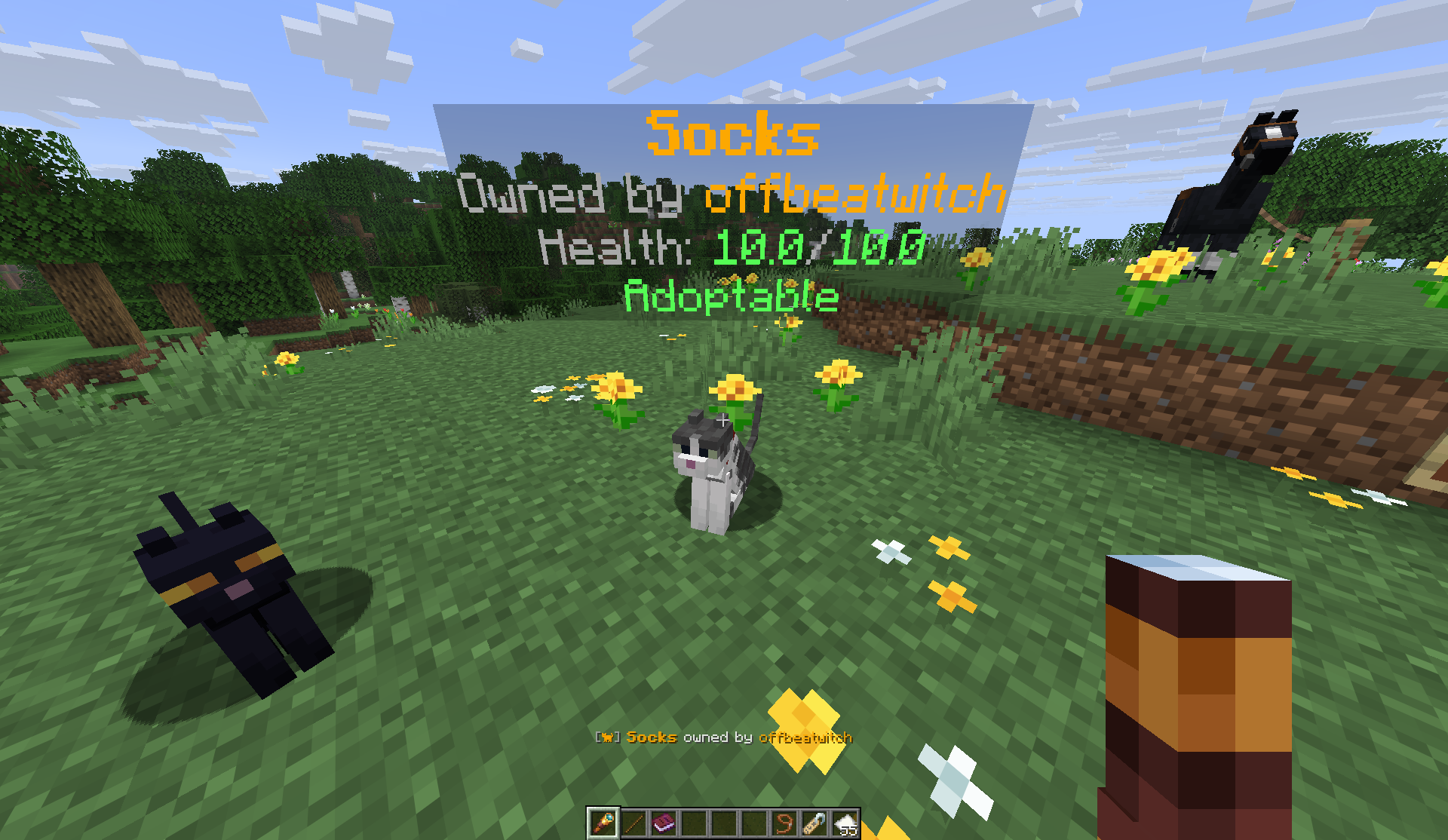
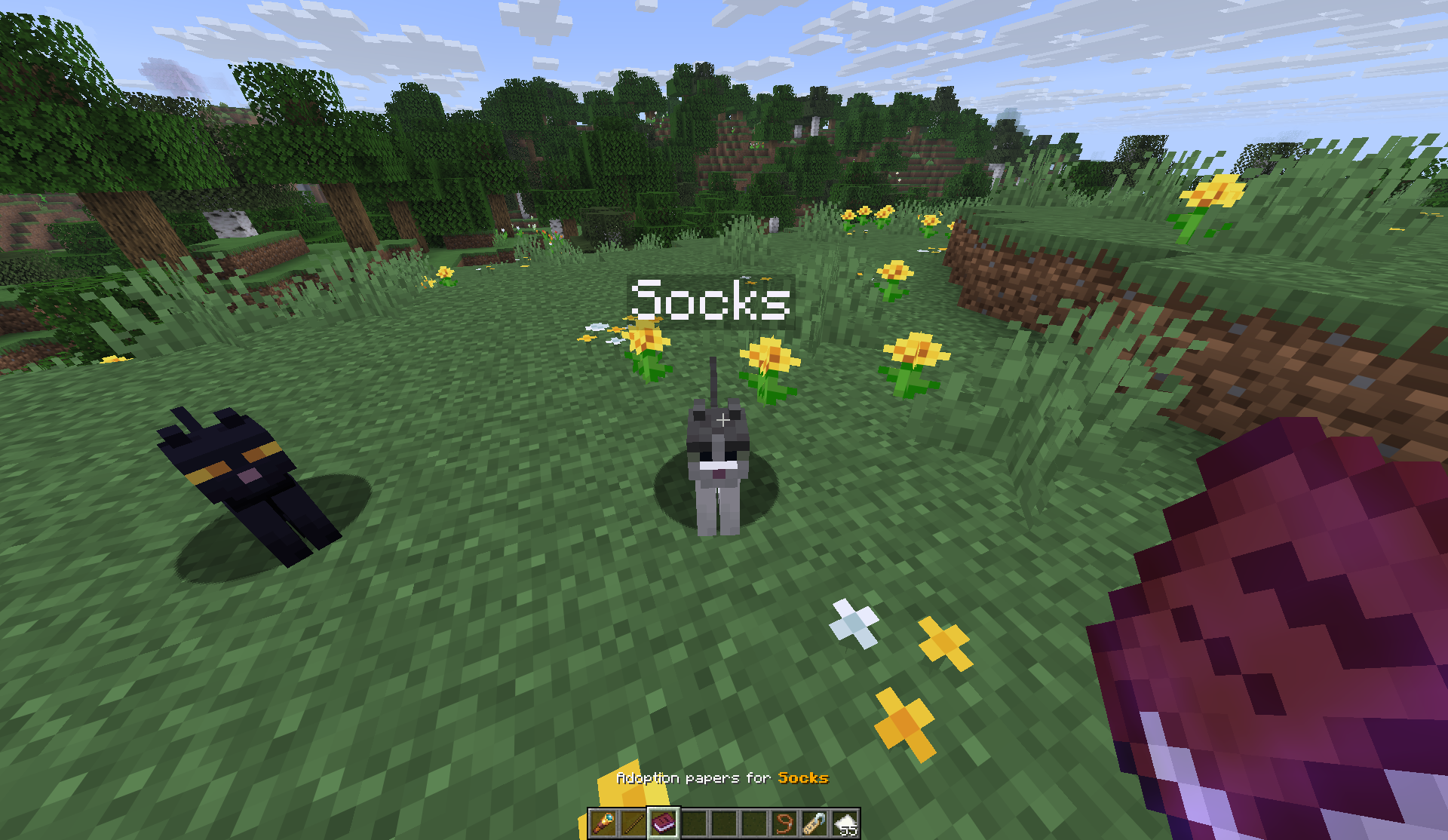
- Edition: Minecraft Java
- File type: .jar
- Minecraft versions listed: 1.21, 1.21.1, 1.21.2
- How to install: Install the matching mod loader (Forge, Fabric or NeoForge) for your Minecraft version. → Download the .jar. → Put it in the .minecraft/mods folder and launch that loader profile.
- Where to get it: Opens on Modrinth — not every file is mirrored on our own servers.
Install steps are the general flow for this file type — How to install Minecraft Java mods & modpacks walks through it step by step.
- Ships as bestbuds-1.0.1.jar — drop this file into the mods folder
- Download size: 73 KB
- Download link checked 17 Oct 2026 — working
These come from our own check of the pack file, not from the source page.