Stony Cliffs Are Cool 9minecraft Data Pack (26.2) – Natural Rock Faces Emerge
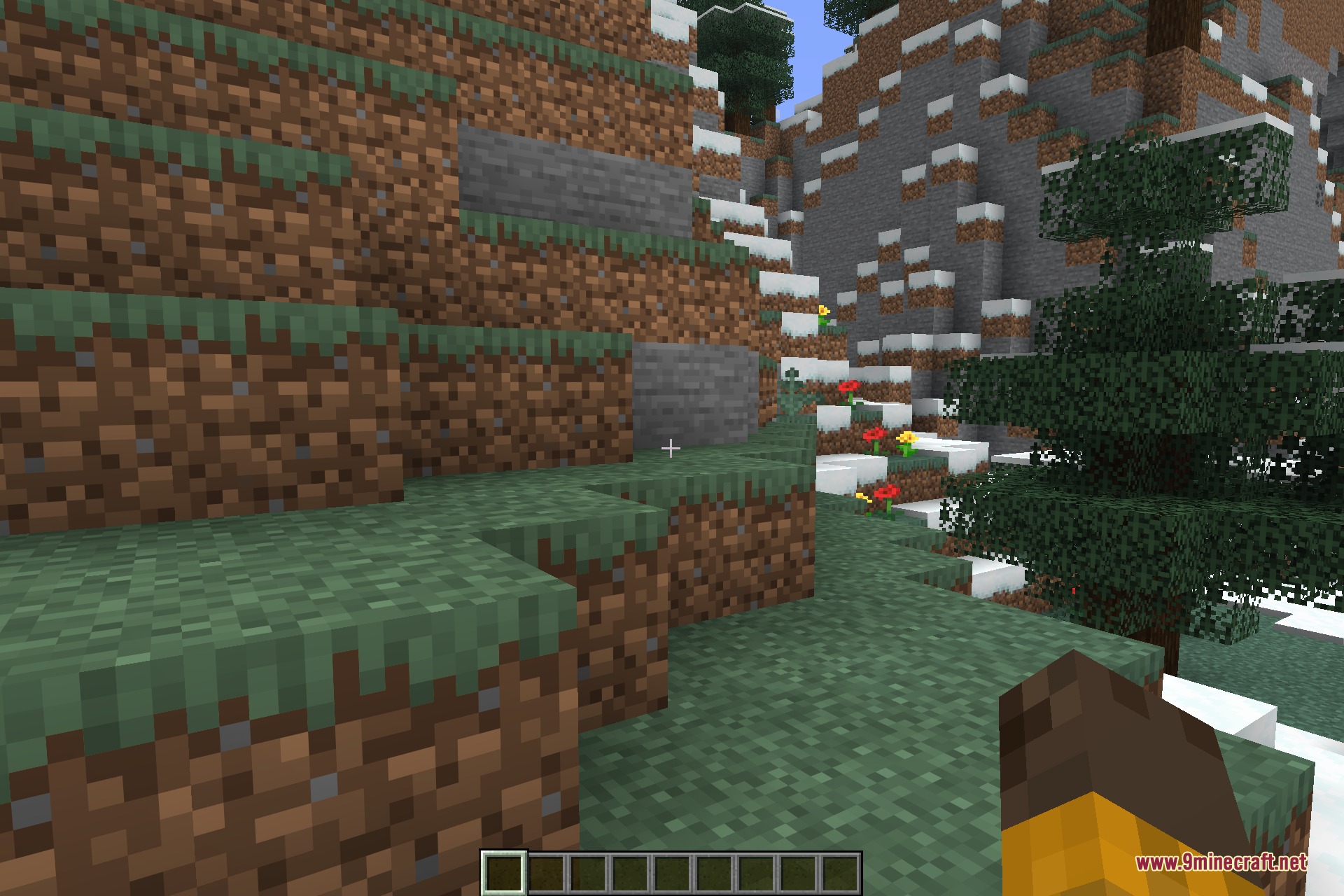
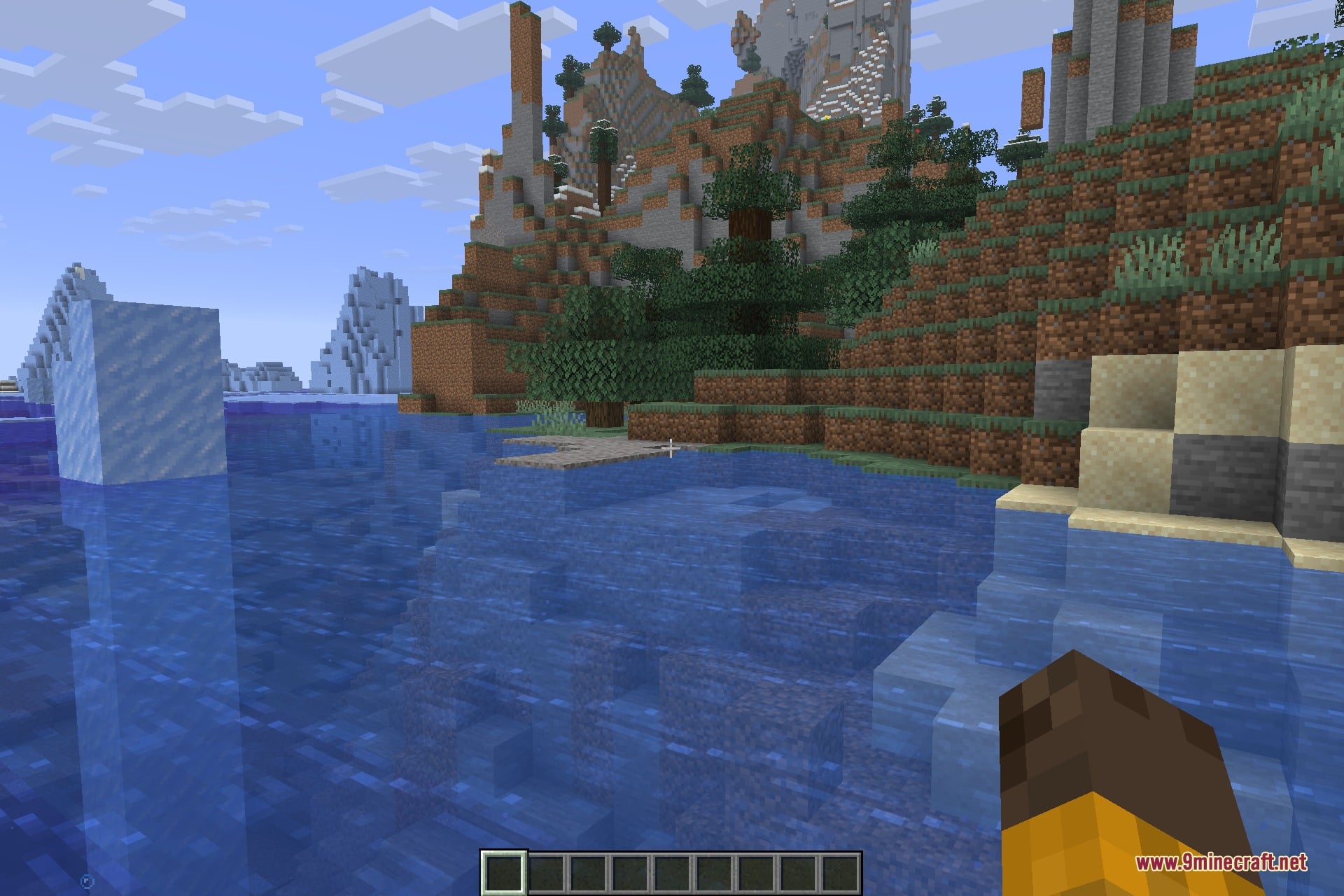
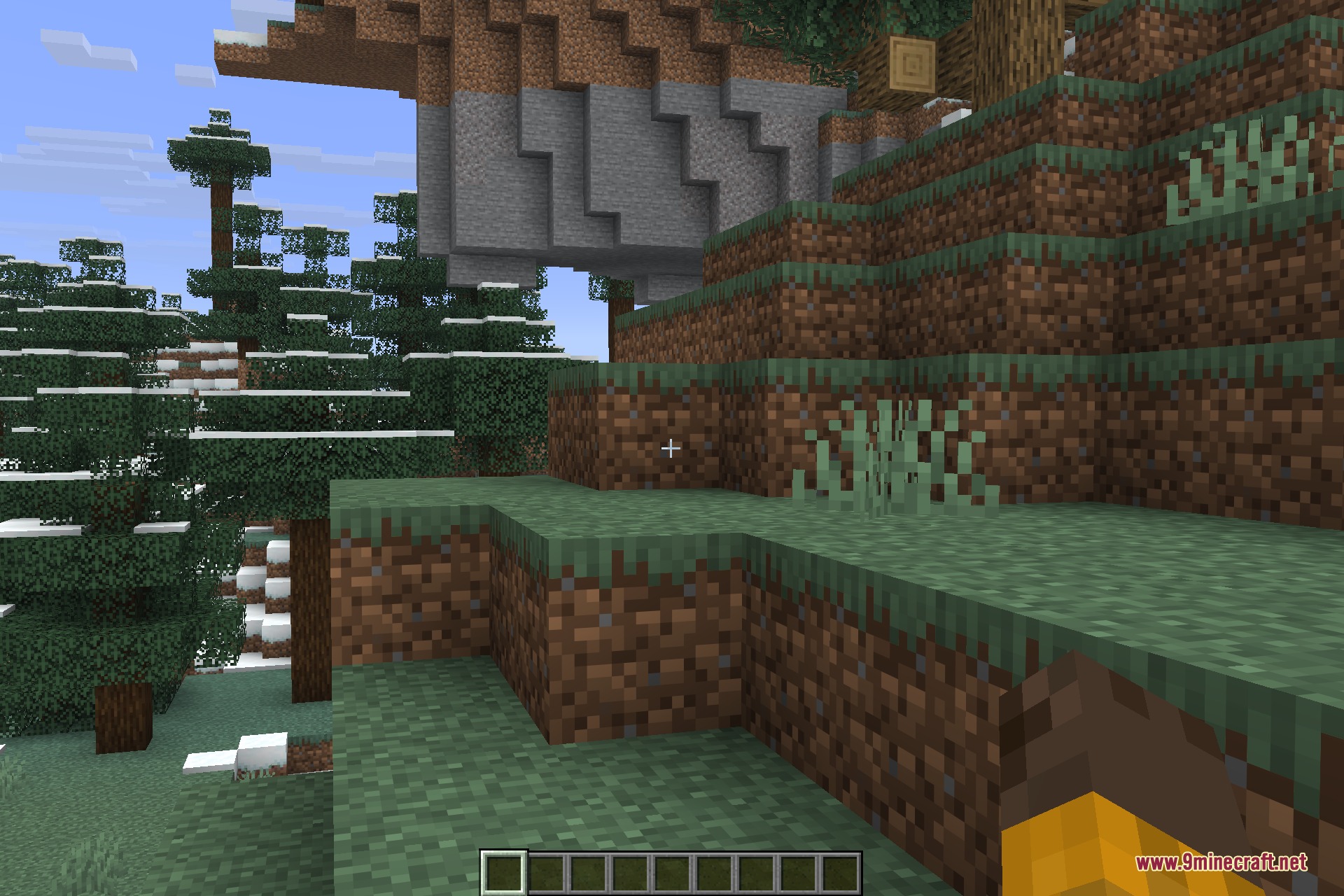
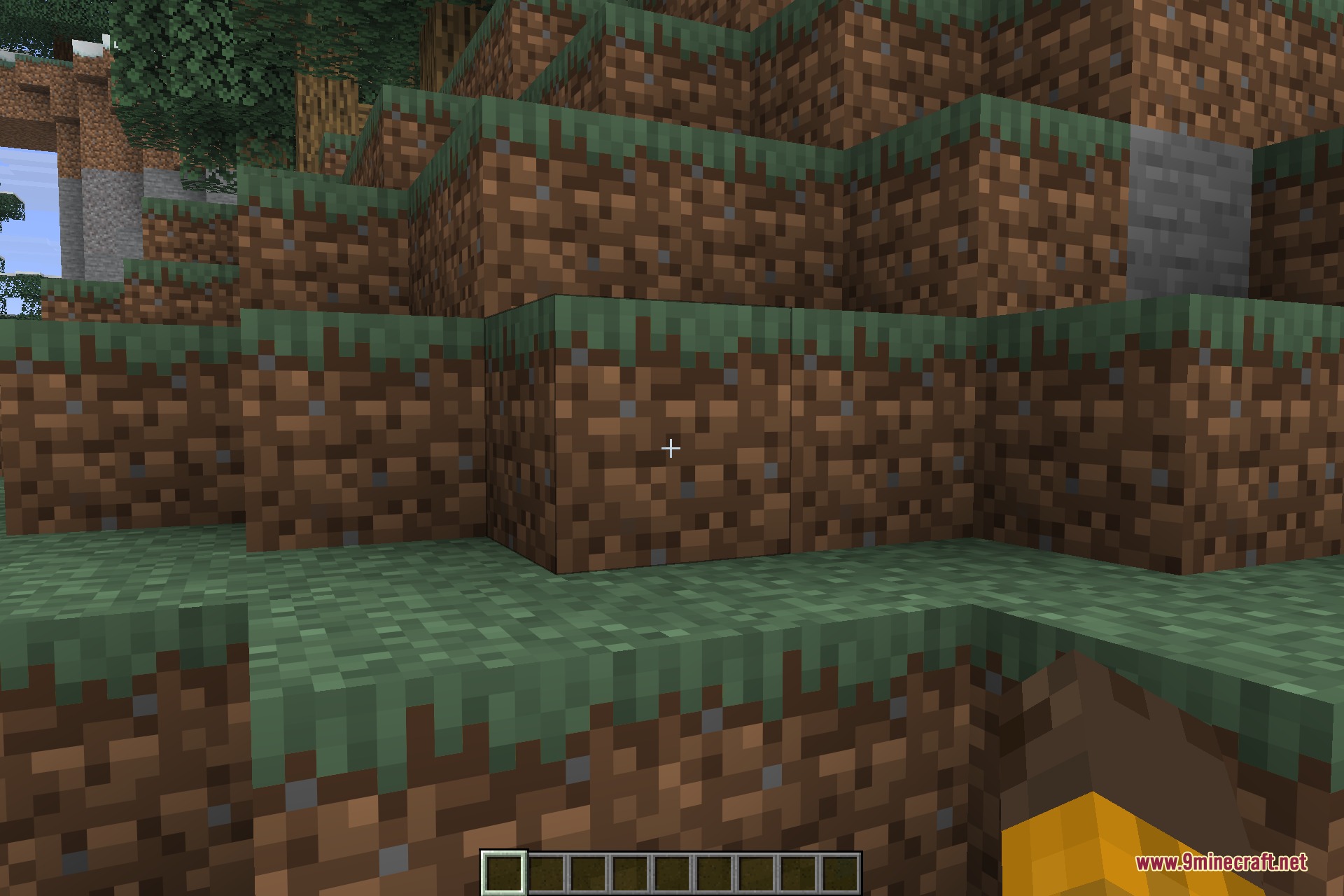
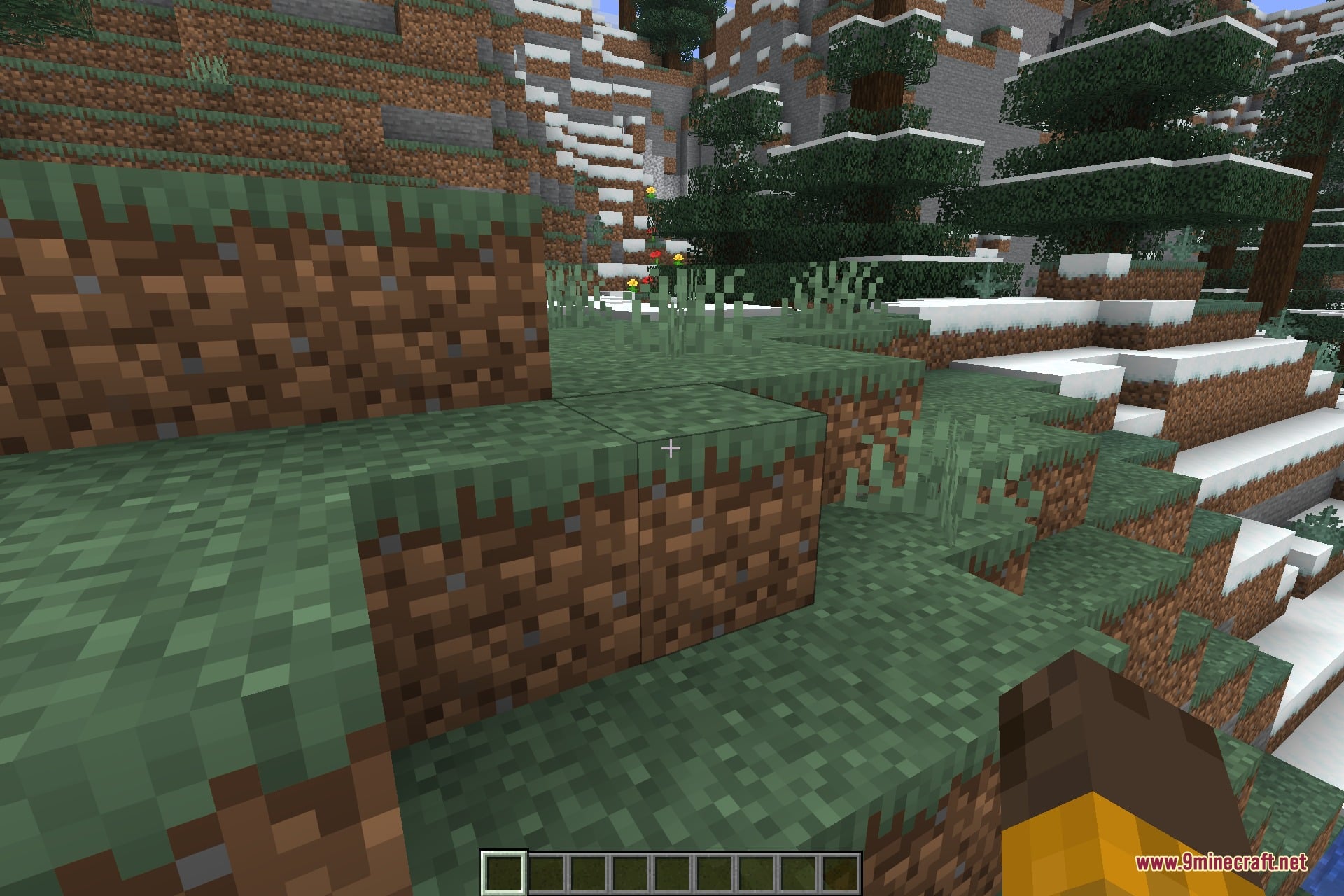
Stony Cliffs Are Cool 9minecraft Data Pack is a small worldgen tweak with one job: stop steep ground from looking like a wall of dirt. In vanilla, hills are made of dirt with grass on top, so any sharp drop shows a brown face. This pack turns those exposed faces into stone, the way a real hillside shows the rock beneath once the soil has gone.
The rule it applies is narrow on purpose. As land generates, it looks for dirt sitting on a steep, exposed face with stone already nearby, and puts stone there instead. Terrain height, terrain shape and the grass layer on top are untouched, so hills keep the exact silhouette vanilla gave them – only the material of the cut face changes.
That restraint is what keeps it usable in an ordinary survival world. Gentle slopes and open fields are ignored completely, nothing is added to the world, and no vanilla recipe, block or mob behaviour is affected. Visually the difference reads as terraces and ridges gaining grey rock shelves where there used to be flat dirt.
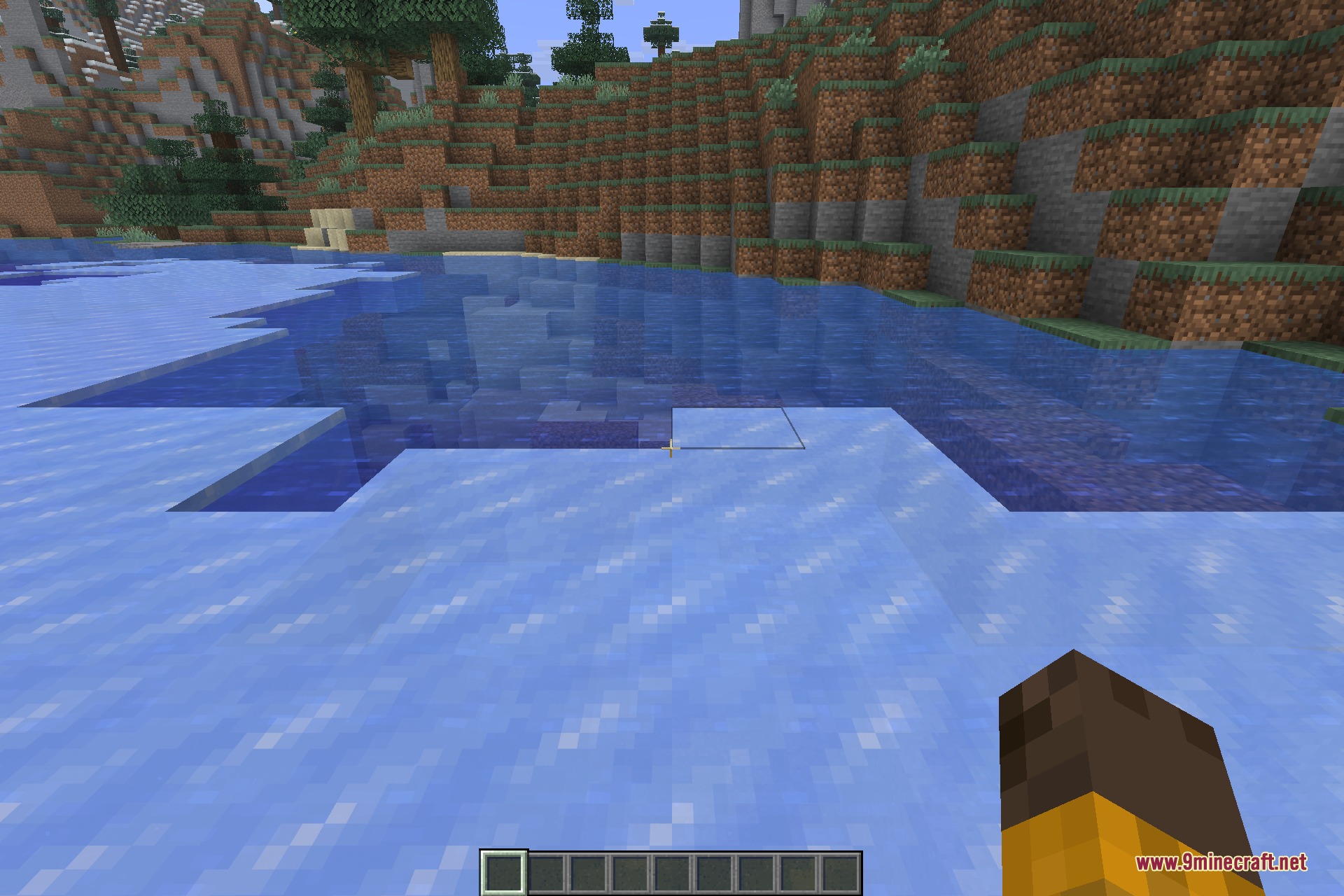
It runs across all overworld biomes, so the effect follows the terrain rather than the climate: ridgelines, plateau edges, valley sides and the ground cut away around lakes and rivers all pick it up. It shapes land at the moment that land is generated, which means new territory you walk into gets stone faces while previously generated chunks stay as they are.
Features:
- Steep exposed dirt generates as stone, so hillsides get real rock faces.
- Covers every overworld biome – the effect follows steep terrain, not climate.
- Terrain height and shape are unchanged; only the exposed face material differs.
- Flat ground, gentle slopes and the grass surface stay exactly as vanilla.
- Adds no blocks, items, mobs, structures or recipes of any kind.
- Costs nothing during play – the work happens as land generates.
- Newly generated land is affected; chunks you have already visited keep their look.
Screenshots:
Stony Cliffs Are Cool 9minecraft Data Pack Download Links
- Edition: Minecraft Java
- File type: .jar
- How to install: Install the matching mod loader (Forge, Fabric or NeoForge) for your Minecraft version. → Download the .jar. → Put it in the .minecraft/mods folder and launch that loader profile.
- Where to get it: In MC Java Mods, or directly above on this page.
Install steps are the general flow for this file type — see the MC Java Mods guides for the full walkthrough.
- Downloads as 506380.mcpack
- Download size: 88 KB
- Download link checked 7 Sept 2026 — working
- Mirrored on our own servers — the download does not depend on the original host
These come from our own check of the pack file, not from the source page.