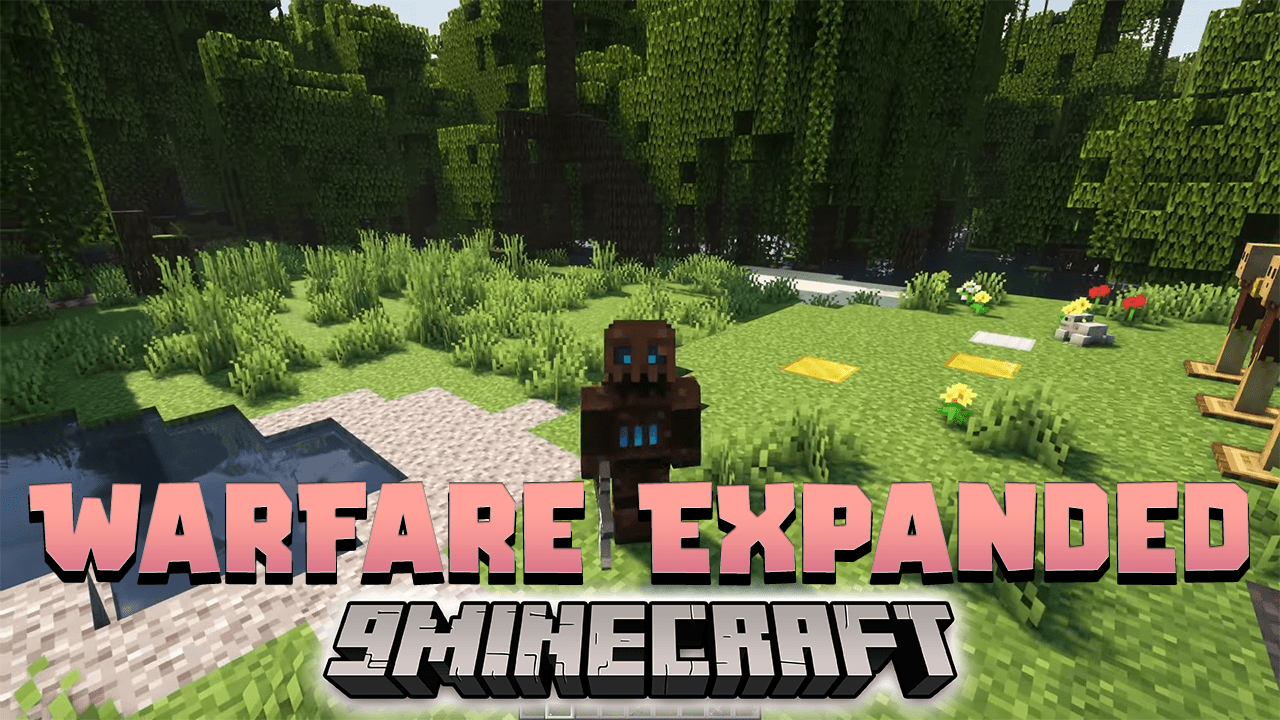
Warfare Expanded Data Pack (1.21.4, 1.20.1) – Enhance Your Minecraft Battles!
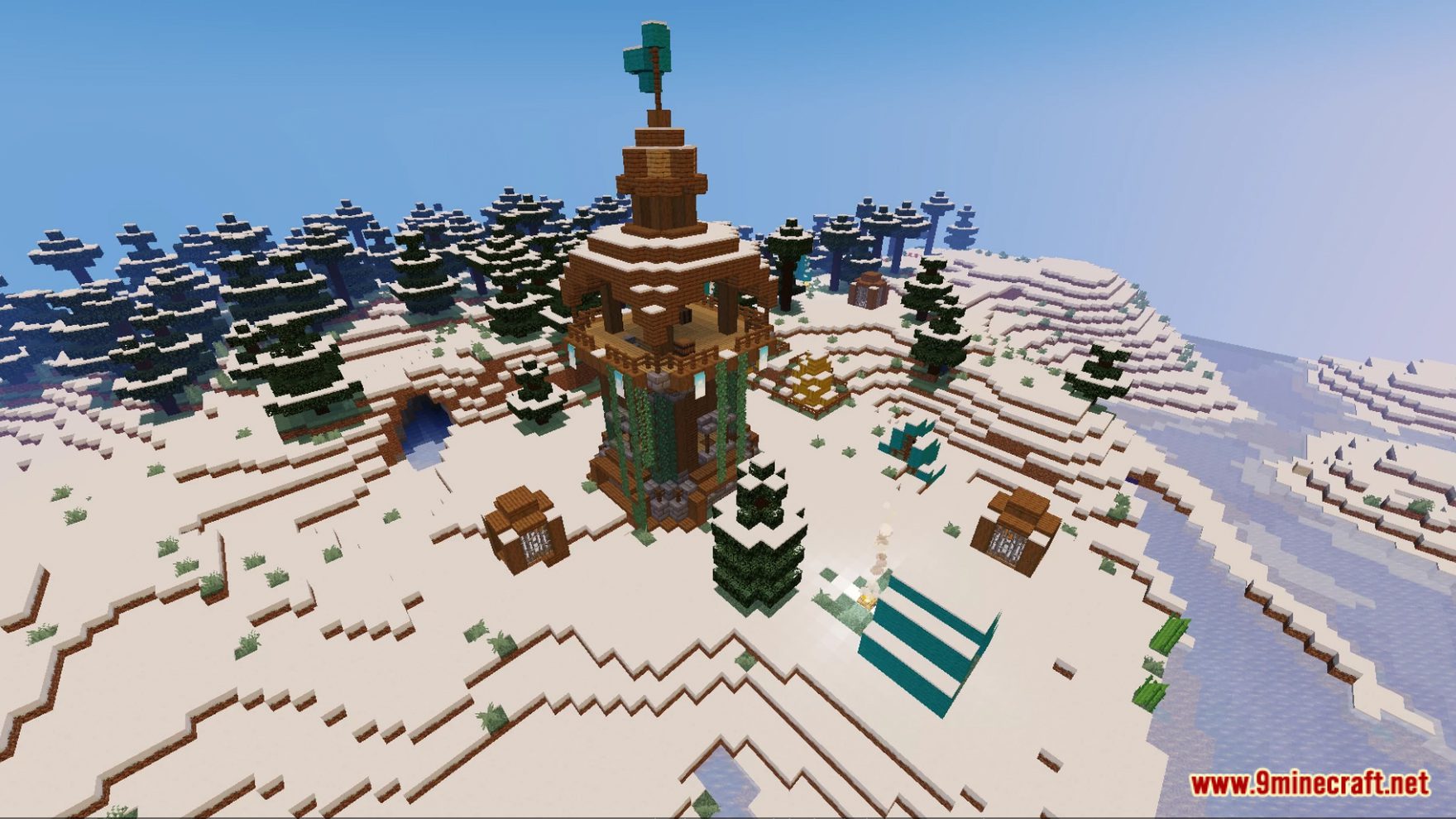
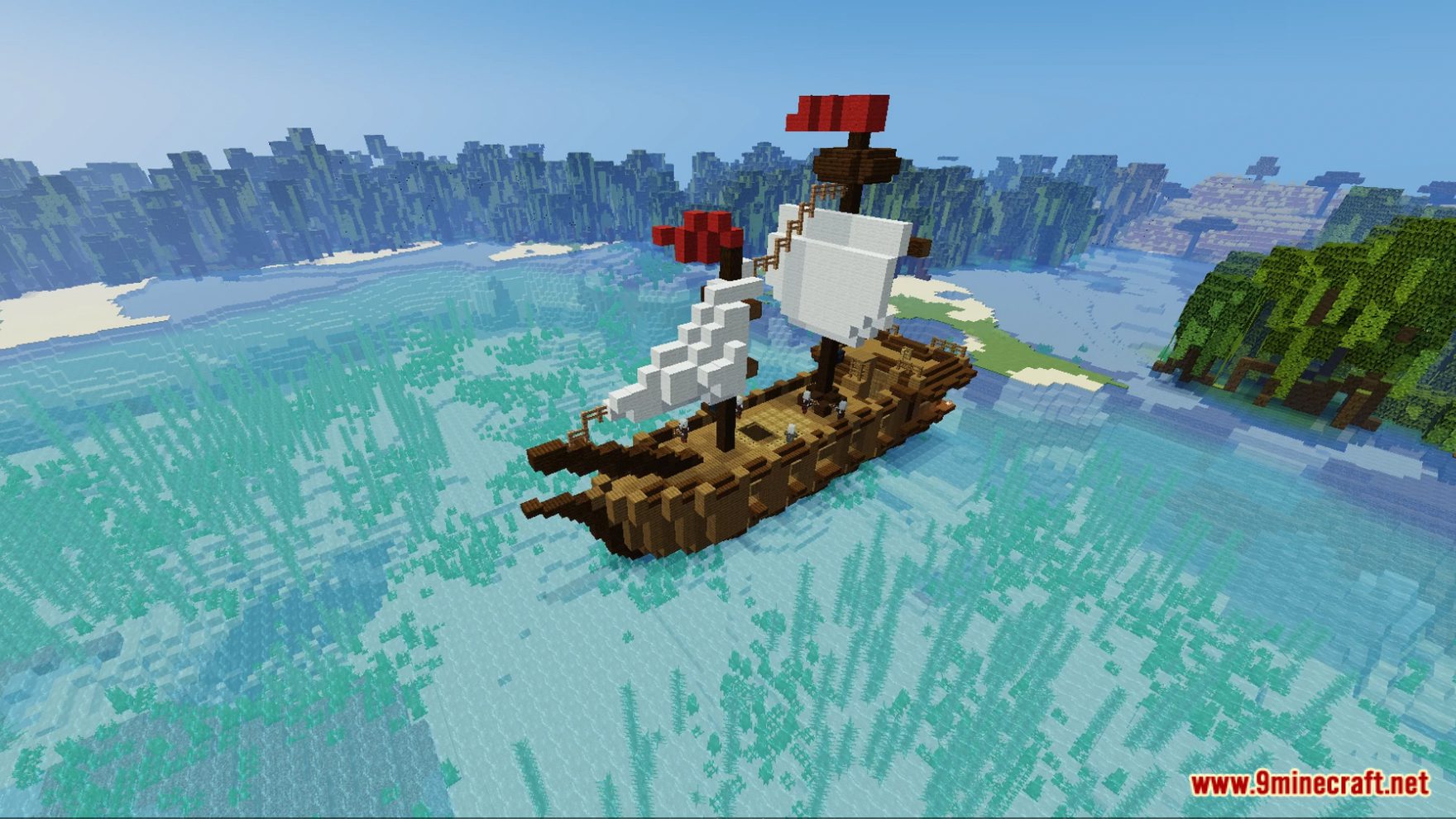
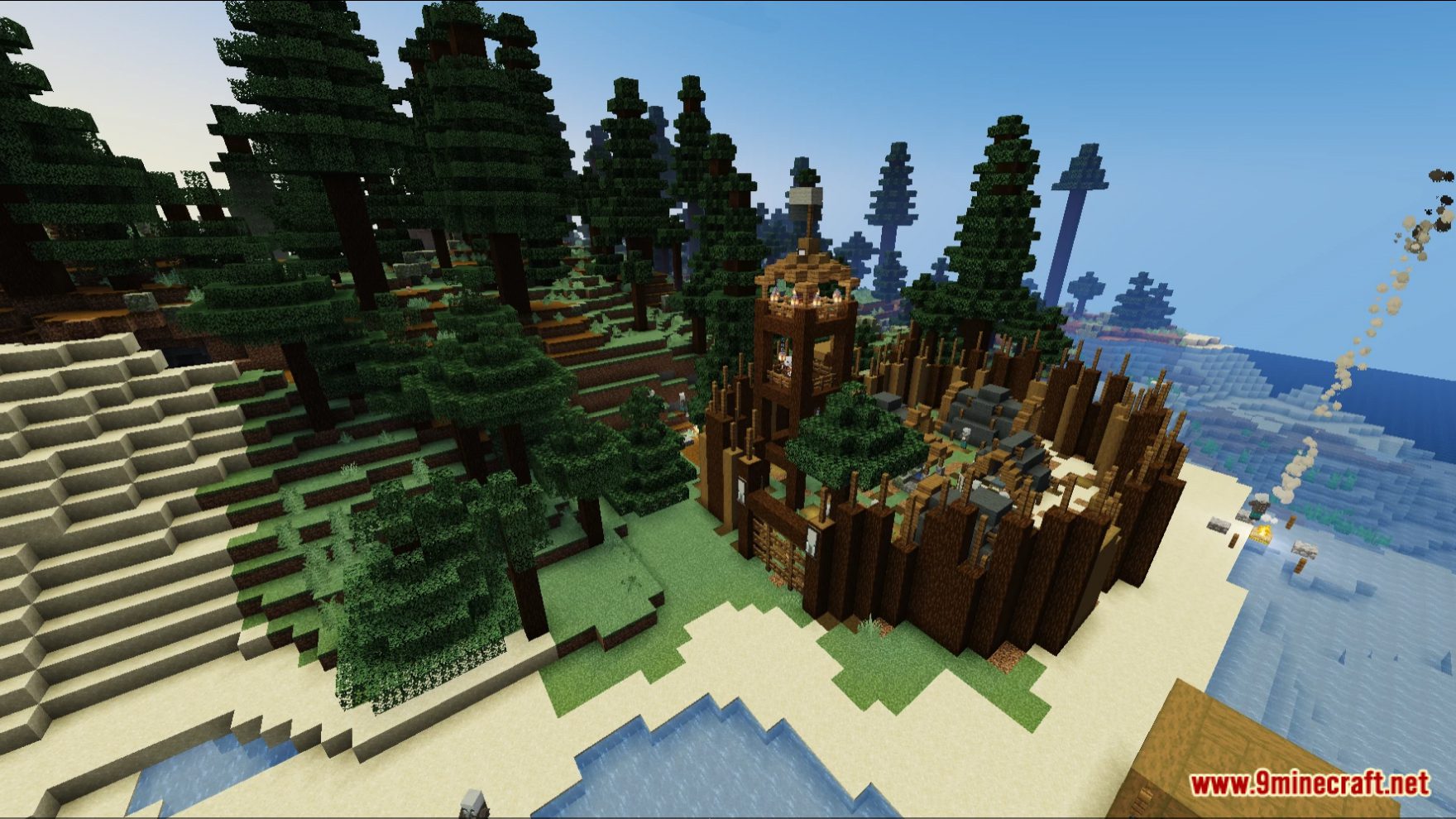
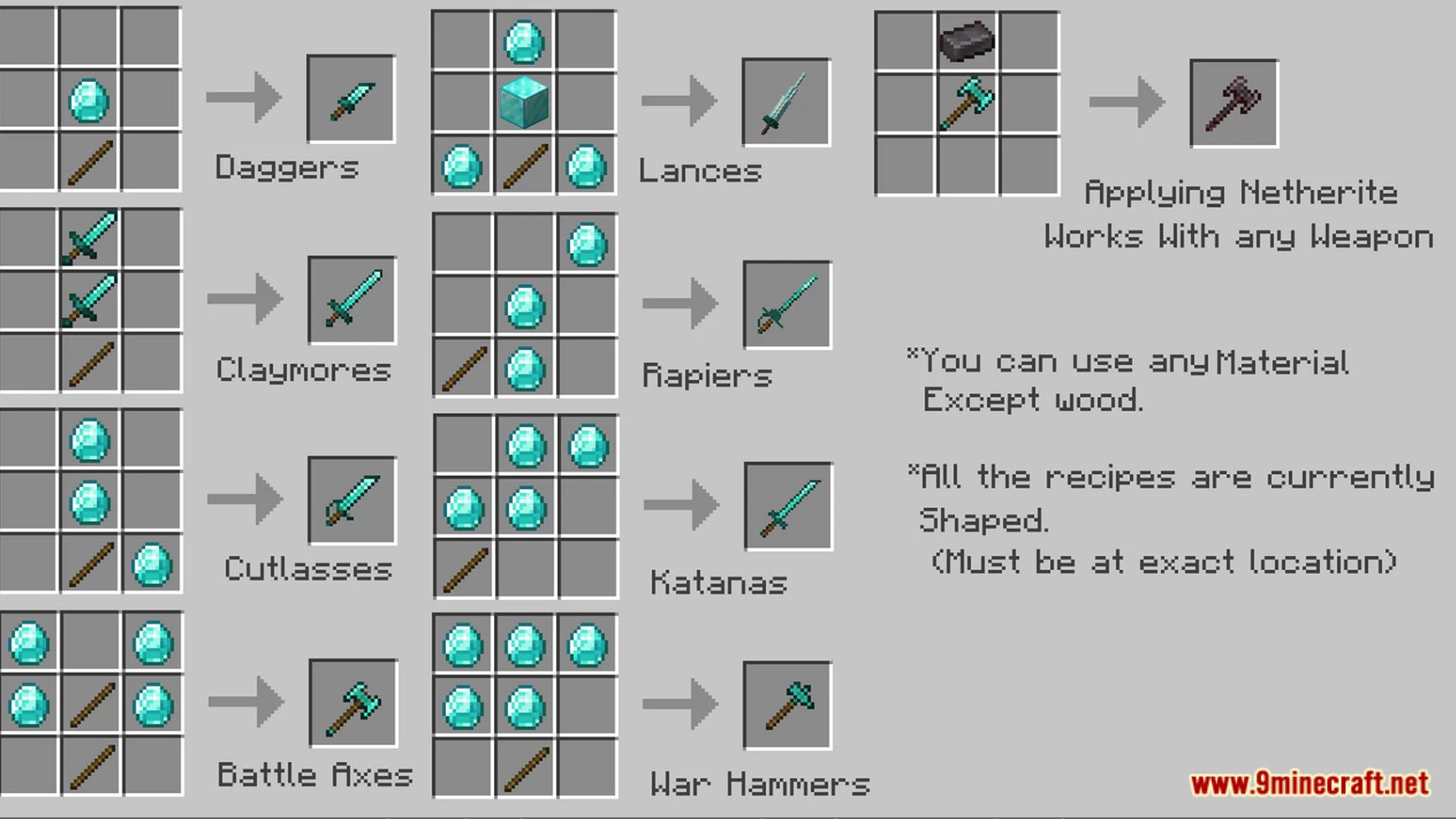
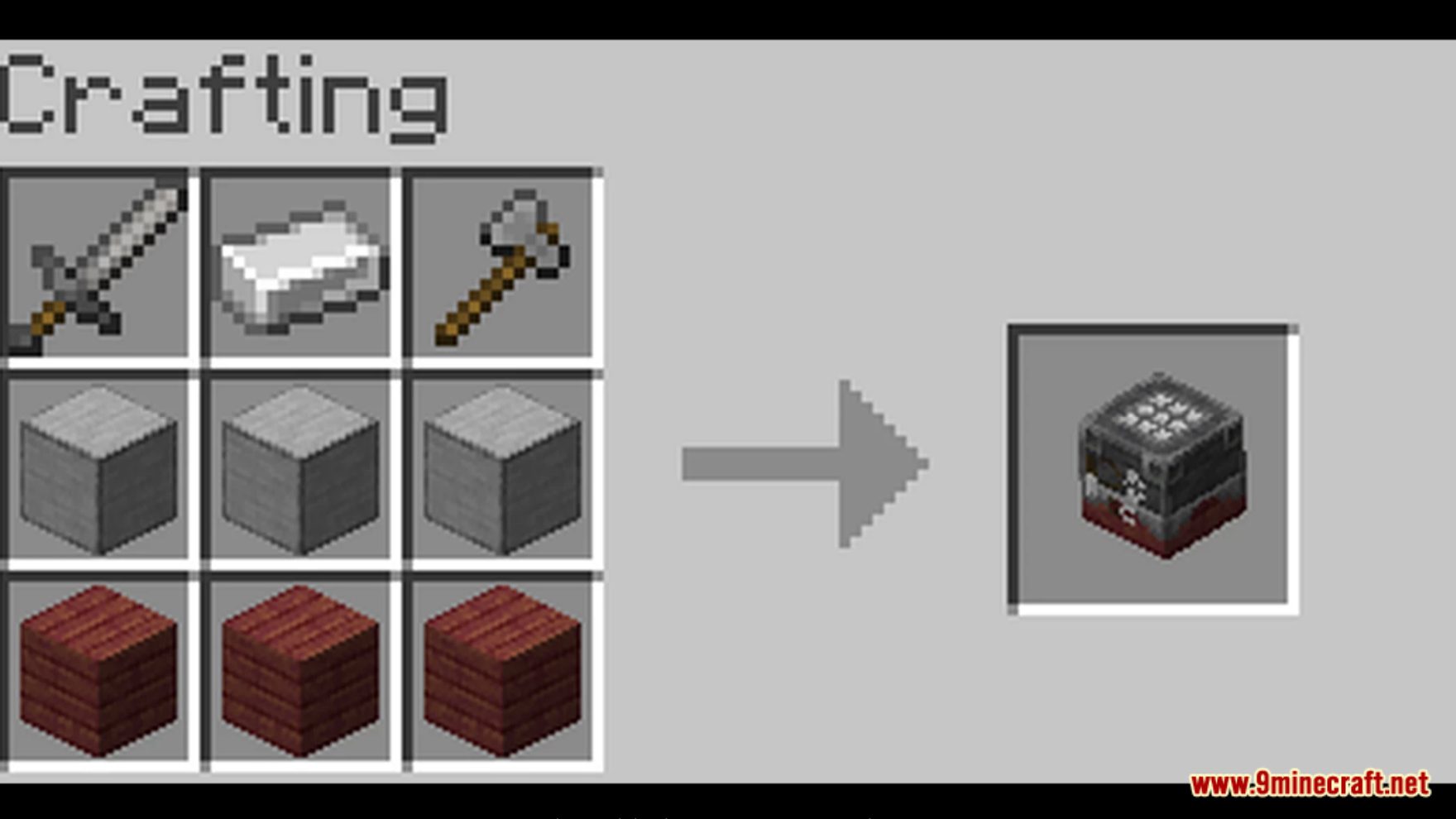
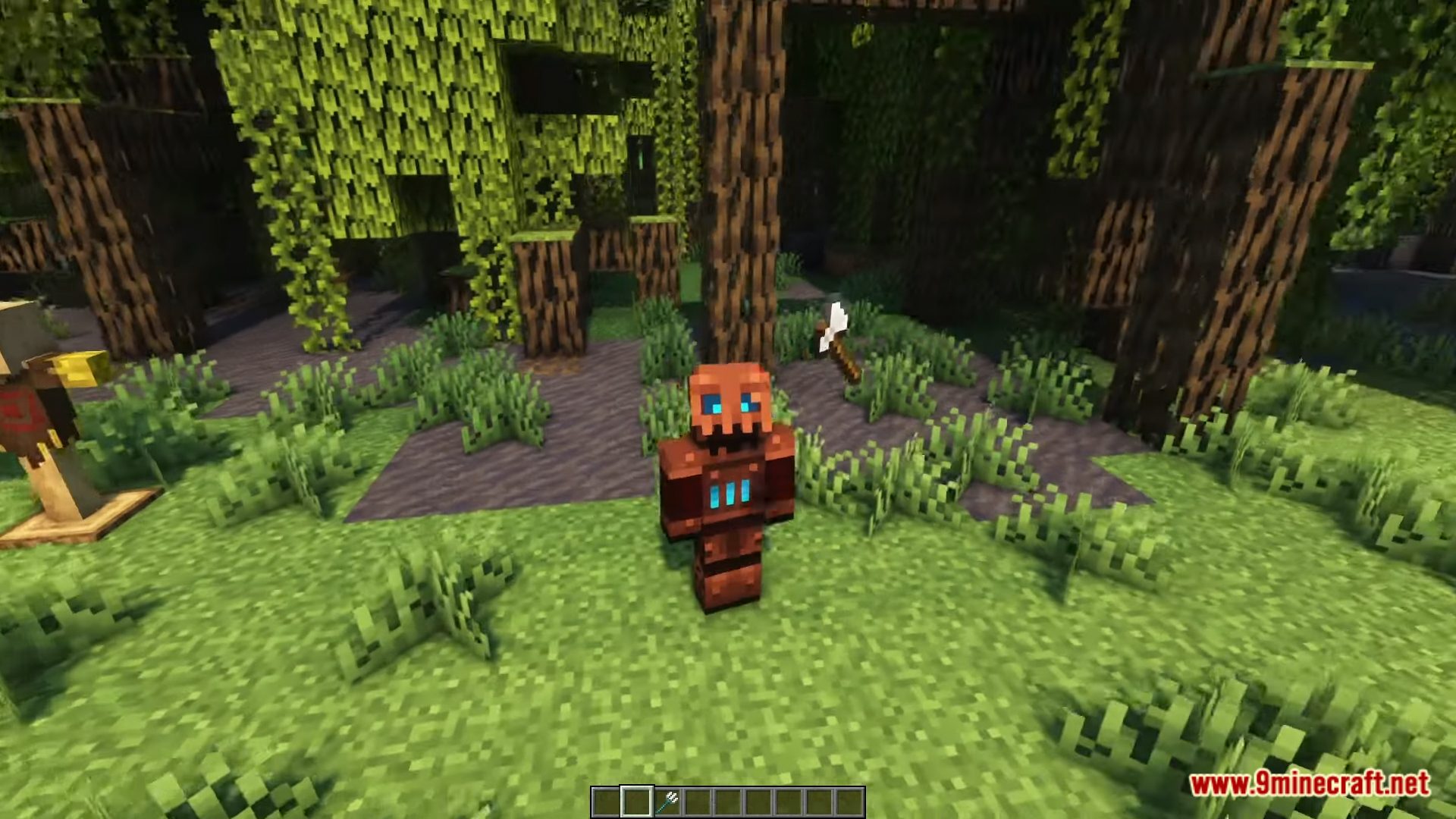
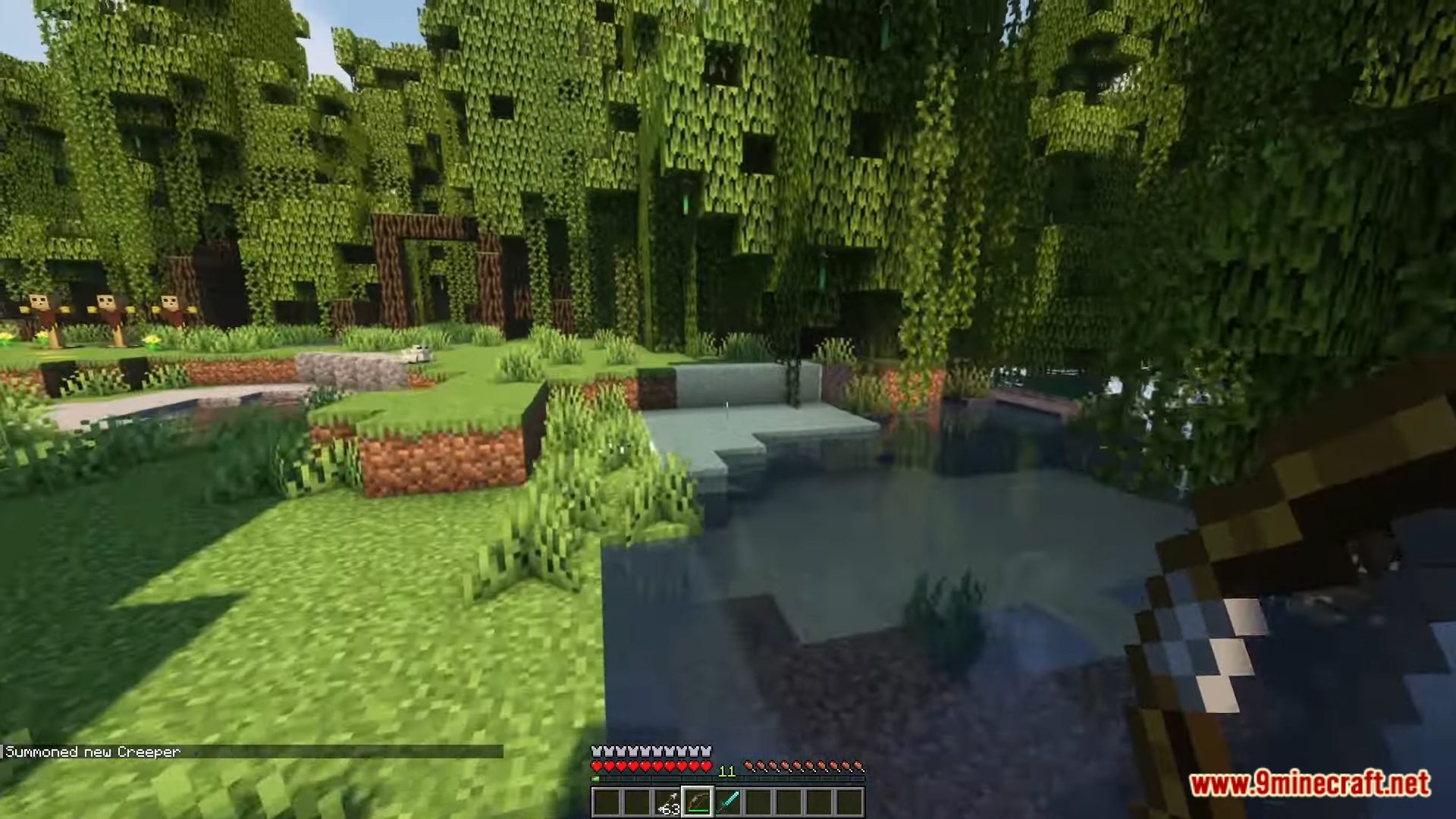
Warfare Expanded Data Pack In the realm of Minecraft warfare, the ‘Warfare Expanded’ Datapack stands as a game-changer. Step into a world where battles are more strategic, intense, and action-packed than ever before. This data pack empowers you to elevate your combat skills, engage in thrilling warfare scenarios, and explore new dimensions of gameplay. Prepare to immerse yourself in a new level of Minecraft warfare with the ‘Warfare Expanded’ Datapack. Whether you’re a solo adventurer seeking epic battles or a multiplayer enthusiast looking to dominate the battlefield, this data pack promises exciting, strategic, and action-packed gameplay that will keep you coming back for more. Enjoy playing this data pack!
Features:
- Tactical Combat: Experience more tactical and dynamic combat in Minecraft.
- Enhanced Weapons: Access a wide range of enhanced weapons, from powerful swords to devastating explosives.
- Improved Armor: Protect yourself with improved armor sets that provide unique advantages.
- Skill Development: Develop combat skills and abilities as you progress.
- Customizable Battles: Customize your warfare experience with adjustable settings.
- Strategic Gameplay: Plan and execute strategic battles with AI-controlled opponents.
- Dynamic Environments: Engage in battles in dynamic environments with interactive elements.
- Multiplayer Compatibility: Enjoy multiplayer battles with friends, with the option for team-based warfare.
Screenshots:
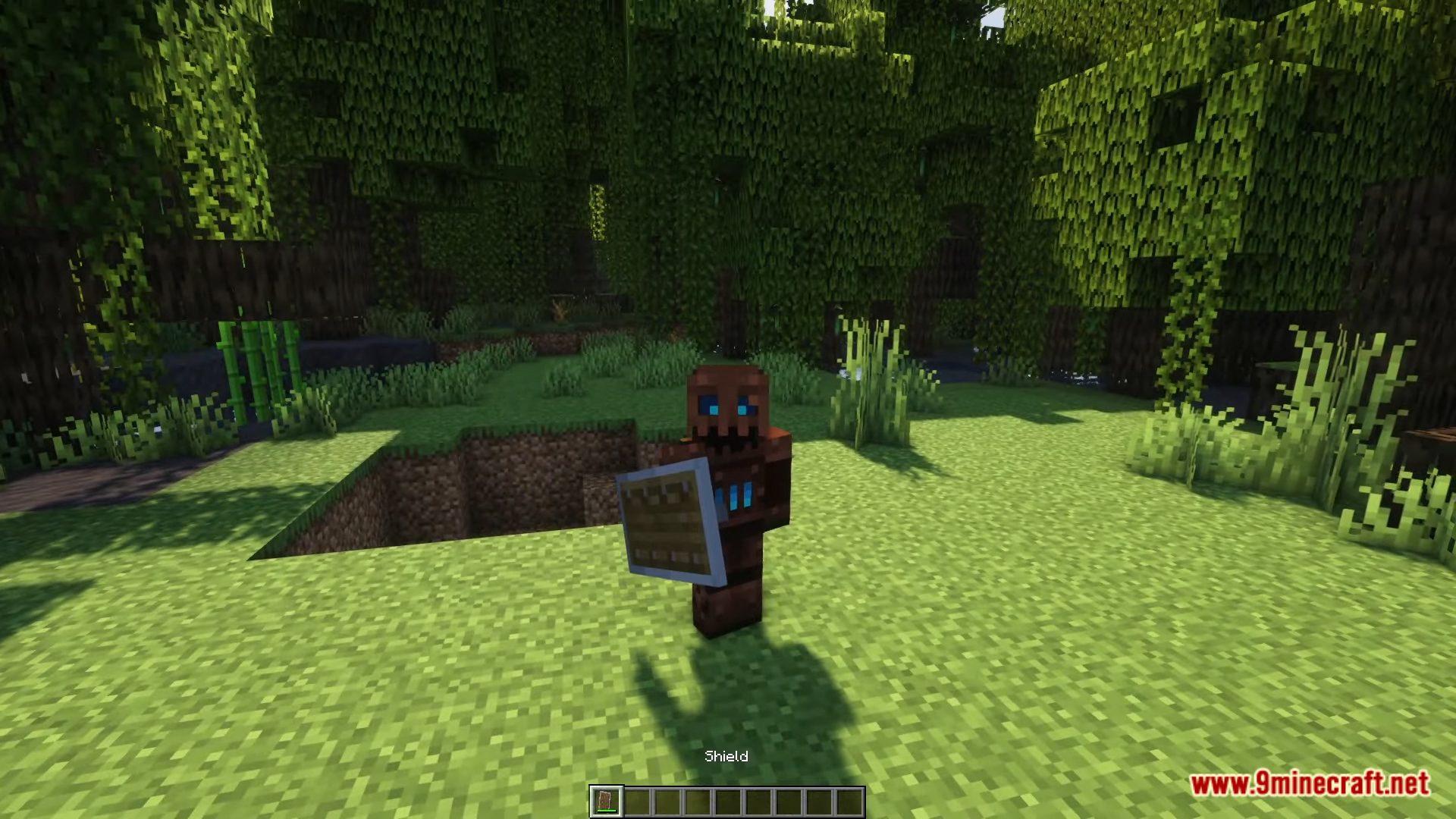
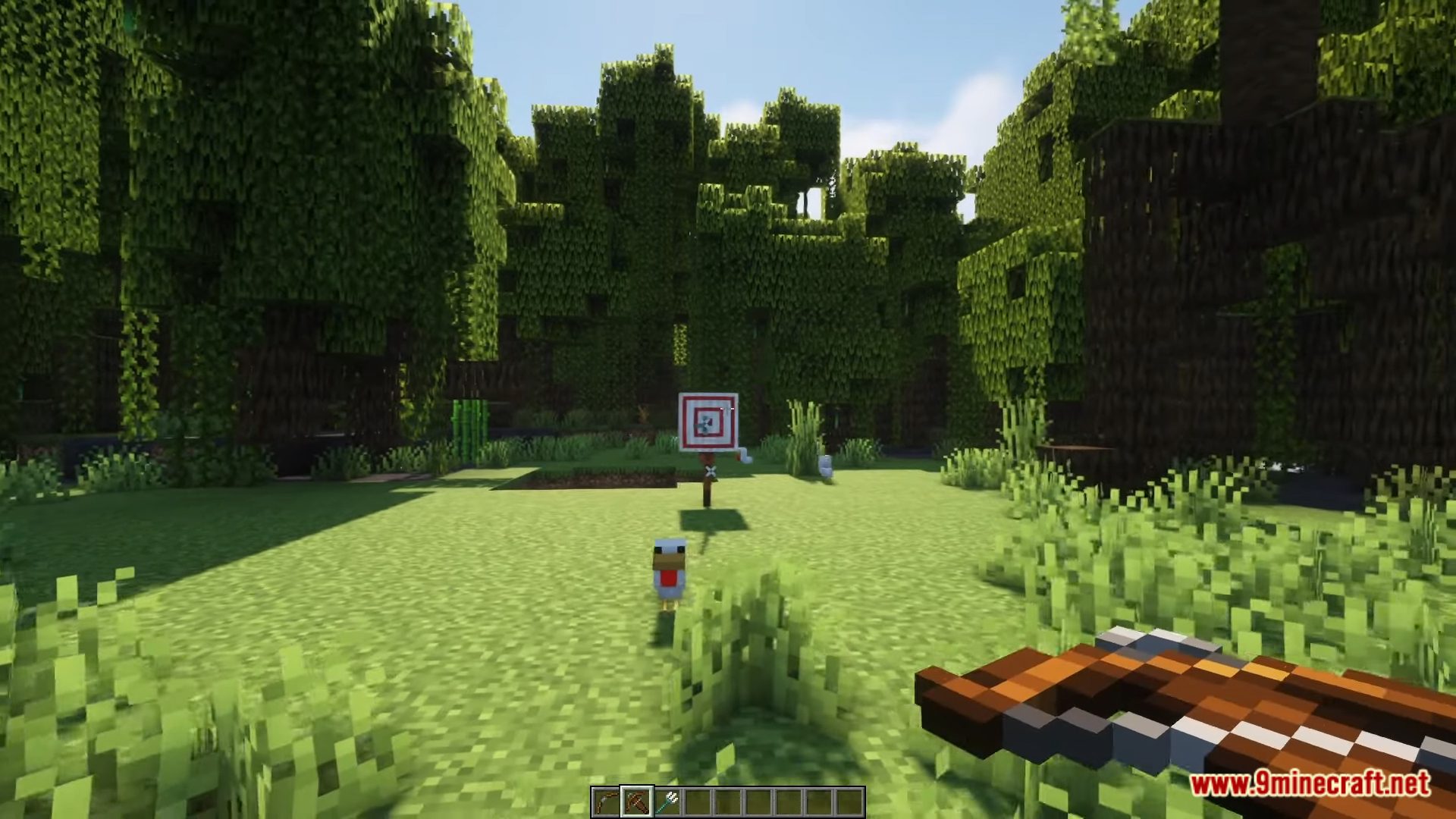
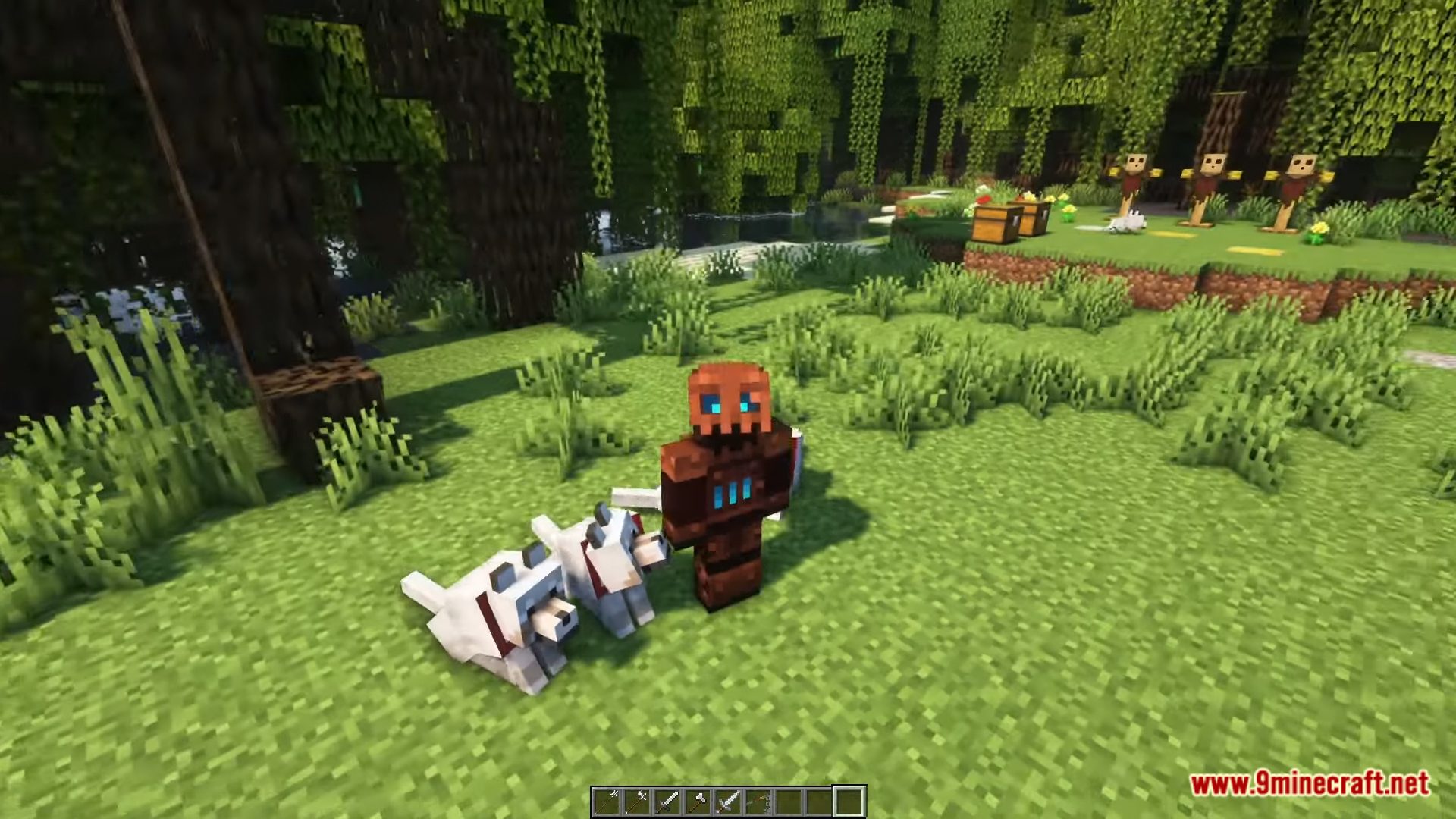
Warfare Expanded Data Pack Download Links
For Minecraft 1.21.4
Data Pack: Download from Server 1 – Download from Server 2
For Minecraft 1.21.1, 1.21
Data Pack: Download from Server 1 – Download from Server 2
For Minecraft 1.20.2, 1.20.1, 1.19.4
Data Pack: Download from Server 1 – Download from Server 2
Resource Pack: Download from Server 1 – Download from Server 2
- Edition: Minecraft Java
- File type: .jar
- Minecraft versions listed: 1.21.4, 1.20.1
- How to install: Install the matching mod loader (Forge, Fabric or NeoForge) for your Minecraft version. → Download the .jar. → Put it in the .minecraft/mods folder and launch that loader profile.
- Where to get it: In MC Java Mods, or directly above on this page.
Install steps are the general flow for this file type — see the MC Java Mods guides for the full walkthrough.
- Download size: 560 KB
- Download link checked 17 Jun 2026 — working
- Mirrored on our own servers — the download does not depend on the original host
These come from our own check of the pack file, not from the source page.