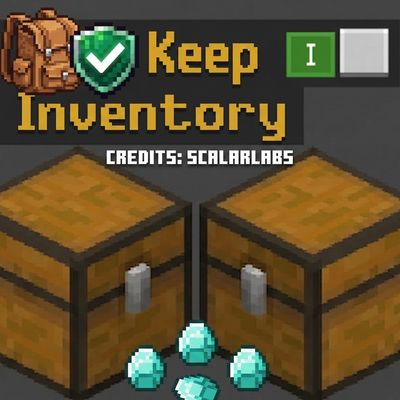
Keep Inventory - ScalarLabs - (ACHIEVEMENT FRIENDLY)
Bedrock add-on listed for Minecraft 26.x. Download on the author's site.
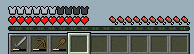
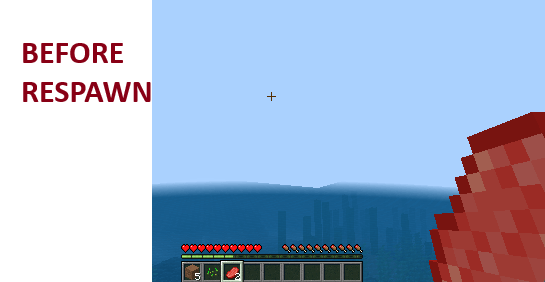
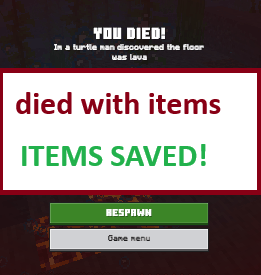
(ACHIEVEMENT FRIENDLY) Keep your items and XP on death. A lightweight, plug-and-play Minecraft Bedrock addon that just works.
⬇ Download on CurseForge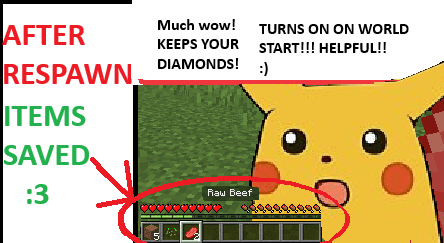
-
(ACHIEVEMENT FRIENDLY AGAIN FOR V26.52)
Never lose your items to lava, voids, or unexpected creepers again. Keep
Inventory enables vanilla keep-inventory logic under the hood using Bedrock's
native Script API—protecting your hard-earned loot while keeping your worlds
stable and fast.**No Experimental Settings Required** — This pack uses only stable Minecraft
APIs. You do NOT need to enable any experimental toggles (Holiday Creator
Features, Beta APIs, or anything else), no cheats, and no extra setup. It works
in standard survival worlds straight out of the box.## Features
**100% Item & NBT Preservation** — Your inventory is kept exactly as it was:
full support for enchantments, armor durability, custom names, potion effects,
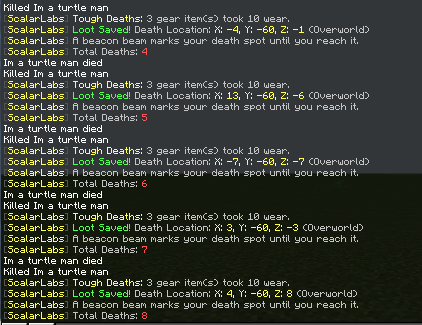
and shulker box contents. Nothing is converted, stripped, or rebuilt.**Death Beacon** — A beam of light marks your death spot so you can recover
seconds, minutes, or chunks later. It's drawn with pure particle effects (zero
blocks placed, zero world edits) and automatically fades when you arrive, or
after 8 minutes.**Death Coordinates** — On respawn you get a private message with the exact
X/Y/Z and dimension of where you fell, so lava pits and cave drops are never a
mystery again.**Tough Deaths Mode (optional)** — Keep your loot, but equipment takes ~10%
durability wear per death. Balanced survival consequences without losing items
completely.**Owner Approval System** — Built-in access control that requires *no* operator
status. The first player is auto-approved as owner and can grant access to
friends via `/scal:approve <name>`. Perfect for cheats-off worlds.**Per-Player Death Tracker** — Total deaths are tracked and persisted per world,
shown on every respawn.**Plug & Play** — Works automatically as soon as you install the pack. No
experimental toggles, no cheats, no setup.**Zero Lag** — Lightweight, optimized script with negligible impact on world
performance or frame rates.## Commands
| Command | What it does |
|---|---|
| `/scal:keepinv` | Open the settings menu (Keep Inventory, Tough Deaths, death coords, beacon) |
| `/scal:approve` | List approved players |
| `/scal:approve <name>` | Grant a player access to settings |## How to Use
1. Add the Behavior Pack to your world.
2. Join the world and play! Keep Inventory is enabled automatically by default.
3. As owner, run `/scal:keepinv` to customize everything to your taste.
- Edition: Minecraft Bedrock
- File type: .mcpack or .mcaddon
- Minecraft version listed: 26.50
- How to install: Download the .mcpack or .mcaddon file. → Open it — Minecraft imports it. → In your world: Behavior Packs → Available → Activate, then the same under Resource Packs.
- Where to get it: Opens on CurseForge — not every file is mirrored on our own servers.
Install steps are the general flow for this file type — How to install Minecraft Bedrock addons & mods walks through it step by step.
Keep Inventory - ScalarLabs - (ACHIEVEMENT FRIENDLY) is a free Minecraft Bedrock addon. Compatible with Minecraft 26.50. Downloaded 661 times (via CurseForge). Download it and open it directly in the game.