
Realistic Aviation Obstruction Lights
Bedrock add-on listed for Minecraft 26.x. File opened and checked on 7 Sep 2026; installs from the MC Bedrock Mods app on Android.
⬇ Download on CurseForgeThe author built this one for Minecraft 26.0–26.40. On other versions it may install and then do nothing.

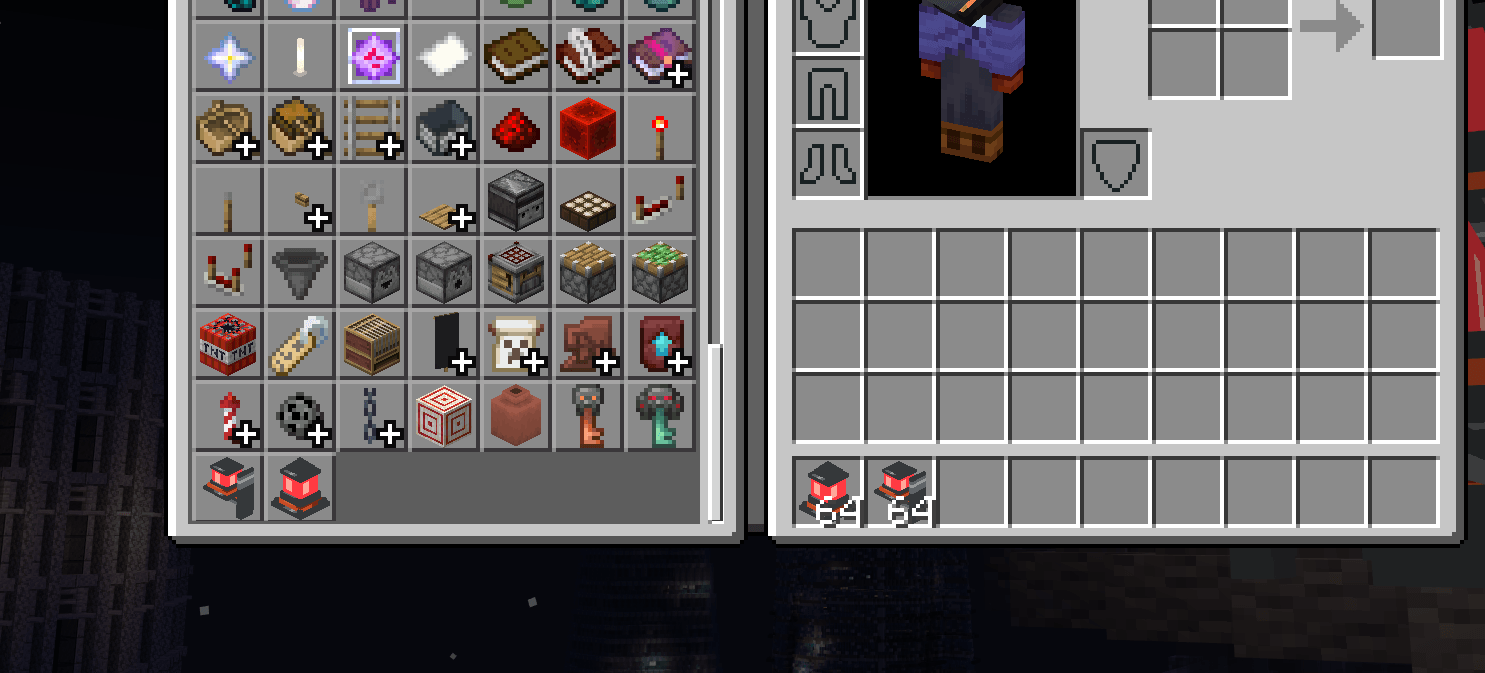
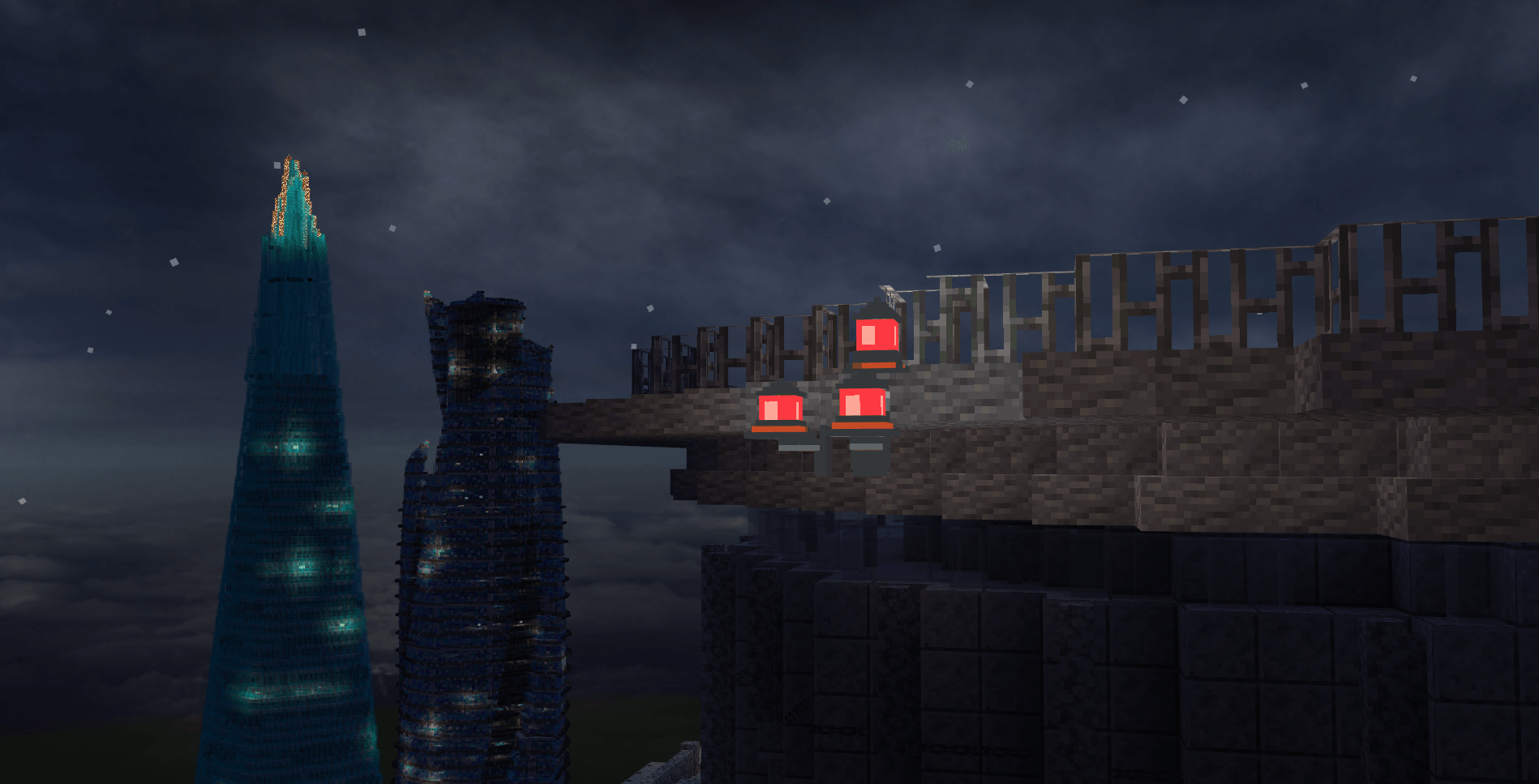
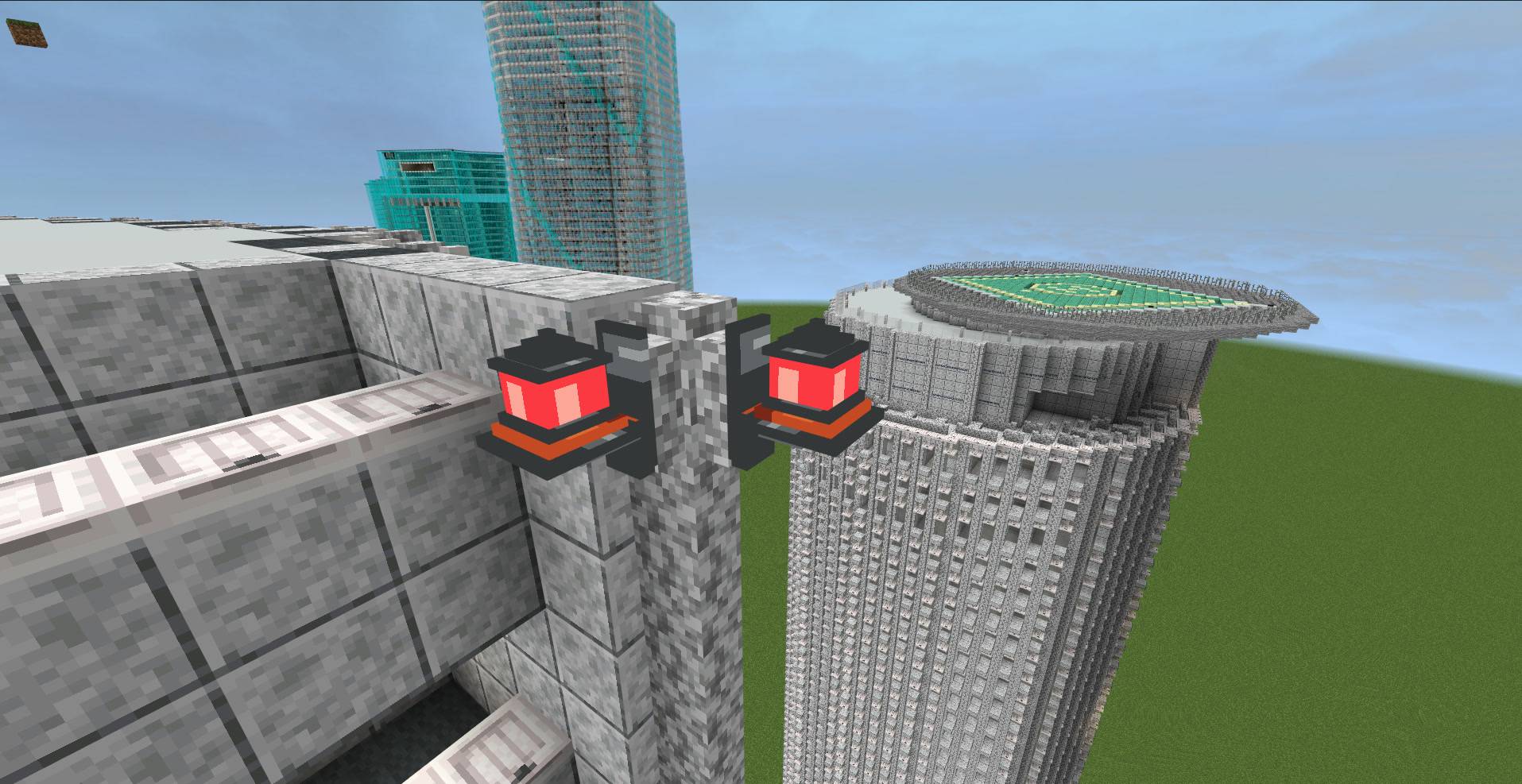
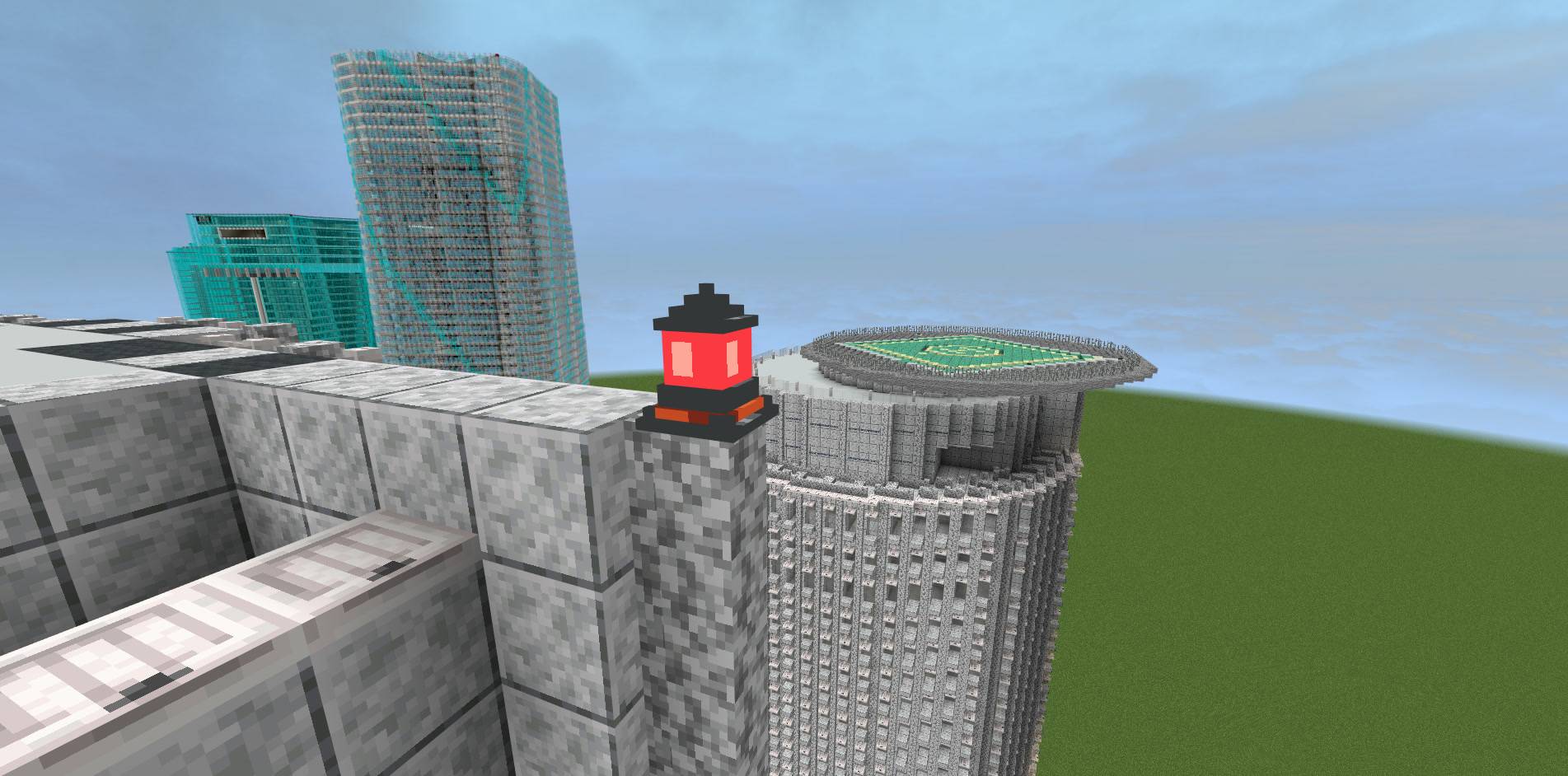
Realistic Aviation Obstruction Lights
Bring more realism to modern builds with aviation obstruction lights designed for buildings, towers, and other structures.
This add-on is designed for realistic city builds and modern architecture in Minecraft Bedrock Edition.
Features
-
Realistic aviation obstruction lights
-
Rooftop and wall-mounted variants
-
Adjustable flashing intervals and brightness
-
Configure the lights by interacting with the dedicated blocks
How to use
Place a dedicated light block on a rooftop or wall. Interact with the block to adjust its flashing interval and brightness to suit your build.
日本語 / Japanese
リアルな航空障害灯アドオン
高層ビルやタワーなどに、リアルな航空障害灯を追加できるアドオンです。マイクラの現代建築や都市制作で、建物の夜景をよりリアルに表現できます。
Minecraft統合版向けに制作しています。
主な機能
-
リアルな航空障害灯を追加
-
屋上設置型と壁面設置型に対応
-
点滅間隔や明るさを調整可能
-
専用ブロックを操作して設定を変更可能
使い方
屋上や壁面に専用のライトブロックを設置します。設置したブロックを操作すると、点滅間隔や明るさを建築に合わせて調整できます。
ダウンロードについて
無料でダウンロードできます。対応バージョンはFilesタブから確認してください。
- Edition: Minecraft Bedrock
- File type: .mcpack or .mcaddon
- Minecraft versions listed: 26.0.02, 26.0, 26.3
- How to install: Download the .mcpack or .mcaddon file. → Open it — Minecraft imports it. → In your world: Behavior Packs → Available → Activate, then the same under Resource Packs.
- Where to get it: Opens on CurseForge — not every file is mirrored on our own servers.
Install steps are the general flow for this file type — How to install Minecraft Bedrock addons & mods walks through it step by step.
- Pack type: .mcaddon — behaviour and resource pack in one file
- Download size: 266 KB
- Download link checked 18 Oct 2026 — working
These come from our own check of the pack file, not from the source page.