1. Introduction Managing an economy on a Minecraft Realm or Multiplayer Server can be chaotic, especially when relying on command blocks, messy scoreboard setups, or confusing chat commands. The Advanced Economy, Shop & Bank System is the ultimate solution to streamline server trade and currency management. This Add-on replaces outdated scoreboard-based shops with a sleek, fully interactive User Interface (UI). It allows your players to easily buy items, exchange currencies, and manage their finances through custom forms. Meanwhile, it provides Admins with a clean, organized dashboard to configure item prices, set exchange rates, and manage player balances in real-time!
2. Features & Advantages
-
100% UI-Based Experience: Say goodbye to complicated command blocks and chest shops. Everything from purchasing items to exchanging currencies is done through beautiful, easy-to-use pop-up menus.
-
Dynamic Properties Database: Built with a modern, lightweight custom storage system using Minecraft's
DynamicProperties. This completely eliminates the need for manual scoreboard initialization and fixes the dreaded "Failed to resolve identity" bugs for new players! -
Dual Currency & Bank System: Uses two forms of wealth: "Money" (digital balance) and "Gold Ingots" (physical items). Players can instantly convert between the two based on adjustable server-wide exchange rates.
-
Real-Time Price Editor: Admins can change the price of any item directly from the UI without ever leaving the game or touching the code.
-
Secure Admin Dashboard: Safely add or take money from specific online players using a convenient dropdown menu, ensuring you always have full control over the server's economy.
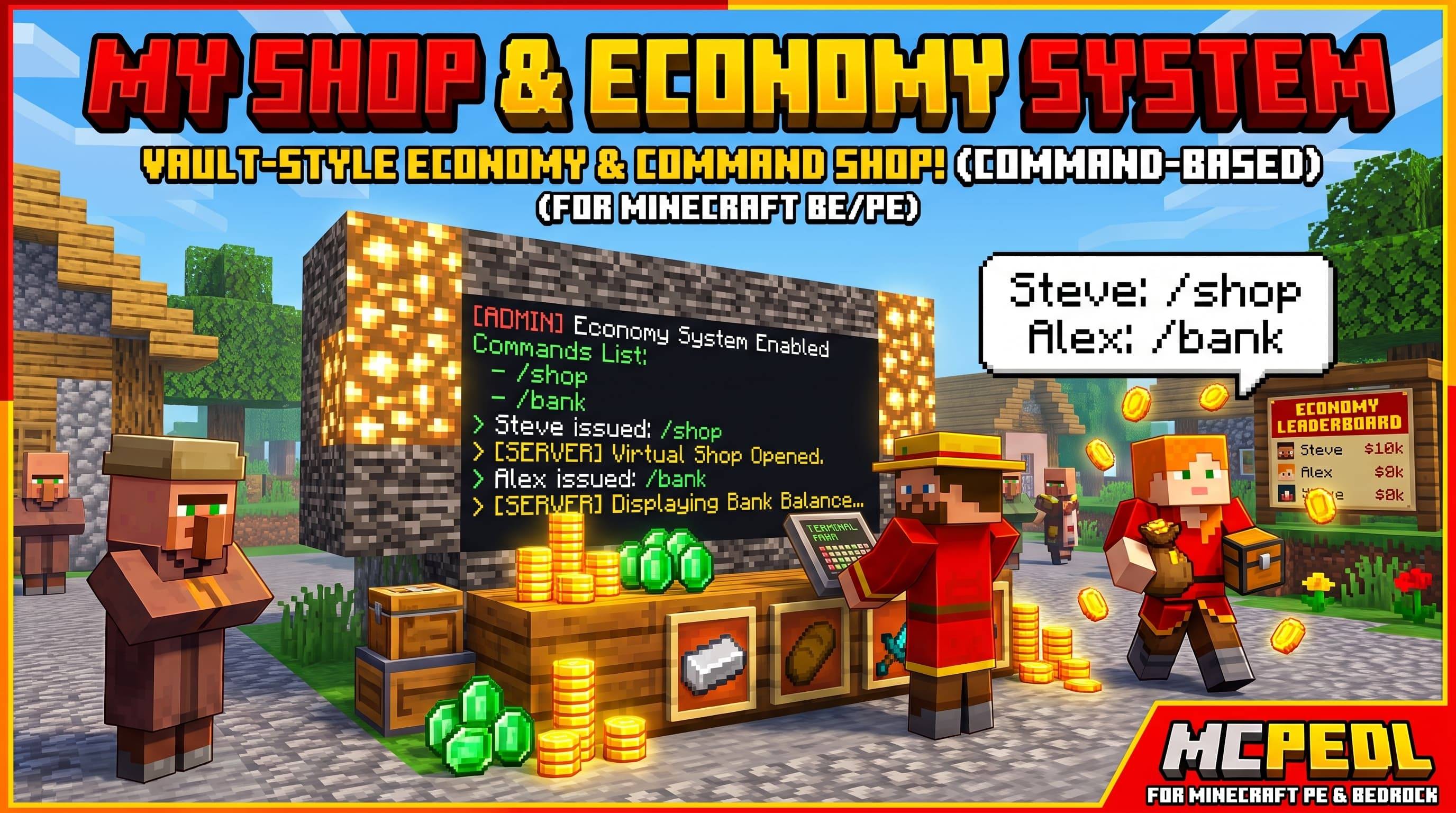
3. How to Use (Complete Guide) 👤 For Regular Players: Players do not need any special permissions. They simply type these commands in the chat to open the UI forms:
-
/shop— Opens the categorized Server Shop. Browse and buy items across categories like Minerals, Combat, Farm & Foods, Utility, Redstone, and Nether & End. -
/bank— Opens the Personal Bank. View current balances and safely exchange physical Gold Ingots for digital Money (or vice versa).
Don't forget to activate Beta API on you world/server settings
👑 For Server Admins (Staff): Before you can access the management panels, you must give yourself the admin tag. Type this in chat: /tag @s add admin Once you have the tag, you unlock the management commands:
-
/ashop— Opens the Admin Price Editor. Navigate through categories and update the price of any item instantly. -
/abank— Opens the Admin Bank Control. Choose an online player from the dropdown to add/take money, or adjust the global exchange rates for the Money ↔ Gold conversions.
4. Why You Need This Add-on What makes this Add-on a must-have is its simplicity and professionalism. It elevates the quality of your server, making it feel like a premium, professionally managed network with a stable, bug-free economy. Furthermore, it is extremely lightweight. Written purely in JavaScript using the highly optimized Minecraft Script API, it requires absolutely no command blocks or ticking areas. It works seamlessly in the background without causing any lag, making it the perfect standalone utility for server owners.
- Edition: Minecraft Bedrock
- File type: .mcpack or .mcaddon
- Minecraft versions listed: 1.21.81, 1.21.93, 1.21.90
- How to install: Download the .mcpack or .mcaddon file. → Open it — Minecraft imports it. → In your world: Behavior Packs → Available → Activate, then the same under Resource Packs.
- Where to get it: Opens on CurseForge — not every file is mirrored on our own servers.
Install steps are the general flow for this file type — How to install Minecraft Bedrock addons & mods walks through it step by step.
- Save it as MyShop[1.1.0.Beta].mcaddon before opening — it downloads as .mcpack, but it is a .mcaddon pack
- Manifest requires Minecraft 1.20.80 or newer
- Complete pack — everything it depends on is inside the file
- Download size: 46 KB
- Download link checked 7 Sept 2026 — working
These come from our own check of the pack file, not from the source page.