PokeLoot Data Pack (1.21.1, 1.20.1) – Making All The Loot into Reality
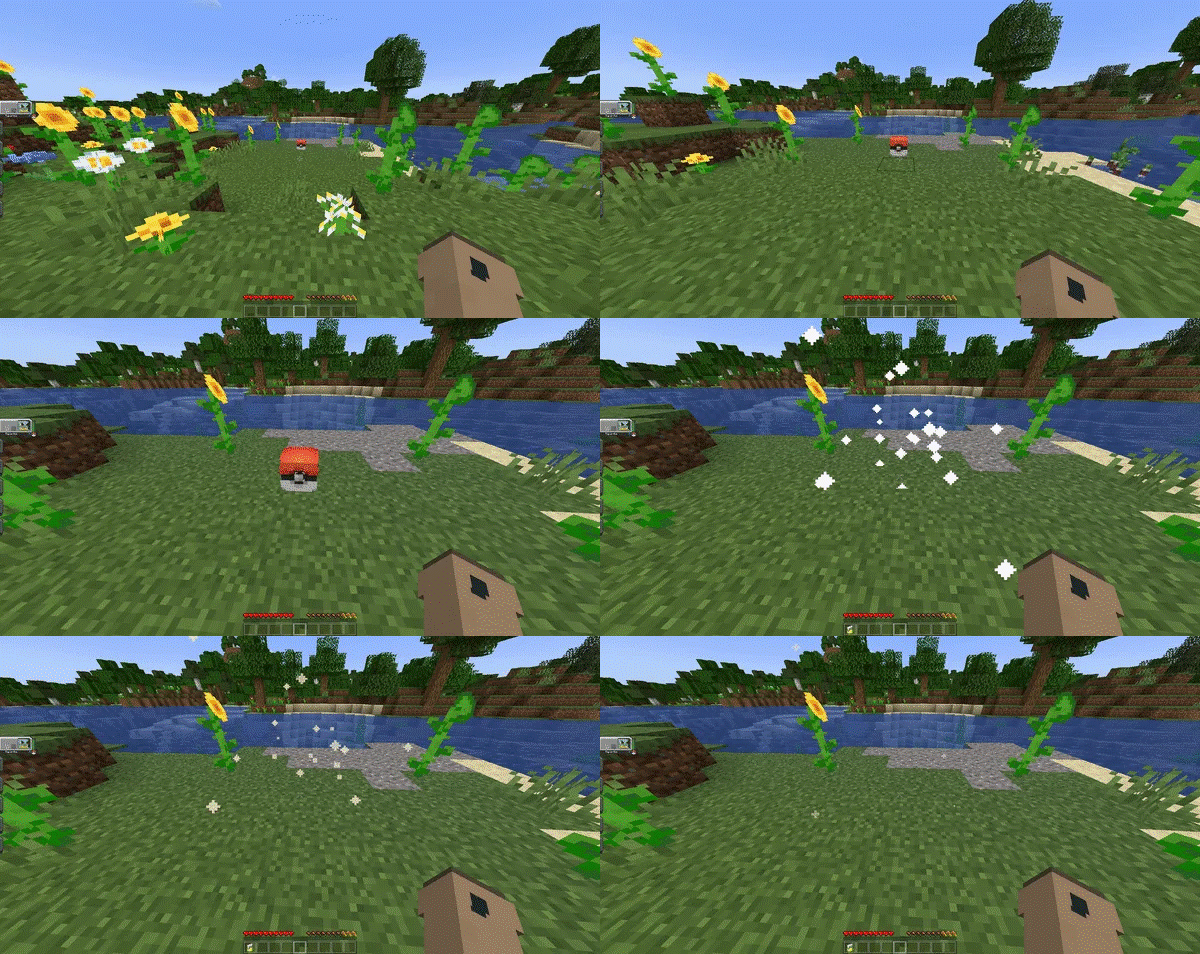
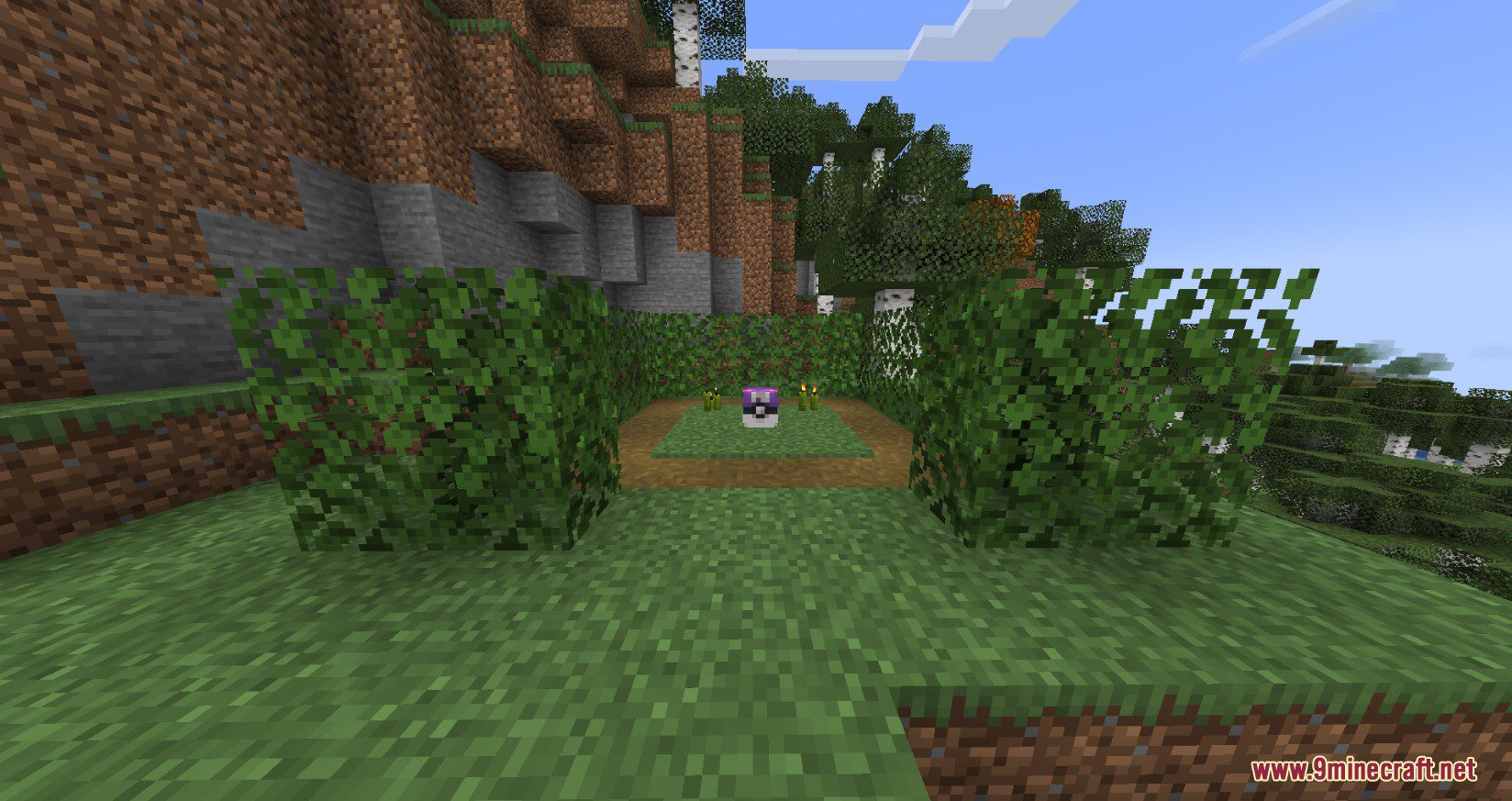
PokeLoot Data Pack adds small pokeloots that can be claimed for a small or big reward. It's pretty simple, just place the datapack inside your world and…
⬇ DownloadOpen in MCModsHubGet it on Google Play →PokeLoot Data Pack adds small pokeloots that can be claimed for a small or big reward. It’s pretty simple, just place the datapack inside your world and you’re good to go. If you place the datapack in an existing world ONLY newly generated chunks will contain the pokeloots. To have a whole world with the pokeloot you’ll need to place the datapack in the datapack option when creating a world.
Features:
Spawning/Killing PokeLoot Commands:
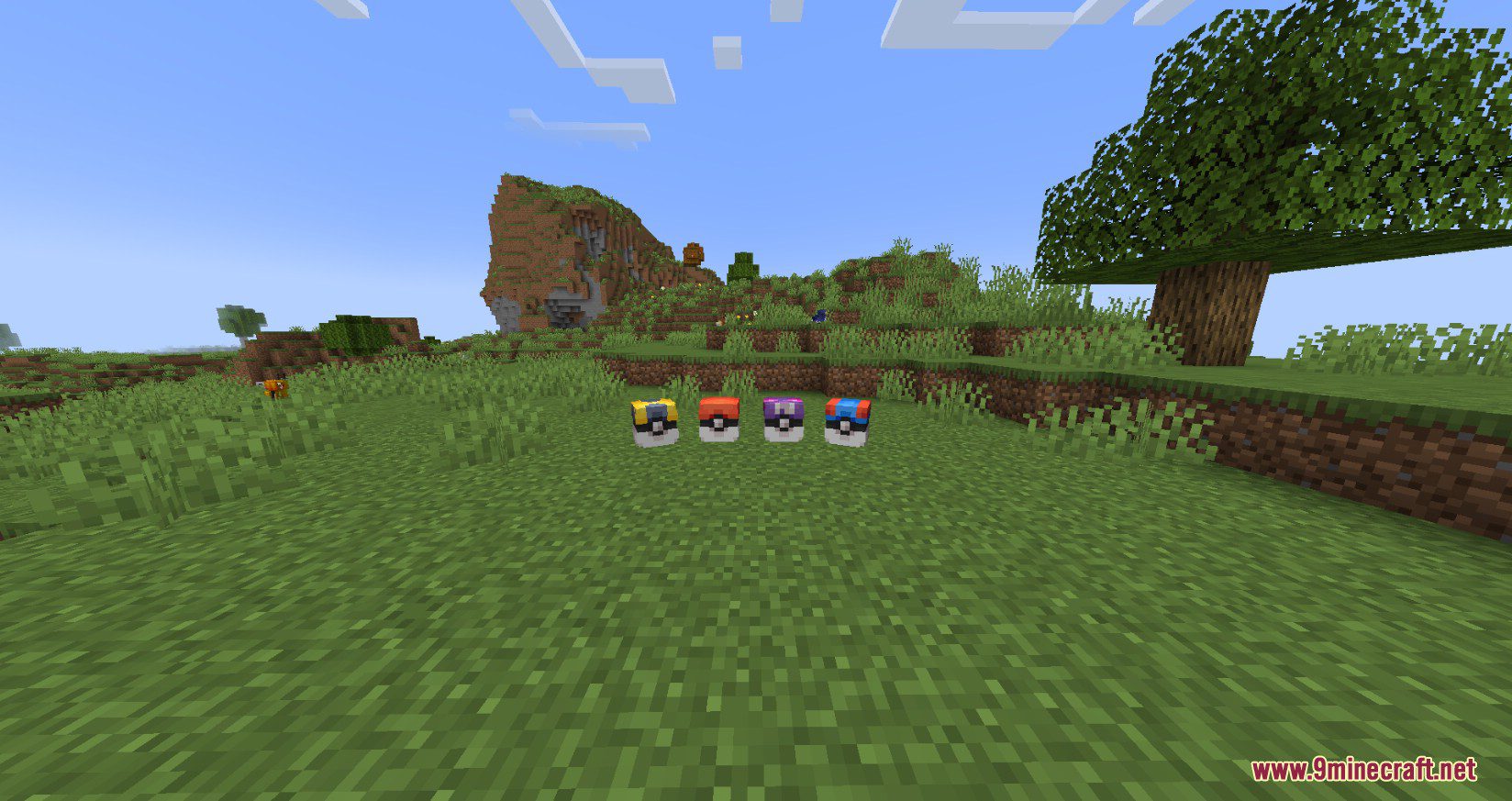
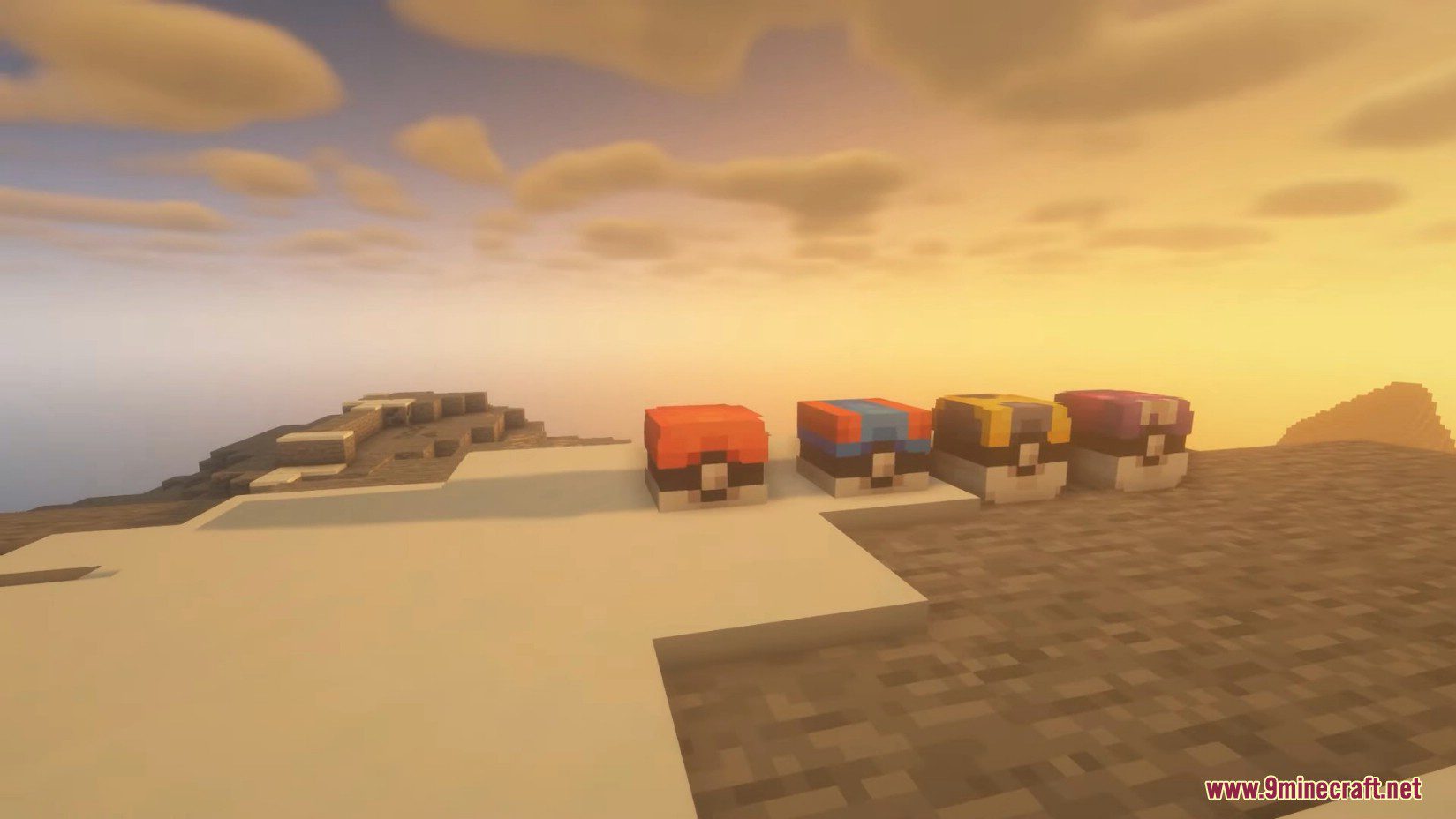
- You can use /function pokeloot:spawn_pokeballs to spawn 20 pokeball loots around you;
- You can use /function pokeloot:spawn_greatballs to spawn 20 greatball loots around you (this command is a bit resource intensive but should run after a couple of seconds);
- You can use /function pokeloot:spawn_ultraballs to spawn 20 ultraball loots around you (this command is a bit resource intensive and might lag your world for some time);
- You can use /function pokeloot:spawn_masterballs to spawn 20 masterball loots around you (this command will lag your world);
- You can also use /function pokeloot:give_pokeball_spawner to give yourself an armorstand. Place this armorstand anywhere in your world to spawn a pokeball loot.
- You can also use /function pokeloot:give_greatball_spawner to give yourself an armorstand. Place this armorstand anywhere in your world to spawn a greatball loot.
- You can also use /function pokeloot:give_ultraball_spawner to give yourself an armorstand. Place this armorstand anywhere in your world to spawn a ultraball loot.
- You can also use /function pokeloot:give_masterball_spawner to give yourself an armorstand. Place this armorstand anywhere in your world to spawn a masterball loot.
- You can also use /function pokeloot:kill_pokeloots to kill all pokeloots.
Other Commands:
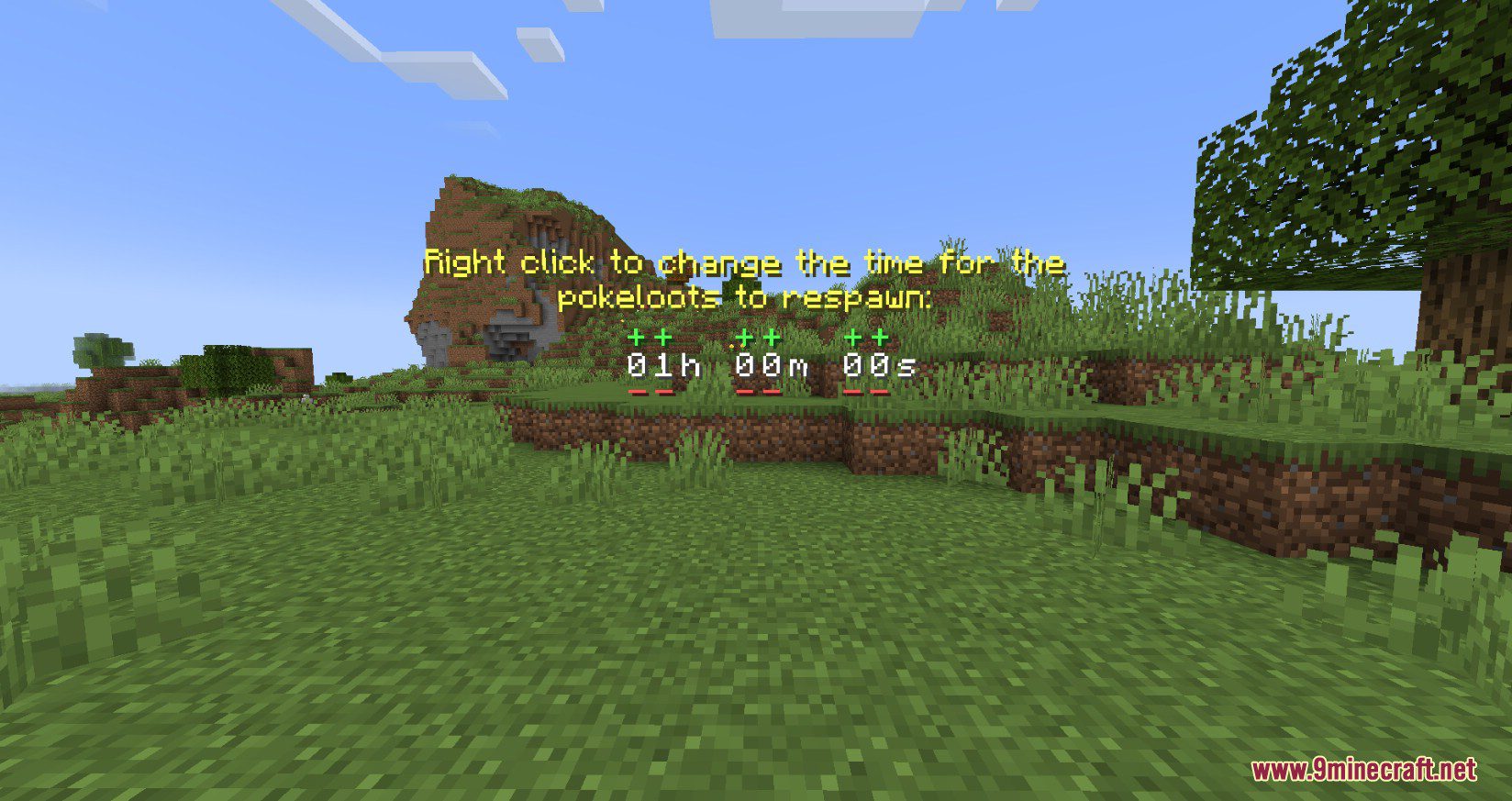
- You can use /trigger PLOptions to change some options in the datapack (right click the text):
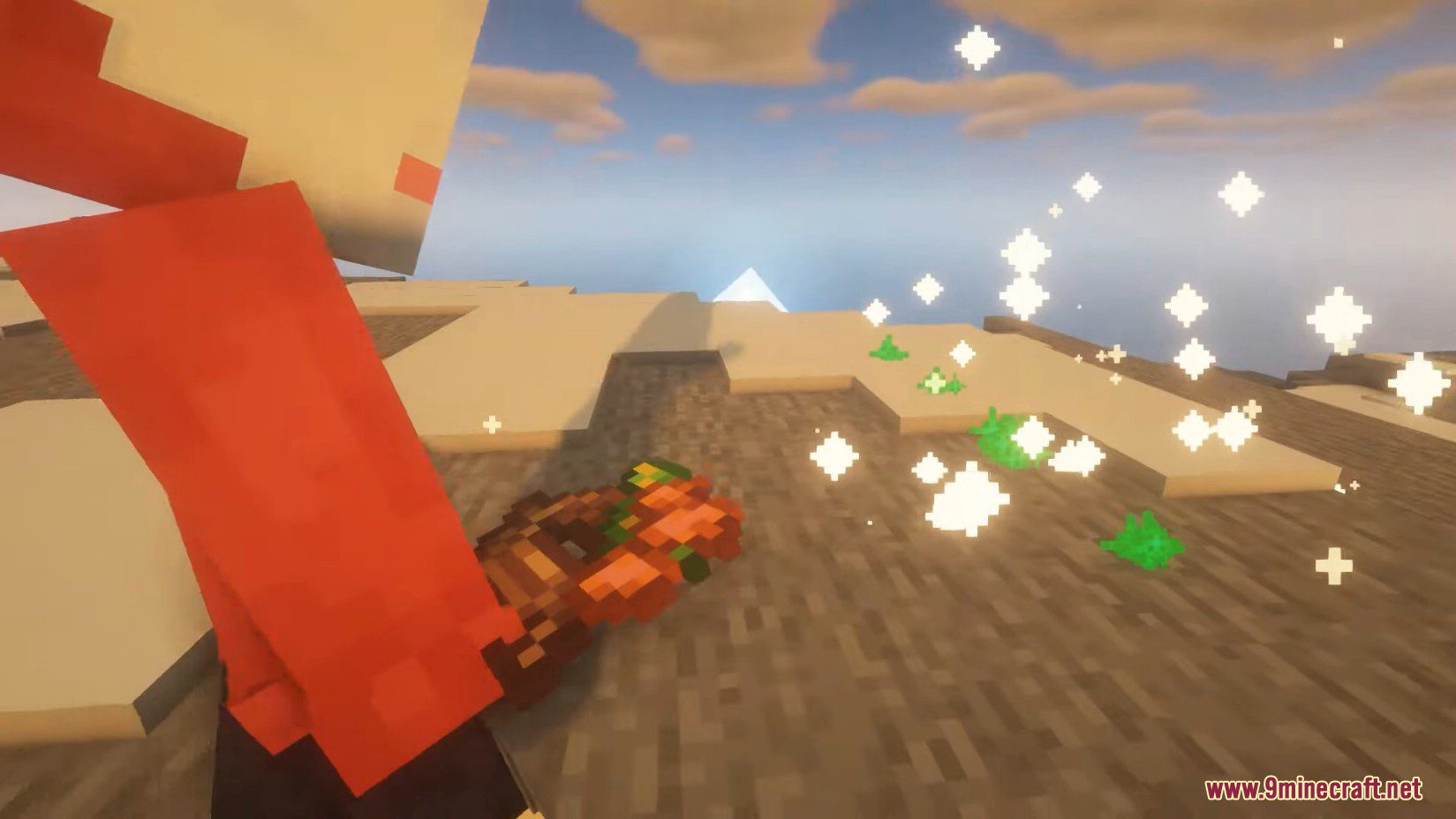
- You have the option to toggle the visibility of particles when you’re in proximity to an empty pokeloot;
- You have the choice to display a timer when you’re near a pokeloot that currently holds no loot;
- You can customize whether you prefer a 3D or text interface for adjusting the timer.
- You can use /function pokeloot:pokeball_change_timer to change the amount of time until the pokeloot will respawn (this can be via text or via a 3D interface). To change the time simply left click on the + or – to add or remove time to the timer. The default time is 72001 ticks or 1 hour in real time (the 1 extra tick that is added is so when you want the loots to have no cooldown, the timer can detect if a loot is taken or not).
PokeLoot List:
- Pokeball: Poke Ball; Dive Ball; Dusk Ball; Fast Ball; Friend Ball; Great Ball; Heal Ball; Heavy Ball; Level Ball; Love Ball; Lure Ball; Luxury Ball; Moon Ball; Nest Ball; Net Ball; Premier Ball; Quick Ball; Repeat Ball; Safari Ball; Sport Ball; Timer Ball; Ultra Ball; Antidote; Awakening; Burn Heal; Dire hit; Elixir; Energy Root; Ether; Full Heal; Full Restore; Guard Spec; Heal Powder; Hyper Potion; Ice heal; Max Elixir; Max Ether; Max potion; Max Revive; Paralyze Heal; Potion; Revival Herb; Revive; Super Potion; X Accuracy; X Attack; X Defence; X Special Attack; X Special Defence; X Speed; Medicinal Leek; Metal powder; Quick powder; Rare Candy; Calcium; Carbos; HP Up; Iron; Protein; Zinc; Big Root; Sachet; Whipped Dream;
- Ultraball: Cherish Ball; Black Augurite; Dawn Stone; Deep Sea Scale; Deep Sea Tooth; Dragon Scale; Dubious Disc; Dusk Stone; Electirizer; Fire Stone; Ice Stone; Leaf Stone; Magmarizer; Moon Stone; Oval Stone; Peat Block; Reaper Cloth; Shiny Stone; Sun Stone; Thunder Stone; Upgrade; Water Stone; Exp Share; Black Belt; Black Glasses; Black Sludge; Bright Powder; Charcoal Stick; Dragon Fang; Focus Band; Hard Stone; Heavy Duty Boots; Kings Rock; Light Clay; Magnet; Mental Herb; Metal Coat; Miracle Seed; Mystic Water; Never Melt Ice; Poison Barb; Power Herb; Prism Scale; Protector; Quick Claw; Razor Claw; Razor Fang; Safety Goggles; Sharp Beak; Silk Scarf; Silver Powder; Soft Sand; Spell Tag; Twisted Spoon; White Herb; PP Max; Leftovers; Lucky Egg; Power Anklet; Power Band; Power Belt; Power Bracer; Power Lens; Power Weight; Exp Candy XS; Exp Candy S; Exp Candy M; Galarica Cuff; Galarica Wreath; Sweet Apple; Tart Apple;
- Greatball: Cherish Ball; Black Augurite; Dawn Stone; Deep Sea Scale; Deep Sea Tooth; Dragon Scale; Dubious Disc; Dusk Stone; Electirizer; Fire Stone; Ice Stone; Leaf Stone; Magmarizer; Moon Stone; Oval Stone; Peat Block; Reaper Cloth; Shiny Stone; Sun Stone; Thunder Stone; Upgrade; Water Stone; Exp Share; Black Belt; Black Glasses; Black Sludge; Bright Powder; Charcoal Stick; Dragon Fang; Focus Band; Hard Stone; Heavy Duty Boots; Kings Rock; Light Clay; Magnet; Mental Herb; Metal Coat; Miracle Seed; Mystic Water; Never Melt Ice; Poison Barb; Power Herb; Prism Scale; Protector; Quick Claw; Razor Claw; Razor Fang; Safety Goggles; Sharp Beak; Silk Scarf; Silver Powder; Soft Sand; Spell Tag; Twisted Spoon; White Herb; PP Max; Leftovers; Lucky Egg; Power Anklet; Power Band; Power Belt; Power Bracer; Power Lens; Power Weight; Exp Candy XS; Exp Candy S; Exp Candy M; Galarica Cuff; Galarica Wreath; Sweet Apple; Tart Apple;
- Masterball: Master Ball; PP Max; Assault Vest; Choice Band; Choice Scarf; Choice Specs; Destiny Knot; Heavy Duty Boots; Leftovers; Lucky Egg; Muscle Band; Power Anklet; Power Band; Power Belt; Power Bracer; Power Lens; Power Weight; Rocky Helmet; Wise Glasses; Exp Share; Exp Candy XS; Exp Candy S; Exp Candy M; Exp Candy L; Exp Candy XL; Rare Candy; Dubious Disc; Galarica Cuff; Galarica Wreath; Link Cable.
Change PokeLoot List:
To customize the items found in each pokeloot, you’ll need to have the datapack folder unzipped and placed in your datapacks directory. Once unzipped, navigate to the following location:
PokeLootDatapackdatapokelootloot_tablesblocks.
In this folder, you’ll find JSON files for each type of loot, such as pokeballs, ultraballs, greatballs, and masterballs. These files contain the items they correspond to.
To change an item, open the .json file of the pokeloot you’d like to change and locate an item which will look like this: “name”: “cobblemon:poke_ball”. For example, if you want to replace the pokeball drop with a rare candy, change “name”: “cobblemon:poke_ball” to “name”: “cobblemon:rare_candy”.
You can find the namespaces for cobblemon items by pressing F3+H in-game and hovering your mouse over an item.
To remove items, simply delete the corresponding section:
{
    "type": "item",
    "weight": 1,
    "name": "cobblemon:poke_ball"
}
To add more items, simply add a new section:
{
    "type": "item",
    "weight": 1,
    "name": "cobblemon:poke_ball"
}
Remember to add a comma “,” after each item (except the last one). Essentially, it’s a JSON list separated by commas. If you’ve modified any of these .json files and the pokeloots stop working, you might have misspelled an item in the namespace or used an item that doesn’t exist in Minecraft’s namespace. Additionally, double-check that your .json file is properly formatted by using an online JSON formatter.
Screenshots:

PokeLoot Data Pack Download Links
For Minecraft 1.19.2
For Minecraft 1.20.1, 1.20
For Minecraft 1.21.1, 1.21
PokeLoot Data Pack (1.21.1, 1.20.1) – Making All The Loot into Reality is a free Minecraft Java datapack. Compatible with Minecraft 1.21.1, 1.20.1. Download it and open it directly in the game.