Upper Shell Shift Mod (1.21.1, 1.20.1) – Unbox Custom Mystery Loot Crates
Java mod listed for Minecraft 1.20–1.21. Downloads from the MC Java Mods app on Android.
⬇ Download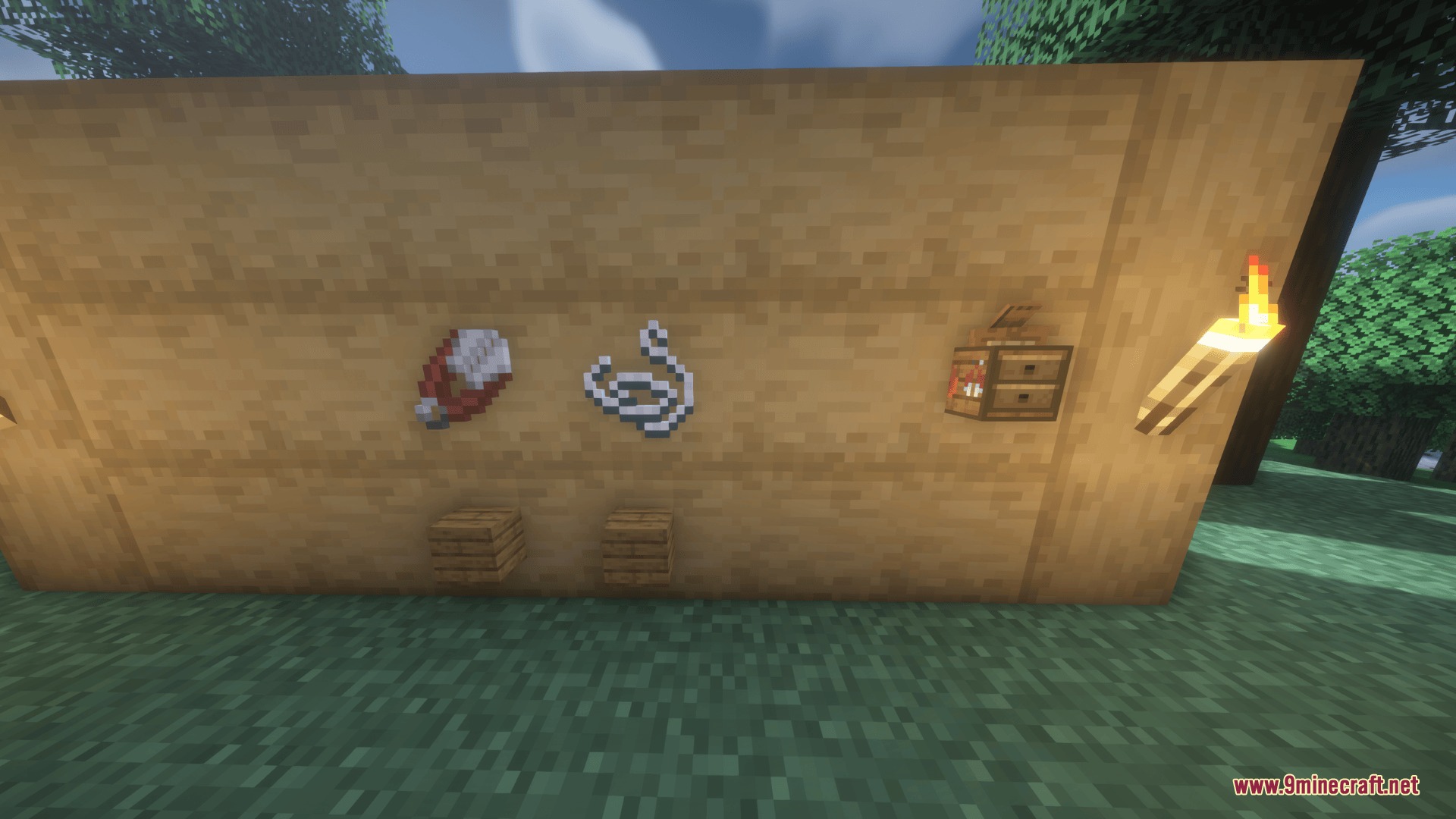
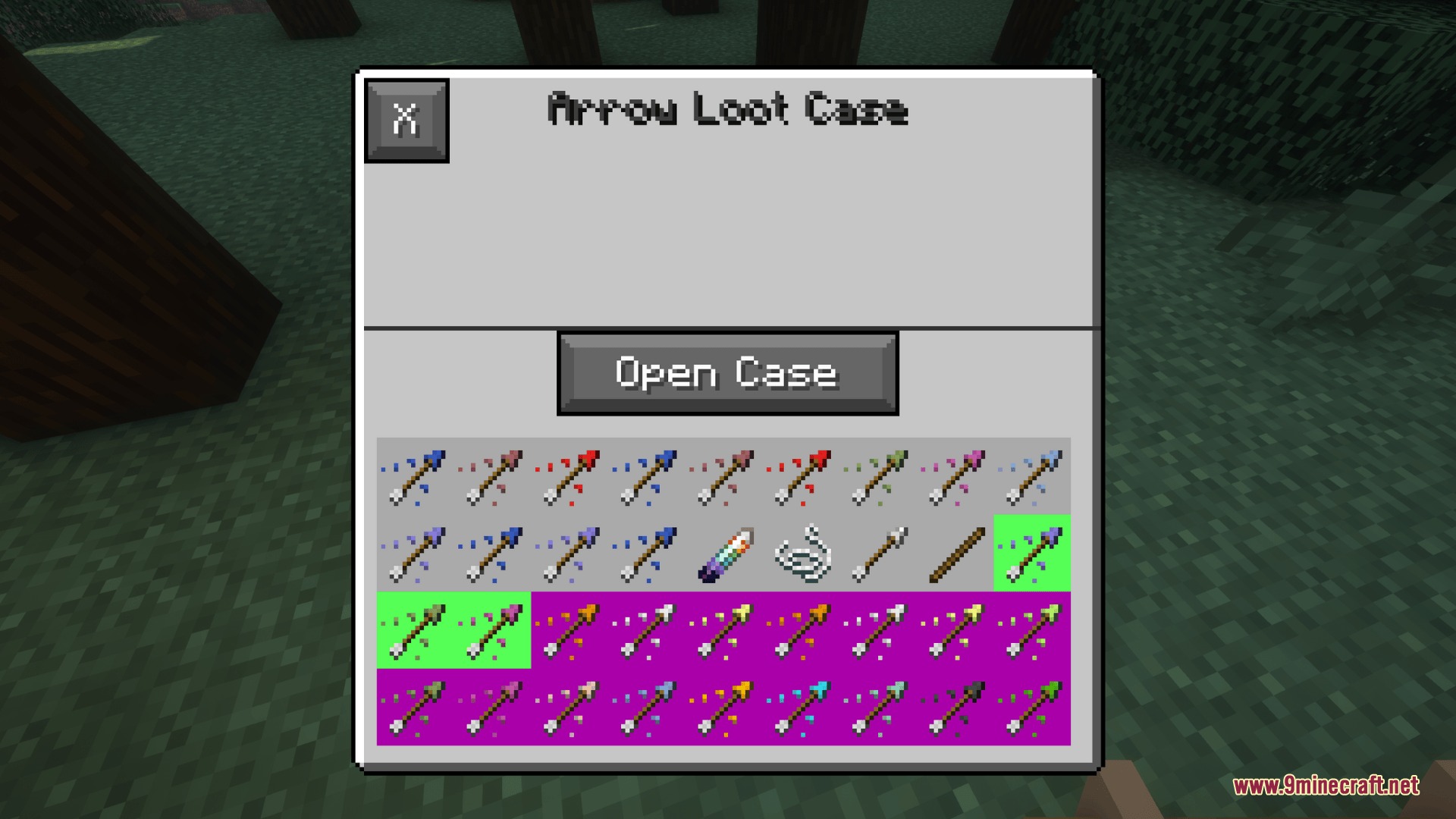
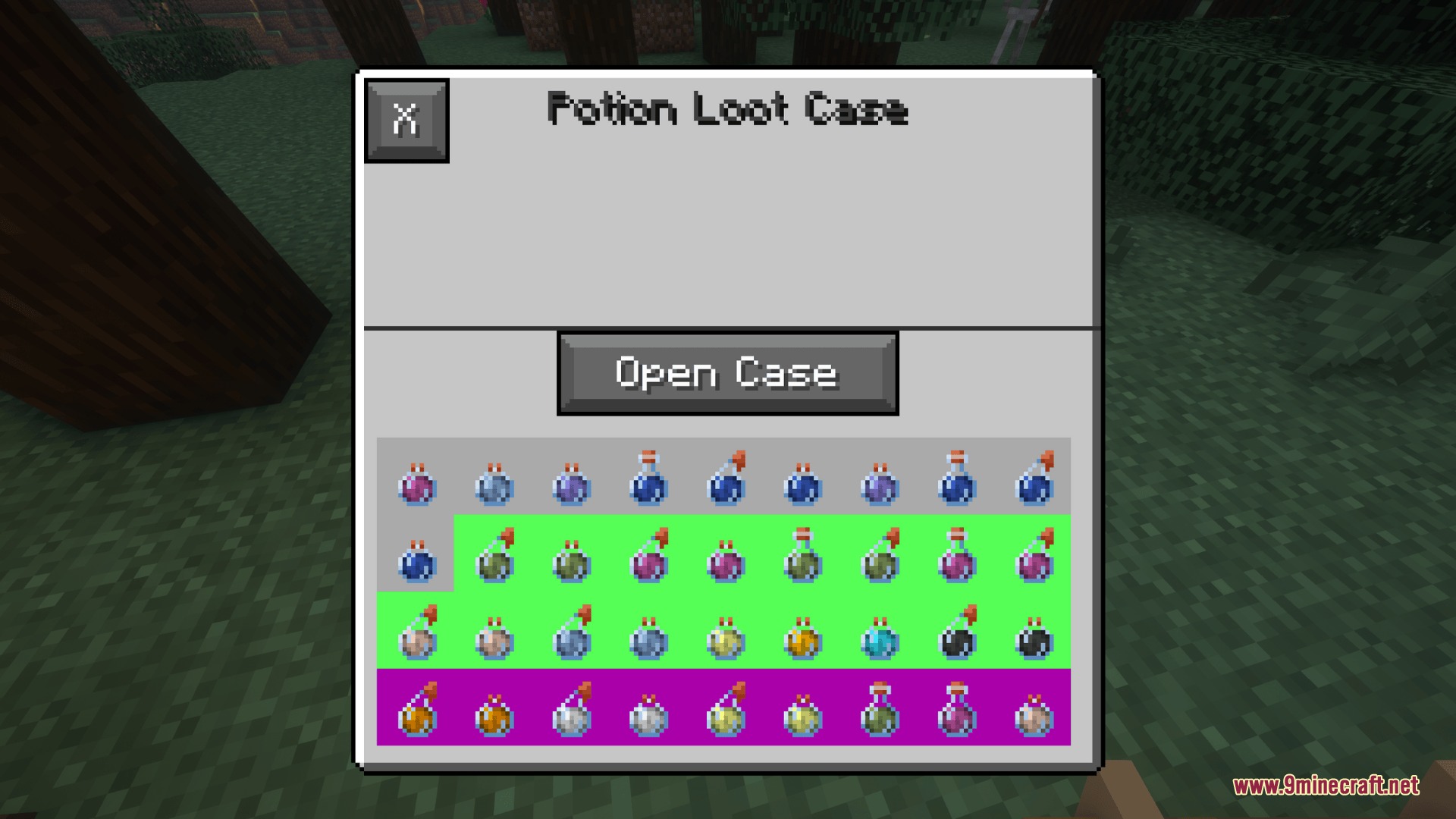
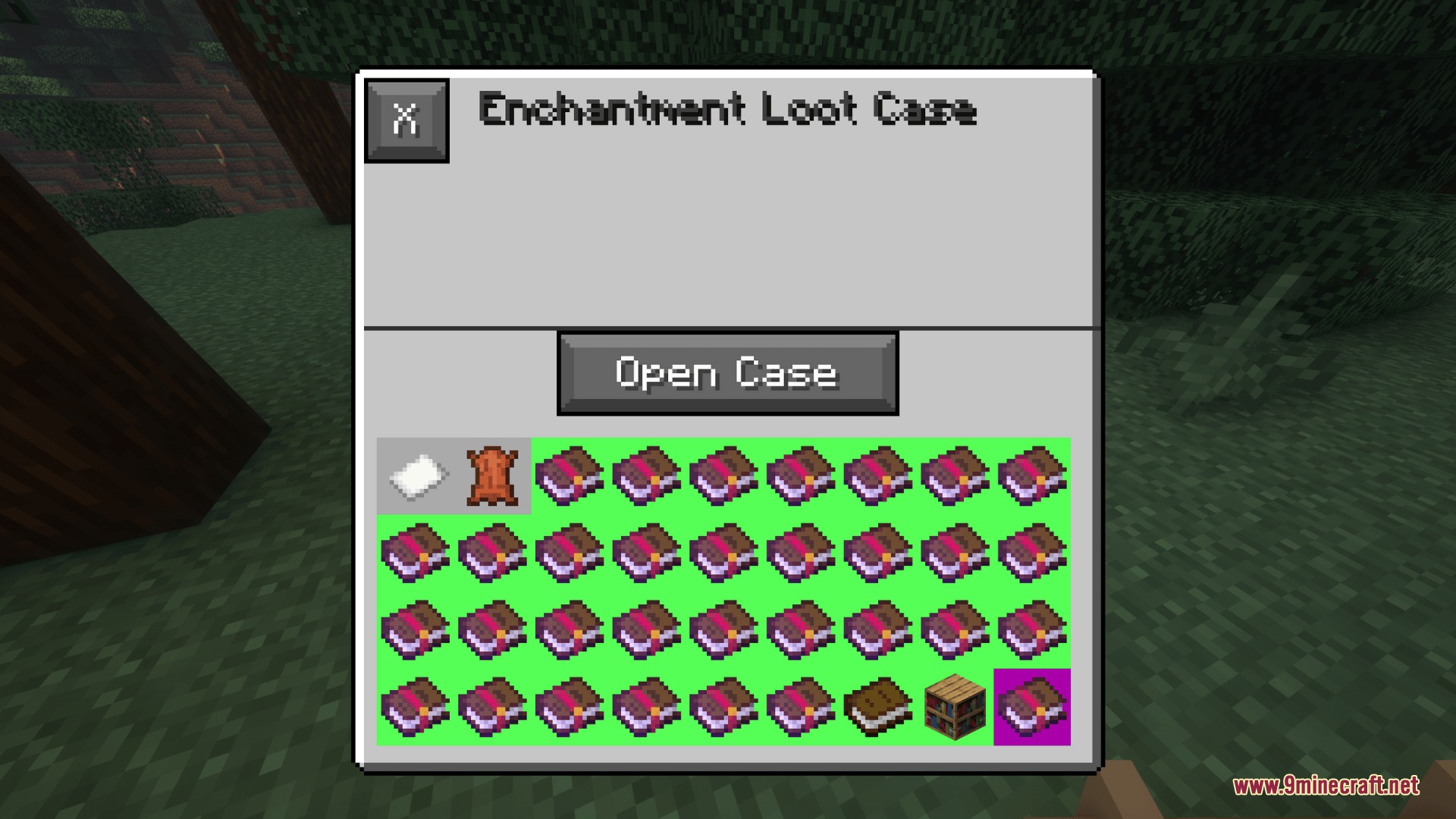
Upper Shell Shift Mod adds custom loot cases and reward boxes to your world. You can open these cases to find random tools, weapons, armor, food, and potions from both vanilla gameplay and other installed mods. The mod lets you find crates inside dungeon chests, trade with village merchants, or brush suspicious sand in ancient ruins. You can even place down a workstation block to design your own custom crates with custom drop chances directly inside the game.
Features:
- Scans your game automatically to sort items from other installed mods into loot pools.
- Spawns crates inside natural dungeon chests, abandoned mineshafts, and strongholds.
- Adds dedicated Case Trader houses and trader villagers to all five village types.
- Hides mystery cases inside suspicious sand in desert pyramids for archaeology fans.
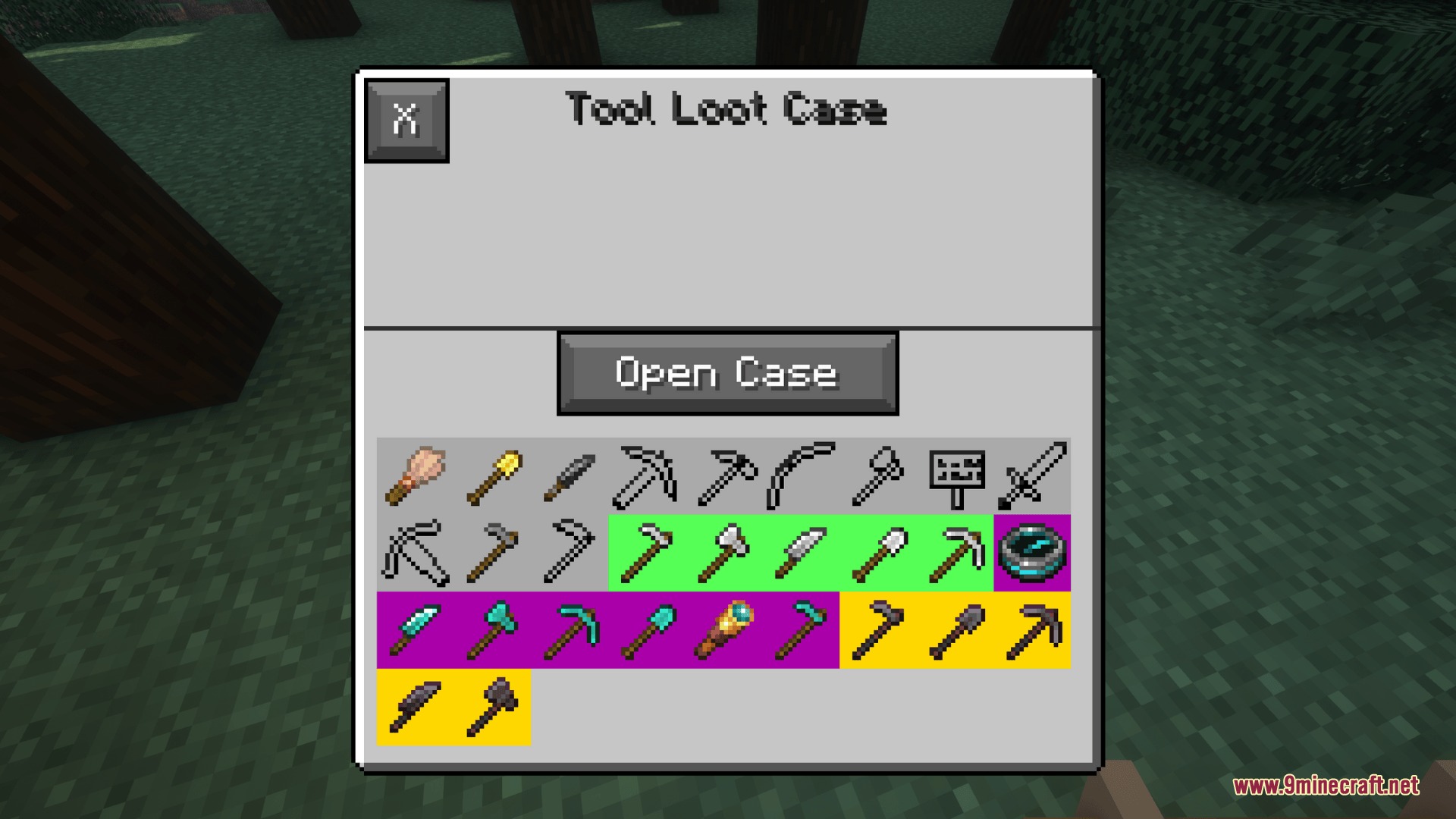
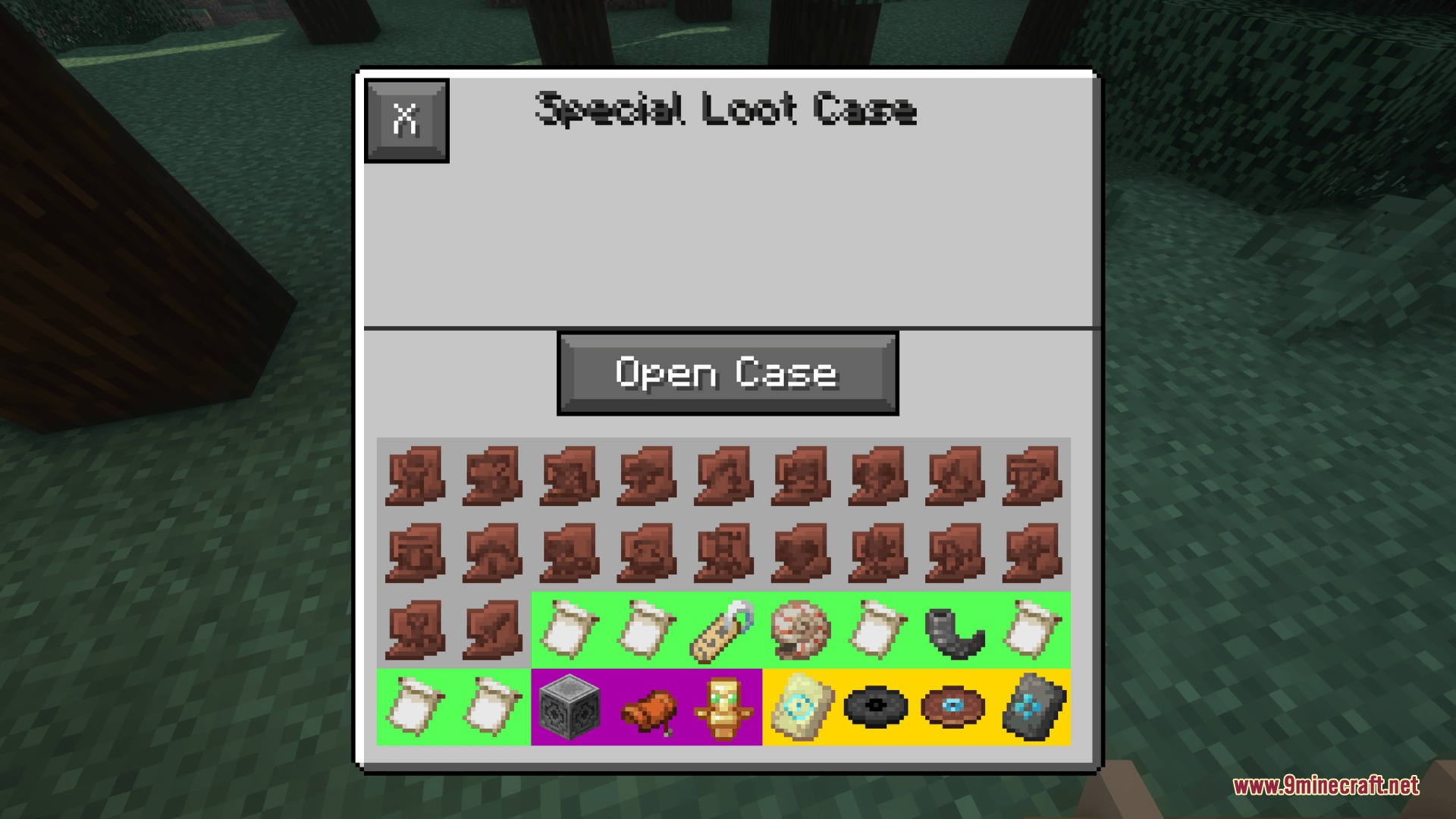
- Features four built-in rarity tiers consisting of Common, Rare, Epic, and Legendary drop chances.
- Includes the Casing Station block to create, edit, and manage reward boxes in real time.
- Retains full custom data like enchantments, custom potion effects, and durability on stored items.
Base Case Types:
- Armor Case: Contains pieces of armor with random durability.
- Arrow Case: Drops stacks between 1 and 64 arrows.
- Enchantment Case: Holds enchanted books with random enchantments.
- Food Case: Drops stacks between 1 and 64 edible items.
- Potion Case: Contains helpful and harmful potion brews.
- Tool Case: Gives utility tools with random durability levels.
- Weapon Case: Drops weapons and combat shields with random durability.
- Special Case: Holds rare items such as beacons, music discs, and boss drops.
Commands:
/give @s recased:<case_name>: Gives your player character a specific loot case.
How to Use:
- Place down a Casing Station block in your world and open its menu.
- Click the plus icon to create a brand-new case, or pick an existing crate to edit it.
- Click items from your inventory to place them into the crate loot table.
- Select any item inside the grid to change its drop chance and drop amount range.
- Close the menu to save your crate for custom maps, quests, or survival rewards.
Screenshots:
Upper Shell Shift Mod Download Links
- Edition: Minecraft Java
- File type: .jar
- Minecraft versions listed: 1.21.1, 1.20.1
- How to install: Install the matching mod loader (Forge, Fabric or NeoForge) for your Minecraft version. → Download the .jar. → Put it in the .minecraft/mods folder and launch that loader profile.
- Where to get it: In MC Java Mods, or directly above on this page.
Install steps are the general flow for this file type — How to install Minecraft Java mods & modpacks walks through it step by step.
- Downloads as 506902.mcaddon
- Download size: 264 KB
- Download link checked 23 Sept 2026 — working
- Mirrored on our own servers — the download does not depend on the original host
These come from our own check of the pack file, not from the source page.