ModsJava
Strike Precision Alpha Mod (1.21.11, 1.20.1) – Track Floating Damage Numbers
Java mod listed for Minecraft 1.20–1.21. Downloads from the MC Java Mods app on Android.
⬇ Download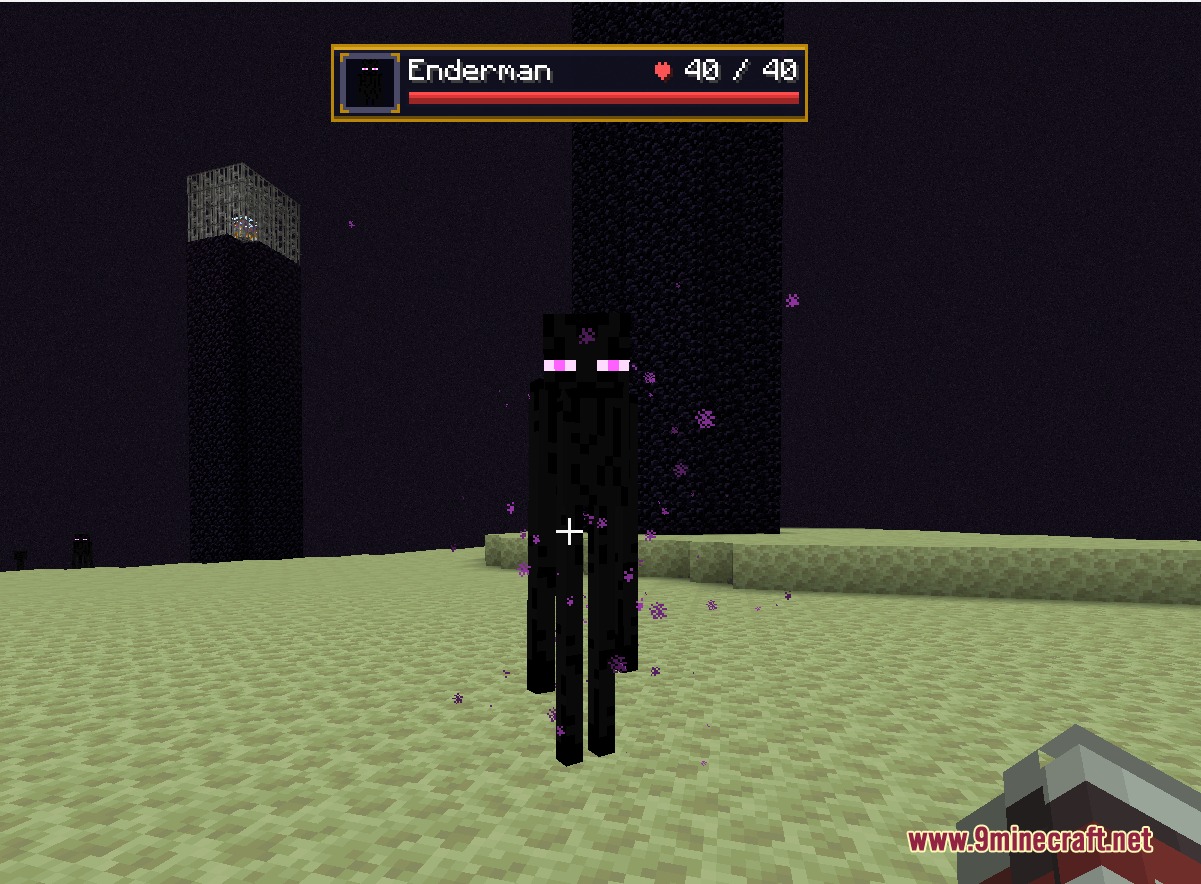
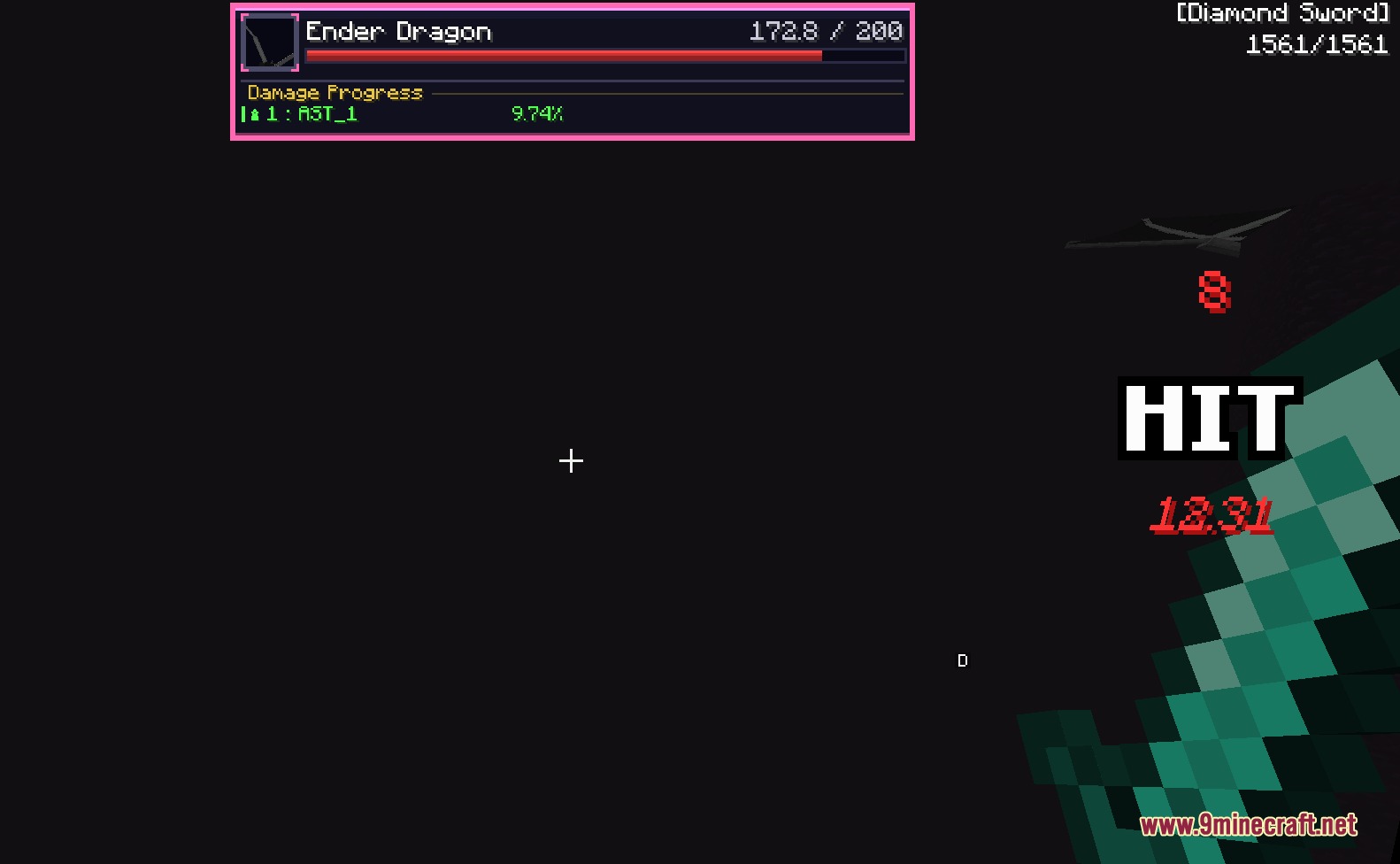
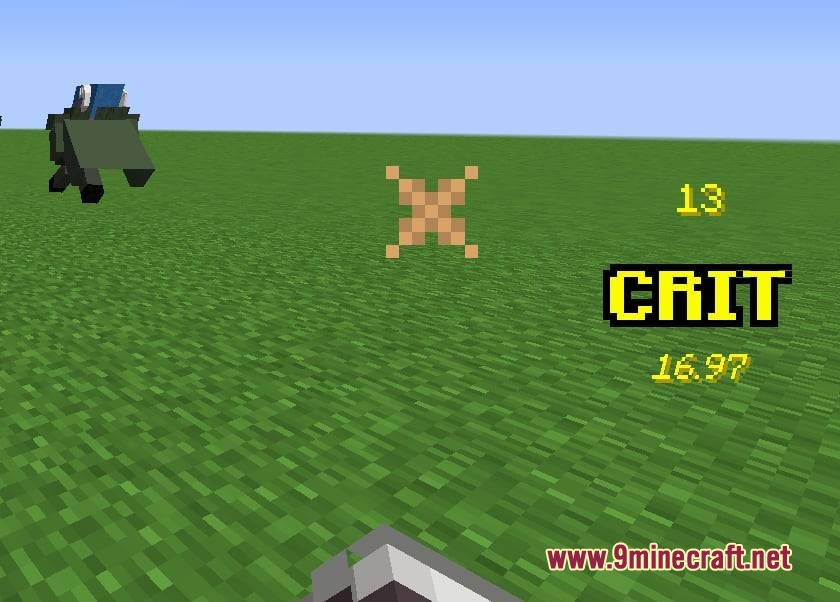
Strike Precision Alpha Mod brings real-time visual feedback to every combat encounter in Minecraft. The mod displays floating damage numbers directly over targets as you strike them with weapons, spells, or projectiles. It adds a combo tracking HUD on your screen to count hits and show total damage dealt during fights. It also introduces RPG-style boss bars with live 3D mob portraits and player damage ranking tables.
Features:
- Floating Damage Numbers: Numbers pop out above targets with color coding for regular attacks and critical hits.
- On-Screen Combo Tracker: Shows hit counts, crit multipliers, and total damage dealt before fading out after combat ends.
- RPG Boss Bars: Replaces standard boss health meters with styled gold frames, live 3D mob portraits, and exact HP values.
Combat HUD & Floating Numbers:
- Pops floating damage values that rise above mobs and fade after a short moment.
- Displays normal hits in red, vanilla crits in green, and relic crits in bright green with multiplier text.
- Includes a screen HUD that pulses on each strike and shows a total damage summary when combat stops.
- Presents health, armor icons, and current health numbers for any mob under your crosshair.
Boss Tracking & Ranking:
- Replaces vanilla boss health bars with custom frames showing live 3D models and exact health numbers.
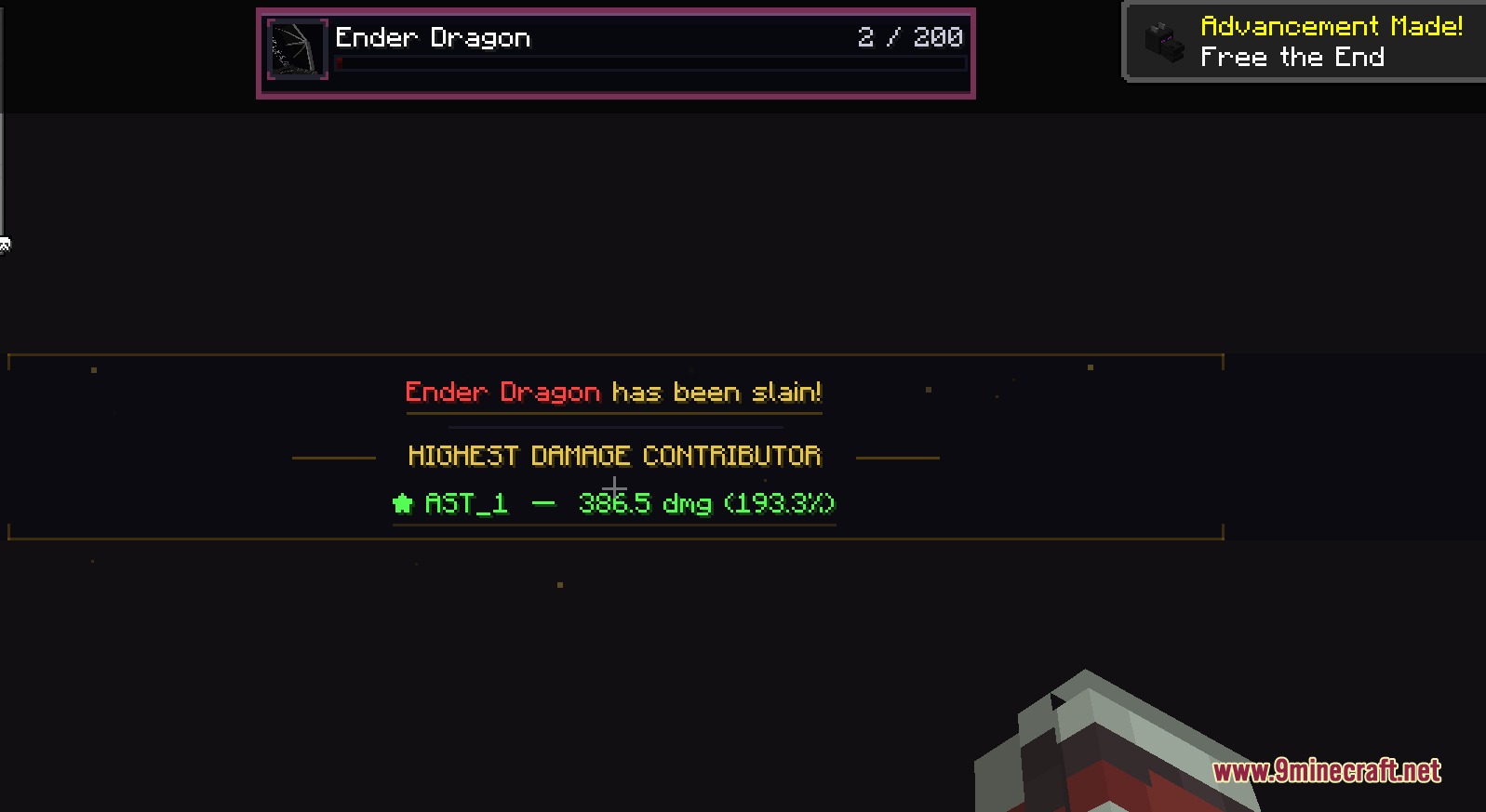
- Tracks damage dealt by each player on the server and ranks top contributors with rank medal icons.
- Highlights your personal name and damage share so you always see your contribution in multiplayer boss fights.
- Plays a cinematic death sequence when a boss mob is defeated.
- Runs in client-only mode on multiplayer servers without server installation to track basic melee hits.
Screenshots:
Strike Precision Alpha Mod Download Links
Quick facts
- Edition: Minecraft Java
- File type: .jar
- Minecraft versions listed: 1.21.11, 1.20.1
- How to install: Install the matching mod loader (Forge, Fabric or NeoForge) for your Minecraft version. → Download the .jar. → Put it in the .minecraft/mods folder and launch that loader profile.
- Where to get it: In MC Java Mods, or directly above on this page.
Install steps are the general flow for this file type — How to install Minecraft Java mods & modpacks walks through it step by step.
File checked by MCModsHub
- Downloads as 506907.mcaddon
- Download size: 132 KB
- Download link checked 22 Sept 2026 — working
- Mirrored on our own servers — the download does not depend on the original host
These come from our own check of the pack file, not from the source page.