ModsJava
Aetheric Apex Steel Mod (26.2, 1.21.1) – Forge Endgame Armor and Tools Beyond
Java mod listed for Minecraft 1.21. Downloads from the MC Java Mods app on Android.
⬇ Download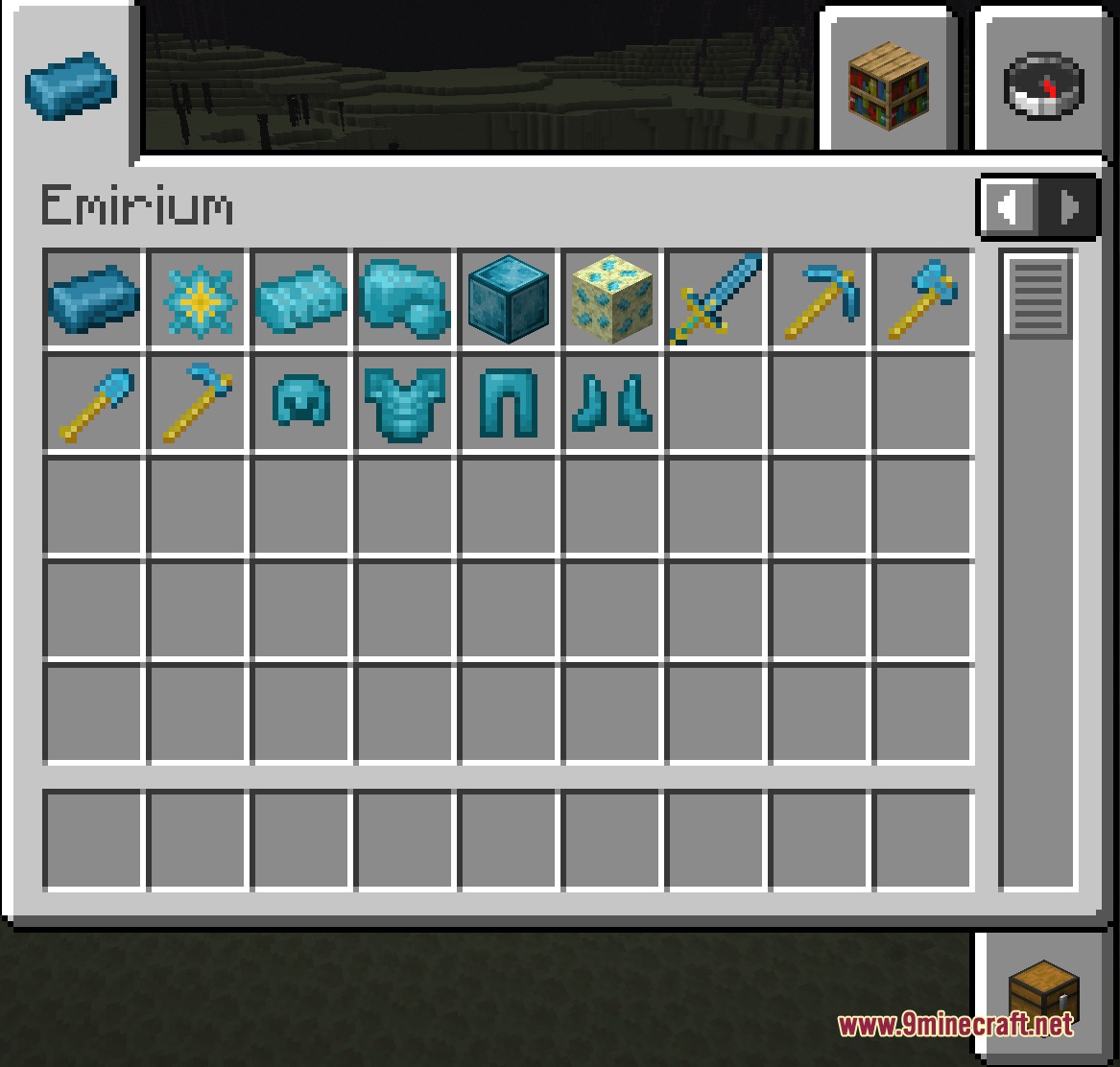
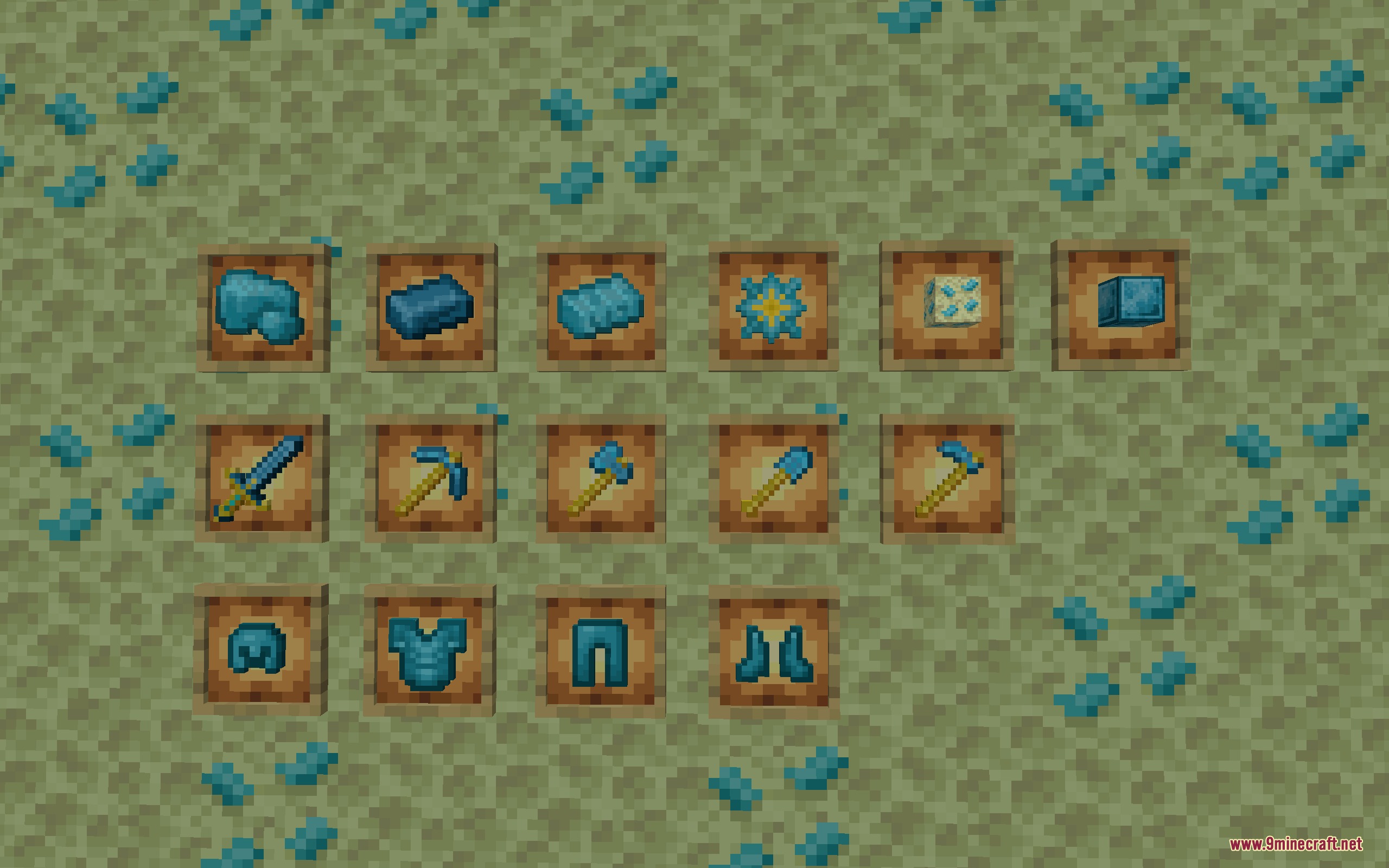
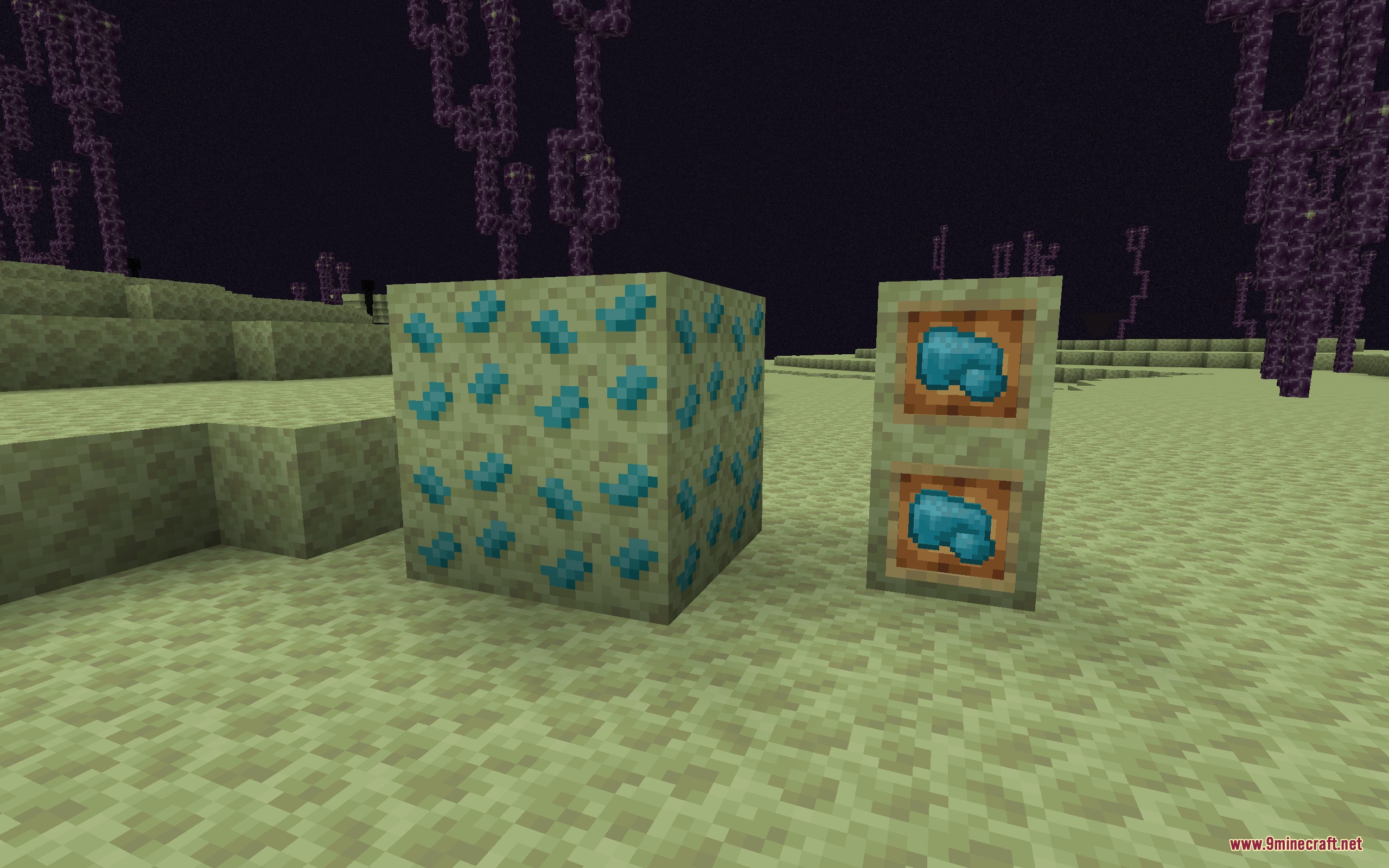
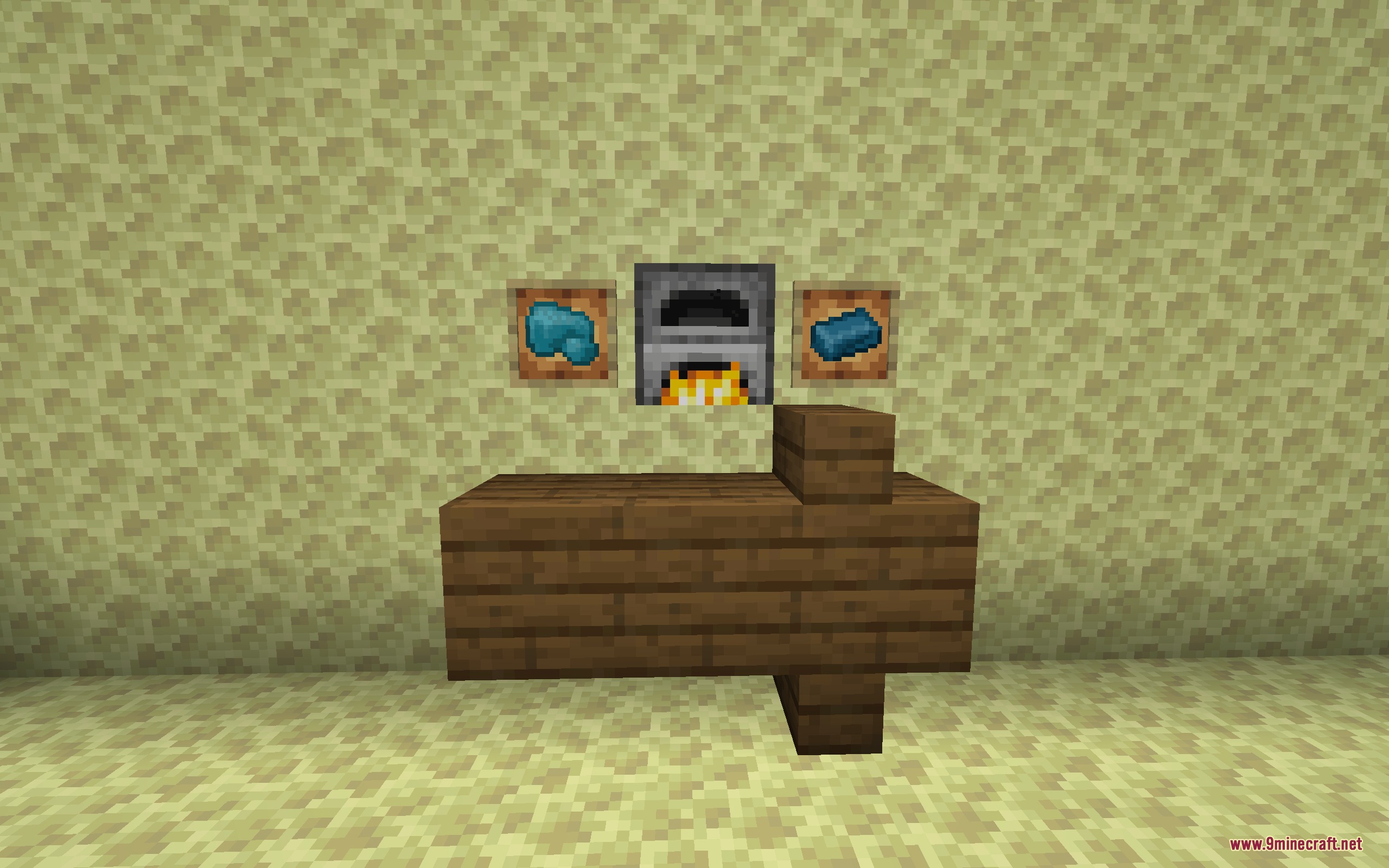
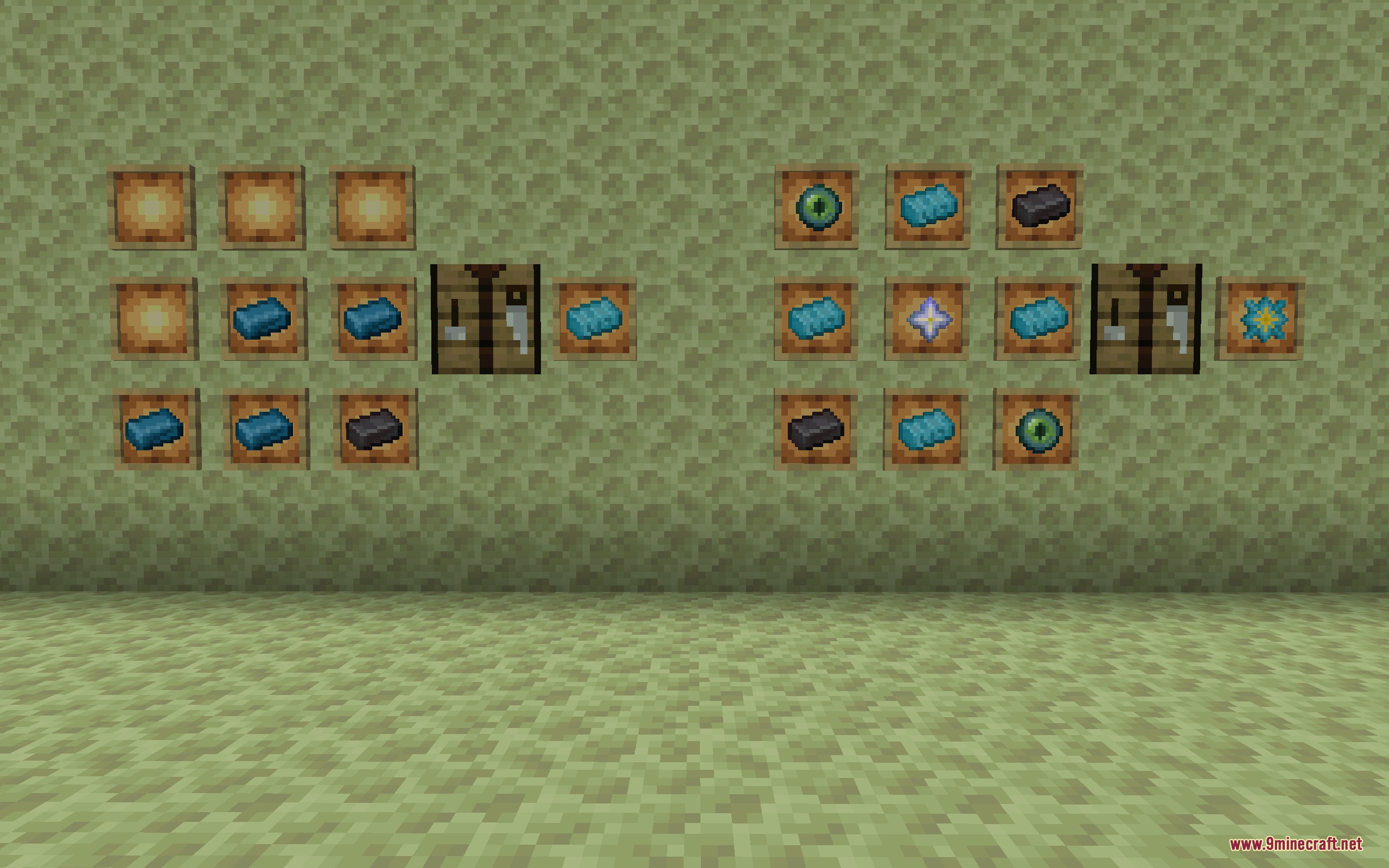
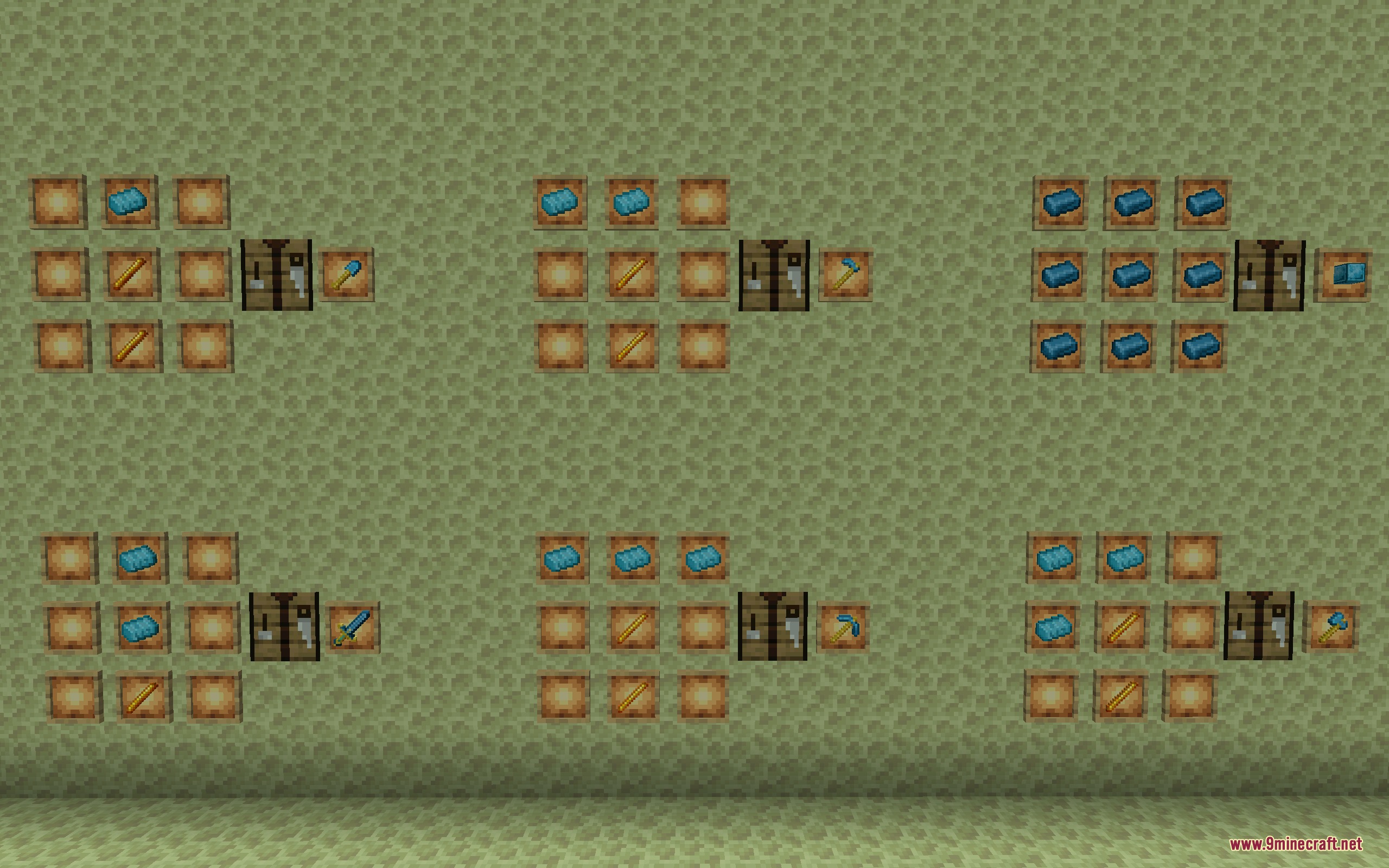
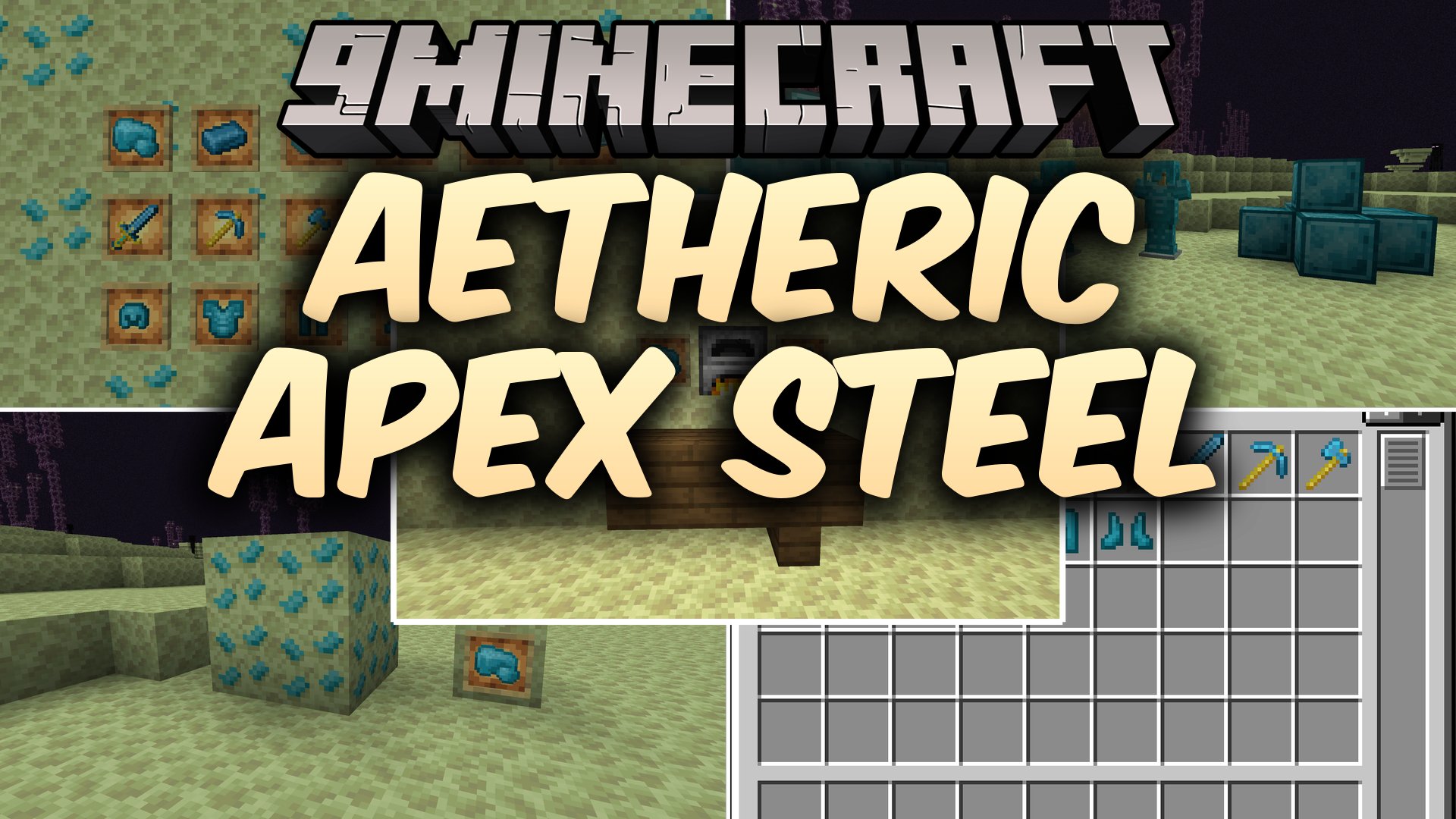
Aetheric Apex Steel Mod brings a new endgame ore and gear tier to Minecraft. This mod gives players a strong reason to explore deep areas of the End dimension after beating the Ender Dragon. It introduces rare minerals, heavy alloys, and powerful crafting items that sit two tiers above Netherite. You can forge ultra-durable armor and tools that make late-game survival much safer.
Features:
- Endgame Ore: Generates naturally in the End dimension between Y: 10 and Y: 55.
- Blast-Proof Blocks: Ore blocks resist all TNT explosions and need a Netherite Pickaxe to mine.
- Master-Tier Gear: Armor pieces and weapons provide stats that sit two tiers higher than Netherite.
- Requires smelters or blast furnaces to turn raw chunks into refined ingots.
- Allows combining ingots with Netherite to create stabilized heavy alloy bars.
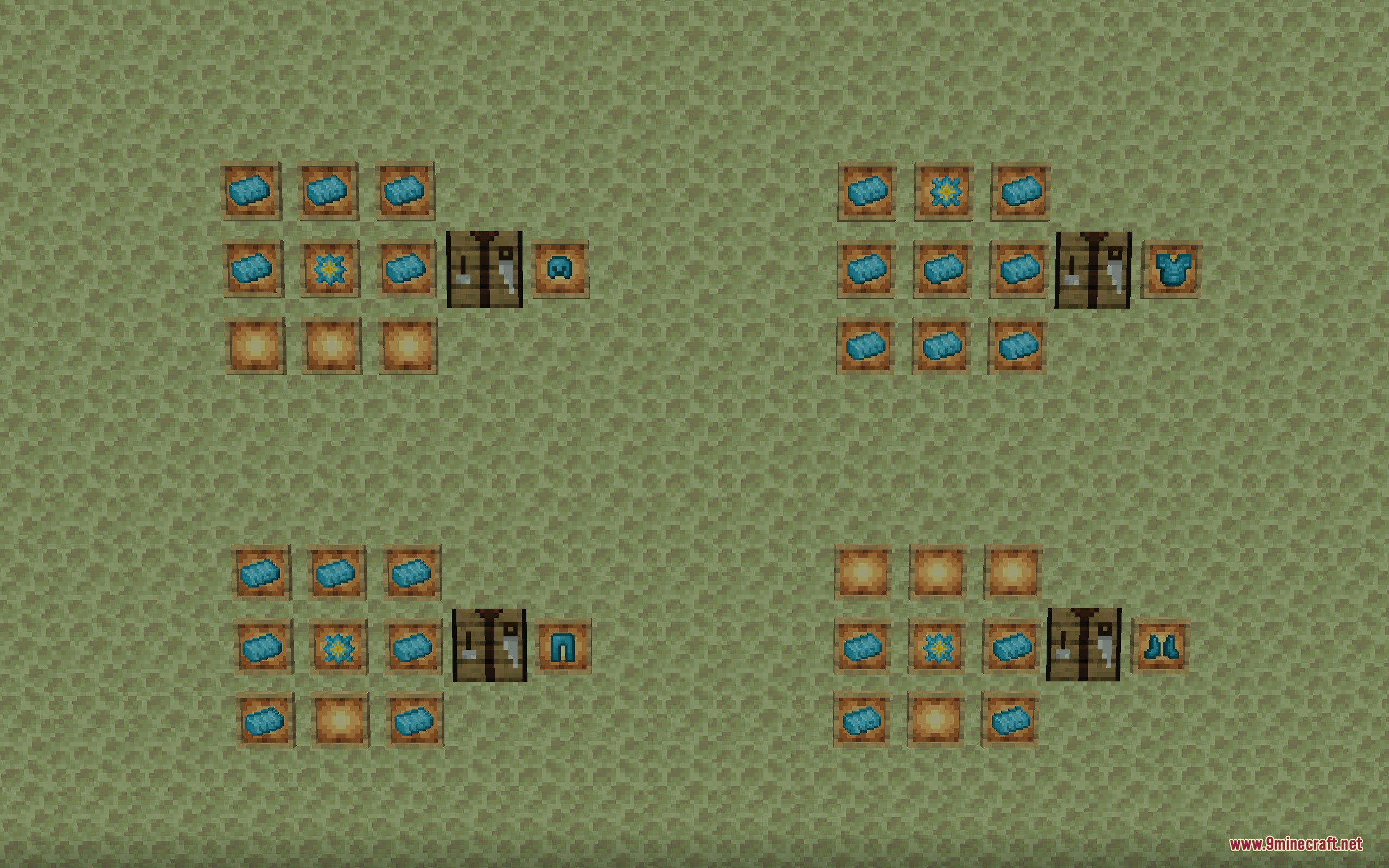
- Introduces special cores crafted using Nether Stars, Eyes of Ender, and Netherite.
- Upgrades swords, pickaxes, axes, shovels, and hoes using Blaze Rods as heavy-duty handles.
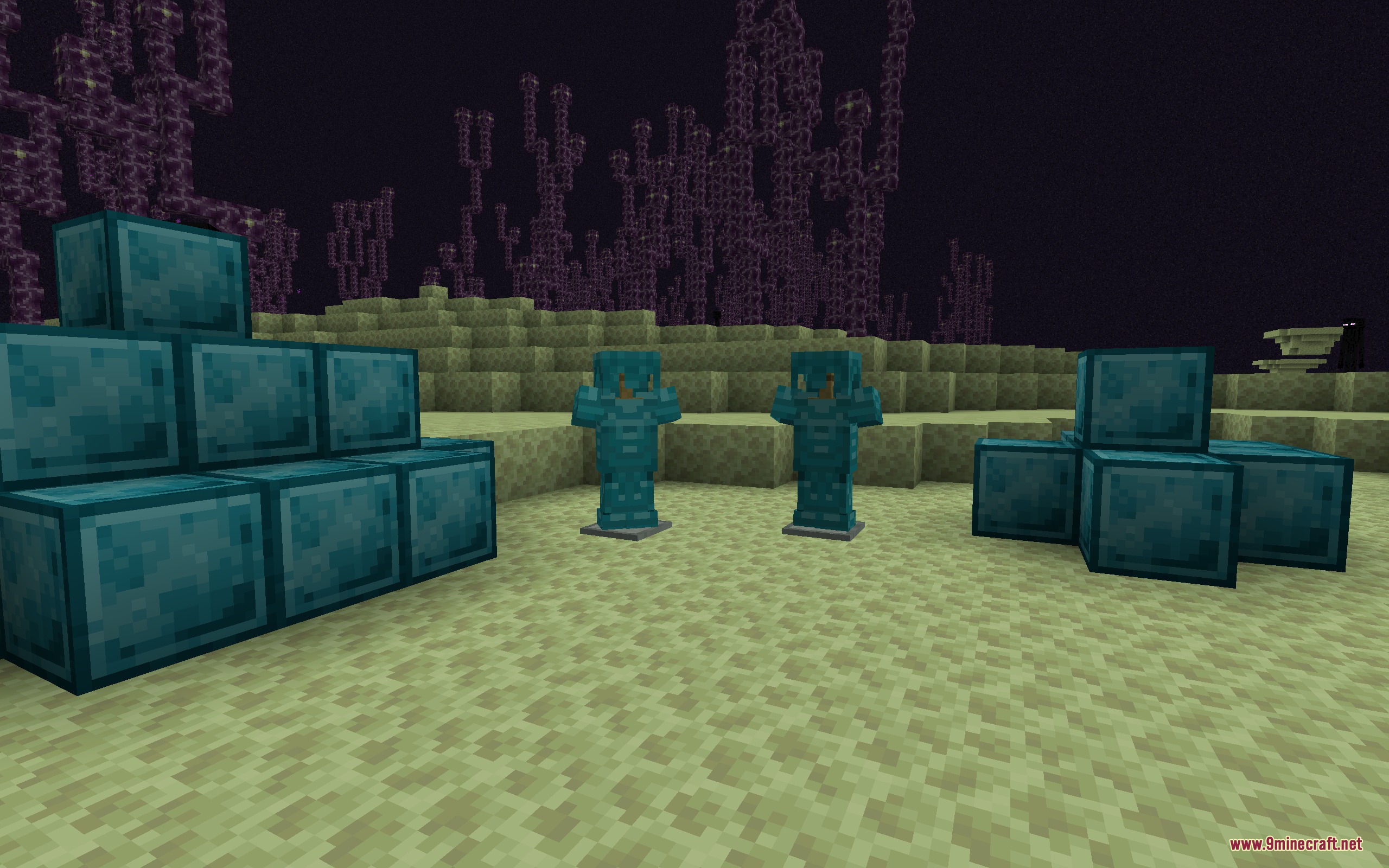
- Protects your character with heavy armor sets that turn you into a sturdy fortress against dangerous mobs.
- Provides dense decorative blocks crafted from nine ingots for base building or compact storage.
How to Use:
- Travel to the End dimension and dig between Y: 10 and Y: 55 to find rare ore deposits.
- Mine the ore using a Netherite Pickaxe to collect raw chunks.
- Smelt the raw chunks in a Furnace or Blast Furnace to produce refined ingots.
- Combine four ingots with one Netherite Ingot in a crafting table to make heavy alloy bars.
- Craft a core by combining heavy alloy bars, Nether Stars, Eyes of Ender, and Netherite Ingots.
- Assemble your full armor set using cores, or craft heavy tools using Blaze Rods as handles.
Screenshots:
Aetheric Apex Steel Mod Download Links
Quick facts
- Edition: Minecraft Java
- File type: .jar
- Minecraft version listed: 1.21.1
- How to install: Install the matching mod loader (Forge, Fabric or NeoForge) for your Minecraft version. → Download the .jar. → Put it in the .minecraft/mods folder and launch that loader profile.
- Where to get it: In MC Java Mods, or directly above on this page.
Install steps are the general flow for this file type — How to install Minecraft Java mods & modpacks walks through it step by step.
File checked by MCModsHub
- Downloads as 506913.mcaddon
- Download size: 440 KB
- Download link checked 22 Sept 2026 — working
- Mirrored on our own servers — the download does not depend on the original host
These come from our own check of the pack file, not from the source page.