ModsJava
Prismatic Bloom Aura Mod (26.2, 1.21.1) – Light Up Dark Worlds with Vibrant
Java mod listed for Minecraft 1.21. Downloads from the MC Java Mods app on Android.
⬇ Download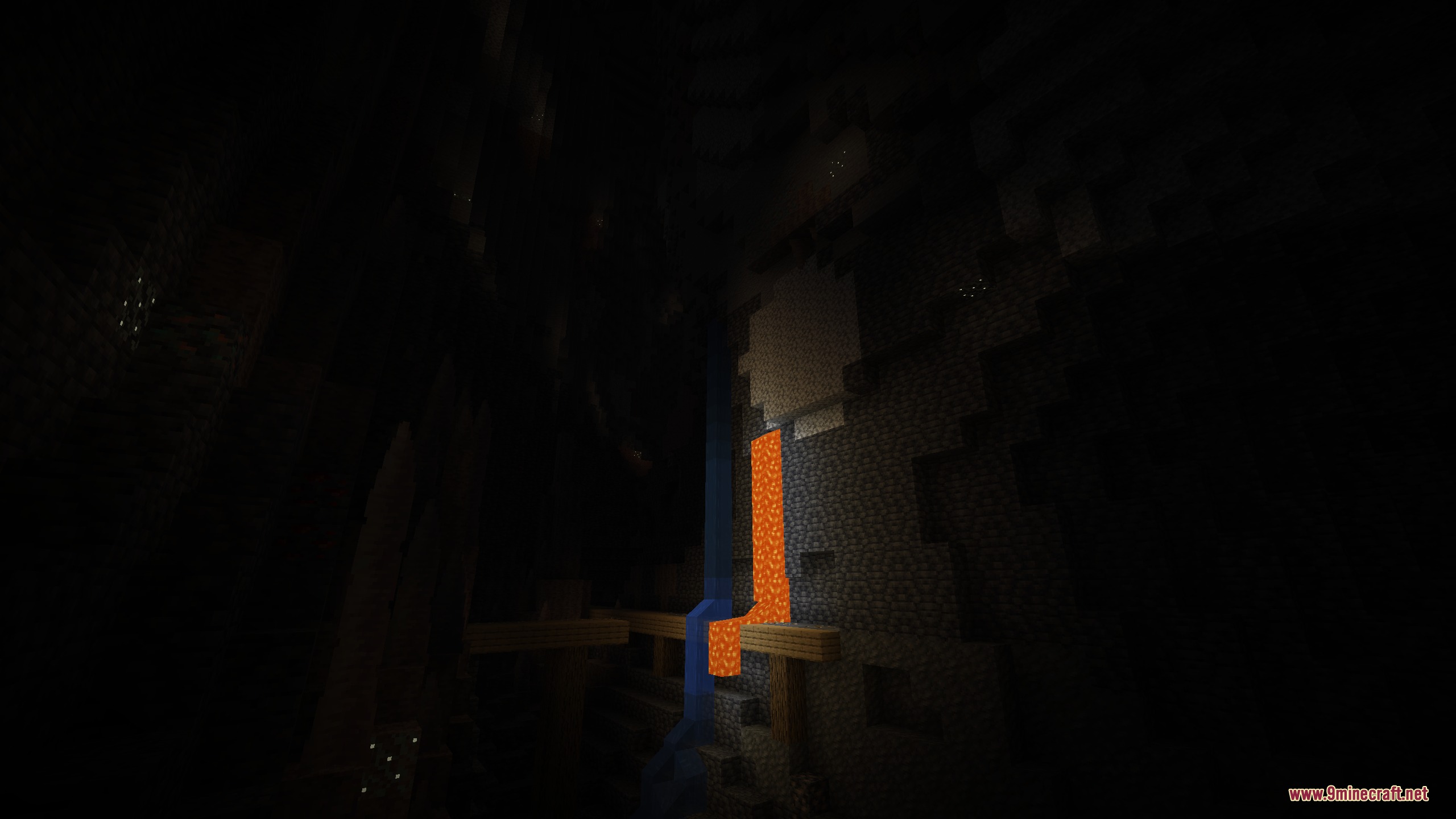
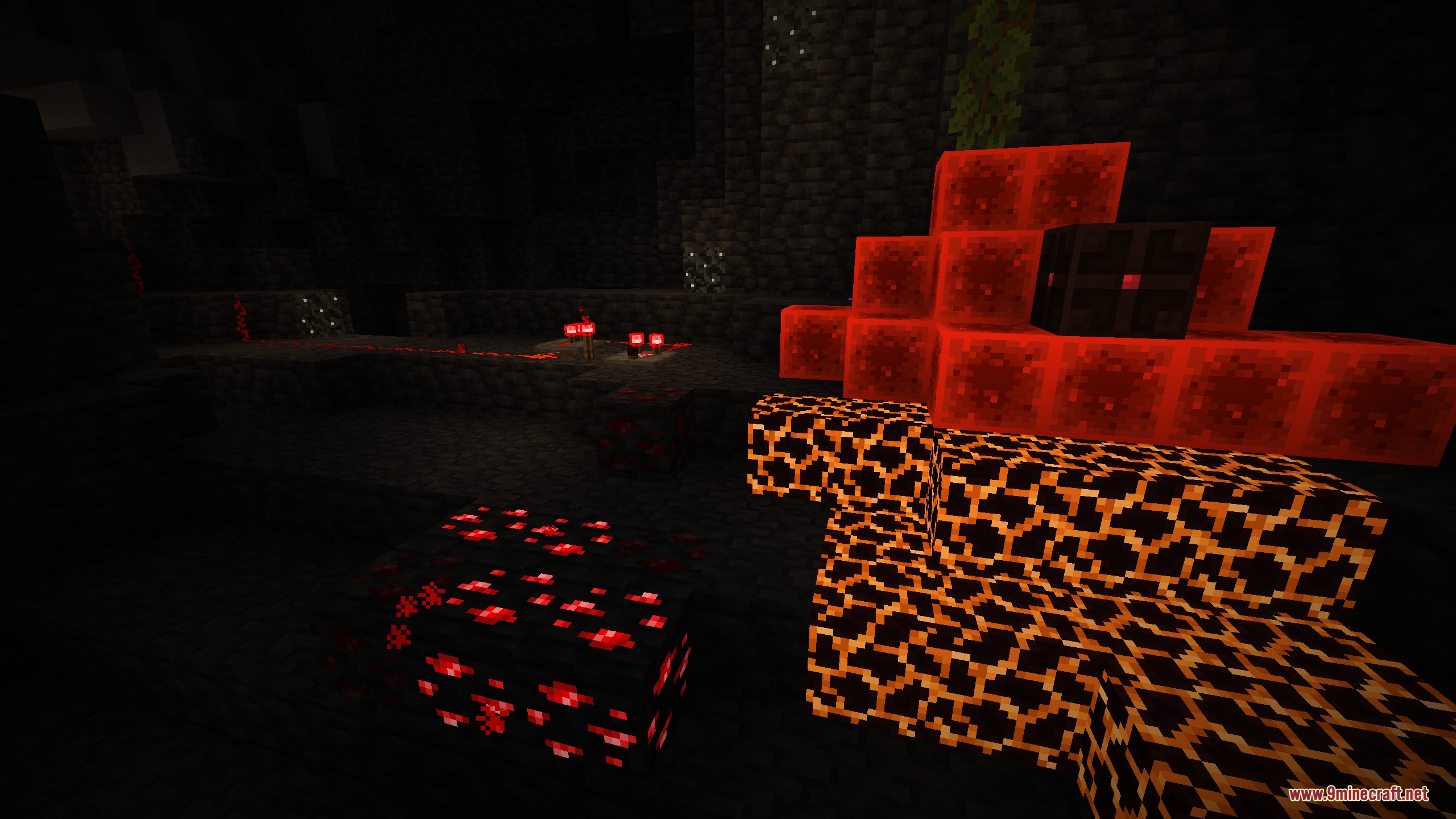
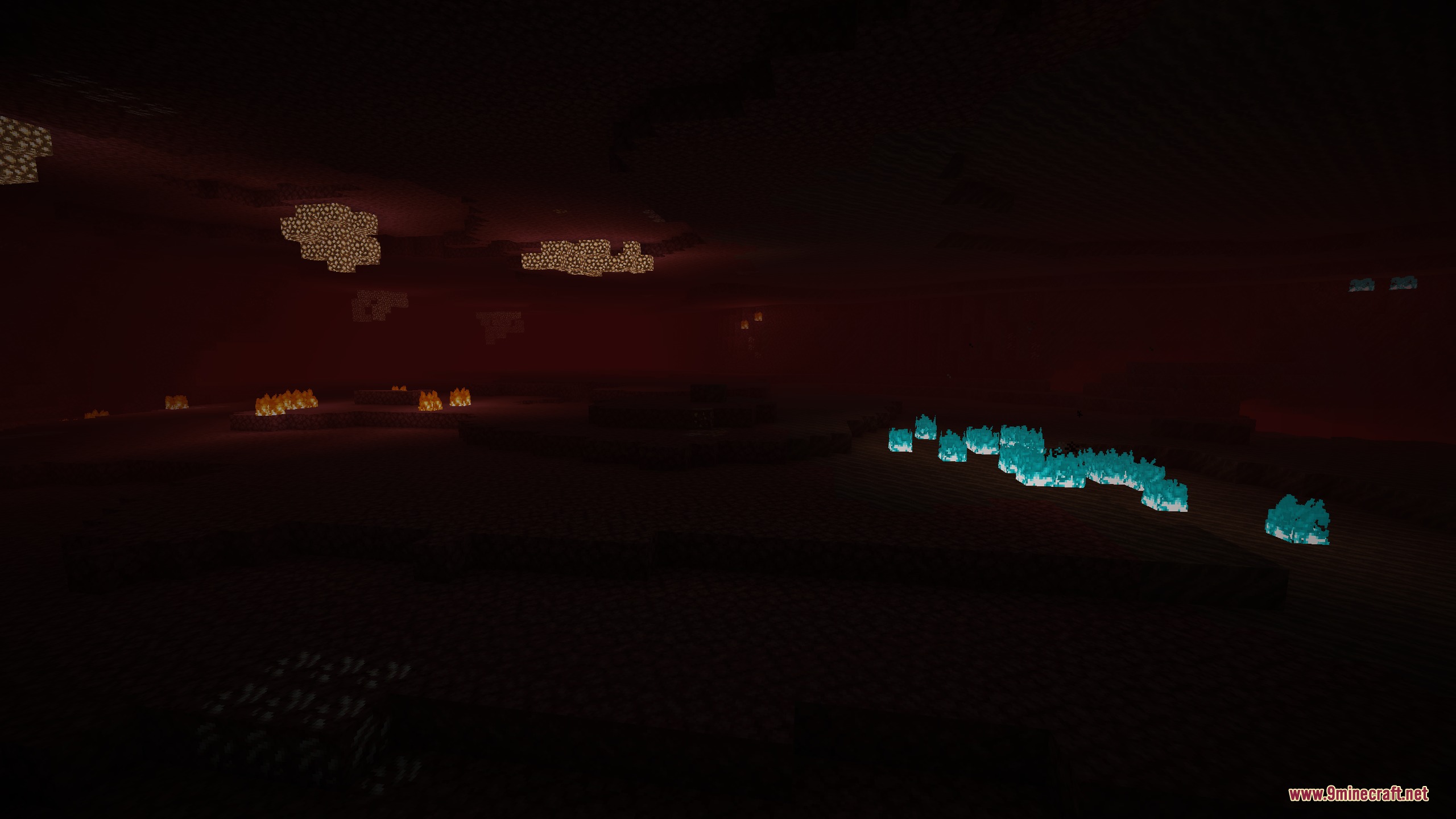
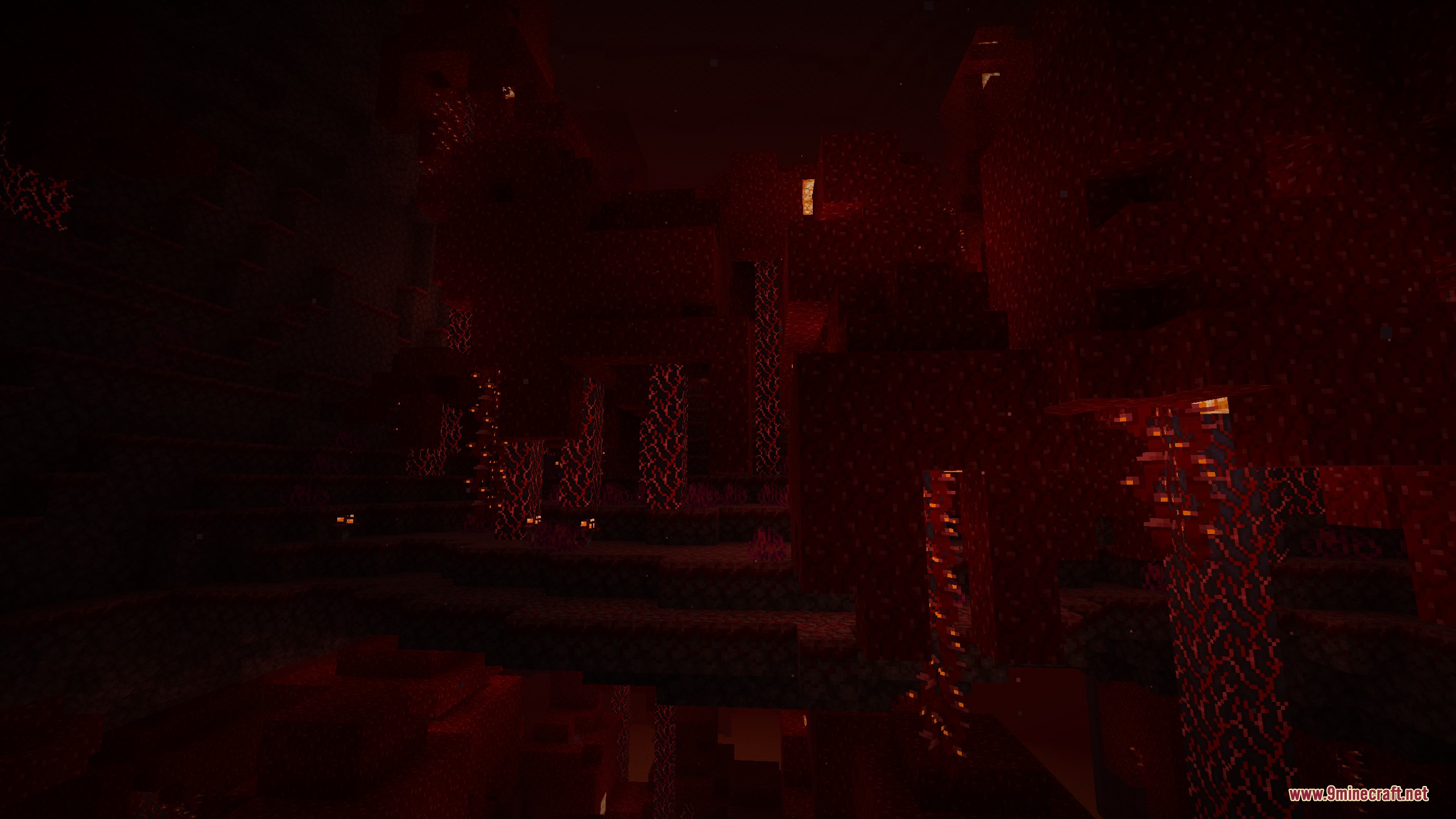
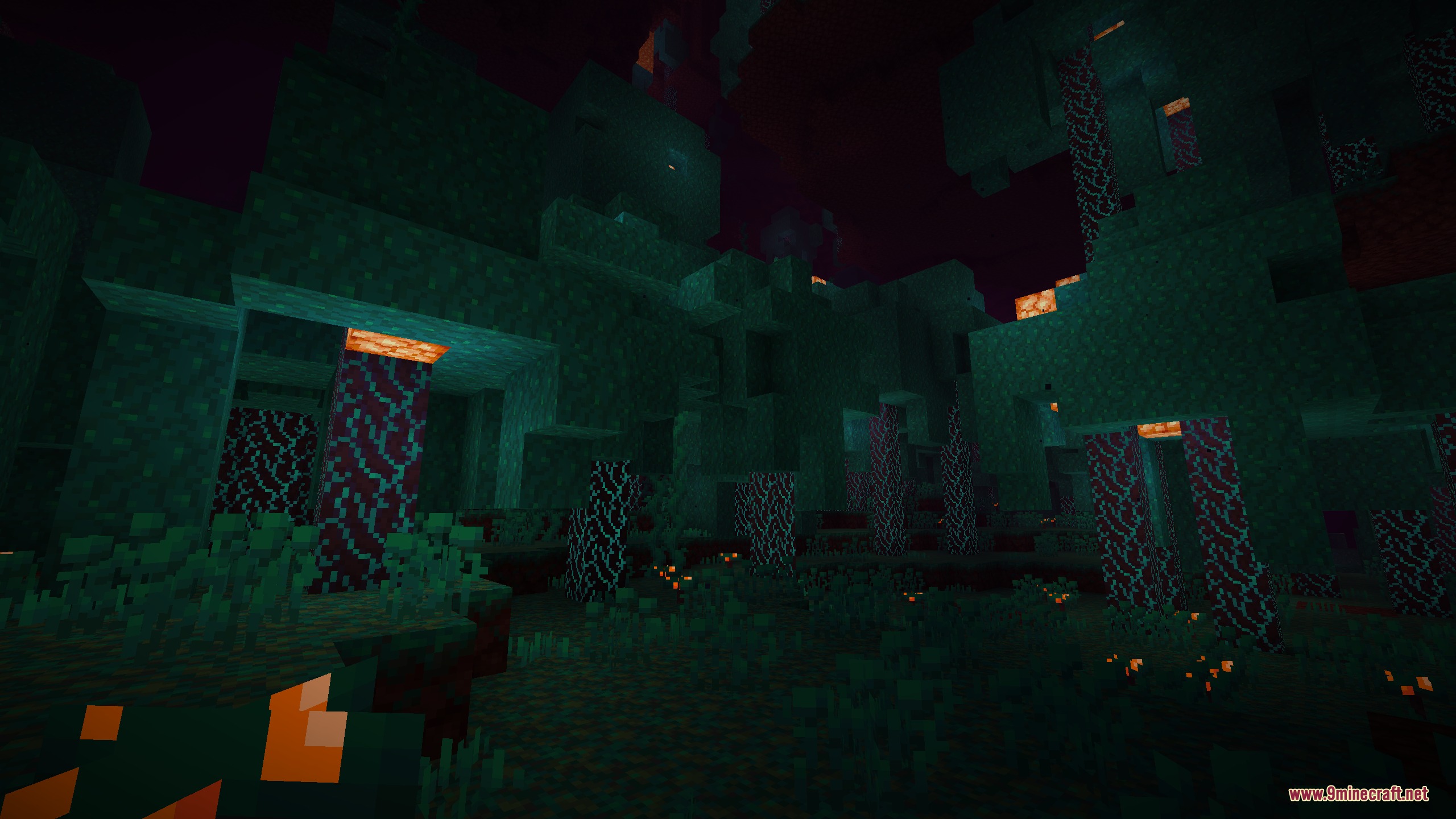
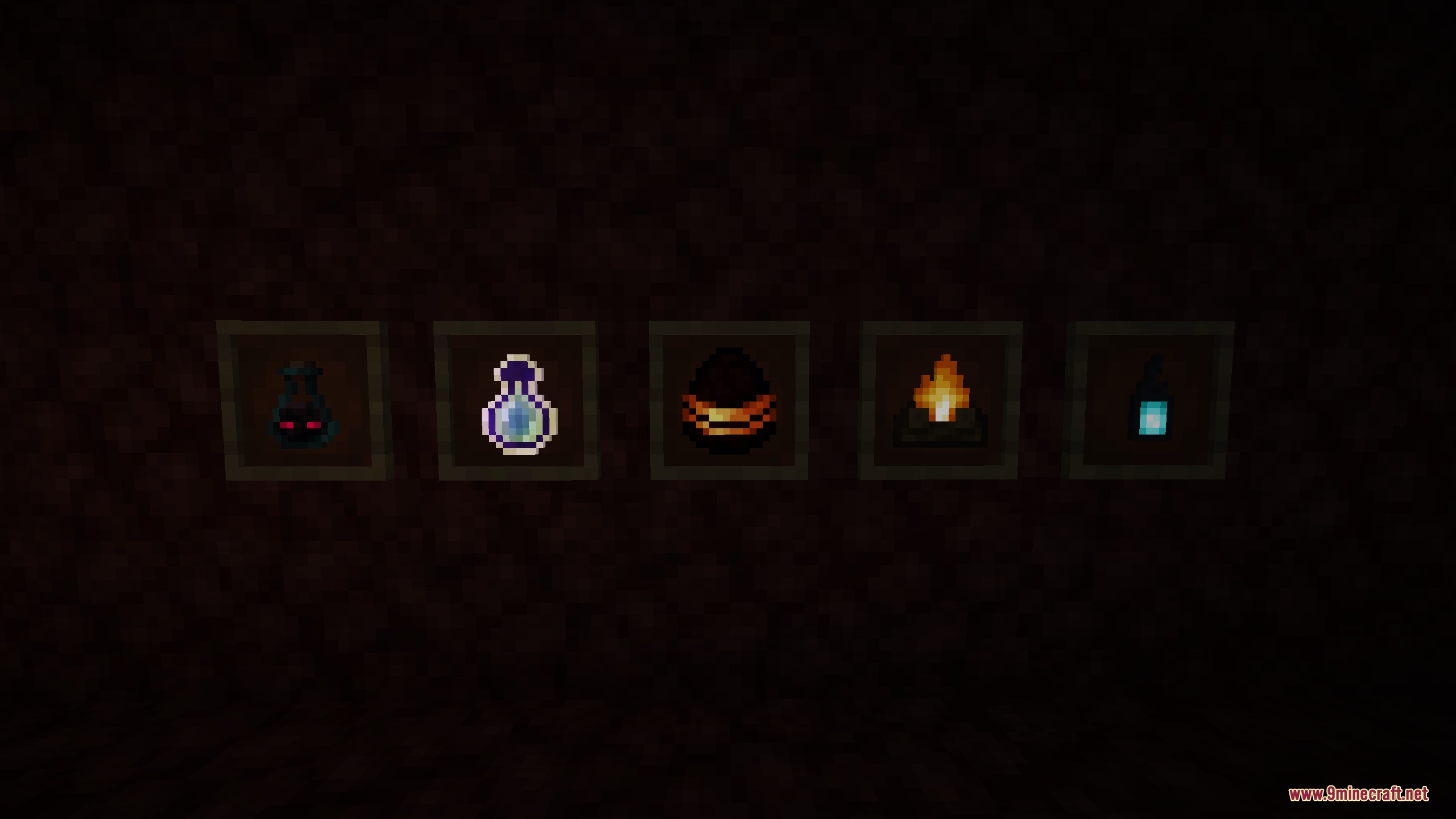
Prismatic Bloom Aura Mod lights up your blocks with bright colors, glowing effects, and smooth edge outlines. It makes glowing items, plants, and redstone shine much brighter in dark areas. You can use its built-in look or pair it with custom resource packs to change how blocks glow. The visual changes run smoothly even on lower-end computers without needing heavy shader packs.
Features:
- Adds bright glowing effects to light sources, blocks, and carried items.
- Brings custom colored lighting and clean edge highlights to the world.
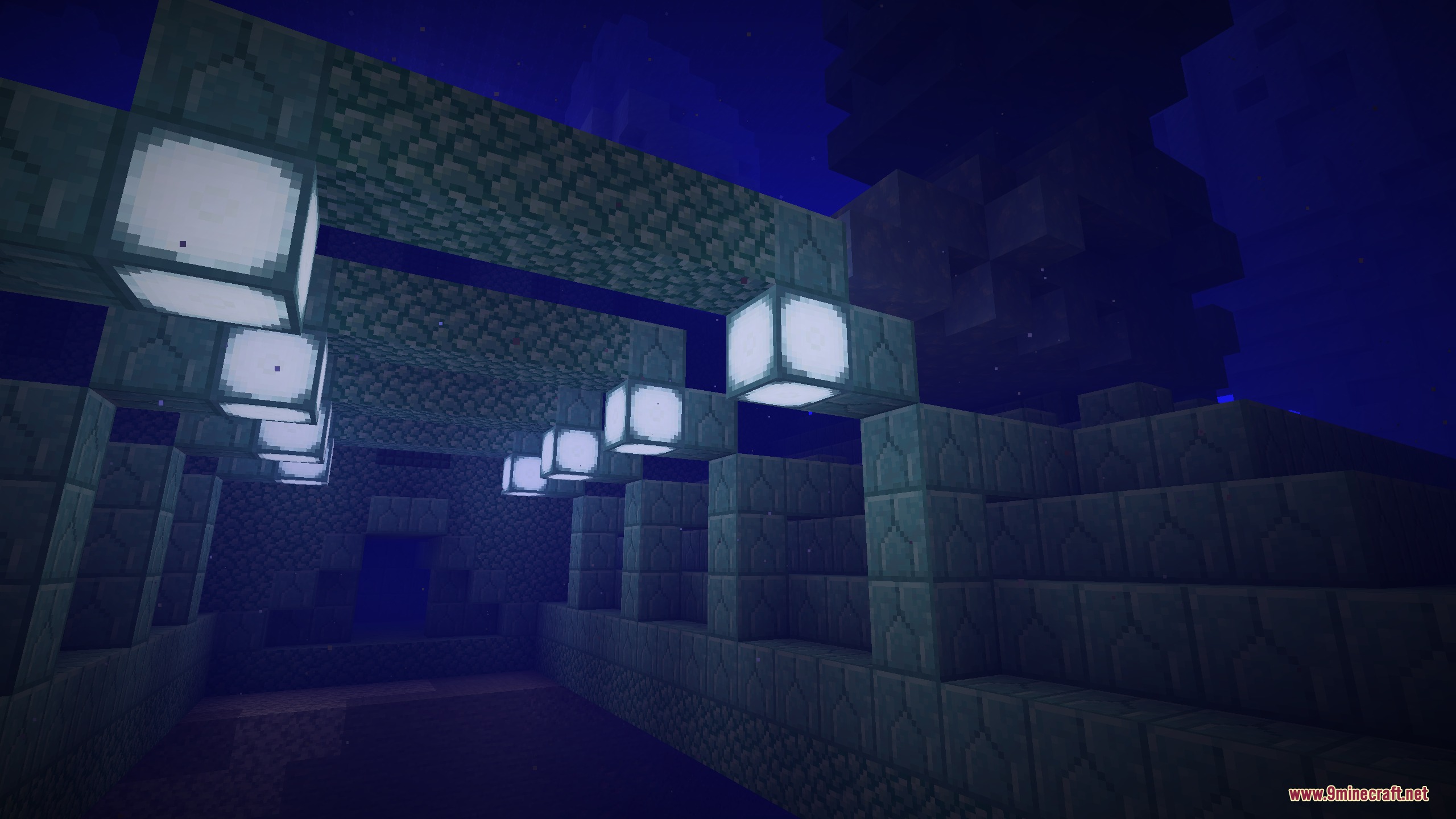
- Makes glow lichen, sea lanterns, and redstone particles shine in deep caves.
- Brightens soul fire, soul torches, and soul campfires so they match regular fire.
- Improves Nether visuals by adding distinct glowing contrast to crimson and warped forests.
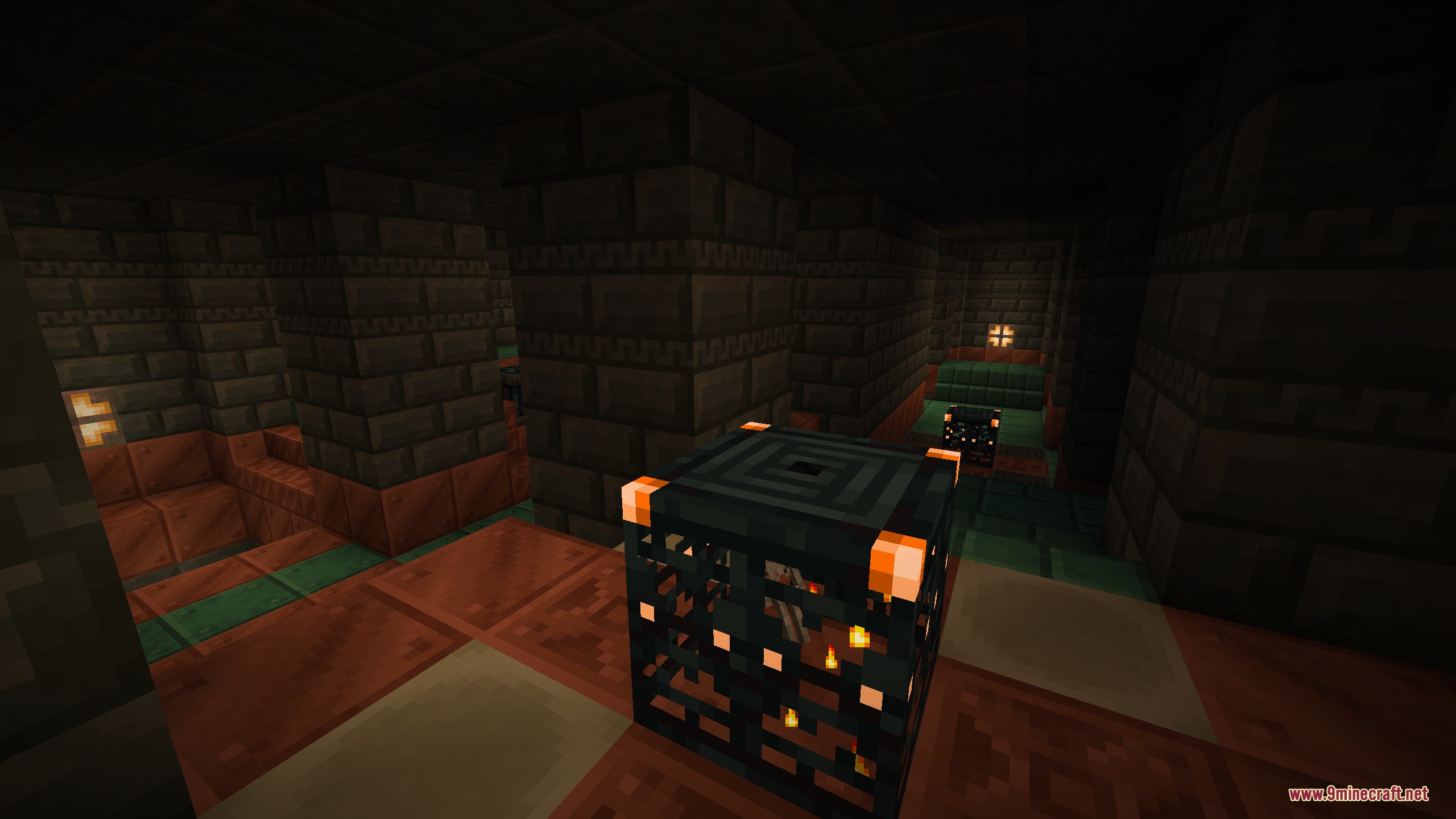
- Updates trial chambers so copper bulbs, trial spawners, and vaults shine clearly.
- Works directly through resource packs to make customizing glow textures simple.
- Runs lightweight shader effects that stay smooth on low-end hardware.
Glow Improvements by Area:
- Caves and Oceans: Glow lichen shines brighter in dark tunnels, and sea lanterns emit a clearer glow underwater.
- Trial Chambers: Trial spawners, vaults, and copper bulbs light up surrounding rooms with glowing accents.
- The Nether: Soul fire burns brightly while crimson and warped forest blocks display rich color contrasts.
Screenshots:
Prismatic Bloom Aura Mod Download Links
Quick facts
- Edition: Minecraft Java
- File type: .jar
- Minecraft version listed: 1.21.1
- How to install: Install the matching mod loader (Forge, Fabric or NeoForge) for your Minecraft version. → Download the .jar. → Put it in the .minecraft/mods folder and launch that loader profile.
- Where to get it: In MC Java Mods, or directly above on this page.
Install steps are the general flow for this file type — How to install Minecraft Java mods & modpacks walks through it step by step.
File checked by MCModsHub
- Downloads as 506917.mcaddon
- Download size: 830 KB
- Download link checked 24 Sept 2026 — working
- Mirrored on our own servers — the download does not depend on the original host
These come from our own check of the pack file, not from the source page.