ModsJava
Kinetic Creature Mounts Mod (1.20.1) – Soar Through the Skies on Cobblemon
Java mod listed for Minecraft 1.20. Downloads from the MC Java Mods app on Android.
⬇ Download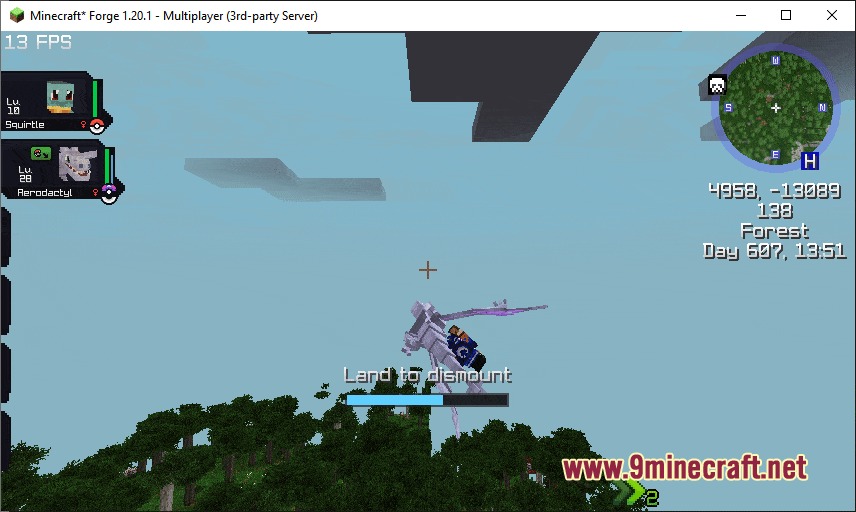

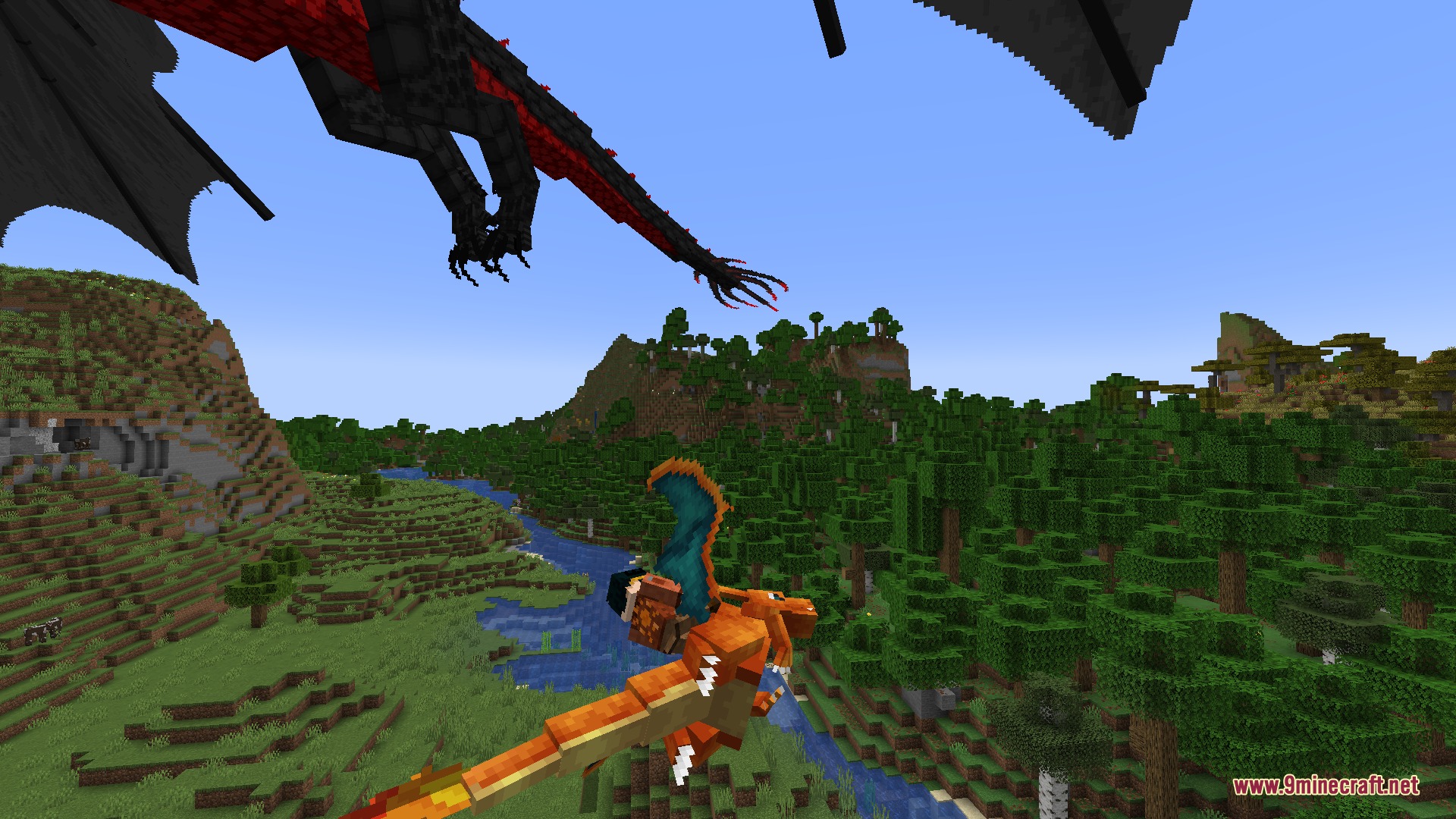

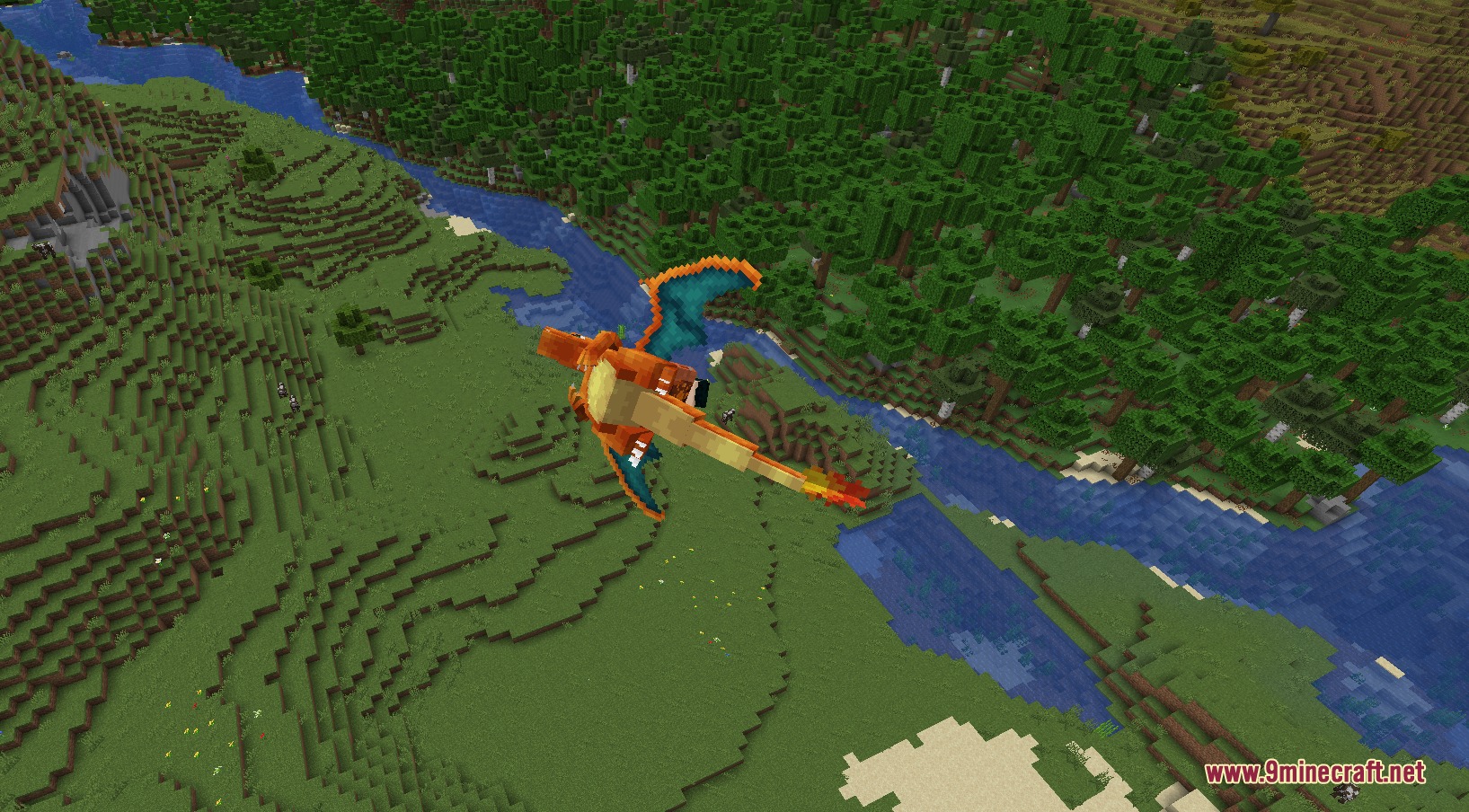
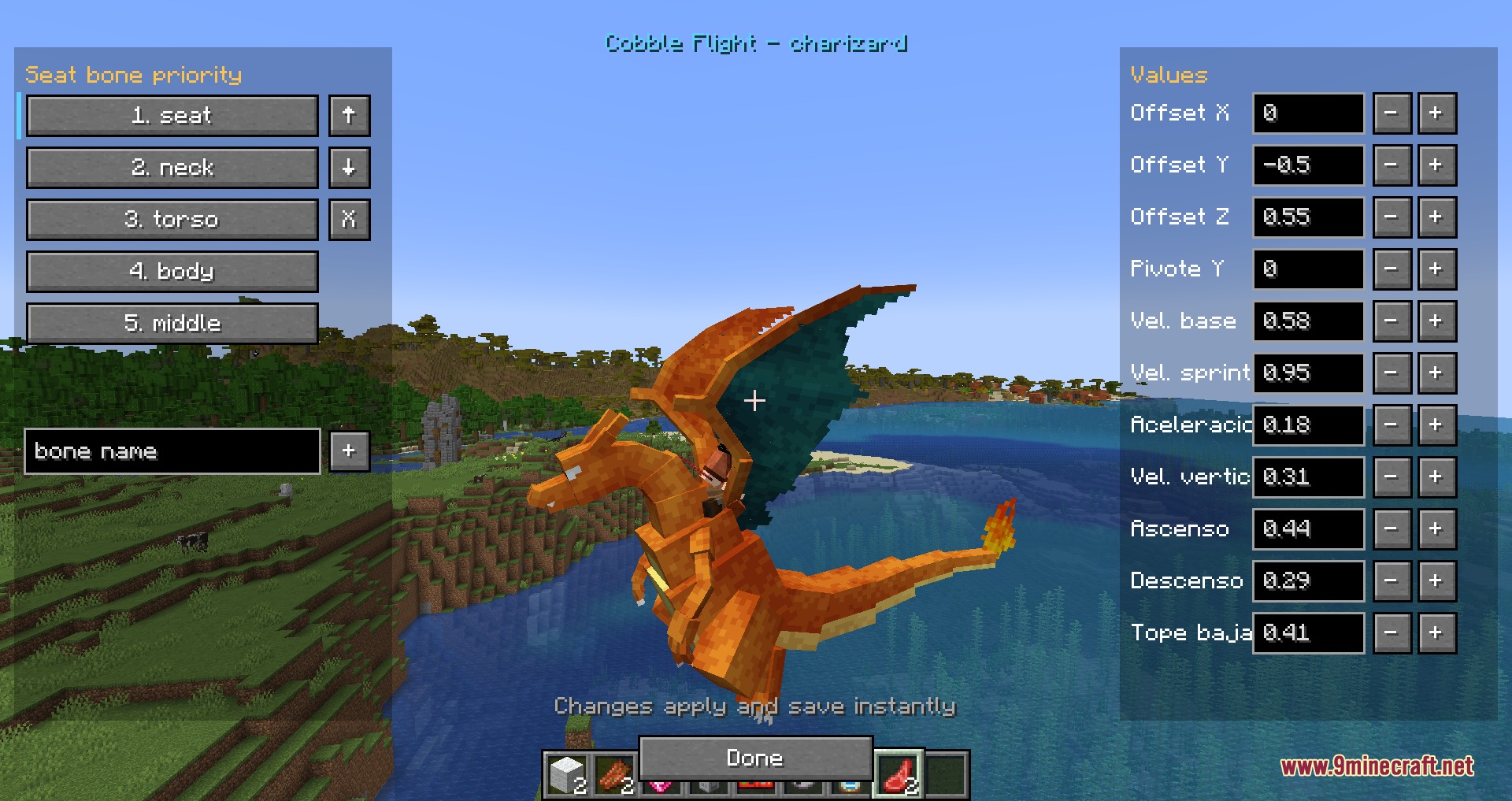
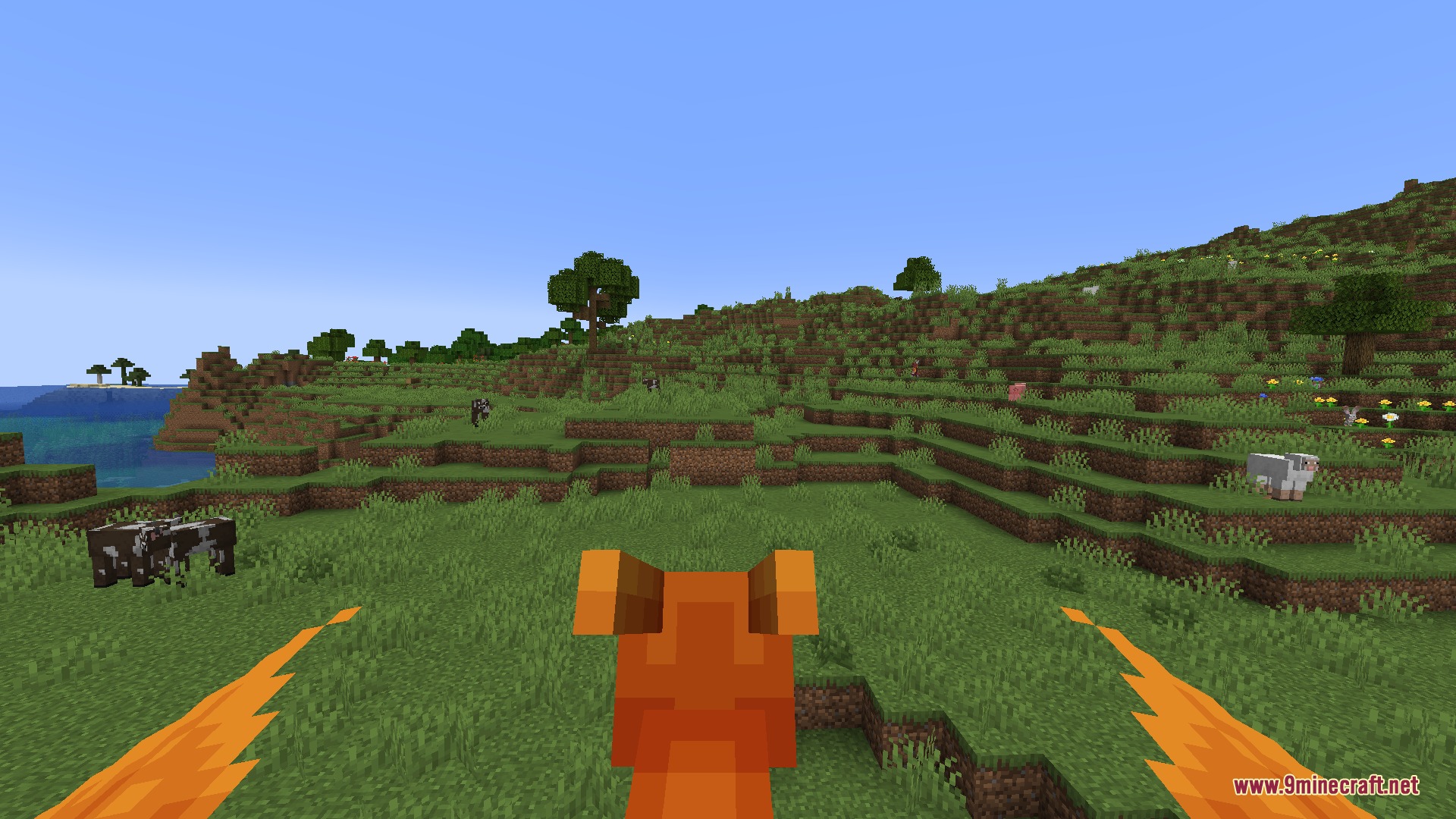
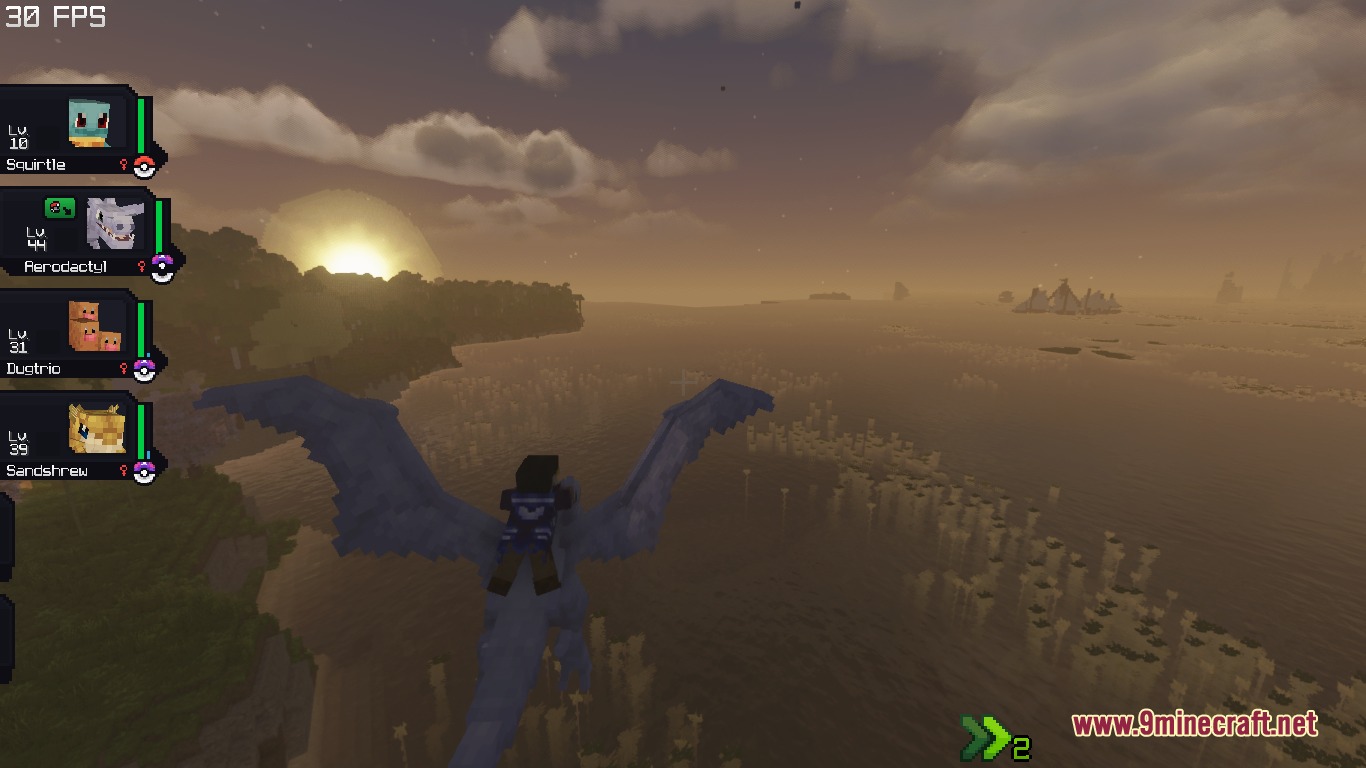
Kinetic Creature Mounts Mod expands Cobblemon with physics-based riding mechanics and custom seat positions. This mod connects your character directly to model bones so you move naturally along with each creature animation. Mount speed and stamina match the exact stats of your party members. You can fly through the sky with realistic rolls, swim deep into ocean waters, or rescue yourself mid-air when falling from high places.
Features:
- Connects the rider directly to bone models on each creature for realistic movement.
- Mount flight speeds and acceleration scale directly with creature stats.
- Provides physics-based flight with smooth rolls, pitch controls, and wing trails.
- Allows water creatures to swim smoothly across surfaces and deep underwater.
- Mid-air rescue feature lets your mount fly over and catch you when falling.
- Gives capable creatures the ability to pick up and transport mobs, other players, or allies.
- Includes multiple riding postures like standard sitting and forward-leaning piggyback poses.
- Comes with an in-game seat tuner to adjust positions and speeds in real time.
- Includes pre-configured riding settings for more than thirty-five species.
How to Use:
- Press Shift + Right Click on your creature to open its interaction screen.
- Click the Ride button to get onto the mount.
- Press Space to take off into the air and Shift to descend or land.
- Press Shift + F while falling to call your mount for a mid-air rescue.
- Press G to grab or release nearby mobs and players while mounted.
- Press ; while riding to open the real-time seat editor menu.
Screenshots:
Kinetic Creature Mounts Mod Download Links
Quick facts
- Edition: Minecraft Java
- File type: .jar
- Minecraft version listed: 1.20.1
- How to install: Install the matching mod loader (Forge, Fabric or NeoForge) for your Minecraft version. → Download the .jar. → Put it in the .minecraft/mods folder and launch that loader profile.
- Where to get it: In MC Java Mods, or directly above on this page.
Install steps are the general flow for this file type — How to install Minecraft Java mods & modpacks walks through it step by step.
File checked by MCModsHub
- Downloads as 506926.mcaddon
- Download size: 1.3 MB
- Download link checked 24 Sept 2026 — working
- Mirrored on our own servers — the download does not depend on the original host
These come from our own check of the pack file, not from the source page.