
Mekanism Factory Information
Add-on for AE2 and Jade with Mekanism // Grouping machines and sort them by Tier in AE2 terminal // Show factory lines in Jade tooltip.
⬇ Download on ModrinthMekanism Factory Information
TL;DR
| Situation | without this mod | with this mod |
|---|---|---|
| AE2 Terminal | 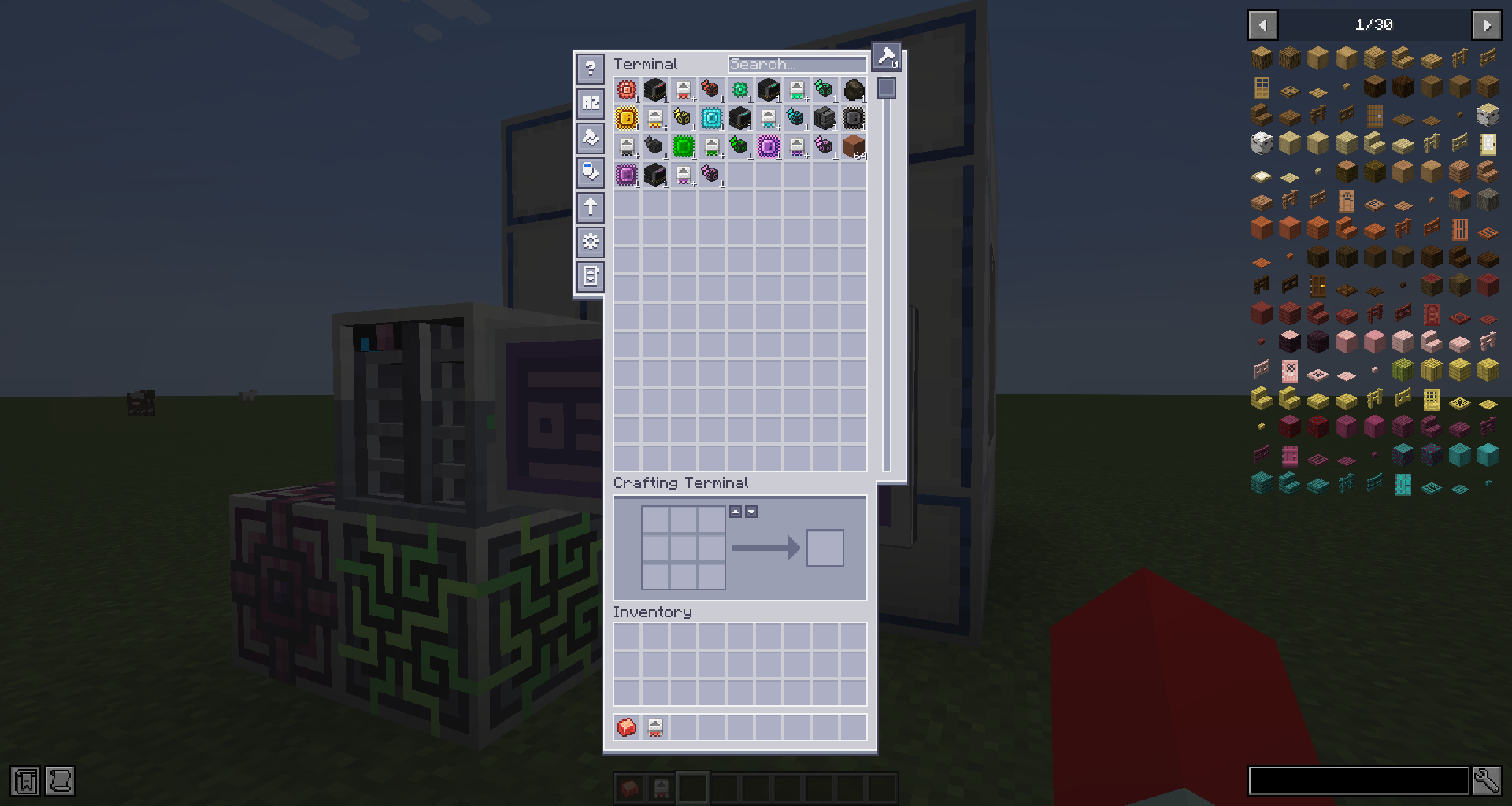 |
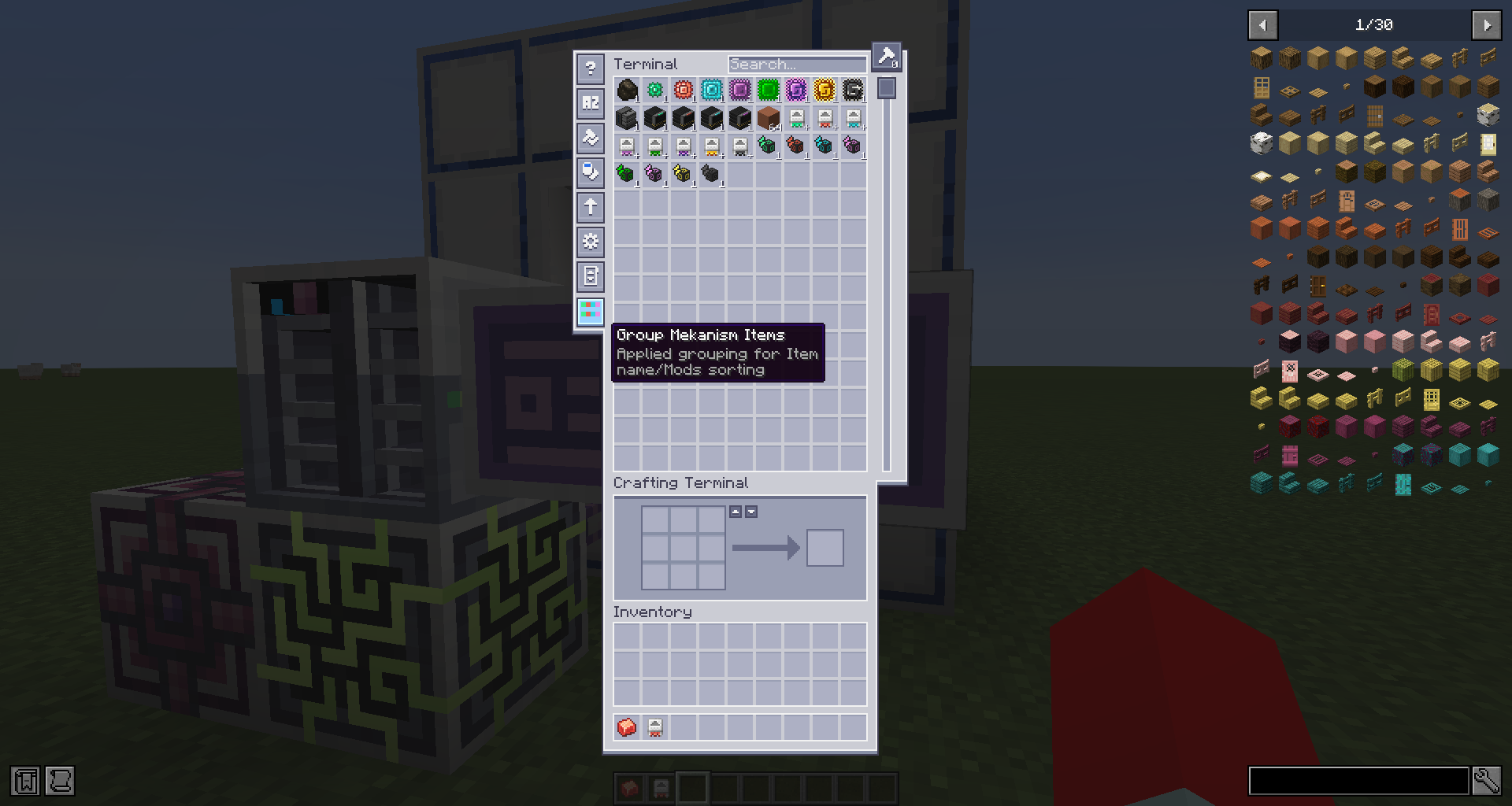 |
| Item tooltip | 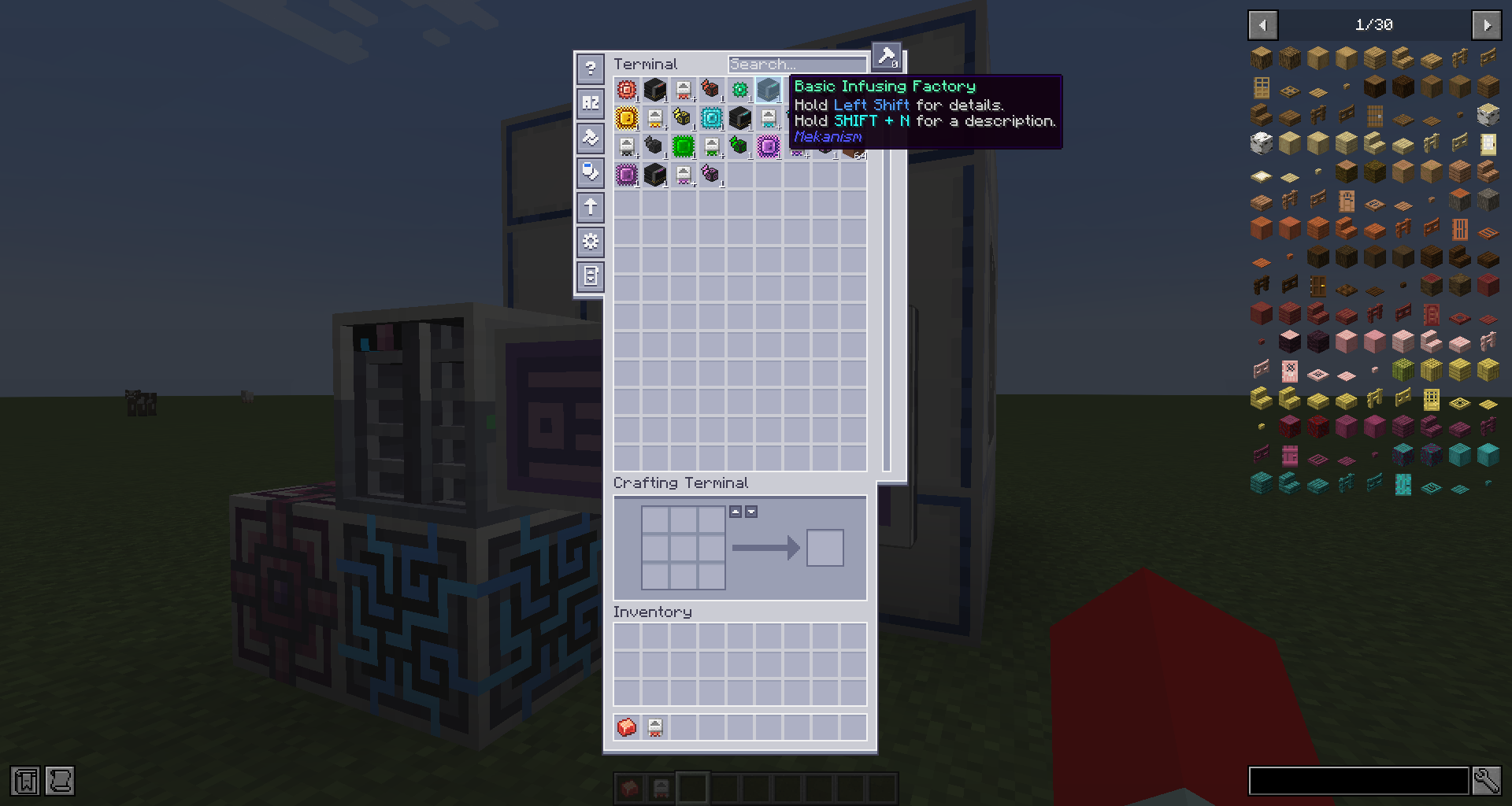 |
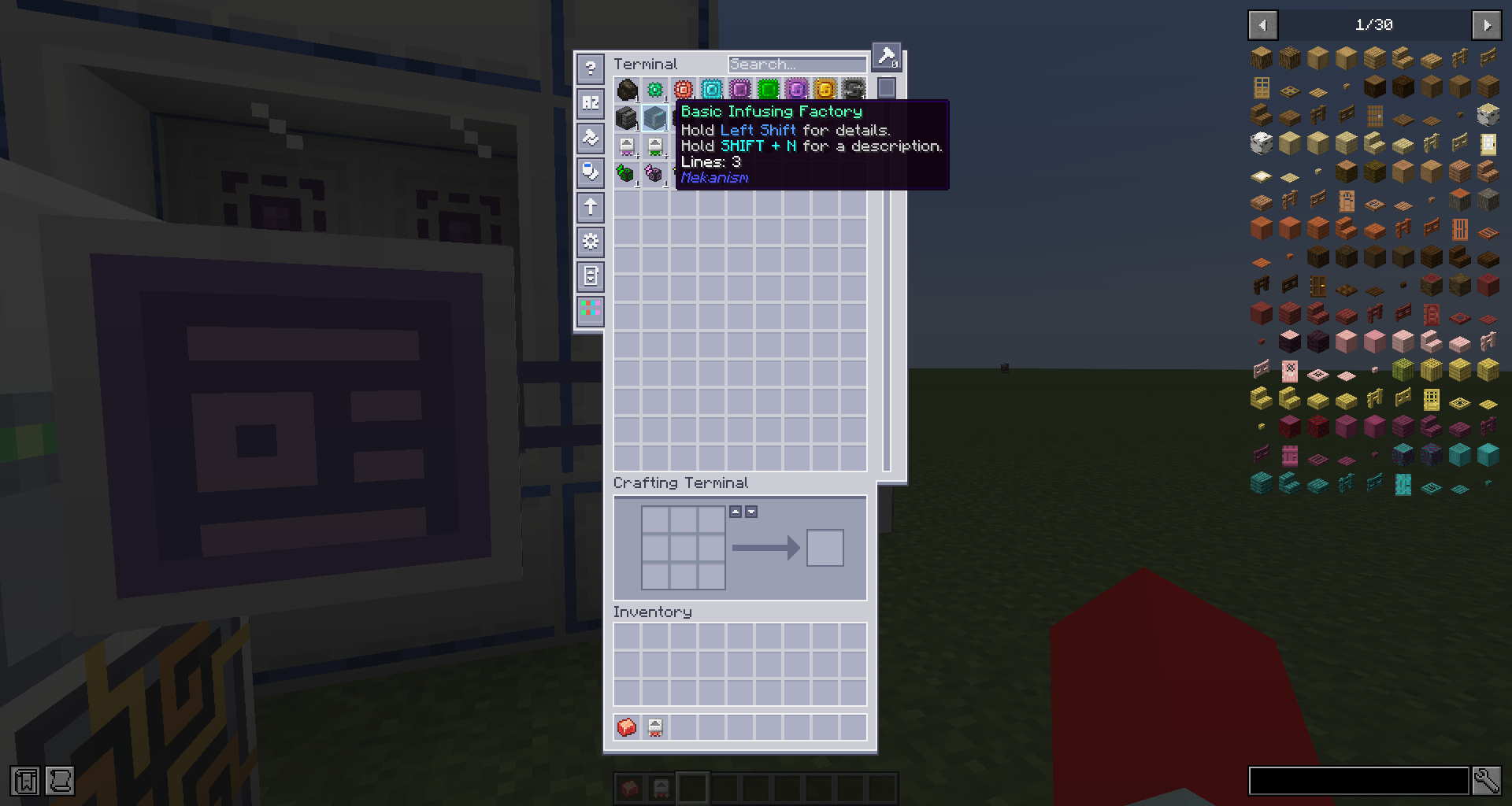 |
| Jade machine info | 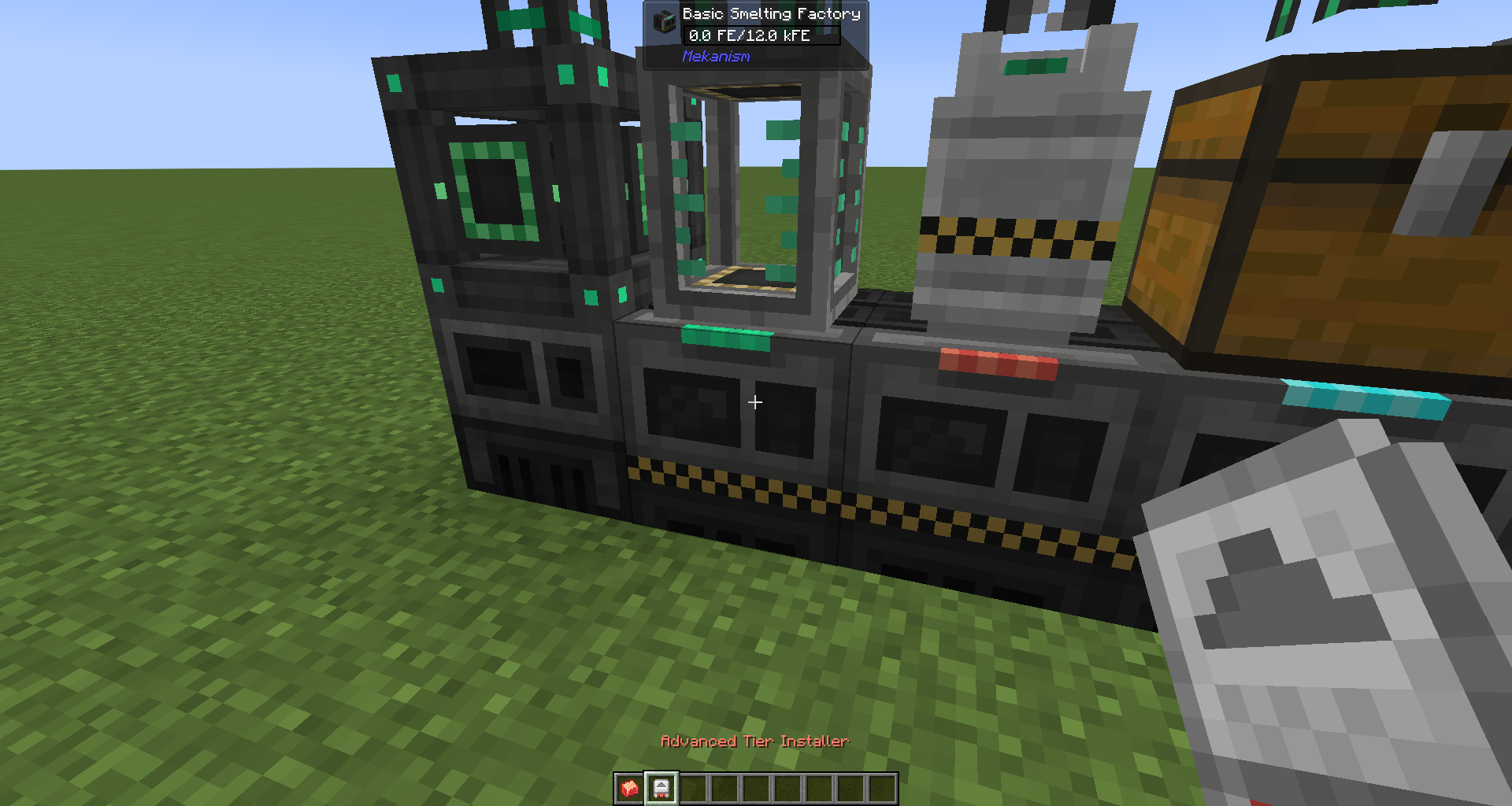 |
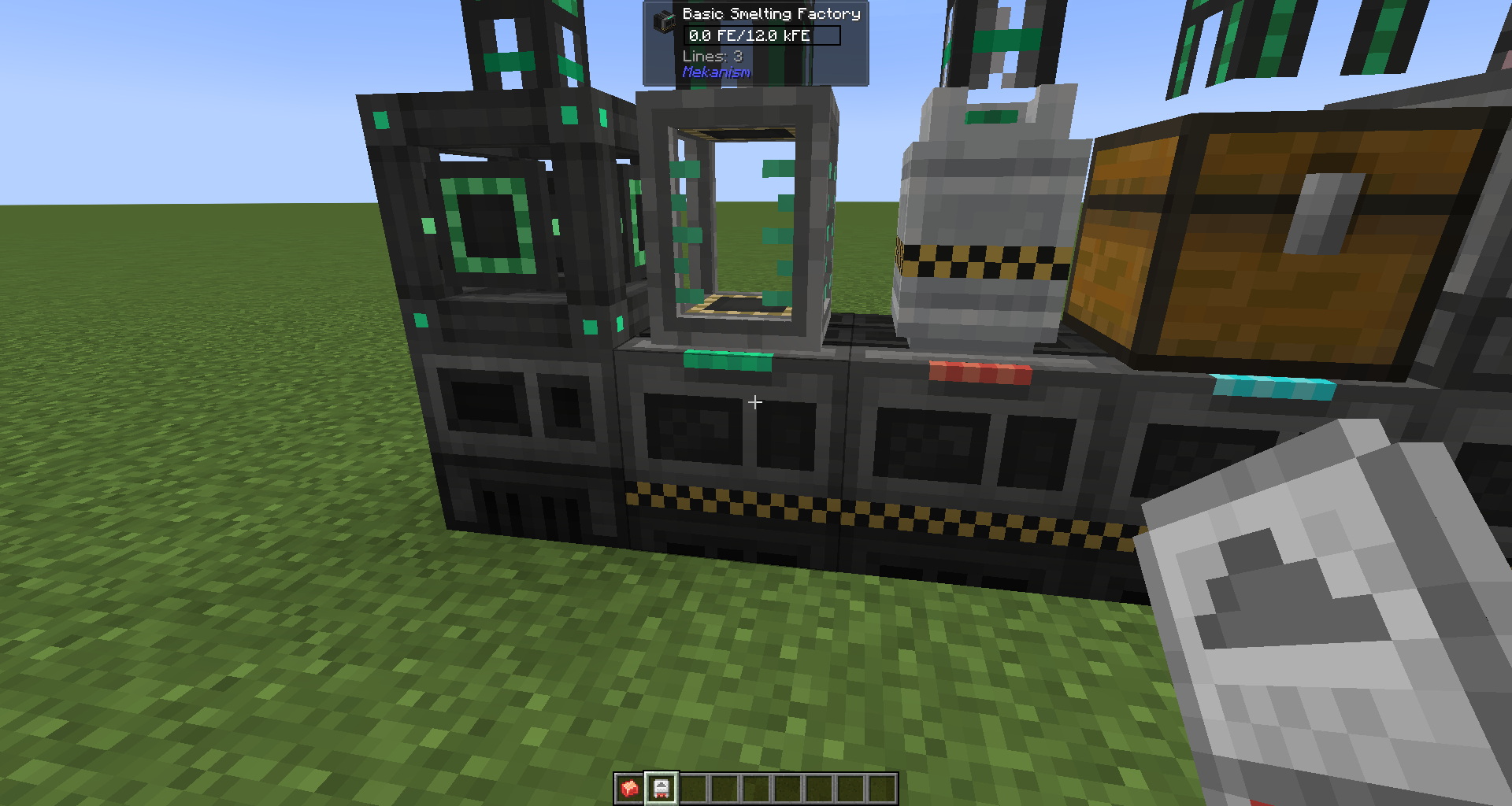 |
| Jade machine info Sneaking with Installer |
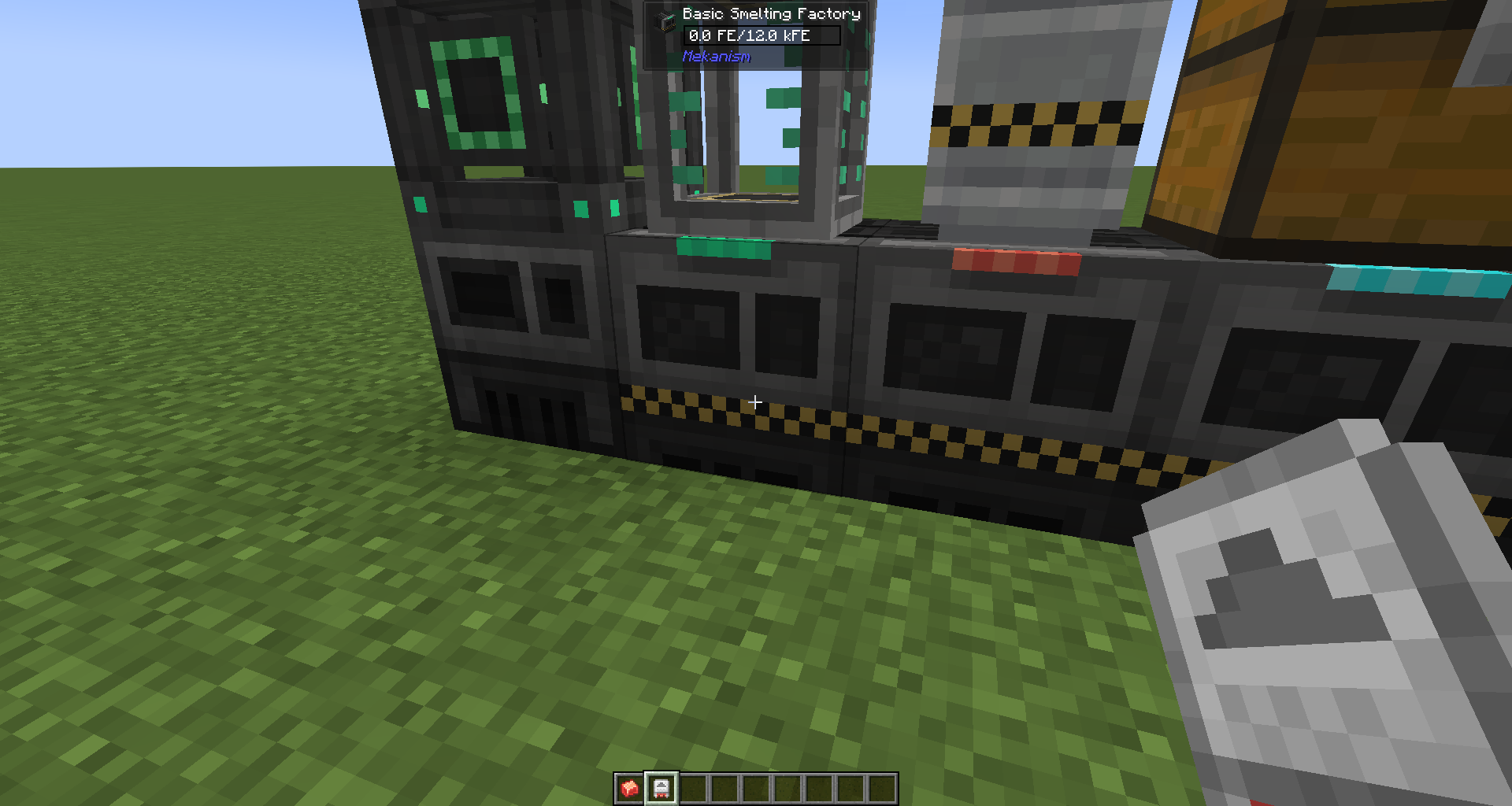 |
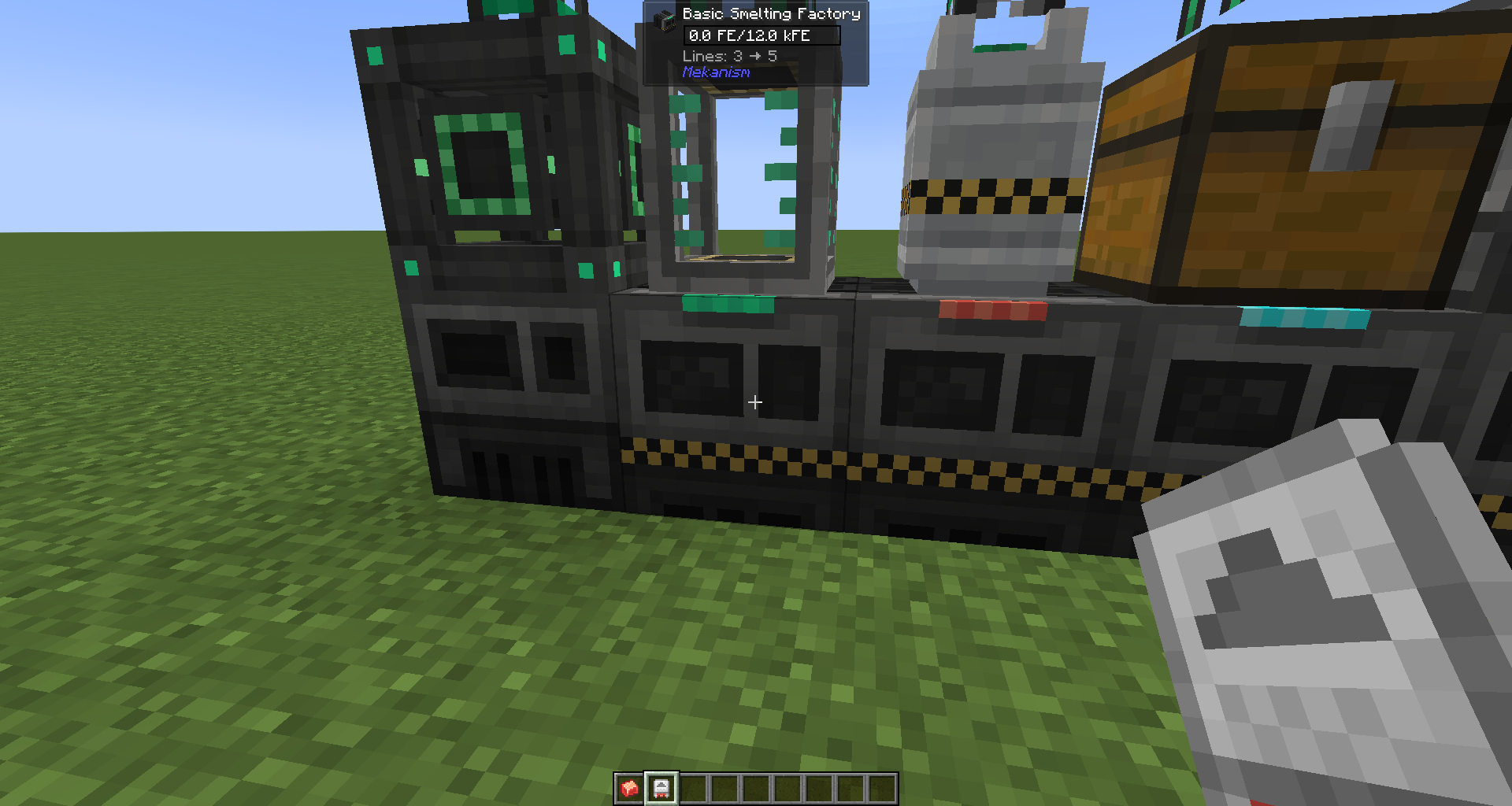 |
| Jade tank info | 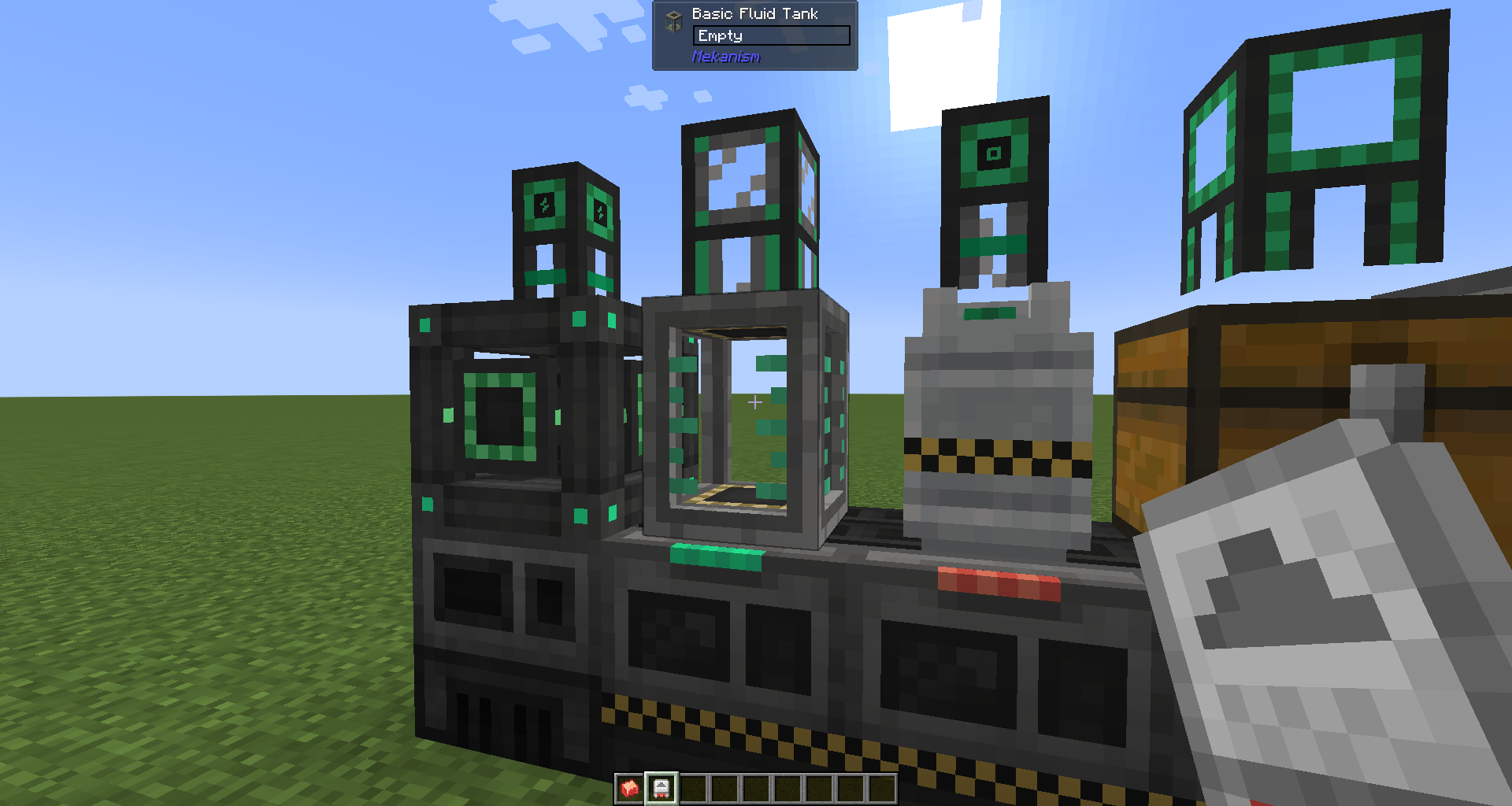 |
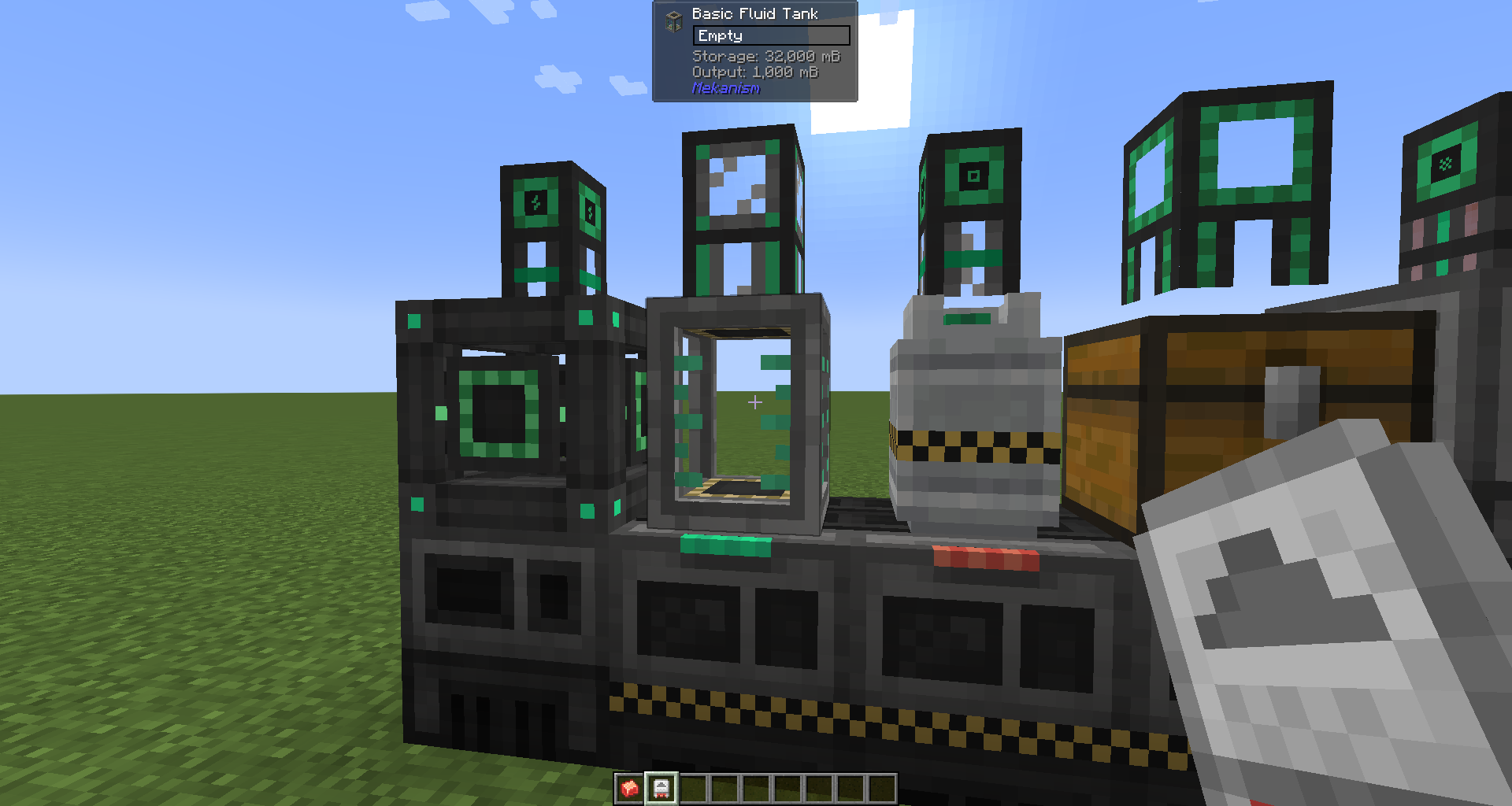 |
| Jade tank info Sneaking with Installer |
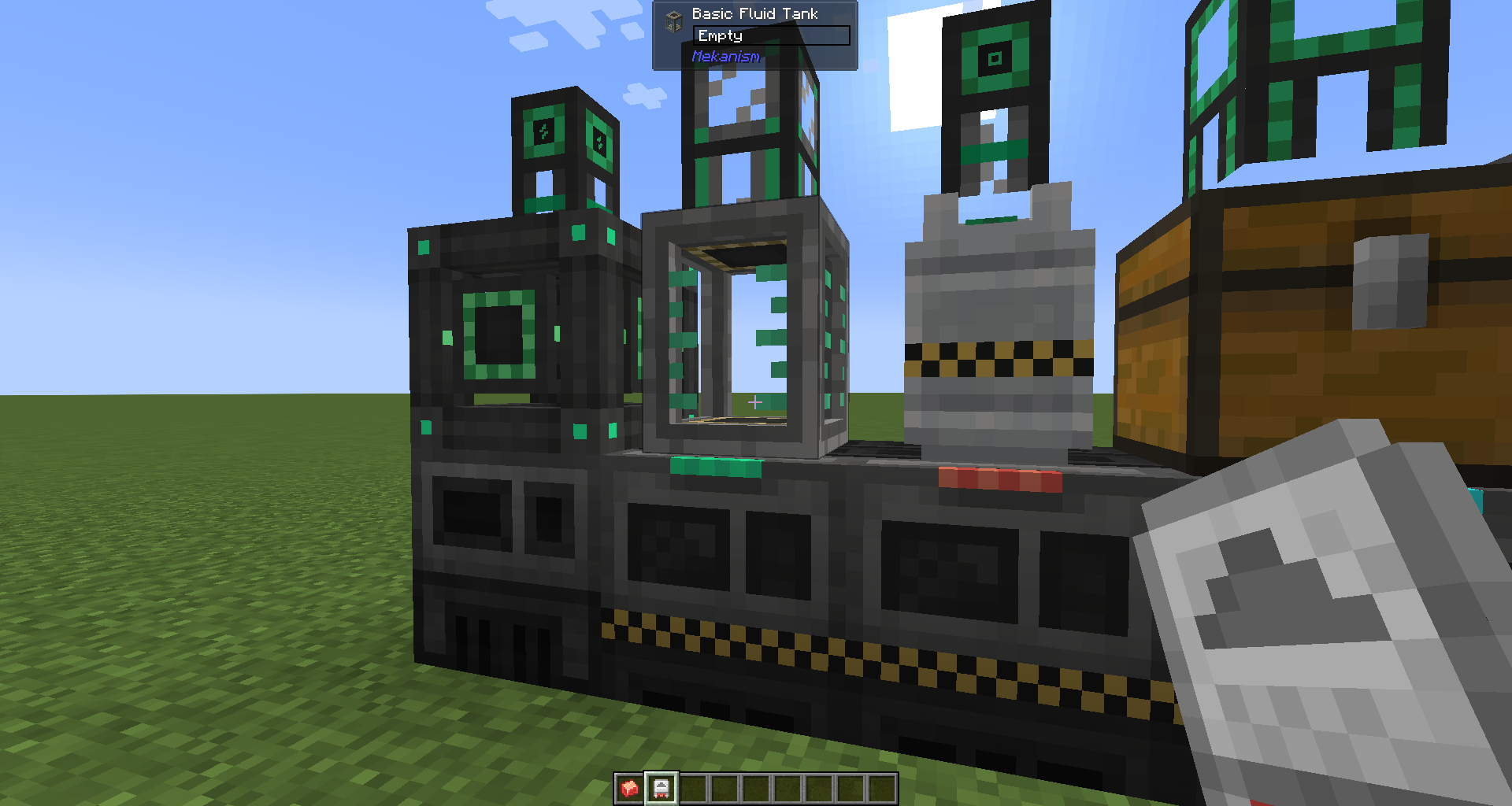 |
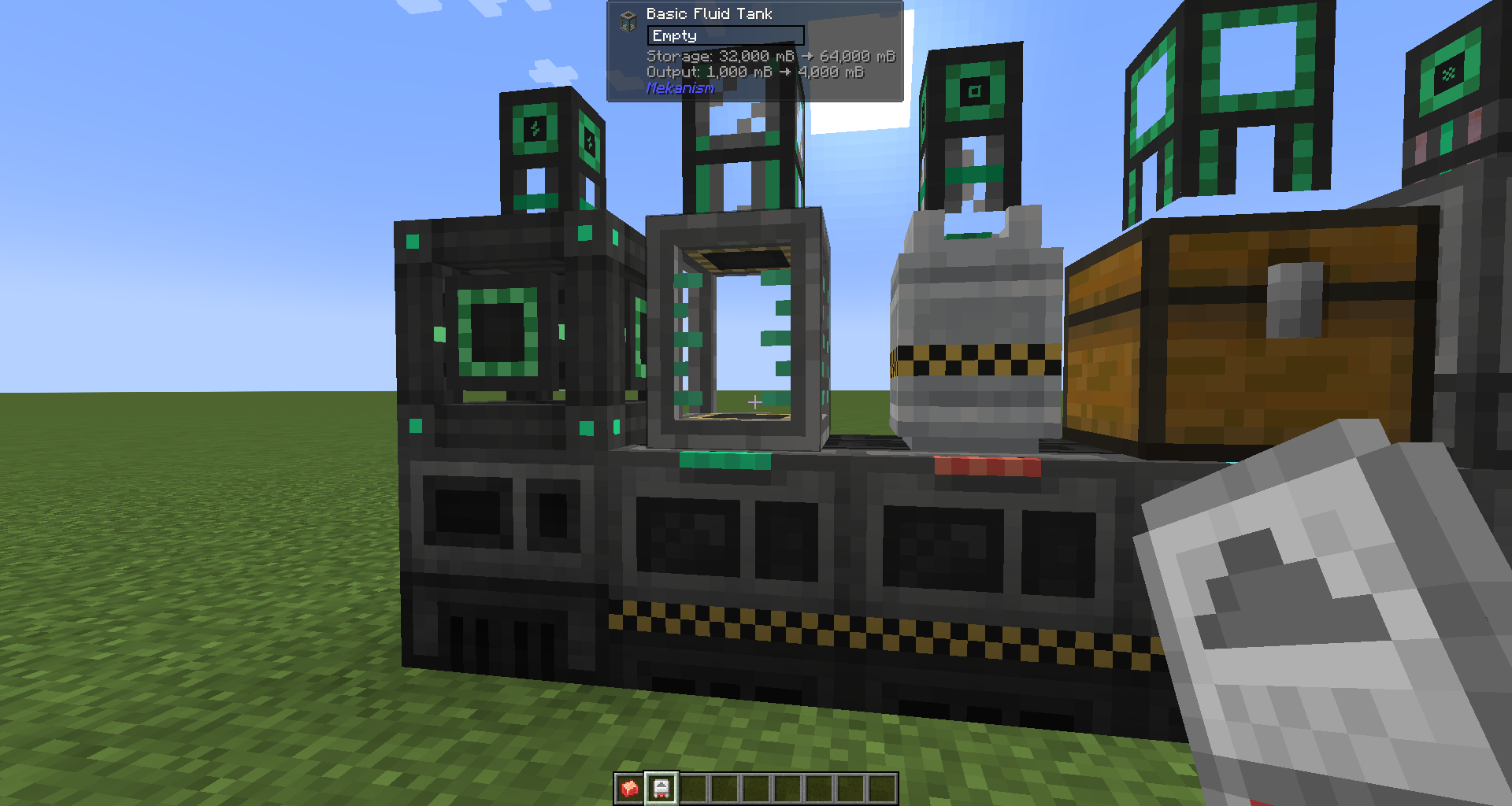 |
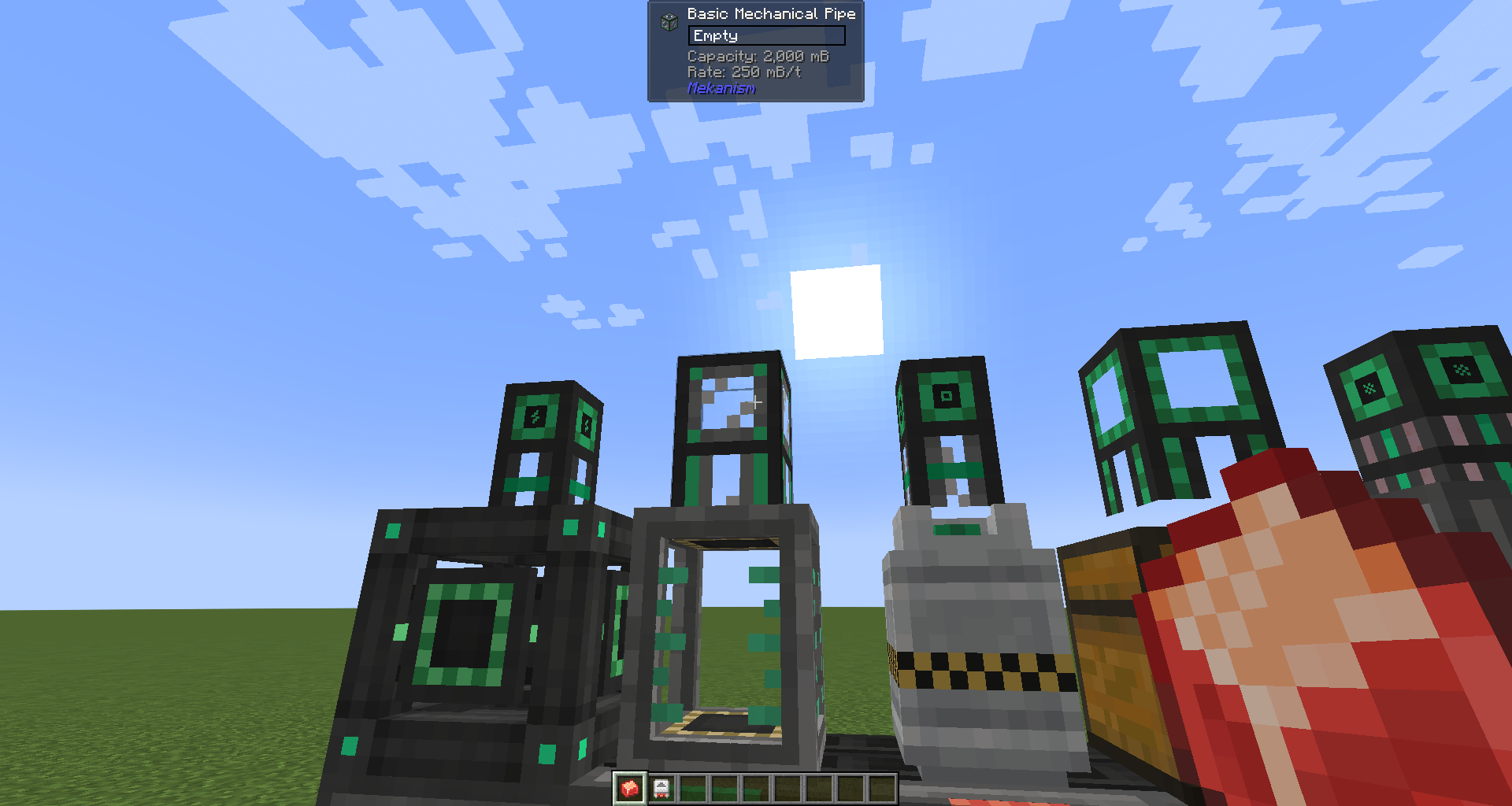
| Jade pipe info | 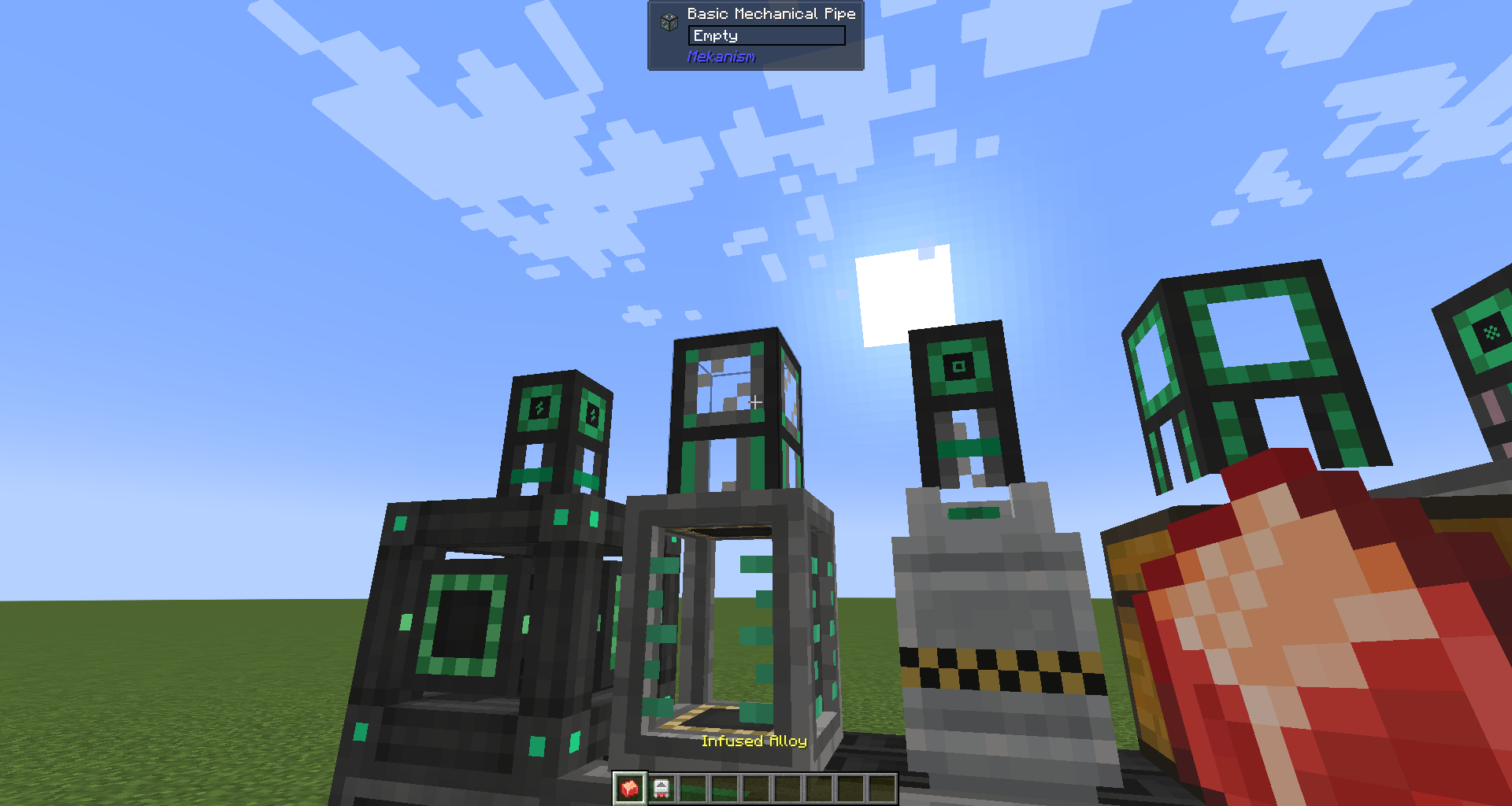 |
 |
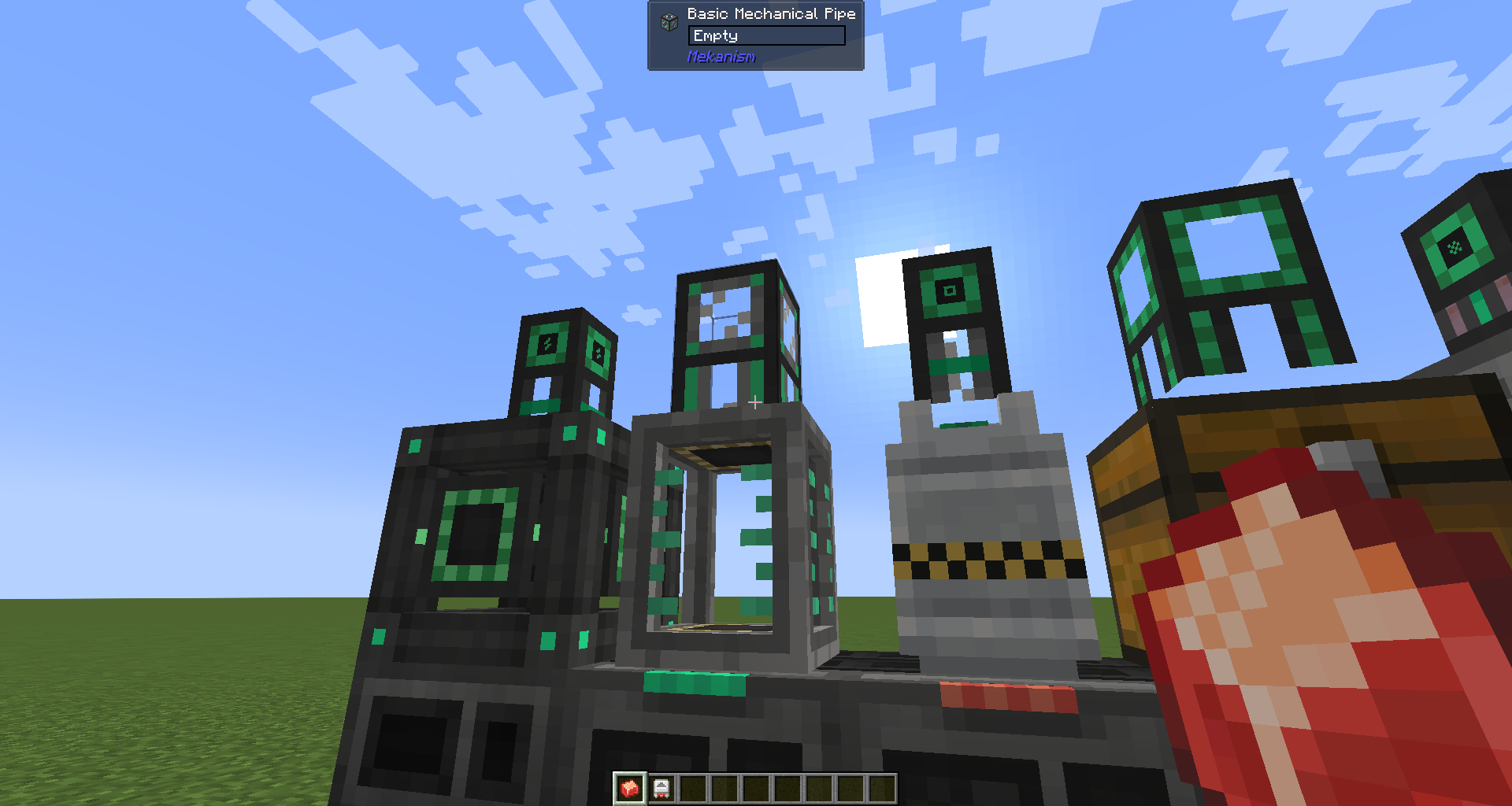
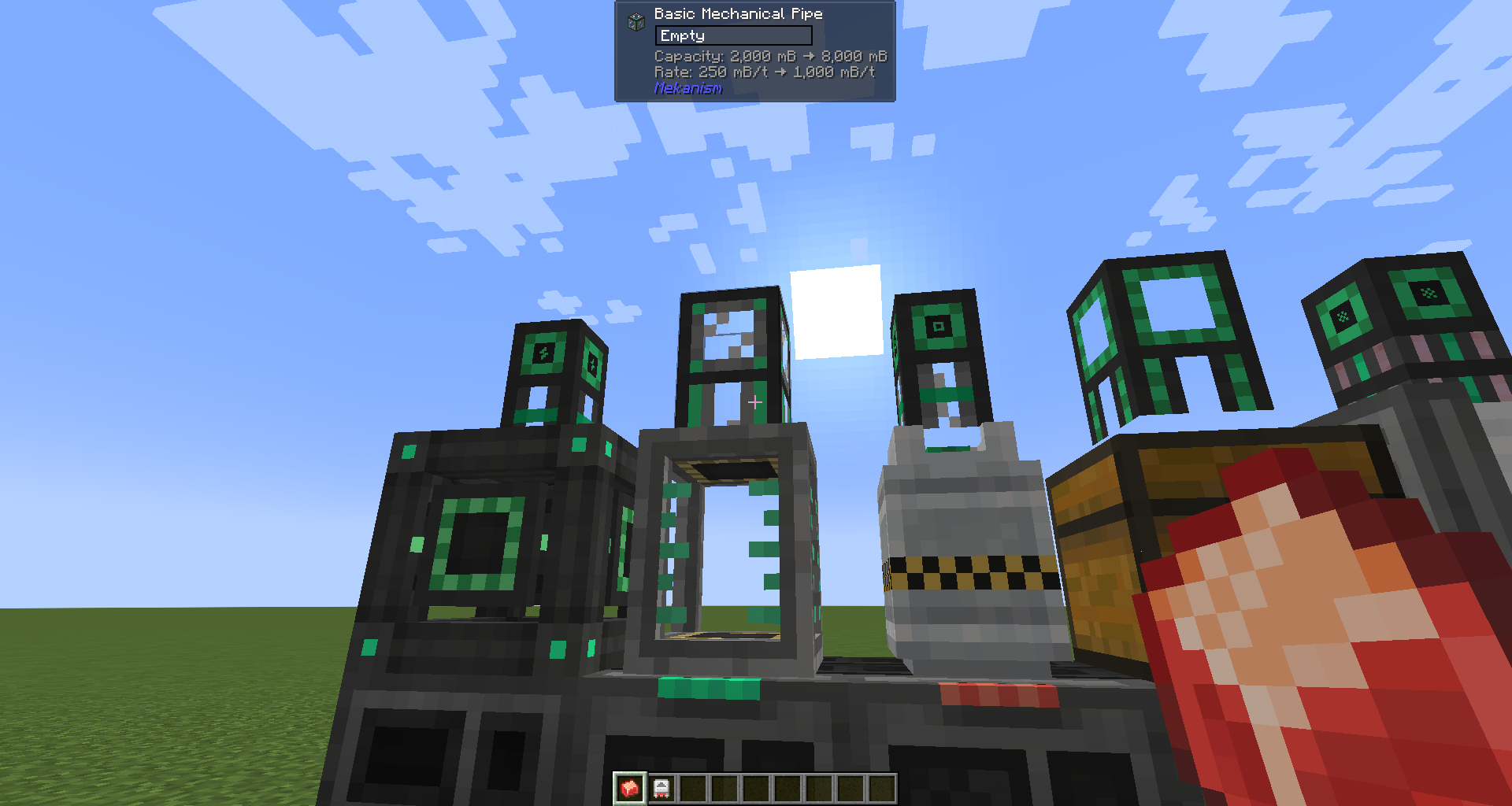
| Jade pipe info Sneaking with Alloy |
 |
 |
Dependencies
Required
Optional
Features
Item tooltip
Mekanism Factory blocks and Tier Installer items show Lines: N in their inventory tooltip, so you can tell at a glance how many processing lines a machine has without placing it.
AE2 terminal — Lines grouping (requires Applied Energistics 2)
A toggle button appears in the ME Terminal toolbar. When enabled, Factory blocks and Tier Installers are grouped and sorted by their Lines count, making it easy to find the tier you want in a large storage system. The setting persists across sessions.
Jade HUD (requires Jade)
Looking at a Mekanism block shows additional information in the Jade HUD:
| Block type | What is shown |
|---|---|
| Factory | Lines count |
| Fluid / Chemical Tank, Energy Cube | Storage capacity and output rate |
| Universal Cable, Mechanical Pipe, Pressurized Tube | Transfer capacity and rate |
| Logistical Transporter | Speed (m/s) and pull rate (/s) |
Upgrade preview: While sneaking and holding a Tier Installer (for Factories / Tanks / Energy Cubes) or an Alloy (for Cables / Pipes / Tubes / Transporters), the HUD shows the current value alongside what it would become after the upgrade.
Supported targets
| Module | Mod Loader | Minecraft |
|---|---|---|
neoforge |
NeoForge | 1.21.1 |
forge |
Forge | 1.20.1 |
License
Licensed under the GNU Lesser General Public License v3.0 (LGPL-3.0), the same license used by Mekanism and Applied Energistics 2. See LICENSE.
- Edition: Minecraft Java
- File type: .jar
- Minecraft version listed: 1.20.1
- How to install: Install the matching mod loader (Forge, Fabric or NeoForge) for your Minecraft version. → Download the .jar. → Put it in the .minecraft/mods folder and launch that loader profile.
- Where to get it: Opens on Modrinth — not every file is mirrored on our own servers.
Install steps are the general flow for this file type — How to install Minecraft Java mods & modpacks walks through it step by step.
- Ships as mek-factory-info-forge-1.20.1-1.0.0.jar — drop this file into the mods folder
- Download size: 93 KB
- Download link checked 8 Sept 2026 — working
These come from our own check of the pack file, not from the source page.