
Custom Window Brand
CustomWindowBrand is a client-side Fabric mod for Minecraft that lets players personalize the look and feel of their Minecraft client without affecting…
⬇ Download on Modrinth
CustomWindowBrand
CustomWindowBrand is a client-side Fabric mod for Minecraft 1.21.11.
It lets you customize your Minecraft window, in-game name style, menu/gameplay fonts, and arm swing animation behavior in one clean mod.
Built for players who want Minecraft to feel more personal, cleaner, and easier to read.
✦ Highlights
| Feature | Description |
|---|---|
| Window branding | Change the Minecraft window title and window icon |
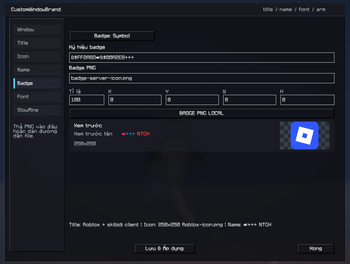
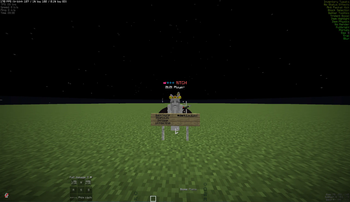
| Name styling | Customize your client-side display name and nametag badge |
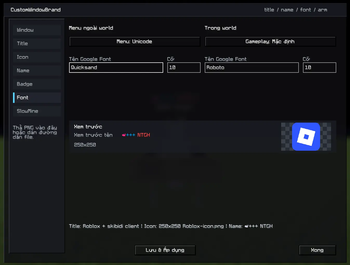
| Font control | Use separate fonts for menus and gameplay |
| Google Fonts | Type a Google Font name and let the mod prepare it |
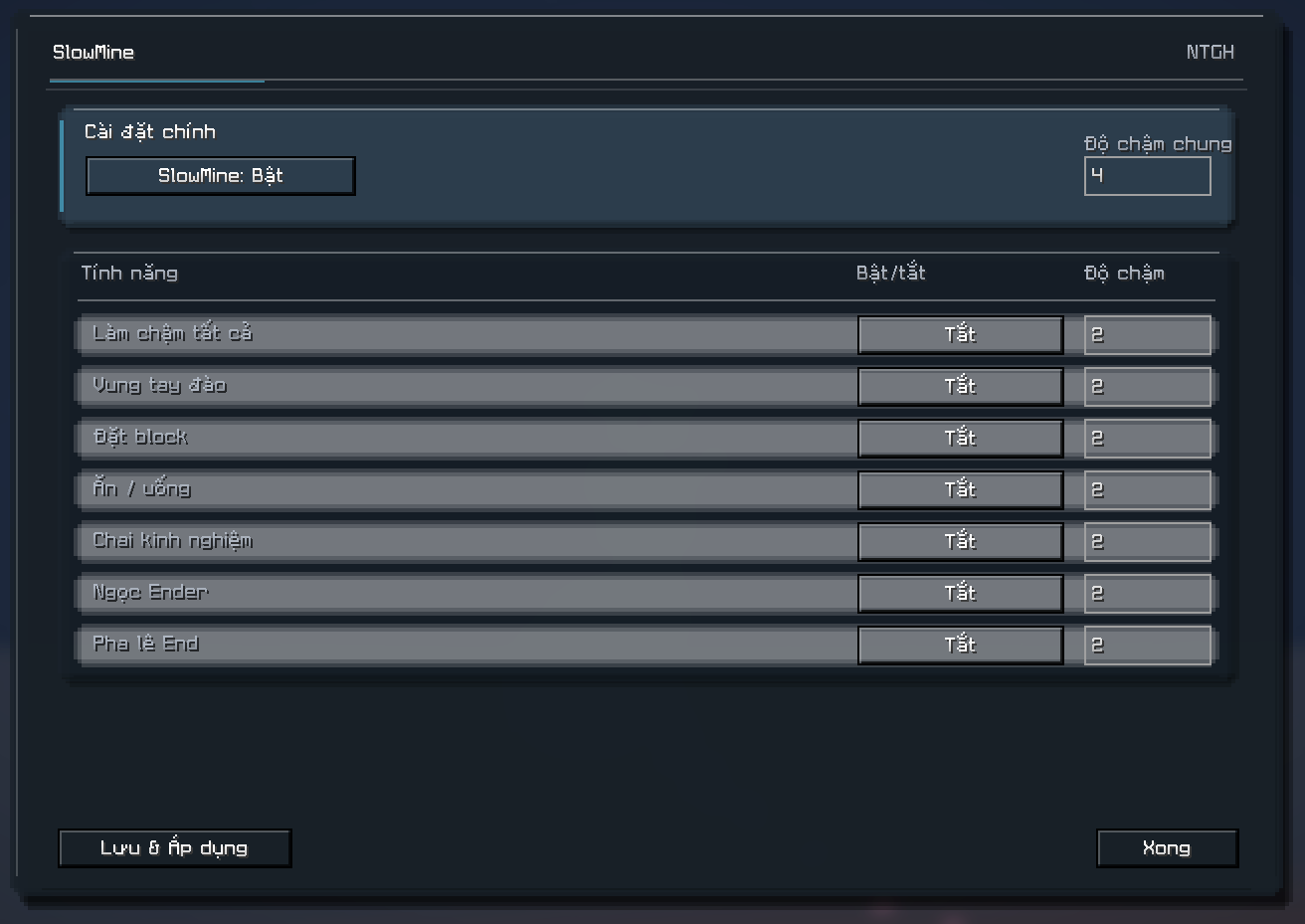
| SlowMine / SlowUT | Customize arm swing speed for mining and item actions |
| Mod Menu support | Open the config screen directly from Mod Menu |
Features
Window Customization
Change how Minecraft appears on your desktop.
- Custom window title
- Custom PNG window icon
- Restore vanilla title/icon anytime
- Lightweight and fully client-side
Name & Badge Customization
Personalize how names appear on your client.
- Override your displayed player name locally
- Enable self nametag rendering
- Add a badge next to names
- Use either text symbols or custom PNG badges
- Adjust badge scale
- Crop badge images with X/Y/W/H controls
Menu & Gameplay Font System
CustomWindowBrand separates font behavior into two states:
| State | Font Used |
|---|---|
| Outside a world | Menu font |
| Inside a world | Gameplay font |
This helps prevent oversized menu text while still allowing stylish fonts during gameplay.
Supported font modes:
DefaultVanillaUnicodeGoogle Font
Examples of Google Font names:
Roboto
Inter
Nunito
Poppins
Quicksand
JetBrains Mono
... and more!
You can find the font here: Google font
SlowMine Integration
CustomWindowBrand includes built-in SlowMine-style arm animation controls. You can adjust animation speed for: Mining Block placing Eating and drinking XP bottles Ender pearls End crystals All arm swings at once The slowdown is applied from the first swing frame, which helps reduce the small hand stutter found in the original SlowUT behavior. How To Use Install Fabric Loader for Minecraft 1.21.11. Put the mod jar into your .minecraft/mods folder. Launch Minecraft. Press B to open the CustomWindowBrand config screen. Or open it through Mod Menu -> CustomWindowBrand -> Configure. Change your settings. Press Save & Apply. Extra Details
Why separate menu and gameplay fonts?Some Minecraft-style fonts look great while playing, but can become too large or hard to read in menus and settings screens. CustomWindowBrand solves this by using one font when you are fully outside a world, and another font while you are in-game, including pause menus and in-world option screens.
Is this client-side?Yes. CustomWindowBrand is client-side and does not require server installation. Other players will not need the mod installed.
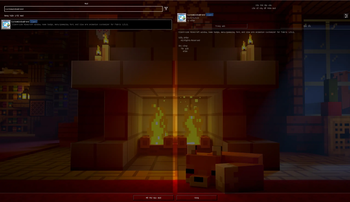
Nice Touches Clean custom config GUI Liquid-glass-inspired SlowMine screen Drag-and-drop PNG support for icons and badges Integrated features reduce the need for multiple small client-side mods Works neatly with Mod Menu Made for customization without making Minecraft feel unfamiliar
The mod is still under development, please contact us if you encounter any bugs or issues. Thank you.
Regarding Google Fonts: We use a resource pack to display the fonts, so the resolution may be poor or errors may occur. We are working on improving this.
This mod actually originated from my personal desire to optimize certain interface elements and create a more cohesive game experience; it might not suit everyone's tastes, but you are welcome to request the addition of features you would like to see. Thank you for using the mod.
- Ships as CustomWindowBrand-1.4.2+1.21.11.jar — drop this file into the mods folder
- Download size: 968 KB
- Download link checked 8 Sept 2026 — working
These come from our own check of the pack file, not from the source page.