AddonsBedrock
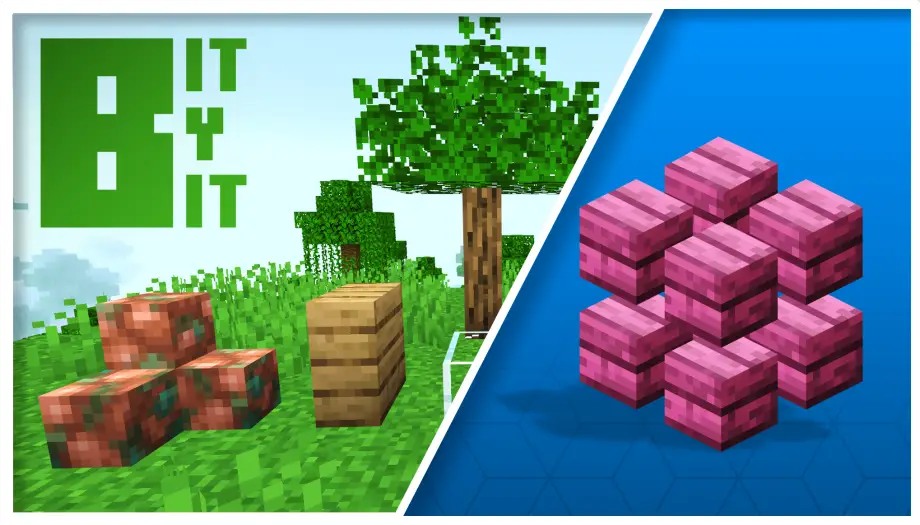
Bit By Bit Mini-Block Building Addon for MCPE 26.50
Build with 2x2x2 mini-block bits in Bedrock, supporting 164 vanilla blocks and 64 custom colors—no experimental toggles required.
⬇ DownloadThis add-on allows you to build with mini-blocks in Minecraft Bedrock. By breaking standard blocks down, you can place up to 8 smaller units, called "bits," within a single block space.
How Building Works
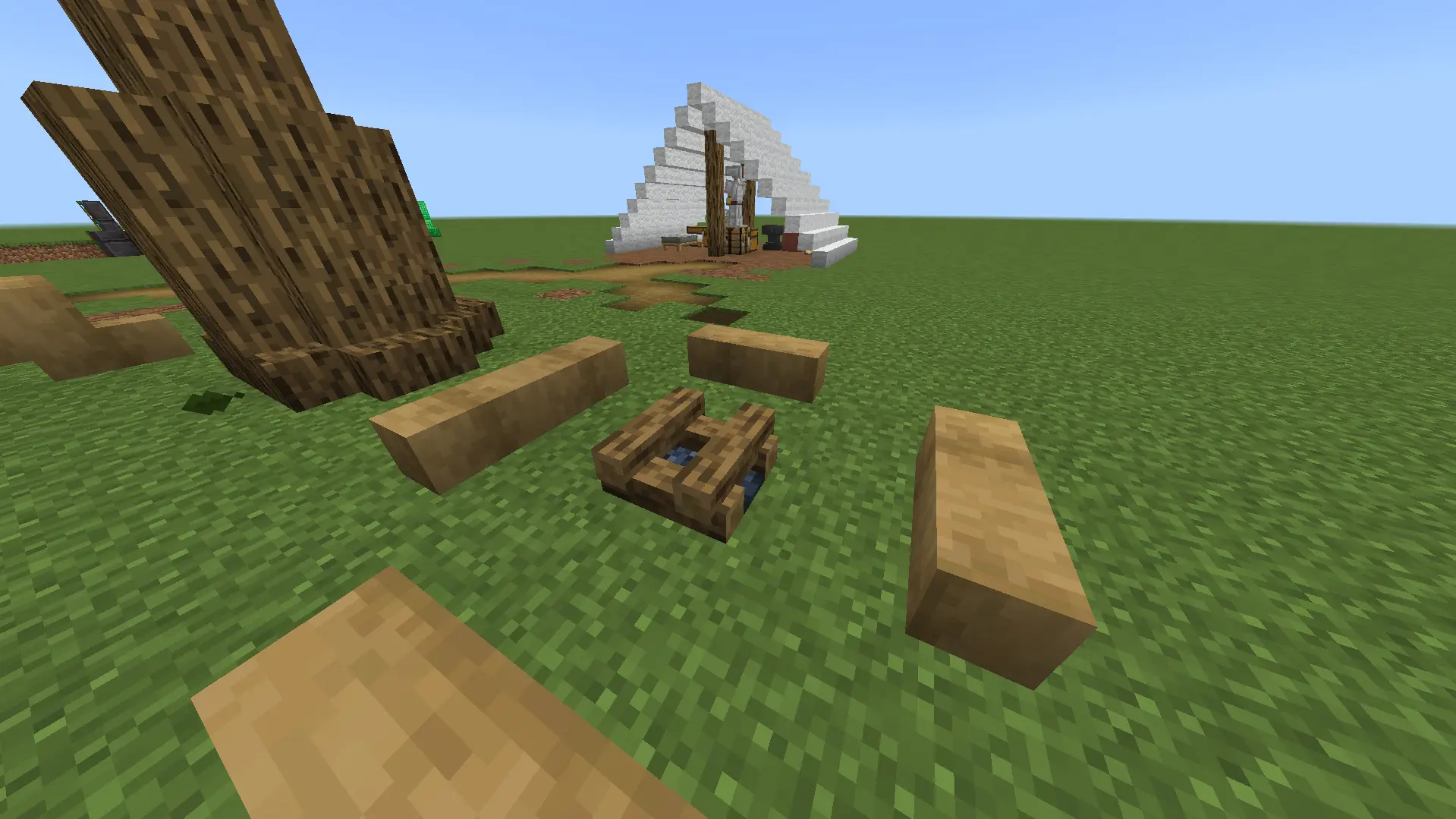
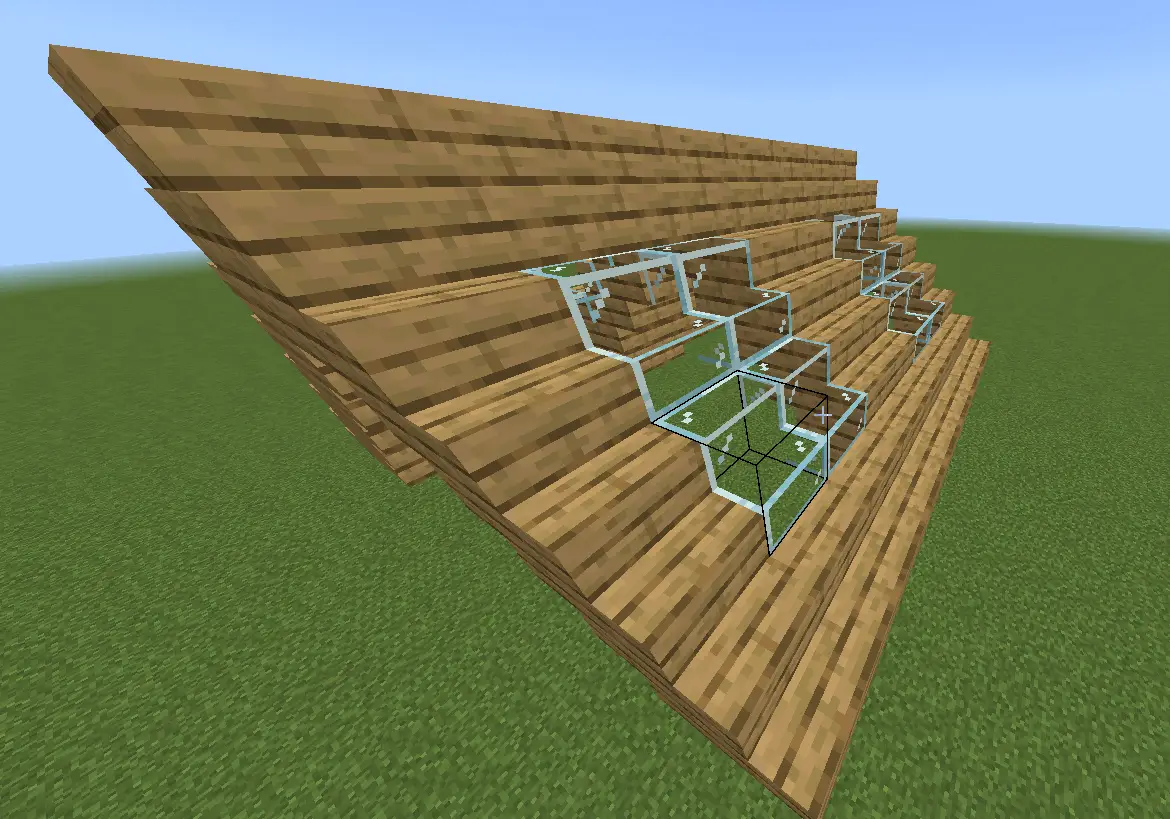
- Bits are placed like standard blocks, but they automatically align to a precise 2x2x2 grid inside a single block space.
- The add-on handles block merging and updates collision boxes automatically as you build.
- It supports 164 vanilla block variants (wood, stone, glass, wool, etc.) and 64 custom color blocks.
- Certain bits retain their properties. For example, magma bits cause damage, ice bits are slippery, wood bits can be stripped with an axe, and light blocks get brighter as you pack more light bits into one space.
Crafting & Processing

- This workbench is crafted at a crafting table using oak planks arranged in a frame pattern with a stonecutter in the center slots.
- Hold any compatible vanilla block in your hand and interact with the deconstructor. The workbench processes the block and drops 8 equivalent bits.
In-Game Tools
- Guide Book: An essential tool for navigating the add-on's instructions. You can control the book with these inputs:
- Interact: Open guide / Go to next page.
- Attack: Close guide.
- Sneak + Interact: Go to previous page.
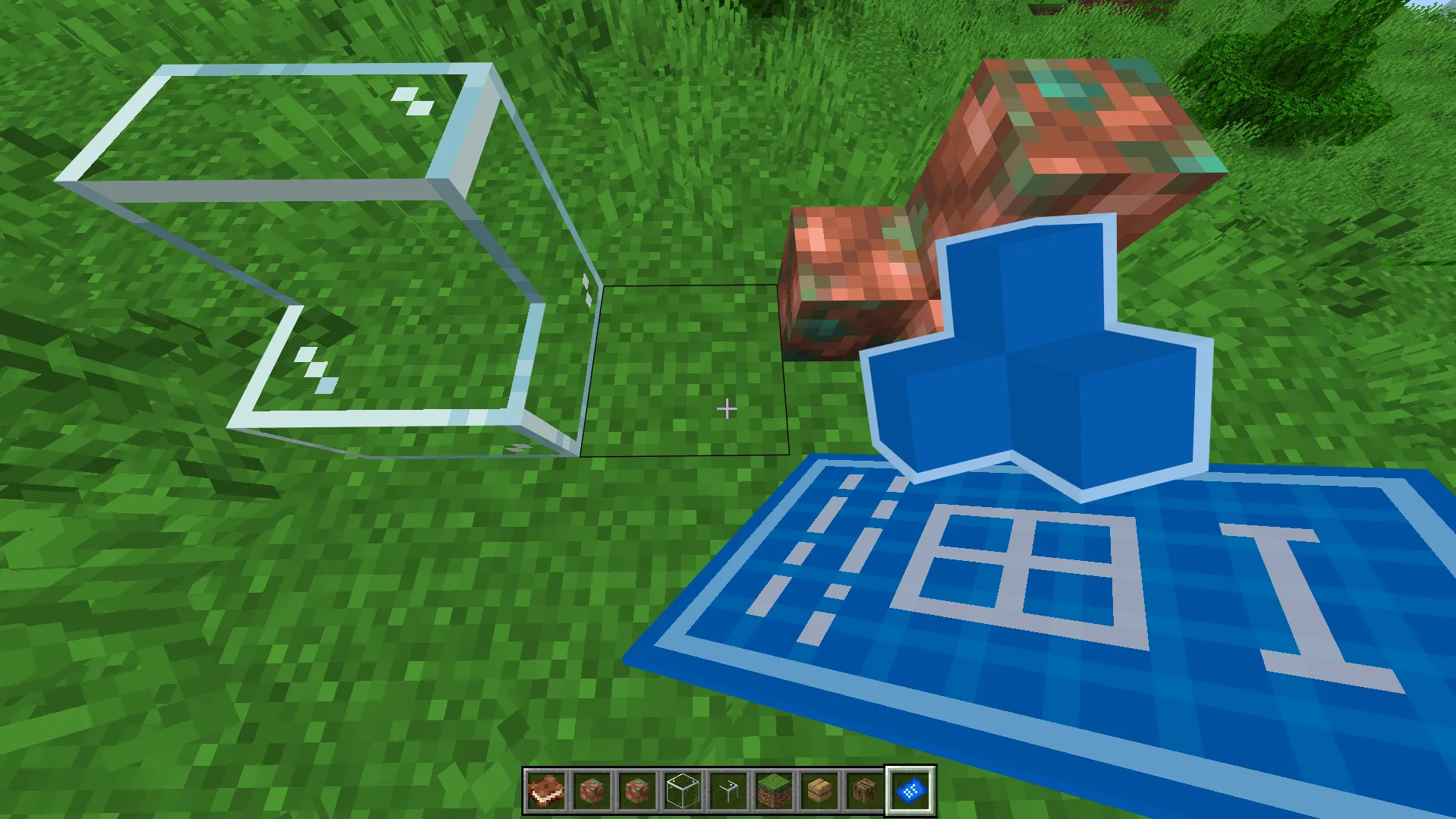
- Blueprint Tool: A utility used to save time on complex builds. Use it to copy your custom bit configurations and instantly place them elsewhere without rebuilding them manually.
Compatibility
- Versions: Supported on Bedrock versions 26.4x+.
- Experiments: No experimental toggles or Beta APIs are required to run this add-on.
Quick facts
- Edition: Minecraft Bedrock
- File type: .mcpack or .mcaddon
- How to install: Download the .mcpack or .mcaddon file. → Open it — Minecraft imports it. → In your world: Behavior Packs → Available → Activate, then the same under Resource Packs.
- Where to get it: In MCModsHub, or directly above on this page.
Install steps are the general flow for this file type — How to install Minecraft Bedrock addons & mods walks through it step by step.
Verified by MCModsHub
- Pack type: .mcaddon — behaviour and resource pack in one file
- Manifest requires Minecraft 1.16.0 or newer
- Complete pack — everything it depends on is inside the file
- Download link checked 10 Sept 2026 — working
- Mirrored on our own servers — the download does not depend on the original host
These come from our own check of the pack file, not from the source page.