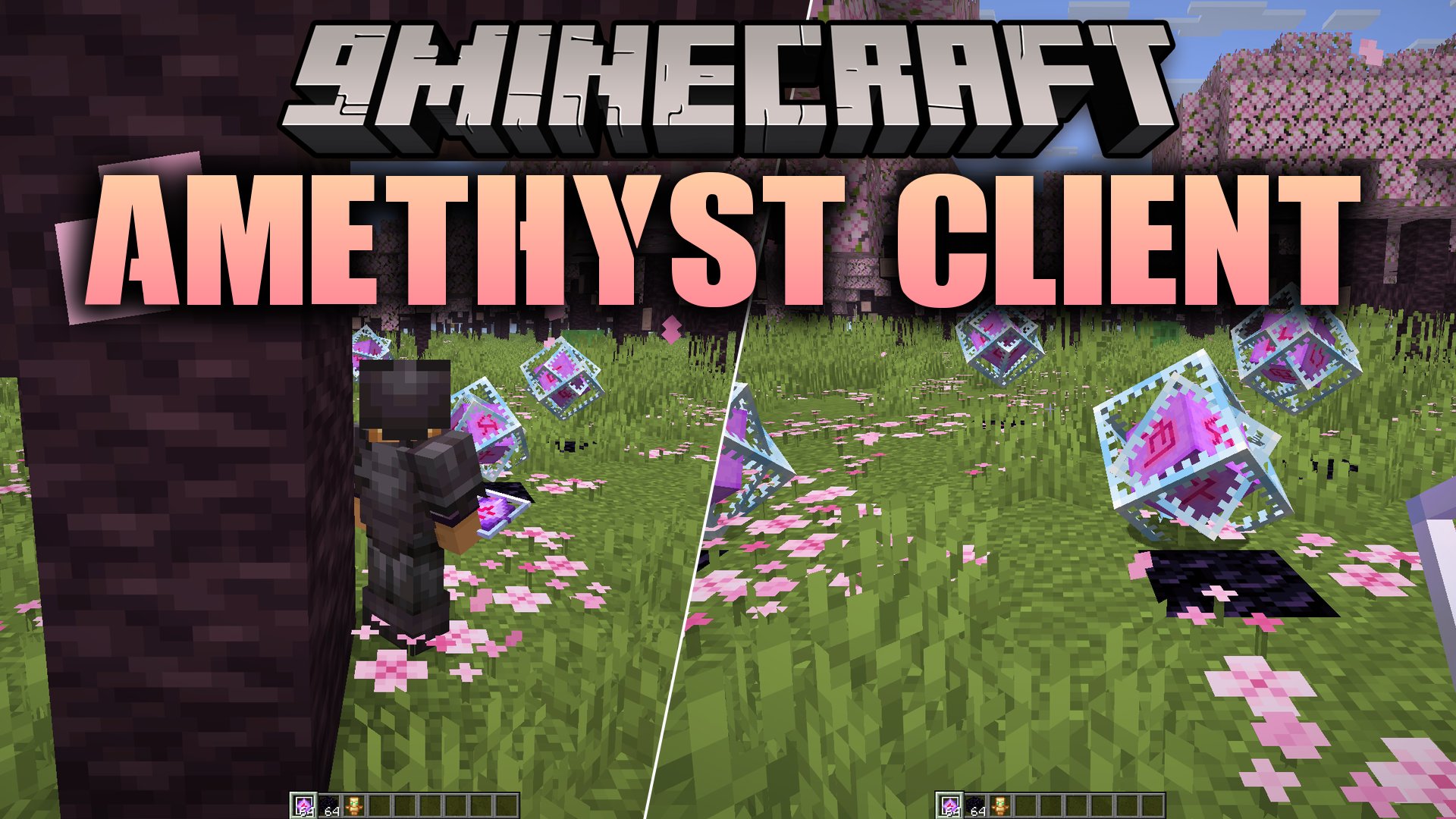
Amethyst Client Mod (1.21.11) – Dominate Crystal PvP on Anarchy Servers
Java mod listed for Minecraft 1.21. Download on the author's site.
⬇ Download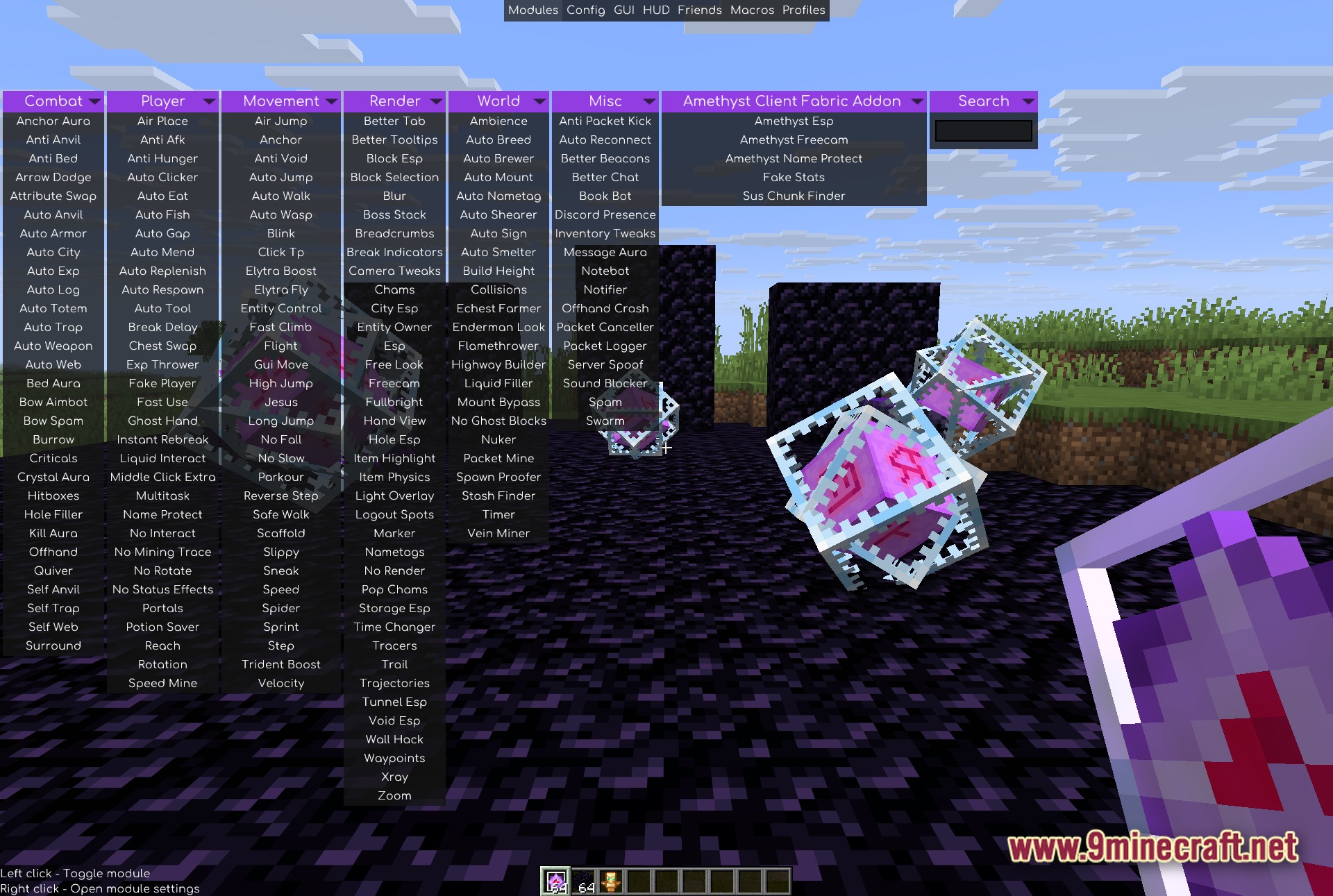
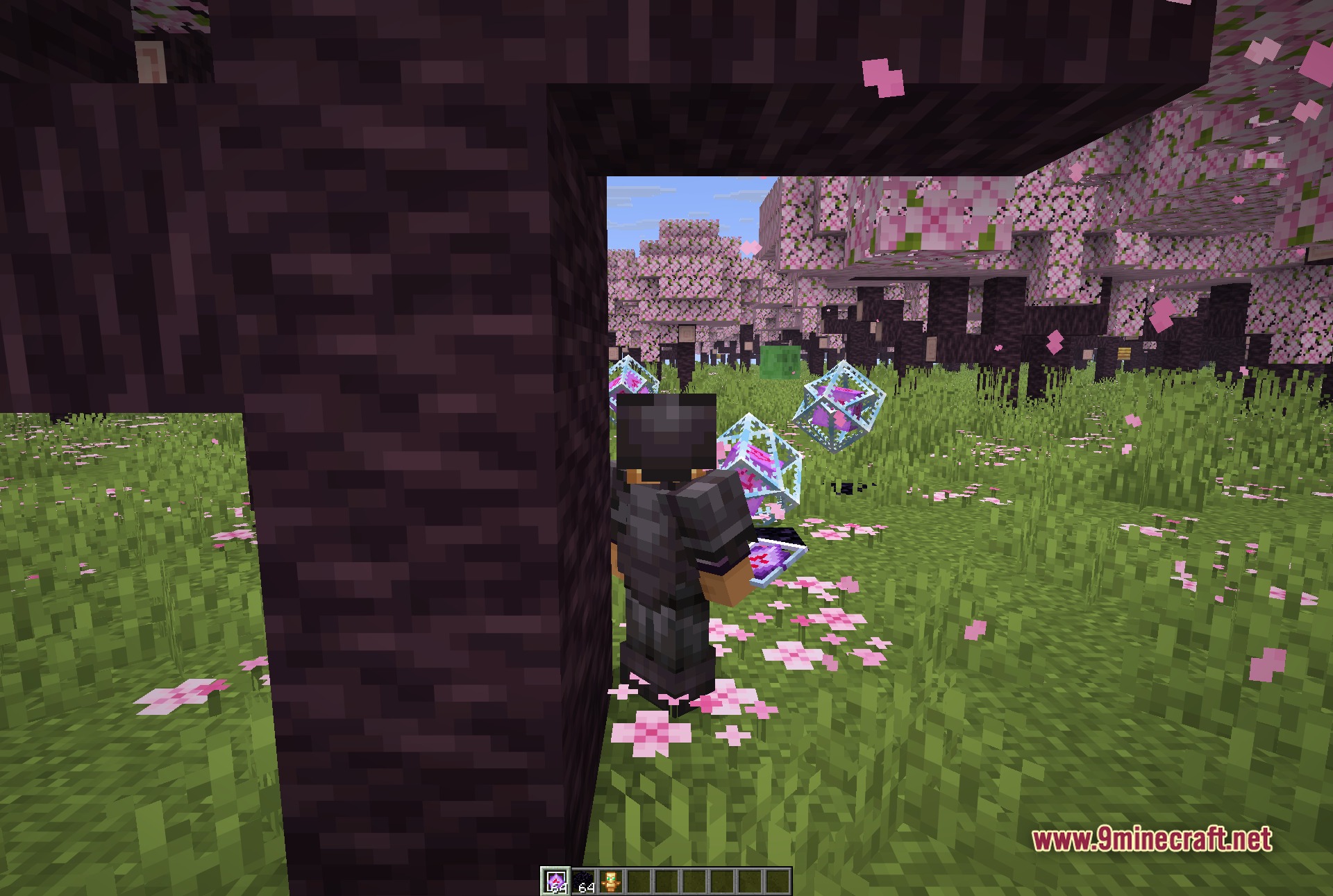
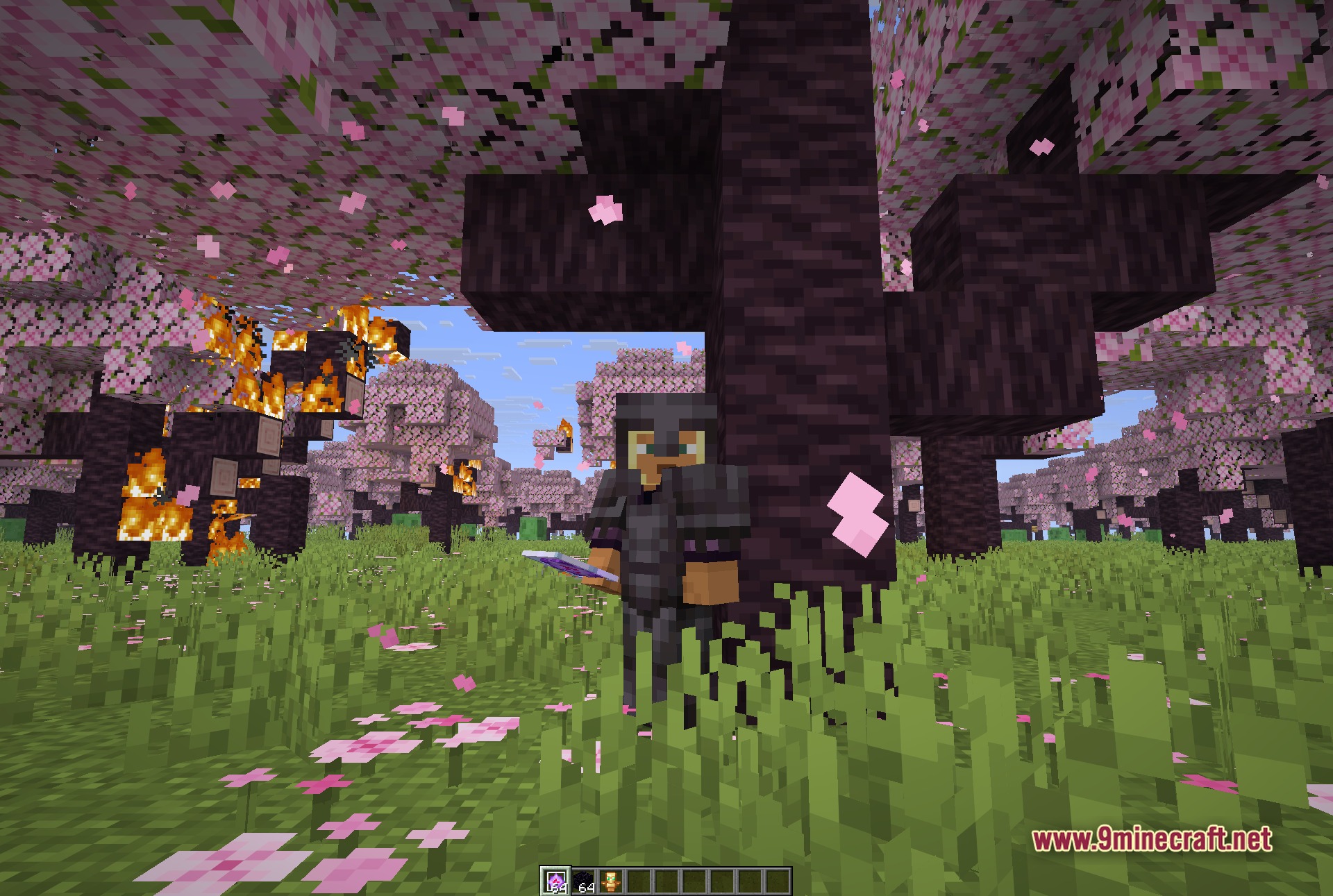
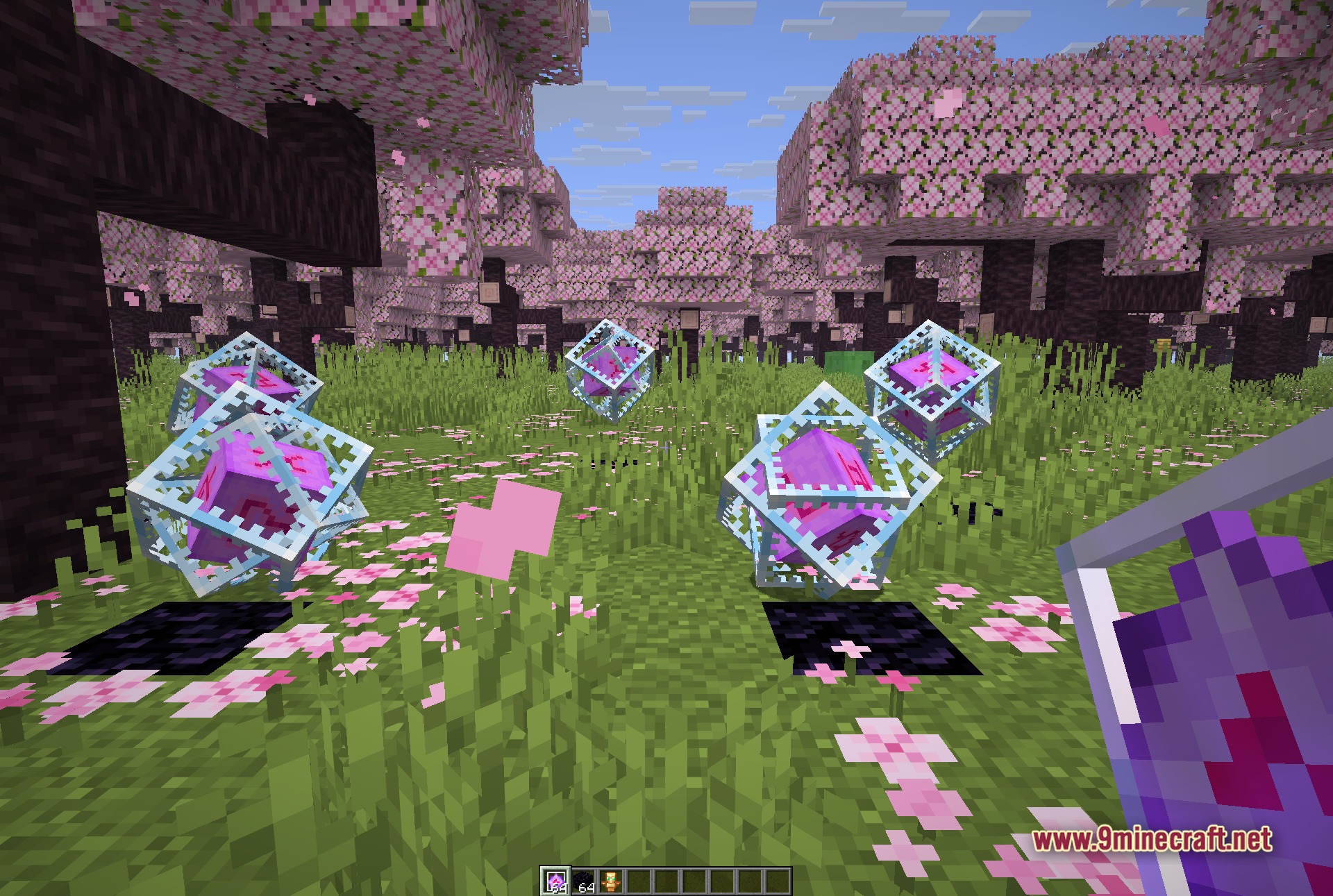
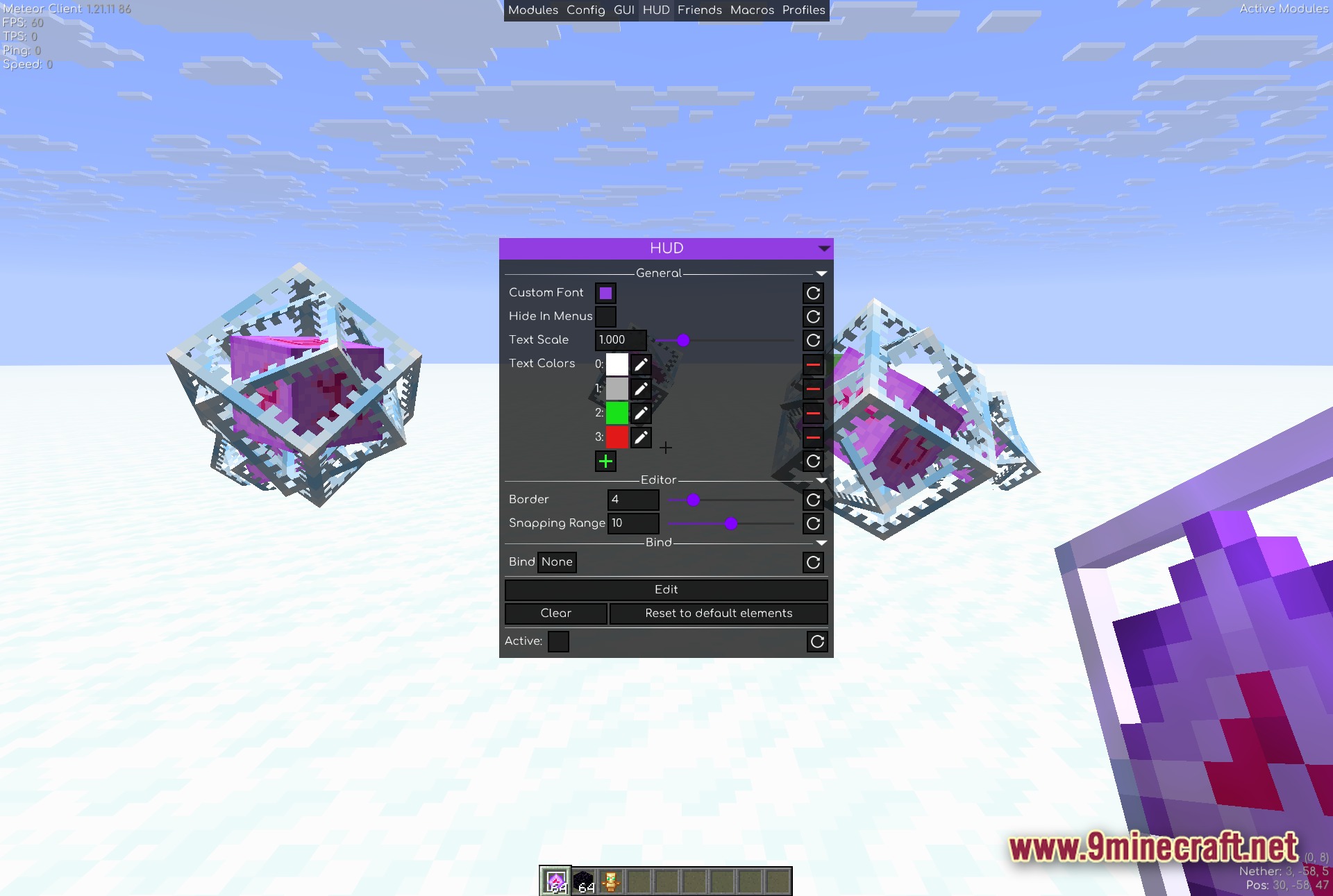
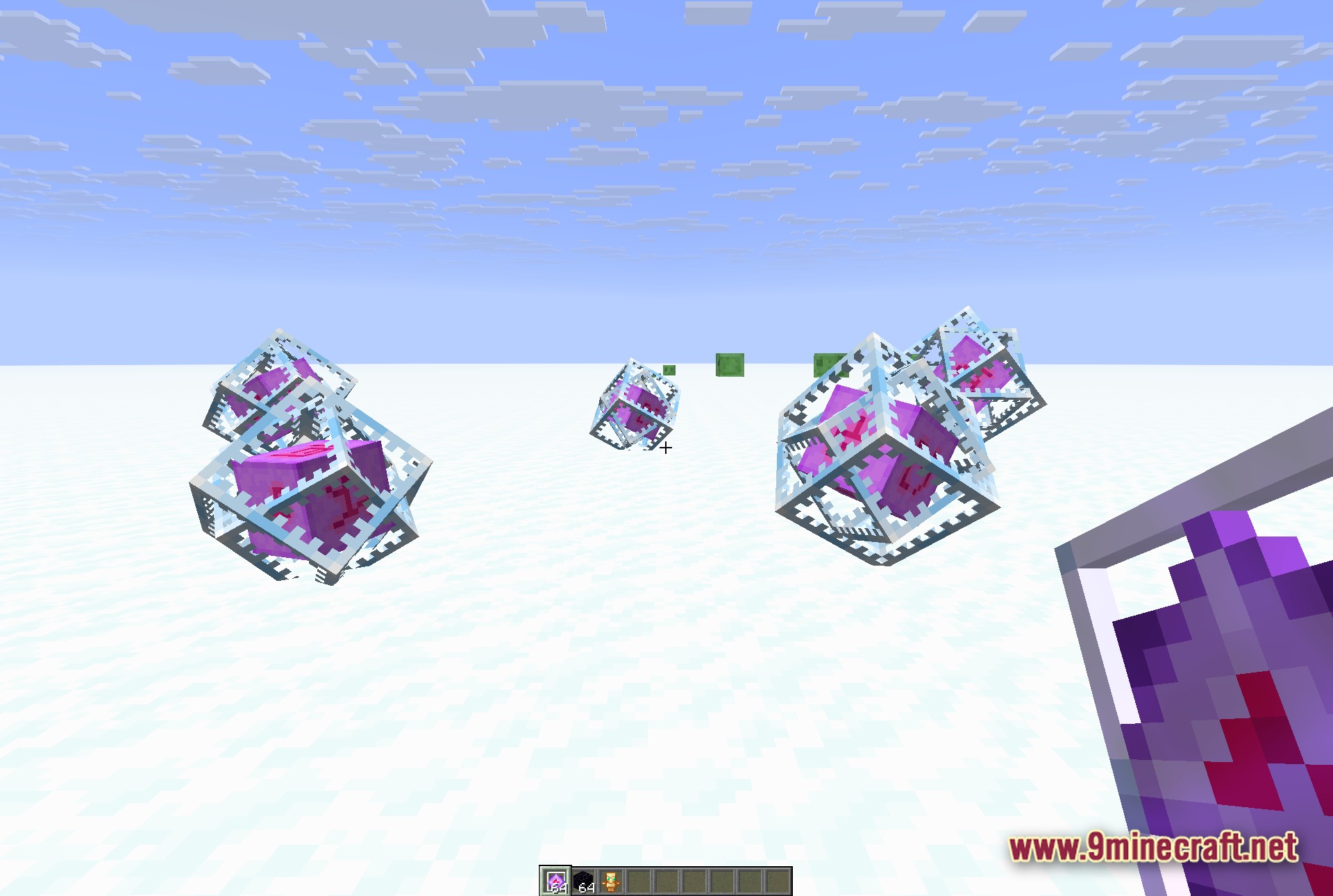
Amethyst Client Mod extends Meteor Client with extra combat tools and modules. It links directly into the base client system to give anarchy players more control during fights. The mod displays its own custom settings inside the existing menu using a unique purple color tag. You must have Meteor Client installed in your mods folder before launching the game with this addon.
Features:
- Meteor Client Addon: Runs as a direct add-on for Meteor Client and requires the base client to function.
- Purple GUI Theme: Highlights its specific modules with an amethyst color tint in the ClickGUI.
- Menu Integration: Plugs directly into the standard ClickGUI and keybind management screens.
- Links properly under the parent Meteor entry inside the ModMenu list.
- Uses a mixin setup to extend the internal systems of the client.
- Keeps your game fast thanks to a lightweight single-file build.
- Works smoothly alongside other add-ons like Baritone, MeteorRejects, and MeteorLite.
- Brings specialized options geared toward anarchy servers and Crystal-PvP fights.
Best Used For:
- Players who want extra utility modules on top of their base setup.
- Anarchy survival players combining multiple add-ons into one pack.
- Crystal-PvP combat where quick actions and custom settings matter.
- Styling the user interface with a purple accent color.
Screenshots:
Amethyst Client Mod Download Links
- Edition: Minecraft Java
- File type: .jar
- Minecraft version listed: 1.21.11
- How to install: Install the matching mod loader (Forge, Fabric or NeoForge) for your Minecraft version. → Download the .jar. → Put it in the .minecraft/mods folder and launch that loader profile.
- Where to get it: Opens on the file's original source — not every file is mirrored on our own servers.
Install steps are the general flow for this file type — How to install Minecraft Java mods & modpacks walks through it step by step.
Amethyst Client Mod (1.21.11) – Dominate Crystal PvP on Anarchy Servers is a free Minecraft Java mod. Compatible with Minecraft 1.21.11. Download it and open it directly in the game.