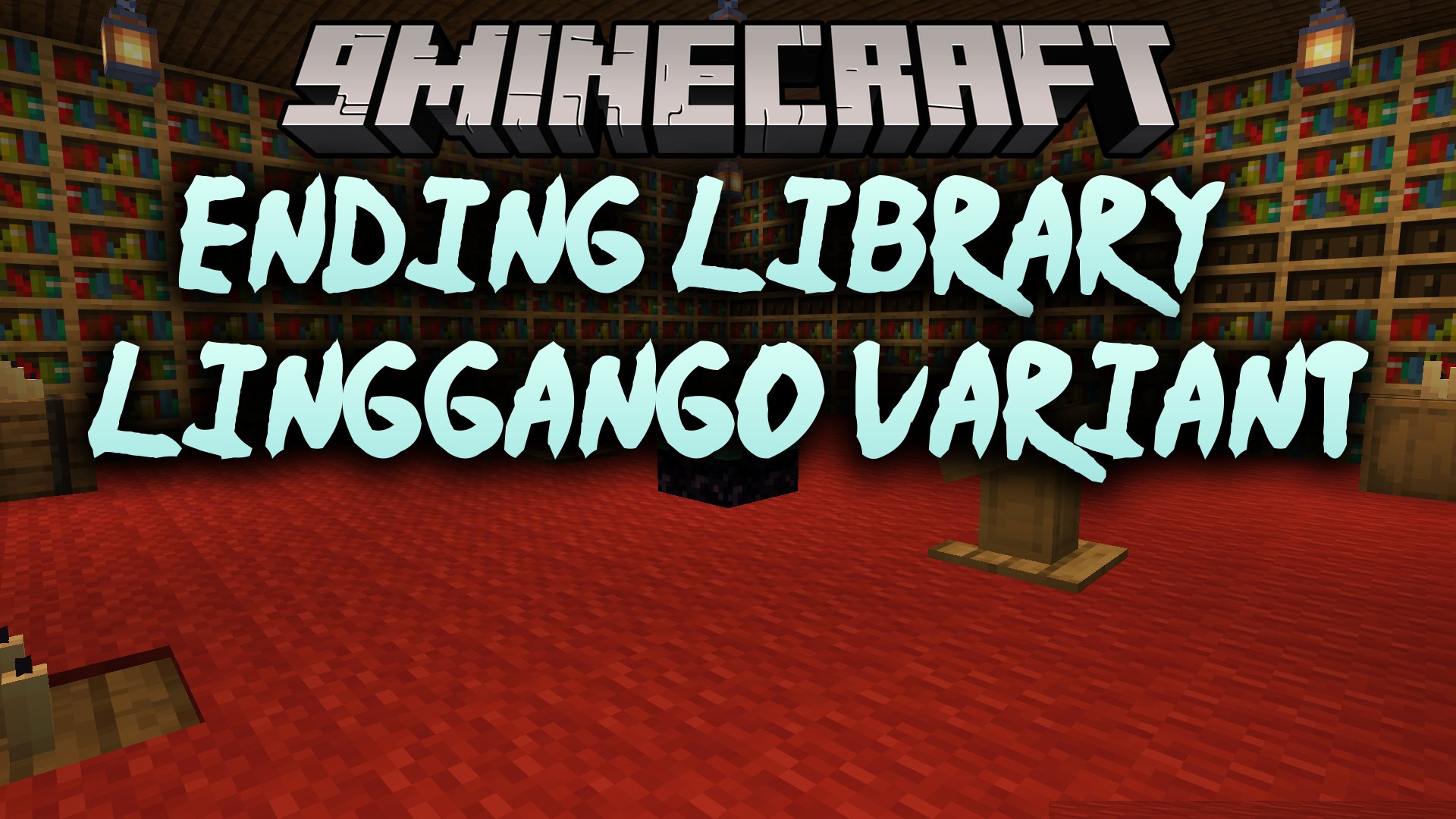
Ending Library – Linggango Variant Mod provides clean background code and fixes for the Linggango modpack. This mod offers a customized build of Ending Library with extra stability improvements. It stops crashes with better null safety and removes unwanted background code. The mod also adds a refreshed time-stop sound effect and full English text.
Features:
- Includes full English translation for in-game text.
- Replaces the time-stop sound effect with an overhauled custom audio file.
- Cleans up unused code to keep memory usage low.
- Adds null protections to prevent unexpected game crashes.
- Brings general optimizations tailored for the Linggango modpack setup.
Ending Library Download Links
Quick facts
- Edition: Minecraft Java
- File type: .jar
- Minecraft version listed: 1.20.1
- How to install: Install the matching mod loader (Forge, Fabric or NeoForge) for your Minecraft version. → Download the .jar. → Put it in the .minecraft/mods folder and launch that loader profile.
- Where to get it: Opens on the file's original source — not every file is mirrored on our own servers.
Install steps are the general flow for this file type — How to install Minecraft Java mods & modpacks walks through it step by step.
Ending Library – Linggango Variant Mod (1.20.1) – Stop Crashes and Freeze Time is a free Minecraft Java mod. Compatible with Minecraft 1.20.1. Download it and open it directly in the game.