ModsJava
Pocket Interface Toolkit Mod (1.21.1) – Track Rare Spawns and Organize Monster
Java mod listed for Minecraft 1.21. Downloads from the MC Java Mods app on Android.
⬇ Download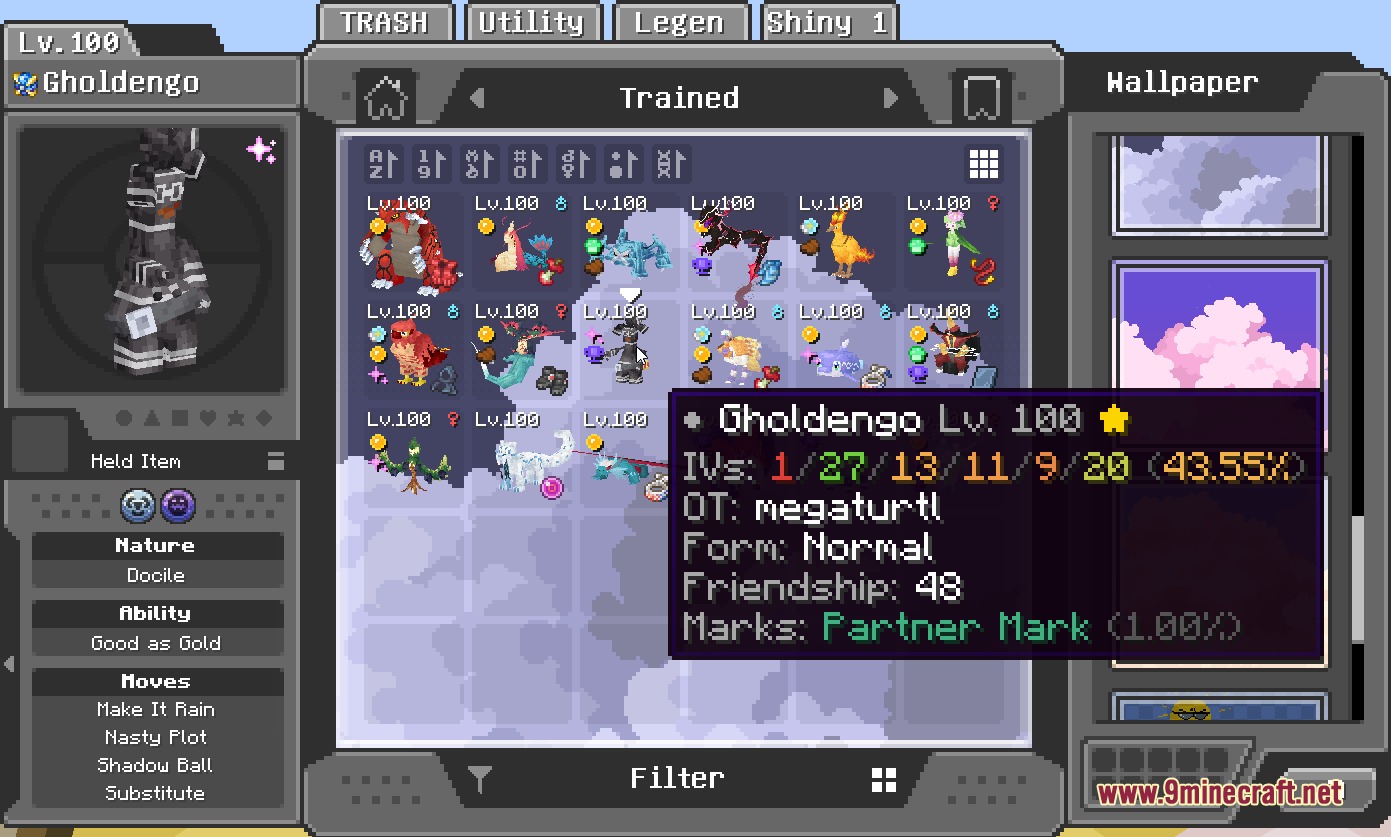
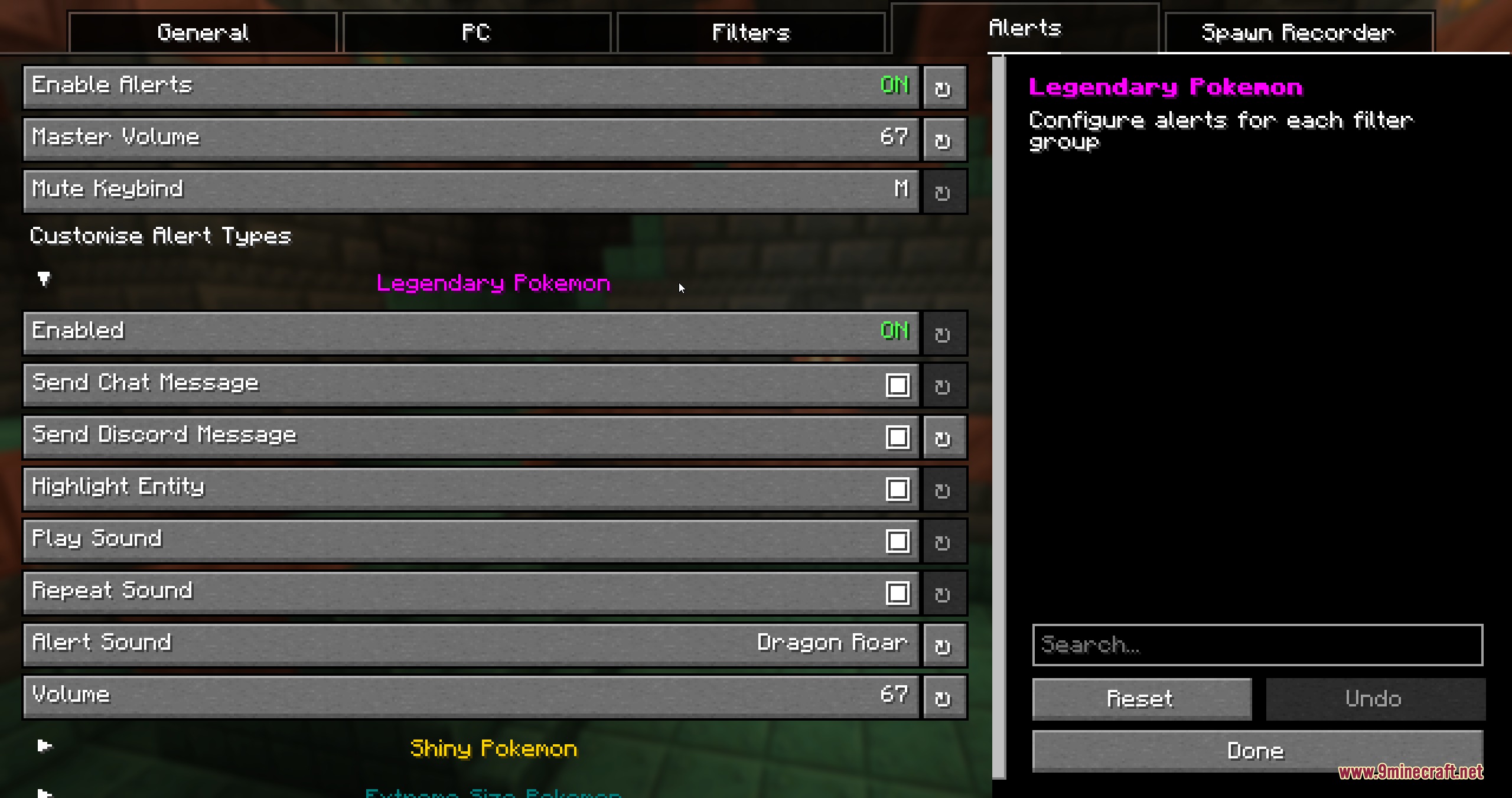
Pocket Interface Toolkit Mod extends Cobblemon with helpful storage tweaks, custom alerts, and detailed tooltips. It runs fully client-side and gives you more control over your storage boxes and party details. You can track nearby spawns with custom alerts or inspect move stats right inside menus. The mod also shows egg hatch progress and extra monster data during your adventures.
Features:
- PC Storage Overhaul: Bookmark up to five boxes, quick-sort slots with Middle-Click, and pick from over ten custom wallpapers.
- Custom Spawn Alerts: Sends notifications through chat, sounds, glowing outlines, or Discord webhooks when target creatures appear.
- Egg Inspector: Previews the contents of unhatched eggs and tracks hatching progress directly in your party overlay.
- Shows detailed monster tooltips including IV values, original trainer names, form variants, friendship levels, and marks.
- Lets you upload your own PNG images to use as custom PC box wallpapers.
- Displays six distinct icons on box slots to point out shiny, rideable, high-IV, or hidden ability monsters.
- Sorts PC storage boxes by creature size or total individual values.
- Tracks session spawn counts and species totals with an on-screen tracker.
- Adds glowing highlights to loaded monsters that shift from green to red when despawn timers run out.
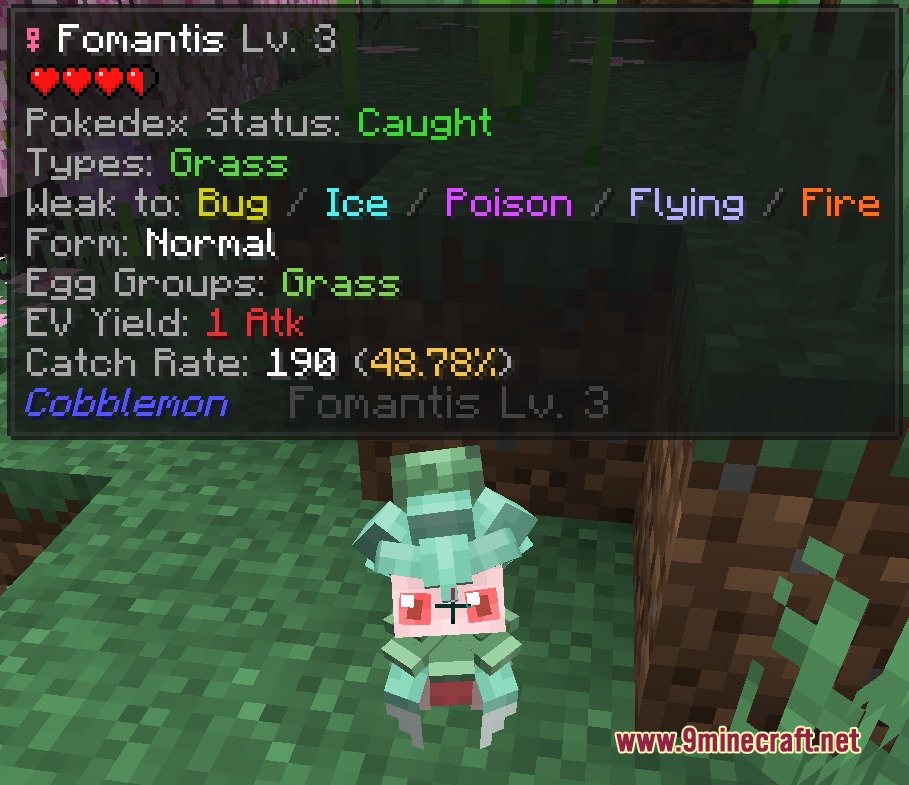
- Adds hover tooltips to move lists and checkspawn commands with egg groups and EV yields.
- Includes Jade tooltip overlays with catch rate calculators, weaknesses, and warnings for self-damaging moves.
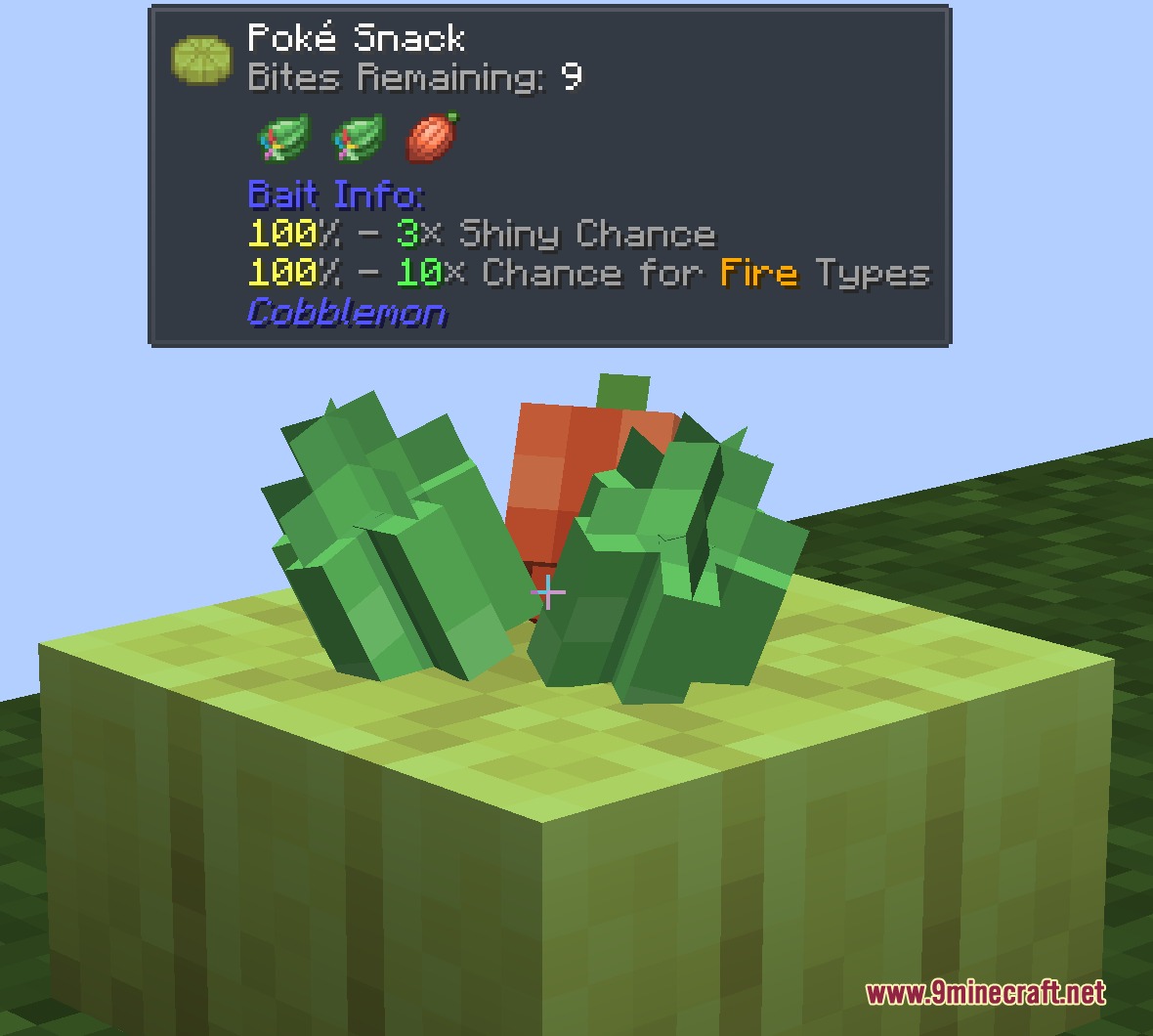
- Displays cake snack stats like remaining bites and ingredient effects right on your screen.
Commands:
/ch config: opens the customization menu./ch recorder start: starts tracking nearby spawns in your current session./ch recorder stop: stops the current spawn tracking session./ch recorder pause: pauses active spawn recording./ch recorder resume: resumes the paused spawn recording session.
How to Use:
- Press ; or type
/ch configto open the settings interface. - Pick which spawn alerts, box themes, and tooltip details you want active.
- Press M while playing to silence active alert sounds whenever needed.
- Hold Ctrl in the PC menu to apply a wallpaper across every storage box at once.
Screenshots:
Pocket Interface Toolkit Mod Download Links
Quick facts
- Edition: Minecraft Java
- File type: .jar
- Minecraft version listed: 1.21.1
- How to install: Install the matching mod loader (Forge, Fabric or NeoForge) for your Minecraft version. → Download the .jar. → Put it in the .minecraft/mods folder and launch that loader profile.
- Where to get it: In MC Java Mods, or directly above on this page.
Install steps are the general flow for this file type — How to install Minecraft Java mods & modpacks walks through it step by step.
File checked by MCModsHub
- Downloads as 507261.mcaddon
- Download size: 3.4 MB
- Download link checked 25 Sept 2026 — working
- Mirrored on our own servers — the download does not depend on the original host
These come from our own check of the pack file, not from the source page.