ModsJava
Chrome Abyss Depths Mod (26.1.2, 1.20.1) – Mine Raw Chromium and Conquer
Java mod listed for Minecraft 1.20. Downloads from the MC Java Mods app on Android.
⬇ Download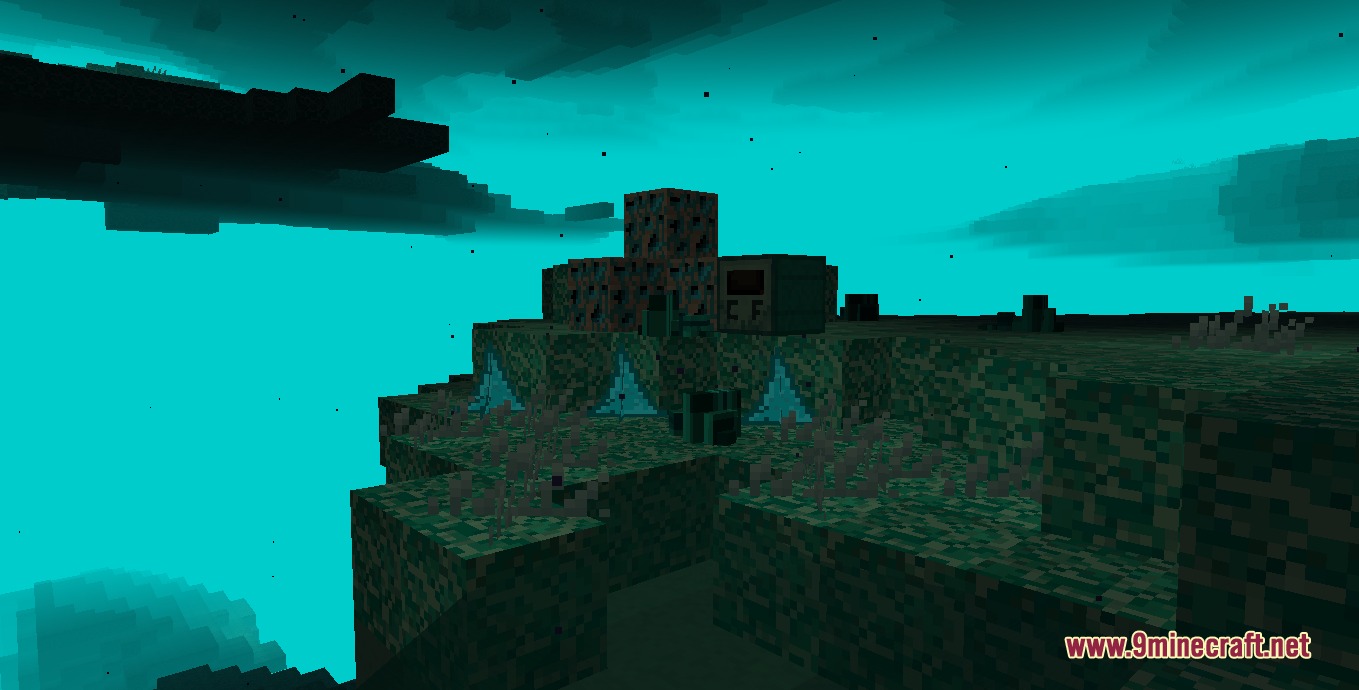
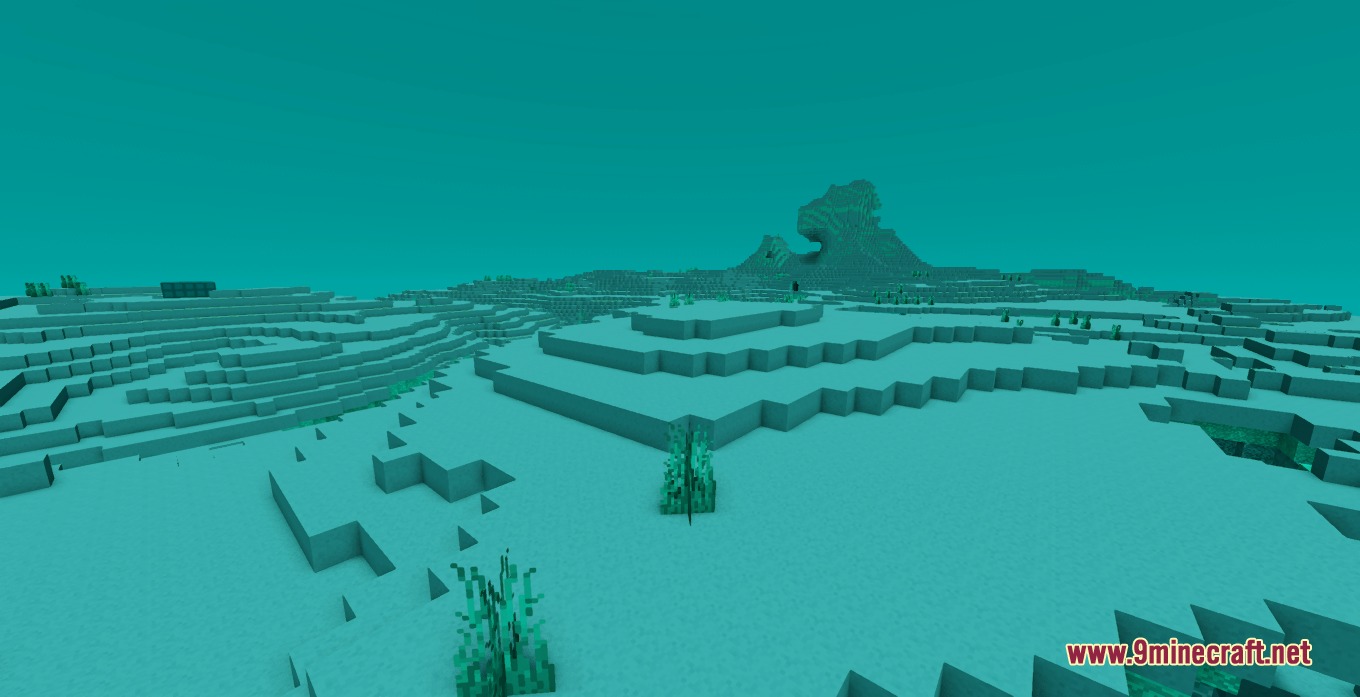
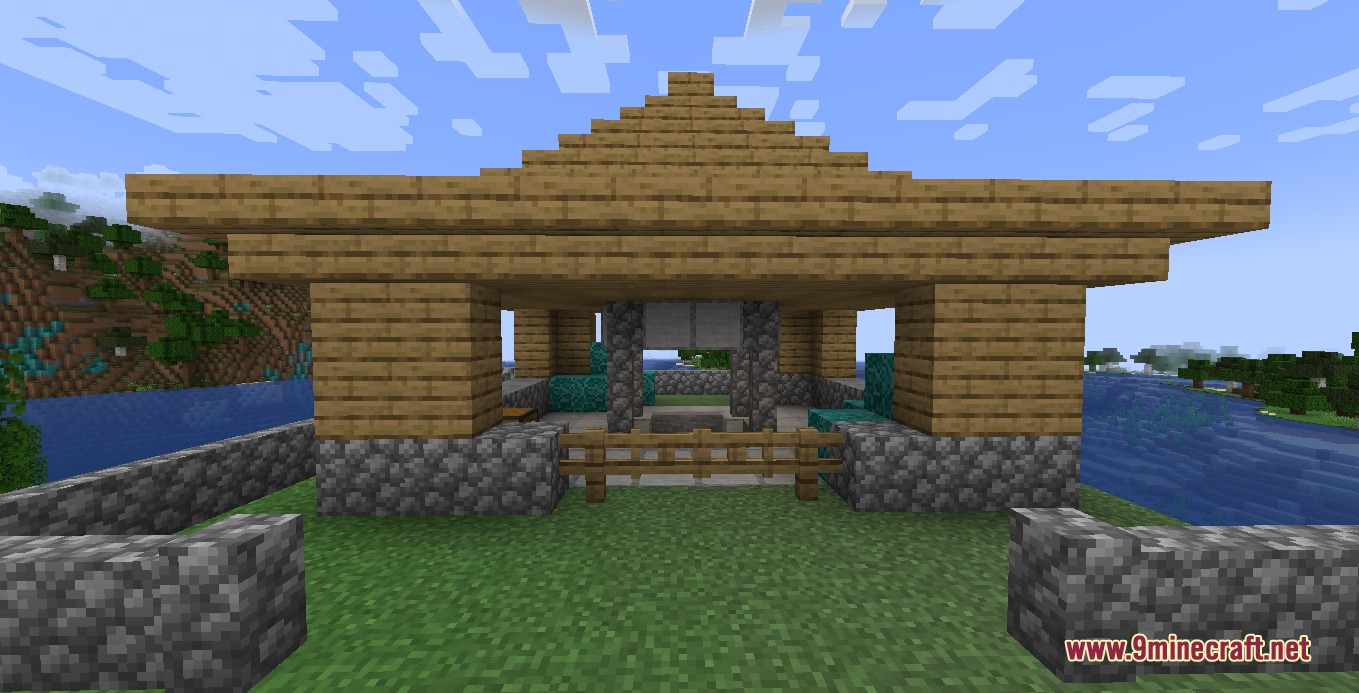
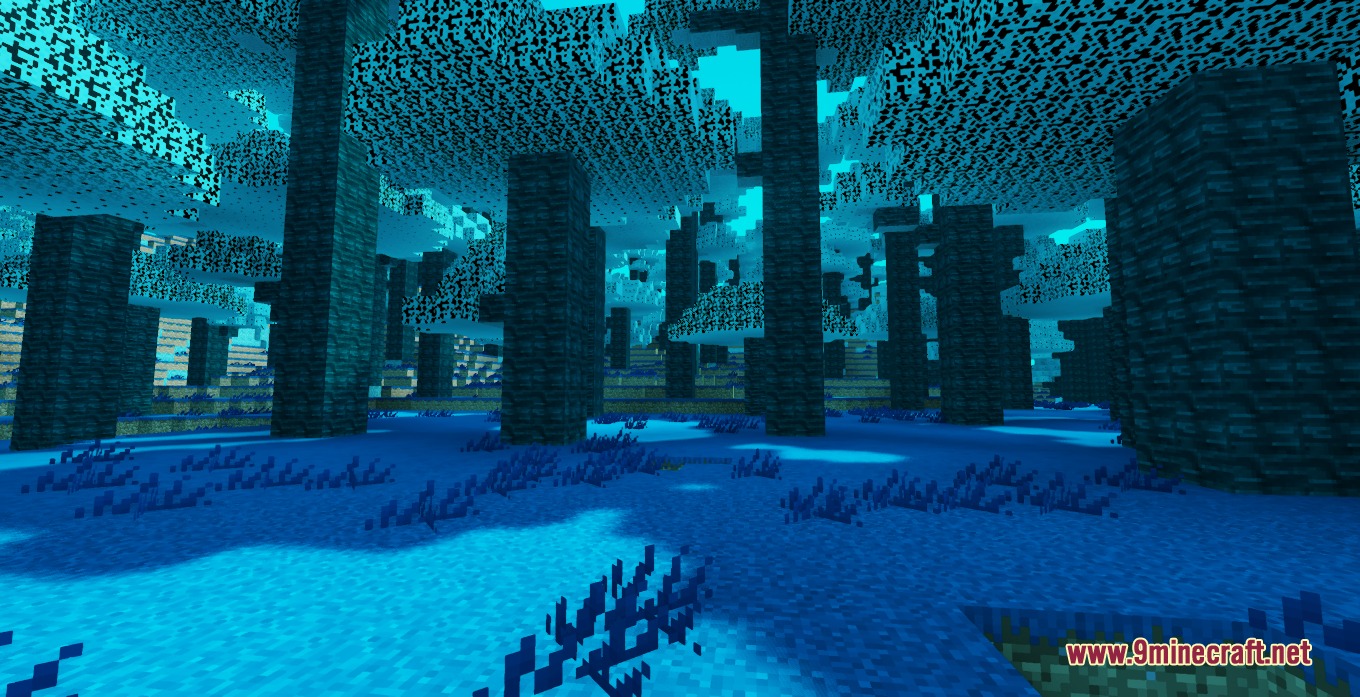
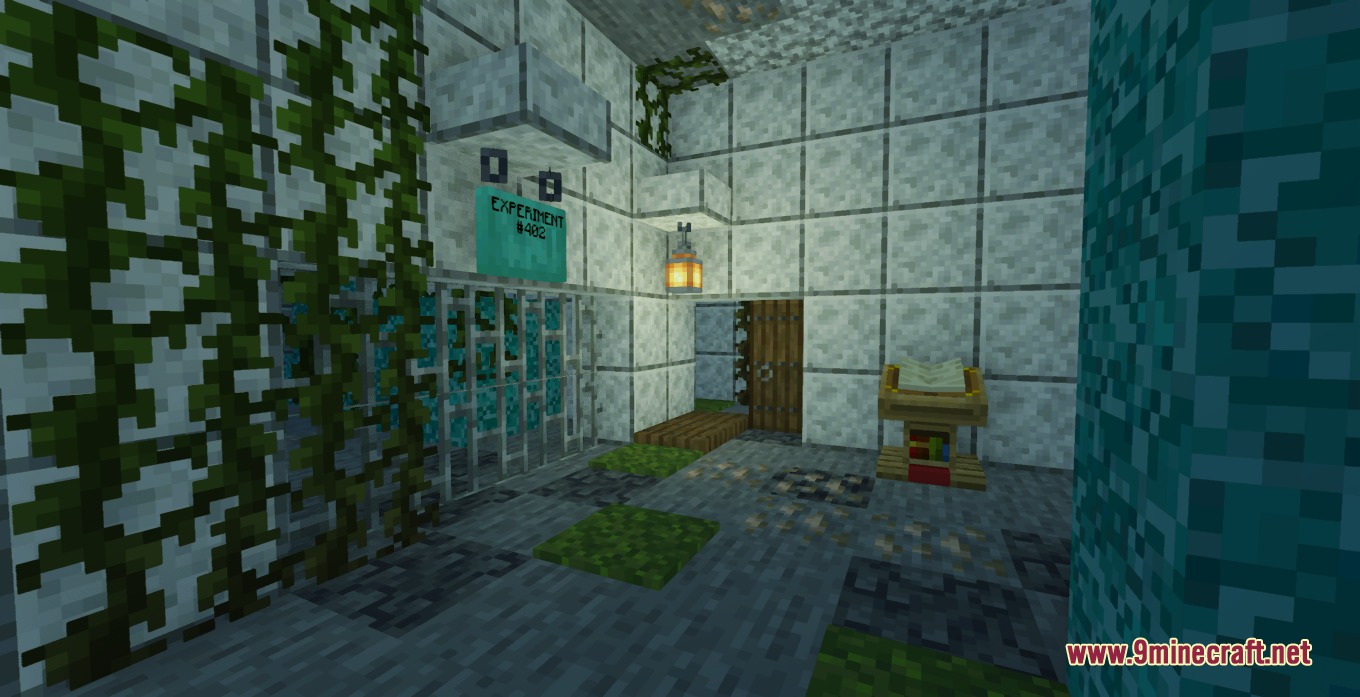
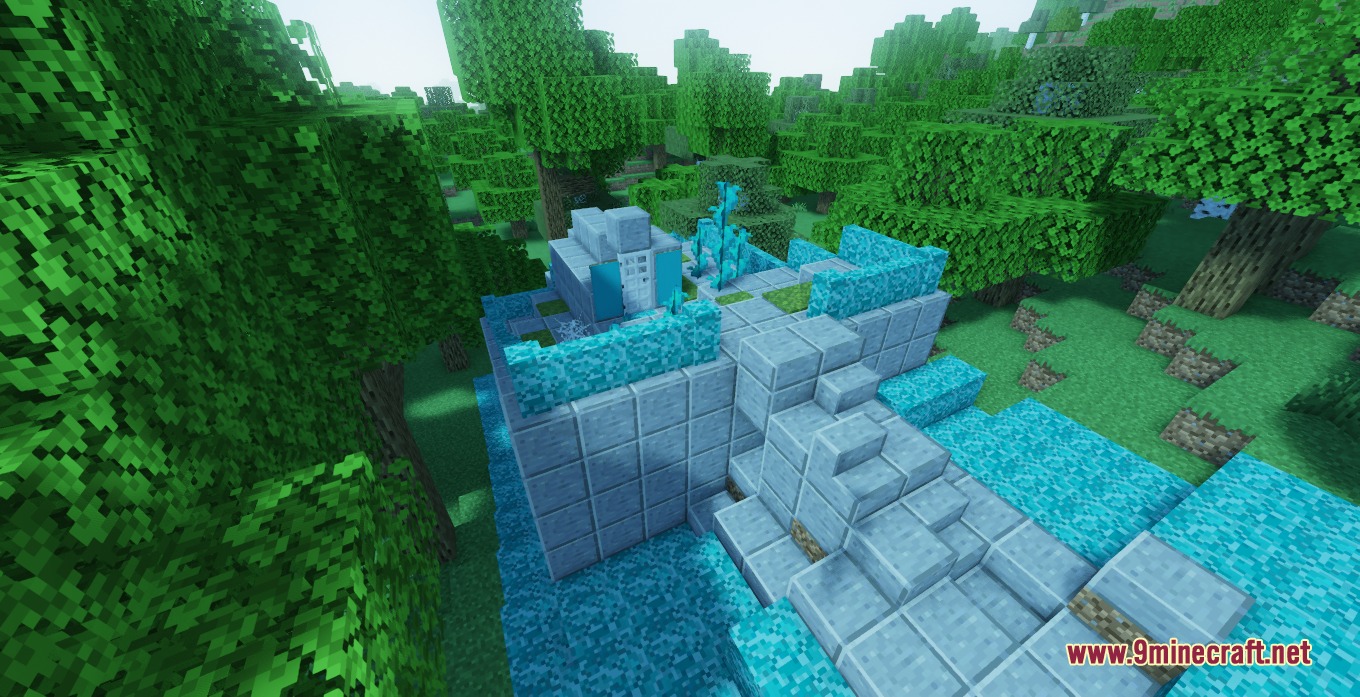
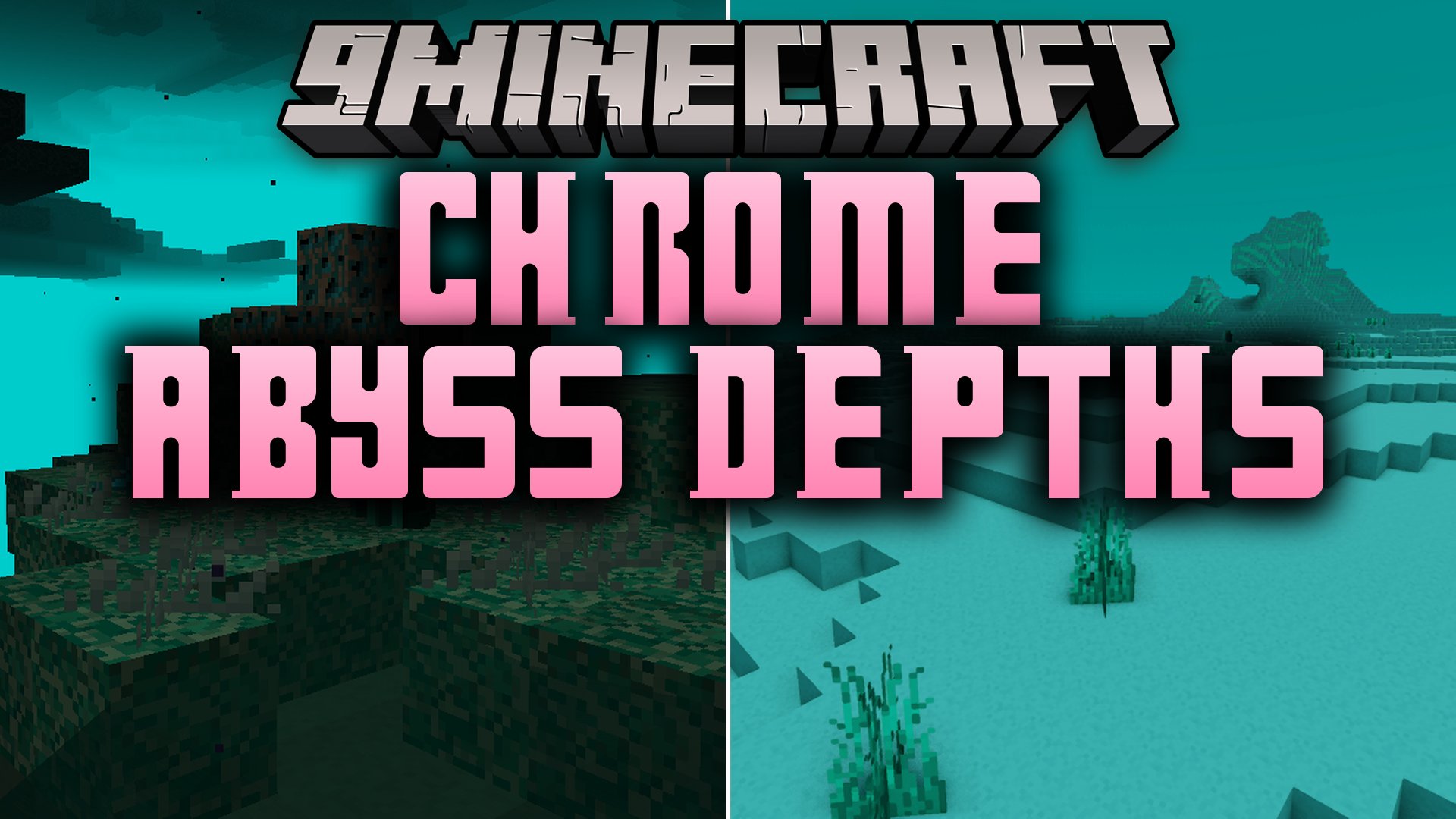
Chrome Abyss Depths Mod introduces a shiny metal ore, specialized tools, and a mysterious metallic dimension. Underground mining yields raw chromium that players can refine into sturdy gear and industrial building blocks. Secret underground labs, custom cave dripstones, and foreign biomes bring fresh hazards and rewards to survival gameplay.
Features:
- Spawns Chromium Ore deep underground for mining and refinement.
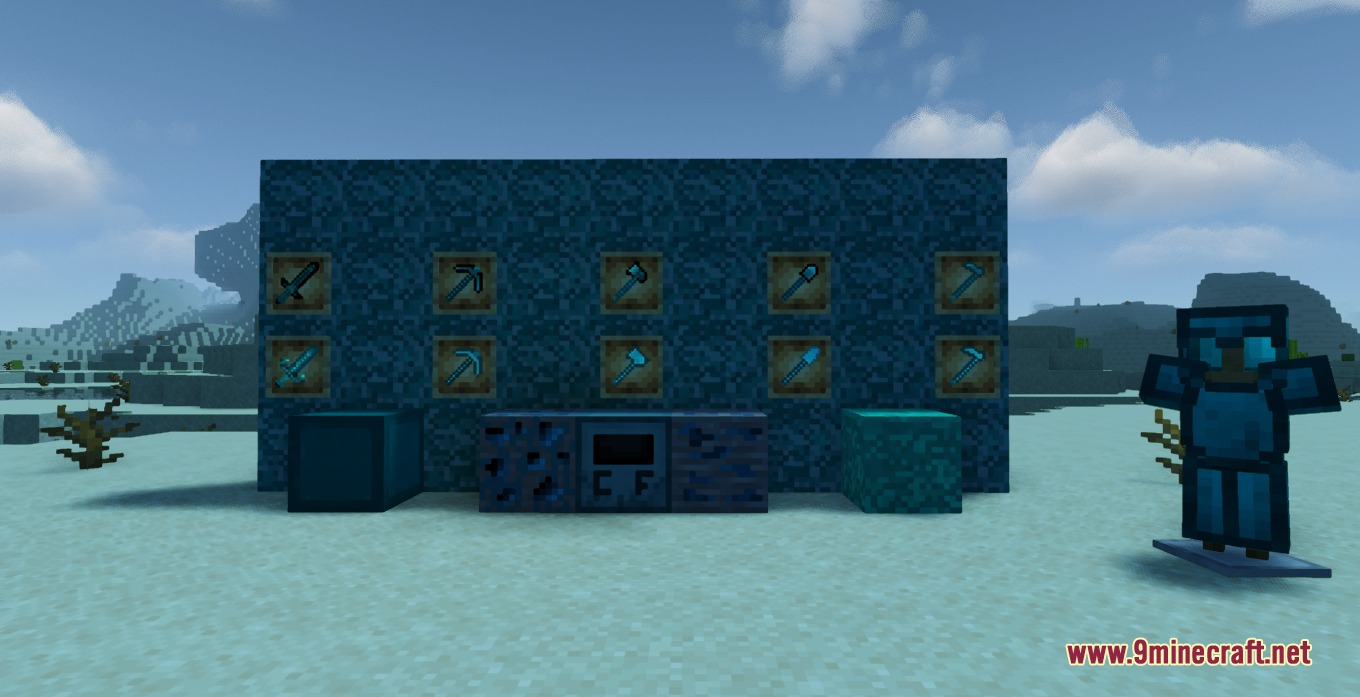
- Adds a complete set of durable Chromium Armor and matching tools.
- Generates secret laboratory structures filled with loot chests.
- Introduces the Chromium Foundry workstation for smelting tasks.
- Adds decorative building pieces including chromium wood, stairs, slabs, walls, and buttons.
- Features a dimension containing biomes like the Metallic Forest and Chromium Desert.
- Adds Chromium Dripstone formations to underground cave systems.
- Includes special items such as the Chromium Apple and Chromium Gem.
- Unlocks unique advancements to track your progress.
Advancements:
- Metallic echoes: awarded upon locating the Chromium Cavern.
- Why this tastes chromium?: unlocked after eating a Chromium Apple.
- Chromium Age: achieved by finding your first Chromium Gem.
- World Of Chromium: granted when entering the Chromium Dimension.
How to Use:
- Mine Chromium Ore found in deep underground caves.
- Smelt the raw metal into pieces of chromium to craft gear or building blocks.
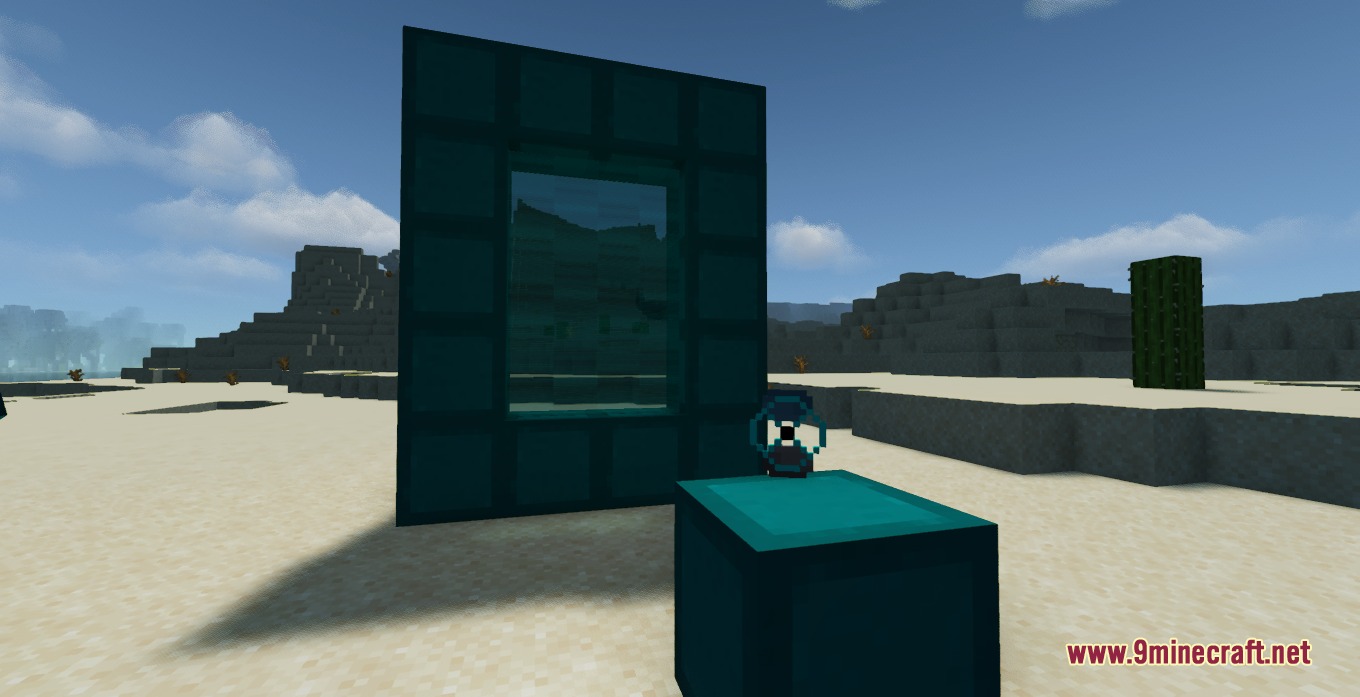
- Build a dimension portal and light it using the portal igniter to enter the metallic realm.
- Search for underground labs and mines to collect loot and rare blocks.
Screenshots:
Chrome Abyss Depths Mod Download Links
Quick facts
- Edition: Minecraft Java
- File type: .jar
- Minecraft version listed: 1.20.1
- How to install: Install the matching mod loader (Forge, Fabric or NeoForge) for your Minecraft version. → Download the .jar. → Put it in the .minecraft/mods folder and launch that loader profile.
- Where to get it: In MC Java Mods, or directly above on this page.
Install steps are the general flow for this file type — How to install Minecraft Java mods & modpacks walks through it step by step.
File checked by MCModsHub
- Downloads as 507270.mcaddon
- Download size: 15.4 MB
- Download link checked 23 Sept 2026 — working
- Mirrored on our own servers — the download does not depend on the original host
These come from our own check of the pack file, not from the source page.