✨ Nazarick OreGlow Hybrid
Nazarick OreGlow Hybrid enhances ore visibility with hybrid lighting, supports Vibrant Visuals, and adds dedicated Hydra Expansion compatibility across…
⬇ Download on CurseForge✨ Nazarick OreGlow Hybrid
Illuminate the depths. Discover ores. Enhance your exploration.
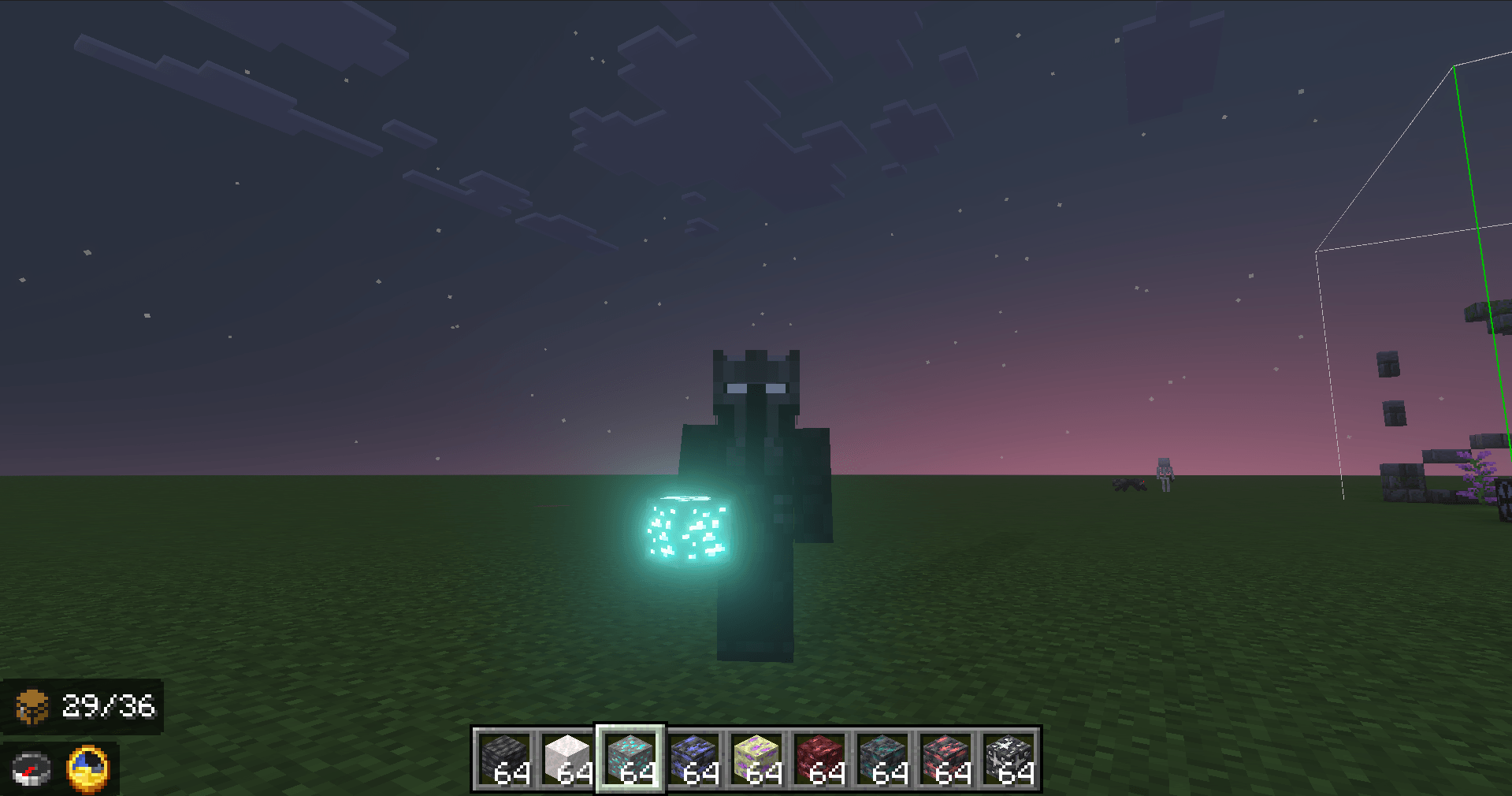
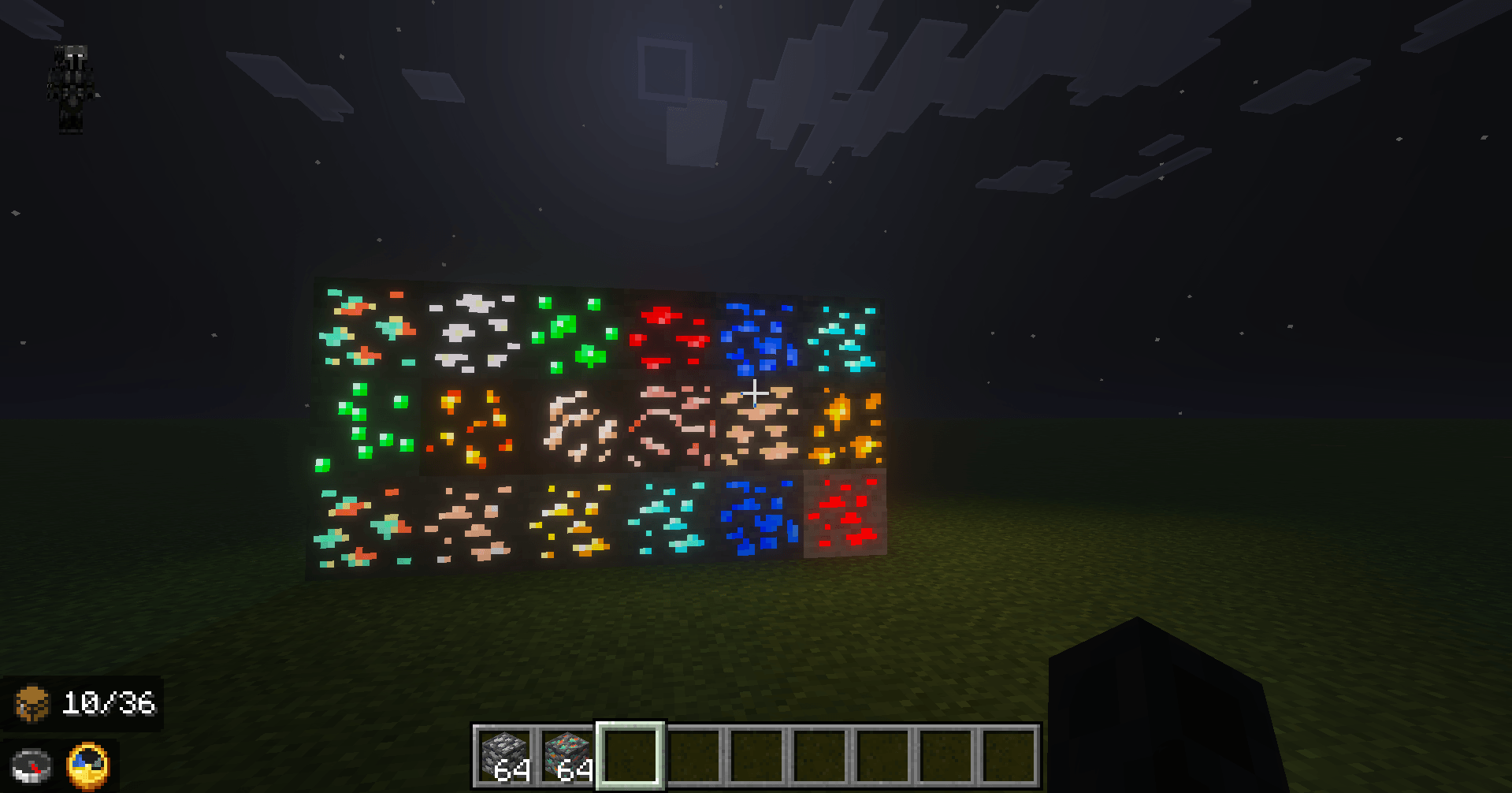
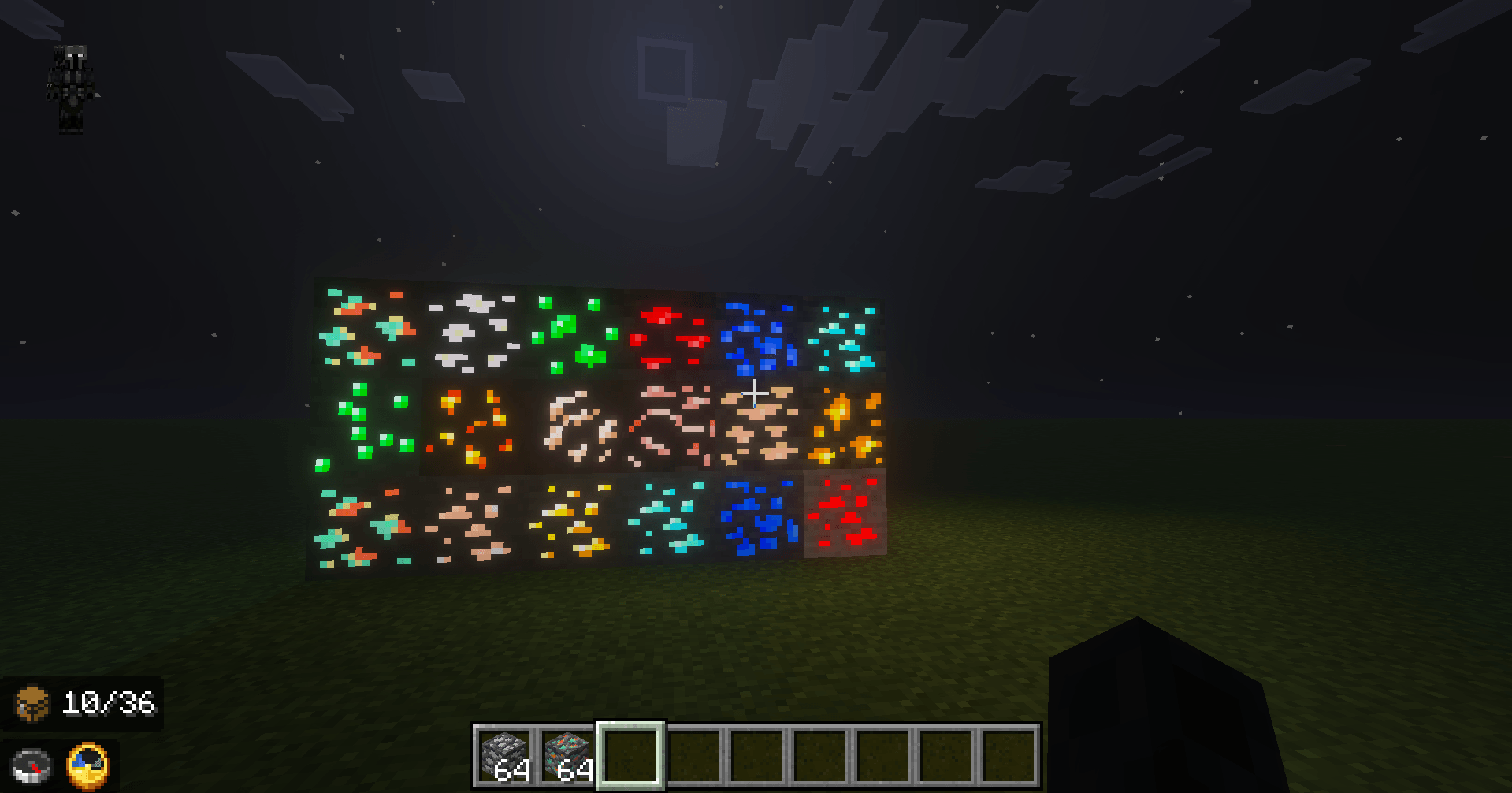
Nazarick OreGlow Hybrid, developed by Nazarick Studios, enhances ore visibility in Minecraft Bedrock through a hybrid lighting system designed to work with both vanilla resources and ores introduced by compatible add-ons.
One of its main features is dedicated compatibility with Hydra Expansion, bringing the OreGlow experience beyond vanilla Minecraft.
🐉 Hydra Expansion Compatibility
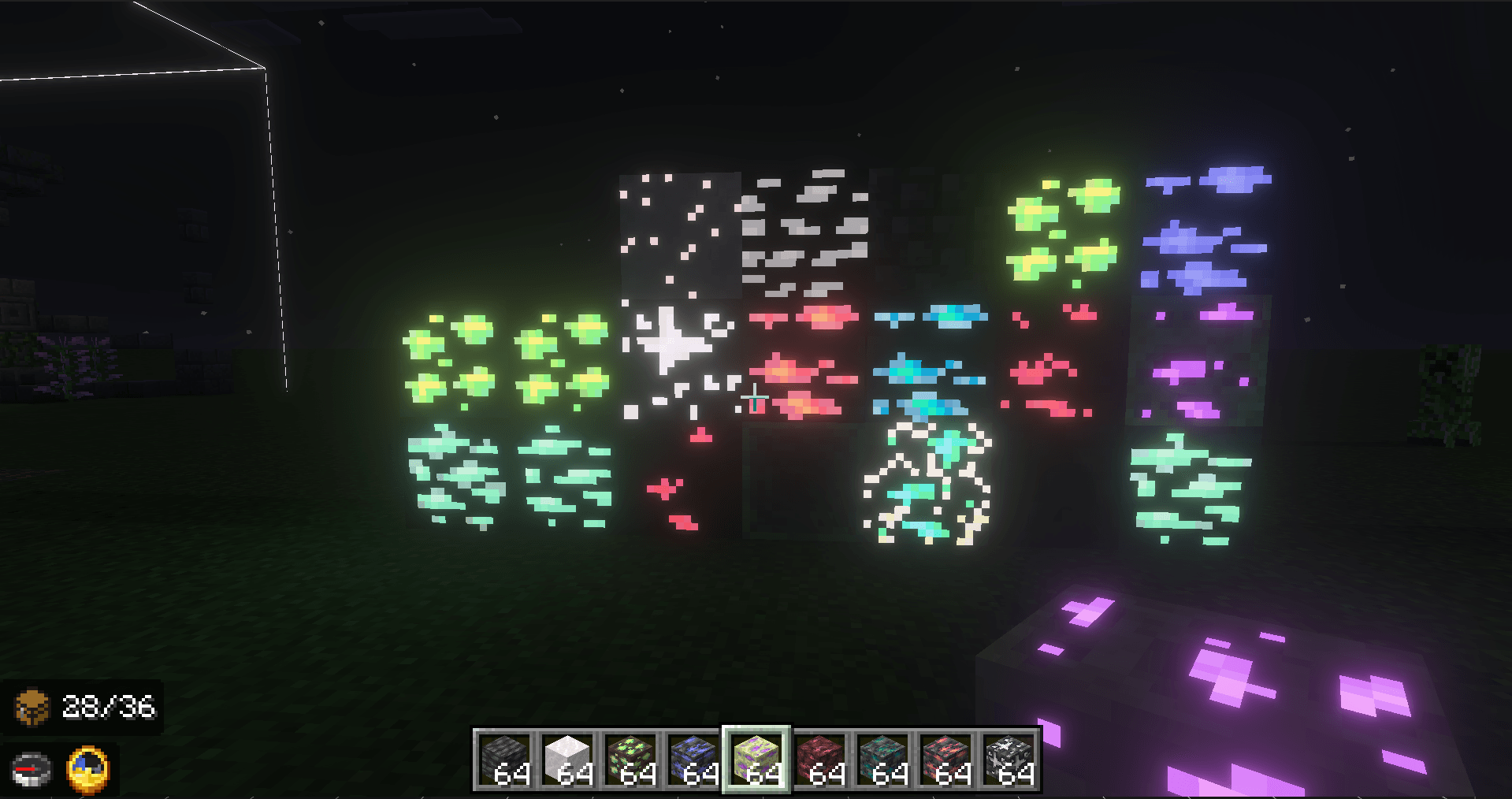
Nazarick OreGlow Hybrid includes dedicated support for Hydra Expansion, allowing ores introduced by the expansion to receive visual treatment consistent with the OreGlow system.
This creates a more cohesive experience between vanilla ores and resources added by Hydra Expansion, especially in heavily customized survival worlds, servers, and Realms.
Instead of limiting glowing effects to Minecraft's original resources, OreGlow Hybrid aims to extend its visual system to compatible third-party ores as well.
🌈 Hybrid Lighting System
OreGlow Hybrid adapts its visual approach depending on your graphical experience.
With Vibrant Visuals, ores receive stronger emissive effects designed to blend naturally with Minecraft's enhanced lighting system, making caves more atmospheric and discoveries more visually rewarding.
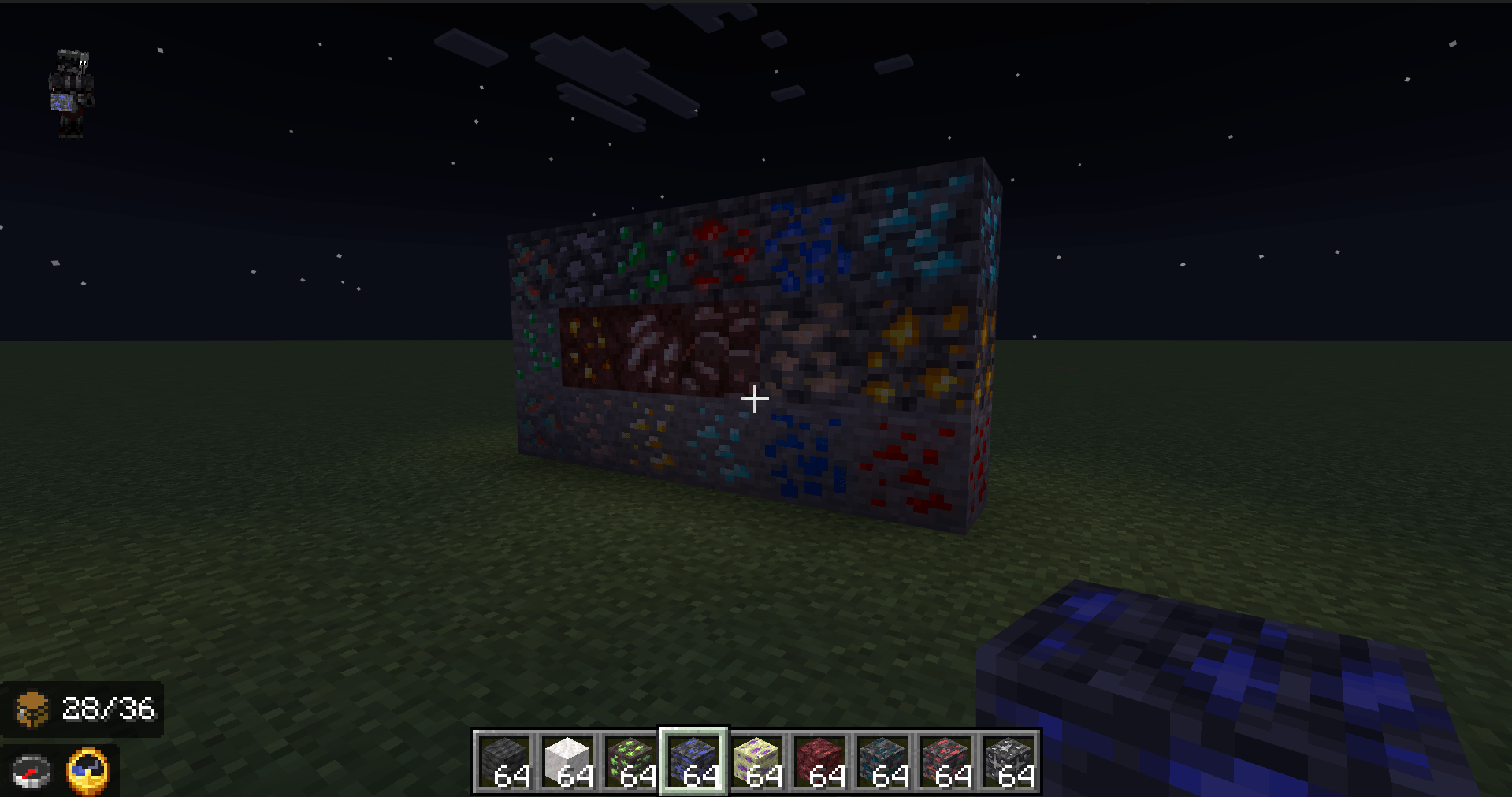
On Simple and Fancy graphics, the add-on takes a more subtle approach, treating ores similarly to small light sources while keeping their illumination significantly weaker than a torch.
This helps ores stand out in dark environments without excessively illuminating caves or removing the challenge of exploration.
The system is designed around a balance between:
-
✨ Visibility
-
🌑 Atmosphere
-
💎 Exploration
-
⚙️ Performance
-
🧩 Compatibility
💎 Main Features
-
✨ Enhanced visual visibility for ores
-
🌈 Support for Vibrant Visuals
-
🔦 Hybrid lighting for Simple, Fancy, and Vibrant graphics
-
🐉 Dedicated Hydra Expansion compatibility
-
🌍 Support for the Overworld
-
🔥 Support for the Nether
-
🌌 Support for the End
-
🧩 Designed for compatibility with ores from other add-ons
-
⚙️ Built with performance and stability in mind
-
🌐 Suitable for customized worlds, servers, and Minecraft Realms
-
🎮 Keeps exploration meaningful instead of completely revealing nearby resources
🧩 Built for Add-on Ecosystems
OreGlow Hybrid is designed to become more than a visual enhancement for vanilla ores.
Its hybrid structure allows the project to expand alongside other Minecraft Bedrock add-ons.
Hydra Expansion compatibility represents the first major step toward a broader ecosystem where ores from different expansions can share a consistent visual language.
Future compatibility updates may expand support for additional add-ons and custom resources.
🌑 Explore the Darkness Differently
Deep beneath the Overworld.
Across the burning landscapes of the Nether.
Within distant dimensions and expanded worlds.
A faint glow may be all that separates an ordinary cave from your next great discovery.
OreGlow Hybrid does not remove exploration.
It makes discovery feel more rewarding.
Explore. Discover. Illuminate the depths.
Nazarick Studios
Expanding the Bedrock experience.
- Edition: Minecraft Bedrock
- File type: .mcpack or .mcaddon
- Minecraft versions listed: 26.20, 26.30, 26.40
- How to install: Download the .mcpack or .mcaddon file. → Open it — Minecraft imports it. → In your world: Behavior Packs → Available → Activate, then the same under Resource Packs.
- Where to get it: Opens on CurseForge — not every file is mirrored on our own servers.
Install steps are the general flow for this file type — How to install Minecraft Bedrock addons & mods walks through it step by step.
- Pack type: .mcaddon — behaviour and resource pack in one file
- Manifest requires Minecraft 1.21.120 or newer
- Complete pack — everything it depends on is inside the file
- Download size: 608 KB
These come from our own check of the pack file, not from the source page.