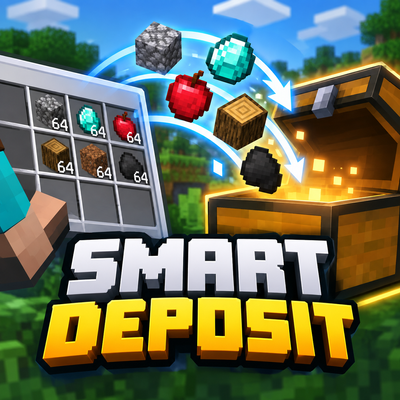
Smart Deposit
Automatically sort your inventory into nearby chests and other containers with a single use. Smart Deposit saves time and keeps your storage organized.
⬇ Download on CurseForge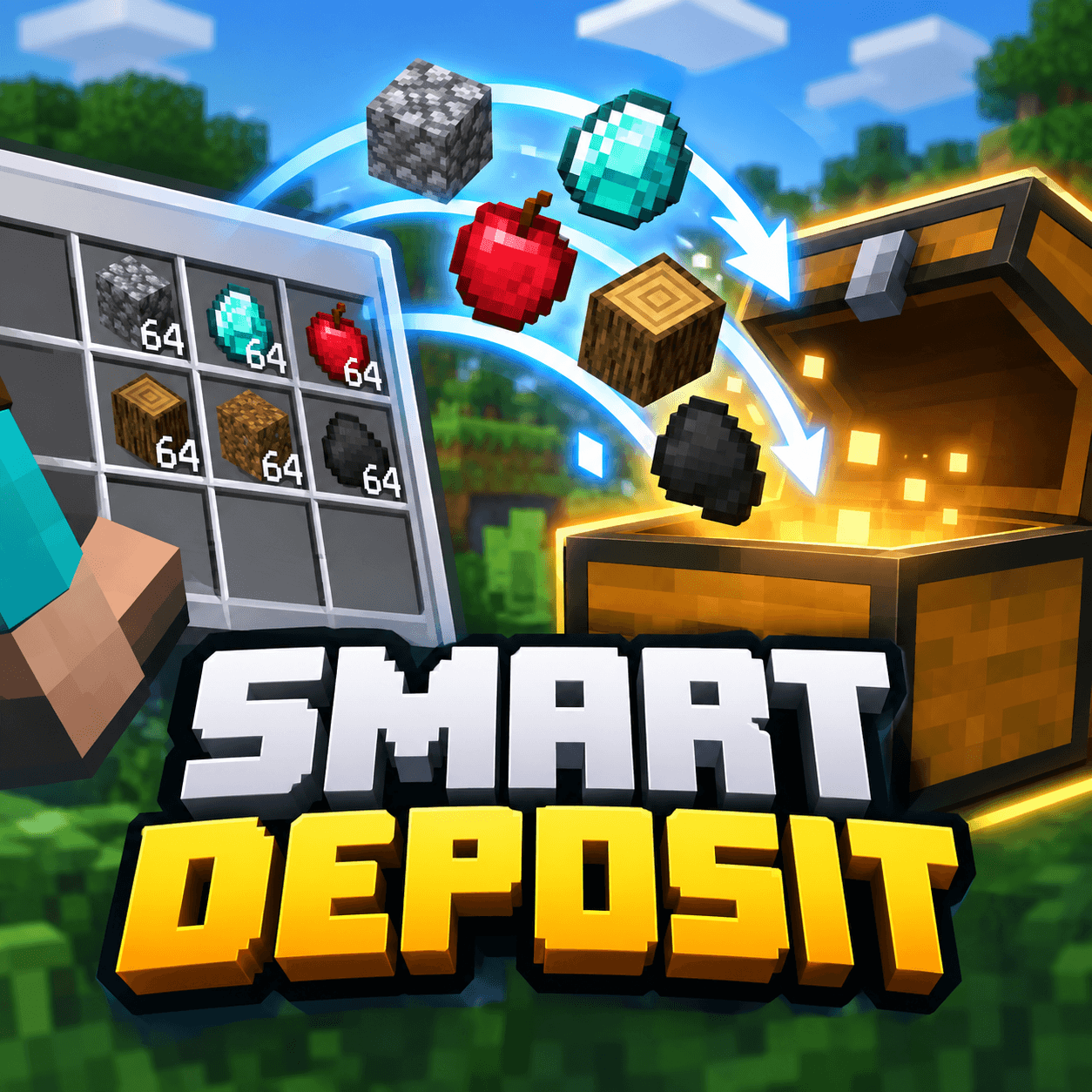
Smart Deposit
Tired of manually moving stacks of items into your storage?
Smart Deposit lets you quickly deposit items from your inventory into nearby containers with a single use.
Features
- One-click deposit — use the Smart Deposit item to automatically move items into nearby storage.
- Nearby container detection — containers within a 4-block radius are detected automatically.
- Smart stacking — items are first added to existing compatible stacks before using empty slots.
- Multiple container types — supports chests, trapped chests, barrels, copper chests and shulker boxes.
- Keeps your hotbar safe — the hotbar is excluded, so your actively used items stay with you.
- Nearest containers first — nearby storage is prioritized when distributing items.
- Works with multiple item types — the addon processes the contents of your main inventory and distributes them across available storage.
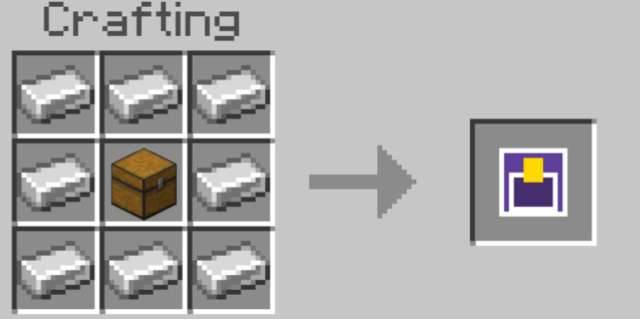
How to use
1. Get the Smart Deposit item.
2. Place your chests or other supported containers nearby.
3. Use the item.
4. Items from your main inventory will automatically be distributed into nearby containers.
Why Smart Deposit?
Storage management can become repetitive, especially after mining, building or exploring. Smart Deposit turns that routine into a single action.
Less inventory management. More time playing.
- Edition: Minecraft Bedrock
- File type: .mcpack or .mcaddon
- Minecraft versions listed: 1.21.30, 1.21.50, 1.21.81
- How to install: Download the .mcpack or .mcaddon file. → Open it — Minecraft imports it. → In your world: Behavior Packs → Available → Activate, then the same under Resource Packs.
- Where to get it: Opens on CurseForge — not every file is mirrored on our own servers.
Install steps are the general flow for this file type — How to install Minecraft Bedrock addons & mods walks through it step by step.
- Pack type: .mcaddon — behaviour and resource pack in one file
- Manifest requires Minecraft 1.21.20 or newer
- Complete pack — everything it depends on is inside the file
- Download size: 3.2 MB
- Download link checked 10 Sept 2026 — working
These come from our own check of the pack file, not from the source page.