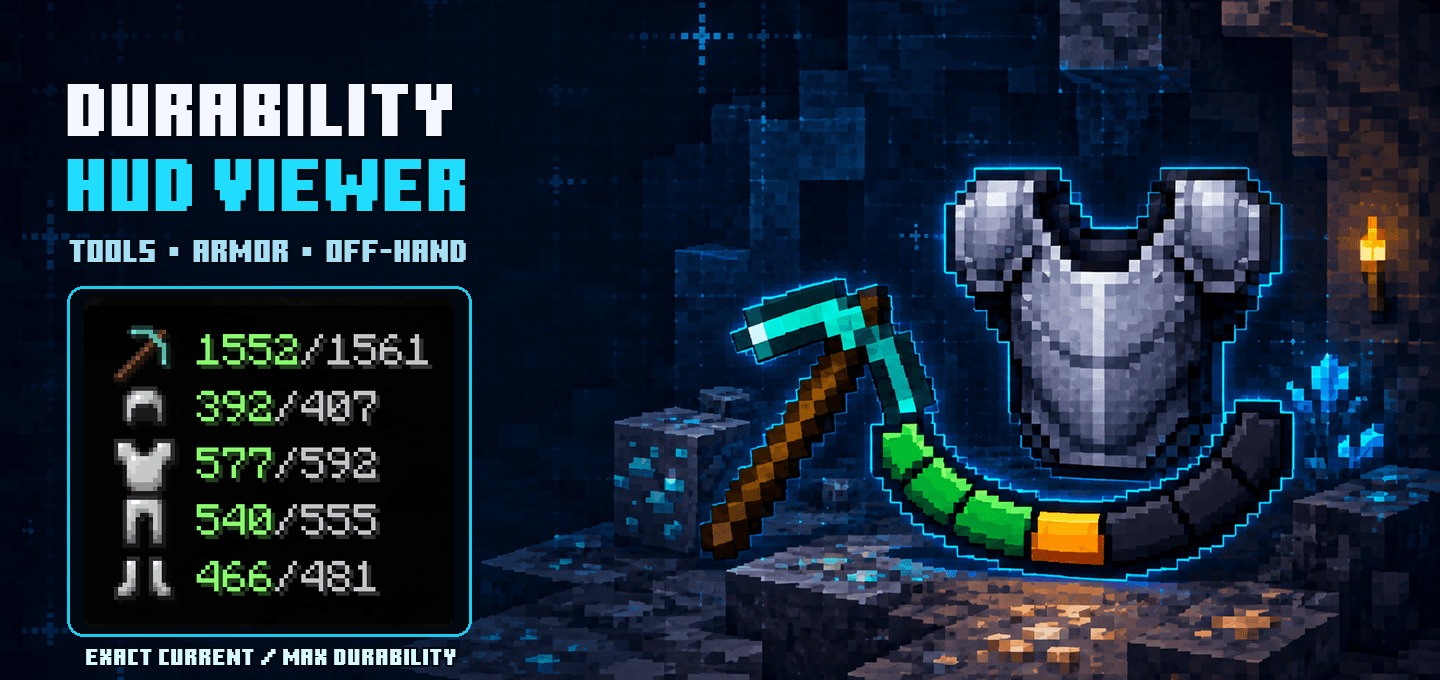
Durability HUD Viewer keeps the condition of your equipped gear visible without opening the inventory.
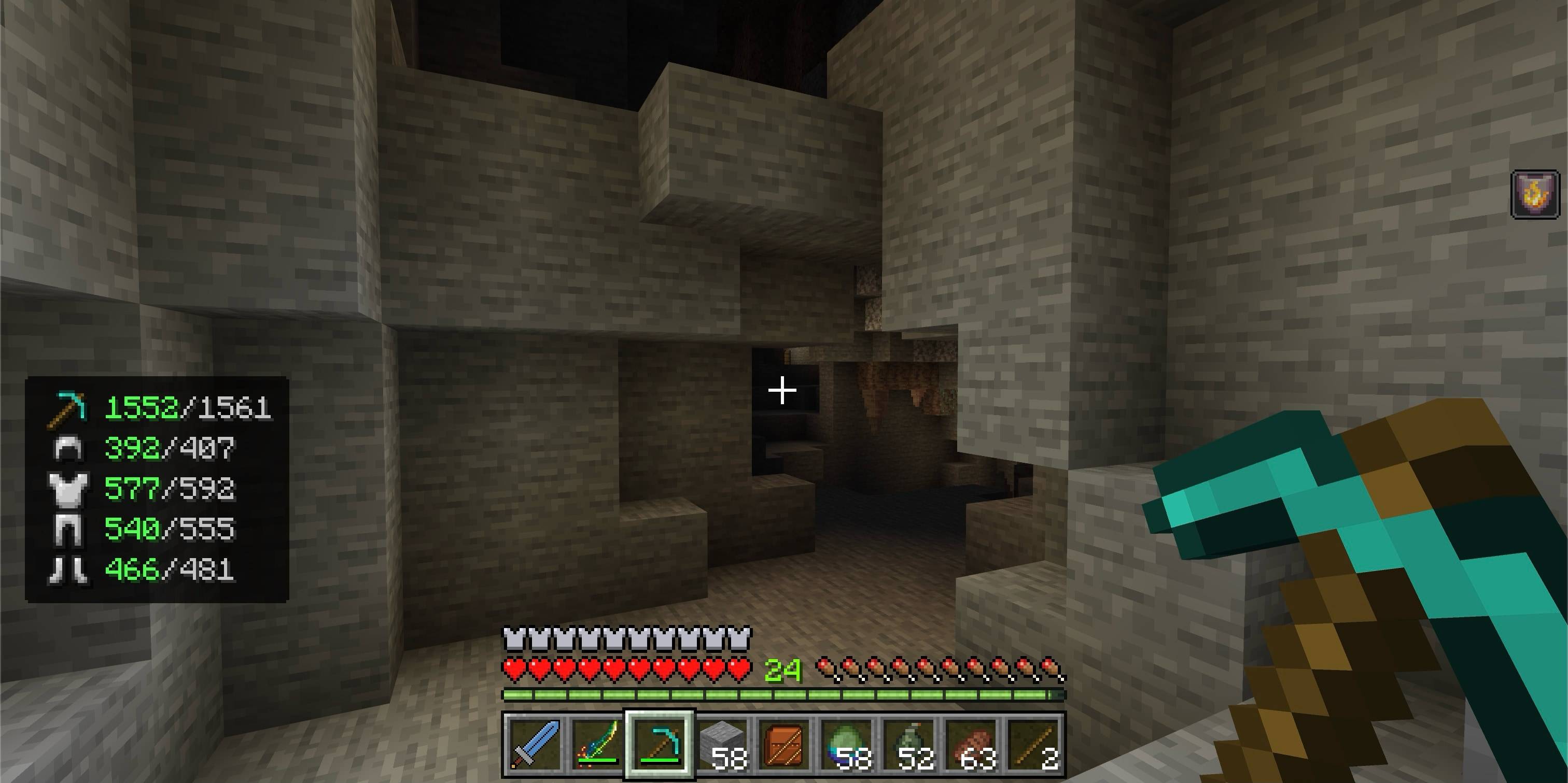
The compact panel shows exact current and maximum durability for your main-hand item, armor, and off-hand equipment. Color-coded values make worn gear easy to notice before it breaks.
Features
- Shows exact current and maximum durability
- Tracks the main-hand item, helmet, chestplate, leggings, boots, and off-hand item
- Uses compact equipment icons instead of letter labels
- Displays healthy durability in green, warning durability in yellow, and critical durability in red
- Updates automatically when equipment changes or takes damage
- Hides slots that do not contain a damageable item
- Supports compatible custom items that use the standard Bedrock durability component
- Works independently for every player in multiplayer worlds
- Uses a compact HUD panel designed to stay out of the way
- Compatible with Vibrant Visuals
How to use
- Import the
.mcaddonfile into Minecraft Bedrock. - Activate both the Durability HUD Viewer Behavior Pack and Resource Pack in your world.
- Equip armor or hold a damageable tool or weapon.
- The durability panel appears automatically in the lower-left corner.
Values remain green above 50% durability, turn yellow at 50% or below, and turn red at 20% or below.
Notes
- Items without a durability component are not shown.
- Both included packs are required: the Behavior Pack reads equipment durability, while the Resource Pack renders the custom HUD and icons.
- The add-on does not change item durability, repair costs, enchantments, or gameplay balance.
Requirements
- Minecraft Bedrock Edition 26.30 or newer
- No experimental toggles required
- No external add-ons required

Quick facts
- Edition: Minecraft Bedrock
- File type: .mcpack or .mcaddon
- Minecraft versions listed: 26.30, 26.40
- How to install: Download the .mcpack or .mcaddon file. → Open it — Minecraft imports it. → In your world: Behavior Packs → Available → Activate, then the same under Resource Packs.
- Where to get it: Opens on CurseForge — not every file is mirrored on our own servers.
Install steps are the general flow for this file type — How to install Minecraft Bedrock addons & mods walks through it step by step.
Verified by MCModsHub
- Pack type: .mcaddon — behaviour and resource pack in one file
- Manifest requires Minecraft 1.26.30 or newer
- Complete pack — everything it depends on is inside the file
- Download size: 201 KB
- Download link checked 10 Sept 2026 — working
These come from our own check of the pack file, not from the source page.