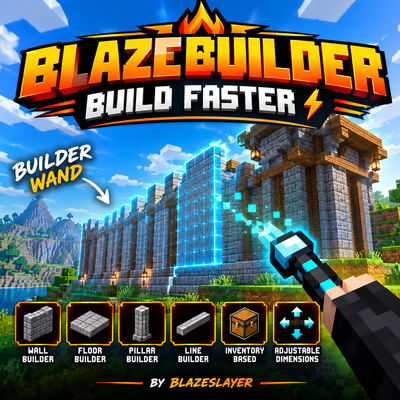
BlazeBuilder – Builder Wand | Fast Building Addon
Bedrock add-on listed for Minecraft 26.x (behavior + resource pack). File opened and checked on 17 Oct 2026; installs from the MC Bedrock Mods app on Android.
Build walls, floors, pillars & lines faster with BlazeBuilder! 🧱⚡ A simple, survival-friendly Builder Wand for Minecraft Bedrock.
⬇ Download on CurseForge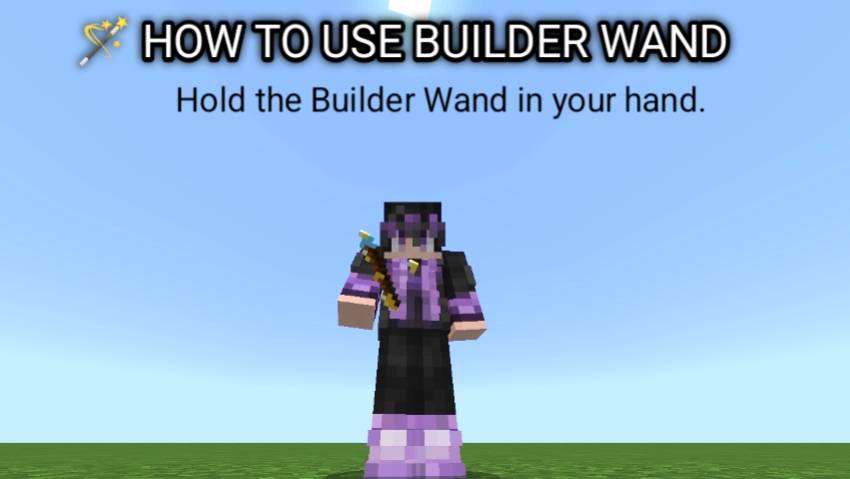
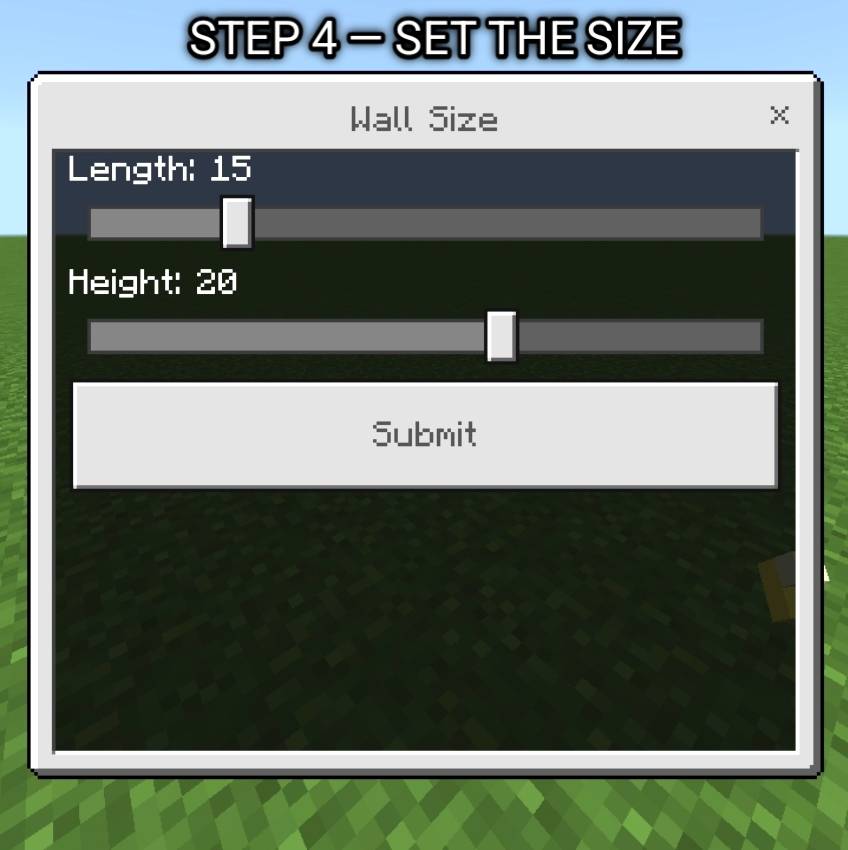
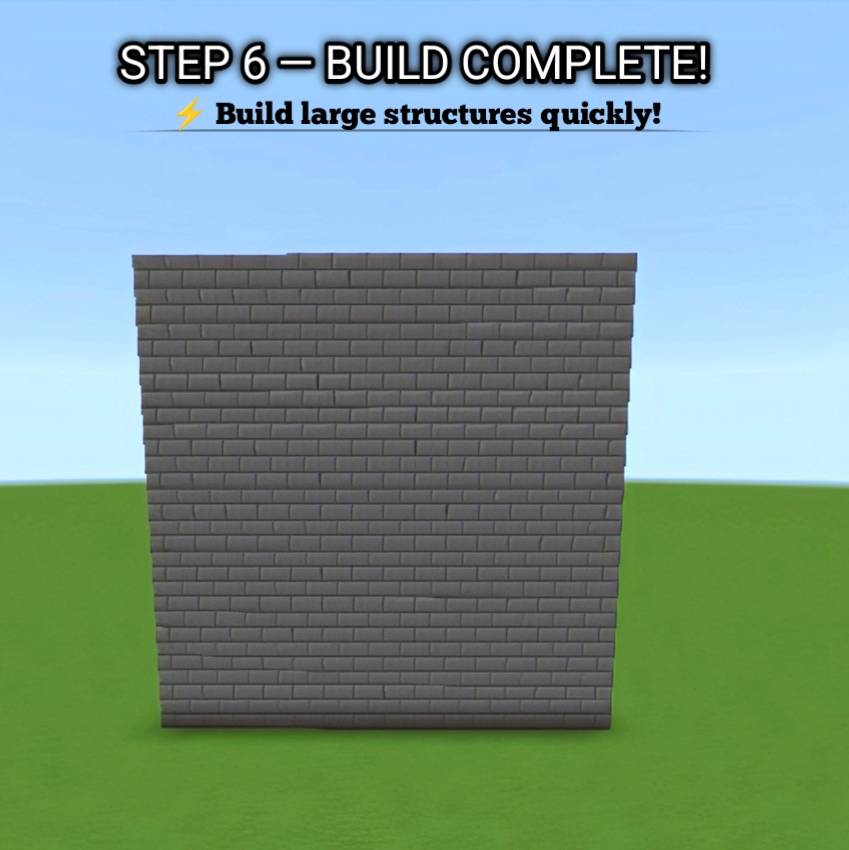
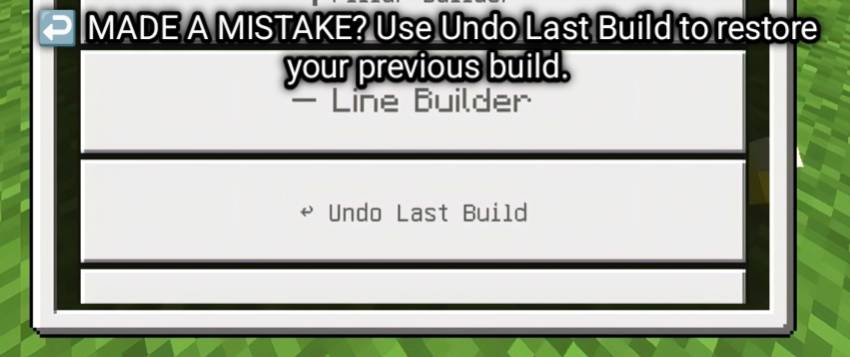
🧱 BlazeBuilder – Builder Wand
Build faster and turn large building projects into something much easier! ⚡
BlazeBuilder is a Minecraft Bedrock Builder Wand addon designed to help you quickly create walls, floors, pillars and lines using blocks from your inventory.
✨ Features
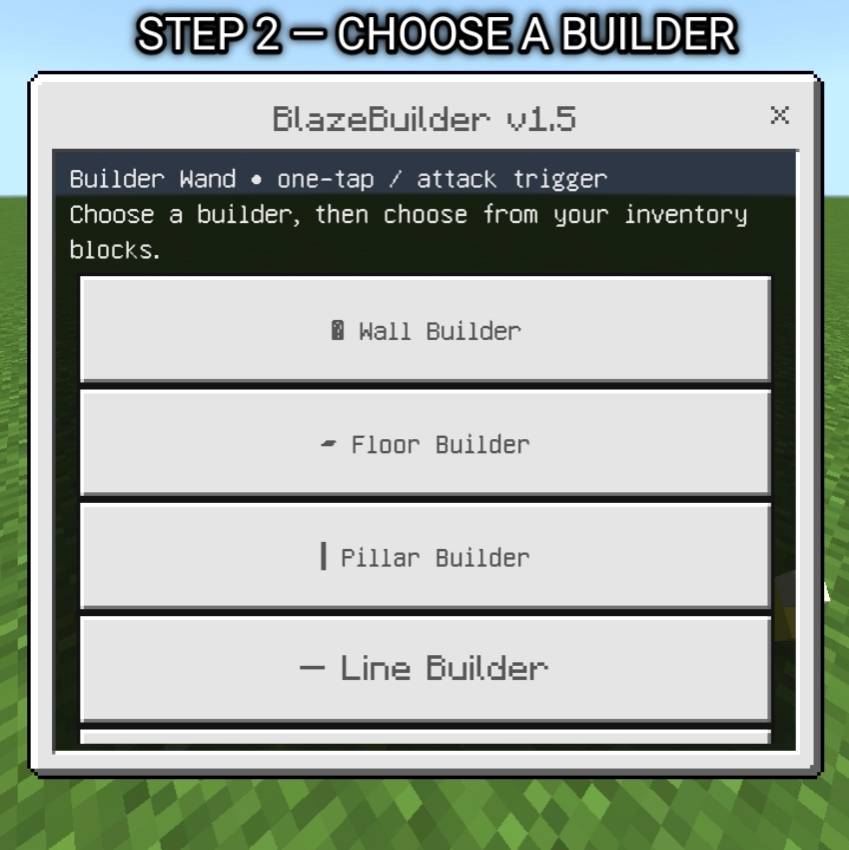
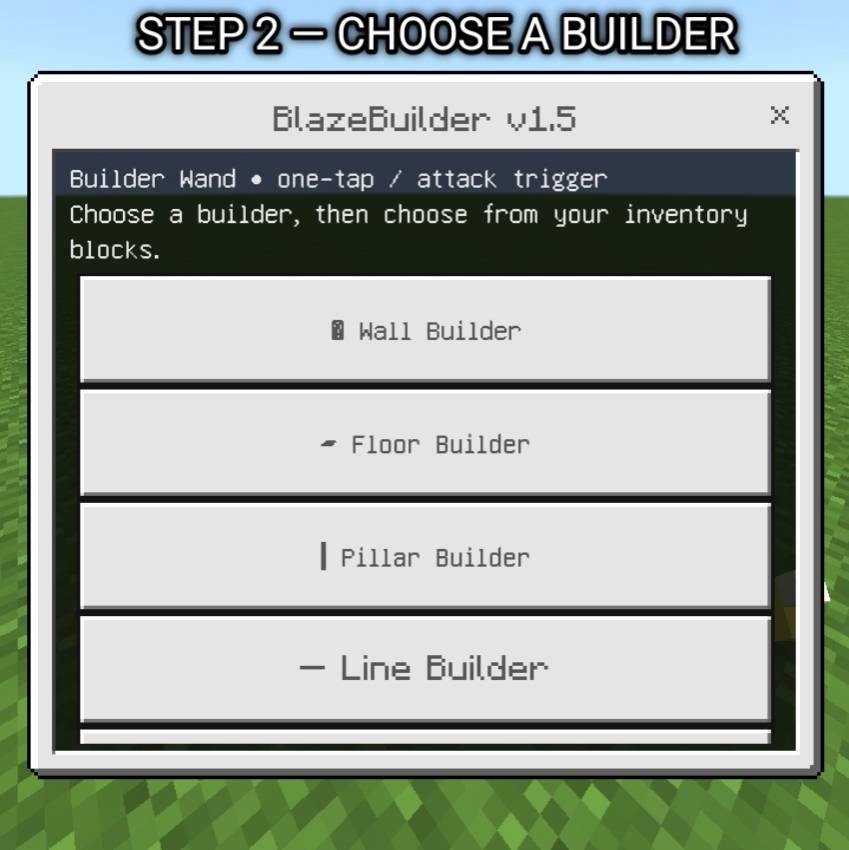
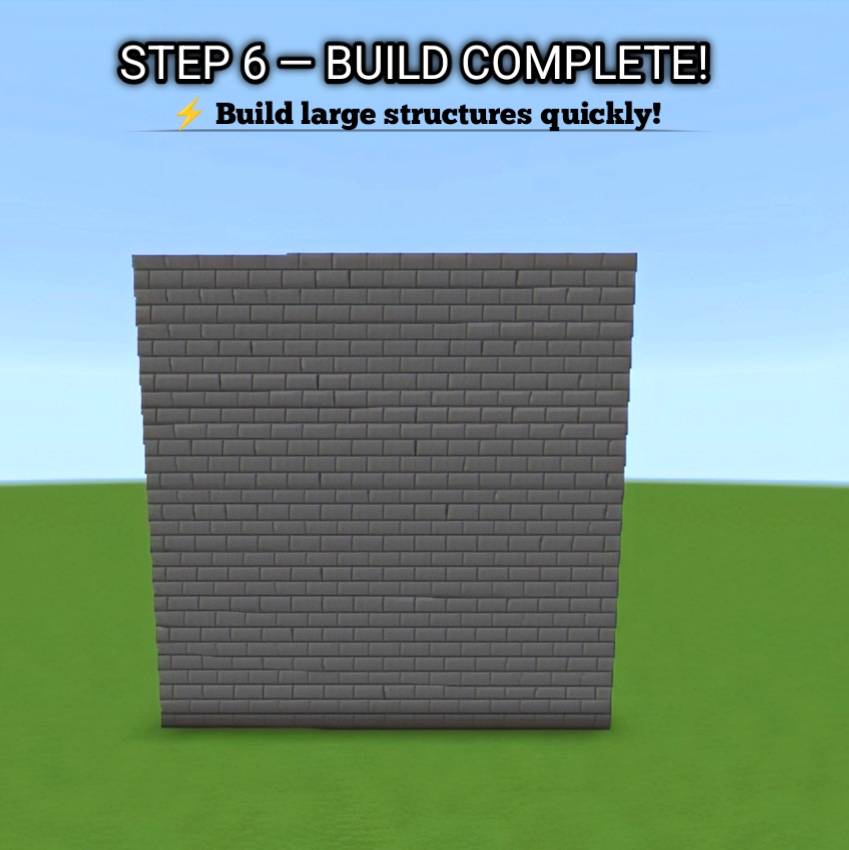
- 🧱 Wall Builder — Quickly create walls
- ▰ Floor Builder — Build large floors faster
- 🏛️ Pillar Builder — Create pillars with ease
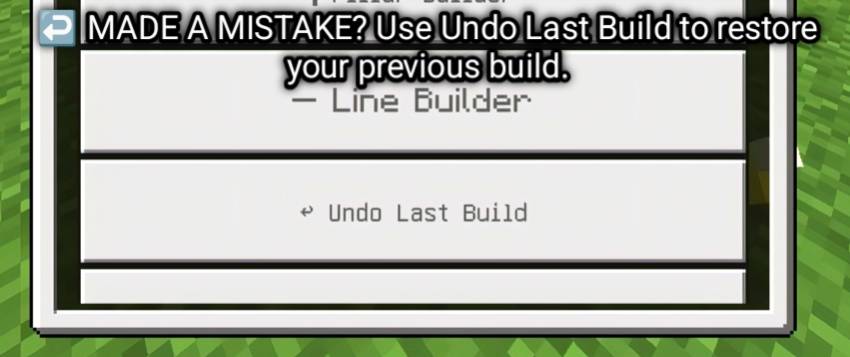
- ➖ Line Builder — Place blocks in straight lines
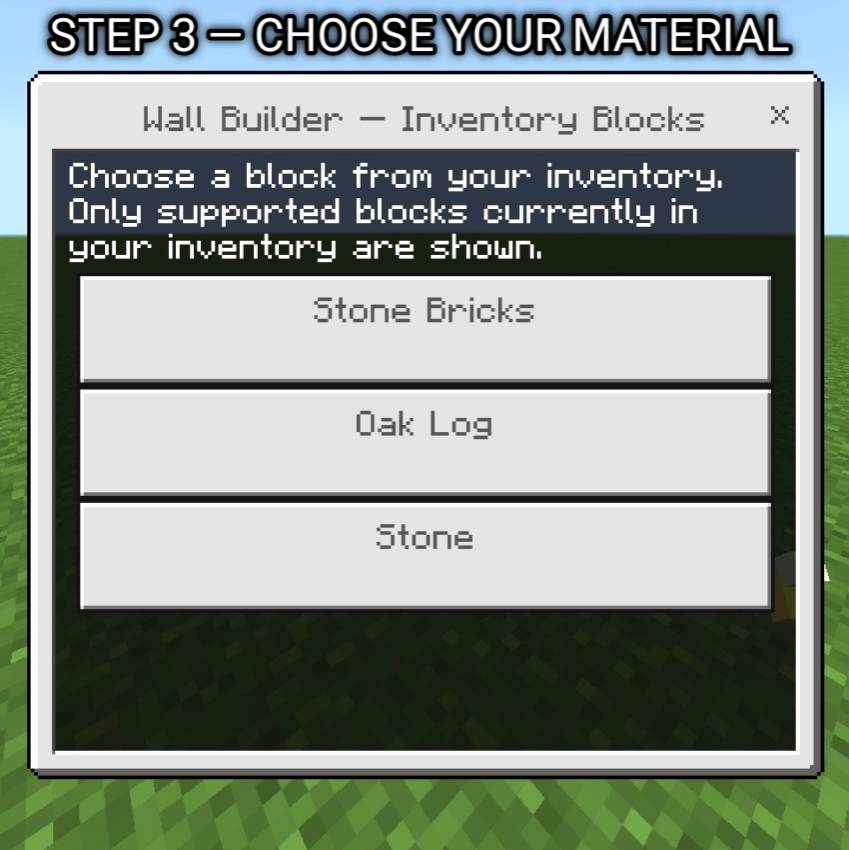
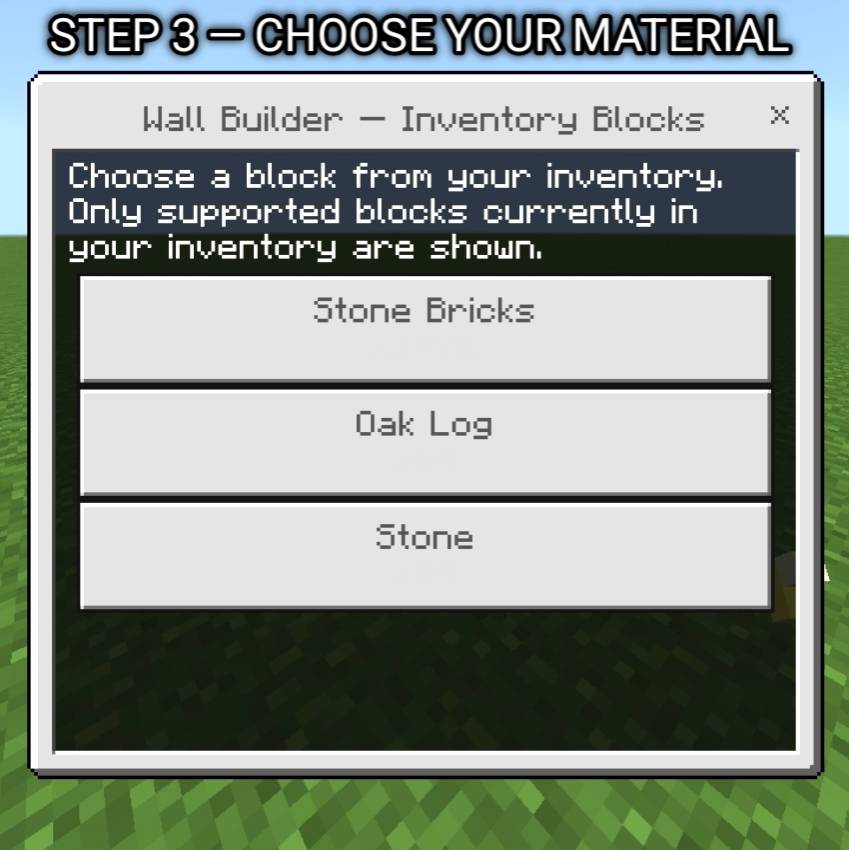
- 📦 Inventory-Based Building — Uses blocks from your inventory
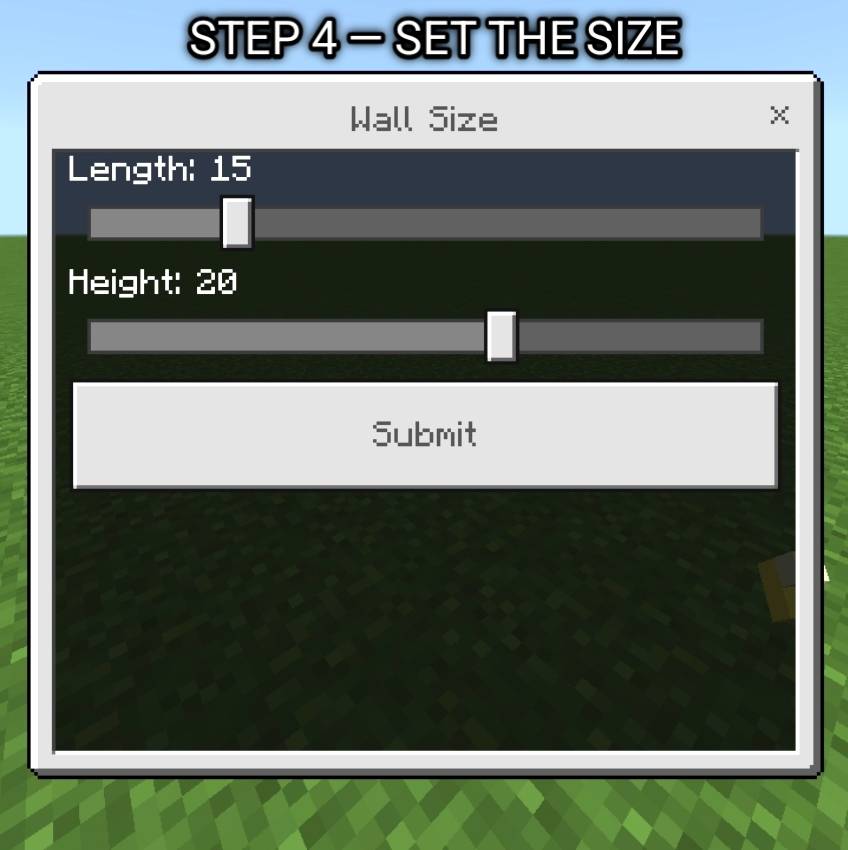
- 📏 Adjustable Dimensions — Control the size of your builds
- ⚡ Fast Building — Save time on repetitive block placement
- 🎮 Simple Controls — Easy to learn and use
- 🛠️ Survival-Friendly — Designed to work naturally with your available blocks
🎮 How To Use
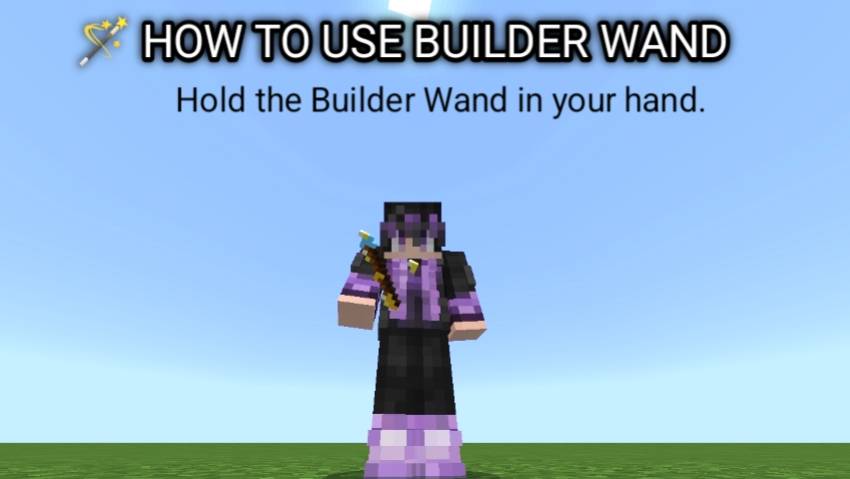
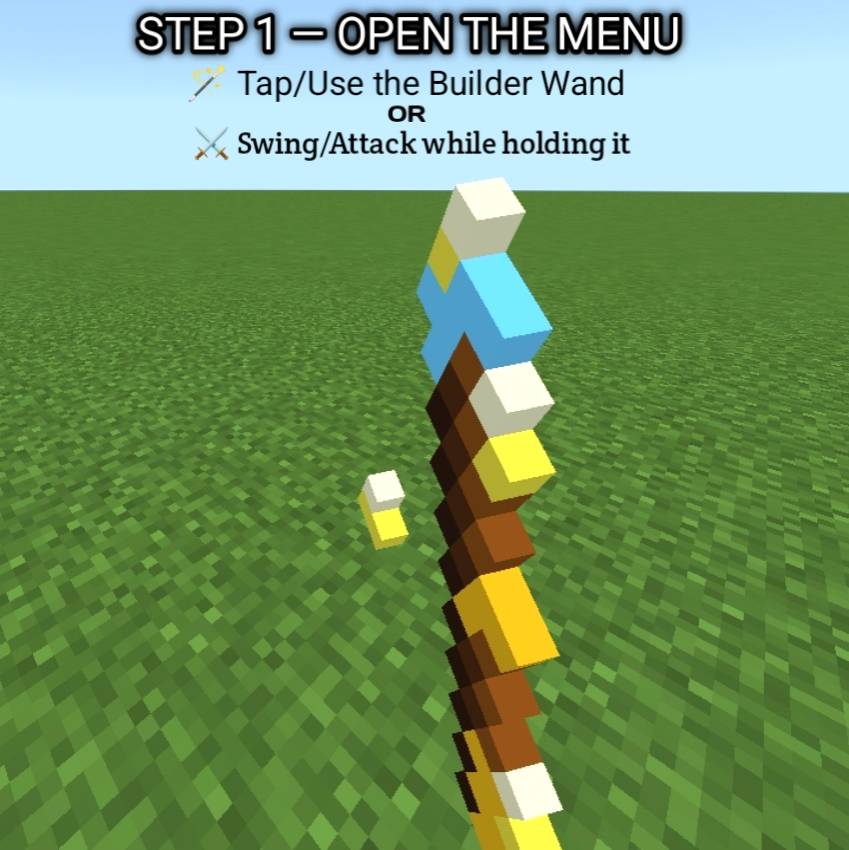
1. 📦 Get the BlazeBuilder Wand.
2. 🧱 Select the building mode you want.
3. 📏 Choose the required dimensions.
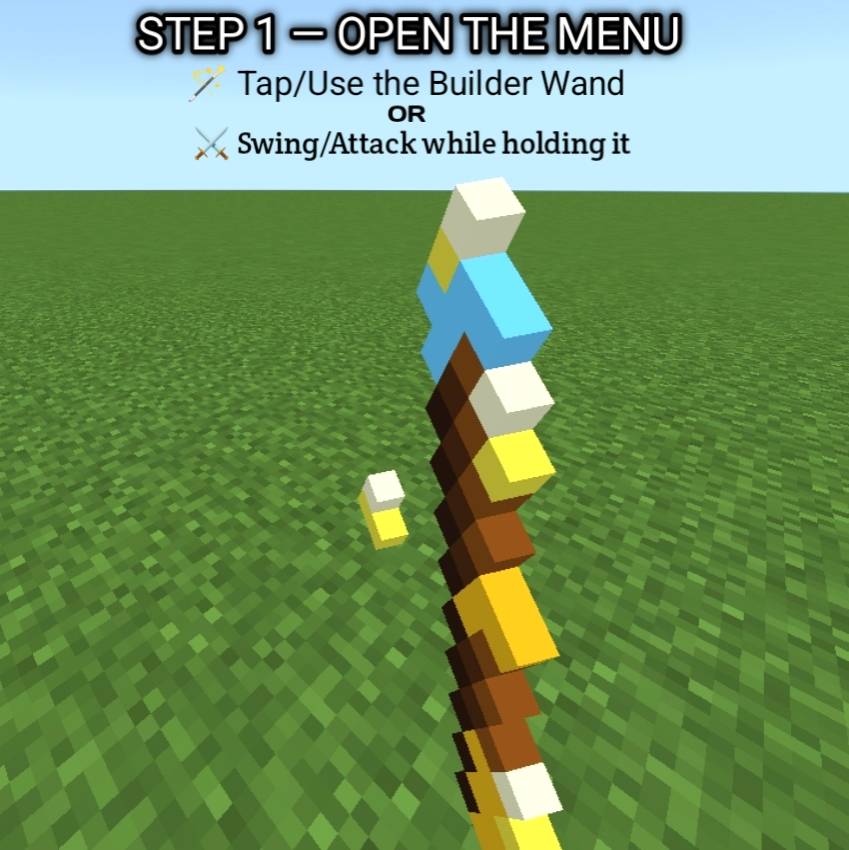
4. 🎯 Point the wand where you want to build.
5. ⚡ Activate the wand.
6. 📦 Required blocks are taken from your inventory.
7. 🏗️ Watch your structure build quickly!
💡 Perfect For
- 🏰 Large Minecraft builds
- 🏘️ Villages and cities
- 🛣️ Roads and paths
- 🏢 Modern buildings
- 🌉 Bridges
- 🧱 Walls and foundations
- 🎬 Minecraft build showcases
- 🌍 Survival and creative building
🎯 Why BlazeBuilder?
Stop placing hundreds of blocks one by one!
BlazeBuilder helps reduce repetitive building work while keeping the building process simple and Minecraft-friendly.
📌 Compatibility
🎮 Minecraft Bedrock Edition
🔧 Check the Files section for the supported Minecraft versions.
👑 Created By BlazeSlayer
🔥 BlazeBuilder — Build Faster. Build Bigger.
- Edition: Minecraft Bedrock
- File type: .mcpack or .mcaddon
- Minecraft versions listed: 26.0.02, 26.0, 26.3
- How to install: Download the .mcpack or .mcaddon file. → Open it — Minecraft imports it. → In your world: Behavior Packs → Available → Activate, then the same under Resource Packs.
- Where to get it: Opens on CurseForge — not every file is mirrored on our own servers.
Install steps are the general flow for this file type — How to install Minecraft Bedrock addons & mods walks through it step by step.
- Pack type: .mcaddon — behaviour and resource pack in one file
- Manifest requires Minecraft 1.26.44 or newer
- Complete pack — everything it depends on is inside the file
- Download size: 8 KB
- Download link checked 20 Oct 2026 — working
These come from our own check of the pack file, not from the source page.