Chest carrier_fs-here
Carry your chest anywhere with Chest Carrier! Store your items safely, move storage with ease, and explore your Minecraft world without leaving your…
⬇ Download on CurseForge
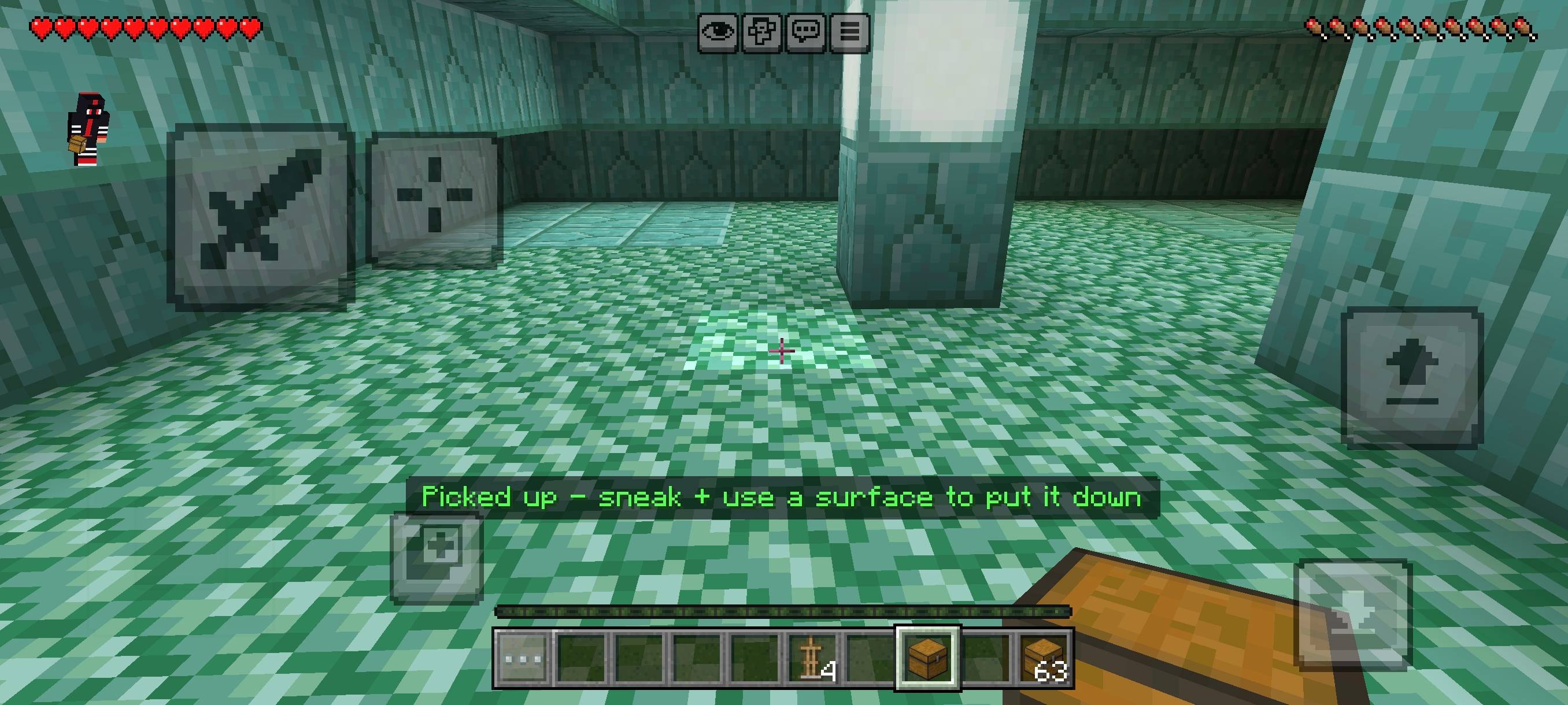
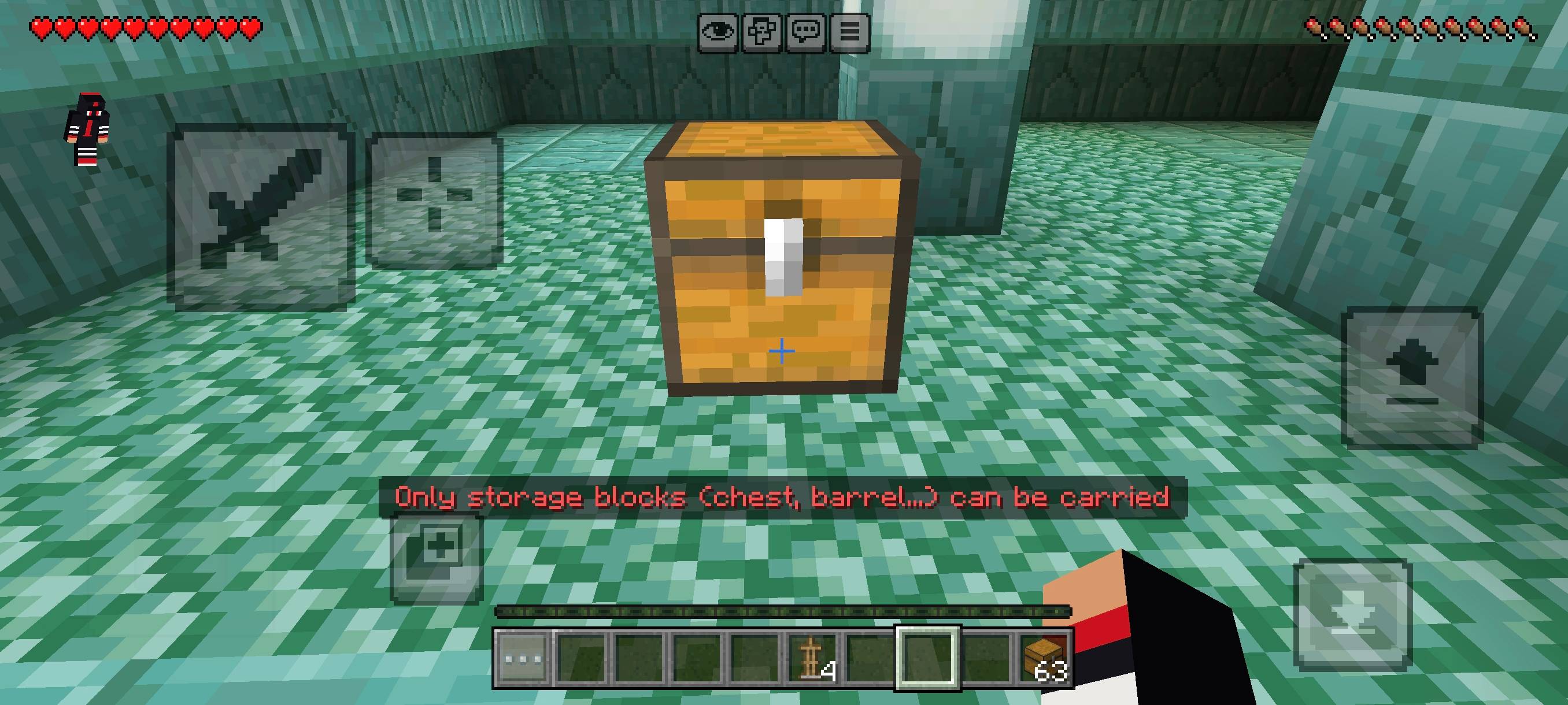
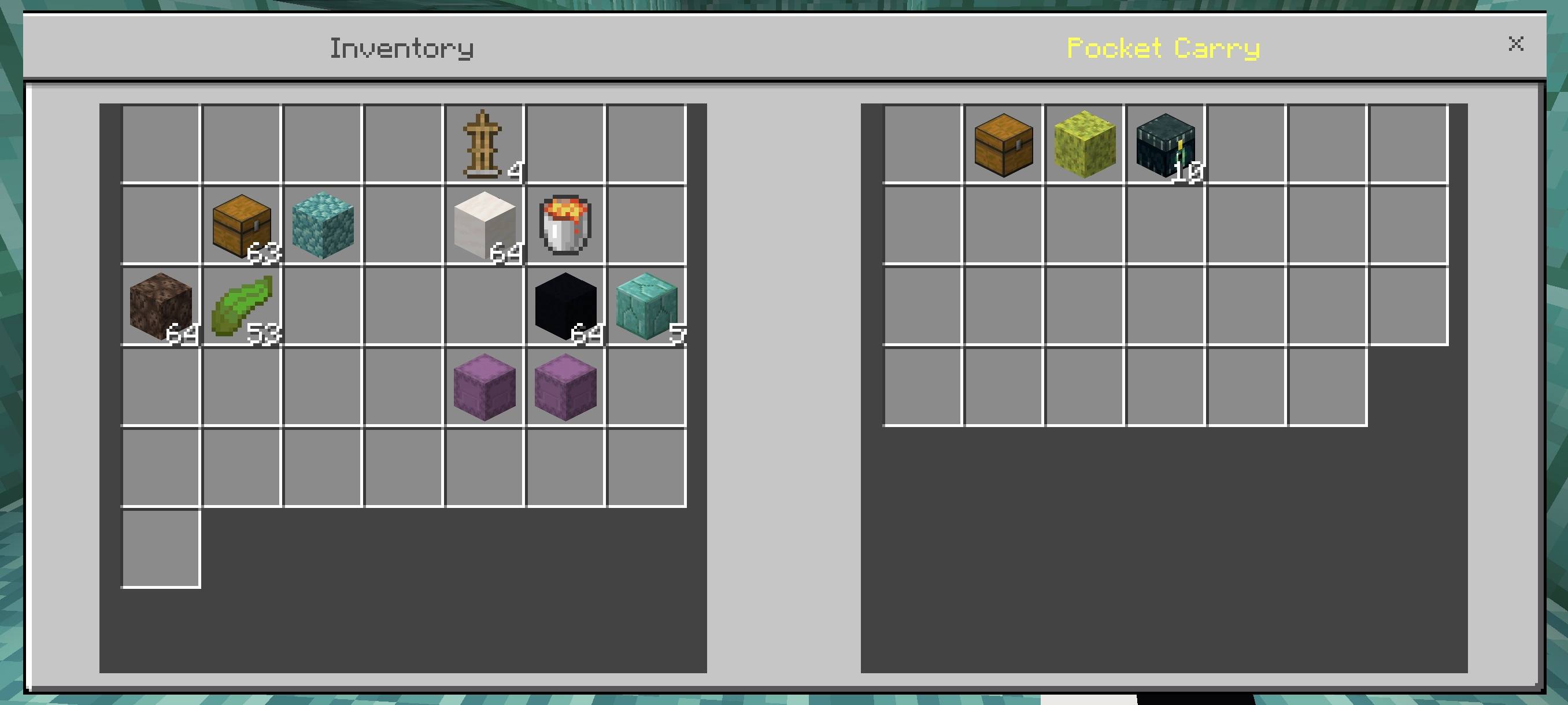
📦 CHEST CARRIERCarry your storage. Explore without limits! Chest Carrier is a Minecraft Bedrock addon that lets you transport your chest while exploring, mining, building and travelling. ✨ FEATURES📦 Portable Storage — Carry your storage with you. 🎮 HOW TO USEFill your chest with items, carry it with you and continue your adventure without leaving your supplies behind. Perfect for: ⛏️ Mining • 🌲 Exploration • 🏰 Building • 🏠 Base Moving • 🗺️ Travelling • 💎 Resource Collection 🔥 WHY CHEST CARRIER?Stop making repeated trips back to your base just to move storage. Chest Carrier keeps your supplies close and makes long adventures more convenient. 🌟 GREAT FORSurvival • Hardcore • Exploration • Mining • Building • Multiplayer • Adventure Maps • Content Creation 📌 IMPORTANTUse a compatible Minecraft Bedrock version. Always keep a world backup before installing or updating addons. 🖼️ IMAGE DISCLAIMERDisclaimer: Some promotional images, thumbnails, logos and previews may be AI-enhanced or digitally enhanced for presentation. Images may not exactly represent the in-game appearance. ⚠️ USAGE & CREDIT POLICYChest Carrier is created by @FS. ✅ You may use this addon in your maps, videos, worlds or projects only after receiving permission from @FS. ❌ No reuploading or redistribution without permission. 📜 PERMISSION REQUIREDWant to use Chest Carrier in your map, video, showcase or public project? Contact @FS and get permission BEFORE using it. Required Credit: @FS Reuploading is NOT allowed without explicit permission from @FS. 📦 CHEST CARRIER Carry your storage • Keep exploring • Keep building Created by @FS |
- Edition: Minecraft Bedrock
- File type: .mcpack or .mcaddon
- Minecraft versions listed: 26.12, 26.20, 26.13
- How to install: Download the .mcpack or .mcaddon file. → Open it — Minecraft imports it. → In your world: Behavior Packs → Available → Activate, then the same under Resource Packs.
- Where to get it: Opens on CurseForge — not every file is mirrored on our own servers.
Install steps are the general flow for this file type — How to install Minecraft Bedrock addons & mods walks through it step by step.
- Pack type: .mcpack — a single pack
- Manifest requires Minecraft 1.26.40 or newer
- Complete pack — everything it depends on is inside the file
- Download size: 5 KB
- Download link checked 10 Sept 2026 — working
These come from our own check of the pack file, not from the source page.