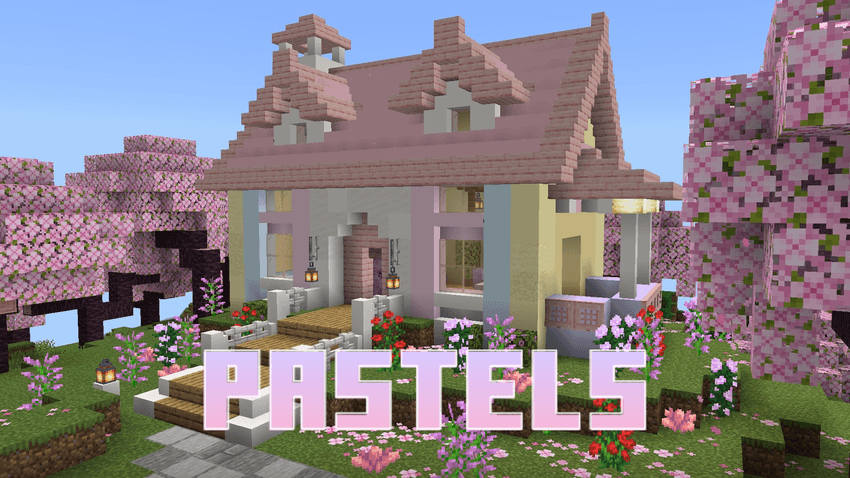
ADDON DEVELOPED BY XavierEmeralds
────────────────────────────
PASTELS
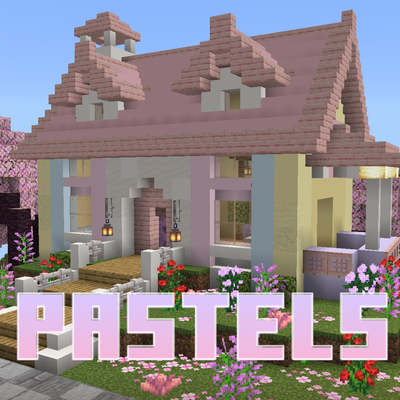
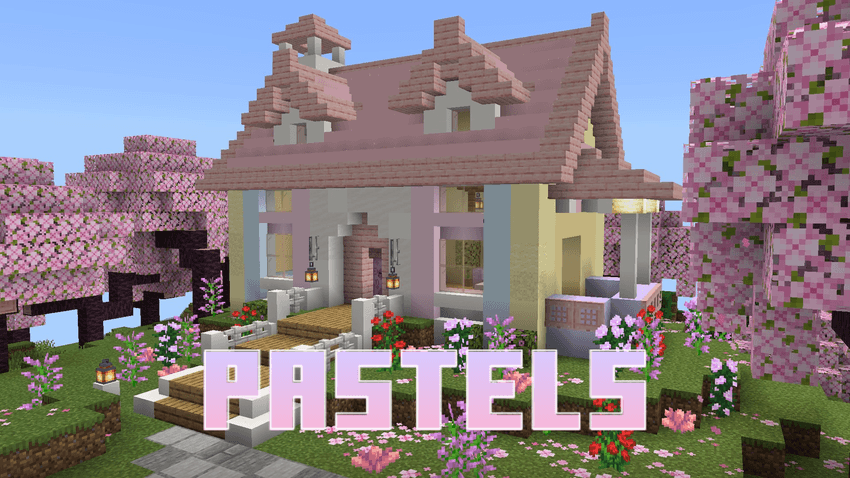
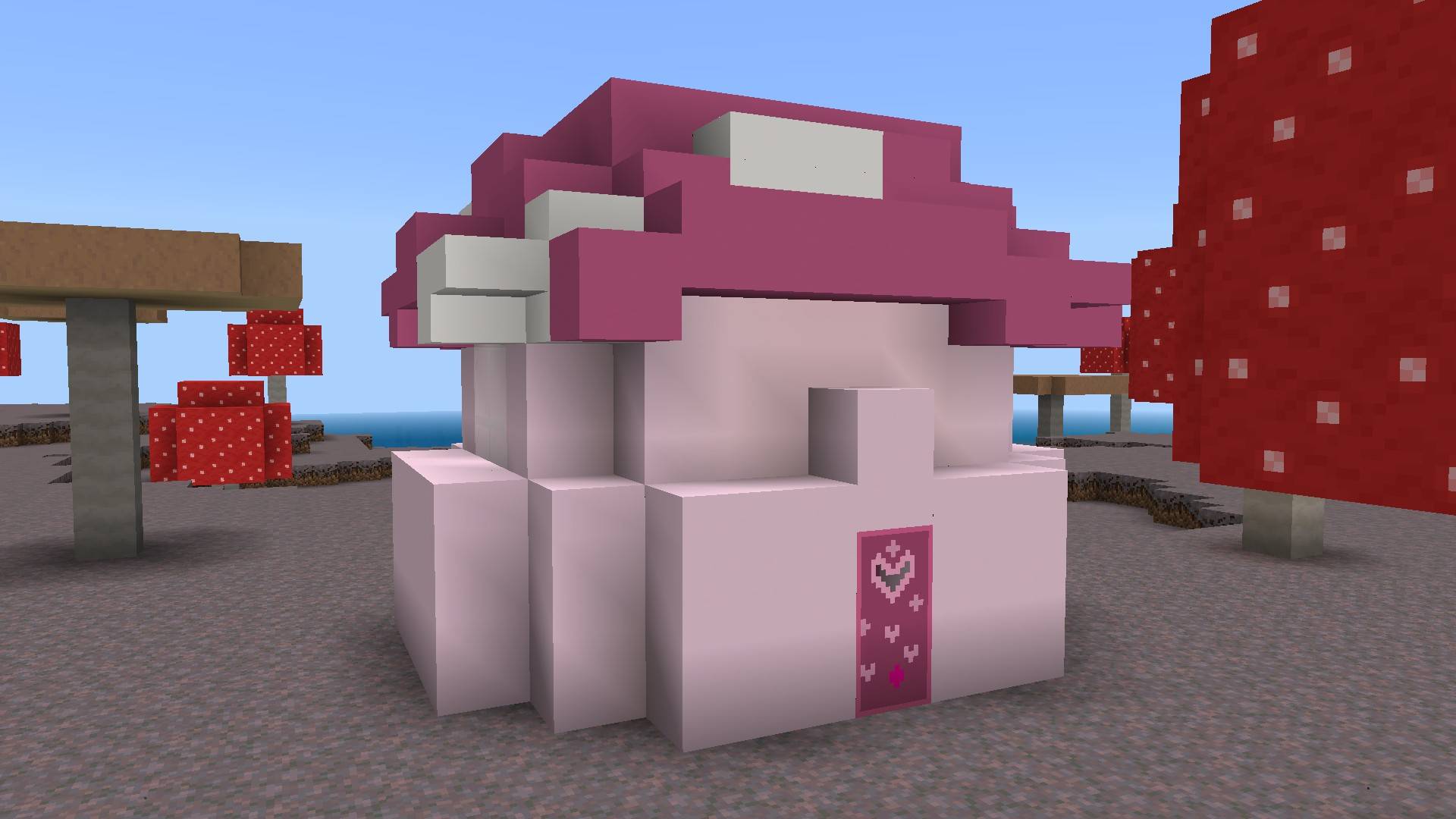
Bring a softer side to Minecraft with 200+ new blocks and items, all built around a carefully designed palette of 16 pastel colors.
WHAT IS PASTELS?
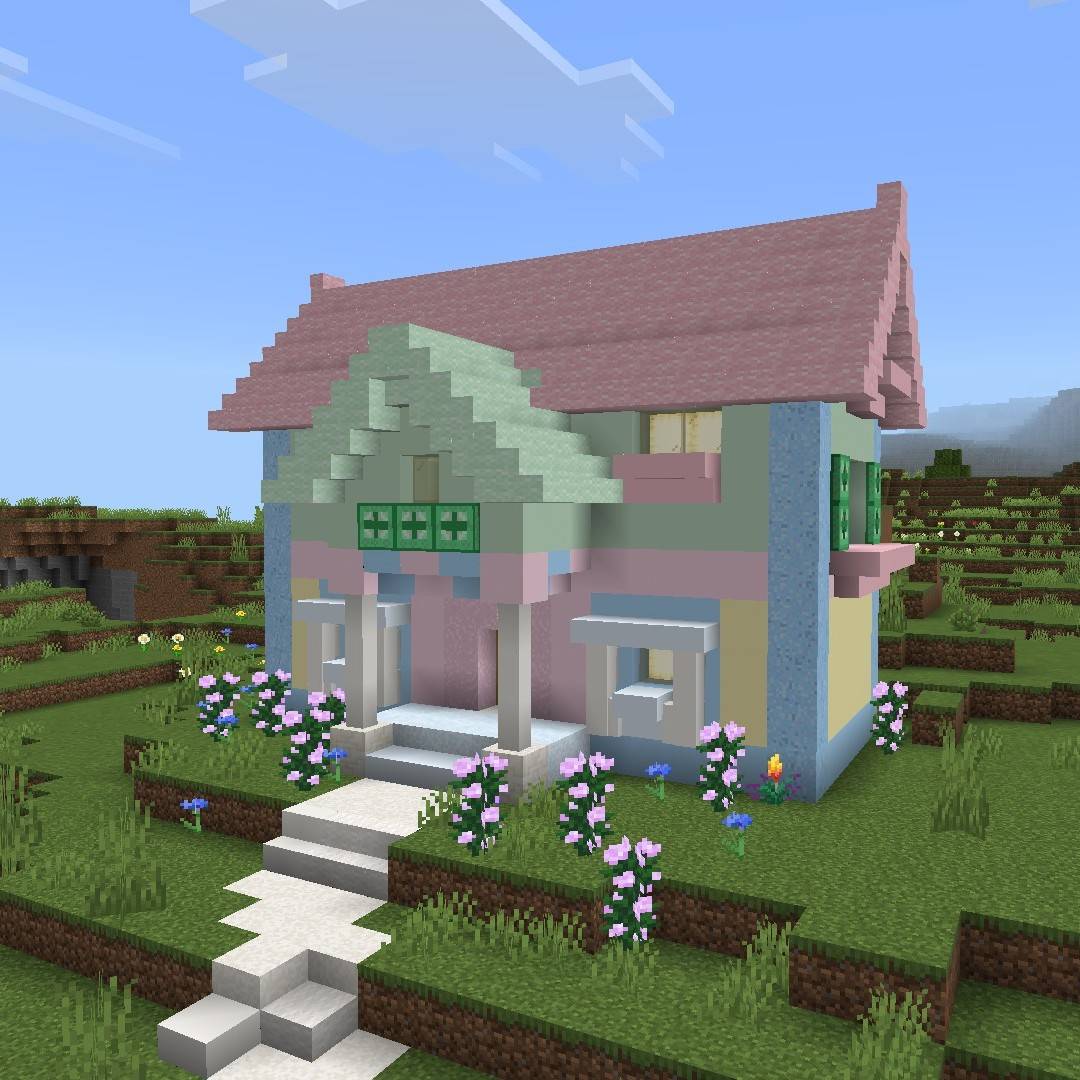
Pastels adds a wide variety of colorful building blocks and items to Minecraft while keeping the look and feel of vanilla Minecraft. The goal is simple: give you more ways to build with soft, coordinated colors without replacing the blocks you already know.
With 200+ blocks and items across 16 different pastel colors, Pastels gives you plenty of options for everything from cozy houses and colorful shops to gardens, paths, and larger builds.
THE PALETTE
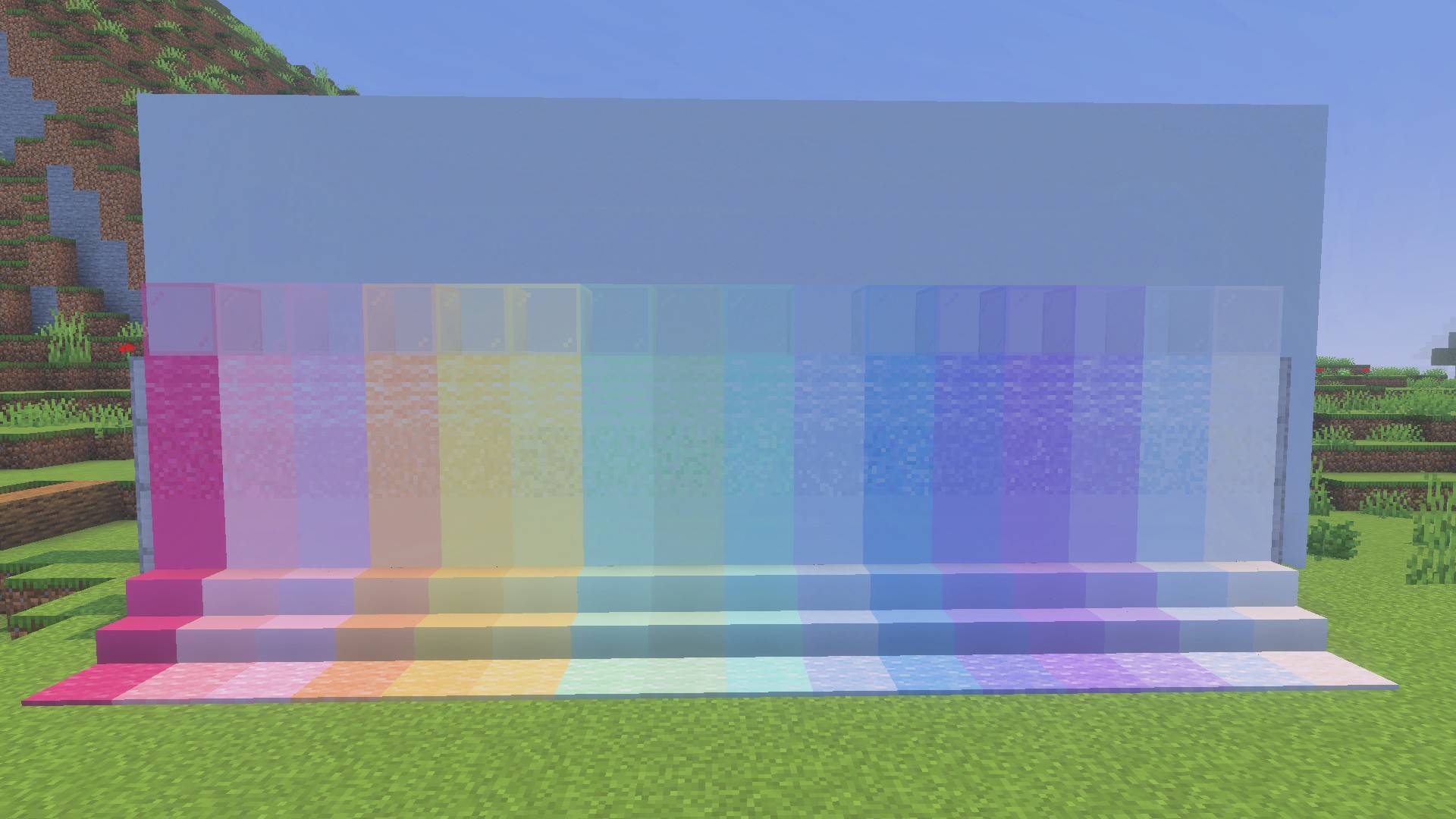
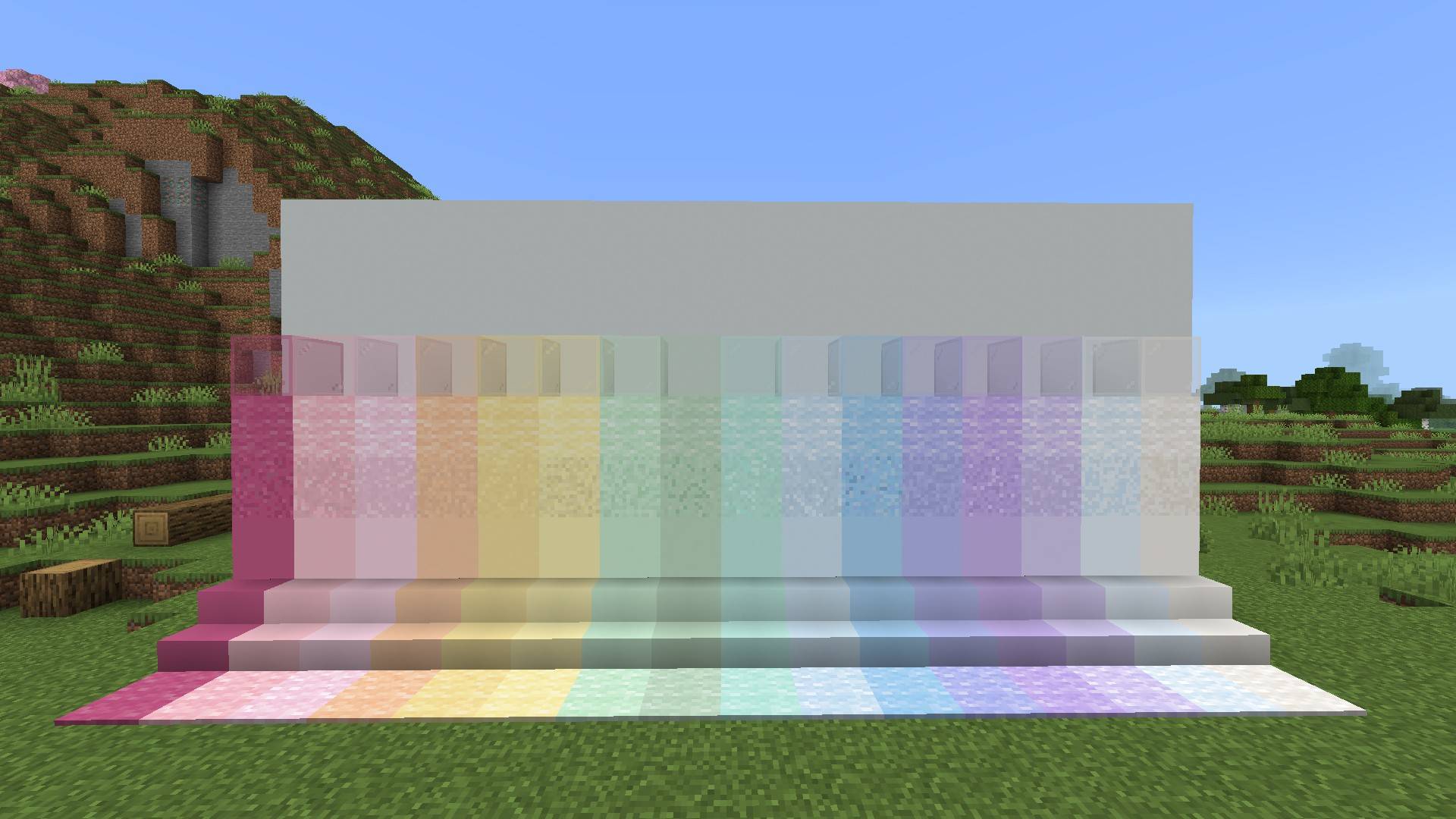
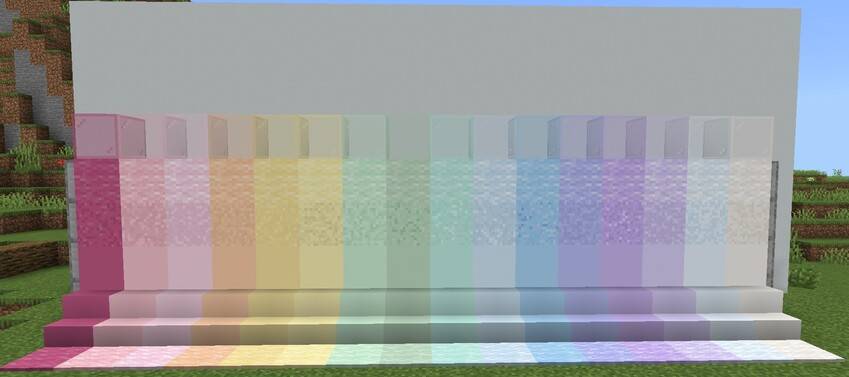
Pastels features a carefully designed palette of 16 colors, made to work well together and give your builds a consistent pastel look.
Rose Milk • Blush • Cotton Candy • Buttercream • Lemonpuff • Mint • Pistachio • Baby Blue • Cloud Blue • Cloud Cream • Seafoam • Lilac • Lavender • Peach Cream • Periwinkle • Powder Blue
WHAT'S INCLUDED?
Pastels currently includes:
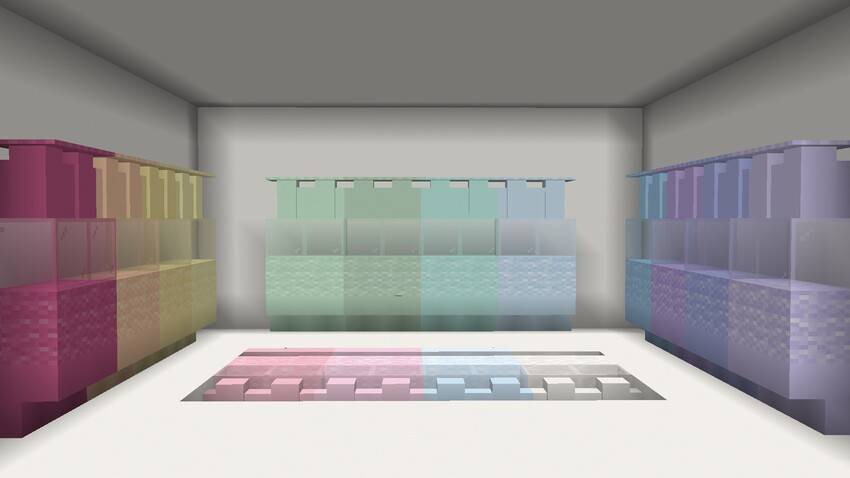
- 16 pastel concrete and concrete stairs, slabs, and walls
- 16 pastel wool and wool stairs, slabs, and carpets
- Stained glass and stained glass panes
- Doors and trapdoors
- Additional decorative blocks and items
- And more
MADE FOR VANILLA MINECRAFT
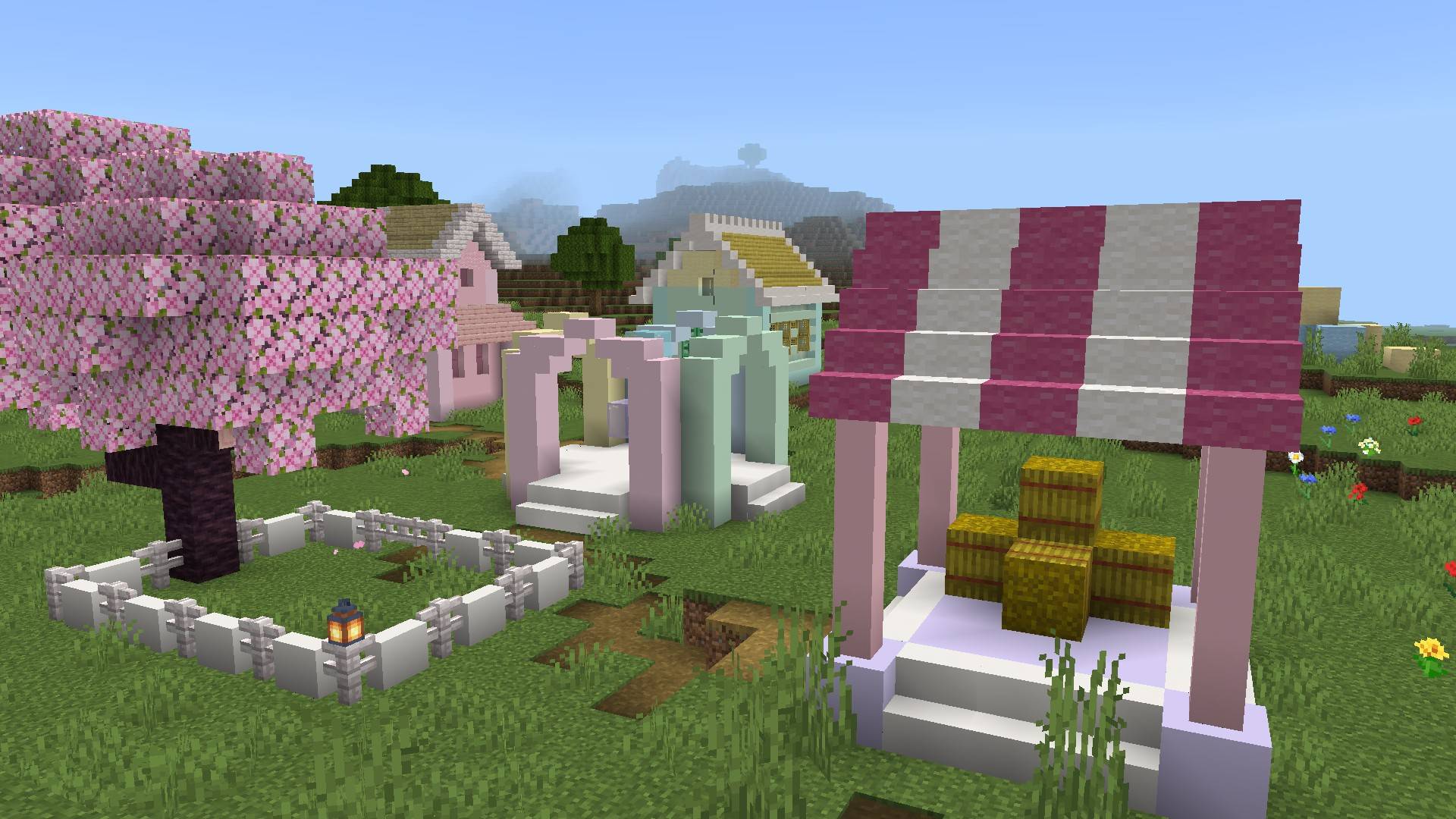
Pastels is designed to work alongside vanilla Minecraft, not replace it. Mix Pastels blocks with the materials already in the game to create colorful builds while keeping the familiar Minecraft style.
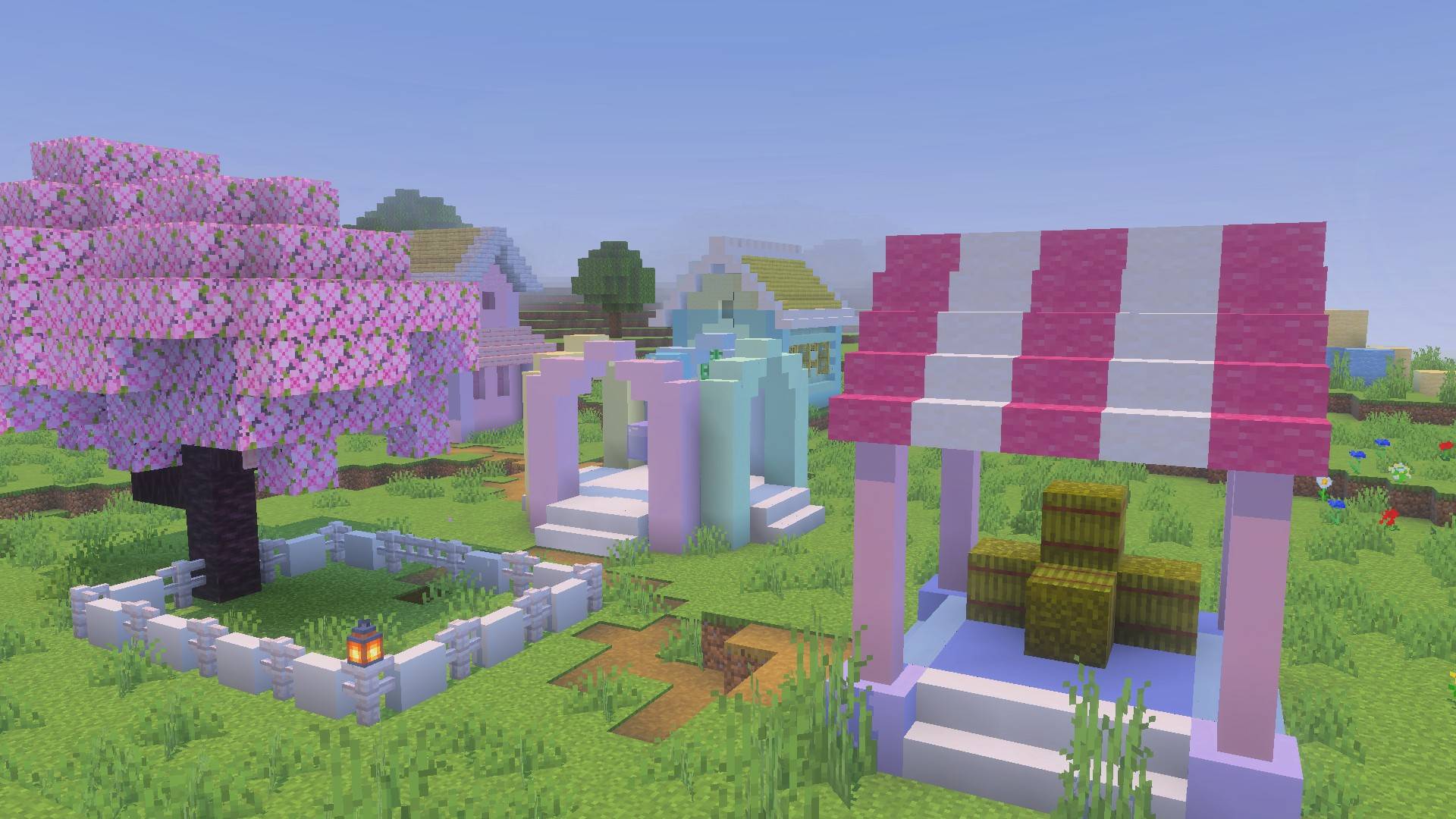
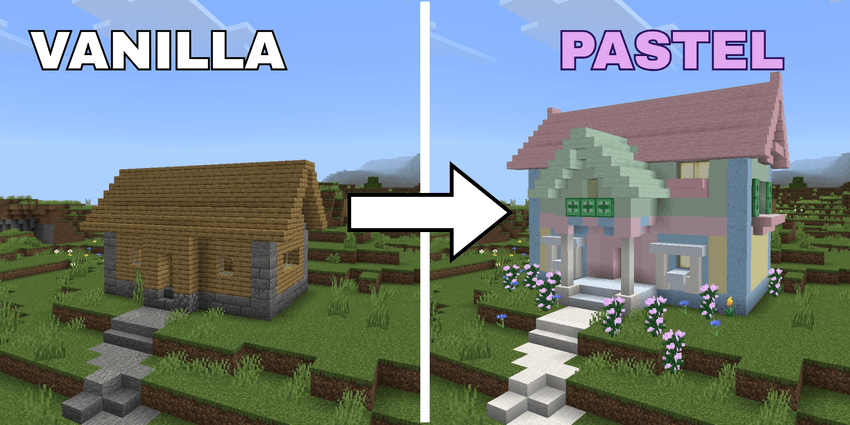 Vanilla Minecraft → Pastels
BUILD YOUR WAY
Use the pastel palette however you want. Keep things soft and subtle, mix several colors together, or use a few pastel blocks as accents in an otherwise vanilla build.
VIBRANT VISUALS
Pastels also looks great with Minecraft's Vibrant Visuals, bringing out the colors and details of the blocks through improved lighting and shadows.
INSTALLATION
- Download the addon.
- Import the
.mcaddonfile into Minecraft. - Activate the pack on your world.
- Activate Beta APIs and Upcoming Creator Features in the Experiments tab
- Start building!
CREDITS
Pastels
Developed by XavierEmeralds
- Edition: Minecraft Bedrock
- File type: .mcpack or .mcaddon
- Minecraft versions listed: 26.30, 26.40
- How to install: Download the .mcpack or .mcaddon file. → Open it — Minecraft imports it. → In your world: Behavior Packs → Available → Activate, then the same under Resource Packs.
- Where to get it: Opens on CurseForge — not every file is mirrored on our own servers.
Install steps are the general flow for this file type — How to install Minecraft Bedrock addons & mods walks through it step by step.
- Pack type: .mcaddon — behaviour and resource pack in one file
- Manifest requires Minecraft 1.12.32 or newer
- Complete pack — everything it depends on is inside the file
- Download size: 1.8 MB
- Download link checked 10 Sept 2026 — working
These come from our own check of the pack file, not from the source page.