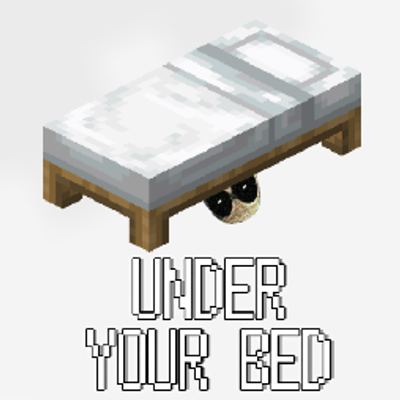
Under Your Bed
Bedrock add-on listed for Minecraft 26.x (behavior pack only). Installs from the MC Bedrock Mods app on Android.
• FULL MOBLIE GUIDE  PC, MOBLIE, & CONSOLE CONTROLS PC — Hold Shift (sneak) + Right-click the bed Mobile (touch controls) — Tap the sneak button…
⬇ Download on CurseForge• FULL MOBLIE GUIDE

PC, MOBLIE, & CONSOLE CONTROLS
PC — Hold Shift (sneak) + Right-click the bed
Mobile (touch controls) — Tap the sneak button (bottom-left, looks like a crouching icon) to toggle sneaking on, then tap the bed
Console (Xbox/PlayStation/Switch) — Hold the sneak button (LT/L2 by default, unless you've remapped it) + press the interact button (RT/R2) on the bed
And to exit: just jump (Space on PC, the jump button on mobile, A/X on controller) — no need to hold sneak for that part, just a single tap.
To change postion, stare infront facing the bed to change postions.
- Edition: Minecraft Bedrock
- File type: .mcpack or .mcaddon
- Minecraft versions listed: 26.0.02, 26.0, 26.3
- How to install: Download the .mcpack or .mcaddon file. → Open it — Minecraft imports it. → In your world: Behavior Packs → Available → Activate, then the same under Resource Packs.
- Where to get it: Opens on CurseForge — not every file is mirrored on our own servers.
Install steps are the general flow for this file type — How to install Minecraft Bedrock addons & mods walks through it step by step.
- Pack type: .mcaddon
- Manifest requires Minecraft 1.26.0 or newer
- Ships one half — this pack asks for another pack that is not included
- Download size: 34 KB
- Download link checked 29 Sept 2026 — working
These come from our own check of the pack file, not from the source page.