ModsJava
Remote Control Redstone Mod (1.21.1) – Drive Vehicles and Run Machines
Java mod listed for Minecraft 1.21. Downloads from the MC Java Mods app on Android.
⬇ Download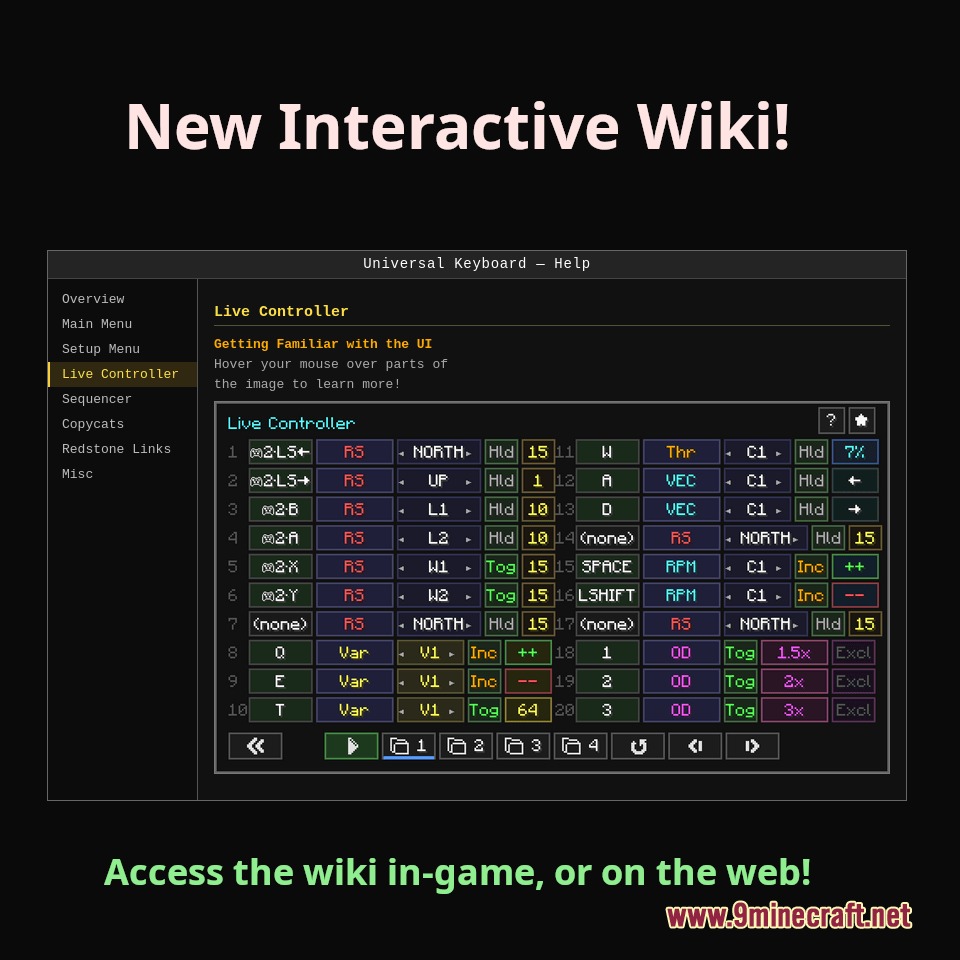
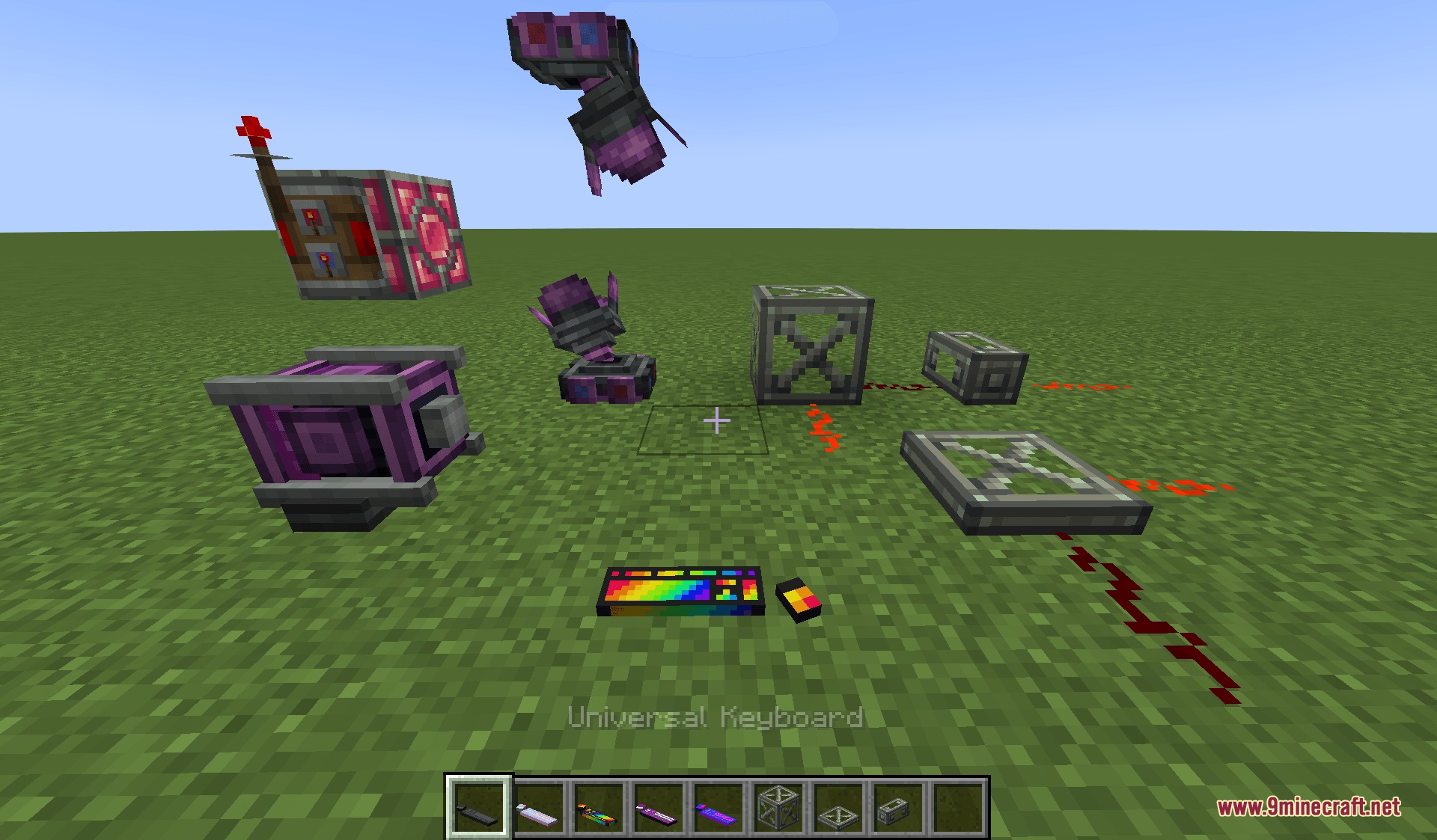
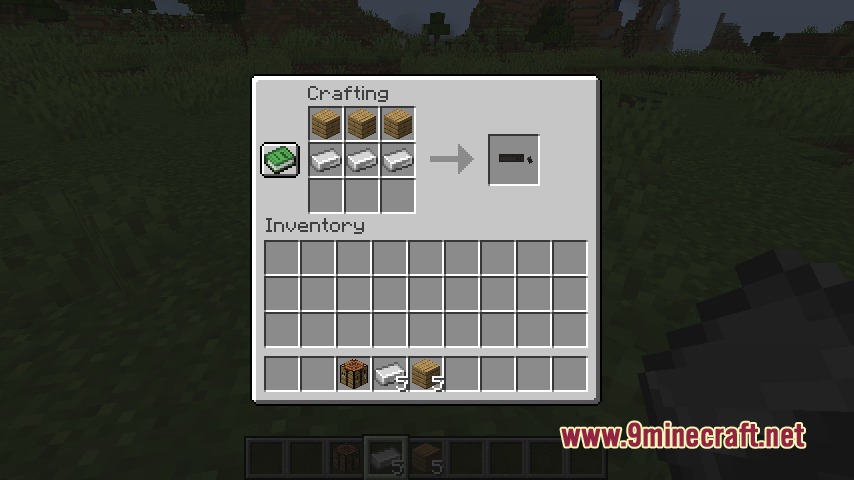
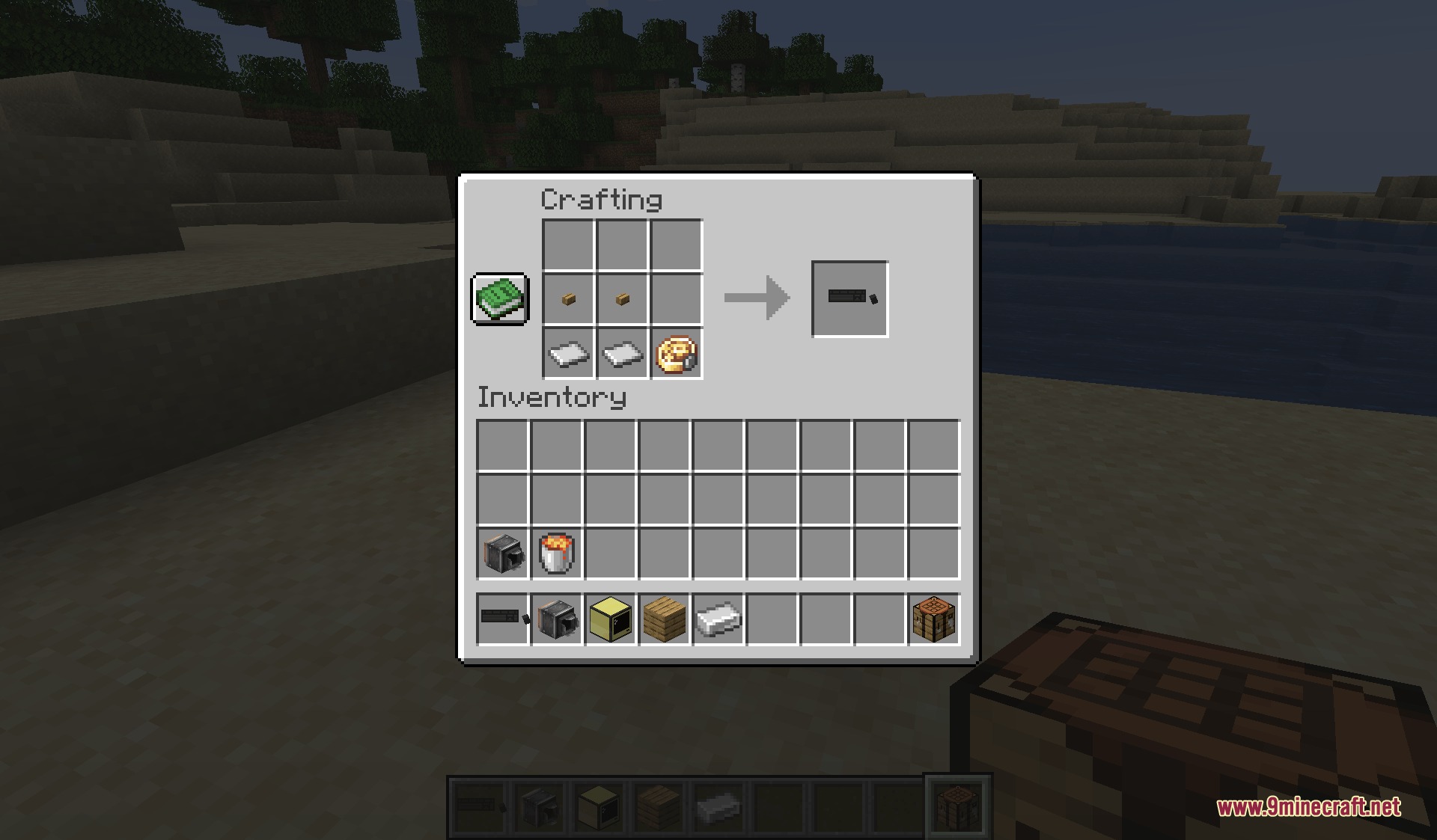
Remote Control Redstone Mod gives you advanced keyboard and gamepad controls for wireless redstone systems and connected peripherals. It lets you pilot custom vehicles and operate complex machinery without needing to write Lua scripts. You can adjust power levels, toggle switches, or use joysticks and racing wheels directly inside the game. The mod also connects with popular tech addons to display live information and manage mechanical settings on the fly.
Features:
- Allows you to manage redstone power levels and toggle signals with simple key presses.
- Supports GLFW-compatible gamepads, racing wheels, and joystick setups for vehicle handling.
- Visual sequencer mode lets you build automated control scripts and PID loops.
- Connects directly with CC: Tweaked peripherals to read values and run commands remotely.
- Links with Create mod components such as Redstone Links and rotation speed controllers.
- Displays instrument readings and custom text on dashboard screens and control wheels.
- Overdrive mode lets you multiply signal changes and set custom speed ratios across control rows.
- Includes custom decorative keyboards, control wheels, and dashboard blocks.
- Includes an interactive in-game guide book to look up controls and wiring setups.
How to Use:
- Place a Universal Keyboard, Control Wheel, or Dashboard block in your build.
- Use a Linking Stick or press Shift + Right-Click on a supported machine block to pair it with your controller.
- Press Left-Alt during live control mode to lock your camera and use your mouse as a joystick.
- Switch to Sequencer mode if you want to set automated triggers and custom display lines.
Screenshots:
Remote Control Redstone Mod Download Links
Quick facts
- Edition: Minecraft Java
- File type: .jar
- Minecraft version listed: 1.21.1
- How to install: Install the matching mod loader (Forge, Fabric or NeoForge) for your Minecraft version. → Download the .jar. → Put it in the .minecraft/mods folder and launch that loader profile.
- Where to get it: In MC Java Mods, or directly above on this page.
Install steps are the general flow for this file type — How to install Minecraft Java mods & modpacks walks through it step by step.
File checked by MCModsHub
- Downloads as 507763.mcaddon
- Download size: 818 KB
- Download link checked 25 Sept 2026 — working
- Mirrored on our own servers — the download does not depend on the original host
These come from our own check of the pack file, not from the source page.