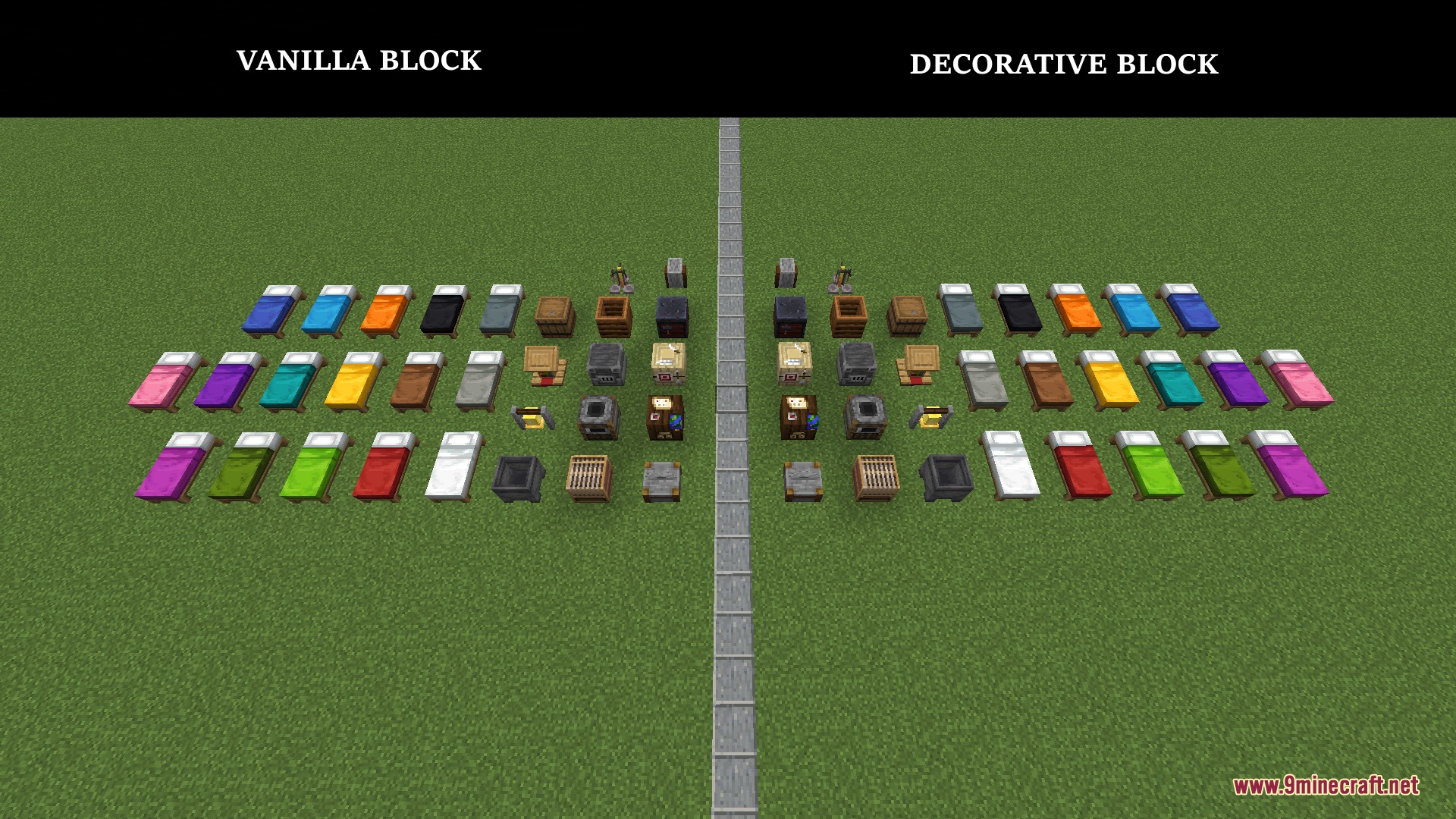
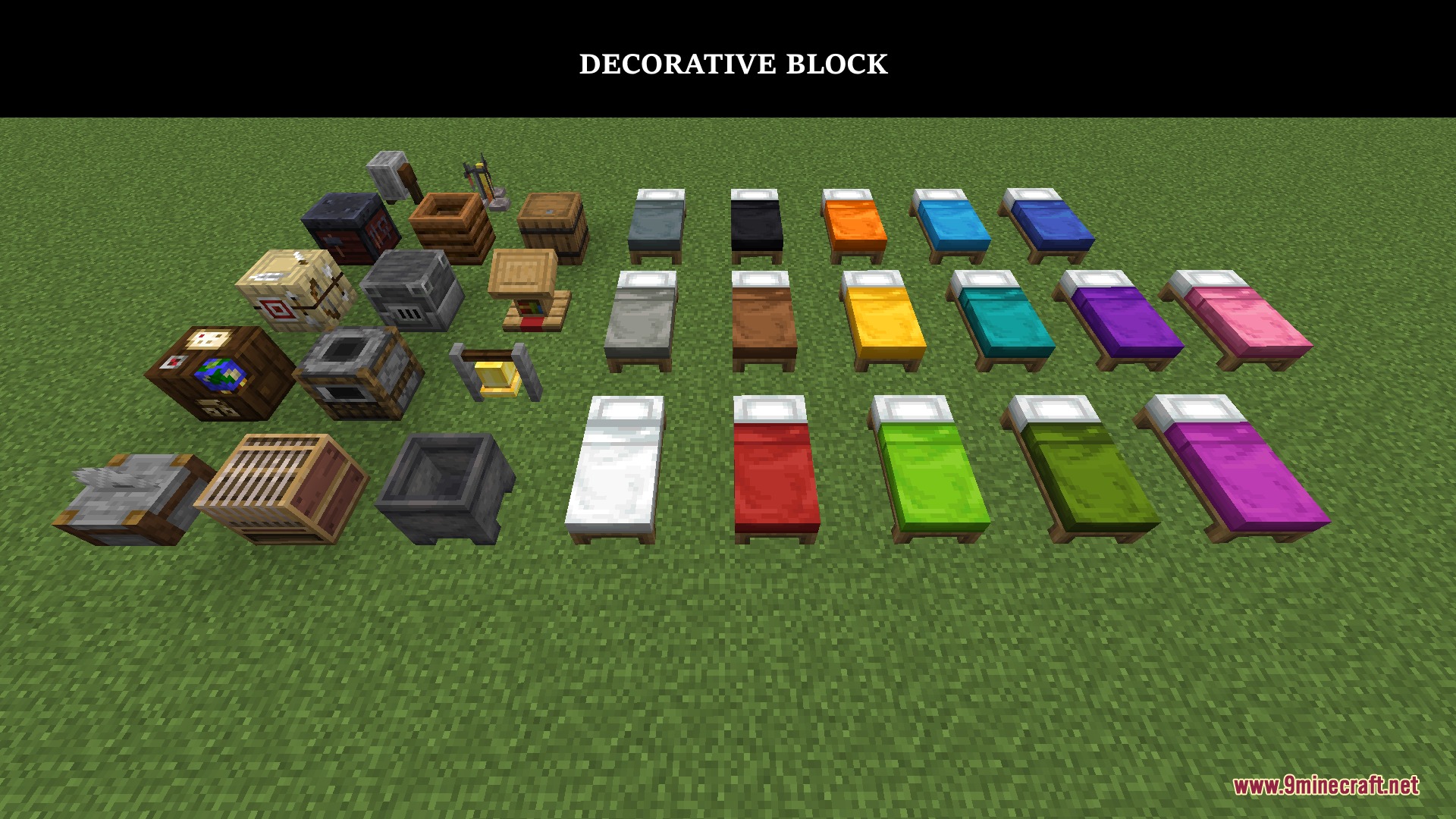
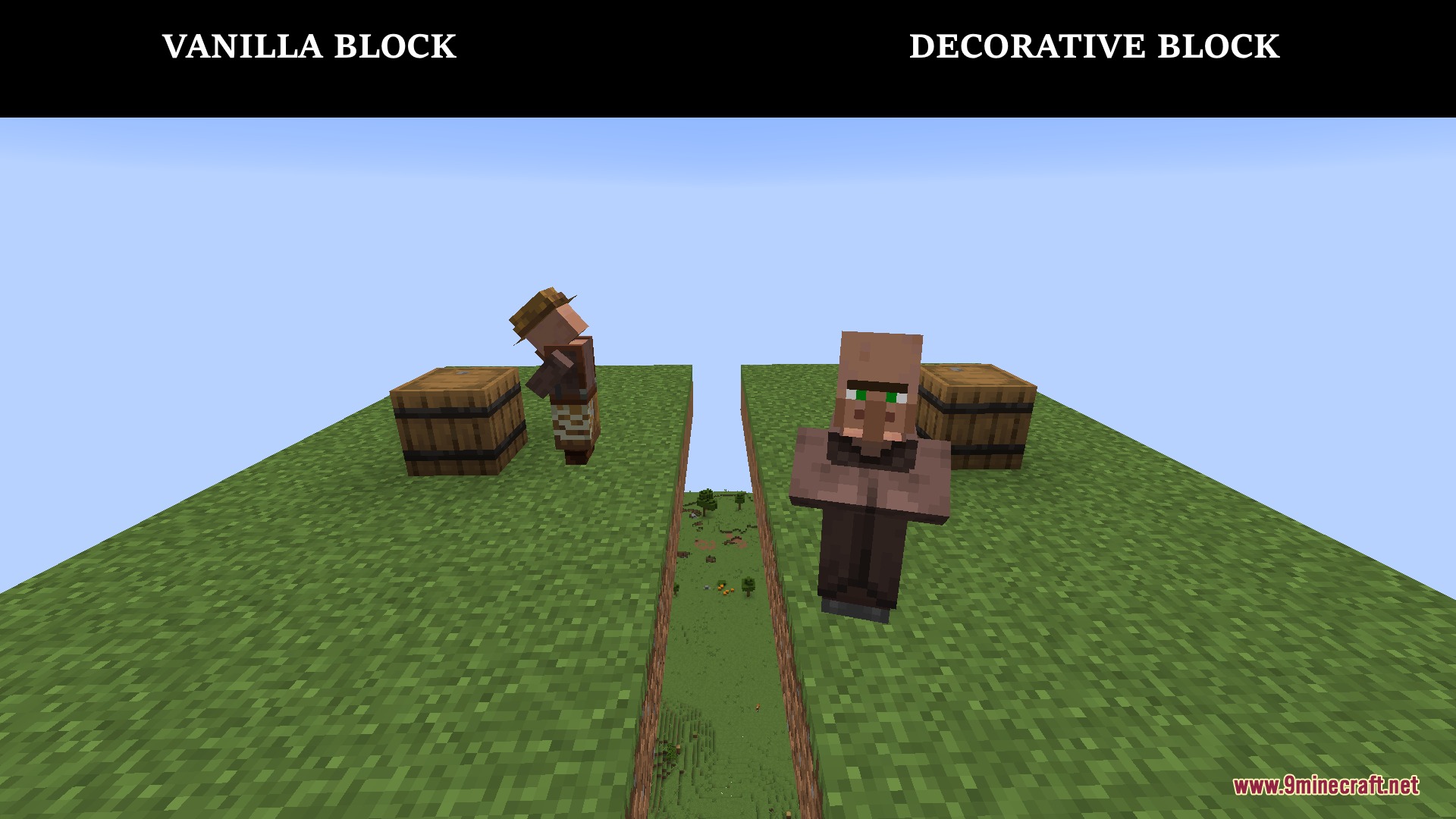
Hollow Artisan Decor Mod adds decorative copies of vanilla job blocks, beds, and bells that do not attract villagers. Normal workstations often cause villagers to claim unwanted jobs or crowd around tavern builds. This mod solves that problem by keeping the exact same vanilla look while stripping away all inventories, villager job tracking, and sleeping mechanics. You can now detail markets, docks, and inns freely while keeping full control over your town setups.
Features:
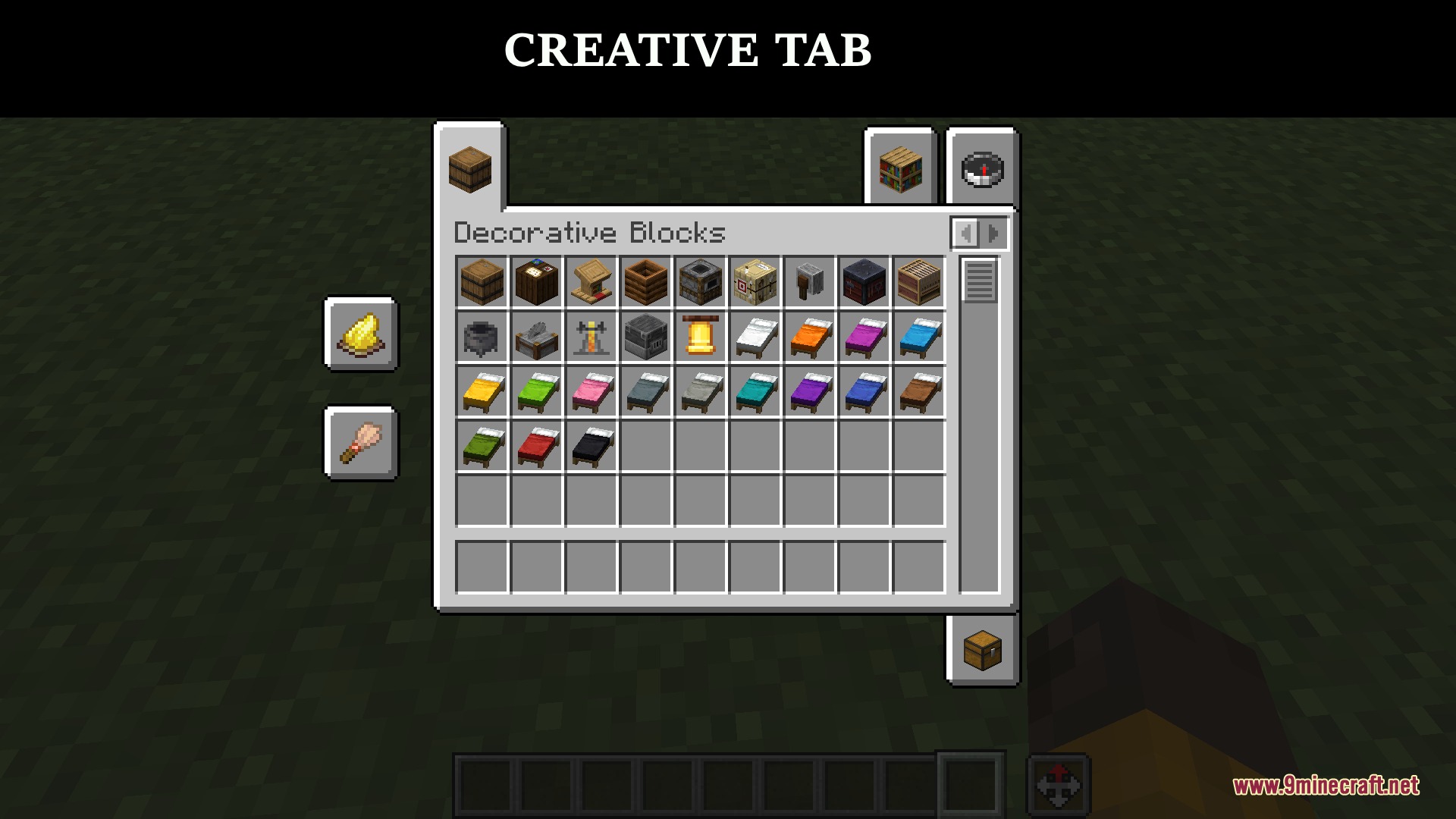
- Fake Job Blocks: Adds decorative versions of all vanilla workstations like barrels, blast furnaces, cauldrons, and grindstones.
- Full Bed Collection: Includes all sixteen bed colors that work as simple furniture without letting players or mobs sleep in them.
- No Villager Tracking: Removes villager AI detection and points of interest so villagers never claim decorative blocks.
- Keeps vanilla hitboxes, block models, collision boxes, and breaking sounds.
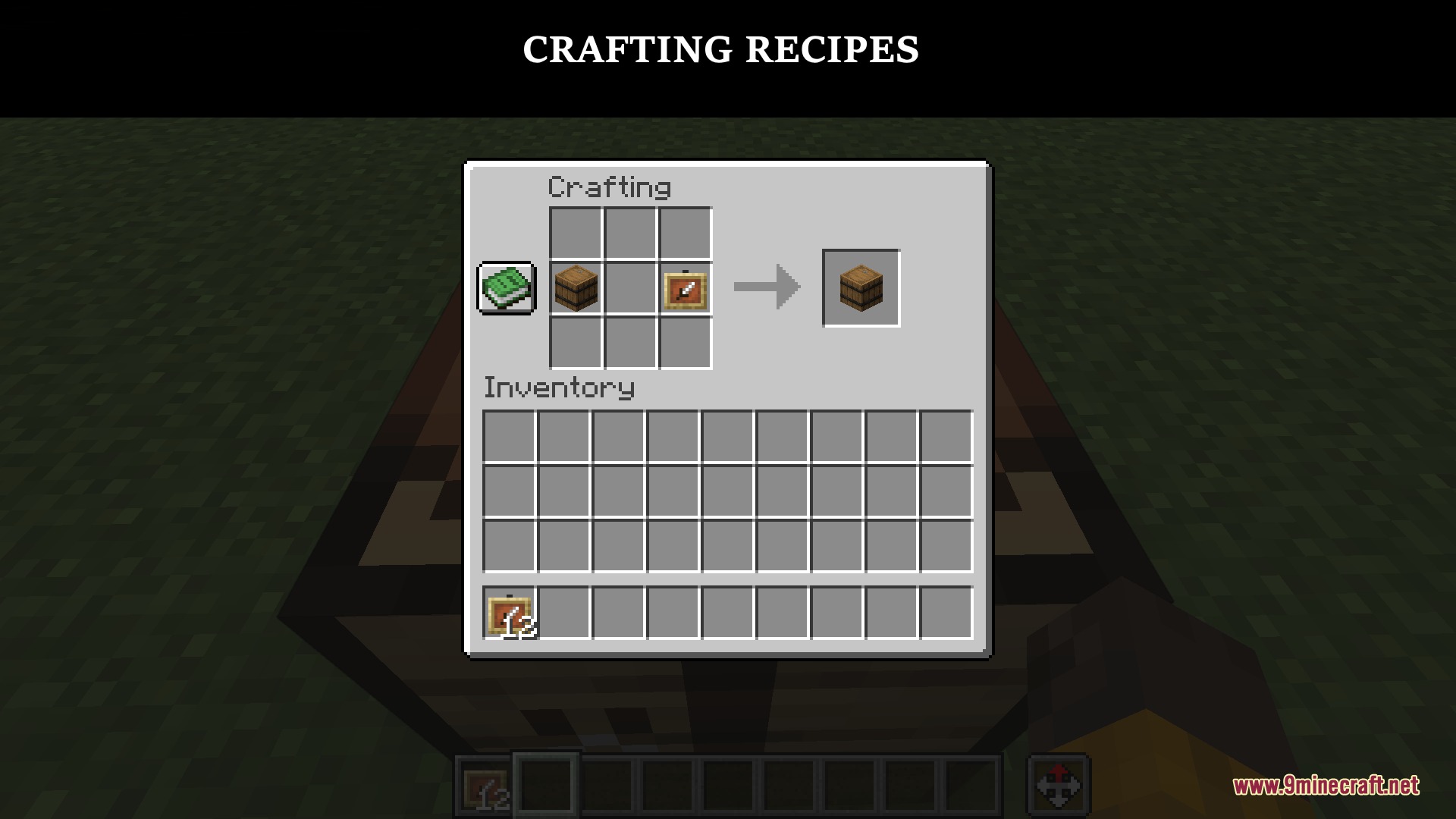
- Allows easy switching between normal and fake blocks using an item frame in a crafting grid.
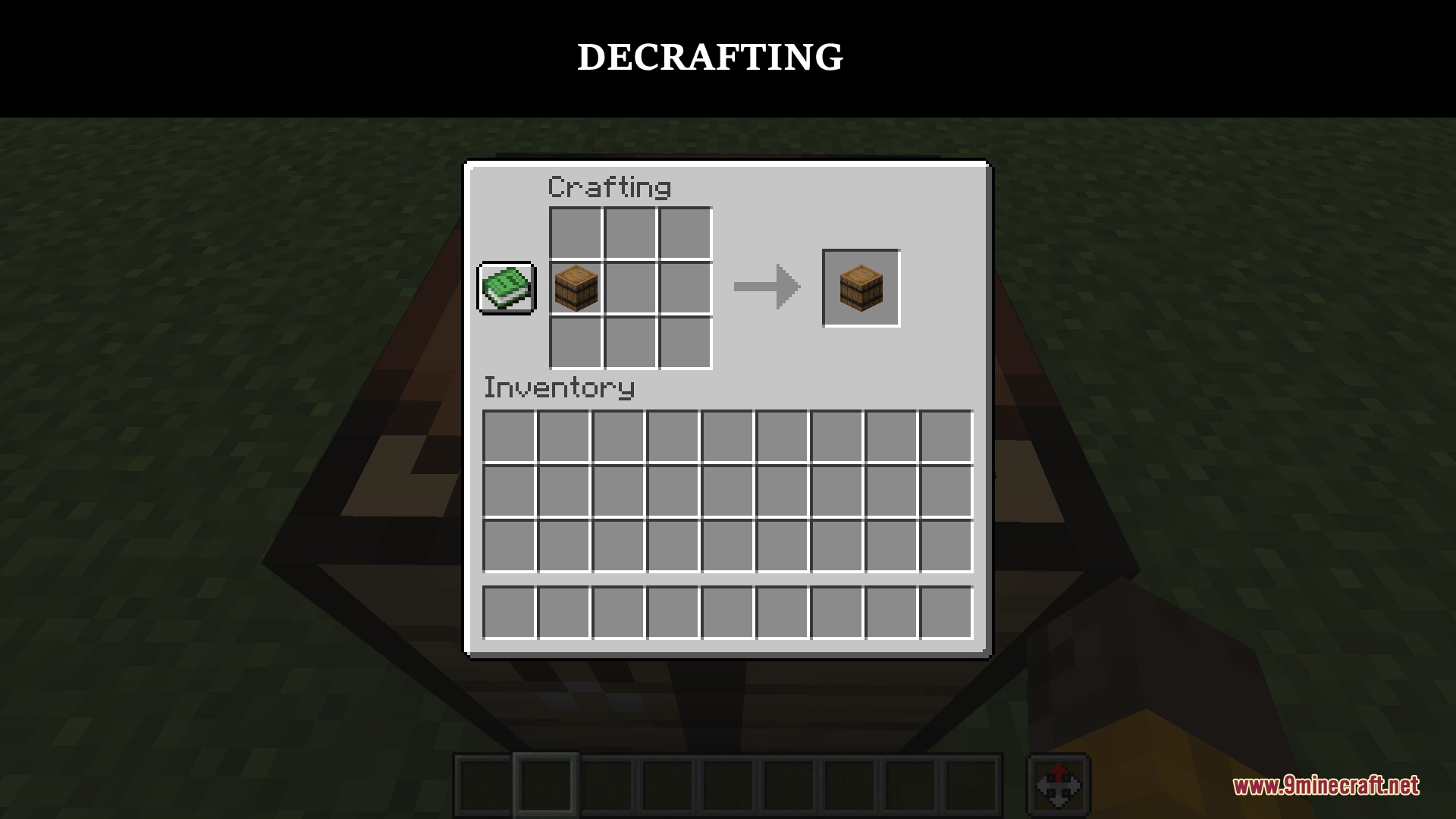
- Lets you reverse any decorative block back into its standard vanilla form.
- Right-clicking the composter cycles through all nine compost fill levels.
- Right-clicking smokers and blast furnaces toggles their burning fire texture on and off.
- Right-clicking the cauldron cycles through empty, water, lava, and powder snow states.
- Right-clicking the brewing stand displays between zero and three potion bottles on its stand.
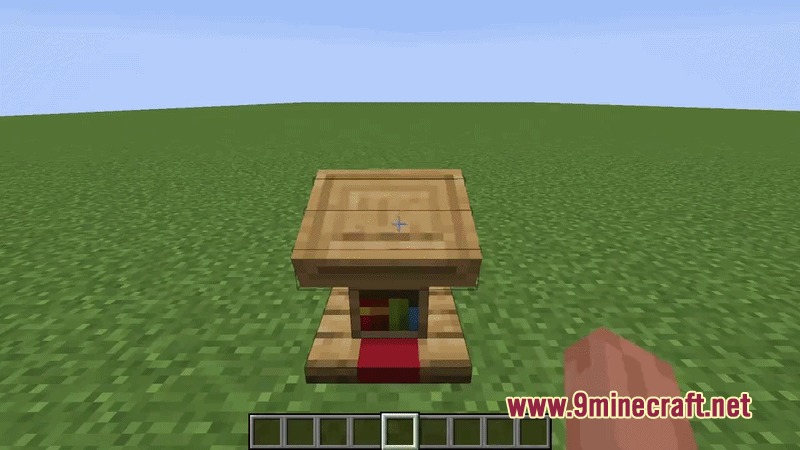
- Right-clicking the lectern opens or closes the book without showing any reading screen.
- Rings the decorative bell whenever you right-click it or shoot it with an arrow.
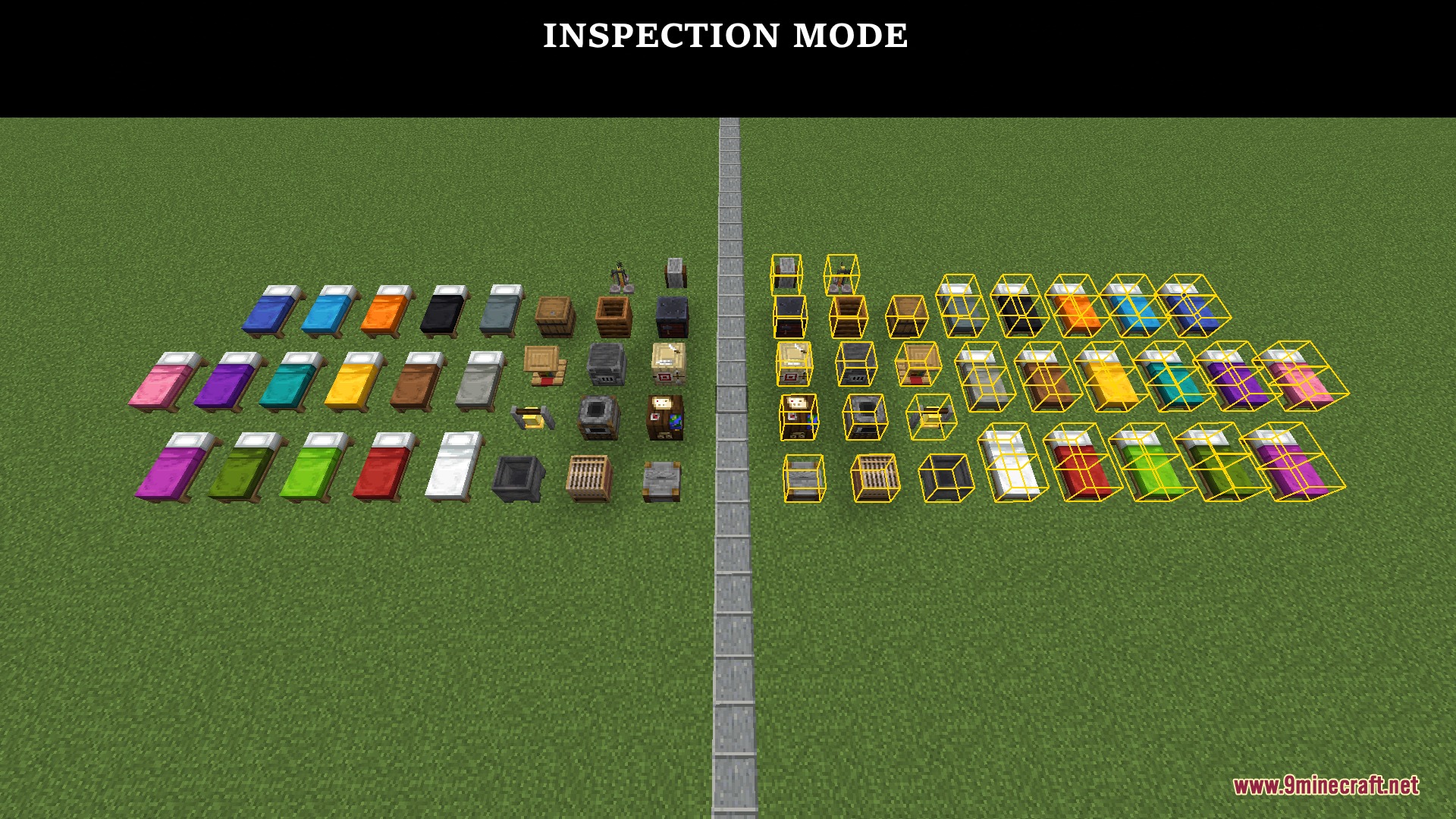
- Adds a built-in Inspection mode that outlines all decorative blocks so you can find them quickly.
Configuration:
highlightLineWidth: Adjusts the outline thickness around decorative blocks during Inspection mode.
How to Use:
- Place a vanilla workstation or bed together with an item frame in any crafting grid to get the decorative version.
- Put the decorative block back into a crafting grid at any time to convert it back into the normal block.
- Open Options, go to Controls, and assign a key to Inspection mode in the key binds menu.
- Press your assigned key in-game to highlight placed decorative blocks across your builds.
- Right-click interactive decorative blocks like cauldrons, smokers, or lecterns to change their visual state.
Screenshots:
Hollow Artisan Decor Mod Download Links
Quick facts
- Edition: Minecraft Java
- File type: .jar
- How to install: Install the matching mod loader (Forge, Fabric or NeoForge) for your Minecraft version. → Download the .jar. → Put it in the .minecraft/mods folder and launch that loader profile.
- Where to get it: Opens on the file's original source — not every file is mirrored on our own servers.
Install steps are the general flow for this file type — How to install Minecraft Java mods & modpacks walks through it step by step.
Hollow Artisan Decor Mod (26.2, 26.1.2) – Build Towns Without Villagers is a free Minecraft Java mod. Download it and open it directly in the game.