
Anyblock Portals
Java mod listed for Minecraft 26.x. Downloads from the MC Java Mods app on Android.
⬇ Download on Modrinth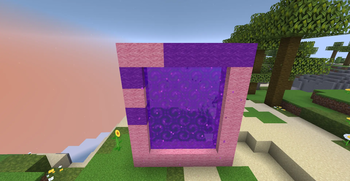
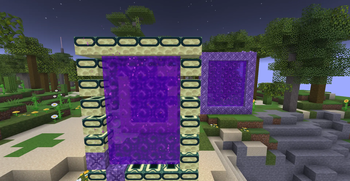
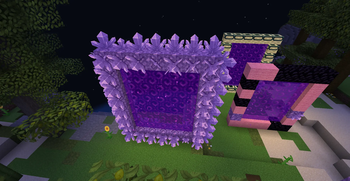
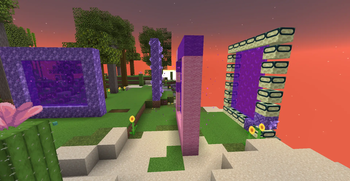
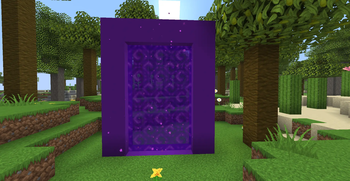
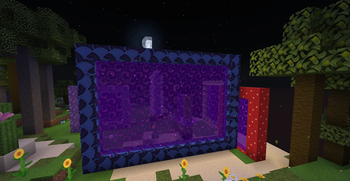
AnyBlock Portals lets you use almost any blocks in your Nether portal frames! 💚
You choose which blocks are allowed by adding them to the whitelist. Regular boring obsidian portals continue to work.
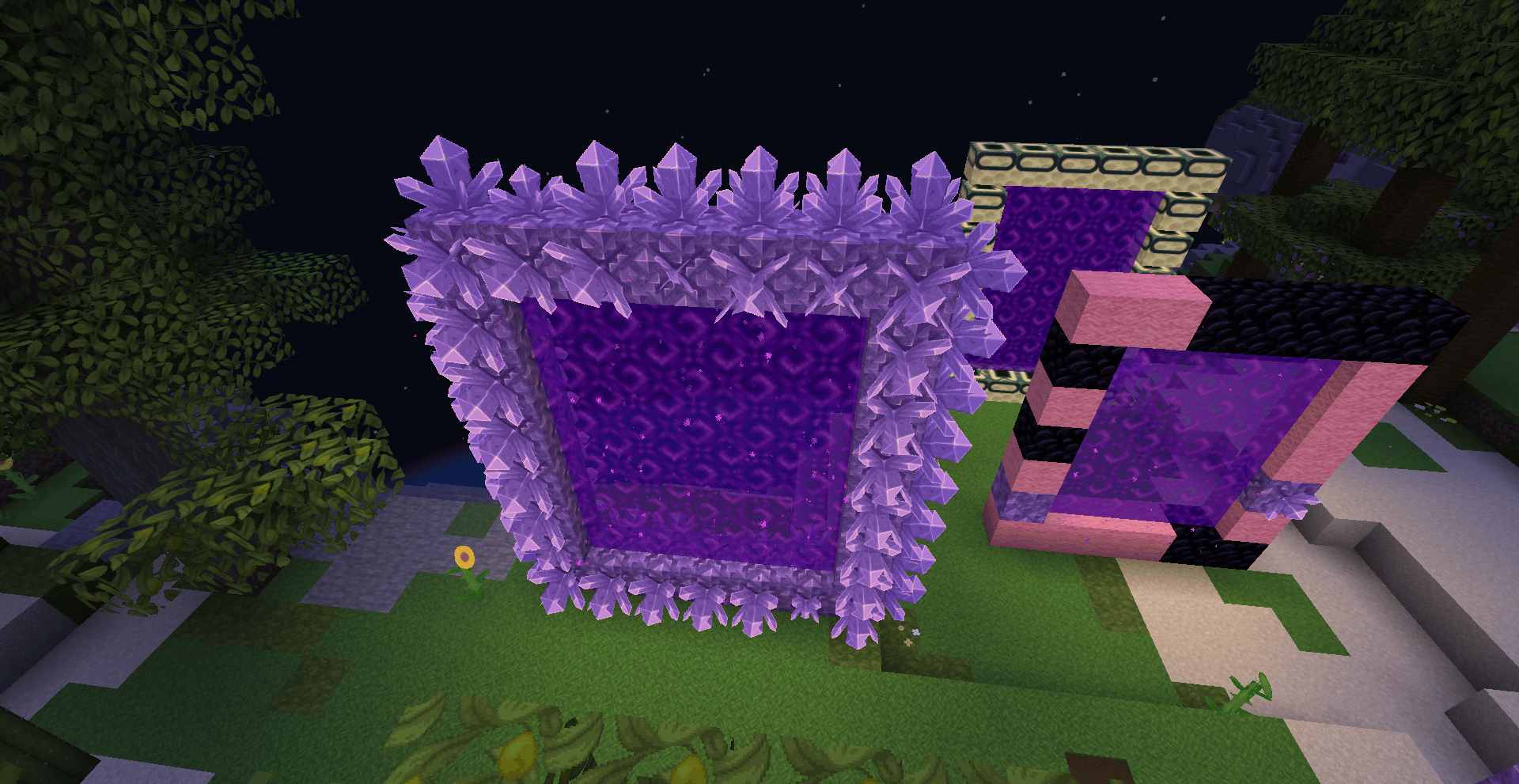
Features
- Add custom blocks to the whitelist
- Mix whitelisted blocks with obsidian when you build
- Removing blocks from the configuration doesn't disable old portals but if you break the portal and they have non-whitelisted blocks, they won't light.
Config
The config file is:
config/portal_frame_whitelist.json
Example:
{
  "blocks": [
    "minecraft:pink_wool",
    "minecraft:purple_wool",
    "minecraft:amethyst_block",
    "minecraft:end_portal_frame"
  ]
}
Use full block IDs, including the namespace
For vanilla blocks, that means names like:
minecraft:pink_woolminecraft:amethyst_blockminecraft:crying_obsidian
Better to use commands though!
Commands
The following commands are available to server operators:
/anyblockportals add <block_id>
/anyblockportals remove <block_id>
/anyblockportals list
/anyblockportals reload
Portal Behavior
The whitelist is only checked when a portal is created. Old portals are not affected.
Existing portals continue to work after they have been created. If a portal is broken and needs to be lit again, its frame must meet the current whitelist rules.
Any block can be added to the whitelist, but some blocks may look unusual or behave differently when used as part of a portal frame. Use wierd blocks at your own risk. See the acacia button image.
- Edition: Minecraft Java
- File type: .jar
- Minecraft version listed: 26.2
- How to install: Install the matching mod loader (Forge, Fabric or NeoForge) for your Minecraft version. → Download the .jar. → Put it in the .minecraft/mods folder and launch that loader profile.
- Where to get it: Opens on Modrinth — not every file is mirrored on our own servers.
Install steps are the general flow for this file type — How to install Minecraft Java mods & modpacks walks through it step by step.
- Ships as anyblock-portals-1.1.0+26.2.jar — drop this file into the mods folder
- Download size: 188 KB
- Download link checked 21 Oct 2026 — working
These come from our own check of the pack file, not from the source page.