
InvShots
Java mod listed for Minecraft 26.x. Downloads from the MC Java Mods app on Android.
⬇ Download on Modrinth
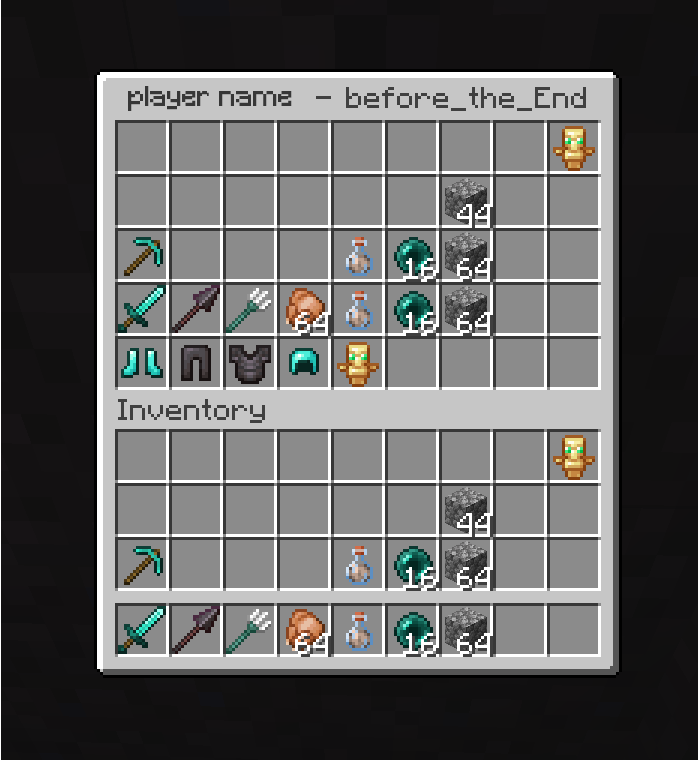
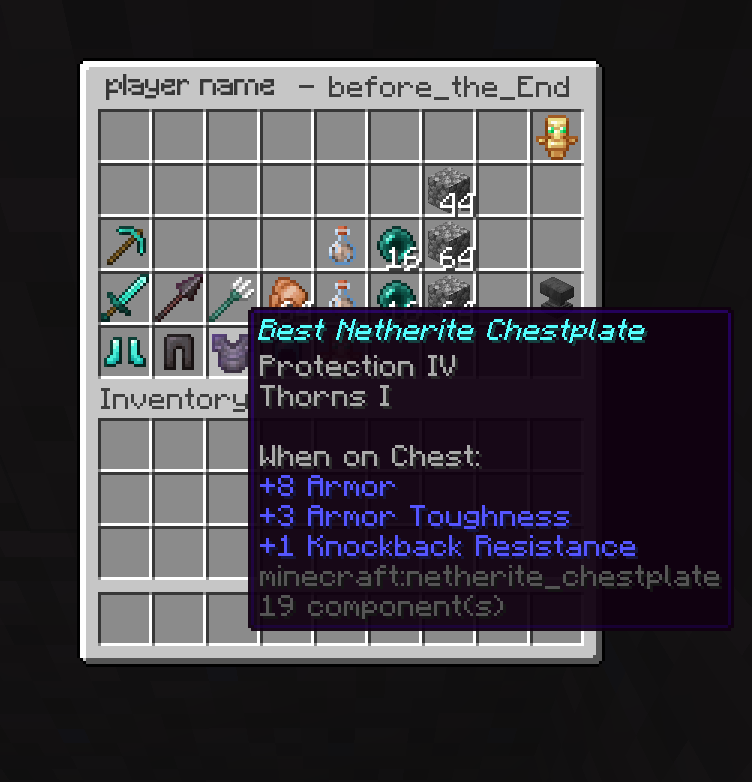
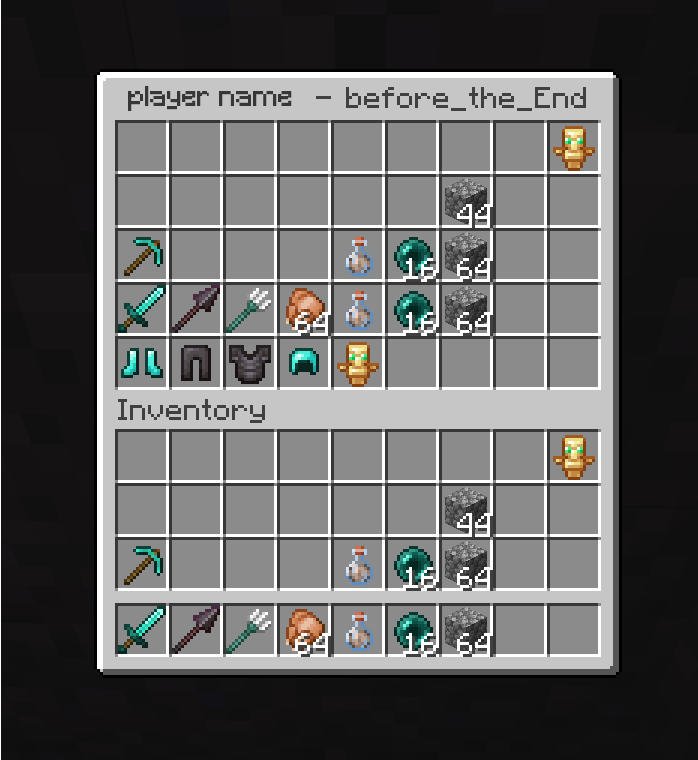
Save interactive snapshots of your inventory and ender chest, then revisit them anytime with full item tooltips and enchantment details — perfect for keeping track of your best gear, or reviewing what you had before a dangerous adventure. For servers each player's snapshots are private by default; operators can view and manage everyone's. Commands:
- /invshots save [name] — Save a snapshot of your inventory and ender chest
- /invshots list — List your saved snapshots
- /invshots view [echest] — View a snapshot interactively
- /invshots delete — Delete a snapshot Operator only:
- /invshots list — List another player's snapshots
- /invshots view [echest] — View a player's snapshot
- /invshots delete — Delete a player's snapshot
Single player: Works out of the box — commands have no permission requirement, so you can use them directly.
Server: Install the mod on the server only. Clients don't need anything — the inventory UI displays through vanilla container screens. Each player's snapshots are stored in config/invshots//.

- Edition: Minecraft Java
- File type: .jar
- Minecraft version listed: 26.2
- How to install: Install the matching mod loader (Forge, Fabric or NeoForge) for your Minecraft version. → Download the .jar. → Put it in the .minecraft/mods folder and launch that loader profile.
- Where to get it: Opens on Modrinth — not every file is mirrored on our own servers.
Install steps are the general flow for this file type — How to install Minecraft Java mods & modpacks walks through it step by step.
- Ships as InvShots-1.0.0-26.2+.jar — drop this file into the mods folder
- Download size: 114 KB
- Download link checked 30 Sept 2026 — working
These come from our own check of the pack file, not from the source page.