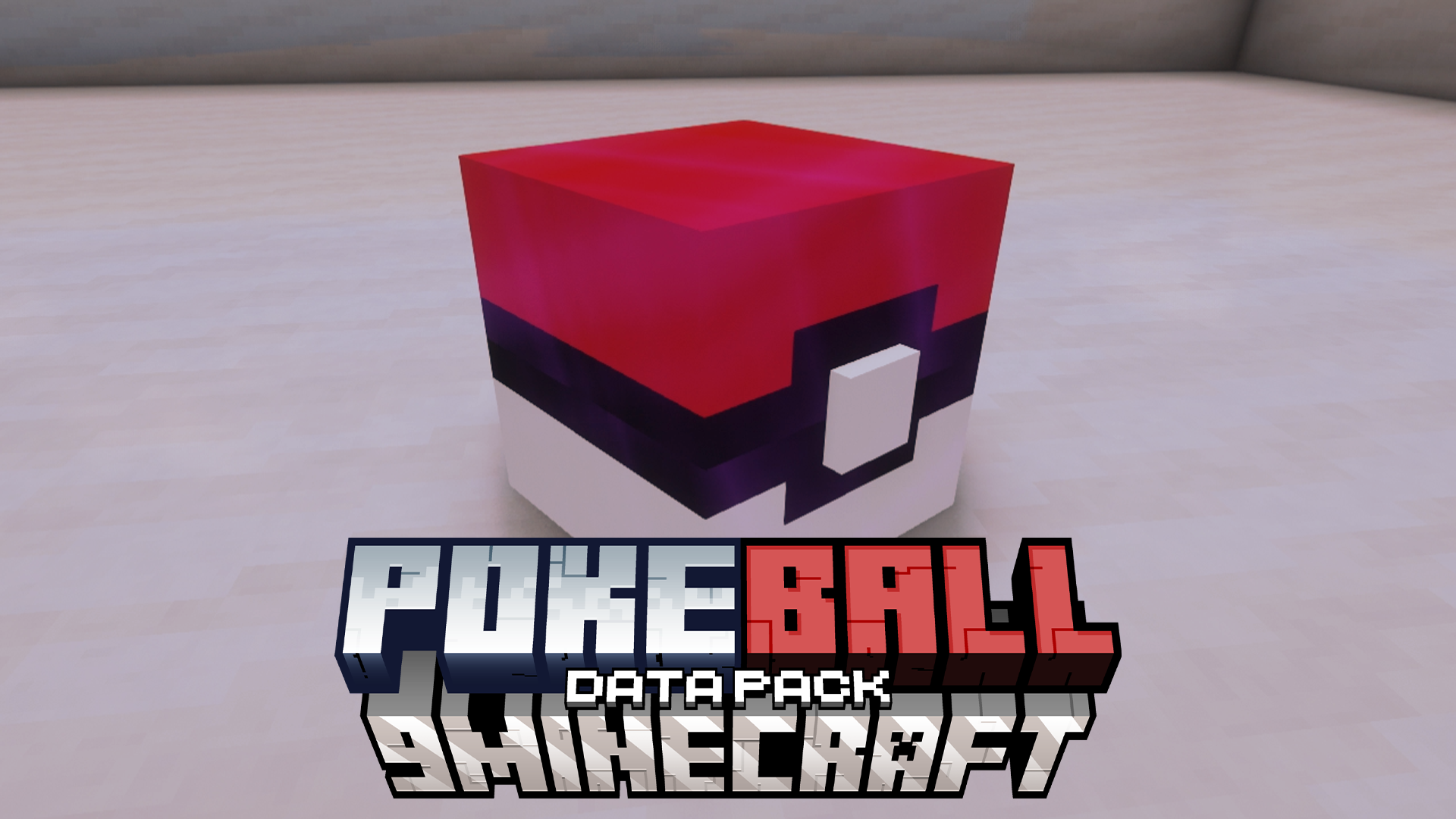
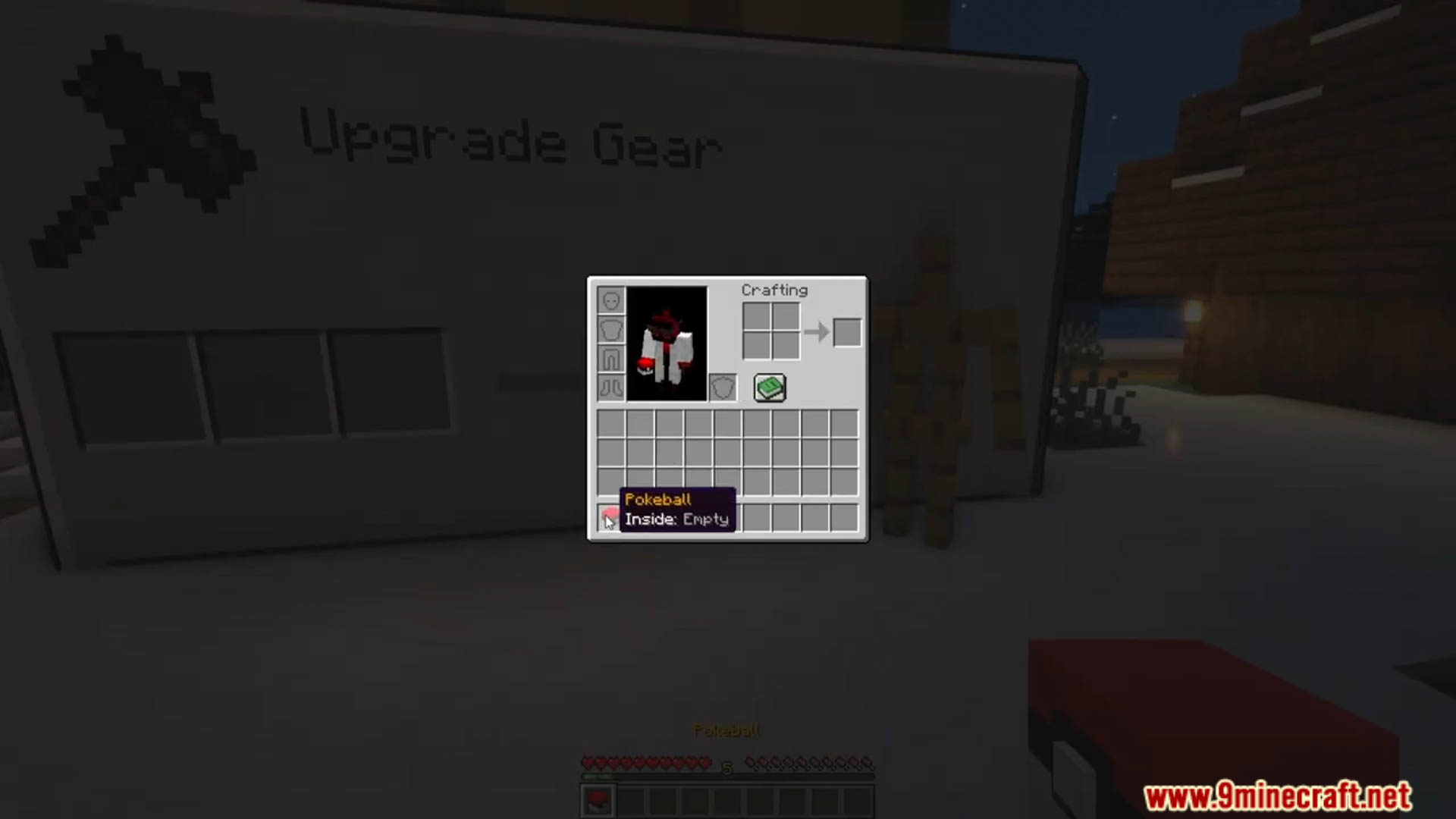

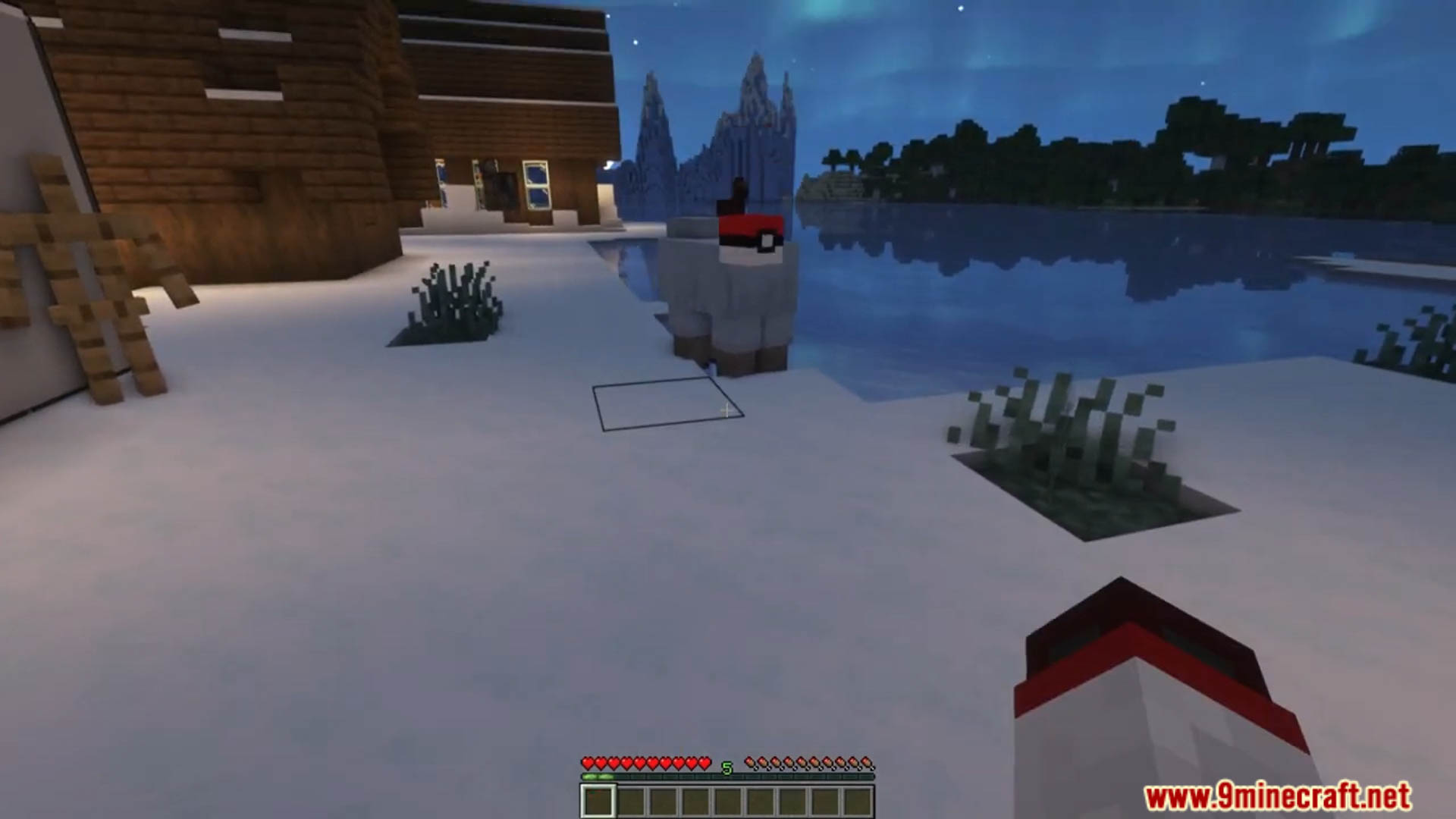
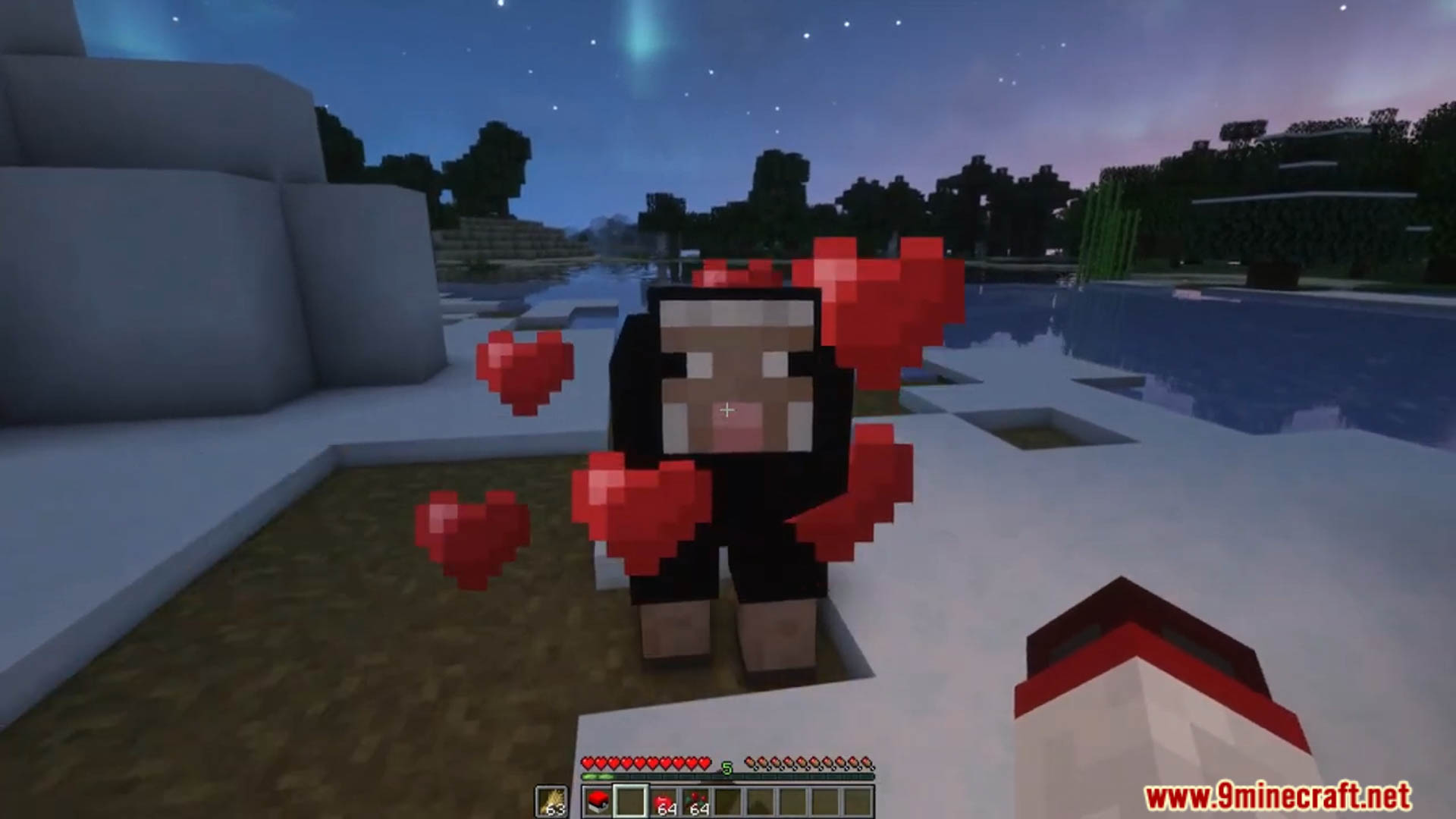
Pokeball Data Pack lets you capture certain mobs using Pokeballs, making it easier to transport and manage them. Perfect for players who want a new way to interact with Minecraft’s creatures! Enjoy playing this data pack!
Features:
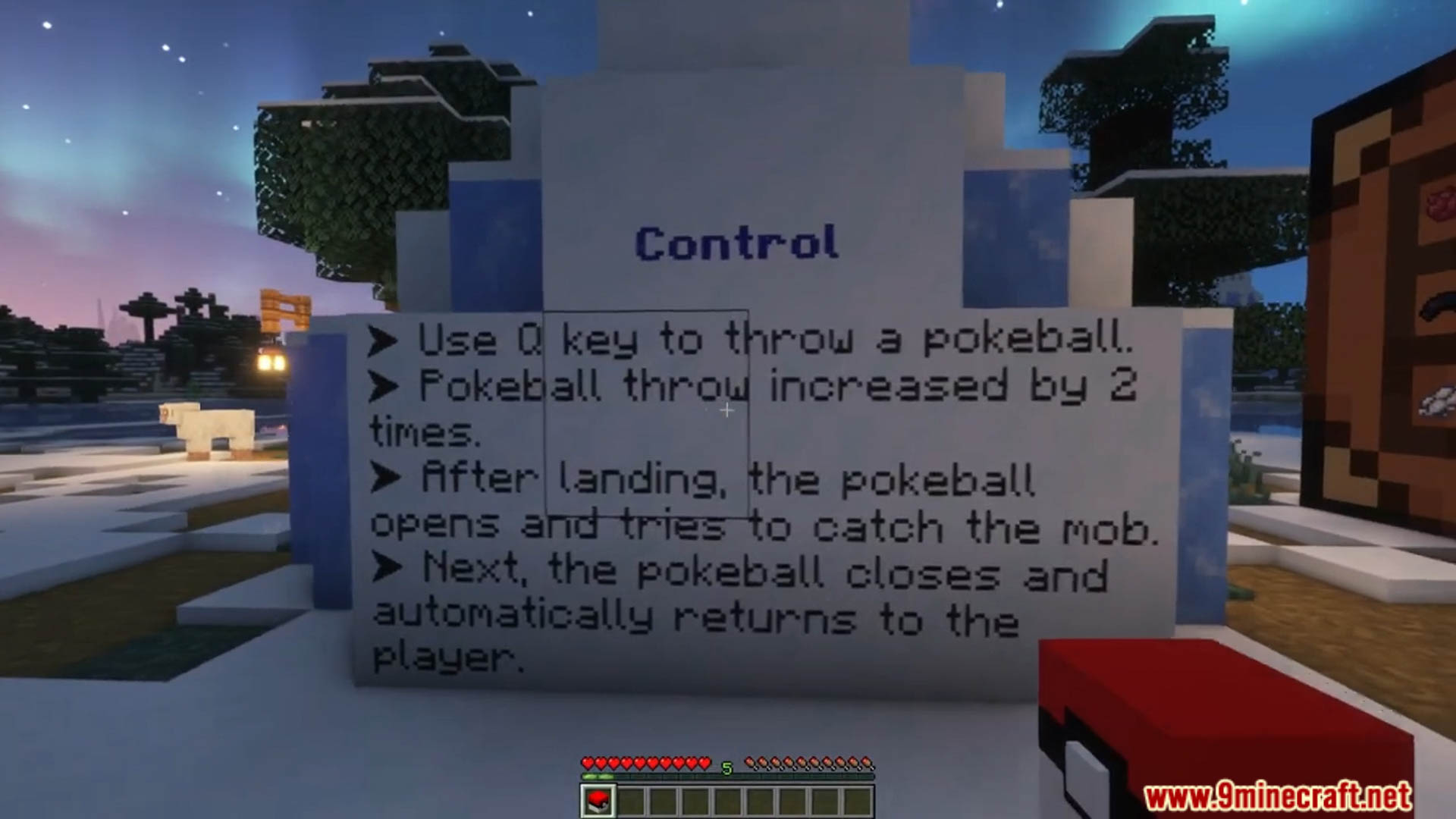
- Use the Q key (default) to throw a Pokeball.
- Throwing a Pokeball is 2 times stronger than throwing a normal item. After landing, the pokeball opens and tries to catch the mob. Then it closes and automatically tries to return to the player.
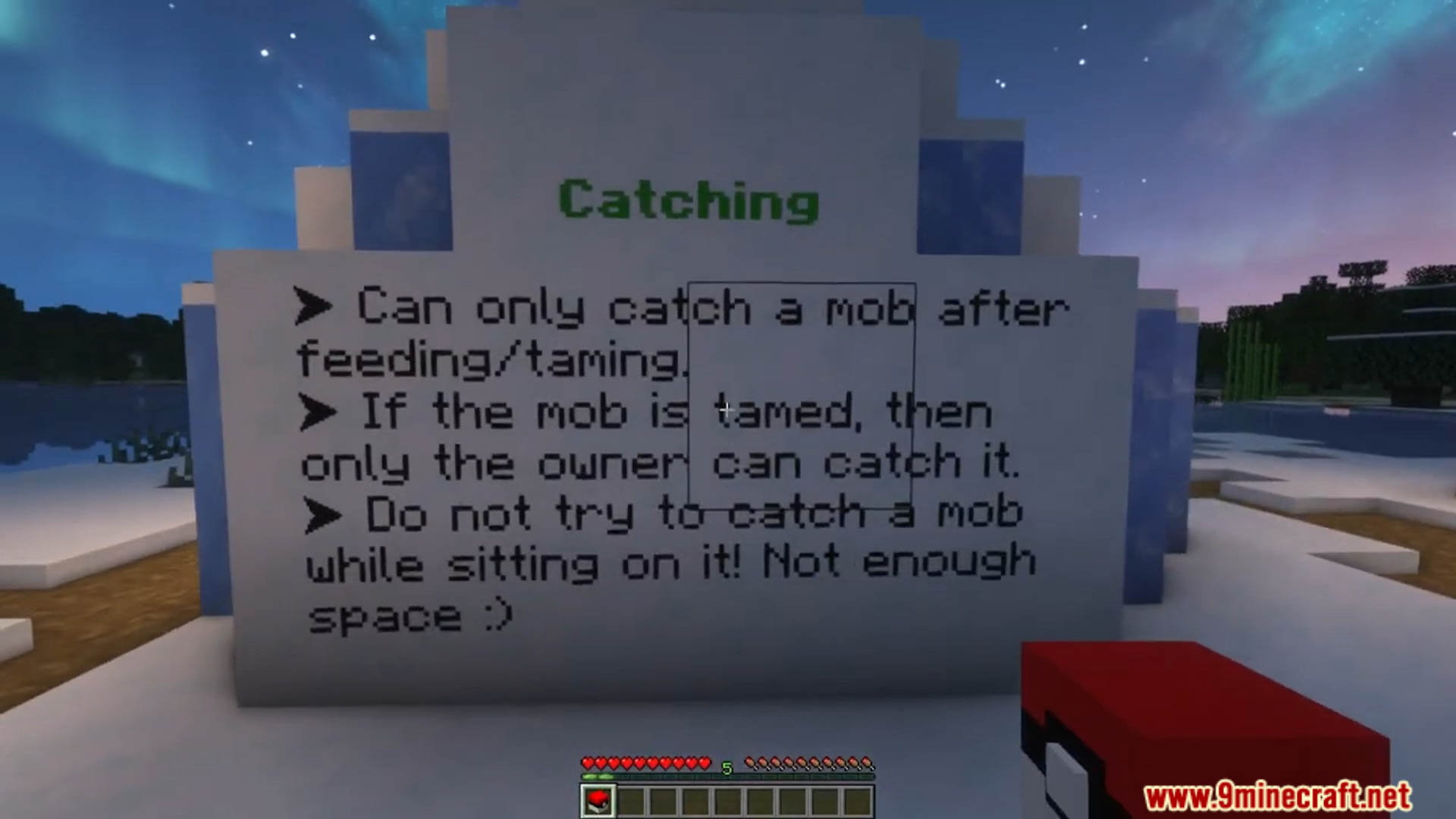
- Don’t try to catch the mob while the player is sitting on it!
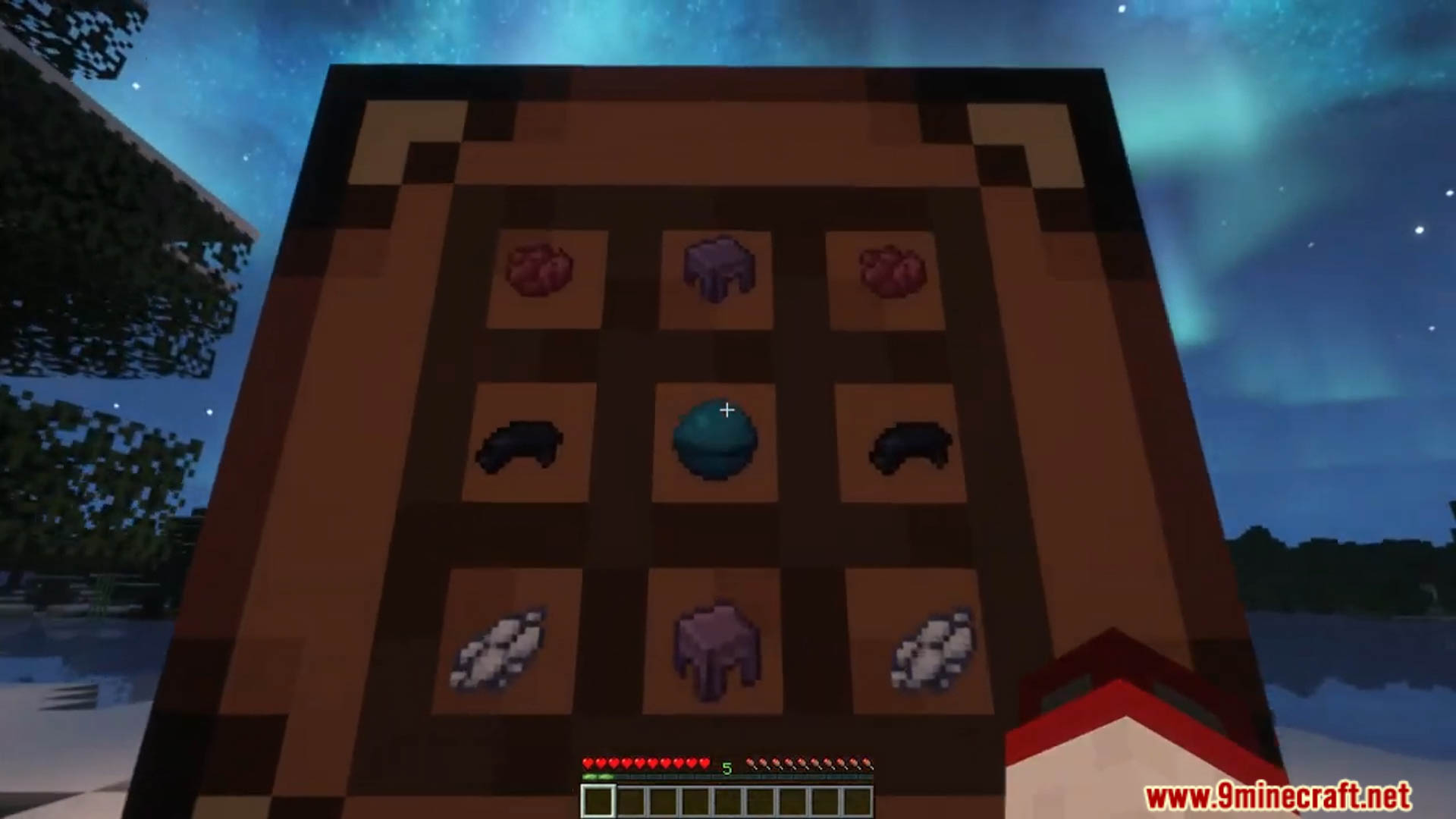
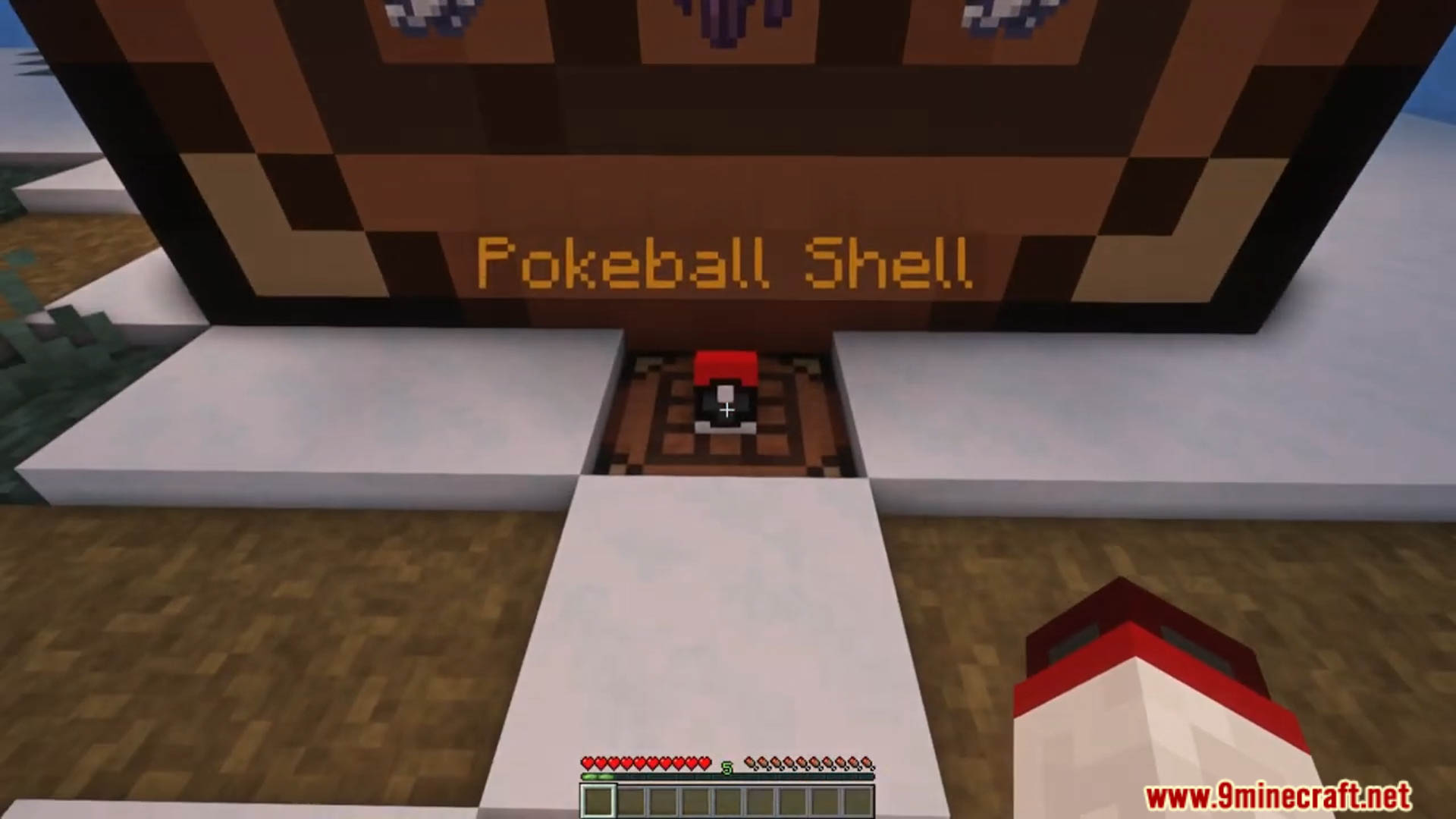
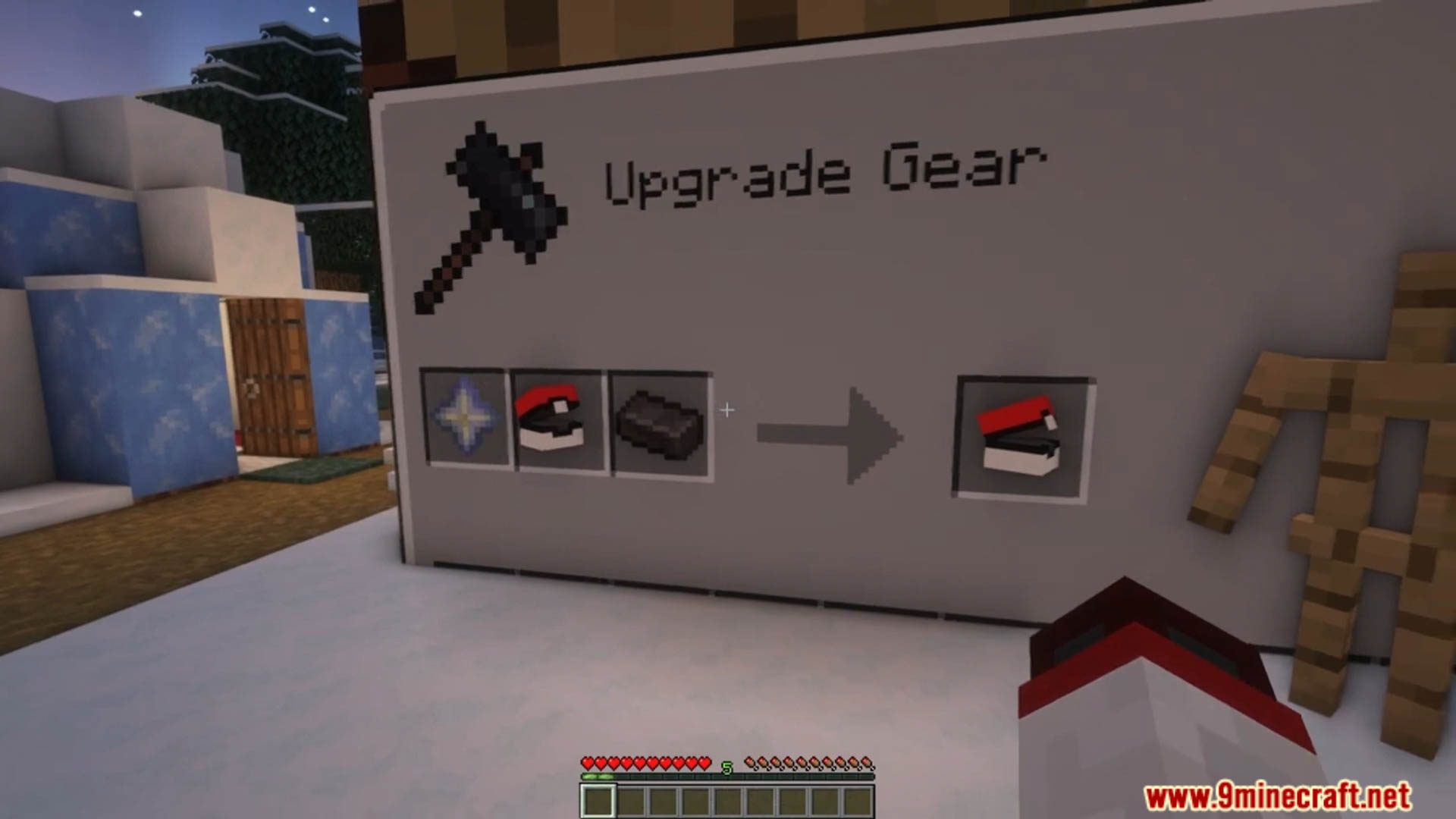
- First you need to craft a Pokeball Shell on the crafting table. After that, add Nether Star and Netherite Ingot on the Smithing Table.
Screenshots:
Pokeball Data Pack Download Links
For All Versions from Minecraft 1.20.2 to Minecraft 1.21.4
Data Pack: Download from Server 1 – Download from Server 2
Resource Pack: Download from Server 1 – Download from Server 2
For Minecraft 1.20.1, 1.2o
Data Pack: Download from Server 1 – Download from Server 2
Resource Pack: Download from Server 1 – Download from Server 2
Quick facts
- Edition: Minecraft Java
- File type: .jar
- Minecraft versions listed: 1.21.4, 1.20.1
- How to install: Install the matching mod loader (Forge, Fabric or NeoForge) for your Minecraft version. → Download the .jar. → Put it in the .minecraft/mods folder and launch that loader profile.
- Where to get it: In MC Java Mods, or directly above on this page.
Install steps are the general flow for this file type — see the MC Java Mods guides for the full walkthrough.
Verified by MCModsHub
- Download size: 126 KB
- Download link checked 17 Jun 2026 — working
- Mirrored on our own servers — the download does not depend on the original host
These come from our own check of the pack file, not from the source page.