Clear Night Vision
Bedrock add-on listed for Minecraft 1.20–1.21 (behavior pack only). File opened and checked on 10 Sep 2026; installs from the MC Bedrock Mods app on Android.
⬇ Download on CurseForgeThe author built this one for Minecraft 1.21. On other versions it may install and then do nothing.
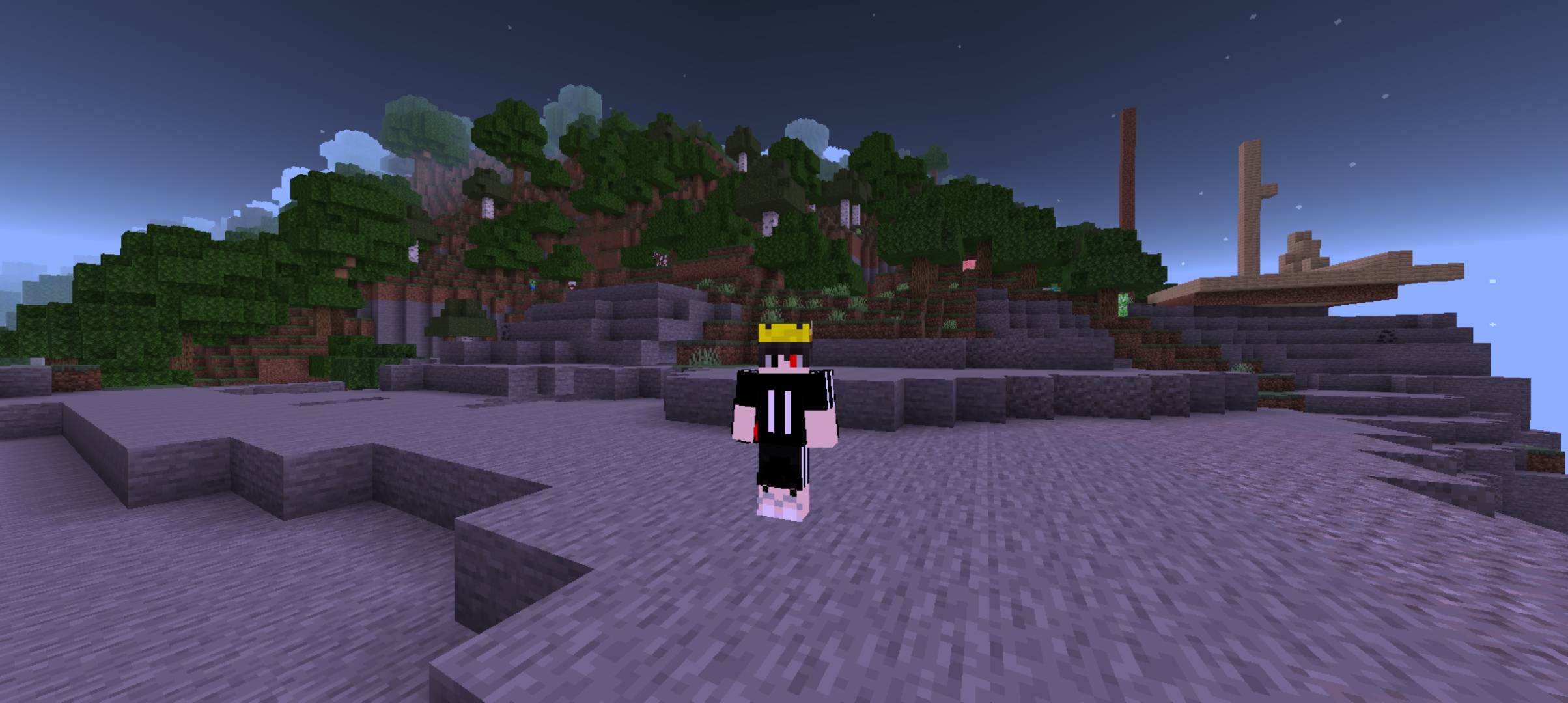
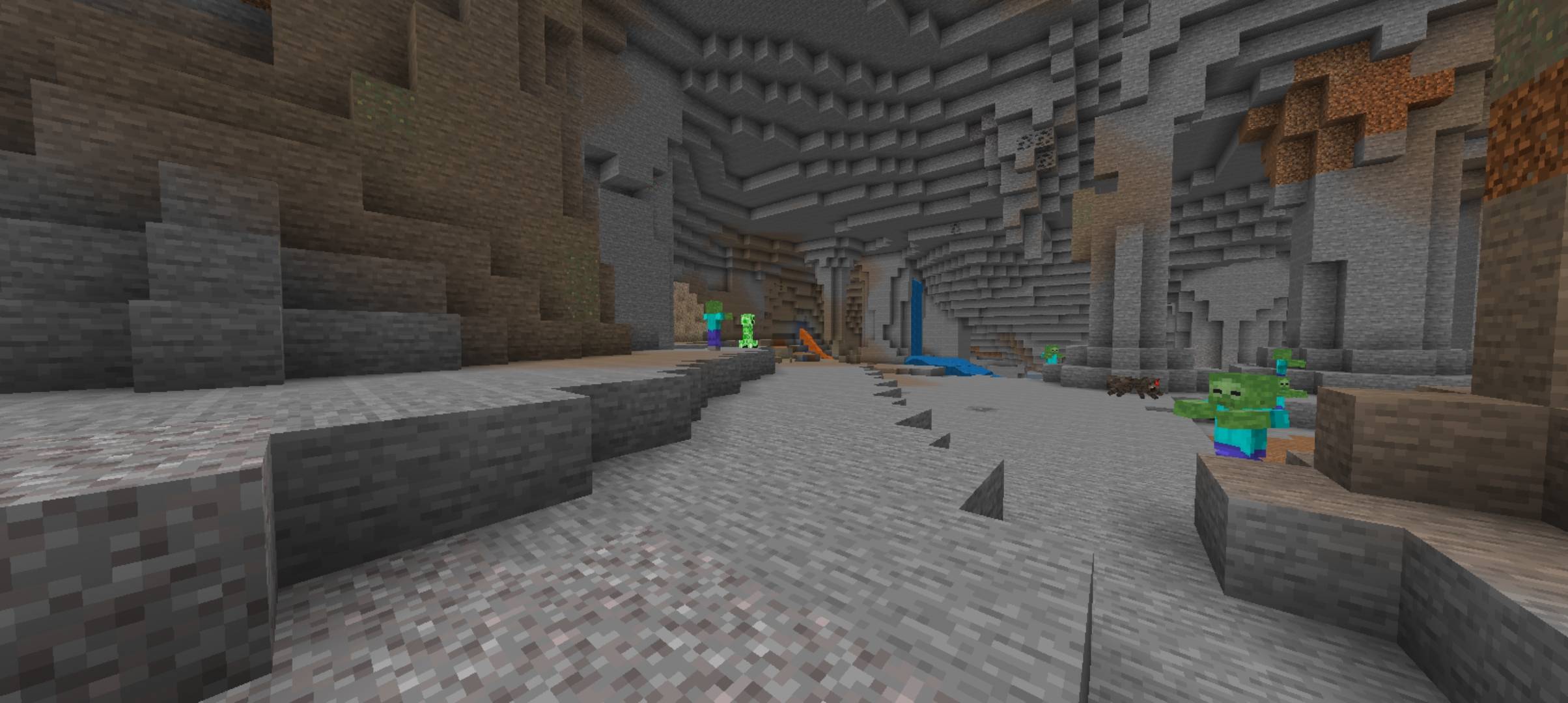
Clear Night Vision Add-on Say goodbye to pitch-black caves and annoying darkness! Clear Night Vision provides instant, permanent, crystal-clear brightness across all dimensions without the need for potions, torches, or external shaders. Whether you are mining deep underground, exploring dark cave ravines, or surviving the night, this add-on gives you continuous full visibility while maintaining pure vanilla performance. Key Features
- Permanent Night Vision: Enjoy clear, full-bright visibility everywhere (Overworld, Nether, and End).
- No Potions or Torches Needed: Explore freely without brewing Night Vision potions or placing spam torches.
- Pure Performance: Extremely lightweight add-on with zero FPS drop or lag.
- Survival & Multiplayer Friendly: Works seamlessly in your survival worlds and multiplayer sessions. Installation & How to Use
IMPORTANT: This add-on must be applied as a Behavior Pack, NOT a Resource Pack.
- Download the .mcaddon / .mcpack file and open it with Minecraft to import it.
- Open Minecraft and go to your World Settings (Edit World).
- Scroll down to the Behavior Packs tab on the left menu.
- Under "Available", find Clear Night Vision and click Activate.
- Ensure experimental gameplay toggles (like Beta APIs) are enabled if prompted.
- Enter your world and enjoy permanent night vision!
- Edition: Minecraft Bedrock
- File type: .mcpack or .mcaddon
- Minecraft version listed: 1.21
- How to install: Download the .mcpack or .mcaddon file. → Open it — Minecraft imports it. → In your world: Behavior Packs → Available → Activate, then the same under Resource Packs.
- Where to get it: Opens on CurseForge — not every file is mirrored on our own servers.
Install steps are the general flow for this file type — How to install Minecraft Bedrock addons & mods walks through it step by step.
- Pack type: .mcpack — a single pack
- Manifest requires Minecraft 1.20.0 or newer
- Complete pack — everything it depends on is inside the file
- Download size: 36 KB
- Download link checked 30 Sept 2026 — working
These come from our own check of the pack file, not from the source page.